



YouTube for Android TV
52+
downloads5.0+
version Android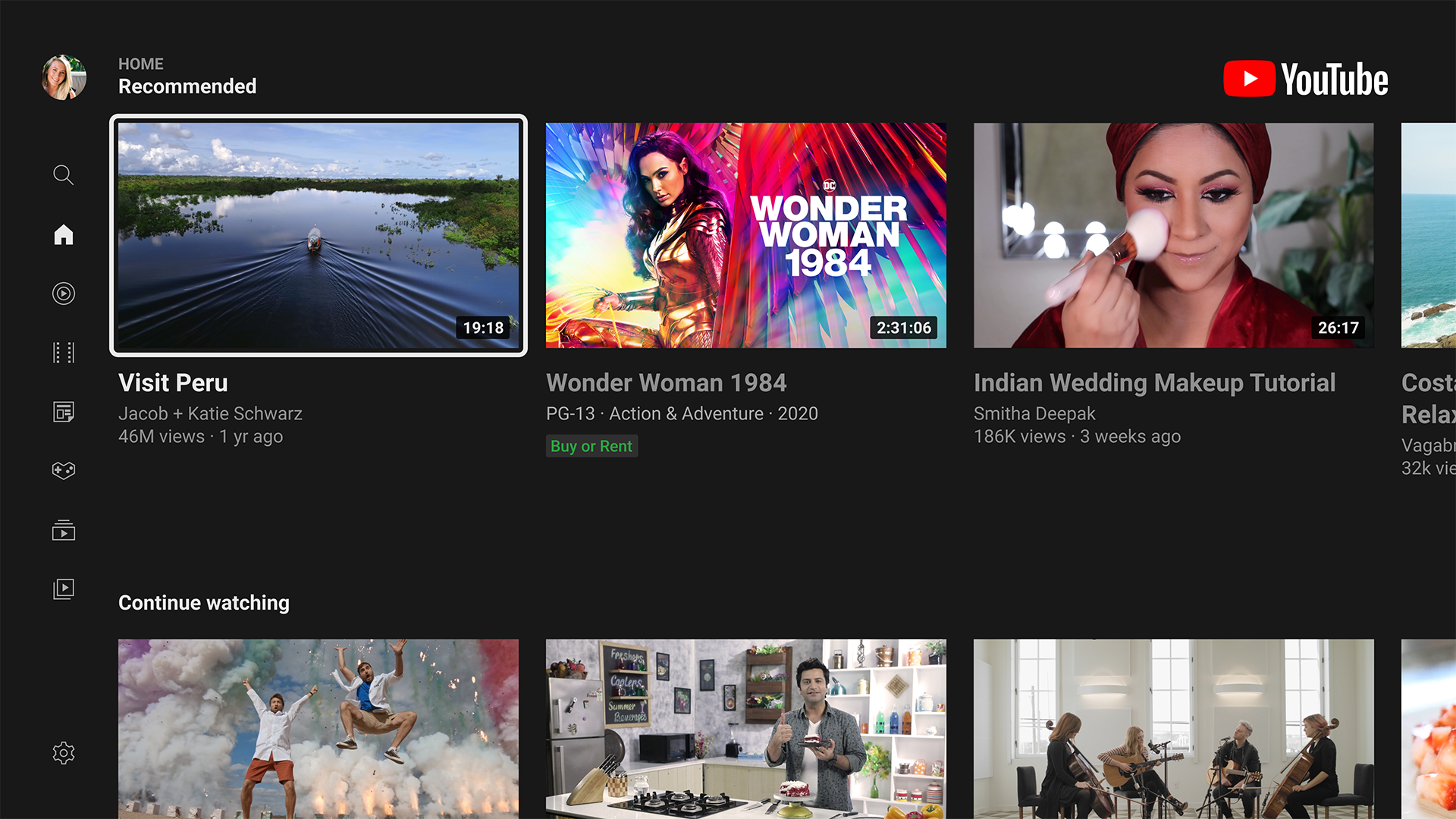
Added: Denis Rubinov
Version: 5.30.301
Size: 45.5 MB
Updated: 19.05.2025
Developer: Google LLC
Age Limitations: Teen
Authorizations: 10
Downloaded on Google Play: 279032302
Category: Entertainment
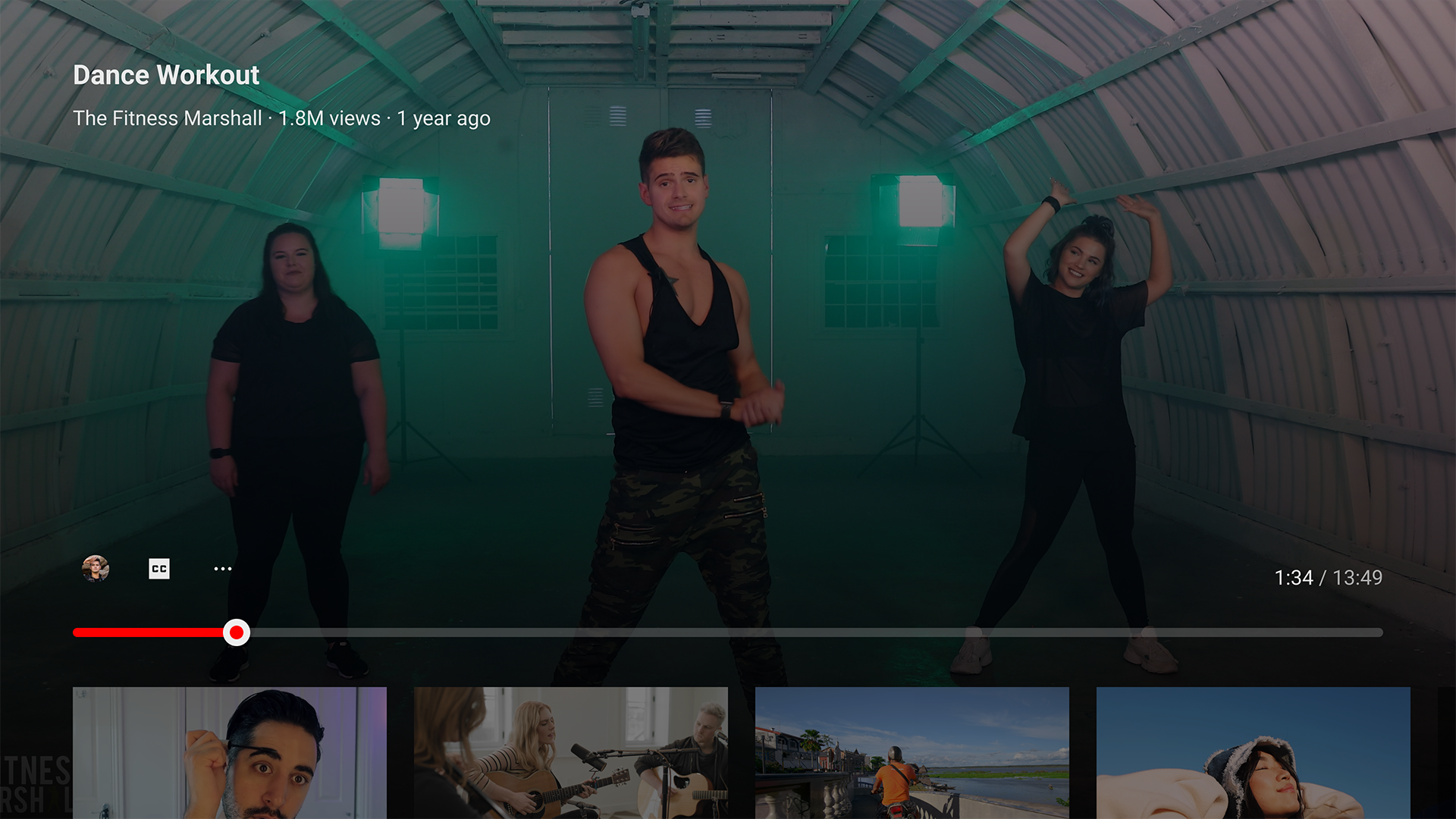
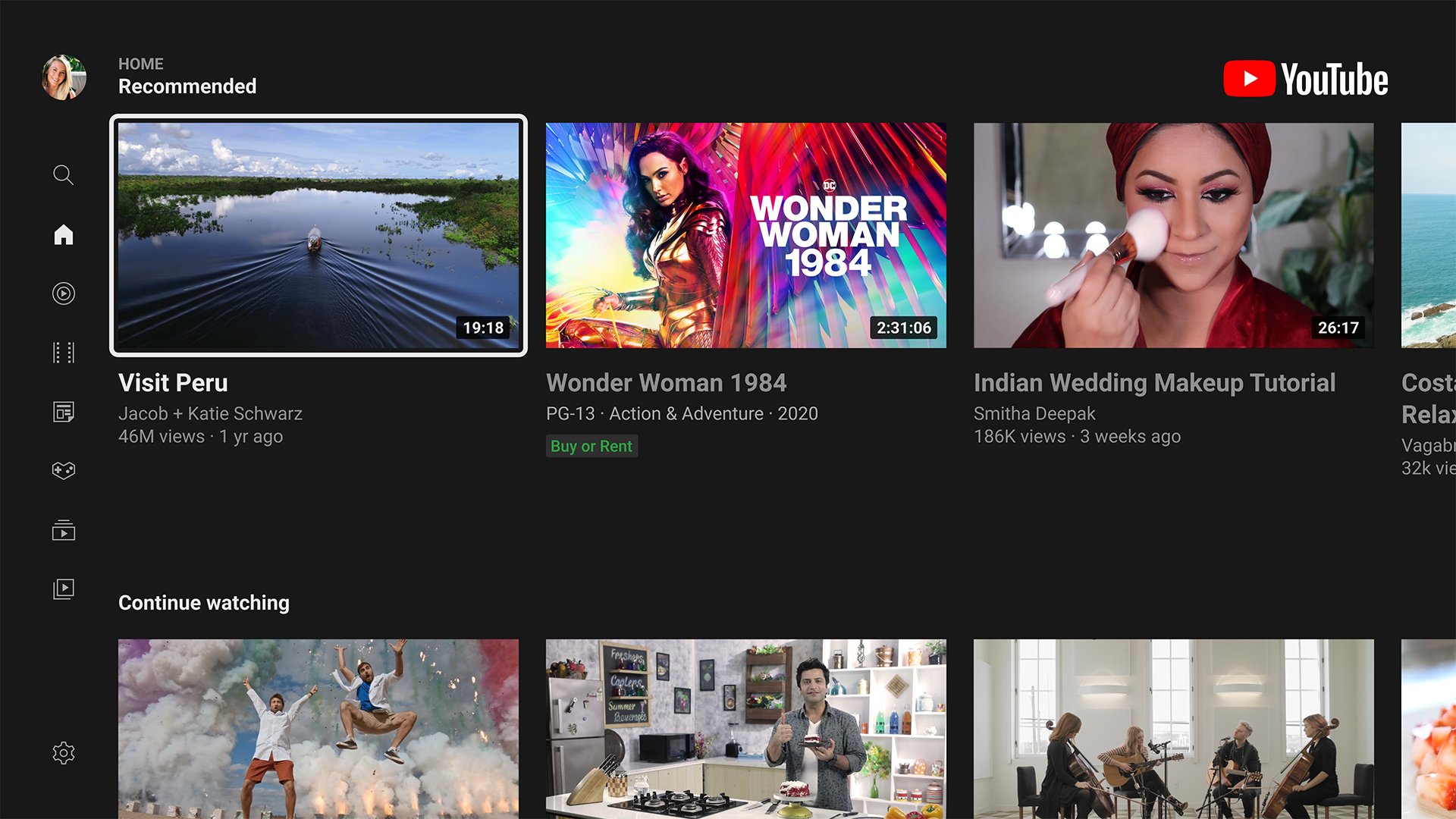
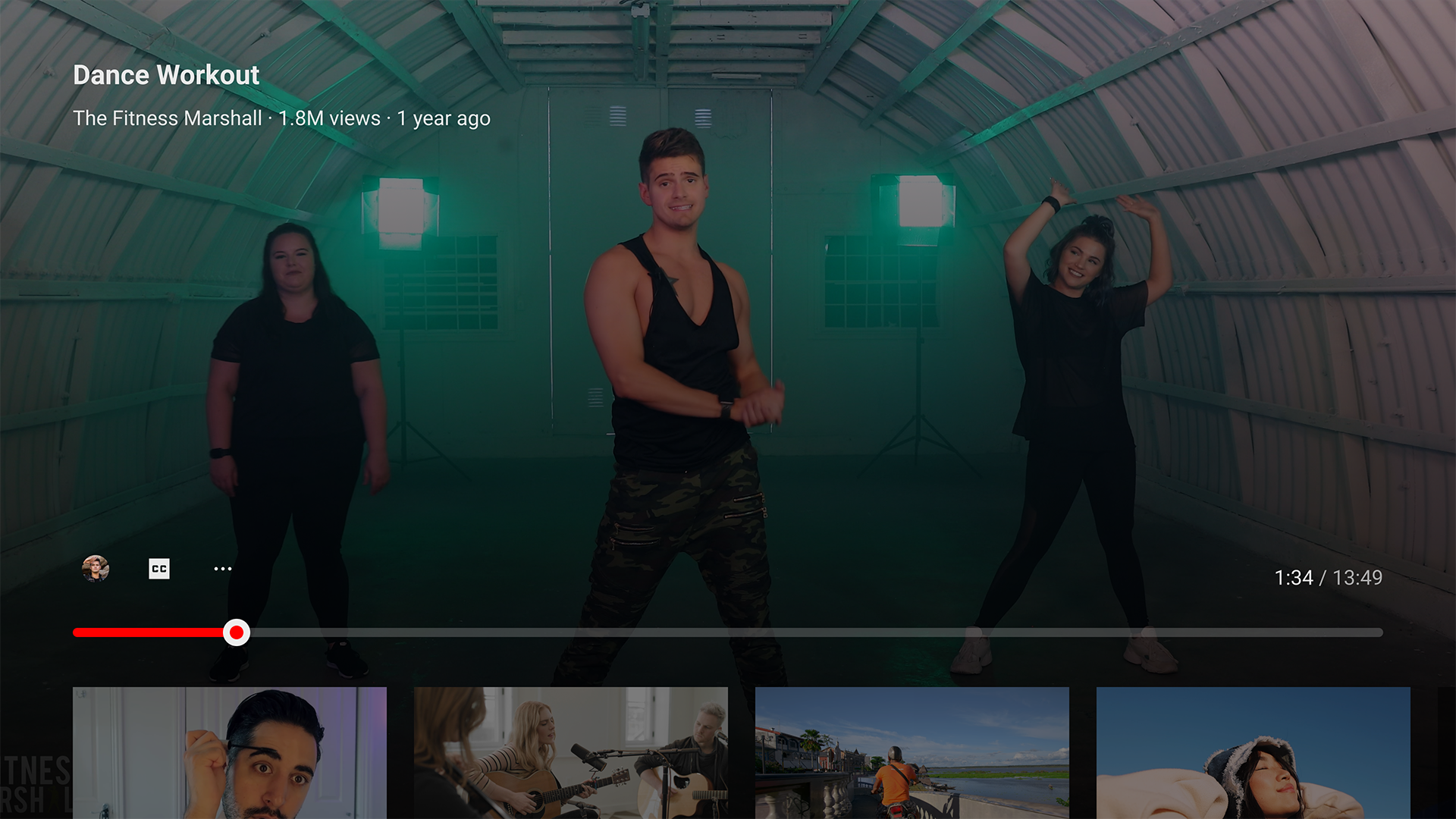
- Supports resolutions up to 4K.
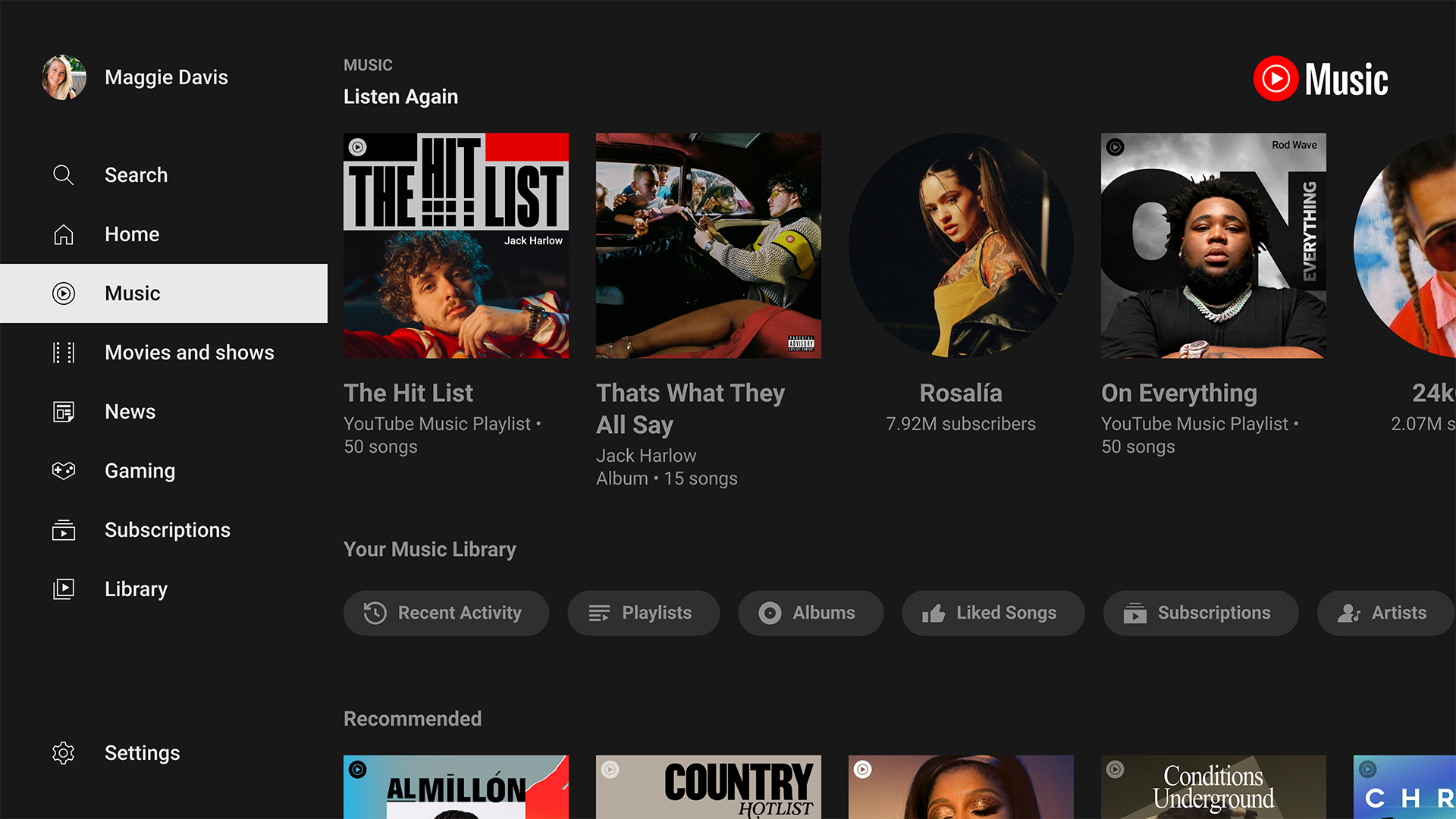
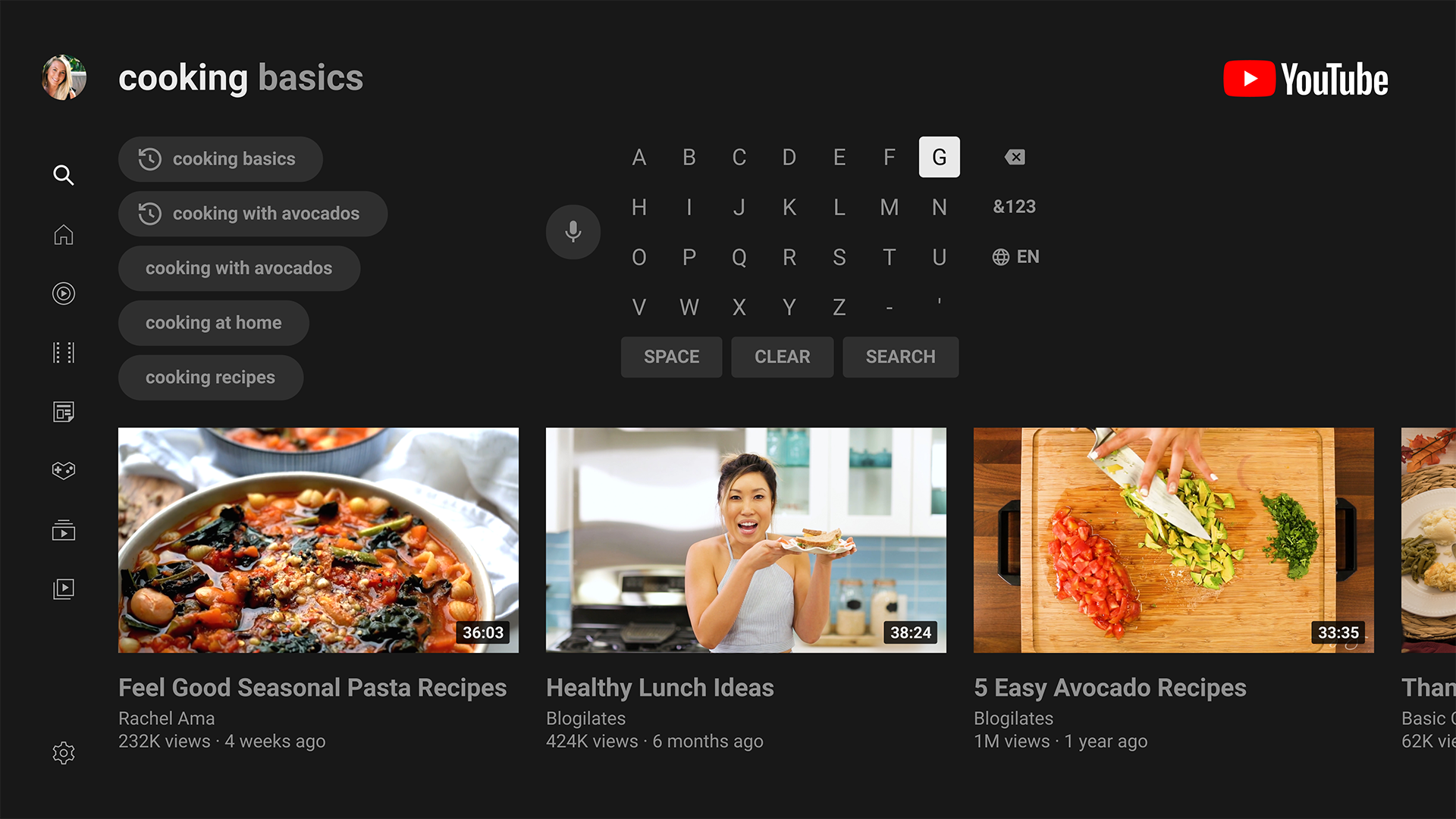
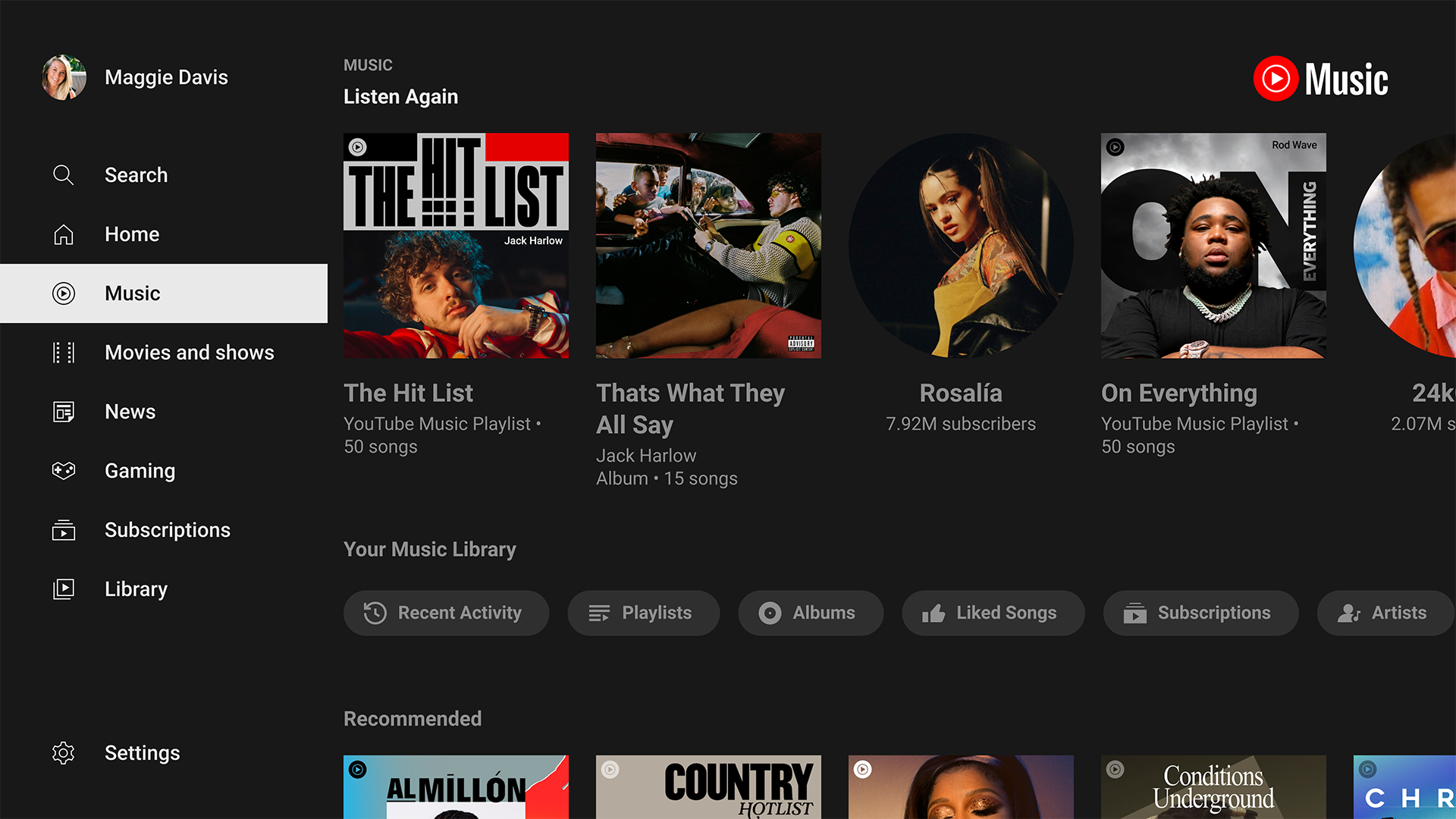
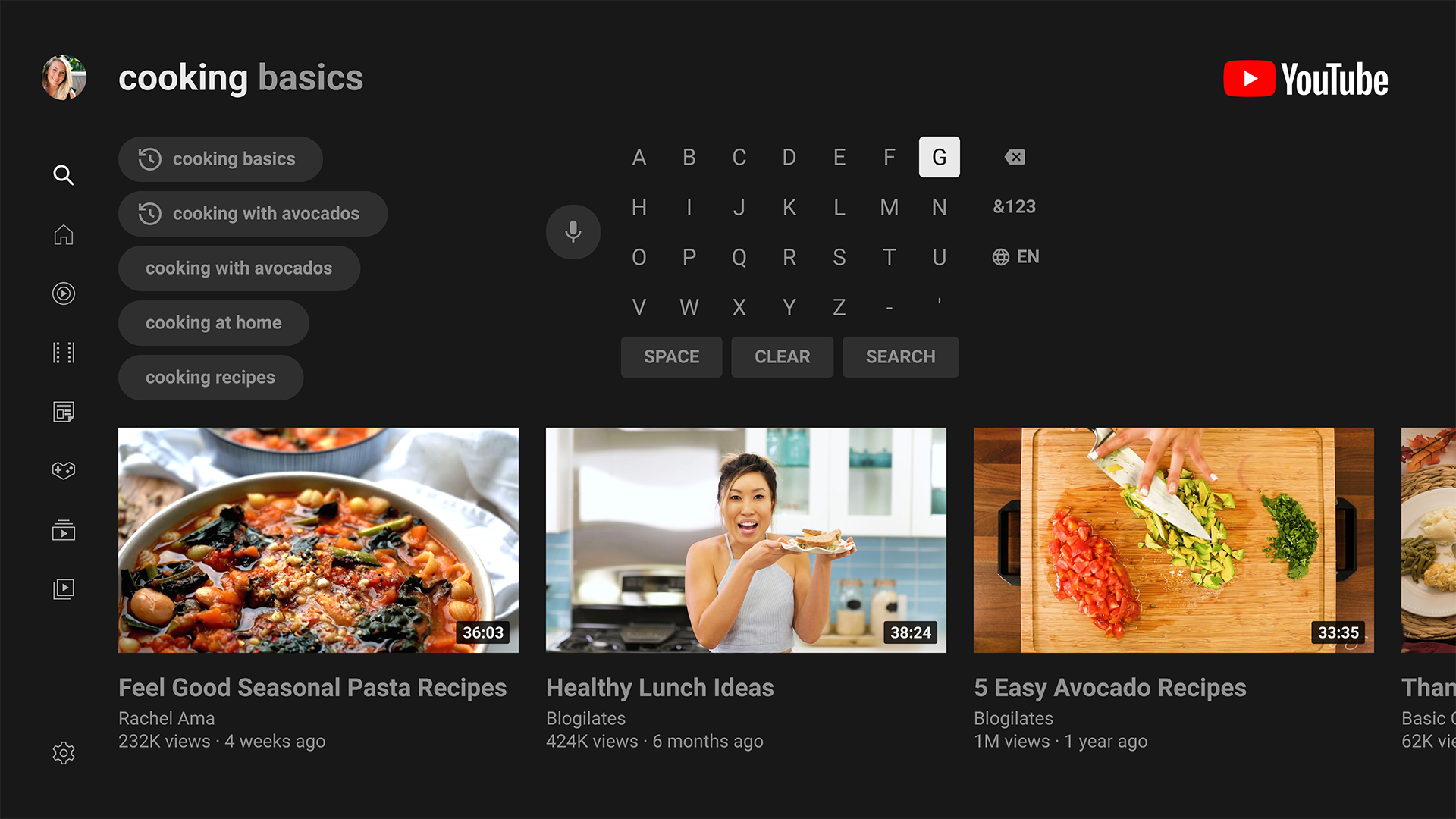
- User-friendly interface adapted for Android TV and set-top boxes.
- Adjusts the image quality.
- Featured video selections.
Description
Application YouTube for Android TV was checked by VirusTotal antivirus. As a result of the scan, no file infections were detected by all the latest signatures.
How to install YouTube for Android TV
- Download APK file apps from apkshki.com.
- Locate the downloaded file. You can find it in the system tray or in the 'Download' folder using any file manager.
- If the file downloaded in .bin extension (WebView bug on Android 11), rename it to .apk using any file manager or try downloading the file with another browser like Chrome.
- Start the installation. Click on the downloaded file to start the installation
- Allow installation from unknown sources. If you are installing for the first time YouTube for Android TV not from Google Play, go to your device's security settings and allow installation from unknown sources.
- Bypass Google Play protection. If Google Play protection blocks installation of the file, tap 'More Info' → 'Install anyway' → 'OK' to continue..
- Complete the installation: Follow the installer's instructions to complete the installation process.
How to update YouTube for Android TV
- Download the new version apps from apkshki.com.
- Locate the downloaded file and click on it to start the installation.
- Install over the old version. There is no need to uninstall the previous version.
- Avoid signature conflicts. If the previous version was not downloaded from apkshki.com, the message 'Application not installed' may appear. In this case uninstall the old version and install the new one.
- Restart annex YouTube for Android TV after the update.








LAZY IPTV
Video Players & Editors

Vesti - news, photo and video
News & Magazines

Αρτ TV
Entertainment

youtv – 400+ channels & movies
Video Players & Editors

youtv – TV channels and films
Video Players & Editors

Divan.TV
Video Players & Editors

IPTV Extreme
Video Players & Editors

Plex VR
Video Players & Editors
Requesting an application update
Added Denis Rubinov
Version: 5.30.301
Size: 45.5 MB
Updated: 19.05.2025
Developer: Google LLC
Age Limitations: Teen
Authorizations:
Downloaded on Google Play: 279032302
Category: Entertainment











Reviews for YouTube for Android TV
Les sous-titres apparaissent tout le temps même si j'ai désactivé.
good
fui. kcng. helll you can't even skip those annoying ads and they are keep coming in a single ten minute video
all I see is brainrot and people promoting onlyfans to children
I would love to have the option to sort my subscriptions by genre. Most news channels fload my feed with 20i videos a day which makes finding videos from other channels I subscribed to much harder. Also the option to just 'play' your feed to watch the newest videos is useless. A option to sort channels by genre would be nice. Then I can choose a 'channel playlist' to watch new content. It is a bit like what is already possible by choosing 'music, games or movies' right now, but made more personal and tailored.
hello YouTube your Google TV service when you're watching A long the video or just regular video it's like 60 seconds worth of ads like on mobile you get at least 10 seconds of ads I don't get what's happening here
It's freezing at the start of all vids. Please fix this. I tried uninstalling and installed again, nothing.
nerfed on TV. too many ads
i love it YouTube!
excellent app for video
No playback speed option most streams and videos are only available in 720p on tv application
Lately it keeps telling me that my account is not allowed to be used every time I open the app on a new Chromecast with Google TV device. I even have YouTube Premium. What happened there, Google?
says my youtube profile i have been using for years is not supported, then i have to switch to my main google account to then switch back to my og youtube profile which then works just fine. now its disconnecting while casting from my computer. If they want me to stop watching youtube on a tv fine ill stop.
After the April 12 outage, YouTube Android TV app is missing 5.1 audio support, specifically on Google TV devices. All other Android TV & Smart TV devices seems to have gotten the feature back on their respective YouTube app. Submitting feedback doesn't seem to do anything.
Latest version shows only corrupted lines in the video when trying to watch anything on my Sharp LC UE630X. Audio is ok, and when I exit the corrupted video, I get an app has stopped failure. Previous version was fine. Please fix. The issue started with version 2.11.06 and above. I've rolled it back to version 2.10.17, and it's working fine so far but I have no idea how long the server side will continue to allow its use.
Post a comment
To leave a comment, log in with your social network:
Or leave an anonymous comment. Your comment will be sent for moderation.
Post a comment
To leave a comment, log in with your social network:
Or leave an anonymous comment. Your comment will be sent for moderation.