



SMS Backup & Restore
17+
downloads1.0+
version Android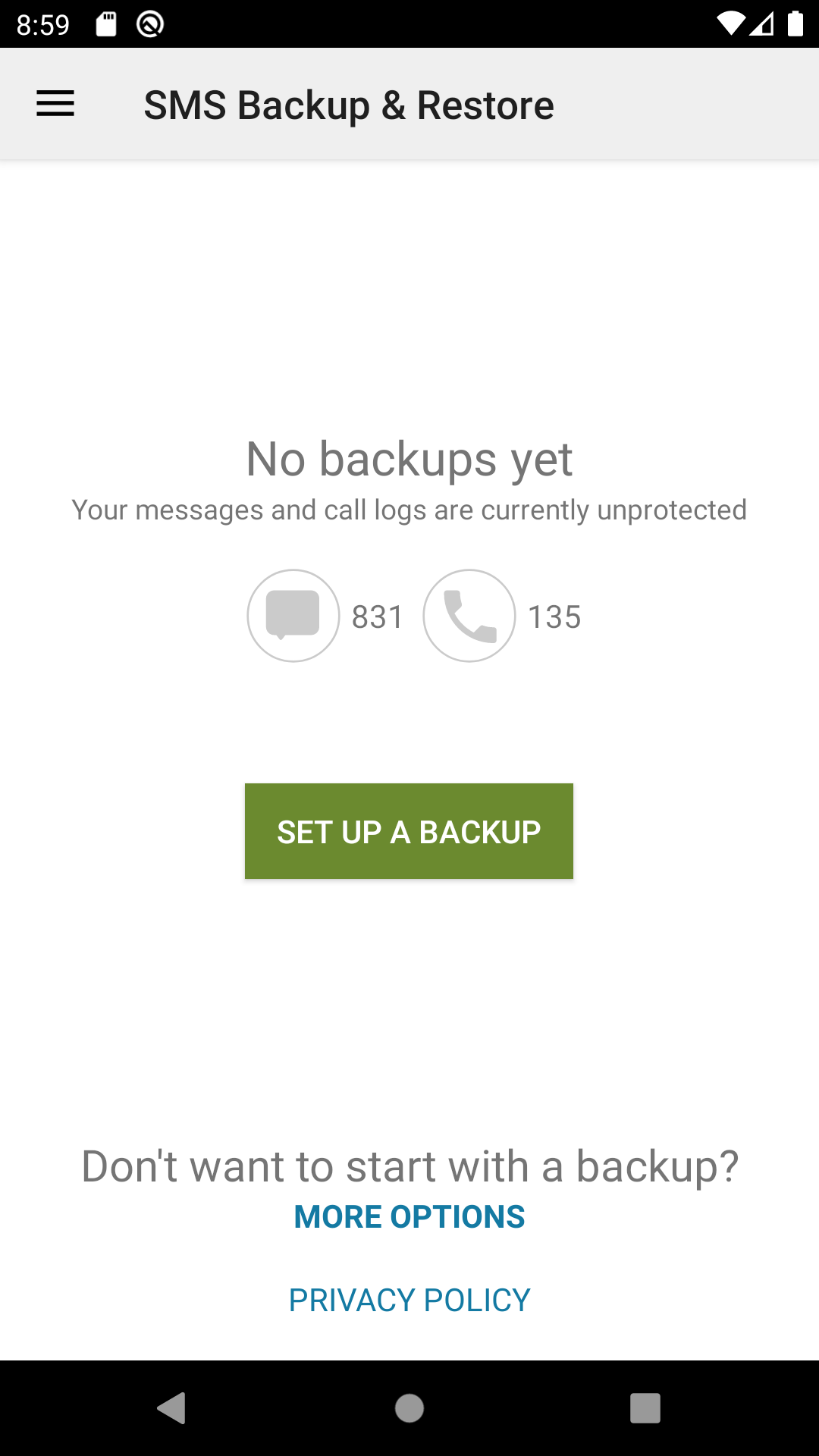
Added: Denis Rubinov
Version: 10.21.004
Size: 17.3 MB
Updated: 21.05.2025
Developer: SyncTech Pty Ltd
Age Limitations: Everyone
Authorizations: 21
Downloaded on Google Play: 33348837
Category: Tools
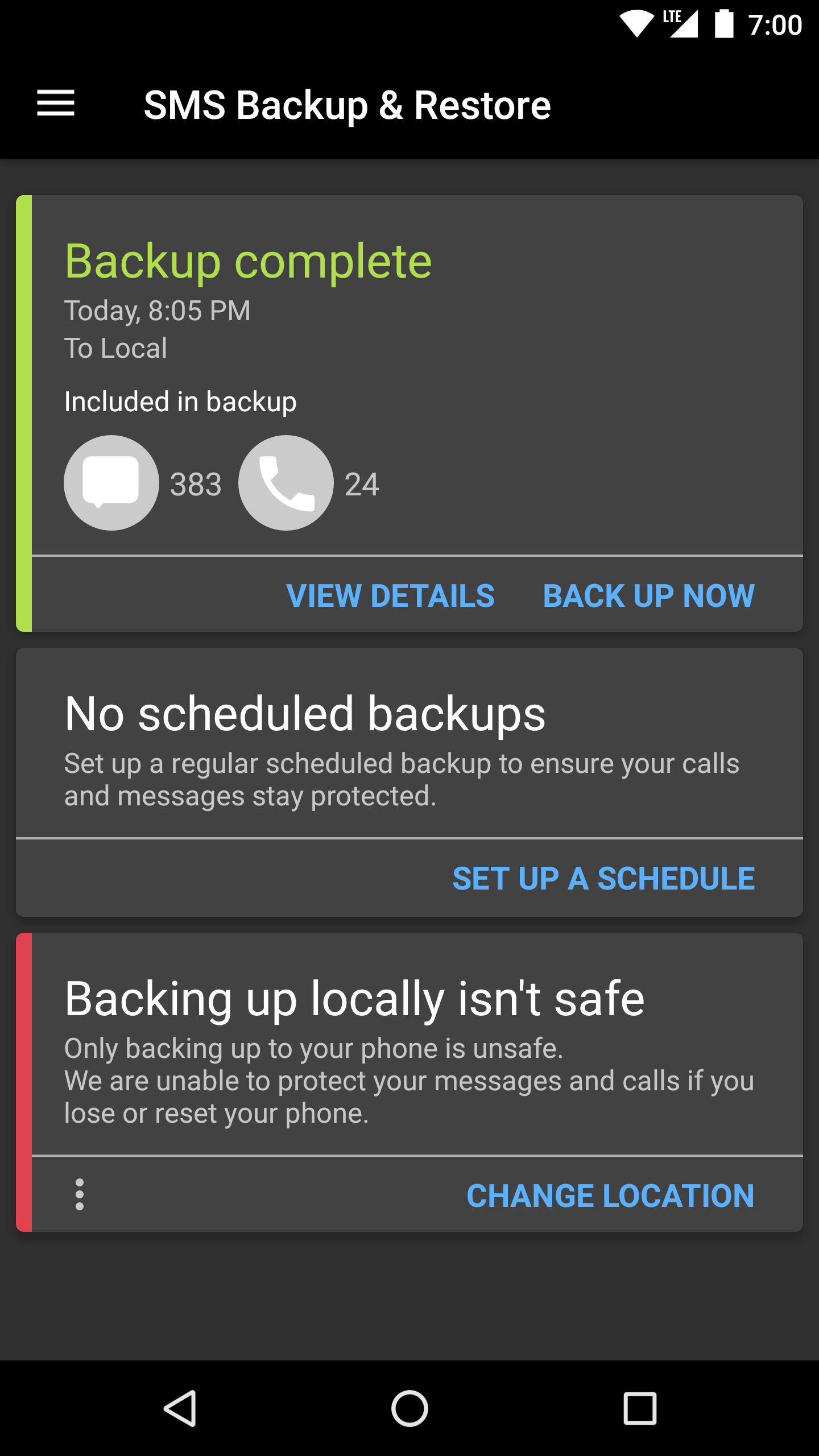
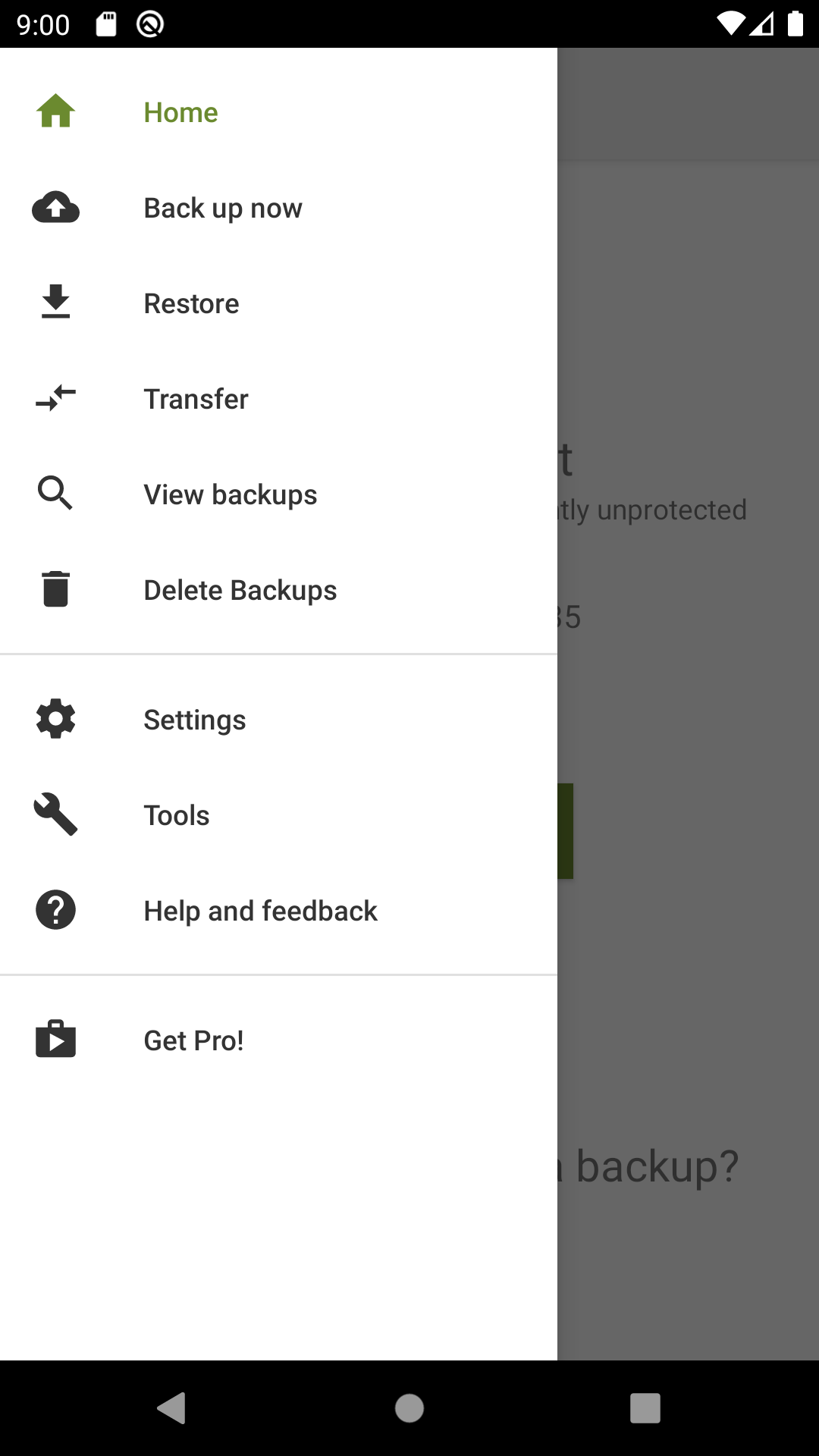
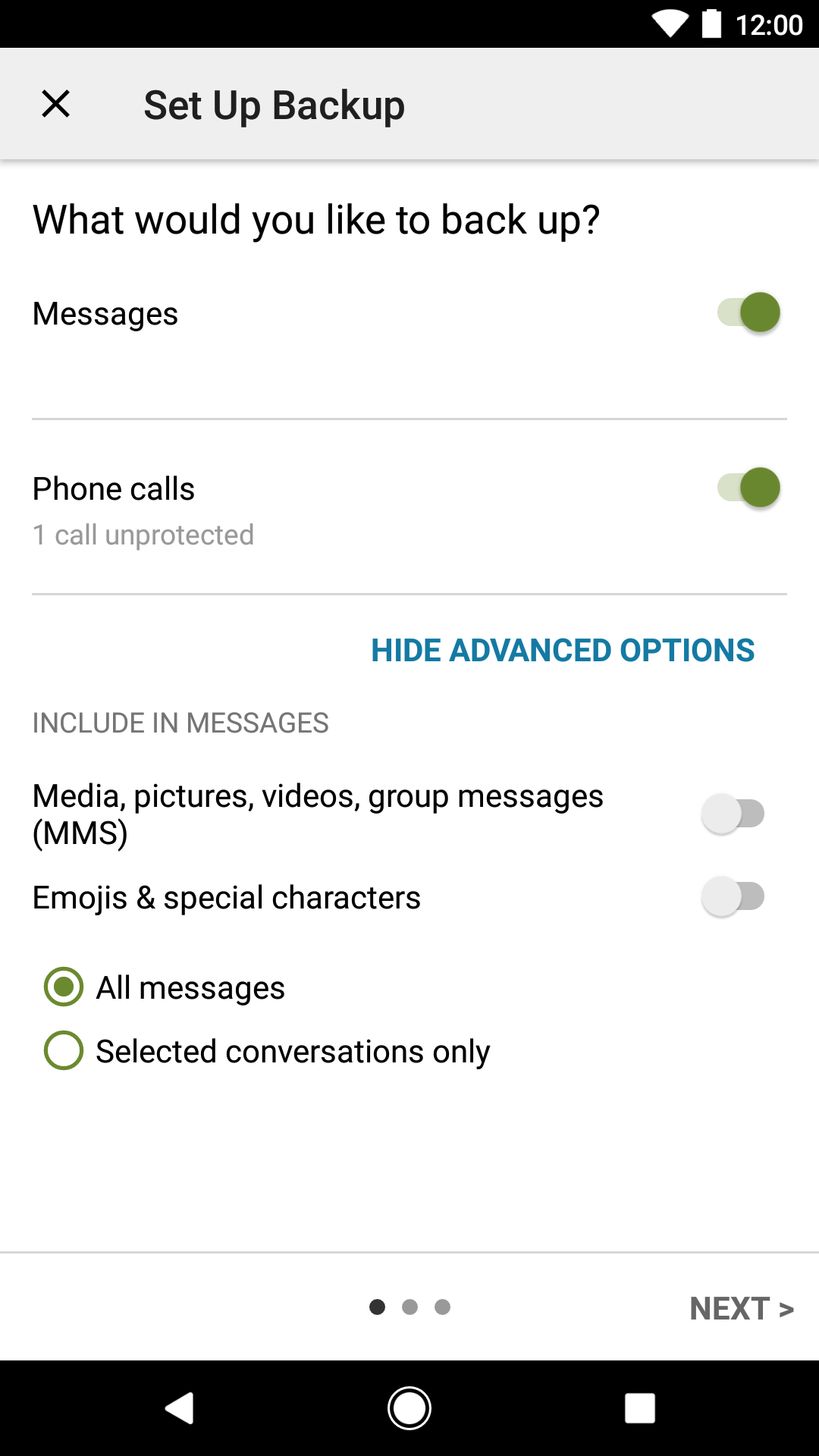
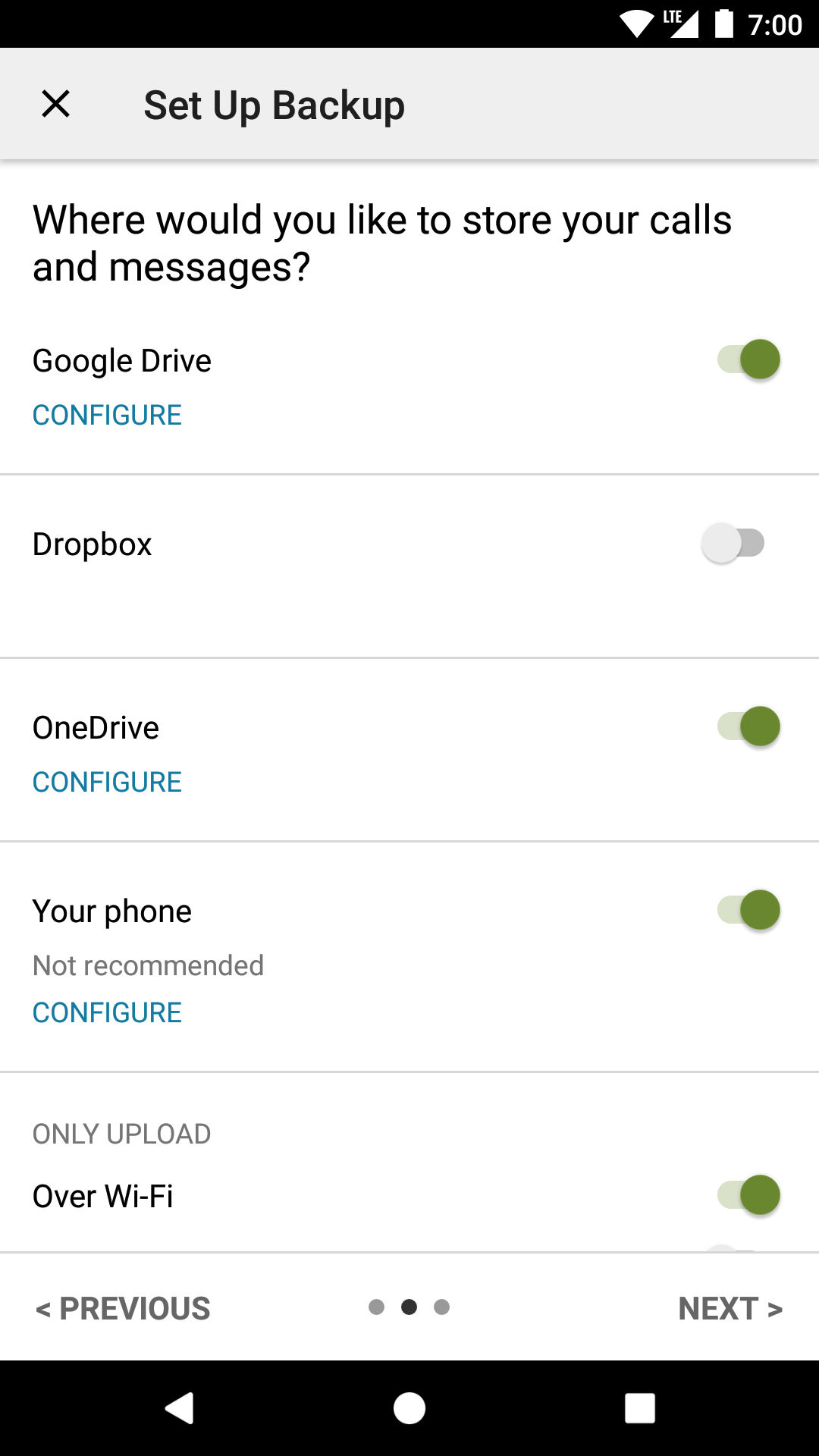
- Save call history and text messages.
- Fast data recovery from backups.
- You can save backups to the cloud.
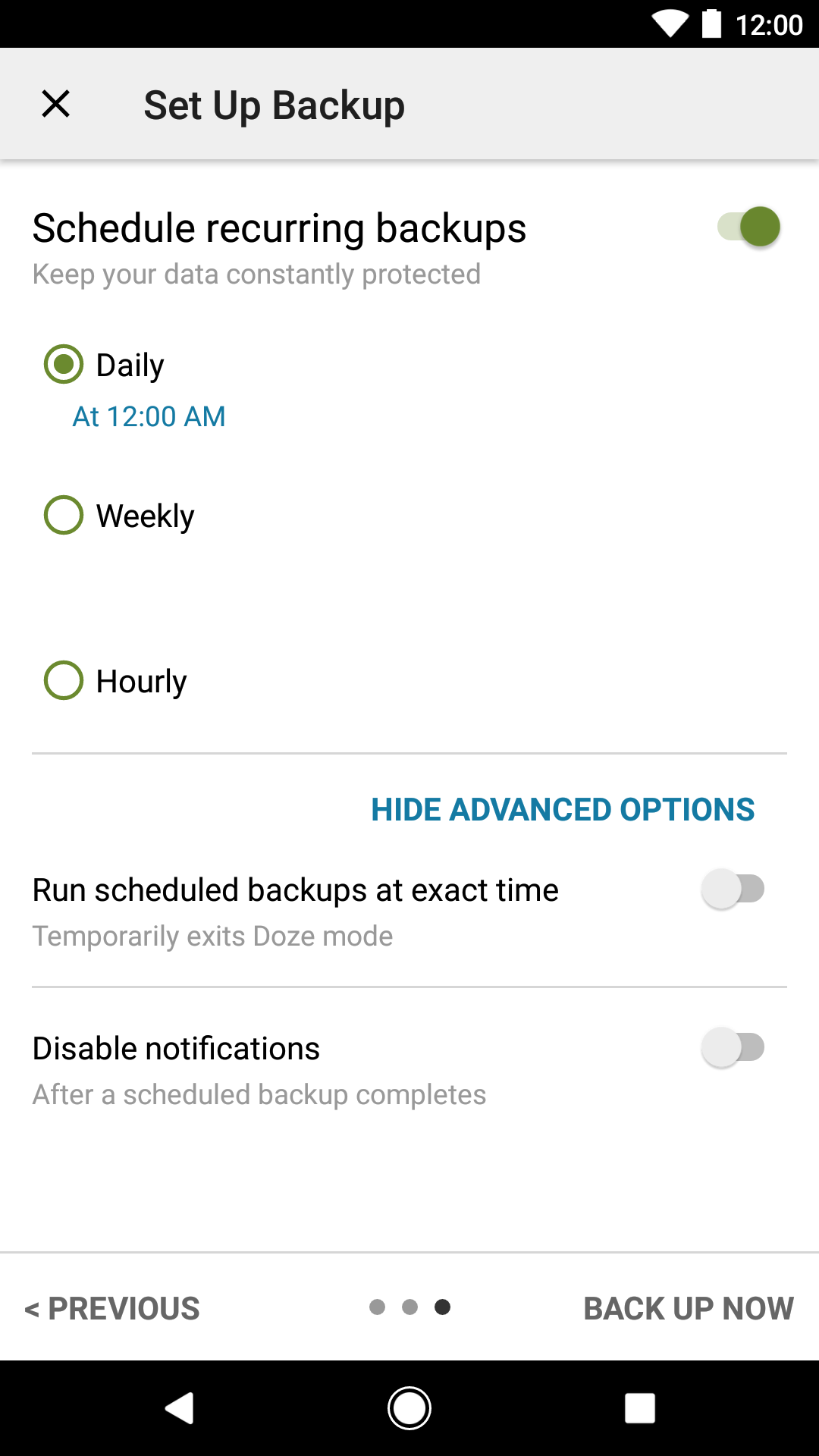
- Automatic scheduled backups.
- Free to use.
Description
Application SMS Backup & Restore was checked by VirusTotal antivirus. As a result of the scan, no file infections were detected by all the latest signatures.
How to install SMS Backup & Restore
- Download APK file apps from apkshki.com.
- Locate the downloaded file. You can find it in the system tray or in the 'Download' folder using any file manager.
- If the file downloaded in .bin extension (WebView bug on Android 11), rename it to .apk using any file manager or try downloading the file with another browser like Chrome.
- Start the installation. Click on the downloaded file to start the installation
- Allow installation from unknown sources. If you are installing for the first time SMS Backup & Restore not from Google Play, go to your device's security settings and allow installation from unknown sources.
- Bypass Google Play protection. If Google Play protection blocks installation of the file, tap 'More Info' → 'Install anyway' → 'OK' to continue..
- Complete the installation: Follow the installer's instructions to complete the installation process.
How to update SMS Backup & Restore
- Download the new version apps from apkshki.com.
- Locate the downloaded file and click on it to start the installation.
- Install over the old version. There is no need to uninstall the previous version.
- Avoid signature conflicts. If the previous version was not downloaded from apkshki.com, the message 'Application not installed' may appear. In this case uninstall the old version and install the new one.
- Restart annex SMS Backup & Restore after the update.








Requesting an application update
Added Denis Rubinov
Version: 10.21.004
Size: 17.3 MB
Updated: 21.05.2025
Developer: SyncTech Pty Ltd
Age Limitations: Everyone
Authorizations:
Downloaded on Google Play: 33348837
Category: Tools











Reviews for SMS Backup & Restore
worked good 👍
the app is good for what it provides, but I would suggest a future improvement to the formatting design in that I salute you for the 1st page header detailing the who and number of the backed up texting profile but it would be nice to have an automatic page numbering in a corner of the printed text messages document pages such as 1/14, 2/14, 3/14, 7/14, 11/14.....etc Other than that suggesting is the only issue I see. Thanks for the app utility
didn't recover the gcash messages
why can't I install a different messages app? I'm uninstalling yours cuz I refuse to use Google, I'll just go without
acha hai
😮
worked perfectly
very good
Brilliant app that I've used for years
Update: upon further study, I did click on an ad. The placement of the ad is the problem! It's on the same page where you begin the process of creating a backup, with a click button that appears to be part of that process. When I tried to sign up for SMS Backup and Restore, it automatically enrolled me in CoinDash with my credit card #. If you don't cancel CoinDash within 48 hours, you get charged $49.99 per month!😡 So, I just canceled my credit card and proceeded no further. Scam!
Simplest app to backup msg and calls
Tres pratique, merci
This is exactly what I wanted, great app
Best app
Does what it says
Post a comment
To leave a comment, log in with your social network:
Or leave an anonymous comment. Your comment will be sent for moderation.
Post a comment
To leave a comment, log in with your social network:
Or leave an anonymous comment. Your comment will be sent for moderation.