


Added: Denis Rubinov
Version: 3.3.2
Size: 20.1 MB
Updated: 11.12.2021
Developer: Soft Igloo
Age Limitations: Everyone
Authorizations: 14
Downloaded on Google Play: 3137928
Category: Tools
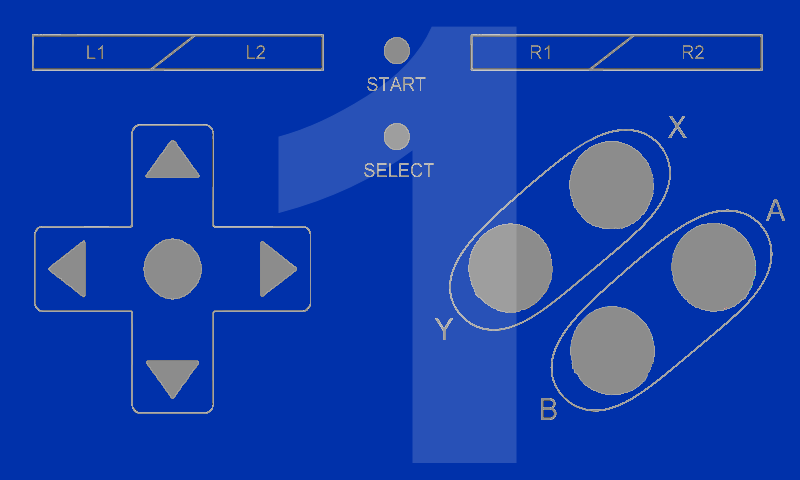
- Support up to four users simultaneously.
- Works with most emulators
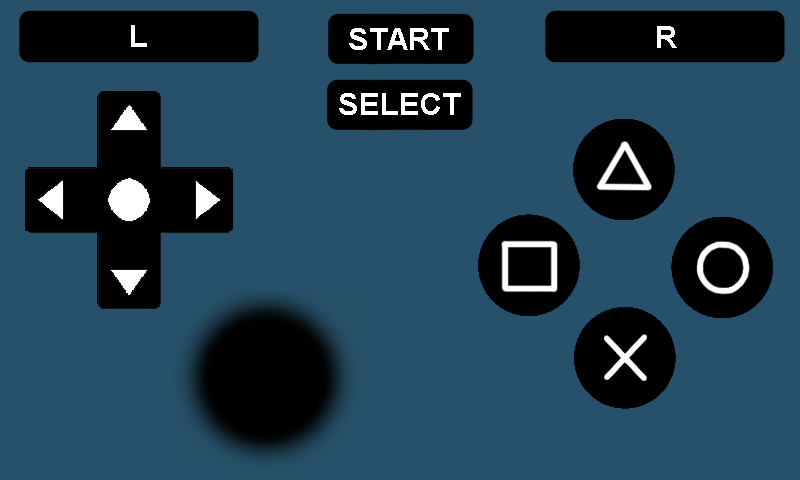
- Key remapping available.
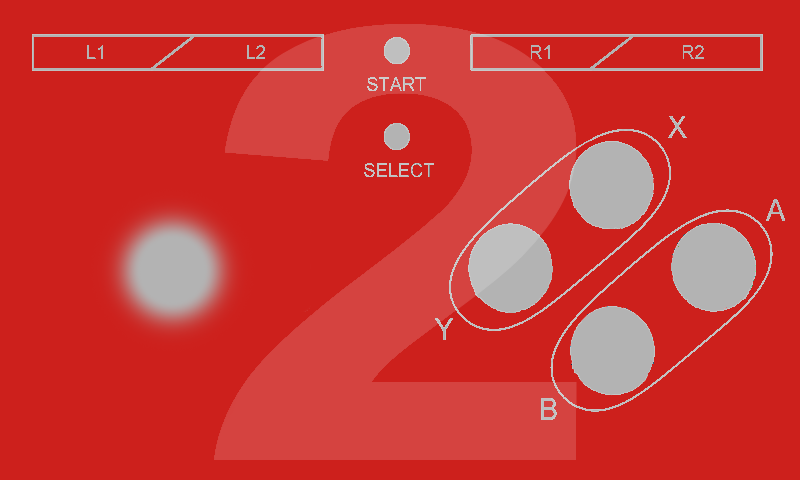
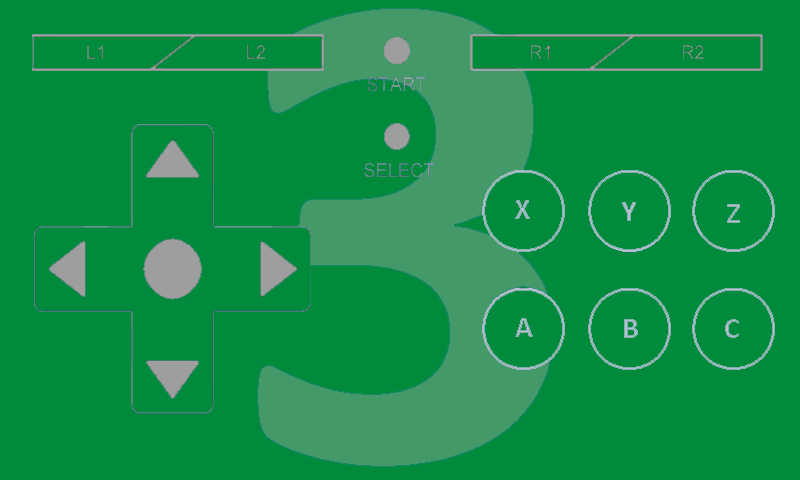
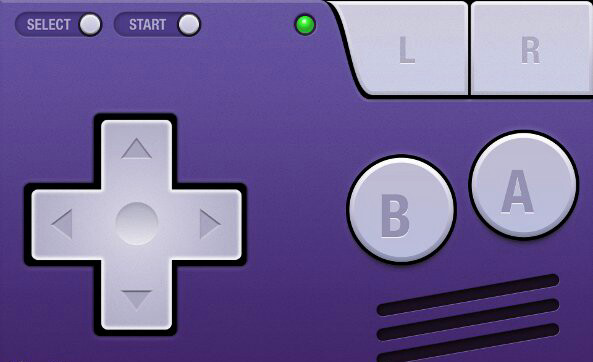
- You can create your own controller and publish it to the community.
Description
Application BT Controller was checked by VirusTotal antivirus. As a result of the scan, no file infections were detected by all the latest signatures.
How to install BT Controller
- Download APK file apps from apkshki.com.
- Locate the downloaded file. You can find it in the system tray or in the 'Download' folder using any file manager.
- If the file downloaded in .bin extension (WebView bug on Android 11), rename it to .apk using any file manager or try downloading the file with another browser like Chrome.
- Start the installation. Click on the downloaded file to start the installation
- Allow installation from unknown sources. If you are installing for the first time BT Controller not from Google Play, go to your device's security settings and allow installation from unknown sources.
- Bypass Google Play protection. If Google Play protection blocks installation of the file, tap 'More Info' → 'Install anyway' → 'OK' to continue..
- Complete the installation: Follow the installer's instructions to complete the installation process.
How to update BT Controller
- Download the new version apps from apkshki.com.
- Locate the downloaded file and click on it to start the installation.
- Install over the old version. There is no need to uninstall the previous version.
- Avoid signature conflicts. If the previous version was not downloaded from apkshki.com, the message 'Application not installed' may appear. In this case uninstall the old version and install the new one.
- Restart annex BT Controller after the update.





Requesting an application update
Added Denis Rubinov
Version: 3.3.2
Size: 20.1 MB
Updated: 11.12.2021
Developer: Soft Igloo
Age Limitations: Everyone
Authorizations:
Downloaded on Google Play: 3137928
Category: Tools












Reviews for BT Controller
I play minecraft and I makes video
Doesn't work
Not sure how to feel. It keeps black screening on my Tab 4. Hopefully there will be a backwards compatibility for older Android versions. Until then, 4 stars
don't download keyboard mod
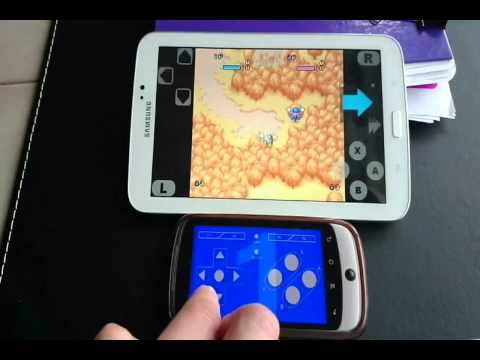
This app works fine. It can be used to change phone into virtual custom controller that can be connected to other device with Bluetooth or Wi-Fi. Also it can makes & customizes your own controller and share it to other people. I recommended this app if you don't have controller, but YOU really need a controller now.
Best
Good game
It never works
A best app which was I found from a Youtuber Technology World I a was founding from a month I tried many apps but this is best but i give it 4 star because its keyboard quality are bad but OK beacuase for fast gamers they can't control it because keys are very compact in size compared to my screen so i request you to please improve size and quality of Keyboards or instead make a better keyboard with big size and enough keys
thats very good app at first Idont know how to use it but I watched don tutorials and I tried and it works pretty well I tried to play Minecraft with this app its difficult but fun and after some practice I did it very well
Turns your phone into a Bluetooth controller. The interface is confusing at first but once youve fiddled with it for a while it is extremely customizable. Can even connect to PC or another phone via WiFi if your it doesn't have Bluetooth. Many possible applications.
App is good but can you help me how to use two devices at the same time? Tried installing it on 3 phones, one for the host and the other 2 for player 2 and 3. But everytime i try mapping the 2 devices it is only allowing me to connect one device- "Device 1 (virtual)". How can I map the 3rd device?
I would like to report an issue... The controllers of emulators can be mapped with this except.. Dolphin and citra emulator. Please fix it. Over all its the best app ever for N64 Multiplaying on Android TV
It's good enough but only with the Bluetooth connectivity not by the wifi because it is lagging in wifi connection but it works well in bluetooth connectivity and the second problem is that minecraft doesn't with the gamepad controller but it will connect to the keyboard so we have to use a mouse for playing minecraft with this...🙂
Best and maybe the only app to turn your phone controller. Everyone who uses emulators to play games should use it. The new layout is much cleaner and smooth. Thanks for making this soo much. <3 Just hard to understand at first.
Post a comment
To leave a comment, log in with your social network:
Or leave an anonymous comment. Your comment will be sent for moderation.
Post a comment
To leave a comment, log in with your social network:
Or leave an anonymous comment. Your comment will be sent for moderation.