


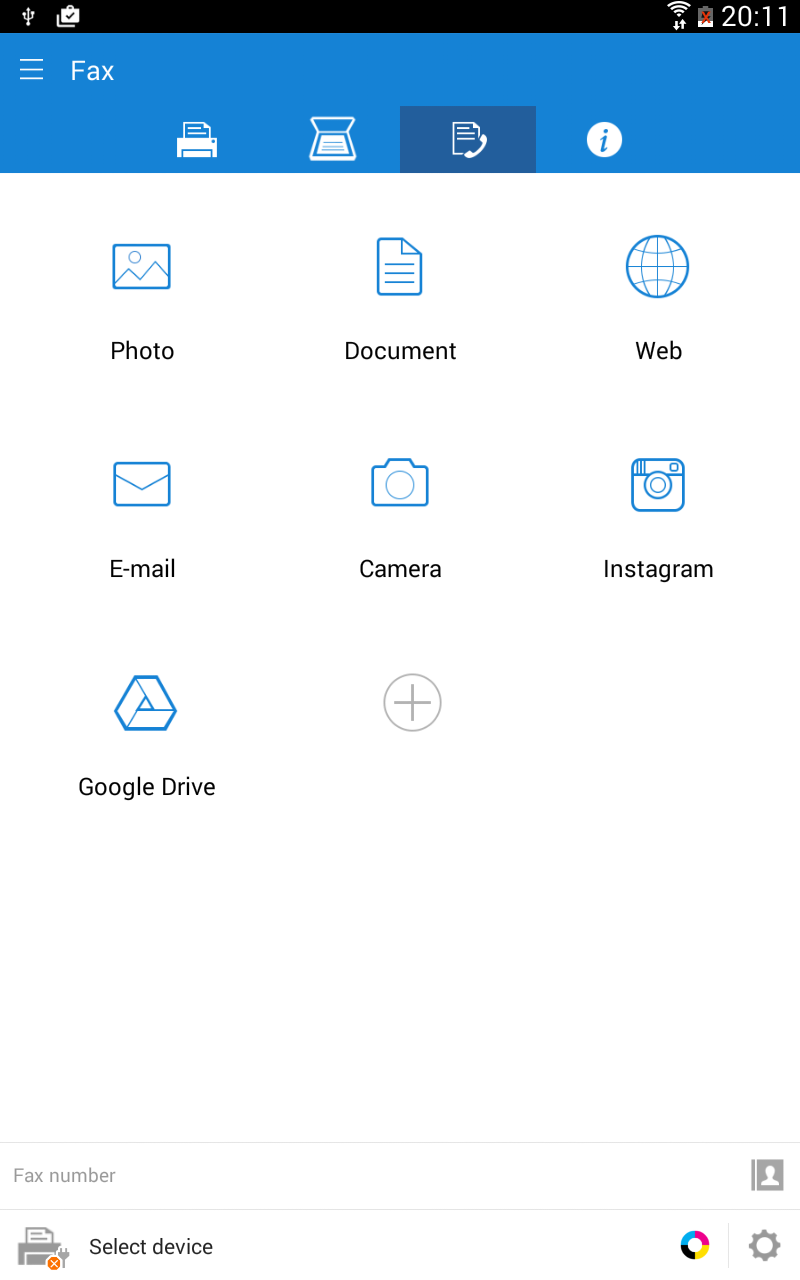
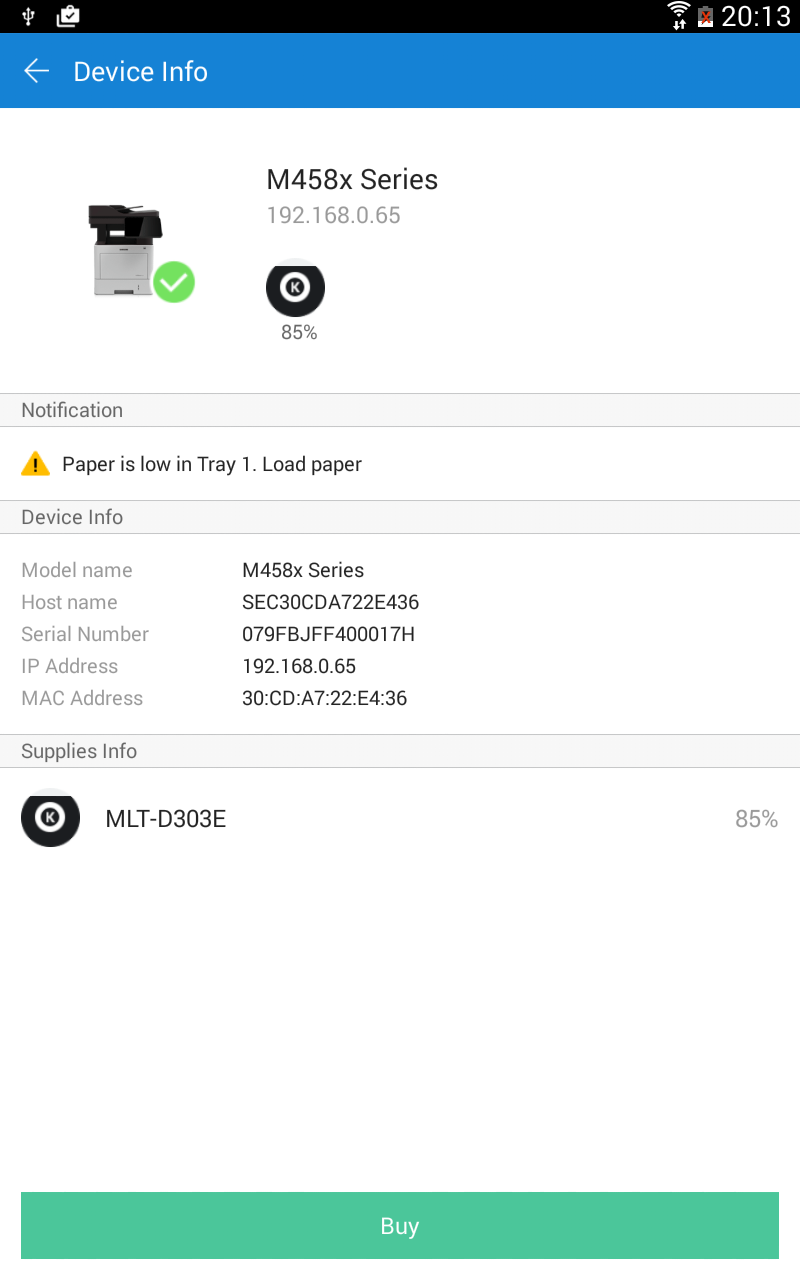
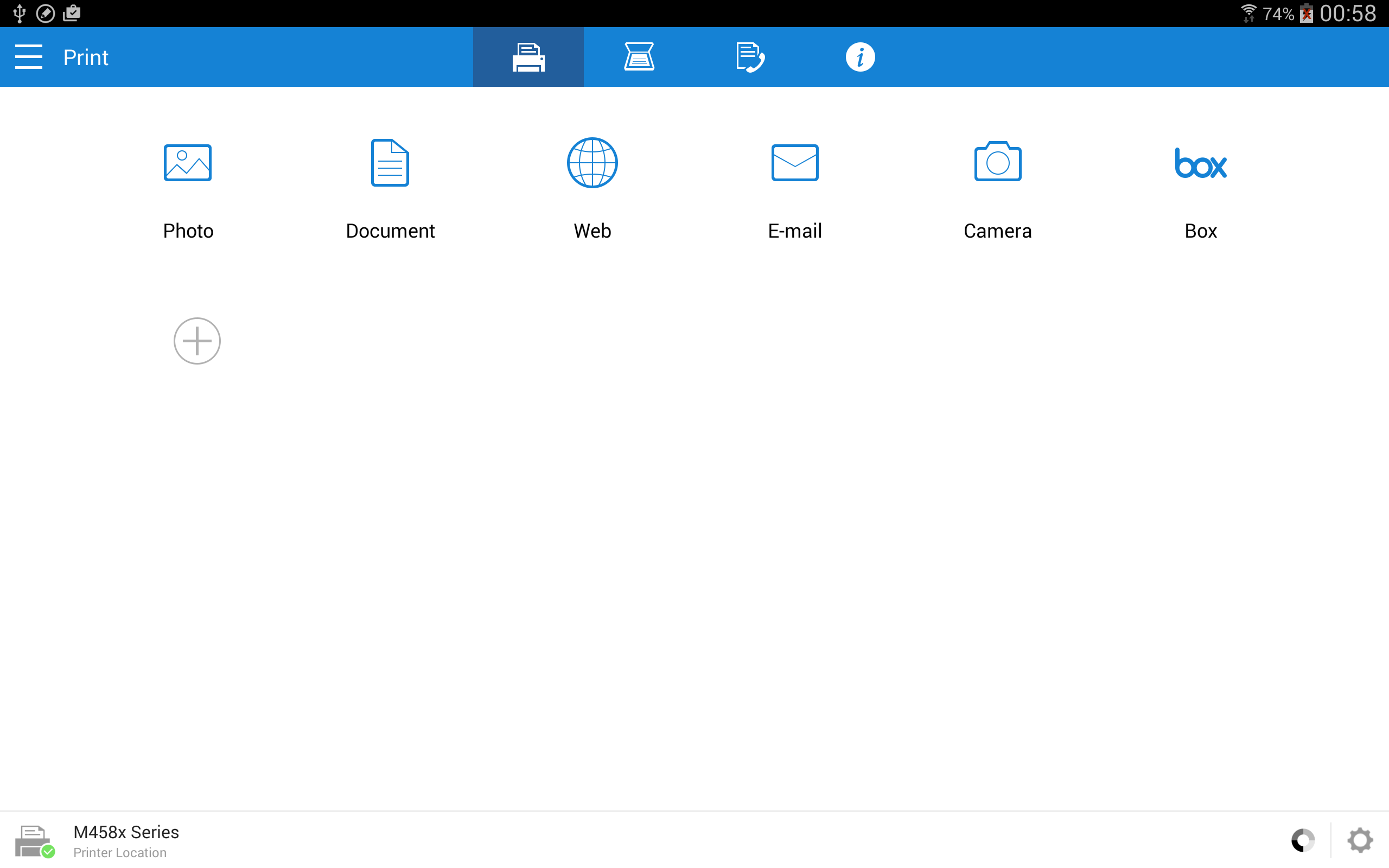
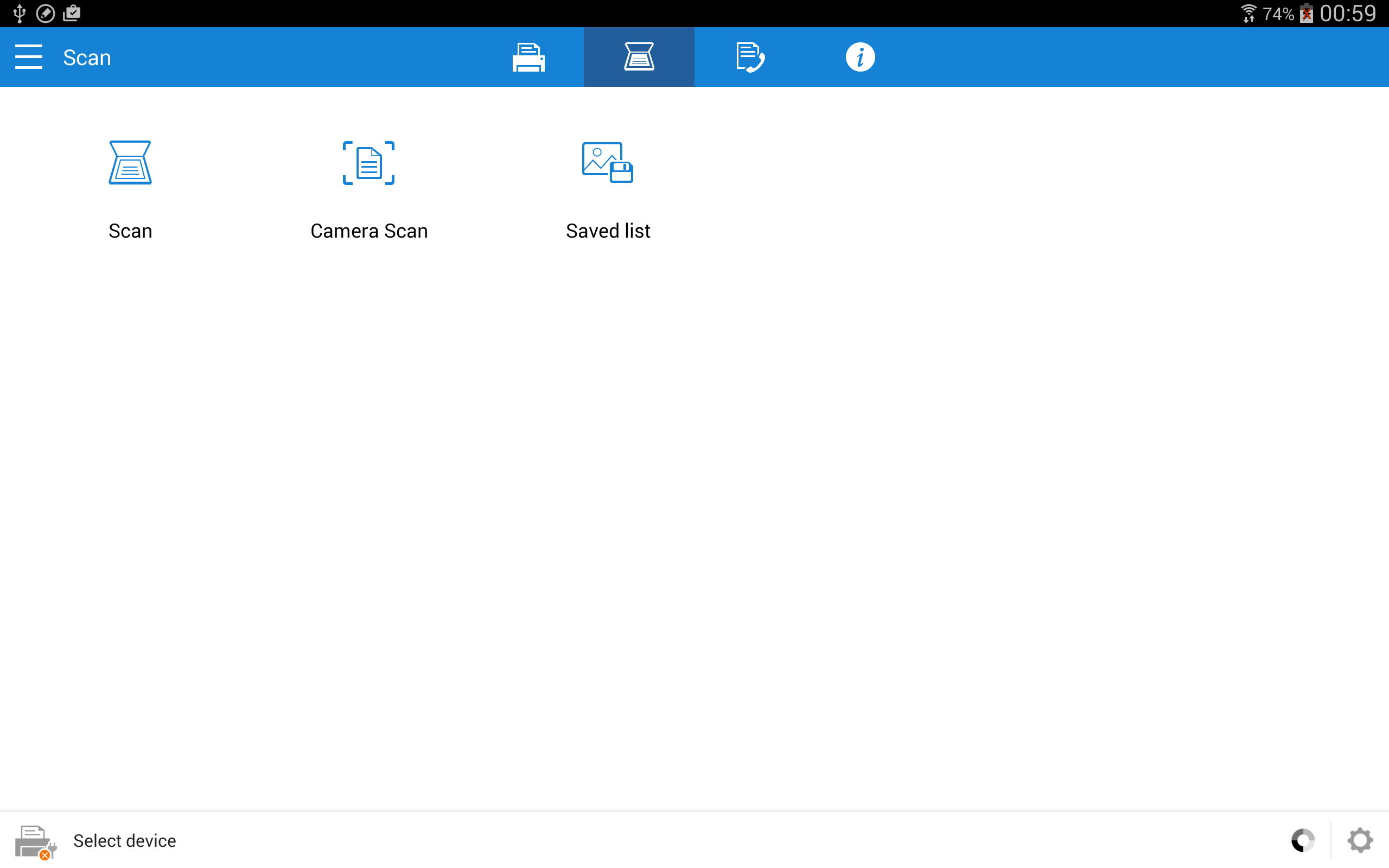
Samsung Mobile Print
6+
downloads4.1+
version Android
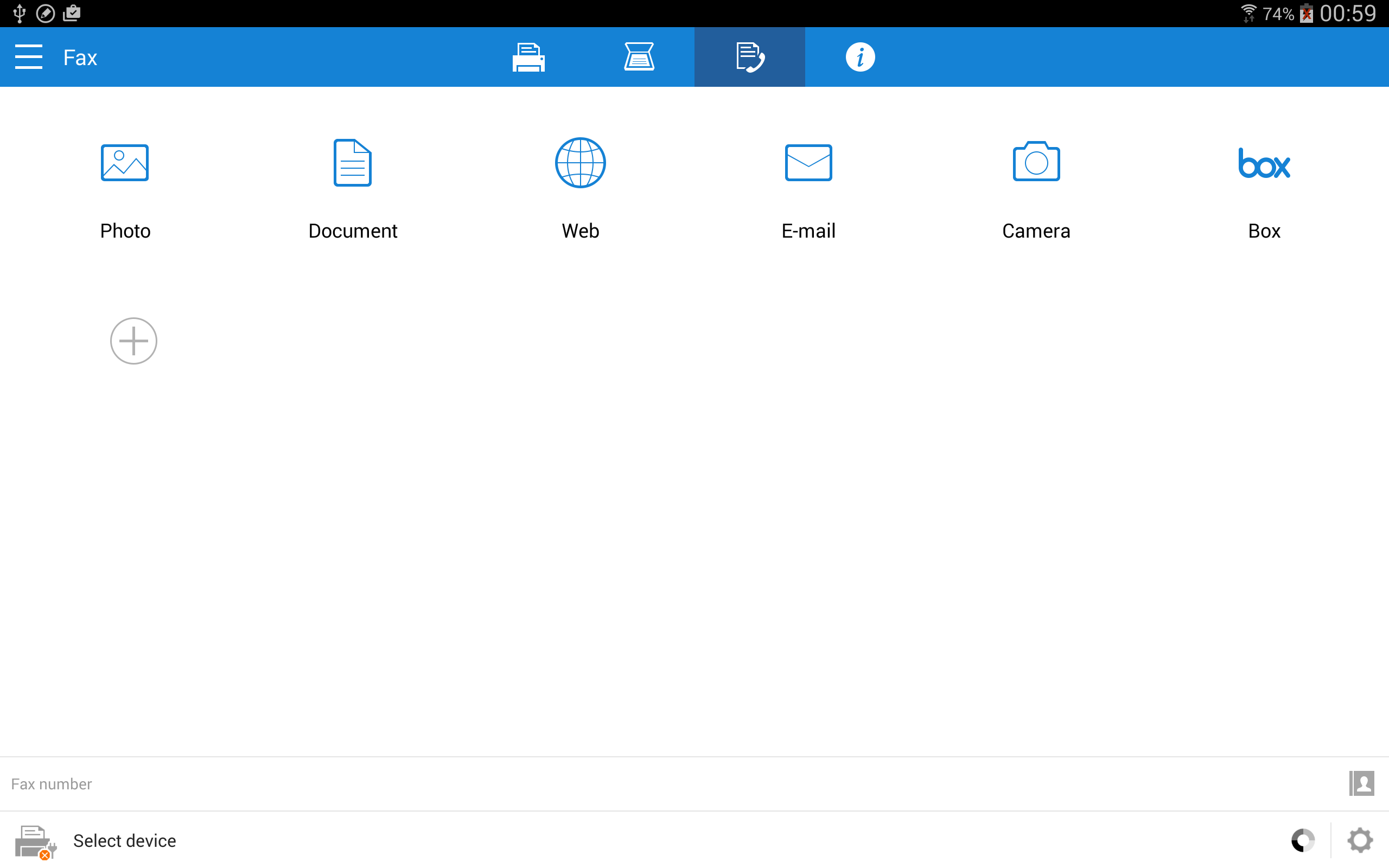
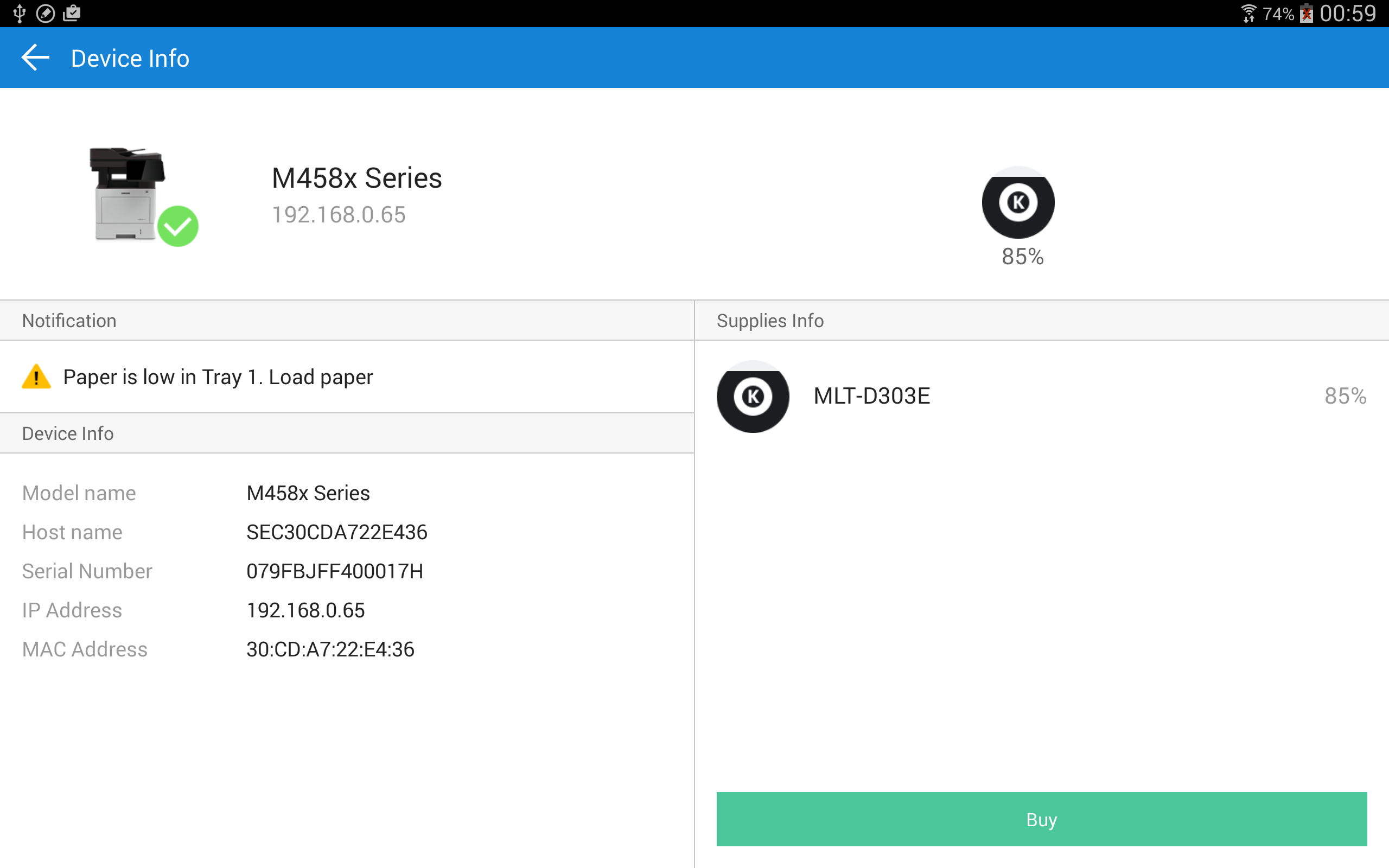
Added: Denis Rubinov
Version: 4.08.041
Size: 30 MB
Updated: 20.05.2025
Developer: HP Inc.
Age Limitations: Everyone
Authorizations: 17
Downloaded on Google Play: 16181435
Category: Work
Description
Application Samsung Mobile Print was checked by VirusTotal antivirus. As a result of the scan, no file infections were detected by all the latest signatures.
How to install Samsung Mobile Print
- Download APK file apps from apkshki.com.
- Locate the downloaded file. You can find it in the system tray or in the 'Download' folder using any file manager.
- If the file downloaded in .bin extension (WebView bug on Android 11), rename it to .apk using any file manager or try downloading the file with another browser like Chrome.
- Start the installation. Click on the downloaded file to start the installation
- Allow installation from unknown sources. If you are installing for the first time Samsung Mobile Print not from Google Play, go to your device's security settings and allow installation from unknown sources.
- Bypass Google Play protection. If Google Play protection blocks installation of the file, tap 'More Info' → 'Install anyway' → 'OK' to continue..
- Complete the installation: Follow the installer's instructions to complete the installation process.
How to update Samsung Mobile Print
- Download the new version apps from apkshki.com.
- Locate the downloaded file and click on it to start the installation.
- Install over the old version. There is no need to uninstall the previous version.
- Avoid signature conflicts. If the previous version was not downloaded from apkshki.com, the message 'Application not installed' may appear. In this case uninstall the old version and install the new one.
- Restart annex Samsung Mobile Print after the update.





Requesting an application update
Added Denis Rubinov
Version: 4.08.041
Size: 30 MB
Updated: 20.05.2025
Developer: HP Inc.
Age Limitations: Everyone
Authorizations:
Downloaded on Google Play: 16181435
Category: Work












Reviews for Samsung Mobile Print
I'm impressed.... excellent app..
always have trouble connecting to my printer
This App works very efficiently. Highly recommended!
ABSOLUTELY THE WORST PRINTER APP OUT THERE!!!
Trying to add my printer, it attempts to get information then displays a message for a split second. The printer is not added and I don't know why.
I have problems to connect the printer with my Samsung phone every single time when I need to print documents, photos etc.... so frustrated every single I tried to print something from my Samsung phone as it always a problem connections! 😒
nice
won't find printer
would have been great if I could have ever got it to work.
Horrible!!!!!!! Since the update the app does not work at all. I never use to have problems now it seems to never work and I end up having to use my laptop just to print the simplest documents. Smh Samsung print
This app is utterly useless. 0 stars if I could. I have a Samsung WiFi direct NFC printer and I am supposed to be able to print directly to my Samsung printer from my Samsung S10 phone. Despite assurances the app does not connect to the printer and I get a Google warning coming up after failure to connect which says it is blocking the damn app.!!! SERIOUSLY!! Samsung, a company that spends billions of dollars on development and two Samsung devices can't even connect with each other!!!
Printouts are terrible when using this app. My Samsung ML-3710DN printer works fine when job is sent from laptop. Also if using a very old version of Mobile Print app: 1.03.08 from 2012, printouts are very good. But when using the latest version of Mobile Print app, printouts are very low quality. Text in normal font size can barely be read. Text in small font size can not be read. Pictures are terrible. This has to be fixed.
Dear Samsung. I used to print from my S9 very efficiently using HP Smart. I have changed to a S21 and can no longer print with HP Smart. So I installed this Samsung app but the app cannot find the printer even though the phone and printer are on the same network. Am I doing something wrong or does the app need to be updated?
Horrible. It rarely connects right to the printer, and it won't connect to any Google accounts (drive, email, etc) like it says it will, making it near impossible to print from an Android. I can't print anything without going through hoops! The printer itself is good but this app to connect to it sucks.
If I try to connect to my printer with nfc it sends me to this app, but then I have no option to select files. It keeps trying to connect to the printer with wifi direct even though nfc has nothing to do with that at all. Plus, when I tried to connect through wifi direct anyway that didn't even work. Completely useless waste of hard drive space, don't download this app.
Post a comment
To leave a comment, log in with your social network:
Or leave an anonymous comment. Your comment will be sent for moderation.
Post a comment
To leave a comment, log in with your social network:
Or leave an anonymous comment. Your comment will be sent for moderation.