


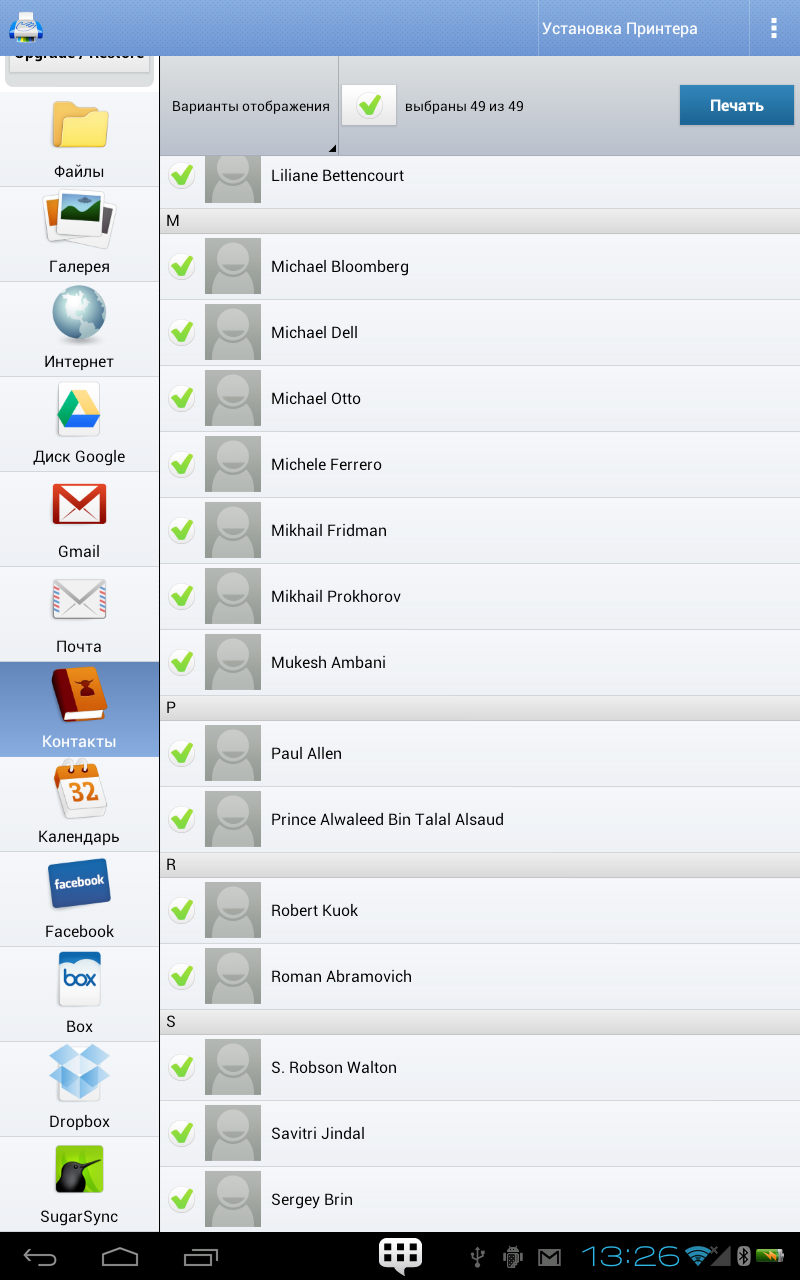
PrintHand Mobile Print
10+
downloads4.1+
version Android
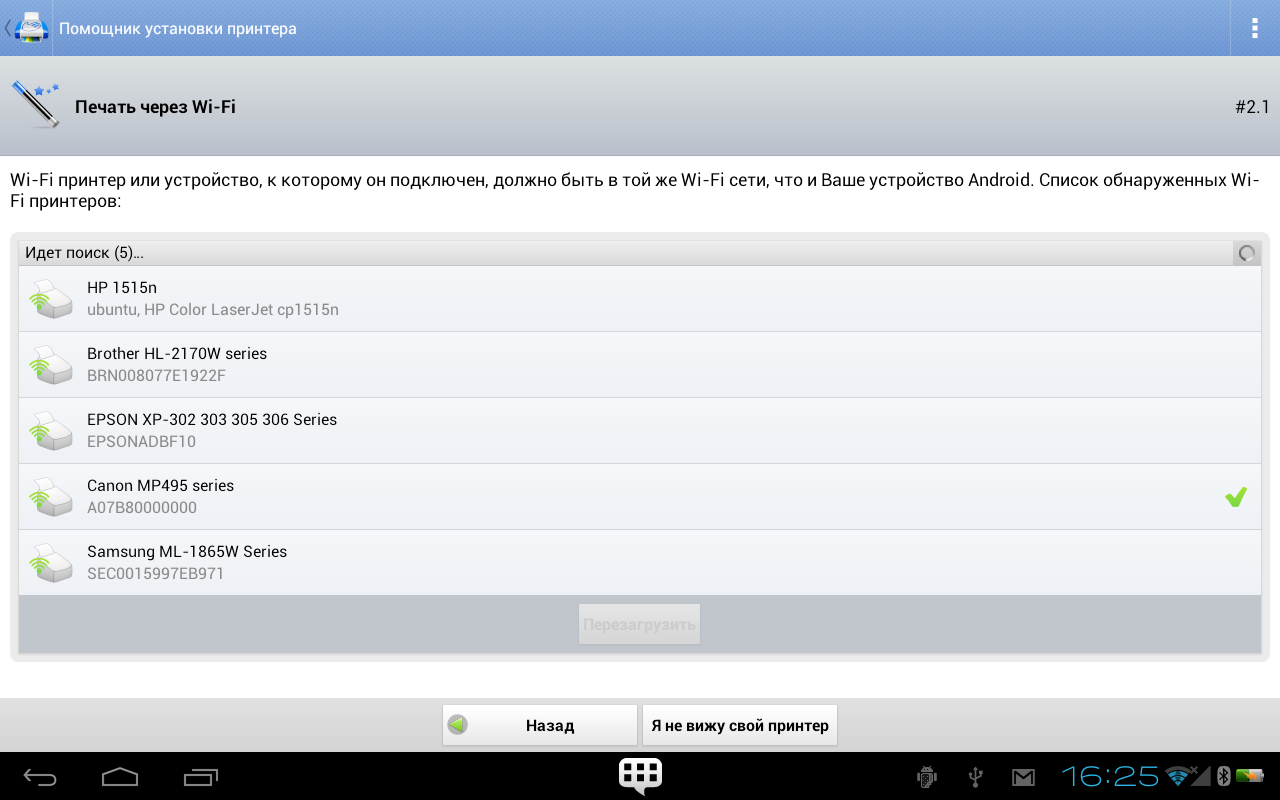
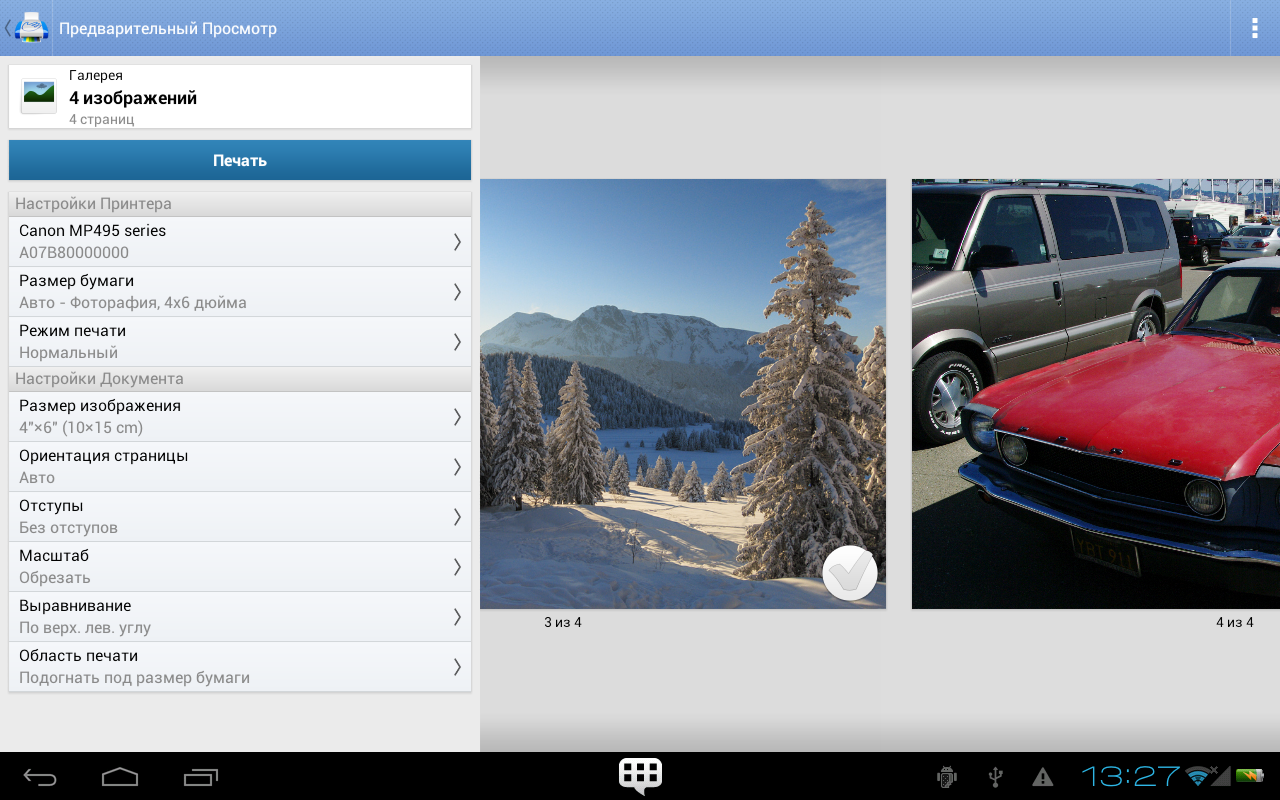
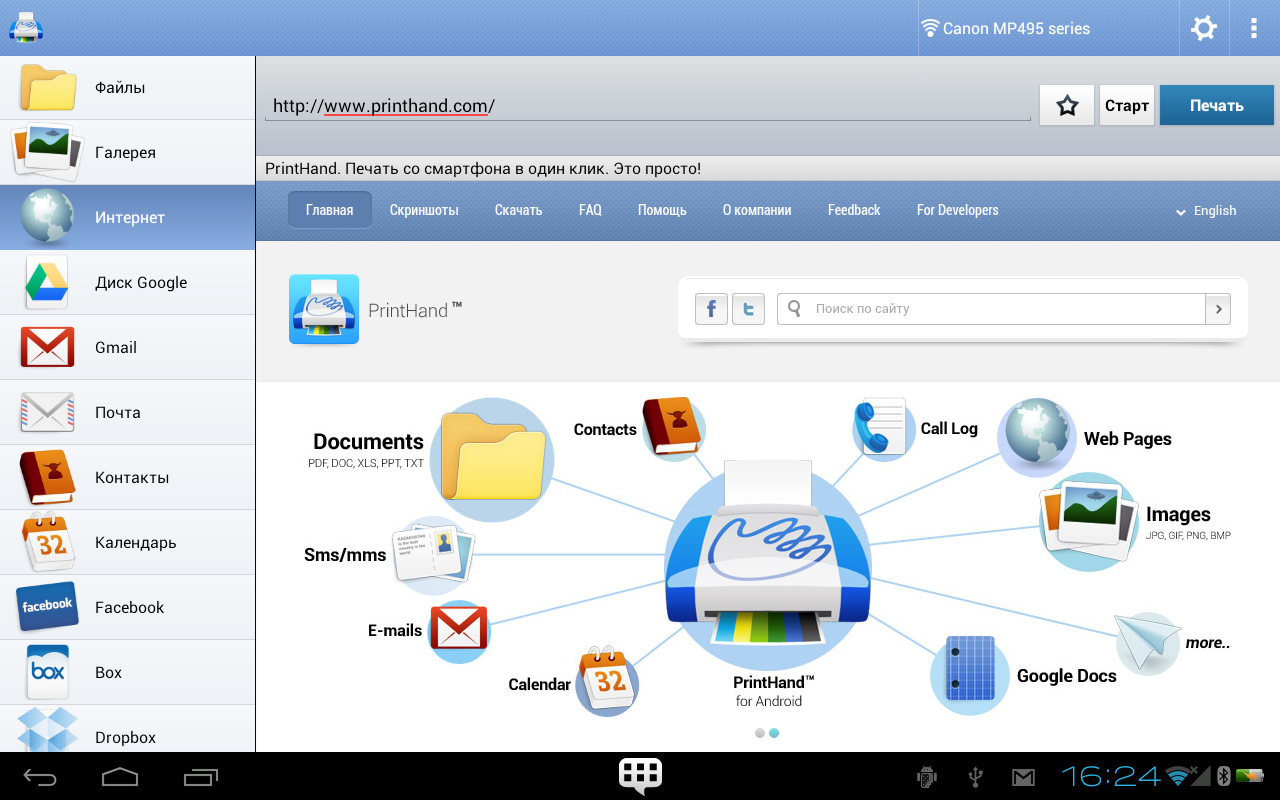
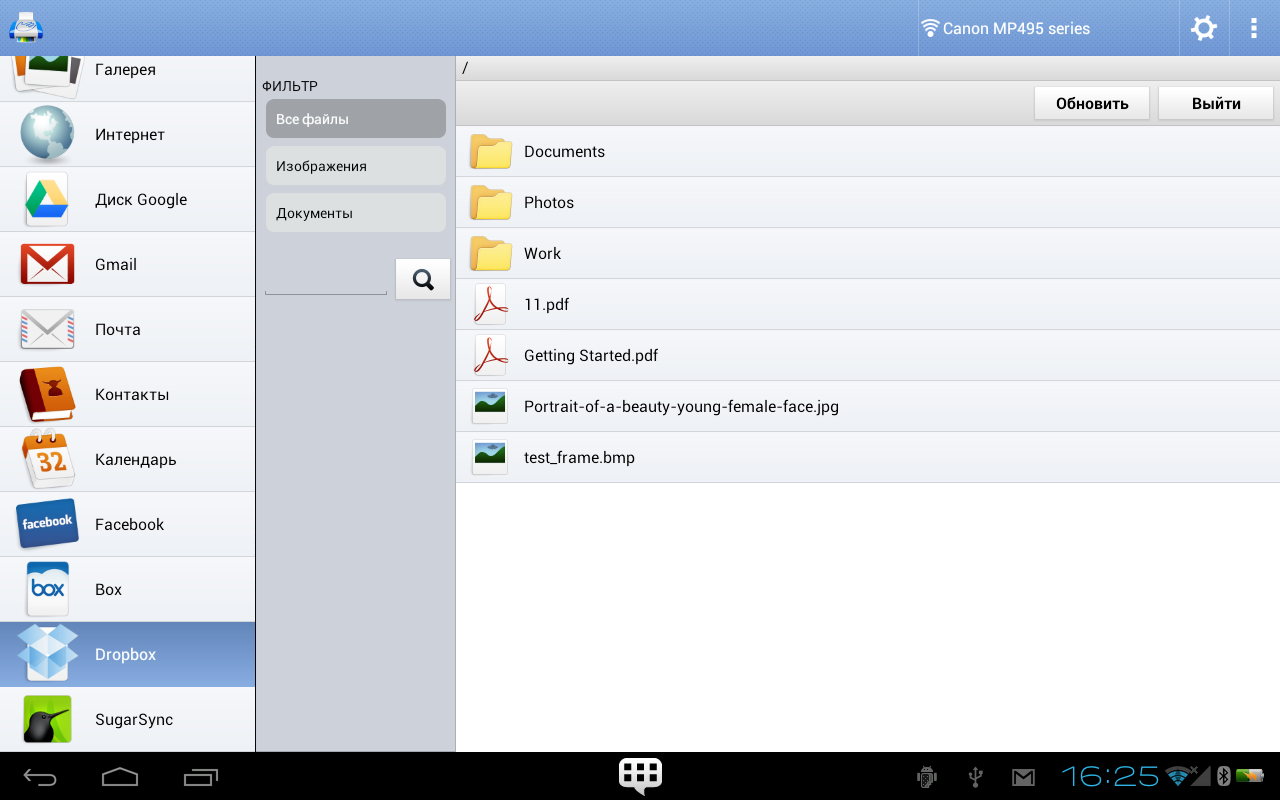
Added: Denis Rubinov
Version: 13.6.2
Size: 6.5 MB
Updated: 05.05.2023
Developer: PrintHand
Age Limitations: Everyone
Downloaded on Google Play: 4945401
Category: Work
Description
Application PrintHand Mobile Print was checked by VirusTotal antivirus. As a result of the scan, no file infections were detected by all the latest signatures.
How to install PrintHand Mobile Print
- Download APK file apps from apkshki.com.
- Locate the downloaded file. You can find it in the system tray or in the 'Download' folder using any file manager.
- If the file downloaded in .bin extension (WebView bug on Android 11), rename it to .apk using any file manager or try downloading the file with another browser like Chrome.
- Start the installation. Click on the downloaded file to start the installation
- Allow installation from unknown sources. If you are installing for the first time PrintHand Mobile Print not from Google Play, go to your device's security settings and allow installation from unknown sources.
- Bypass Google Play protection. If Google Play protection blocks installation of the file, tap 'More Info' → 'Install anyway' → 'OK' to continue..
- Complete the installation: Follow the installer's instructions to complete the installation process.
How to update PrintHand Mobile Print
- Download the new version apps from apkshki.com.
- Locate the downloaded file and click on it to start the installation.
- Install over the old version. There is no need to uninstall the previous version.
- Avoid signature conflicts. If the previous version was not downloaded from apkshki.com, the message 'Application not installed' may appear. In this case uninstall the old version and install the new one.
- Restart annex PrintHand Mobile Print after the update.




Requesting an application update
Added Denis Rubinov
Version: 13.6.2
Size: 6.5 MB
Updated: 05.05.2023
Developer: PrintHand
Age Limitations: Everyone
Downloaded on Google Play: 4945401
Category: Work












Reviews for PrintHand Mobile Print
good
I don't like the NANDP function please onstar
have to pay in order to print anything don't bother
Notsure!
problems Wikipedia pdf downloads
nice
it shut down my printer
bloody useless app, yerrr
Great work
WONT LET YOU PRINT!!! MAKES YOU PAY TO PRINT F U GREEDY POS
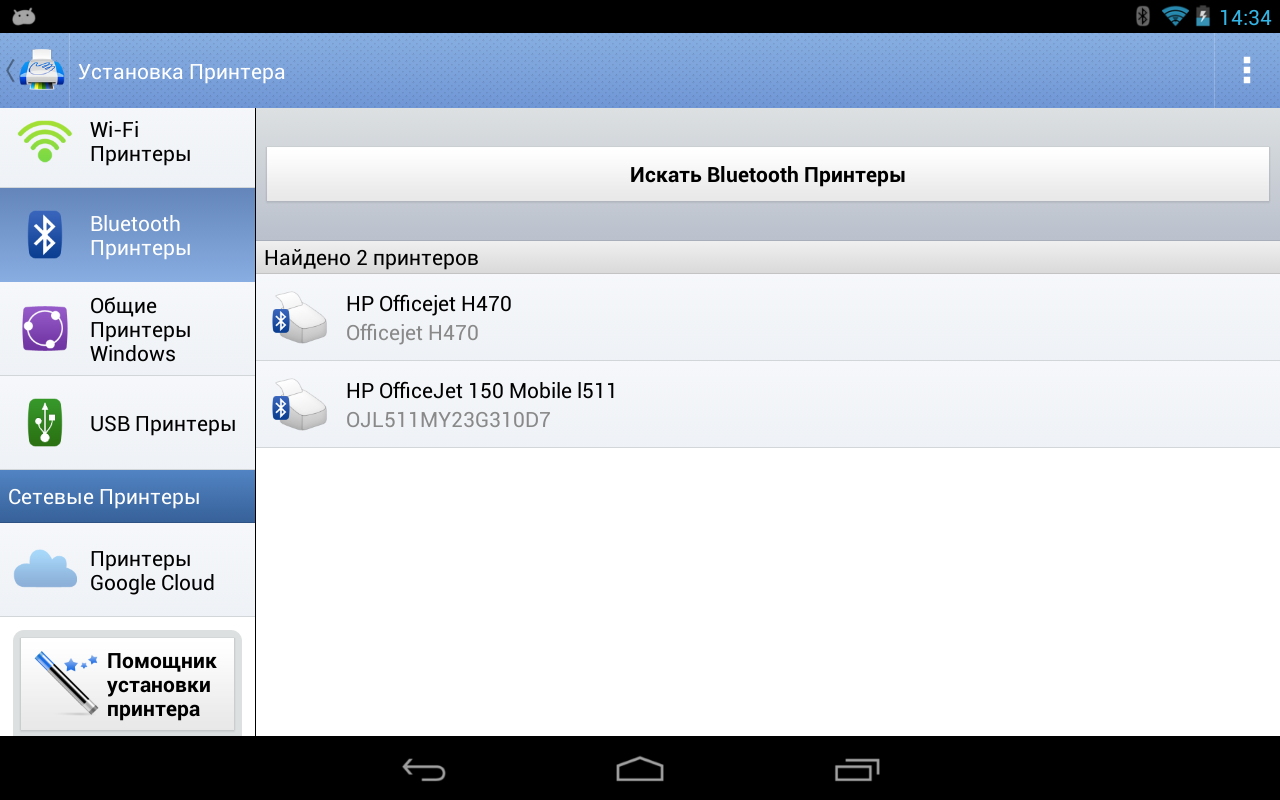
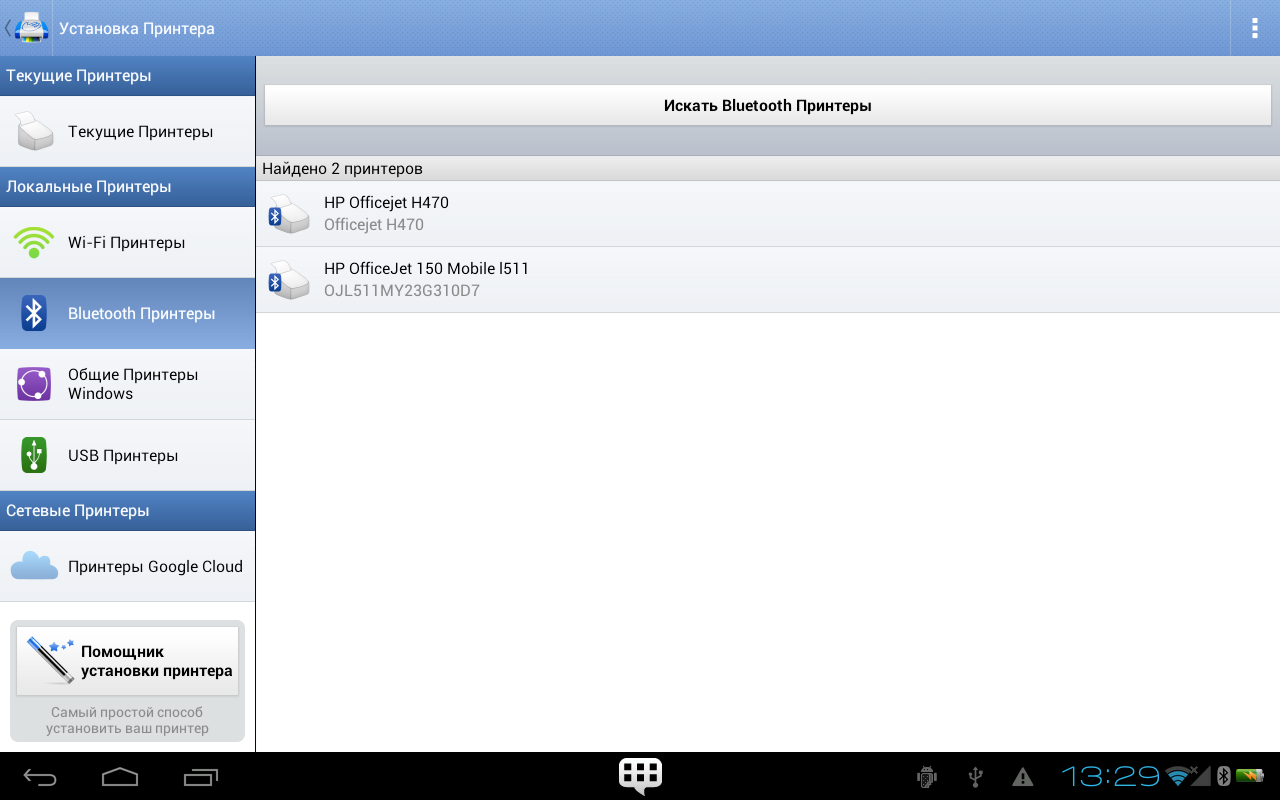
Quickly found and connected with my HP Officejet 150 Moble All-in-One printer which was already paired to my Samsung Tab's Bluetooth. HP's apps were not able to find or connect with this printer. Free version prints only a test page. I upgraded to Premium, installed free fonts and rendering pkgs, printed a text file and webpage. So far I see no problems. Can select page size, print quality, # of copies, reverse page order, etc. Does not scan.
I had to pay, after printing a test page, $9.~~ for PrintHand Mobile Print, but it was a one time charge and well worth it! I am extremely pleased. I've been printing so many things with it and the app has been flawless every single time!
I connected to a printer without a problem, but when I tried to actually print a document, the app said: "Nope, you have to pay to do that"... So in the end this is a free app to actually connect to a printer, not to print, that's extra my friend.
After unsuccessfully attempting to bluetooth print from multiple apps to my HP Bluetooth Mobile Printer I was able to download this app, confirm through the trial version it would be compatible with my phone & print a test sheet before purchasing the one time subscription of 17.99 (excellent price considering the amount of printing I do of shipping labels for my at home business) I can now simply and quickly print on the go and without any bugs or errors so far! Thanks!!!
This App is not without problems. If you have installed the App on Google Play and need to print Messages, you will have to pay twice and download the App from their own website. Then you face the problem of avoiding Google Play Update for the App in the future. Also there are printer problems and 2 parameters that can cause print crashes(Broken Pipe) - Paper(A4 works for me) and Size(Original size works for me). An alternative to print SMS Messages is convert SMS to a photo by help of an App like LongShot or any similar App. You could also copy/paste into ColorNote and then send it to PrintHand from there (different layout). An alternative to PrintHand could be that your printer company can have an Android App that you can use instead - like Epson iPrint. If things works for you, you will be happy with this App. If it does not, consider other options like using AirDroid and print from your PC instead.
Post a comment
To leave a comment, log in with your social network:
Or leave an anonymous comment. Your comment will be sent for moderation.
Post a comment
To leave a comment, log in with your social network:
Or leave an anonymous comment. Your comment will be sent for moderation.