


NokoPrint - Mobile Printing
23+
downloads5.0+
version Android
Added: Denis Rubinov
Version: 5.21.10
Size: 47 MB
Updated: 24.06.2025
Developer: Albafate
Age Limitations: Everyone
Downloaded on Google Play: 11349130
Category: Business
Description
Application NokoPrint - Mobile Printing was checked by VirusTotal antivirus. As a result of the scan, no file infections were detected by all the latest signatures.
How to install NokoPrint - Mobile Printing
- Download APK file apps from apkshki.com.
- Locate the downloaded file. You can find it in the system tray or in the 'Download' folder using any file manager.
- If the file downloaded in .bin extension (WebView bug on Android 11), rename it to .apk using any file manager or try downloading the file with another browser like Chrome.
- Start the installation. Click on the downloaded file to start the installation
- Allow installation from unknown sources. If you are installing for the first time NokoPrint - Mobile Printing not from Google Play, go to your device's security settings and allow installation from unknown sources.
- Bypass Google Play protection. If Google Play protection blocks installation of the file, tap 'More Info' → 'Install anyway' → 'OK' to continue..
- Complete the installation: Follow the installer's instructions to complete the installation process.
How to update NokoPrint - Mobile Printing
- Download the new version apps from apkshki.com.
- Locate the downloaded file and click on it to start the installation.
- Install over the old version. There is no need to uninstall the previous version.
- Avoid signature conflicts. If the previous version was not downloaded from apkshki.com, the message 'Application not installed' may appear. In this case uninstall the old version and install the new one.
- Restart annex NokoPrint - Mobile Printing after the update.




Requesting an application update
Added Denis Rubinov
Version: 5.21.10
Size: 47 MB
Updated: 24.06.2025
Developer: Albafate
Age Limitations: Everyone
Downloaded on Google Play: 11349130
Category: Business












Reviews for NokoPrint - Mobile Printing
very good
best application for offline mobile print connect with cable
best app
good app 👍👍👍
ok
very good but add are too much
poor quality printing
goood
A solid, reliable printing app. Ads not too intrusive and works better than Epson's own app a lot of the time. Update: now have a Brother printer and this app still works better than the Brother one, even though Noko is using a generic driver.
Excellent
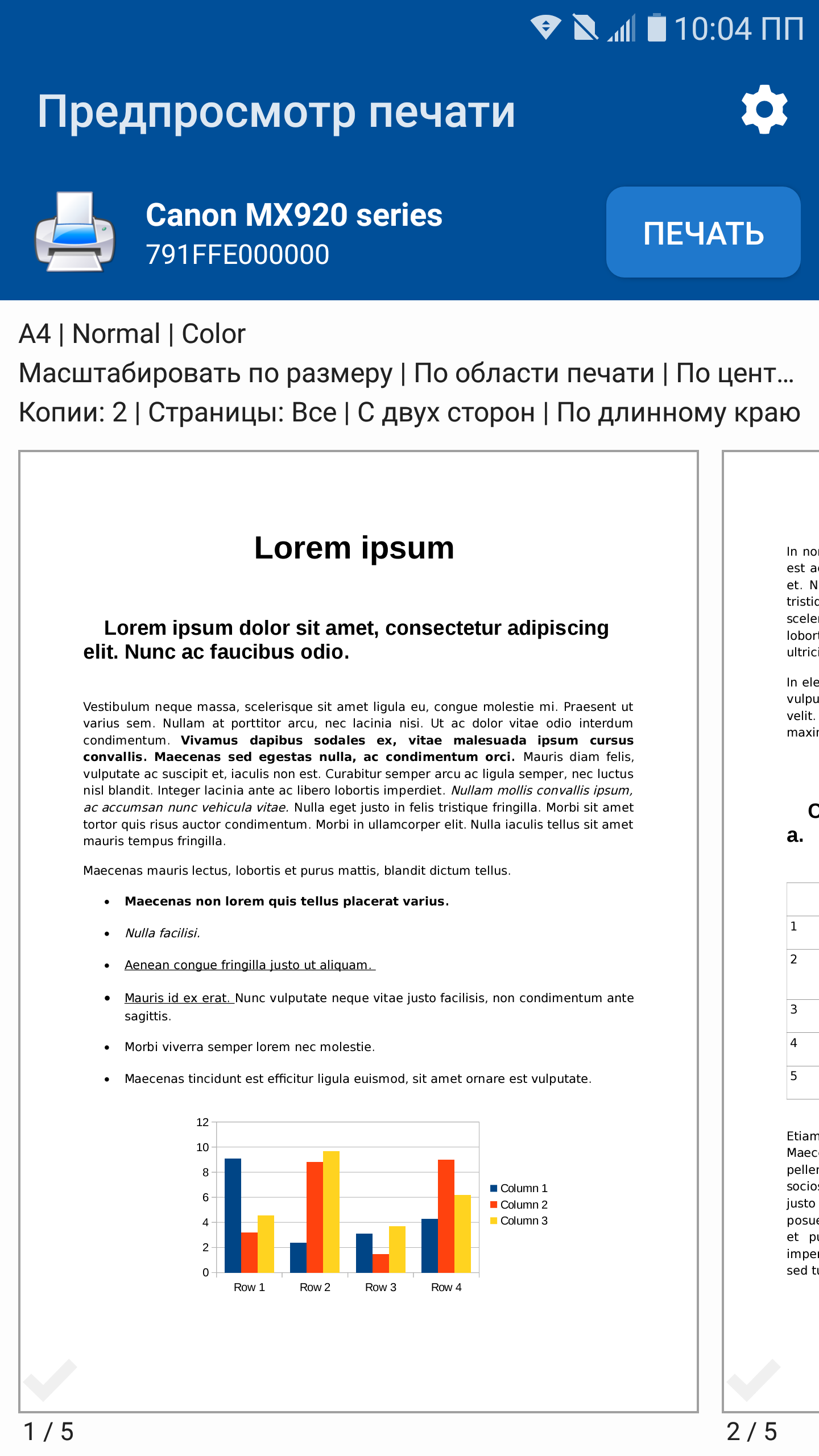
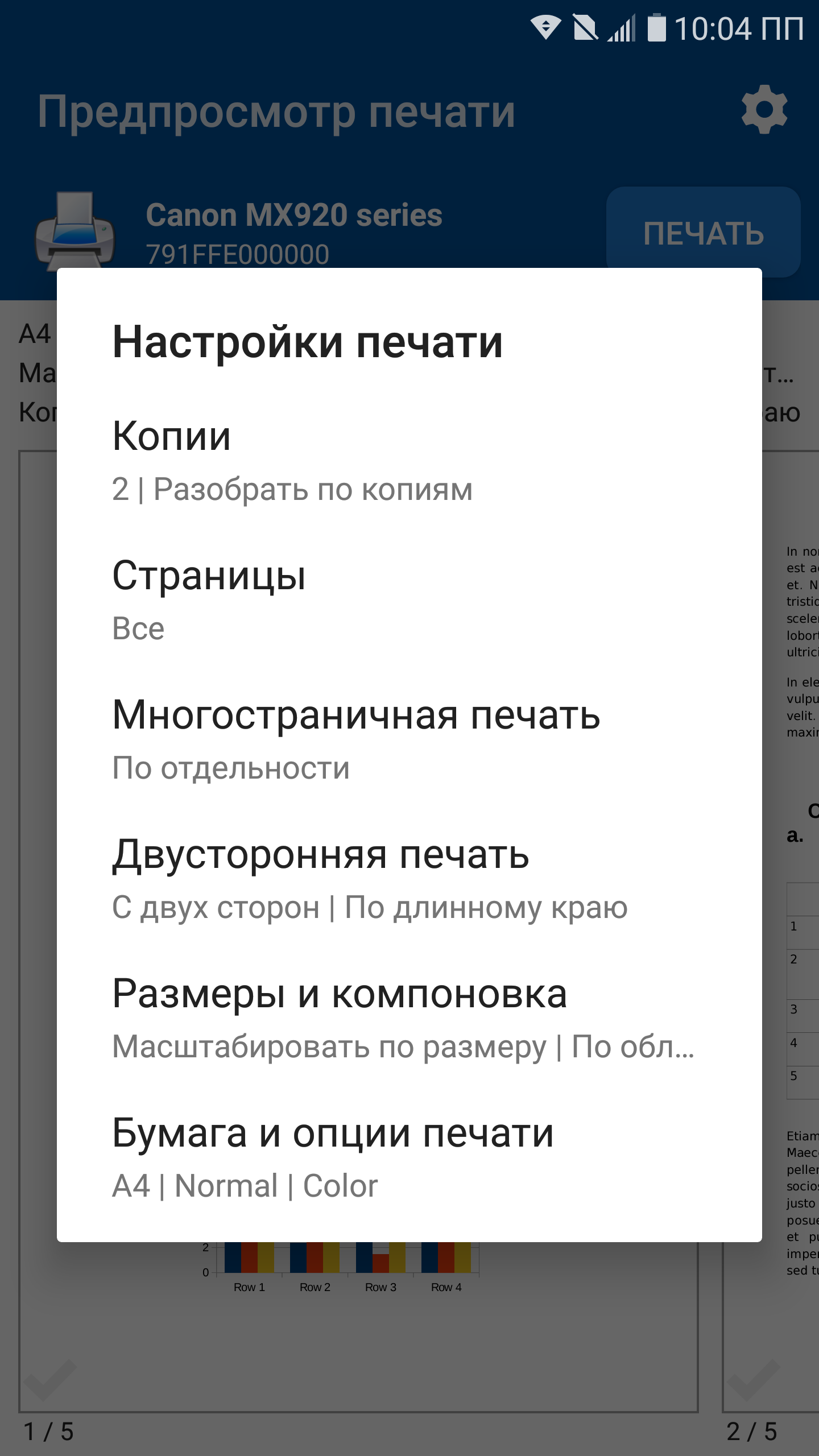
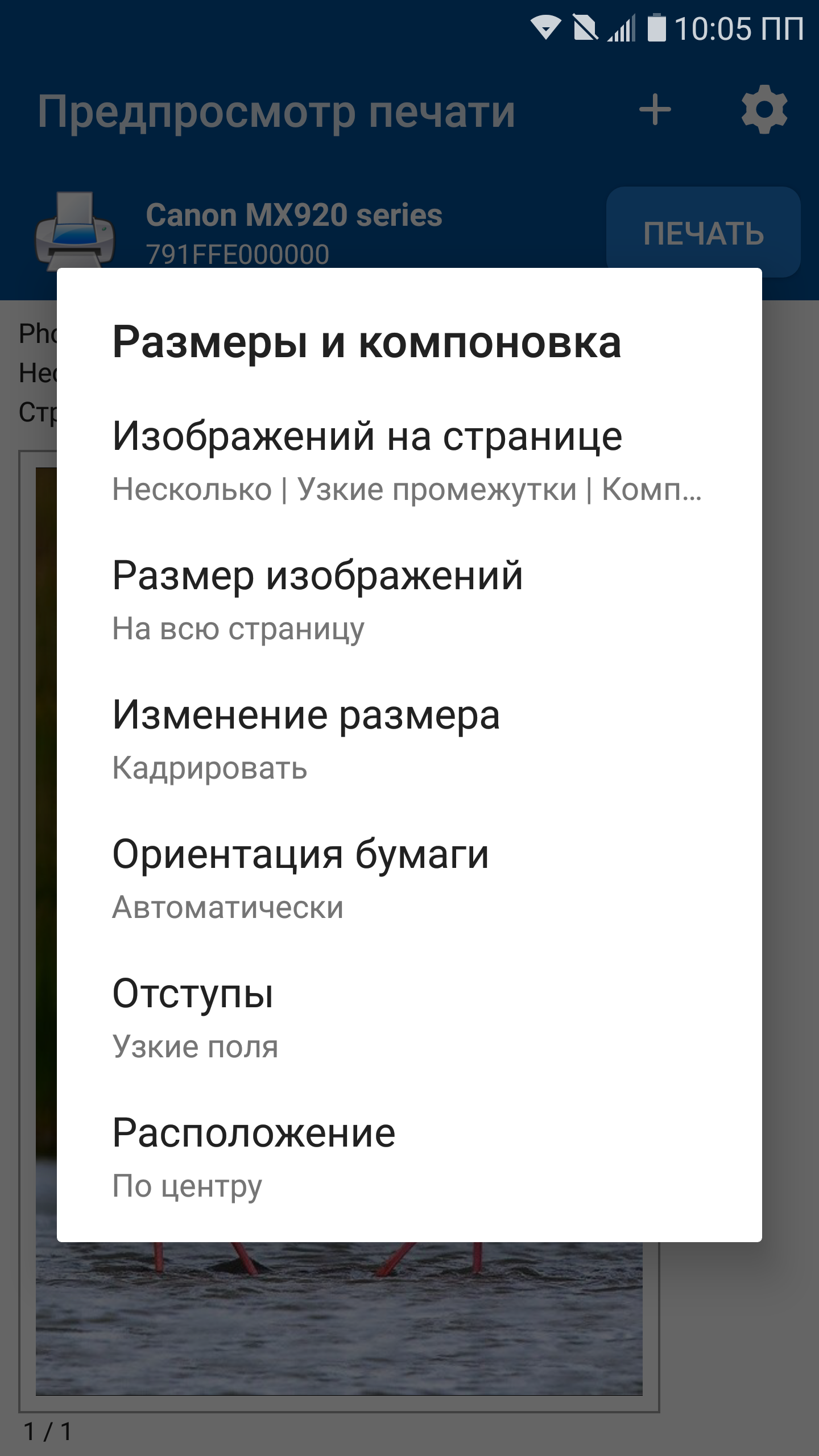
I really love this printer program. It lets me print huge articles on less paper by allowing me to do 2,4,6 and maybe i think even 9 pages per page. I use 2 or 4 ;). Anyway, it makes my life better. It lets you change your margin, and choose how you scale down your page. I use it with my canon printer. It does one side or two also. There are quite a few other choices as well. It gets updates sorta often, but i really really like this app. My spelling sucks sorry. But good job and thank you.
I purchased the ad-free version of the NokoPrint app on Google Play. I paid $9.99 on 08/29/2021 to have advertising removed from the app. I have the app on my phone and on my tablet computer. The app on my phone has no ads - the app on my tablet has intrusive ads that I would rather not see. I emailed Google and I also emailed the developer, Albafate, twice without response from either (3 emails total). That is very, very poor customer service. - Chipper F. Xavier, Esq.
Works perfectly with my ASUS C436 Chromebook! My Epson printer preview box wouldn't allow me to change the print quality. Lines were not fully printing with my Chromebook and the only resolution available was "Normal" which was like "Draft," but worse. This app fixed that issue. It has all the options needed to print anything. The only downside is I have to save the document first bc the app is not an option from Chrome pdf view page. *** Thank you, devs, for making this app! ***
Waaaay too many ads. HOWEVER, our stupid Xerox printer has been such a pain to print from. Wouldn't work by default, couldn't find it by IP, didn't even connect using the xerox print plug-in. Gave this app a shot, found the printer right away, brought up my recent documents so I didn't even have to dig through my internal storage, and printed first time, no hassle. $10 seemed a bit steep to outright buy it. But with how easy they made this for me after all the previous hassle, it was worth it.
I bought the full version because the devs deserve to get paid for a functional app. Prior to buying it, I found the ads to be only mildly annoying because it was approximately 1 ad per thing printed and I don't print that often from my phone. But when I do, I appreciate that I can print to many brands of printer from a single app. That includes wifi printing, Bluetooth printing and NFC printing. I did not notice if it'll do wired USB printing but wouldn't hurt to add that if you haven't done so
Post a comment
To leave a comment, log in with your social network:
Or leave an anonymous comment. Your comment will be sent for moderation.
Post a comment
To leave a comment, log in with your social network:
Or leave an anonymous comment. Your comment will be sent for moderation.