



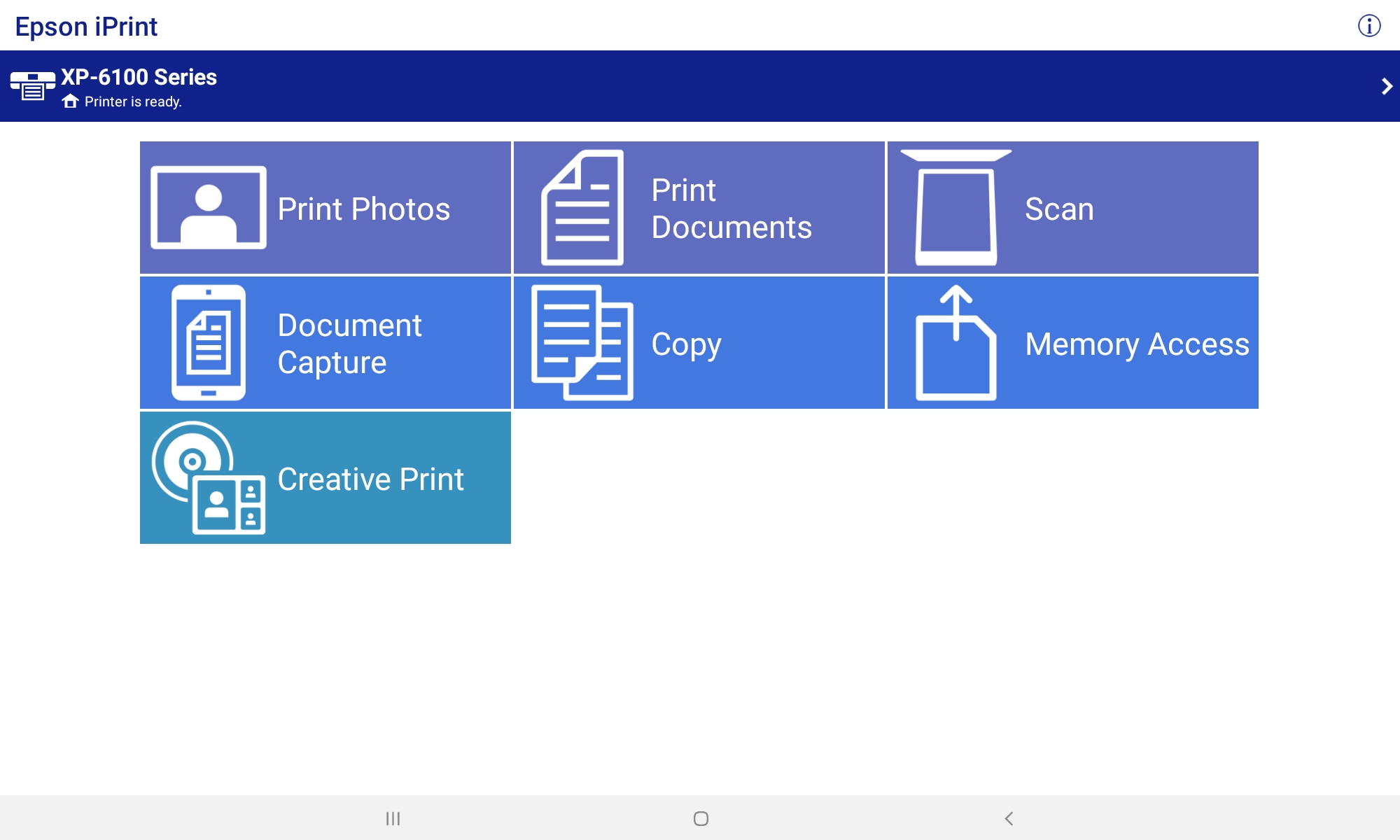
Epson iPrint
18+
downloads5.0+
version Android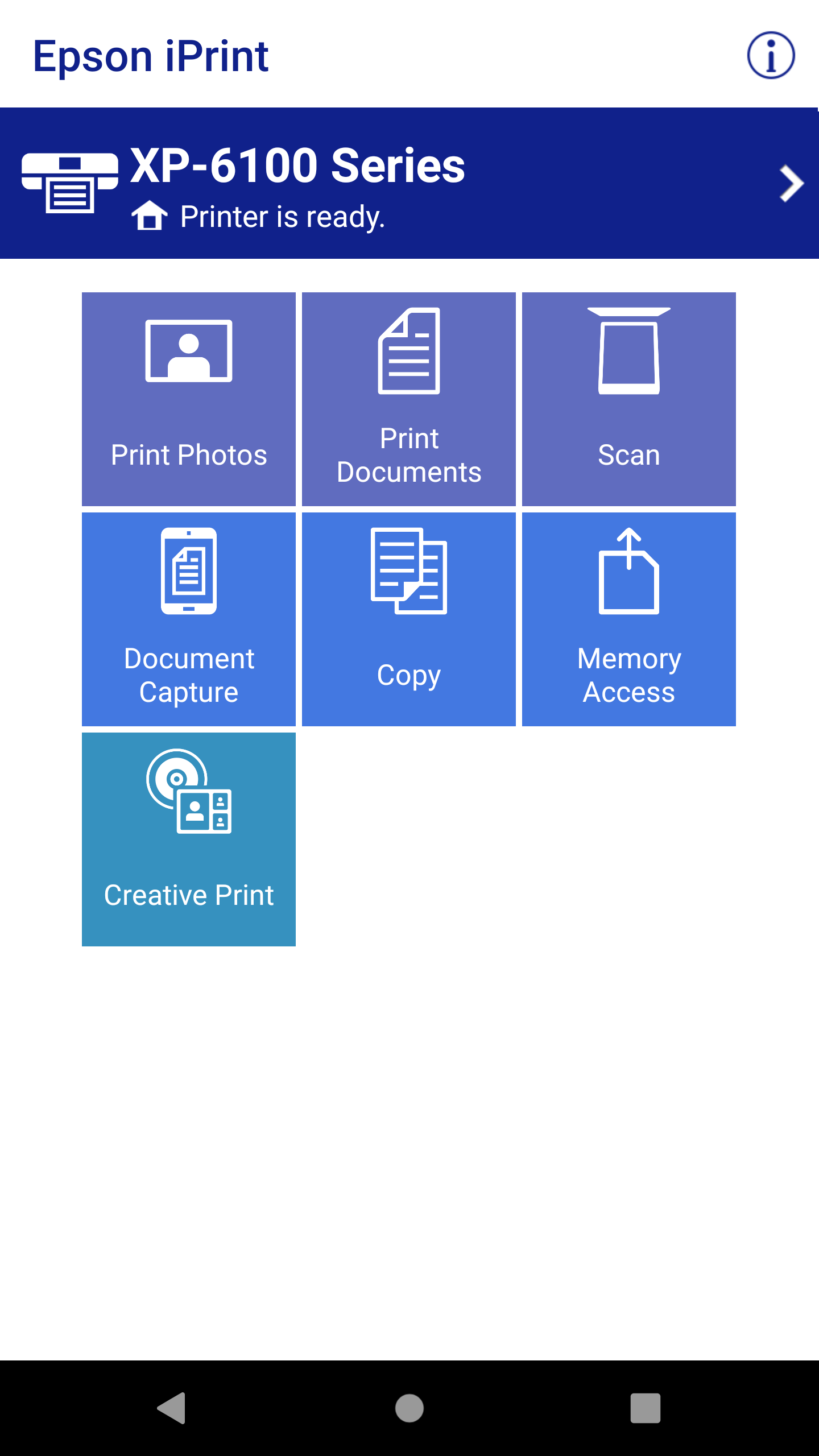
Added: Denis Rubinov
Version: 7.12.7
Size: 73.5 MB
Updated: 20.05.2025
Developer: Seiko Epson Corporation
Age Limitations: Everyone
Downloaded on Google Play: 65339406
Category: Tools
Description
Application Epson iPrint was checked by VirusTotal antivirus. As a result of the scan, no file infections were detected by all the latest signatures.
How to install Epson iPrint
- Download APK file apps from apkshki.com.
- Locate the downloaded file. You can find it in the system tray or in the 'Download' folder using any file manager.
- If the file downloaded in .bin extension (WebView bug on Android 11), rename it to .apk using any file manager or try downloading the file with another browser like Chrome.
- Start the installation. Click on the downloaded file to start the installation
- Allow installation from unknown sources. If you are installing for the first time Epson iPrint not from Google Play, go to your device's security settings and allow installation from unknown sources.
- Bypass Google Play protection. If Google Play protection blocks installation of the file, tap 'More Info' → 'Install anyway' → 'OK' to continue..
- Complete the installation: Follow the installer's instructions to complete the installation process.
How to update Epson iPrint
- Download the new version apps from apkshki.com.
- Locate the downloaded file and click on it to start the installation.
- Install over the old version. There is no need to uninstall the previous version.
- Avoid signature conflicts. If the previous version was not downloaded from apkshki.com, the message 'Application not installed' may appear. In this case uninstall the old version and install the new one.
- Restart annex Epson iPrint after the update.







Requesting an application update
Added Denis Rubinov
Version: 7.12.7
Size: 73.5 MB
Updated: 20.05.2025
Developer: Seiko Epson Corporation
Age Limitations: Everyone
Downloaded on Google Play: 65339406
Category: Tools












Reviews for Epson iPrint
best experience with Epson print. stuff I can't print with computer because of tons of unexpected issues as we all know with computers, with Epson print that problem has been resolved. only if computer apps could get that good.
always failing and doesn't show printer
buen funcionamiento
Epson value of money
worked great!
napaka helpful Lalo na kung Wala Kang laptop or desktop pravo
Continues to worked fine for me, no issues. 5/18/25
finally got to work.
ET 2400 IS AWFUL DONT BUY
good one
At first I was reluctant of this printer when my husband bought it. It had all the features I needed as a work from home accessory but the new ink concept concerned me most. Turns out my fears were misplaced as everything has exceeded expectations. Not only do we save lots of money on ink but the print quality remains excellent each time. The app is an added bonus as its efficient and easy to use. Recommend!
It was a 5 until a recent update. Now, it is not communicating with the printer like it should. My work requires me to print multiple documents per day. The first 2 or 3 will print with no issues. After that, it refreshes the preview when I tap print but does not send the document to the printer. I have to save all documents as a PDF then open them from my phone and print. Sometimes, that won't work. At that point, I have to close the app, clear the cache, and try again. Wastes time.
When app works, it's pretty good. And the maintenance features are very convenient. But the printer frequently loses connection to WiFi and then you have to clear its buffer and start your print job all over again-- which is annoying and very time consuming. You have to have the app running in the fore-ground, too. If it runs in the background-- as in when you're looking at something else while the printer is working-- the print job hangs and, again, must be restarted. Decent app, but not great
Finally!, a reliable way to quickly print something from my phone. The set-up was straightforward and, as long as you keep your printer drivers and utilities up-to-date, it just keeps working. Trying to print from my phone was untenable until I got a wireless printer, which is the underlying assumption here - all bets are off if you don't have a printer with a wireless adapter inside...
Unreliable! Works only when the stars align. A very sorry excuse for a professional app with the manufacturer's name on it. Error messages don't truly help you figure out why suddenly it's not working even though nothing has changed. Then just as unexpectedly it works again. I'm considering replacing the printer anyway just to end this abusive relationship--it lulls me into believing it's there for me but then eats up all my time and patience with fruitless troubleshooting!
Post a comment
To leave a comment, log in with your social network:
Or leave an anonymous comment. Your comment will be sent for moderation.
Post a comment
To leave a comment, log in with your social network:
Or leave an anonymous comment. Your comment will be sent for moderation.