


Brother iPrint&Scan
61+
downloads4.0+
version Android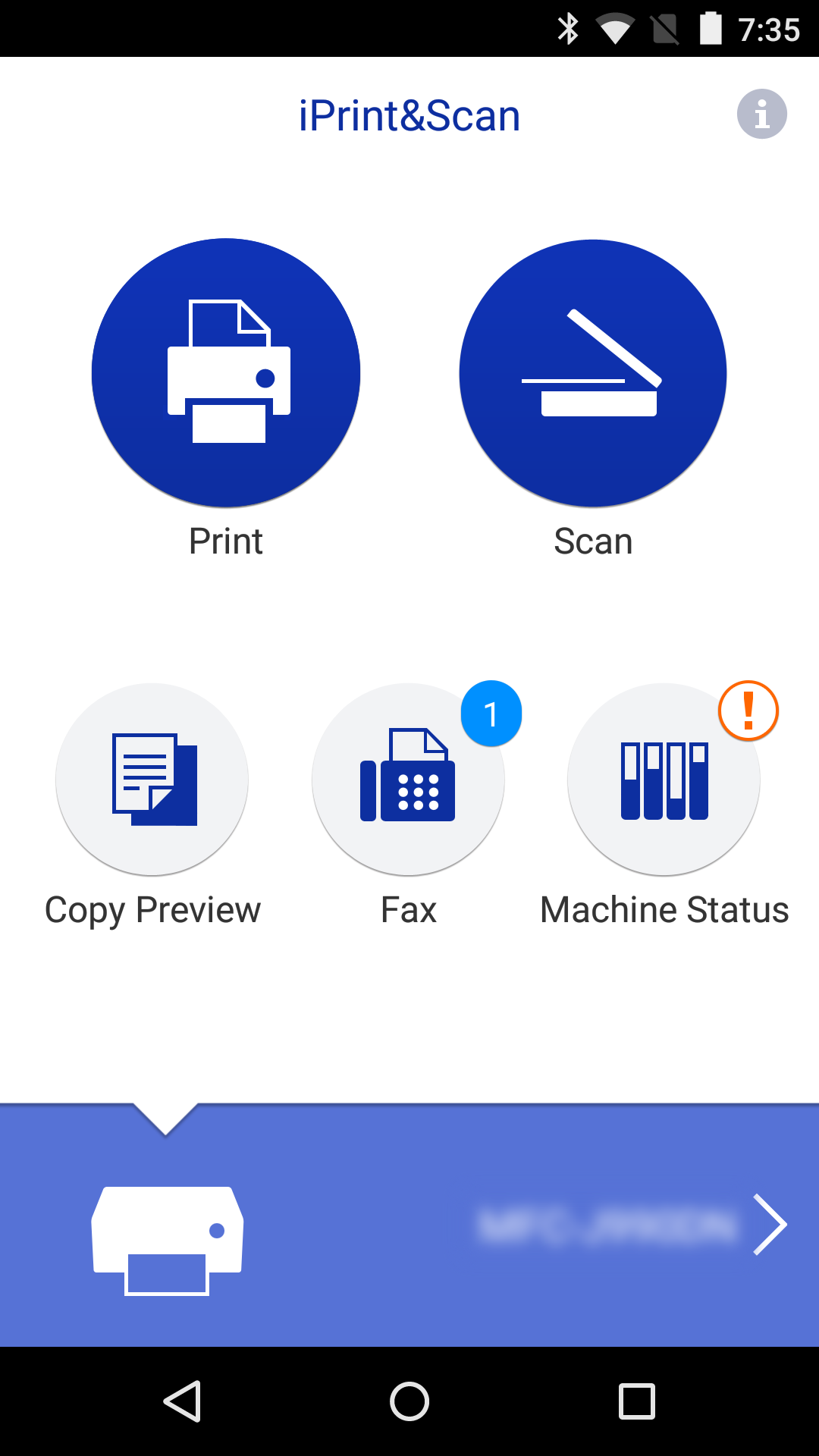
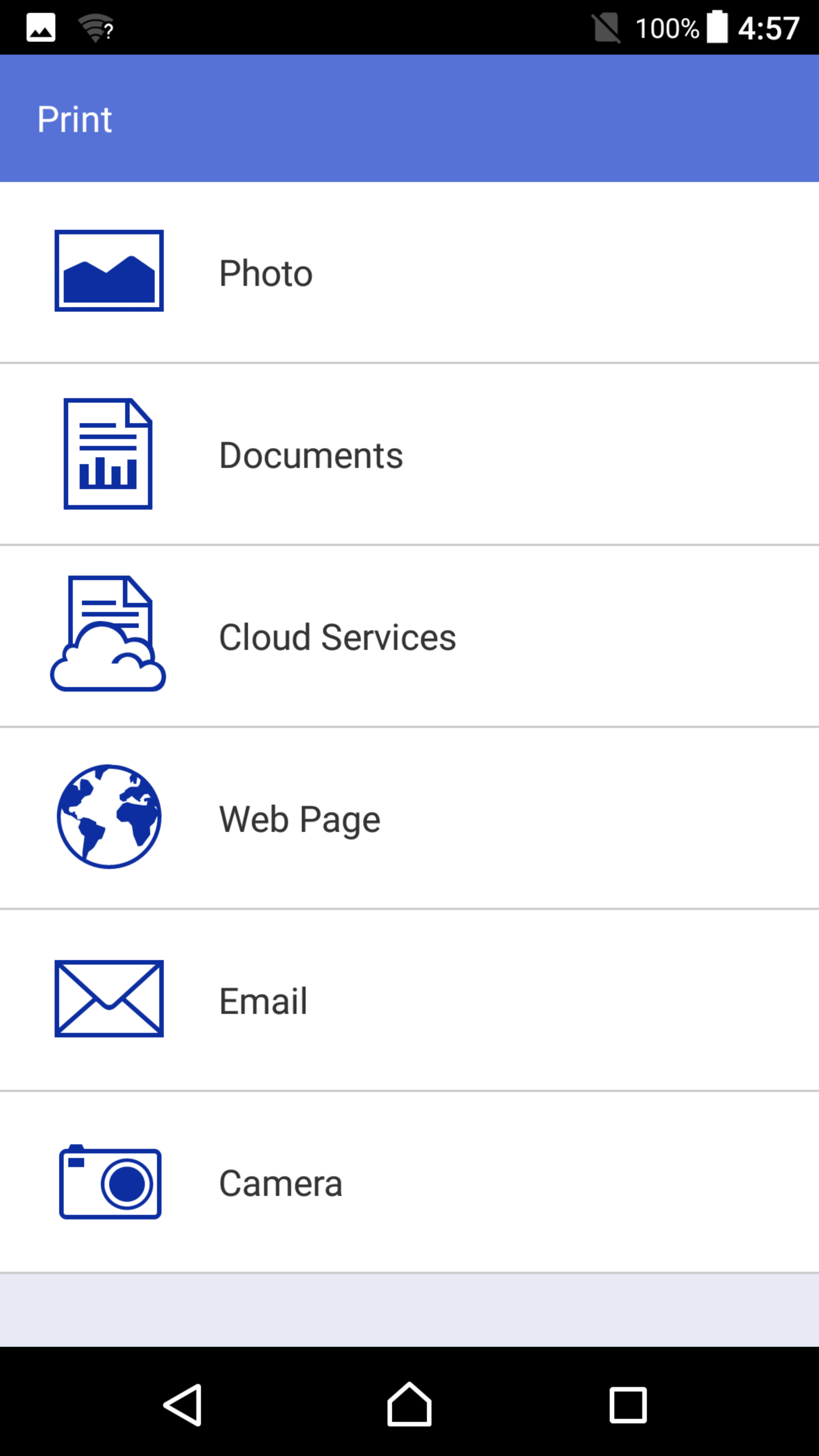
Added: Denis Rubinov
Version: 6.13.5
Size: 68 MB
Updated: 24.06.2025
Developer: Brother Industries, Ltd.
Age Limitations: Everyone
Downloaded on Google Play: 26344416
Category: Tools
Description
Application Brother iPrint&Scan was checked by VirusTotal antivirus. As a result of the scan, no file infections were detected by all the latest signatures.
How to install Brother iPrint&Scan
- Download APK file apps from apkshki.com.
- Locate the downloaded file. You can find it in the system tray or in the 'Download' folder using any file manager.
- If the file downloaded in .bin extension (WebView bug on Android 11), rename it to .apk using any file manager or try downloading the file with another browser like Chrome.
- Start the installation. Click on the downloaded file to start the installation
- Allow installation from unknown sources. If you are installing for the first time Brother iPrint&Scan not from Google Play, go to your device's security settings and allow installation from unknown sources.
- Bypass Google Play protection. If Google Play protection blocks installation of the file, tap 'More Info' → 'Install anyway' → 'OK' to continue..
- Complete the installation: Follow the installer's instructions to complete the installation process.
How to update Brother iPrint&Scan
- Download the new version apps from apkshki.com.
- Locate the downloaded file and click on it to start the installation.
- Install over the old version. There is no need to uninstall the previous version.
- Avoid signature conflicts. If the previous version was not downloaded from apkshki.com, the message 'Application not installed' may appear. In this case uninstall the old version and install the new one.
- Restart annex Brother iPrint&Scan after the update.





Requesting an application update
Added Denis Rubinov
Version: 6.13.5
Size: 68 MB
Updated: 24.06.2025
Developer: Brother Industries, Ltd.
Age Limitations: Everyone
Downloaded on Google Play: 26344416
Category: Tools












Reviews for Brother iPrint&Scan
I tried this app on Brother printer DCP-T220 through USB connection and while it did connect and set up properly, the app won't allow me to print due to unknown restrictions.
nice
very bad ब्लूटूथ कनेक्शन वाई-फाई कनेक्शन वेरी बैड वेरी पुअर बेहयात प्रिंटर है इसको कोई नहीं लेना एकदम घटिया है
it works very well on my Samsung A52.
I want to connect my printer to the wifi by using thos app (I got redirected from the mobile connect ap) , then it says connect your machine to the network... ye, this is what I want, thank you very much
Big Thank You
problem with connecting with printer and printing selected pages is a tidius process and is inconvenient to adjust the quality or etc distrussed in the quality of the printer app
Transformation in a new generation
BROTHER APPS WILL NOT UPDATE FIRMWARE ON MFC-L3770CDW BUYER BEWARE NOT ALL FIRWARE WORKS WITH ANDROID NOR YOUR LAPTOP NOR YOUR DESKTOP. ENJOY CRAPTASTIC SERVICE AND NO REGISTERING WITH IN 4 YEARS THEN NOT UPDTAES TO COLOR LASER PRINTER NO HELP EITHER!
good easy to use
I don't understand why any app developer who is employed by a company who manufactures printers would leave out the option to manually modify the print scale % on a printing app. Majority of other print settings you'd want to modify aren't available either. When you can only access like 25% or less of the printers options via mobile app, it makes the printer 100% useless. Absolutely frustrating and infuriating
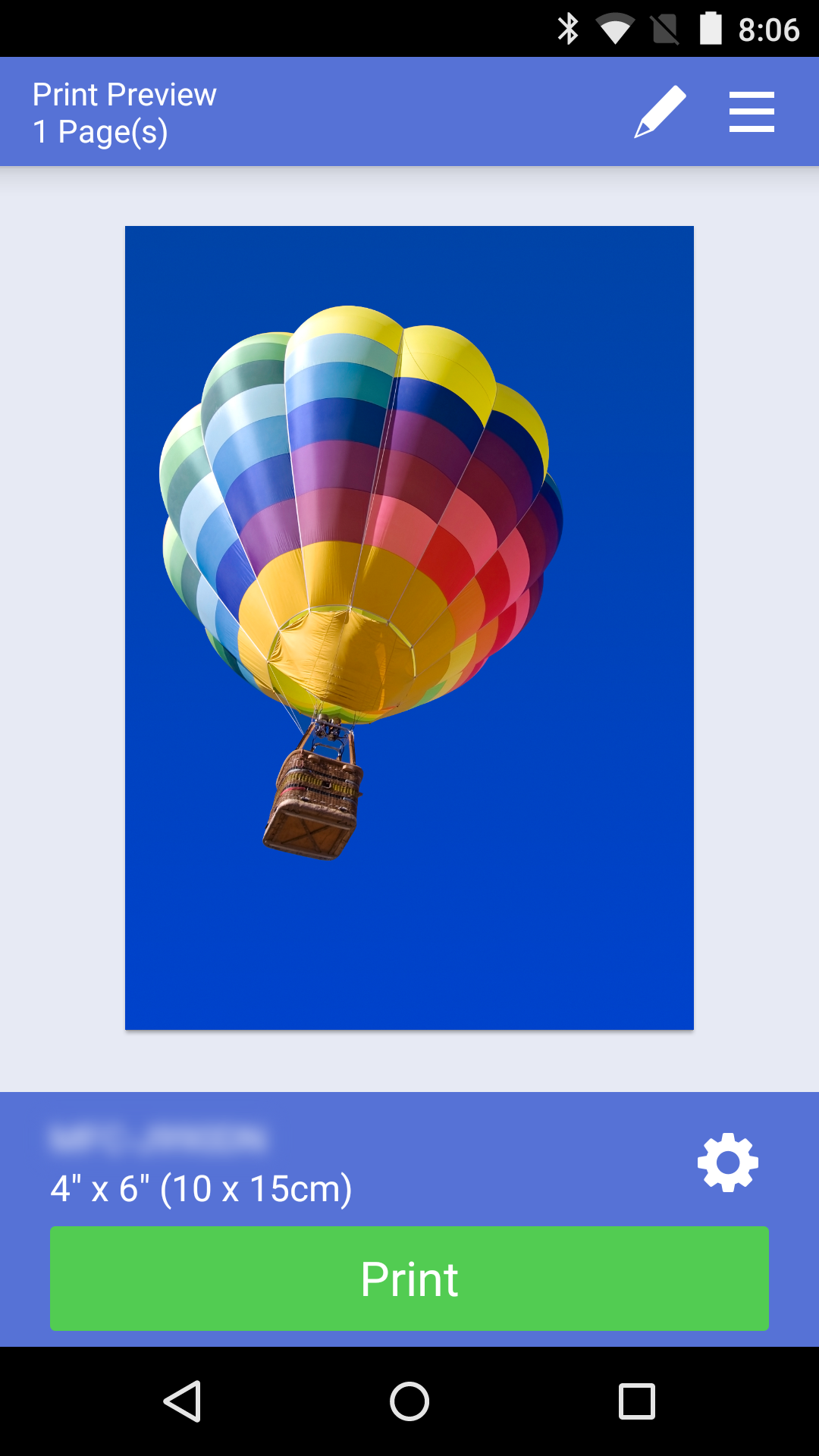
I used this app every single day to print labels out. How many times did I have issues with it? Every single time. There is always some random chance the app won't recognize the pdf at all. I have to make several attempts every time I print and each time it takes the app a few minutes to decide whether it wants to work. I have tried updating the app and installing on other devices and always the same result. You're much better off using whatever other print software your device is capable of
Works but is laborious. It requires internet and doesn't connect directly with the phone or the printer. When I had an epson I didn't need internet. I could just access (with speed) my files and print quickly. This app should at least be able to access the phone files with out having to upload them to an outside source so you can print them in your own home. Ugh.
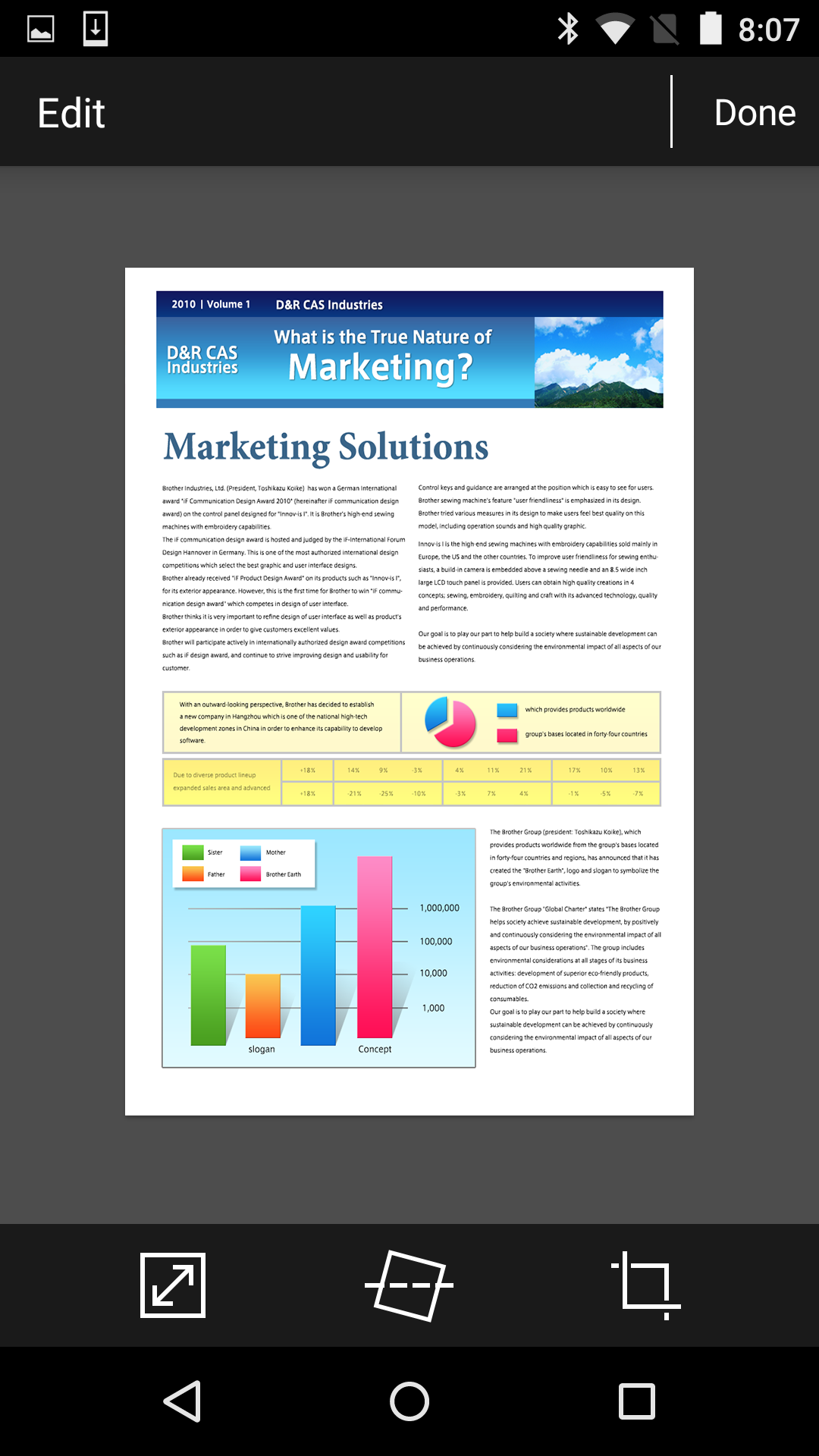
Scannned 20 pages. Began cropping. Tapped where it said "tap here for full screen." A message popped up saying this app may not work in full screen and I lost all 20 pages. Mfc-J6935dw is the least user-friendly printer I've ever had. The brother utility scan on my PC does not allow cropping or editing at all. This is why I was trying to use their Android app 4 scanning which at least allows cropping and rotating.
The app works great; you can print and scan using your mobile device, which is useful and is actually speedy. HOWEVER, scan settings apparently differ from the app and the Brother windows program. Yes, I read this can happen so for instance on windows, you can choose to scan with error diffusion and scanned pages come out clear. BUT, when you scan with the app, there is no error diffusion option so scanned pages come out with dark spots throughout the page and the letters are blurry. Again, why even have a scanned feature if it's not going to work properly?
Post a comment
To leave a comment, log in with your social network:
Or leave an anonymous comment. Your comment will be sent for moderation.
Post a comment
To leave a comment, log in with your social network:
Or leave an anonymous comment. Your comment will be sent for moderation.