



Microsoft Teams
16+
downloads4.4+
version Android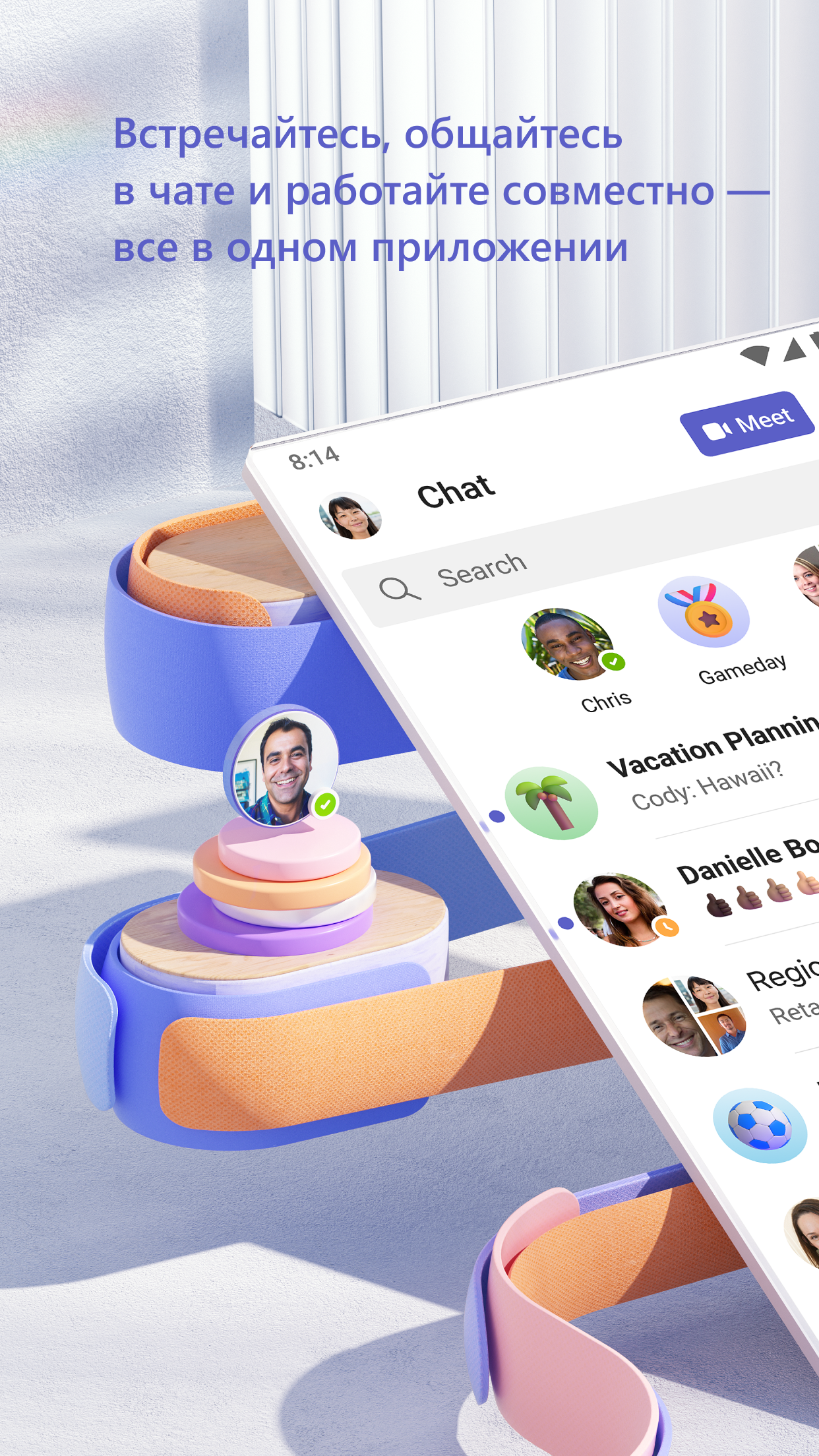
Added: Denis Rubinov
Version: 1.0.0.2025063004
Size: 362.1 MB
Updated: 19.05.2025
Developer: Microsoft Corporation
Age Limitations: Everyone
Authorizations: 28
Downloaded on Google Play: 404940074
Category: Business
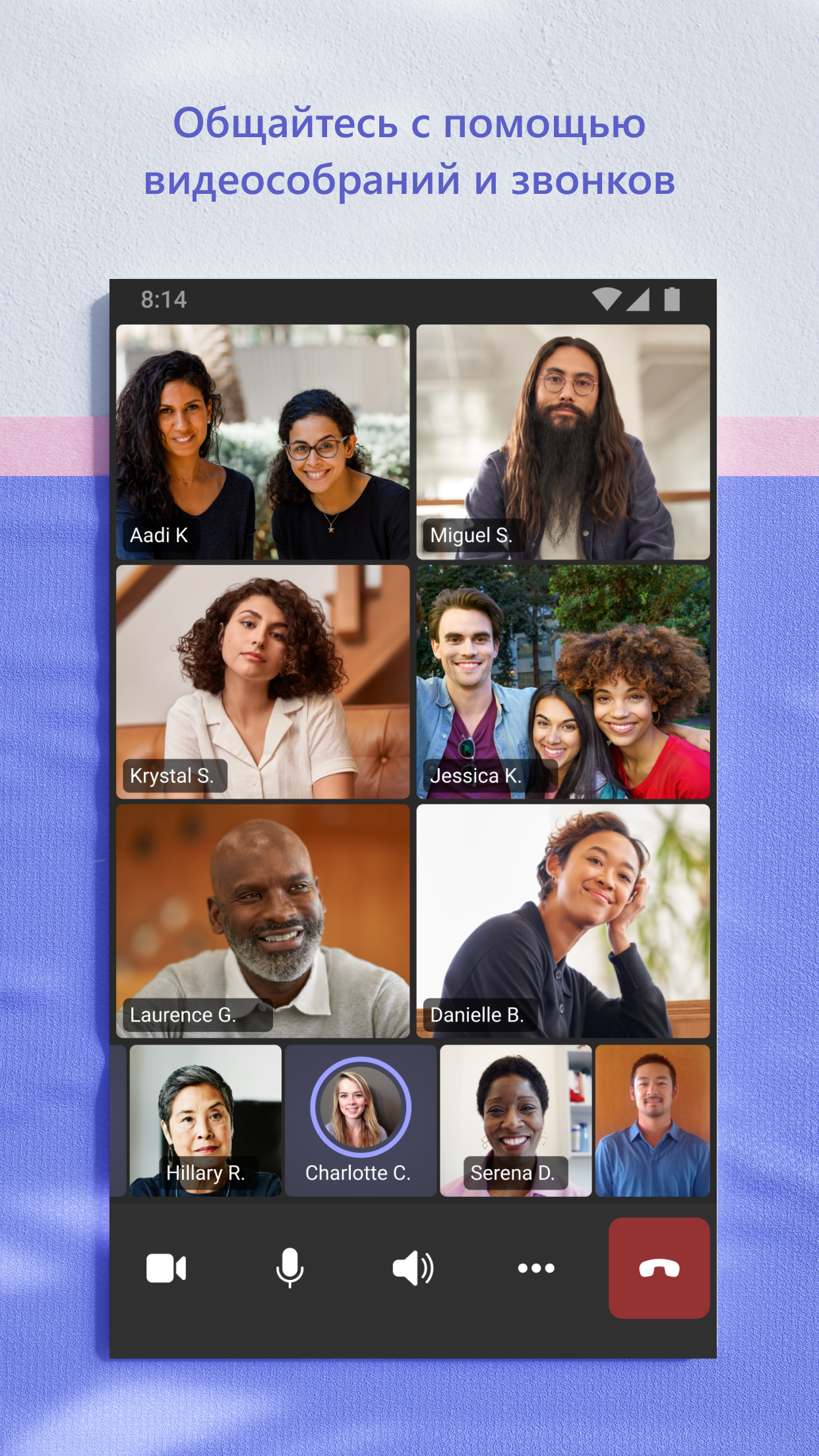
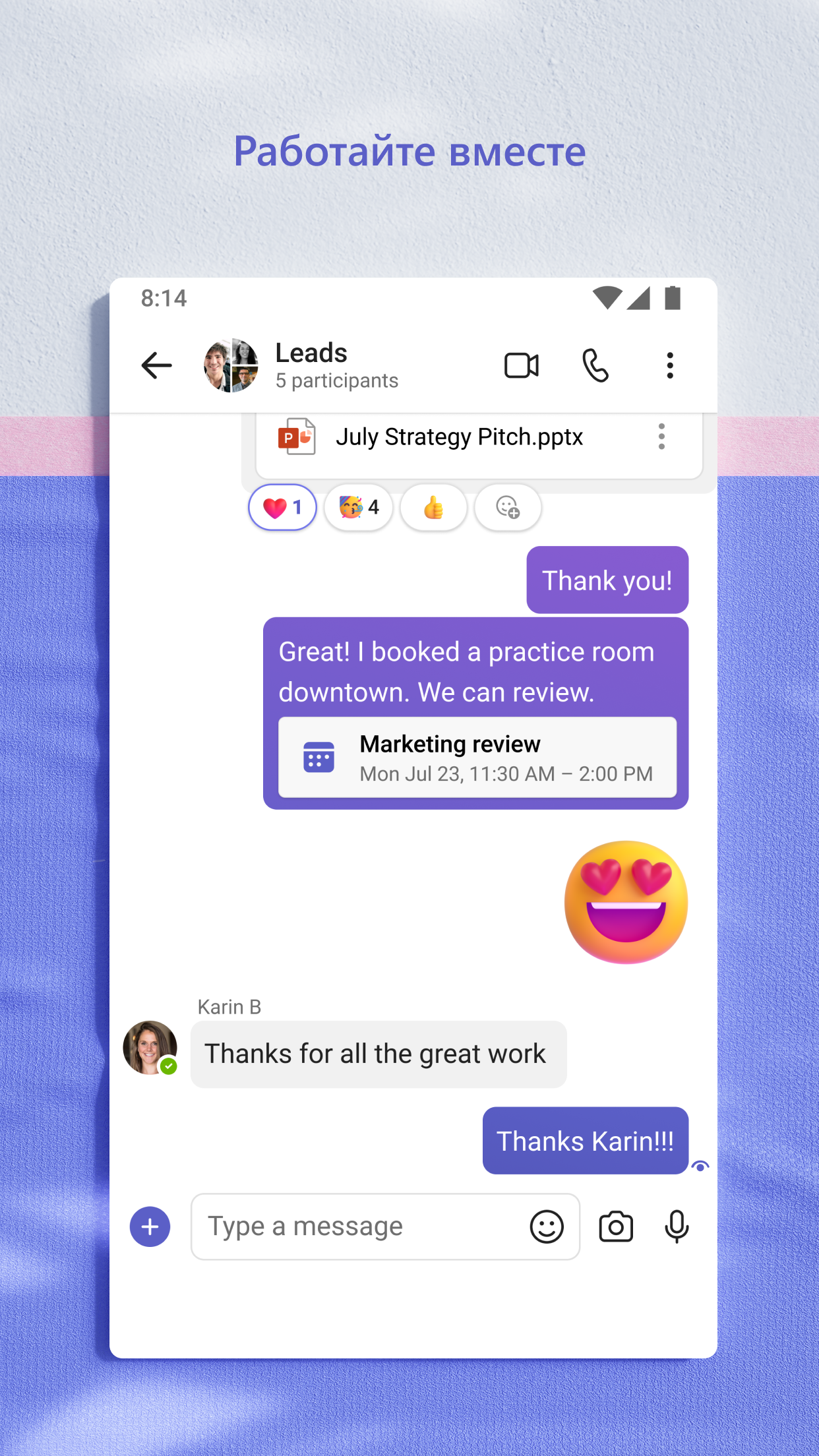
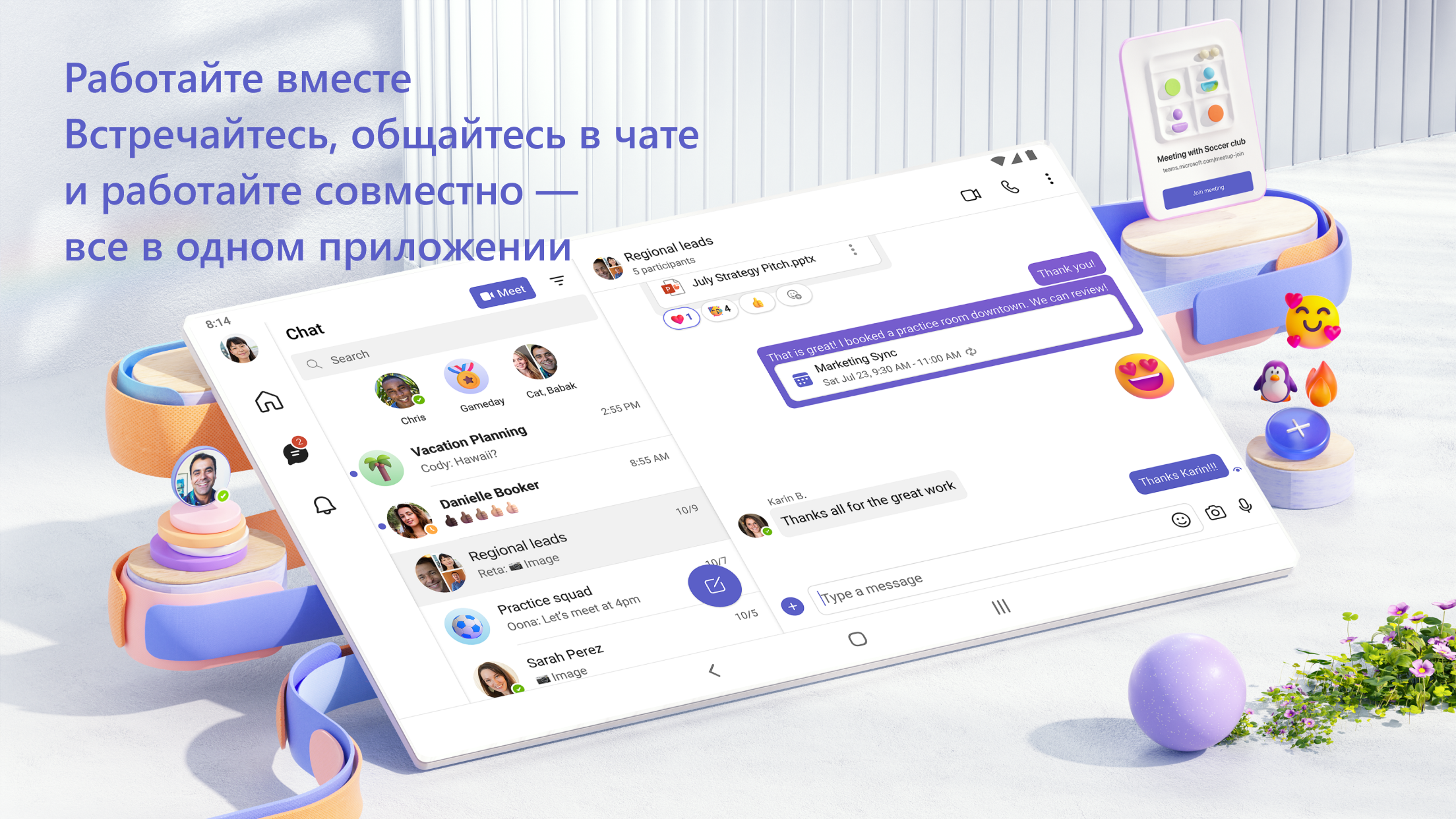
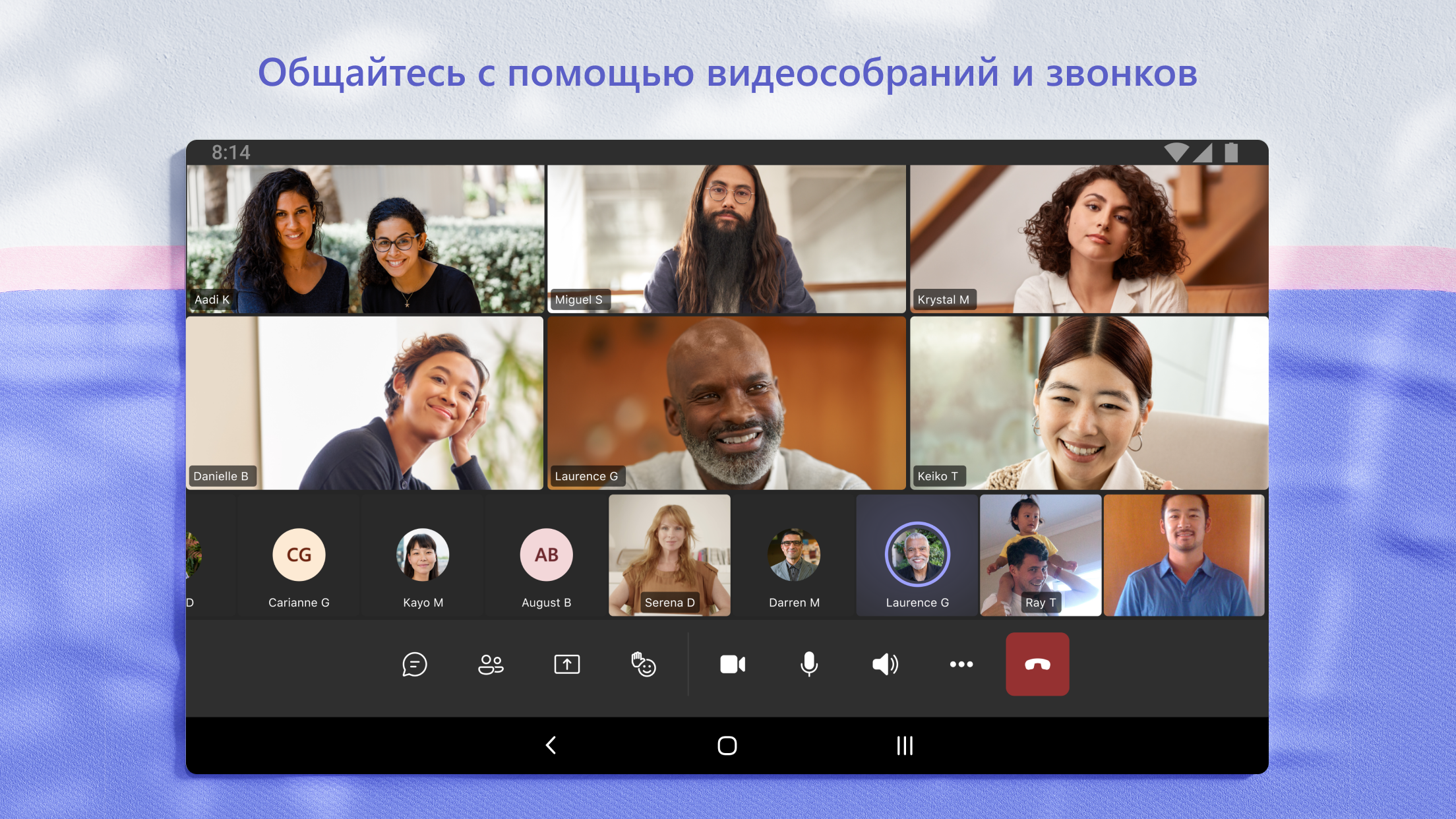
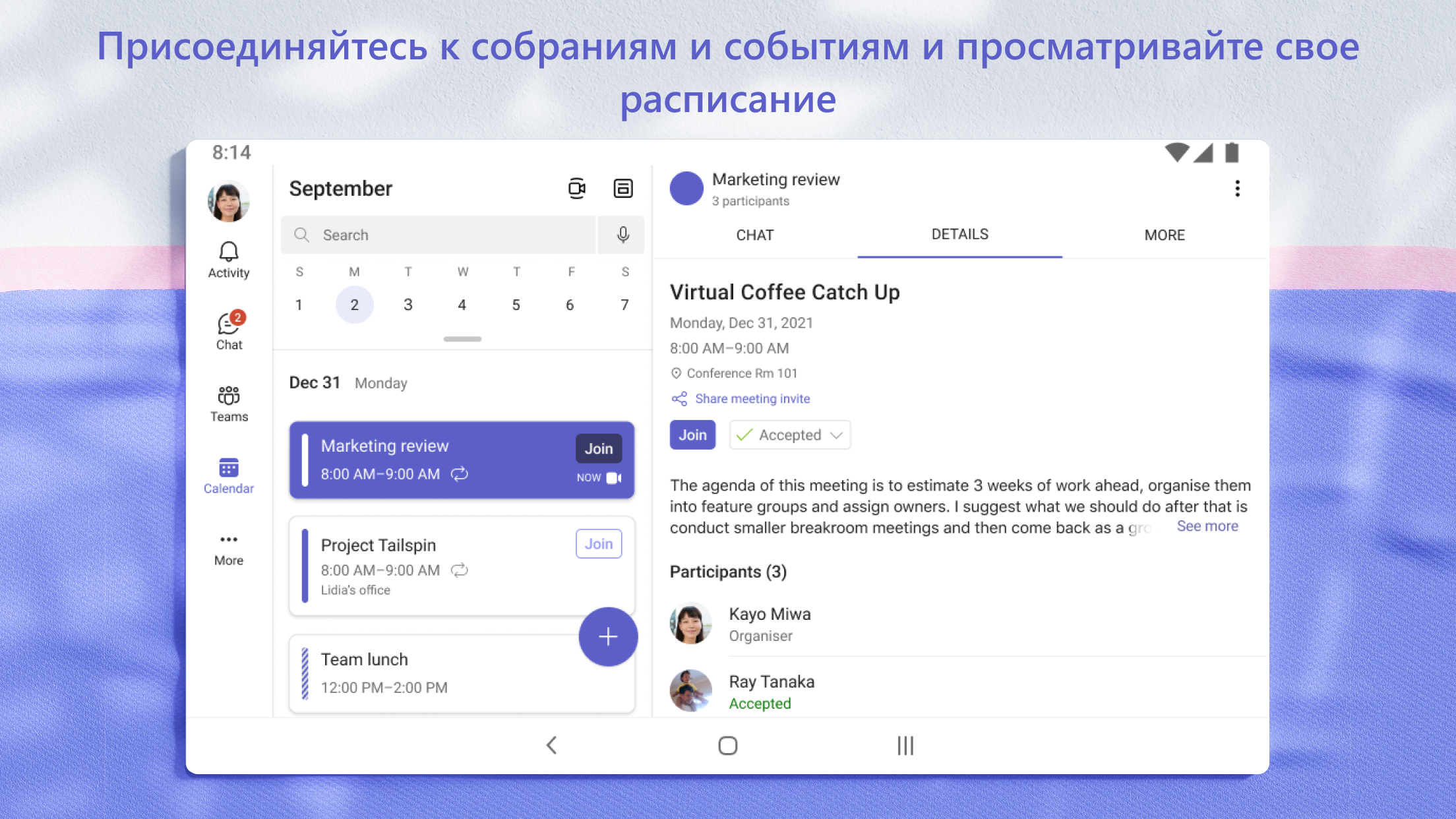
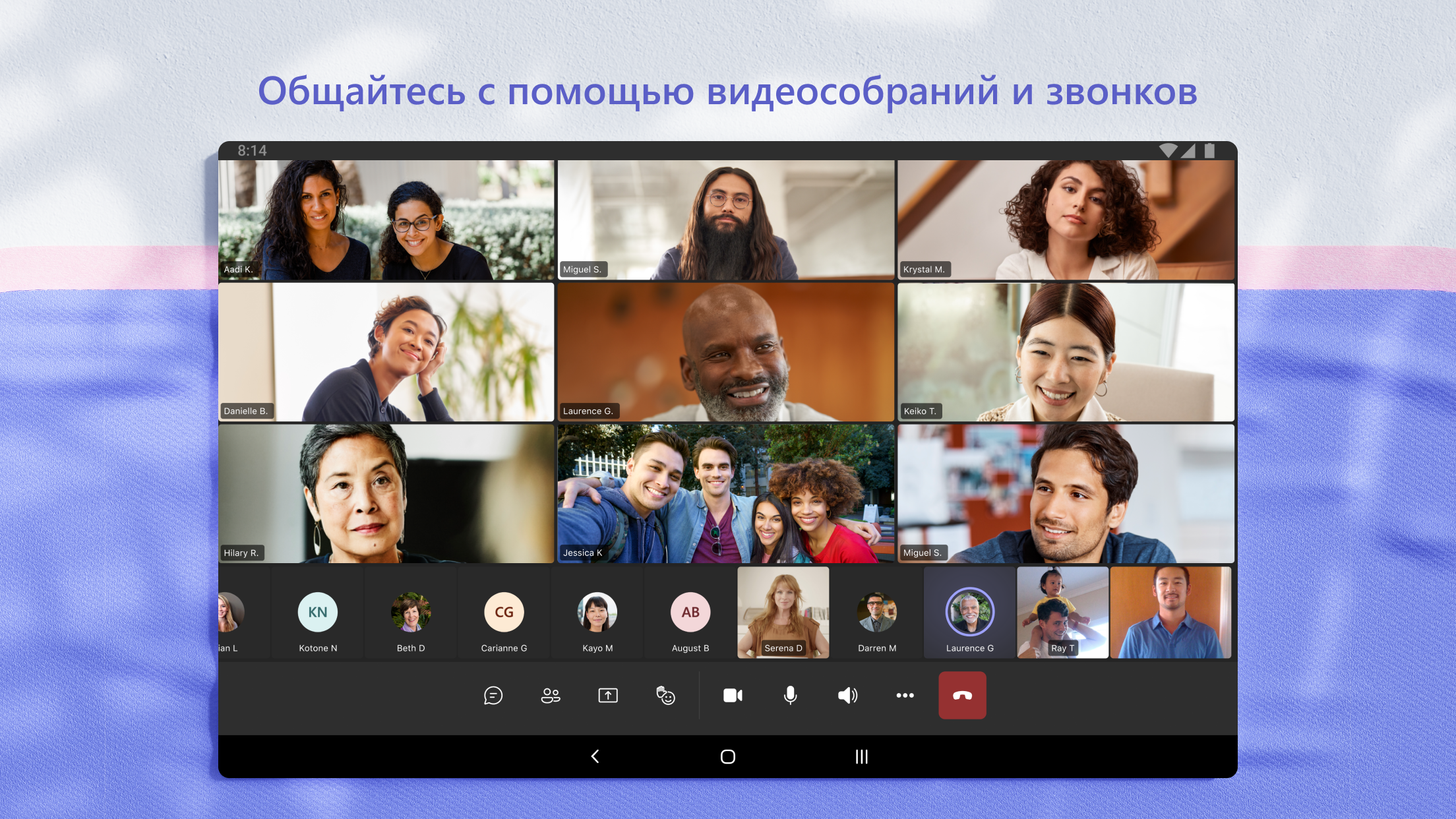
- High quality audio and video communications.
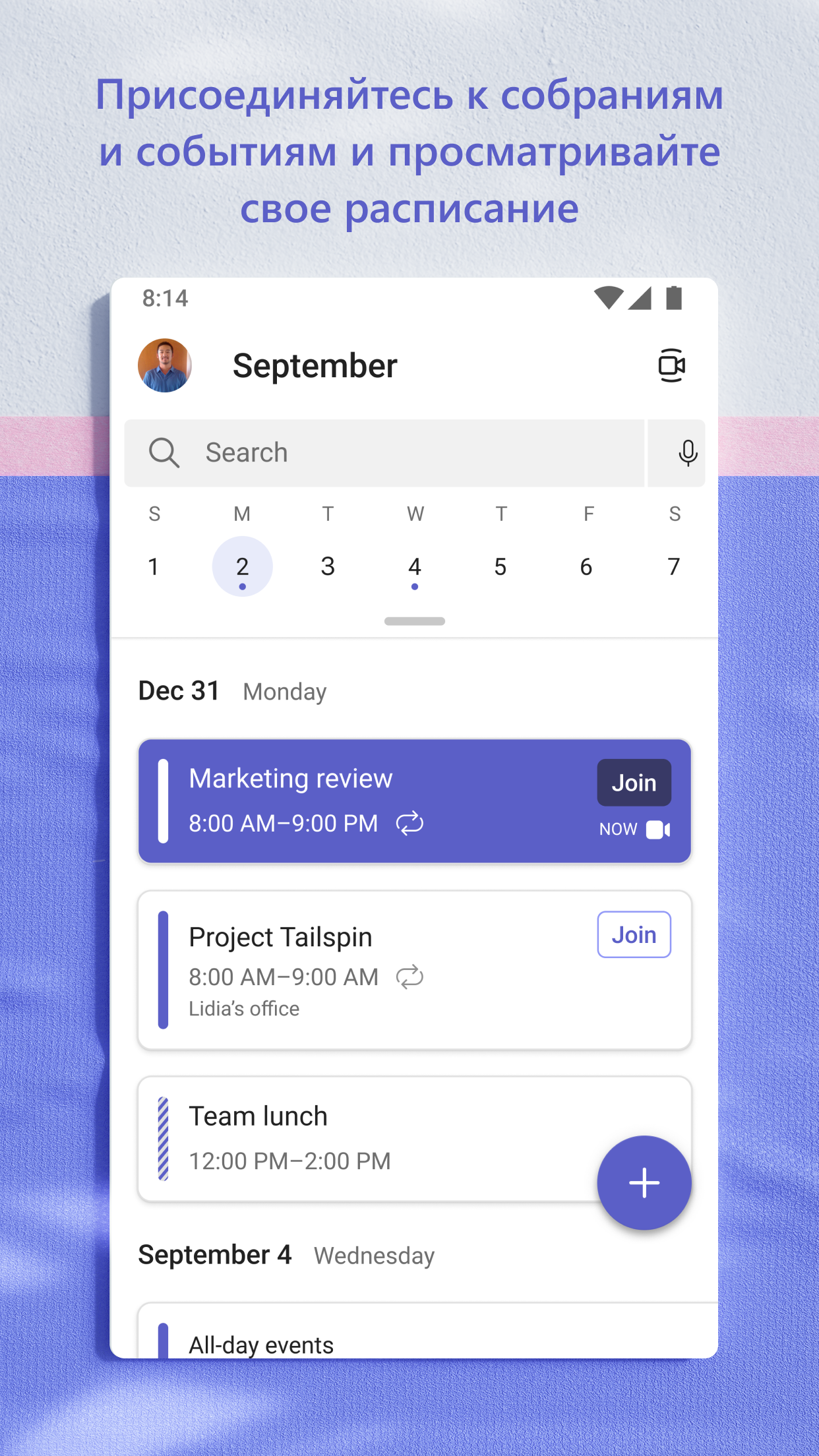
- Customizable Push Notifications.
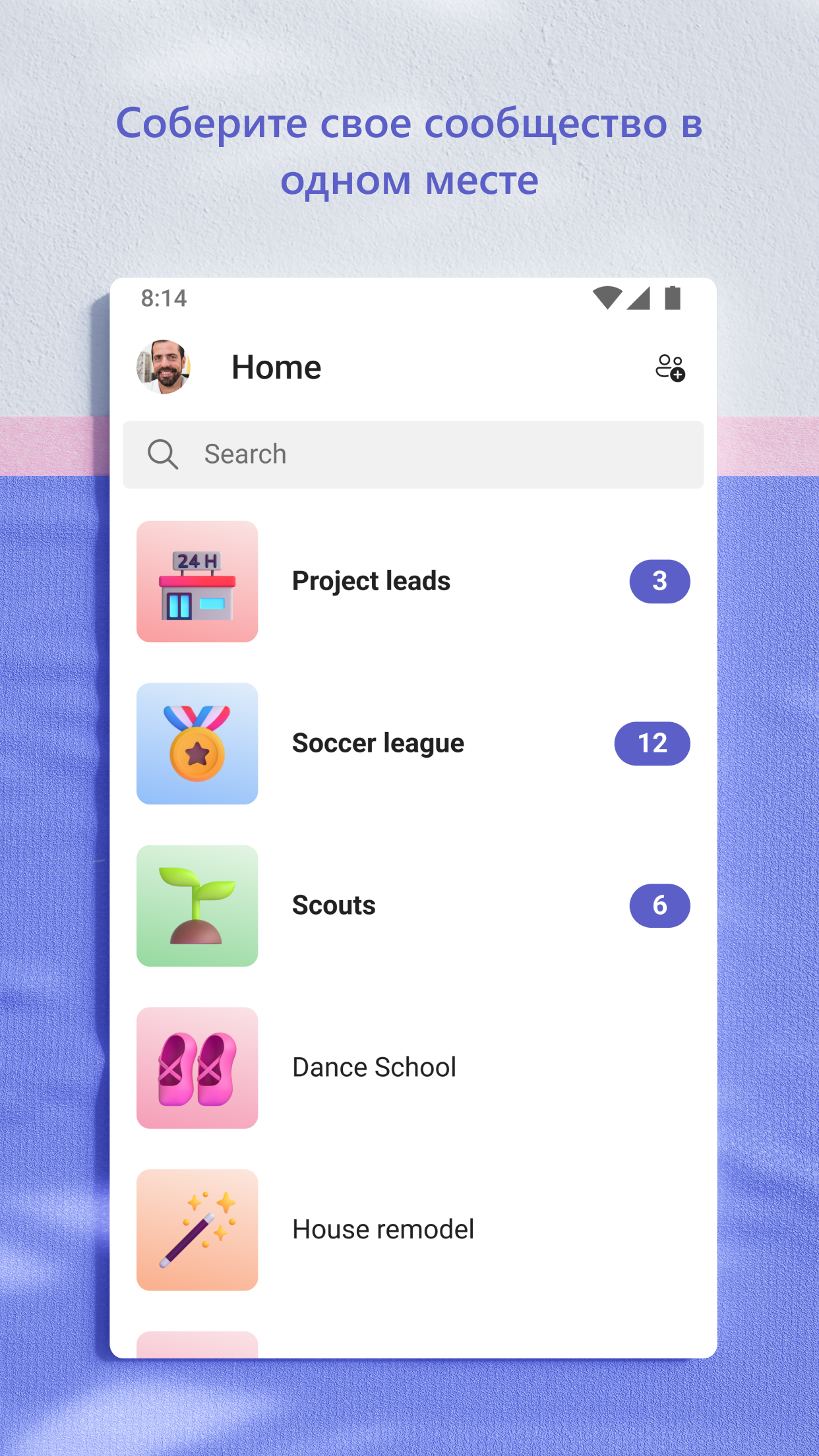
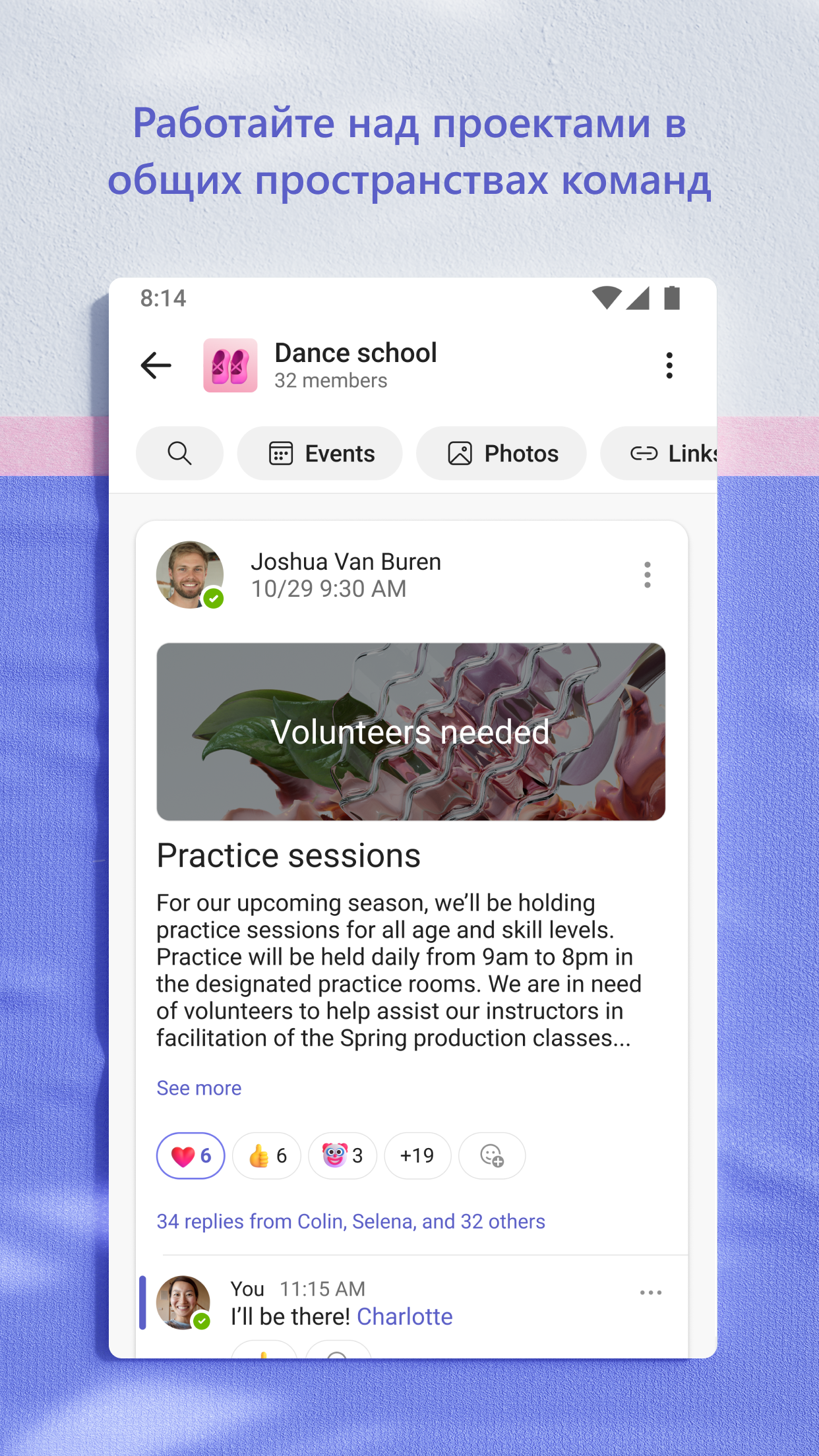
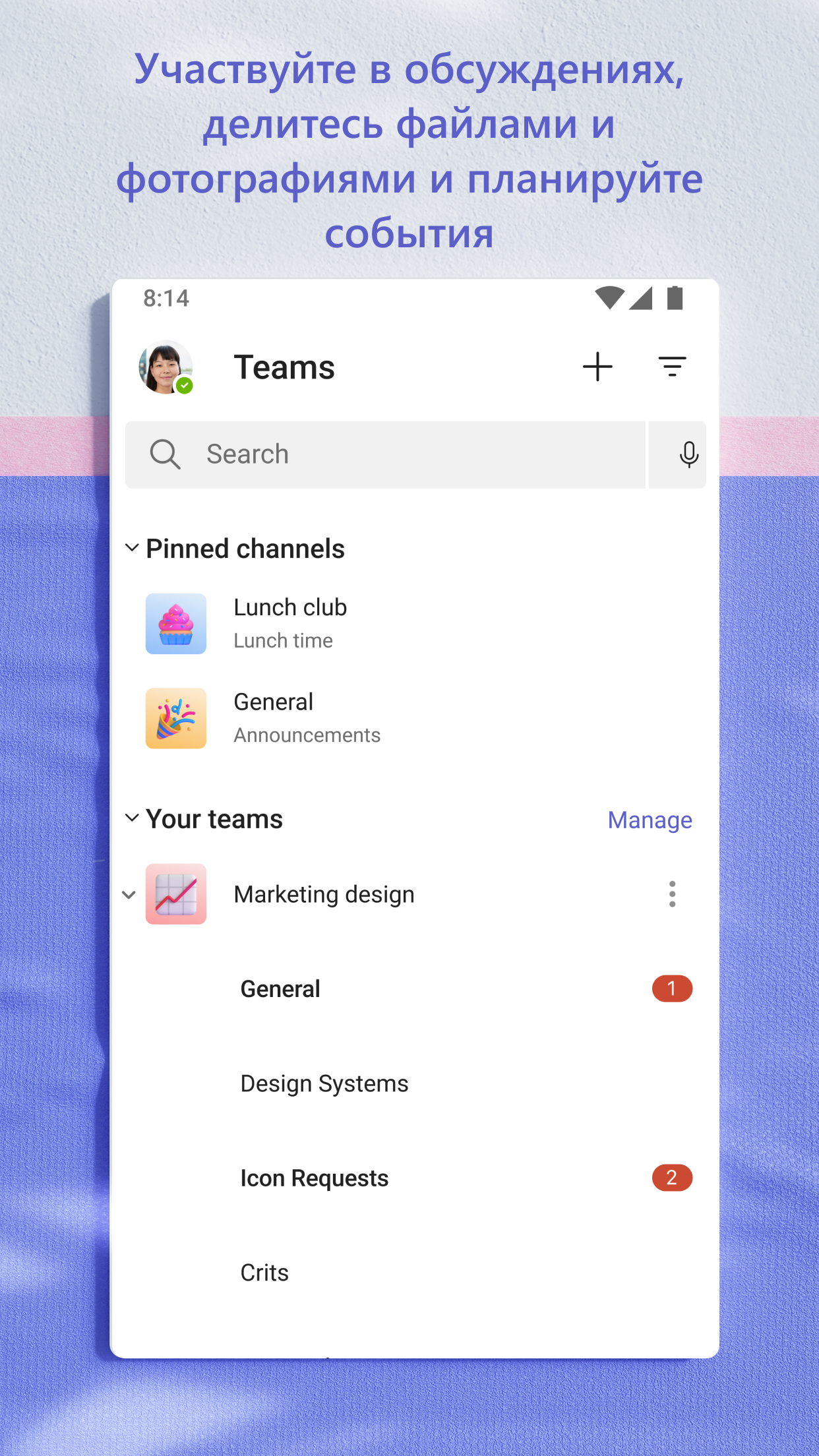
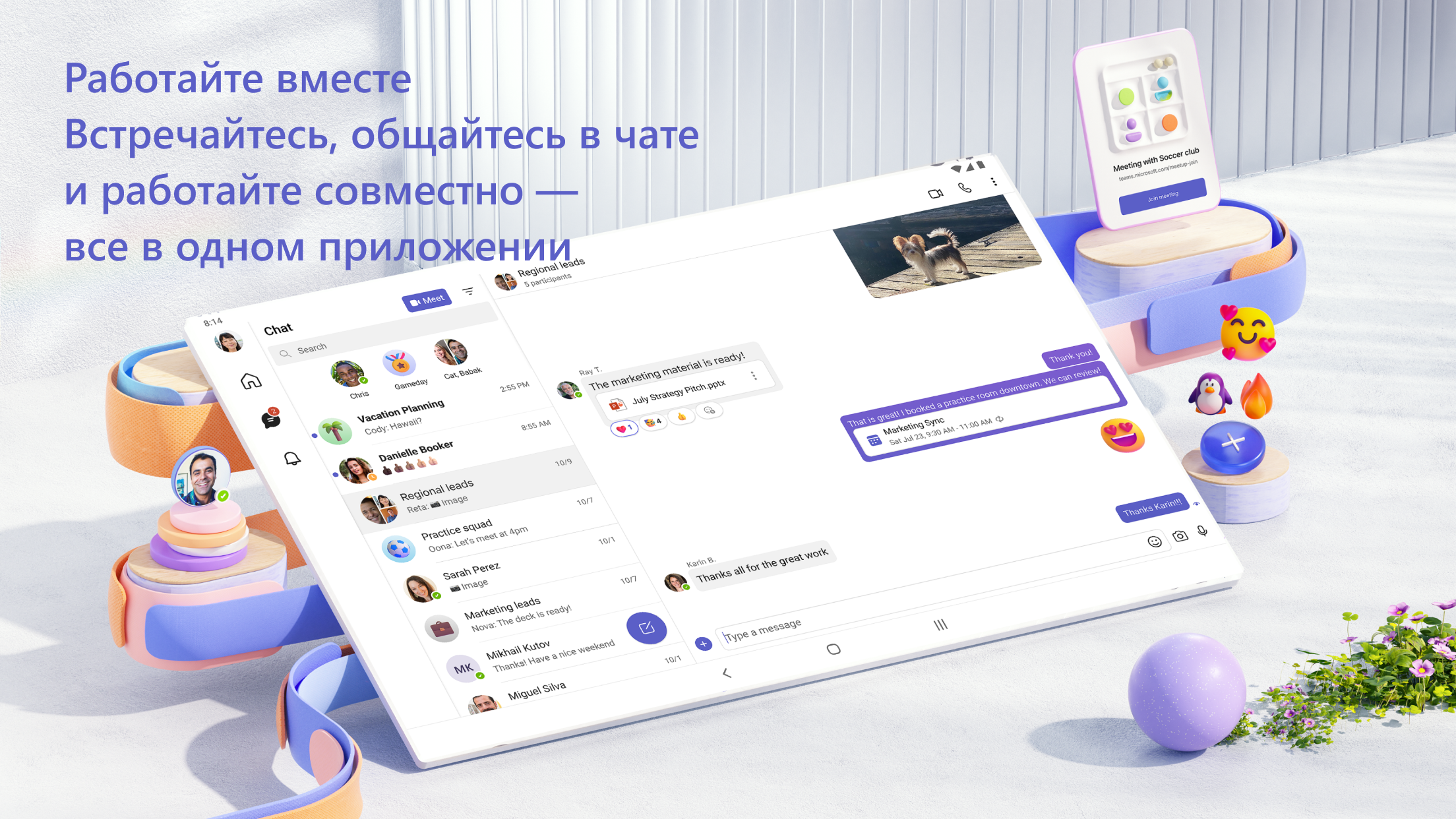
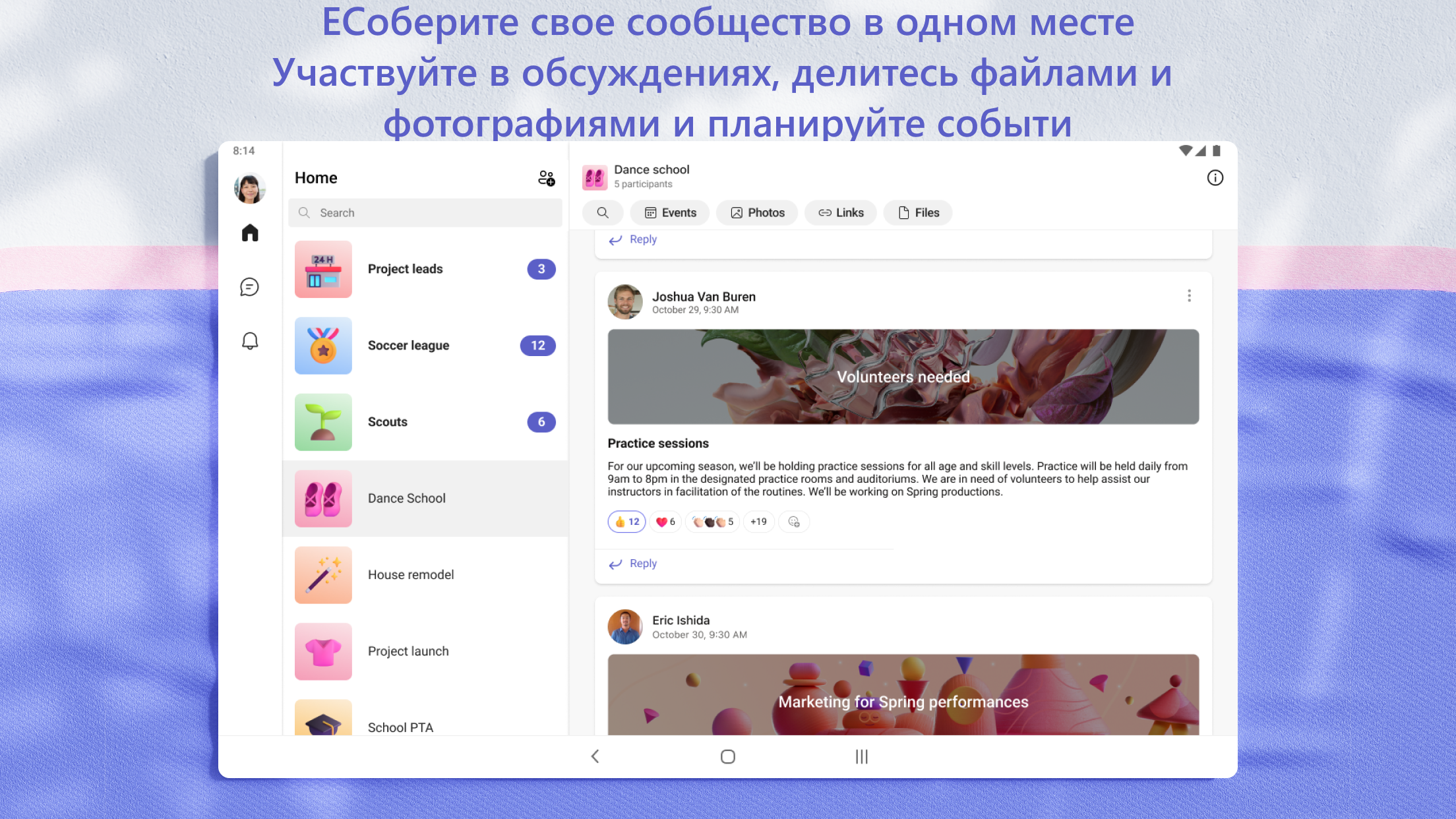
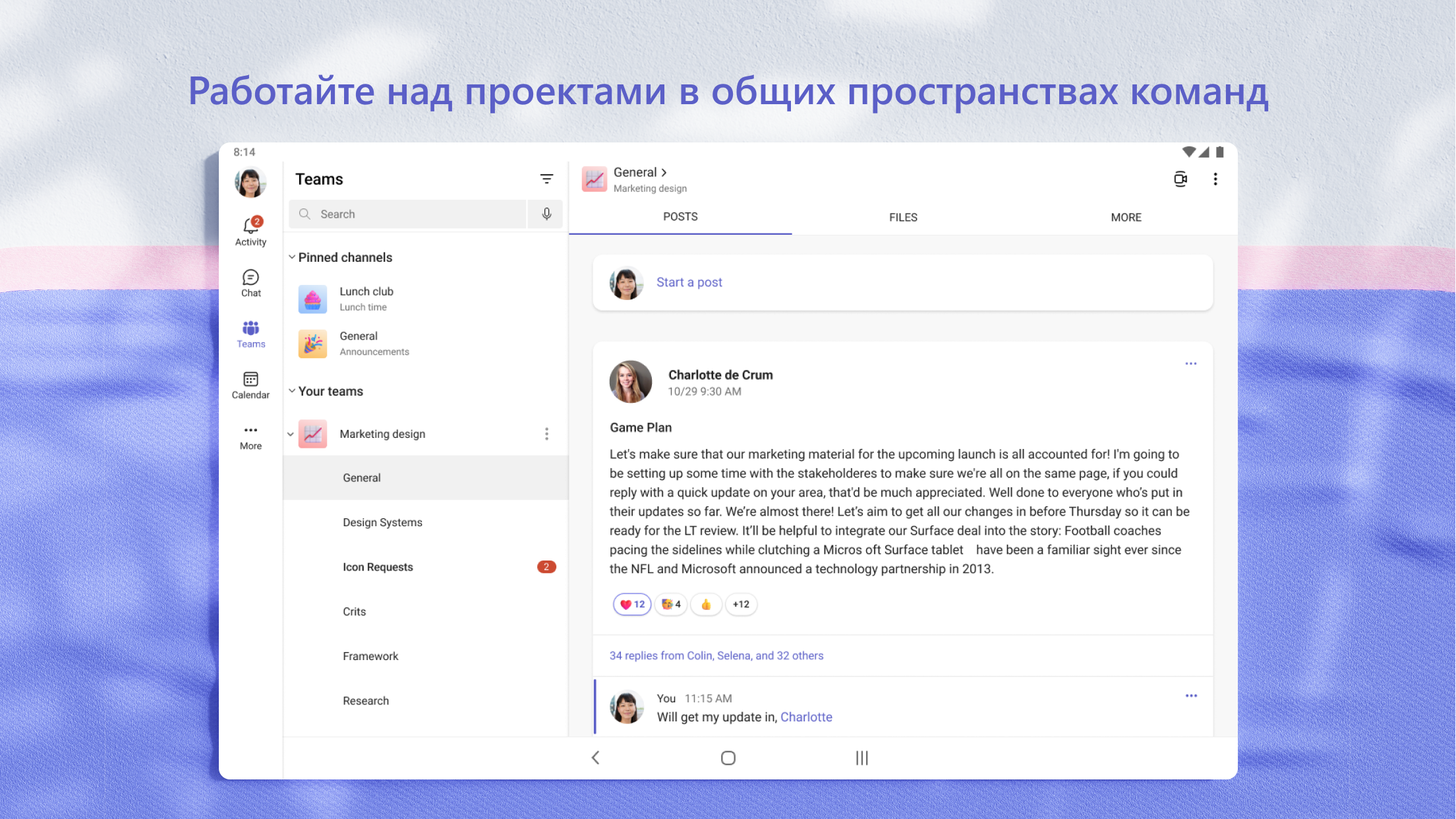
- Communication in private chats, as well as in groups.
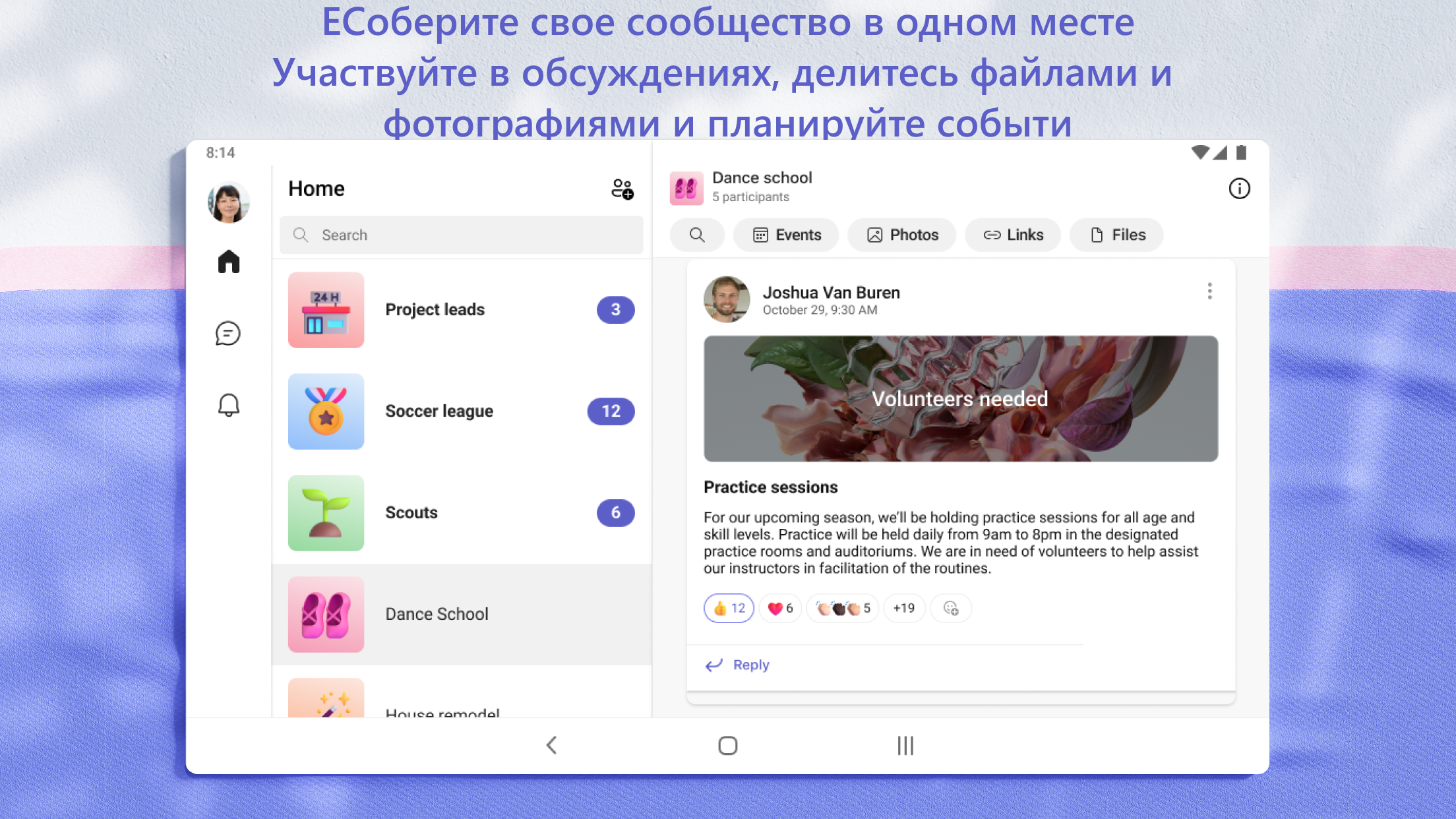
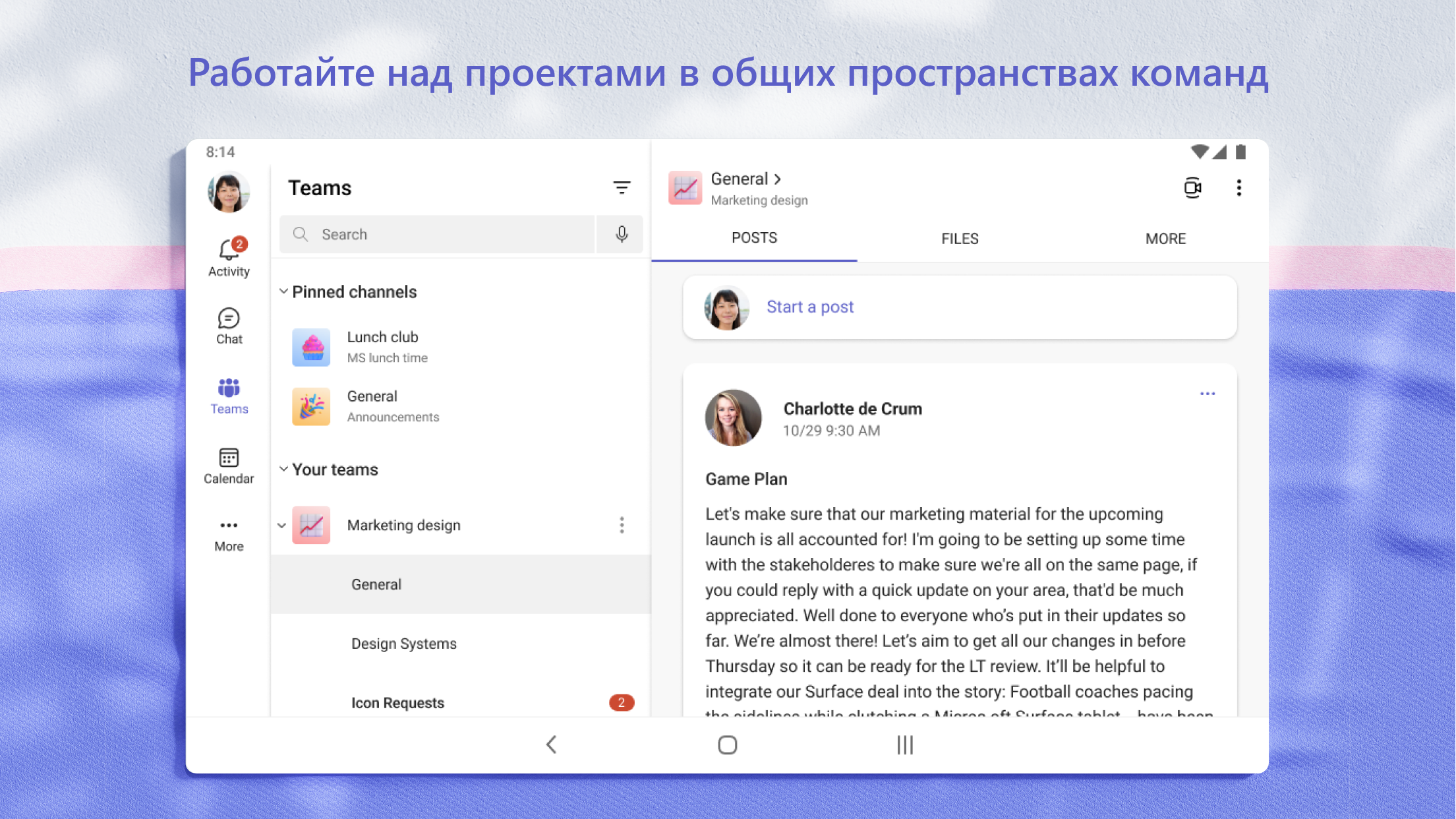
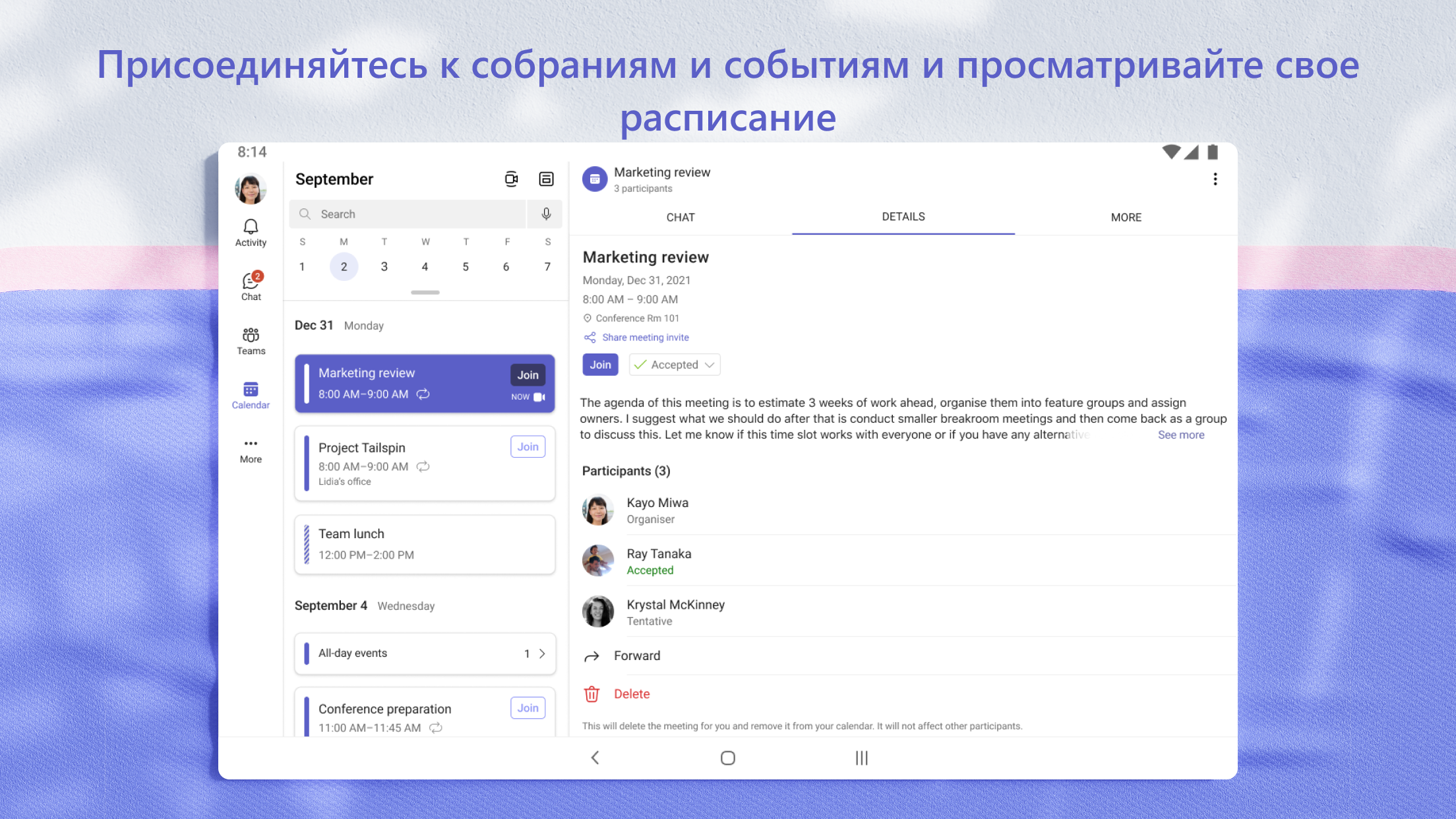
- View shared files and collaborate on documents.
- Nice design.
Description
Application Microsoft Teams was checked by VirusTotal antivirus. As a result of the scan, no file infections were detected by all the latest signatures.
How to install Microsoft Teams
- Download APK file apps from apkshki.com.
- Locate the downloaded file. You can find it in the system tray or in the 'Download' folder using any file manager.
- If the file downloaded in .bin extension (WebView bug on Android 11), rename it to .apk using any file manager or try downloading the file with another browser like Chrome.
- Start the installation. Click on the downloaded file to start the installation
- Allow installation from unknown sources. If you are installing for the first time Microsoft Teams not from Google Play, go to your device's security settings and allow installation from unknown sources.
- Bypass Google Play protection. If Google Play protection blocks installation of the file, tap 'More Info' → 'Install anyway' → 'OK' to continue..
- Complete the installation: Follow the installer's instructions to complete the installation process.
How to update Microsoft Teams
- Download the new version apps from apkshki.com.
- Locate the downloaded file and click on it to start the installation.
- Install over the old version. There is no need to uninstall the previous version.
- Avoid signature conflicts. If the previous version was not downloaded from apkshki.com, the message 'Application not installed' may appear. In this case uninstall the old version and install the new one.
- Restart annex Microsoft Teams after the update.
















Requesting an application update
Added Denis Rubinov
Version: 1.0.0.2025063004
Size: 362.1 MB
Updated: 19.05.2025
Developer: Microsoft Corporation
Age Limitations: Everyone
Authorizations:
Downloaded on Google Play: 404940074
Category: Business












Reviews for Microsoft Teams
great
Very laggy, very buggy. overall problems are frequent: can't see others online, messages disappear, the copy/paste is problematic at best
it is very good with telling you when you need to get stuff done and remind you that it needs to be done because I am very forgetful
it's a Microsoft product, what more do you need to know? it's designed by idiots with no understanding or experience of the real world so it's just annoying in so many ways.
I keep blocking and then deleting unknown contacts. But they keep reappearing on my page. This is very frustrating.
bring Skype back!!!
good for chatting to school students and texting friends also it also works for work
teams isn't allowing me to make calls to phone numbers. How am I meant to use my Skype credits?! I demand a refund for the Skype credits.
pretty poor go back to Skype does not notify me on time when messages come in my messages disappear off the screen I thought Microsoft was better than this of course Bill Gate does have problems my second opinion this app sucks how come you don't show the last time someone was seen on the app like Skype did I would like to see the last time my contact was on this app. this app sucks it won't notify you when somebody sends a message or if they're on the app will someone else or the last time 😡
cool
Good
Good
Good app but difficult to use
GreatApp
Yep good app.
Post a comment
To leave a comment, log in with your social network:
Or leave an anonymous comment. Your comment will be sent for moderation.
Post a comment
To leave a comment, log in with your social network:
Or leave an anonymous comment. Your comment will be sent for moderation.