



Microsoft Edge: AI browser
37+
downloads4.4+
version Android
Added: Denis Rubinov
Version: 137.0.3296.82
Size: 190.1 MB
Updated: 24.06.2025
Developer: Microsoft Corporation
Age Limitations: Everyone
Authorizations: 31
Downloaded on Google Play: 78567893
Category: Contact
- Good optimization.
- Block ads and trackers.
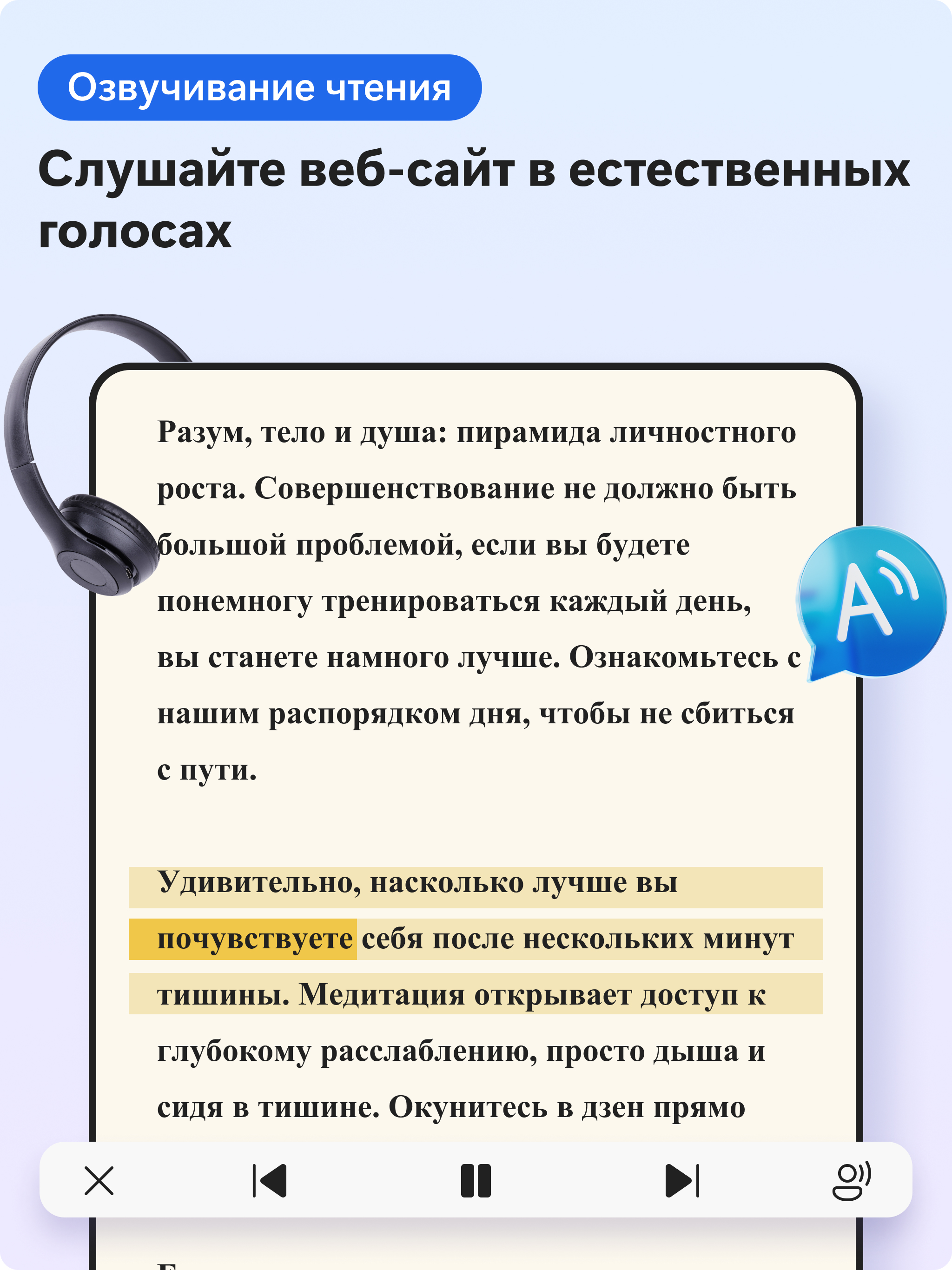
- Save useful content to Collections.
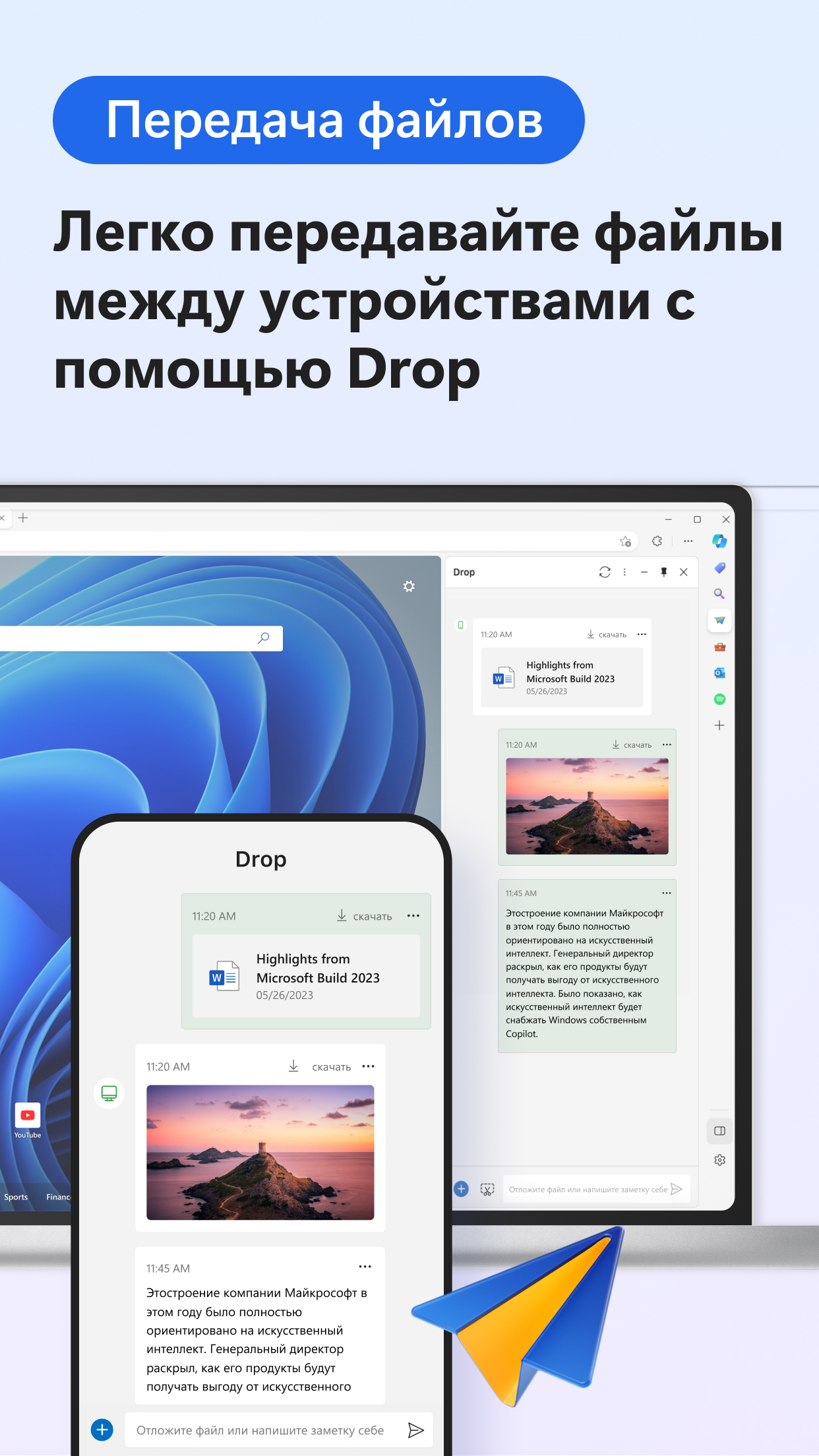
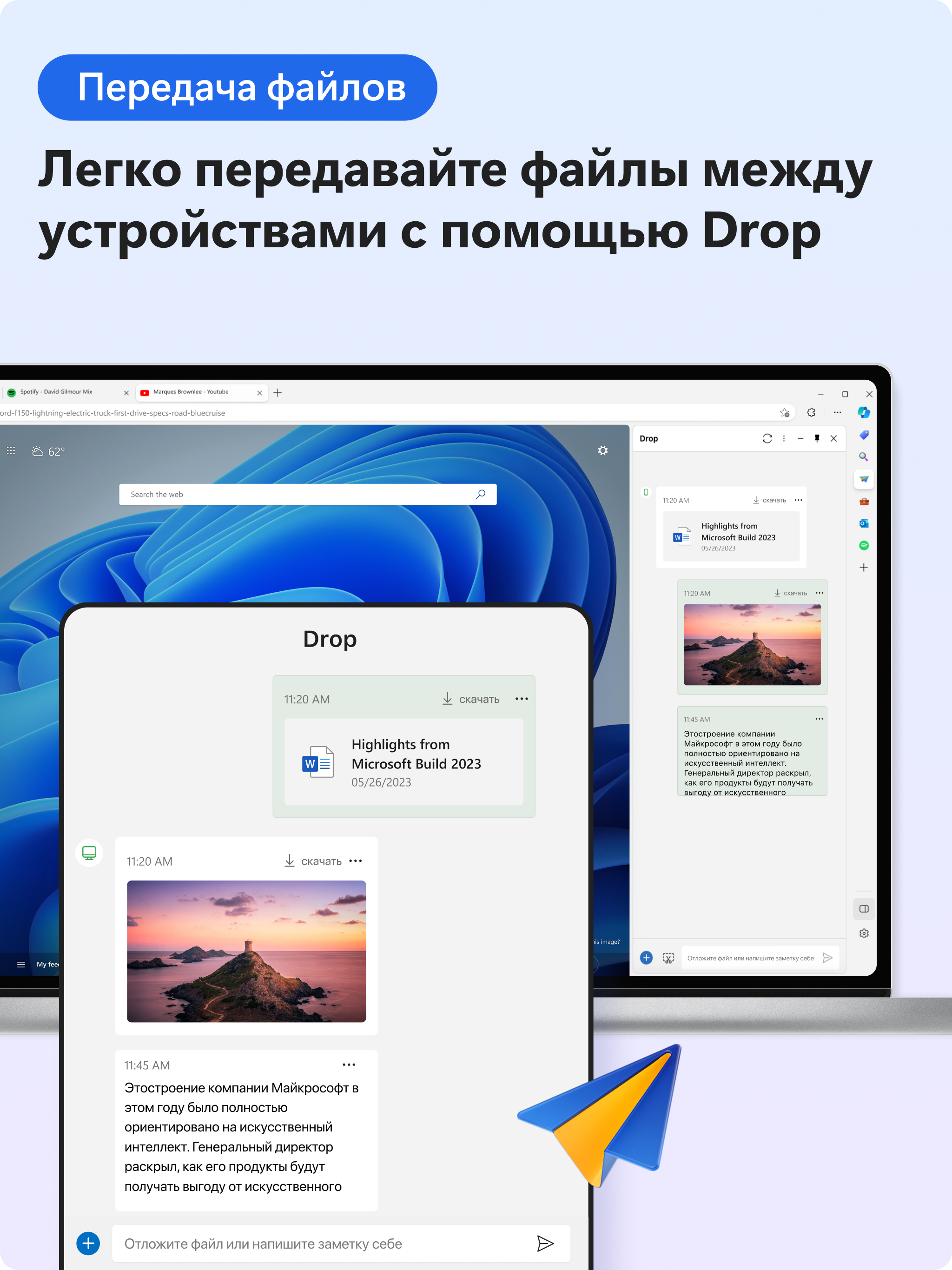
- Synchronization between devices.
- Takes up little space.
Description
Application Microsoft Edge: AI browser was checked by VirusTotal antivirus. As a result of the scan, no file infections were detected by all the latest signatures.
How to install Microsoft Edge: AI browser
- Download APK file apps from apkshki.com.
- Locate the downloaded file. You can find it in the system tray or in the 'Download' folder using any file manager.
- If the file downloaded in .bin extension (WebView bug on Android 11), rename it to .apk using any file manager or try downloading the file with another browser like Chrome.
- Start the installation. Click on the downloaded file to start the installation
- Allow installation from unknown sources. If you are installing for the first time Microsoft Edge: AI browser not from Google Play, go to your device's security settings and allow installation from unknown sources.
- Bypass Google Play protection. If Google Play protection blocks installation of the file, tap 'More Info' → 'Install anyway' → 'OK' to continue..
- Complete the installation: Follow the installer's instructions to complete the installation process.
How to update Microsoft Edge: AI browser
- Download the new version apps from apkshki.com.
- Locate the downloaded file and click on it to start the installation.
- Install over the old version. There is no need to uninstall the previous version.
- Avoid signature conflicts. If the previous version was not downloaded from apkshki.com, the message 'Application not installed' may appear. In this case uninstall the old version and install the new one.
- Restart annex Microsoft Edge: AI browser after the update.














Requesting an application update
Added Denis Rubinov
Version: 137.0.3296.82
Size: 190.1 MB
Updated: 24.06.2025
Developer: Microsoft Corporation
Age Limitations: Everyone
Authorizations:
Downloaded on Google Play: 78567893
Category: Contact












Reviews for Microsoft Edge: AI browser
Incredibly useful
too much better than other alternatives
guys I love yur app soo much, I use edge on ma pc and would love to also use it on ma android device, have you guys considered adding chrome extensions support, that would really bump up the functionality of this browser 😎
i was chrome user since the begining of android and it was great but the dark mode was the thing which i have always missed in that. well i see a lot of good options like dark mode ,reader mode button, print page in pdf and whatnot when i introduced to edge and sinse then i have never used chrome.
superfine
uninstalled this app due to Microsoft's complicity in the gen0c!de happening right now. will unsubscribe and uninstall office 360 as well.
The best Browser I ever used
best browser
poor just like Microsoft browser always has been
wow! what a life saver!
Edu and more the other is more to be in another direction with you and your family
Deleted after not being able to disable the feeds
It is a good app in my life
Mircosoft is good but web browser is amazing
good
Post a comment
To leave a comment, log in with your social network:
Or leave an anonymous comment. Your comment will be sent for moderation.
Post a comment
To leave a comment, log in with your social network:
Or leave an anonymous comment. Your comment will be sent for moderation.