



Yandex.Telemost
5+
downloads6.0+
version Android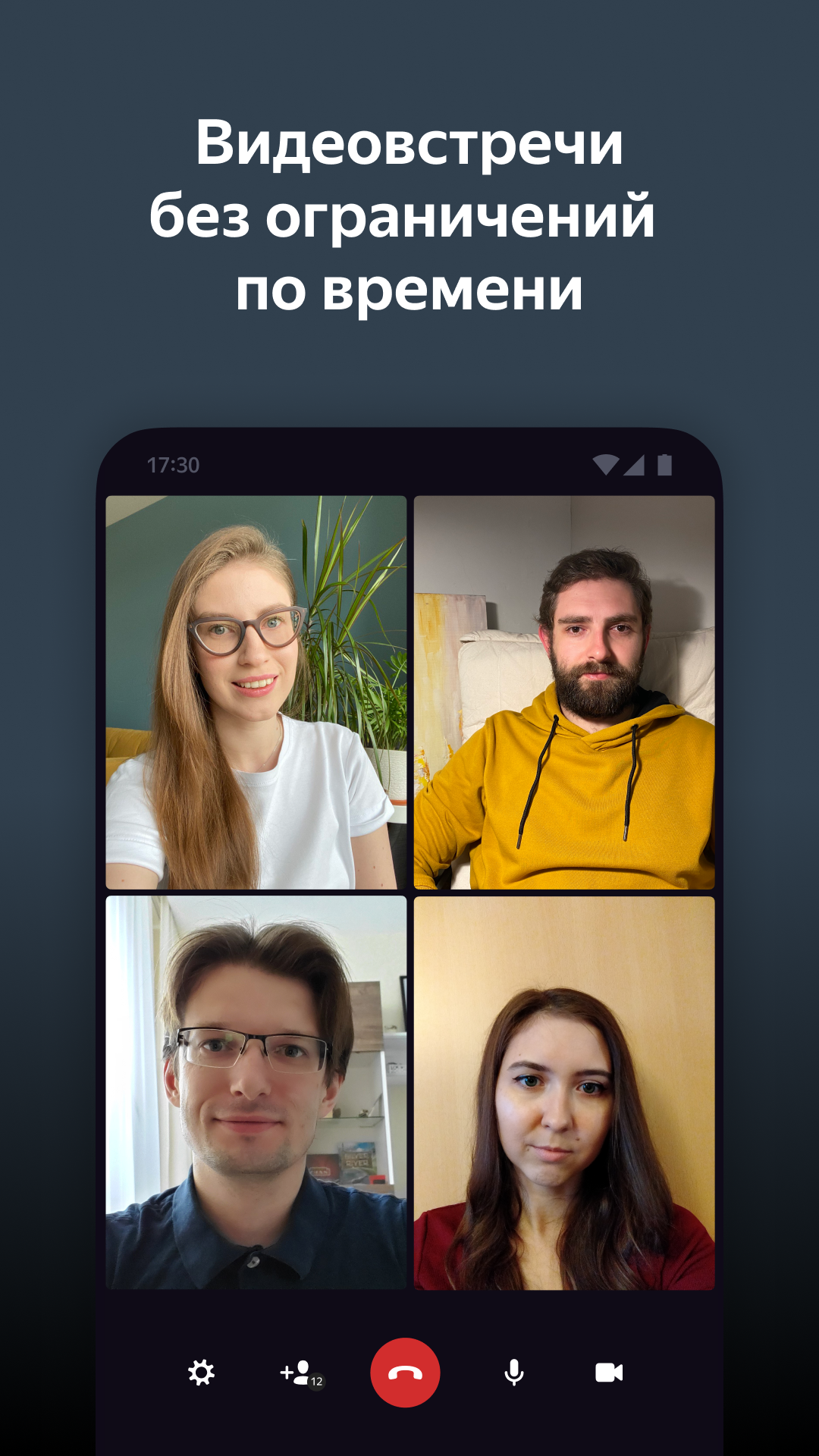
Added: Denis Rubinov
Version: 2.3.1
Size: 68.2 MB
Updated: 24.06.2025
Developer: Yandex Apps
Age Limitations: Everyone
Authorizations: 20
Downloaded on Google Play: 1544036
Category: Work
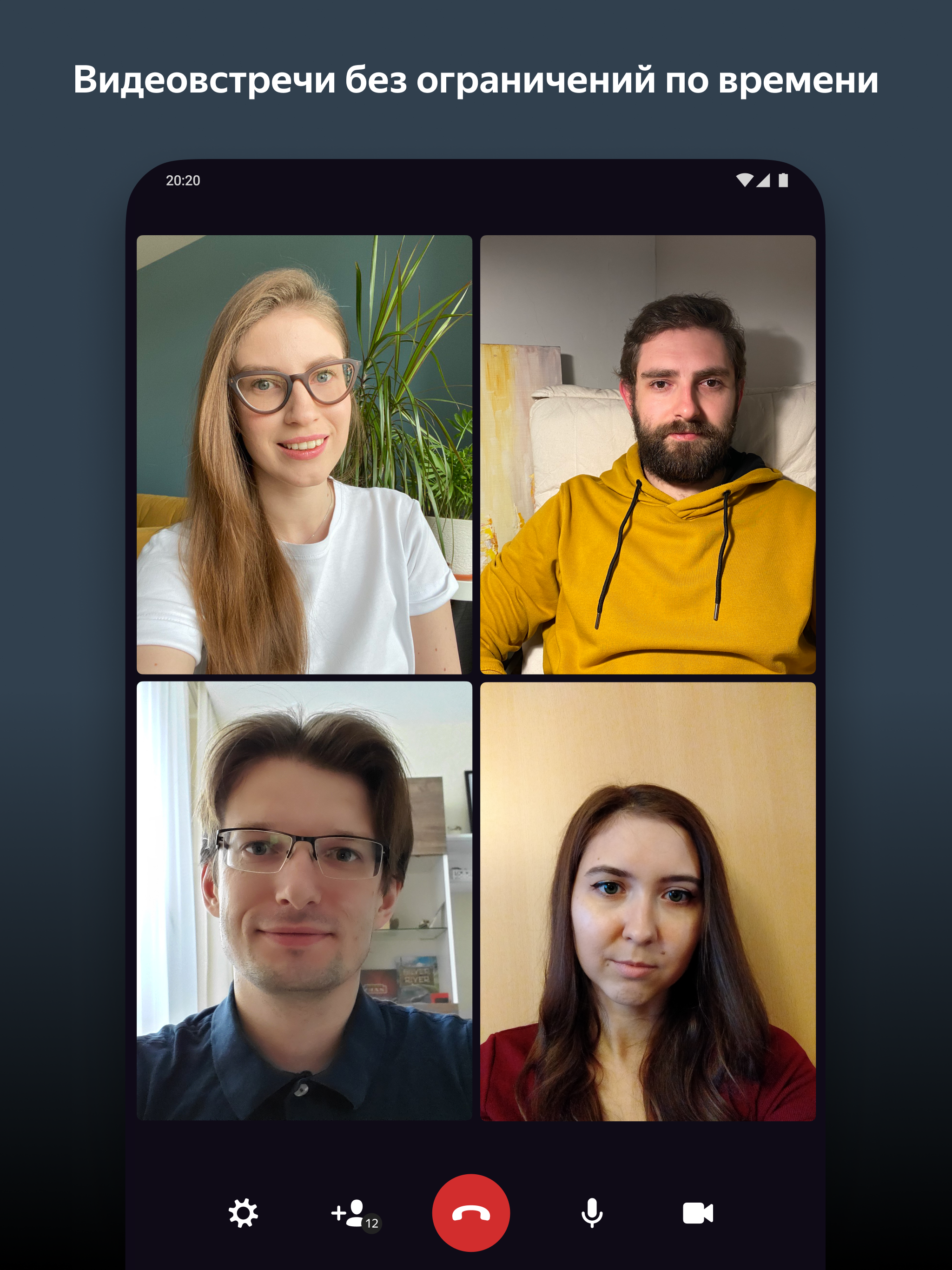
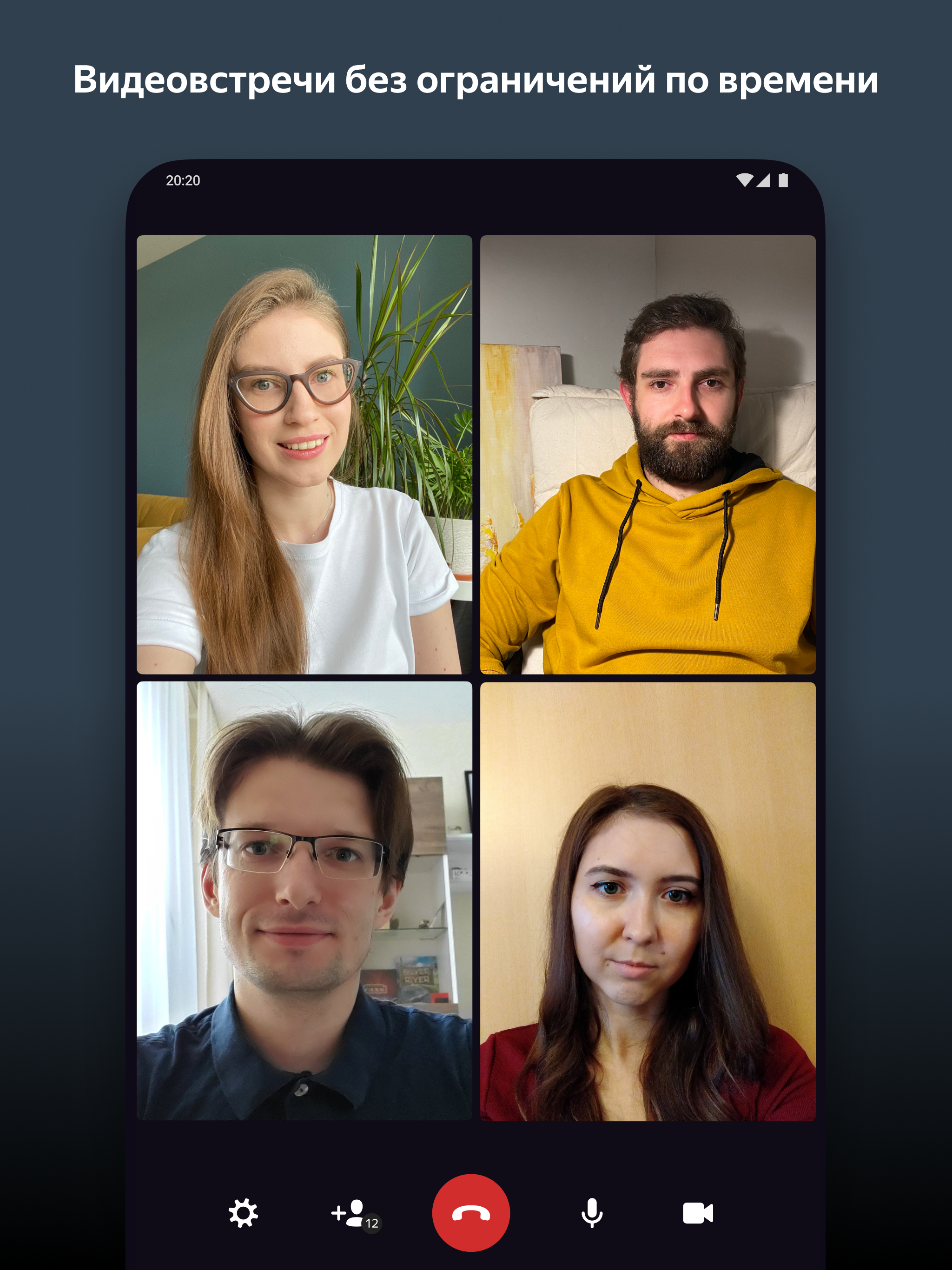
- Unlimited conferences.
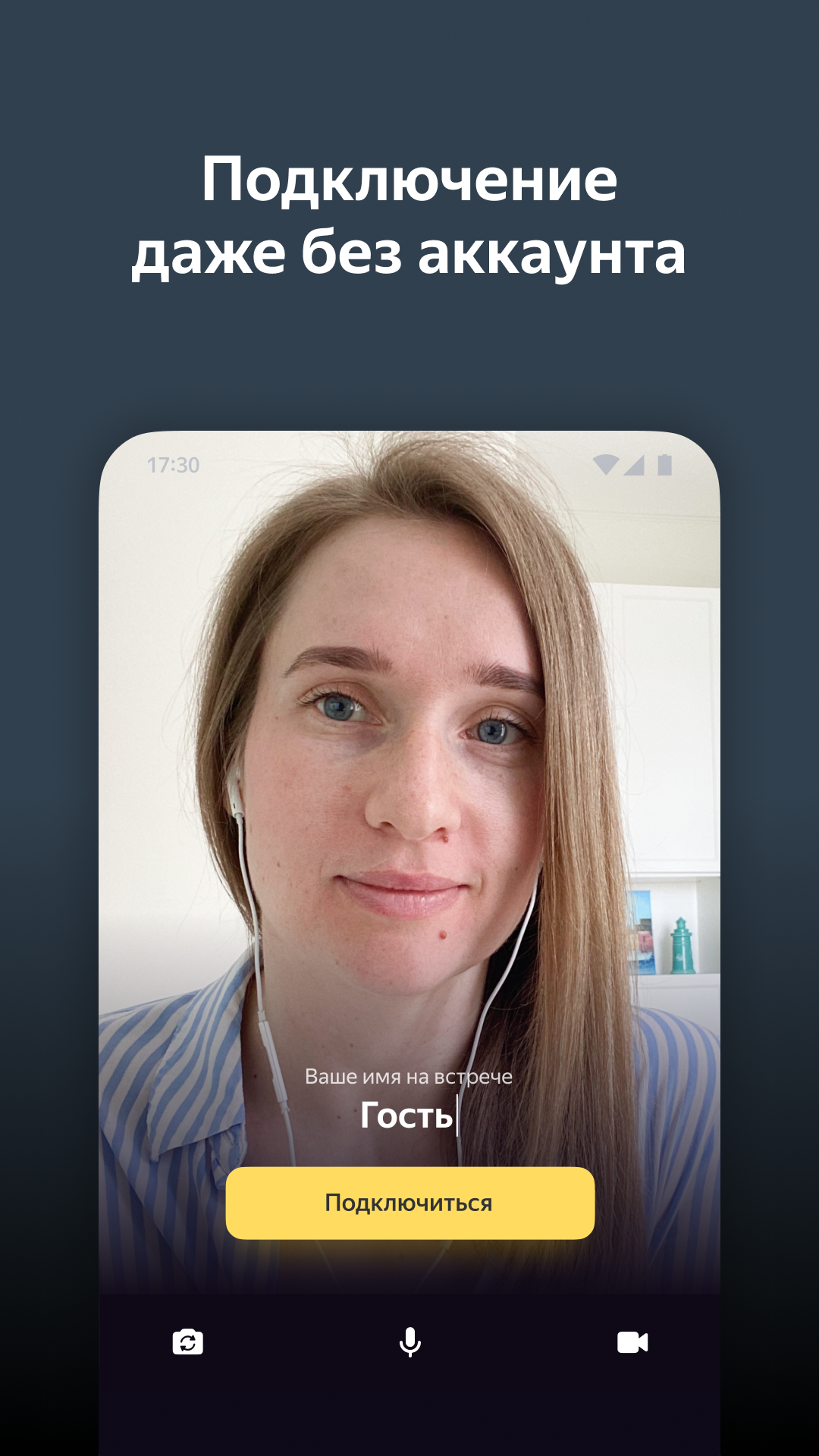
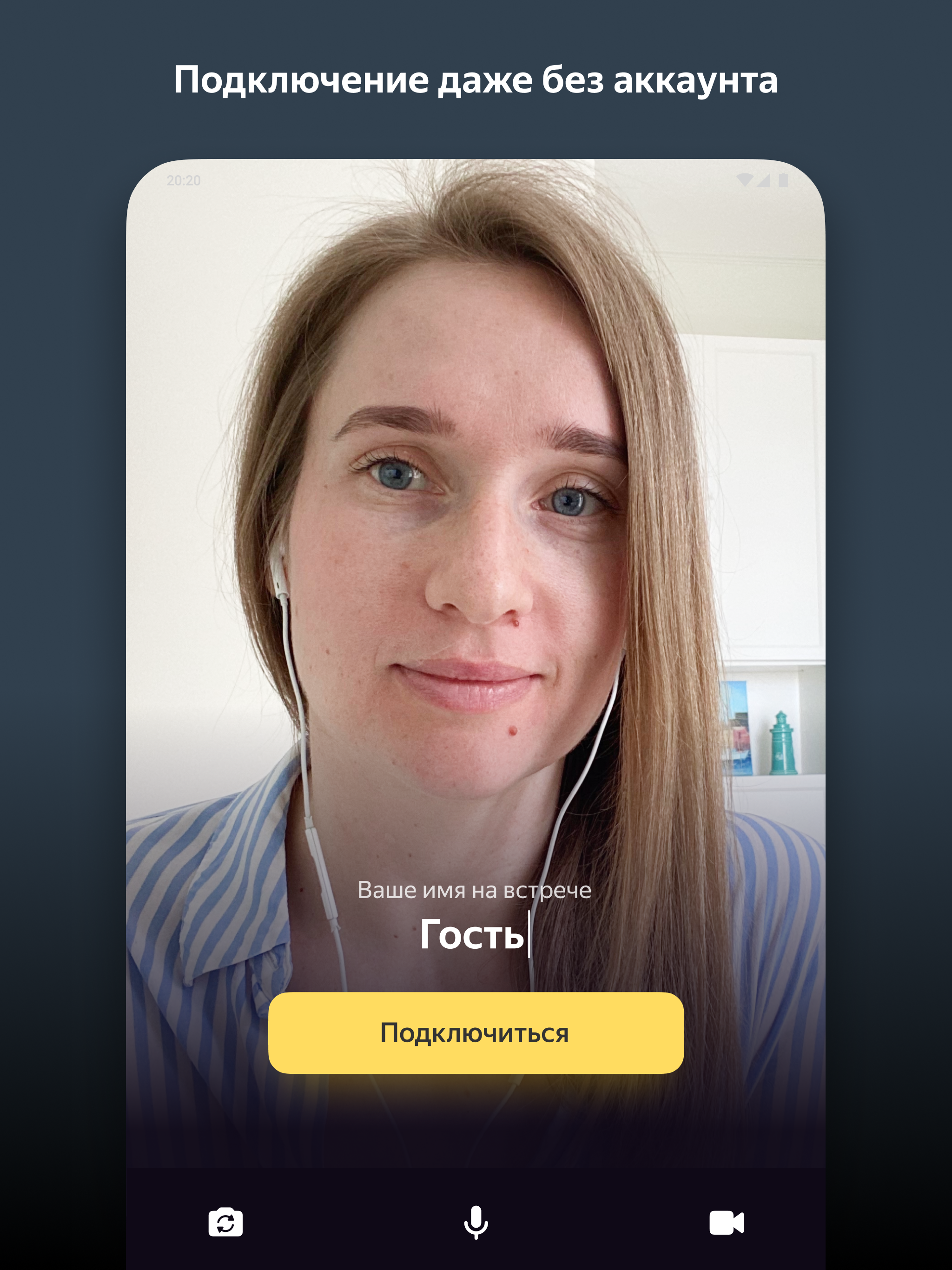
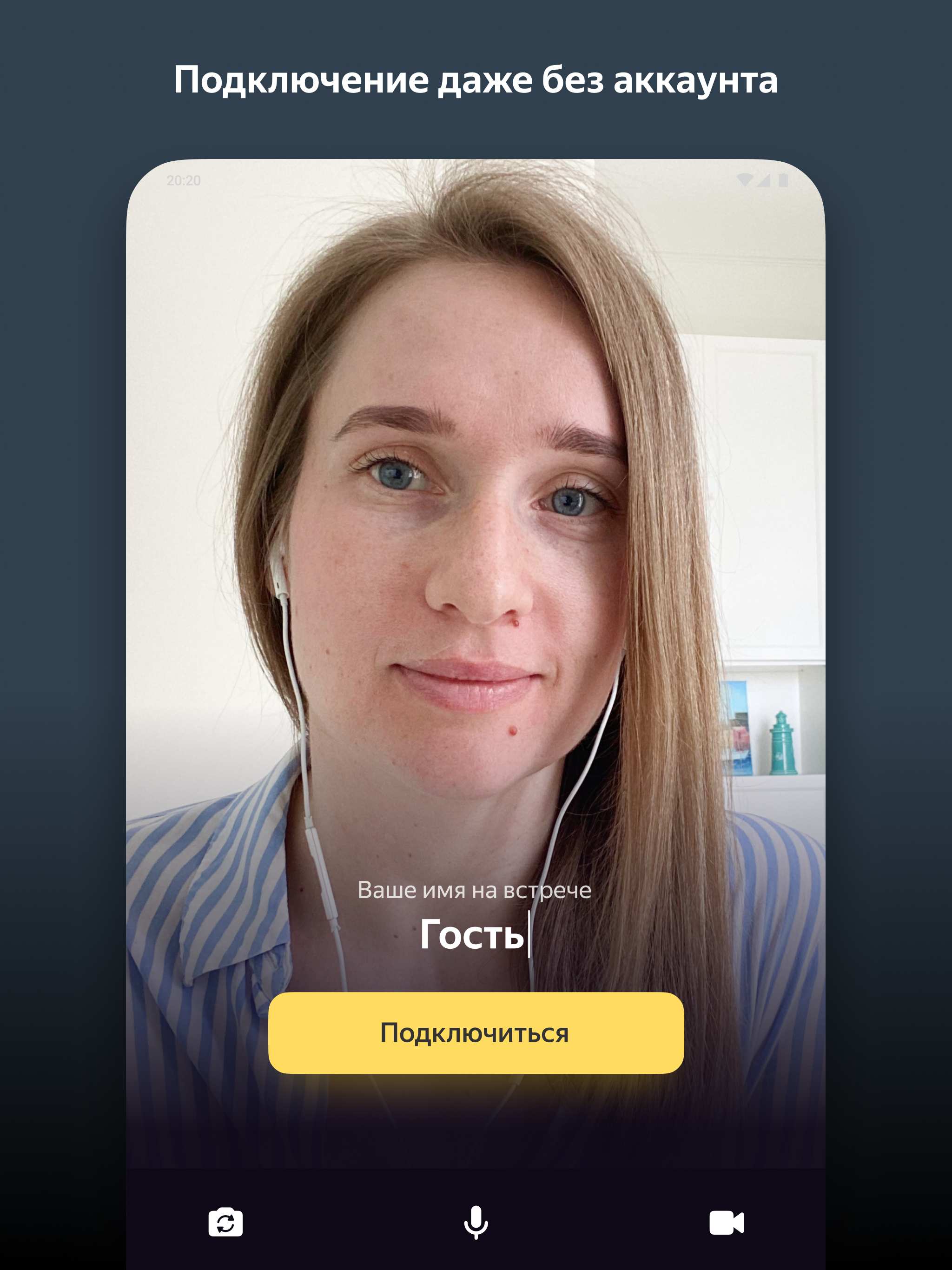
- Can be used without registration.
- Works for free.
- Works stably in the background.
Description
Application Yandex.Telemost was checked by VirusTotal antivirus. As a result of the scan, no file infections were detected by all the latest signatures.
How to install Yandex.Telemost
- Download APK file apps from apkshki.com.
- Locate the downloaded file. You can find it in the system tray or in the 'Download' folder using any file manager.
- If the file downloaded in .bin extension (WebView bug on Android 11), rename it to .apk using any file manager or try downloading the file with another browser like Chrome.
- Start the installation. Click on the downloaded file to start the installation
- Allow installation from unknown sources. If you are installing for the first time Yandex.Telemost not from Google Play, go to your device's security settings and allow installation from unknown sources.
- Bypass Google Play protection. If Google Play protection blocks installation of the file, tap 'More Info' → 'Install anyway' → 'OK' to continue..
- Complete the installation: Follow the installer's instructions to complete the installation process.
How to update Yandex.Telemost
- Download the new version apps from apkshki.com.
- Locate the downloaded file and click on it to start the installation.
- Install over the old version. There is no need to uninstall the previous version.
- Avoid signature conflicts. If the previous version was not downloaded from apkshki.com, the message 'Application not installed' may appear. In this case uninstall the old version and install the new one.
- Restart annex Yandex.Telemost after the update.
















Requesting an application update
Added Denis Rubinov
Version: 2.3.1
Size: 68.2 MB
Updated: 24.06.2025
Developer: Yandex Apps
Age Limitations: Everyone
Authorizations:
Downloaded on Google Play: 1544036
Category: Work












Reviews for Yandex.Telemost
почему кнопка "назад" закрывает звонок? почему это приложение так нагревает телефон?
Вылетает последнее время на Honor 50
For now private
So far, so well!
It just doesn't work...
Кнопка "возврат" на андроид (не в приложении телемост, а общая кнопка управления) для всех приложений работает на сворачивание приложения и выхода в меню. Но не у телемост. В телемост сразу происходит выход из звонка. При этом не всплывает никаких уведомлений вроде "вы уверены, что хотите выйти?". По этой причине имея привычку сворачивать приложения кнопкой "возврат" выхожу из встречи, вместо того чтобы приложение осталось работать фоном
very good
Simple
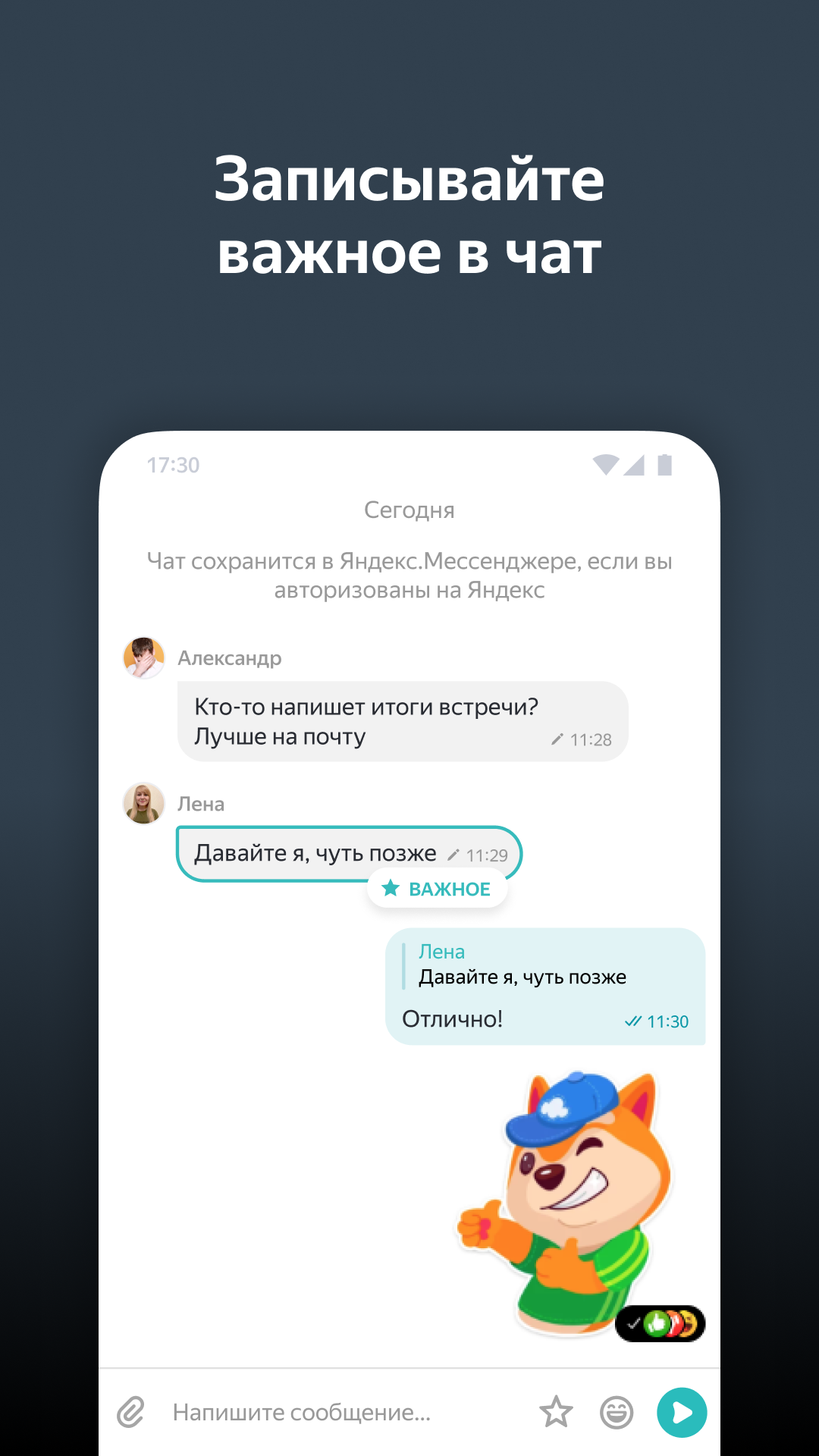
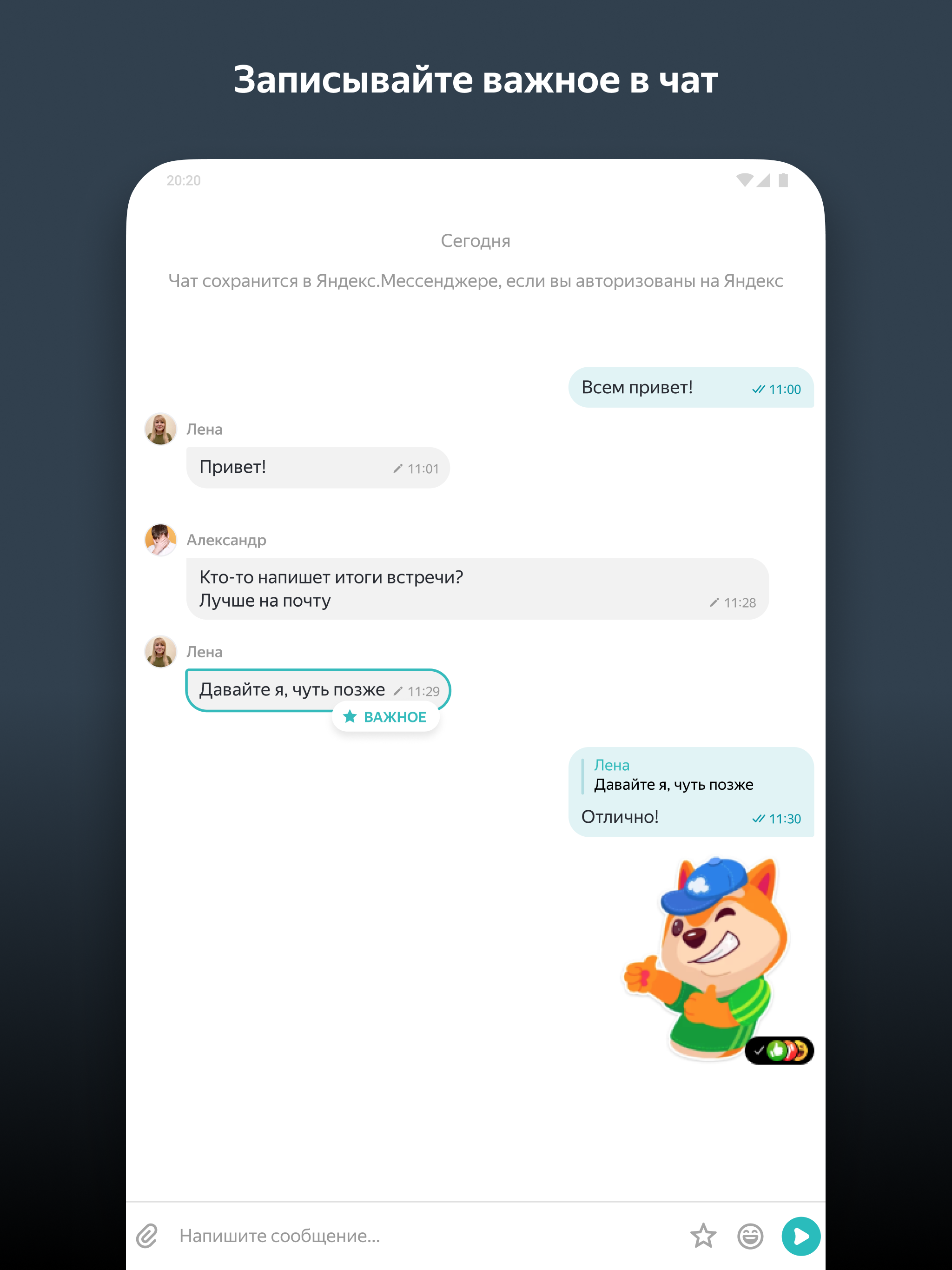
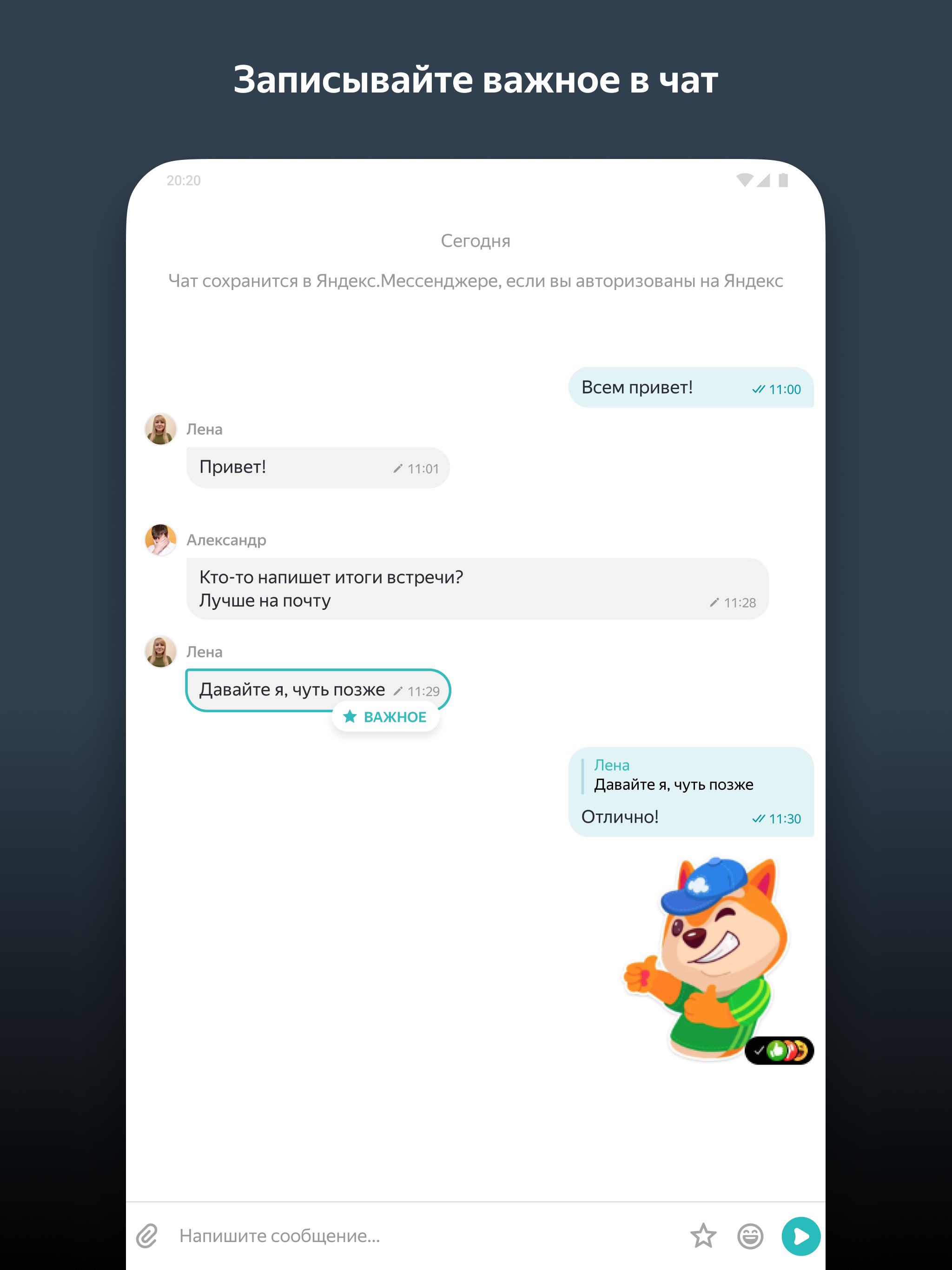
lack of function for comments on screen, also you need account for chat
Глюки и ошибки. Возьмите контур толк лучше
Everything is ok, but how the host can take control of the meeting?
Скинули ссылку , попытался зайти , заставило качать аппу хотя на демктопе можно и веб. Скачал. Как гость зайти не даёт всем время ошибка ....два раза попробовал удалил
BEST!!!
Lagu Purih Bangsa Amira Daripada Imago Kota Kinabalu Pantai Jerudong Specialist Centre
Lagu Laminan Berhenti RTB Sukmaindera Amira Kota Kinabalu Pantai Jerudong Specialist Centre
Post a comment
To leave a comment, log in with your social network:
Or leave an anonymous comment. Your comment will be sent for moderation.
Post a comment
To leave a comment, log in with your social network:
Or leave an anonymous comment. Your comment will be sent for moderation.