



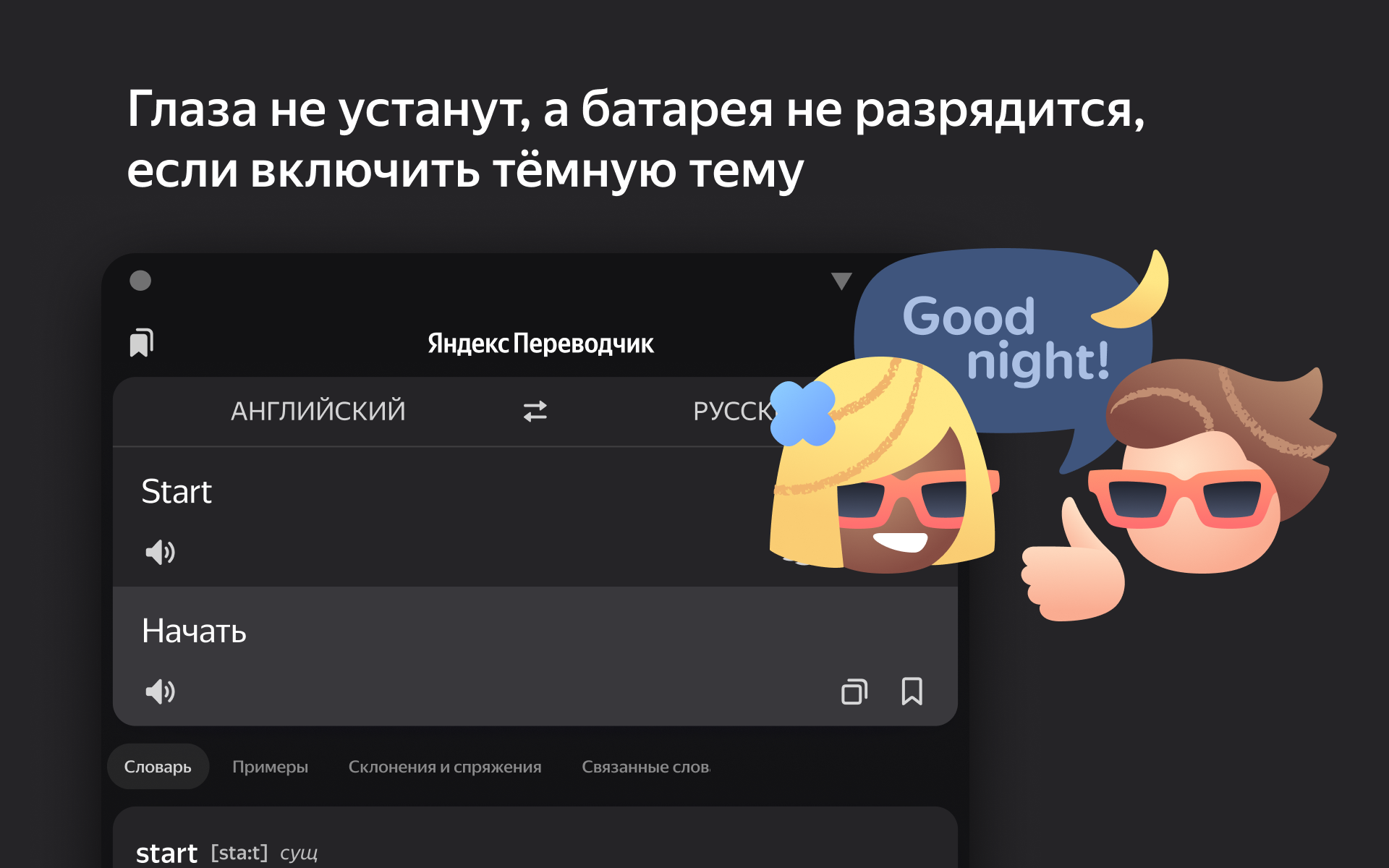
Yandex Translate
52+
downloads4.1+
version Android




Added: Denis Rubinov
Version: 89.6
Size: 48.2 MB
Updated: 24.06.2025
Developer: Yandex Apps
Age Limitations: Everyone
Authorizations: 20
Downloaded on Google Play: 29296270
Category: Education
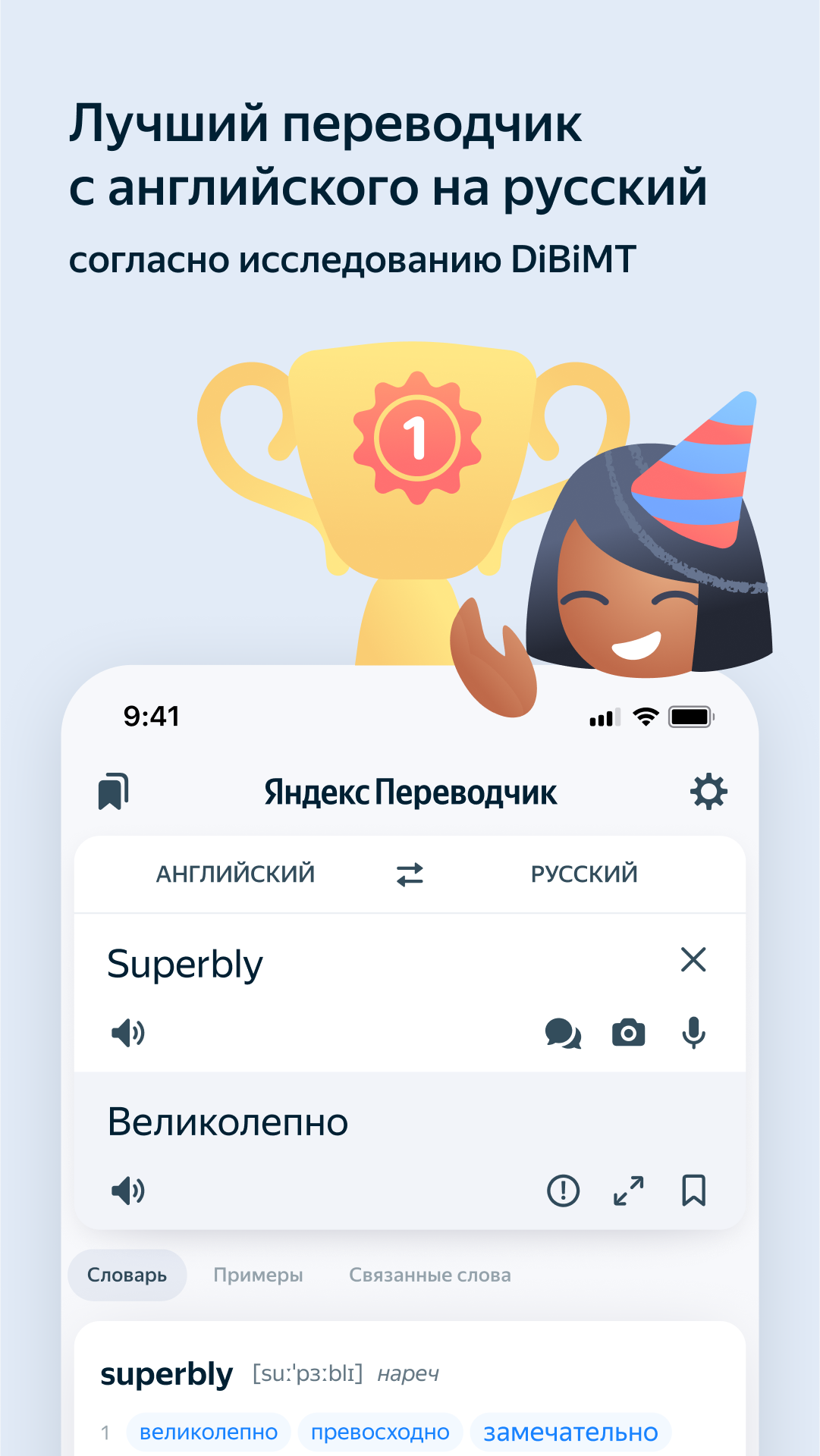
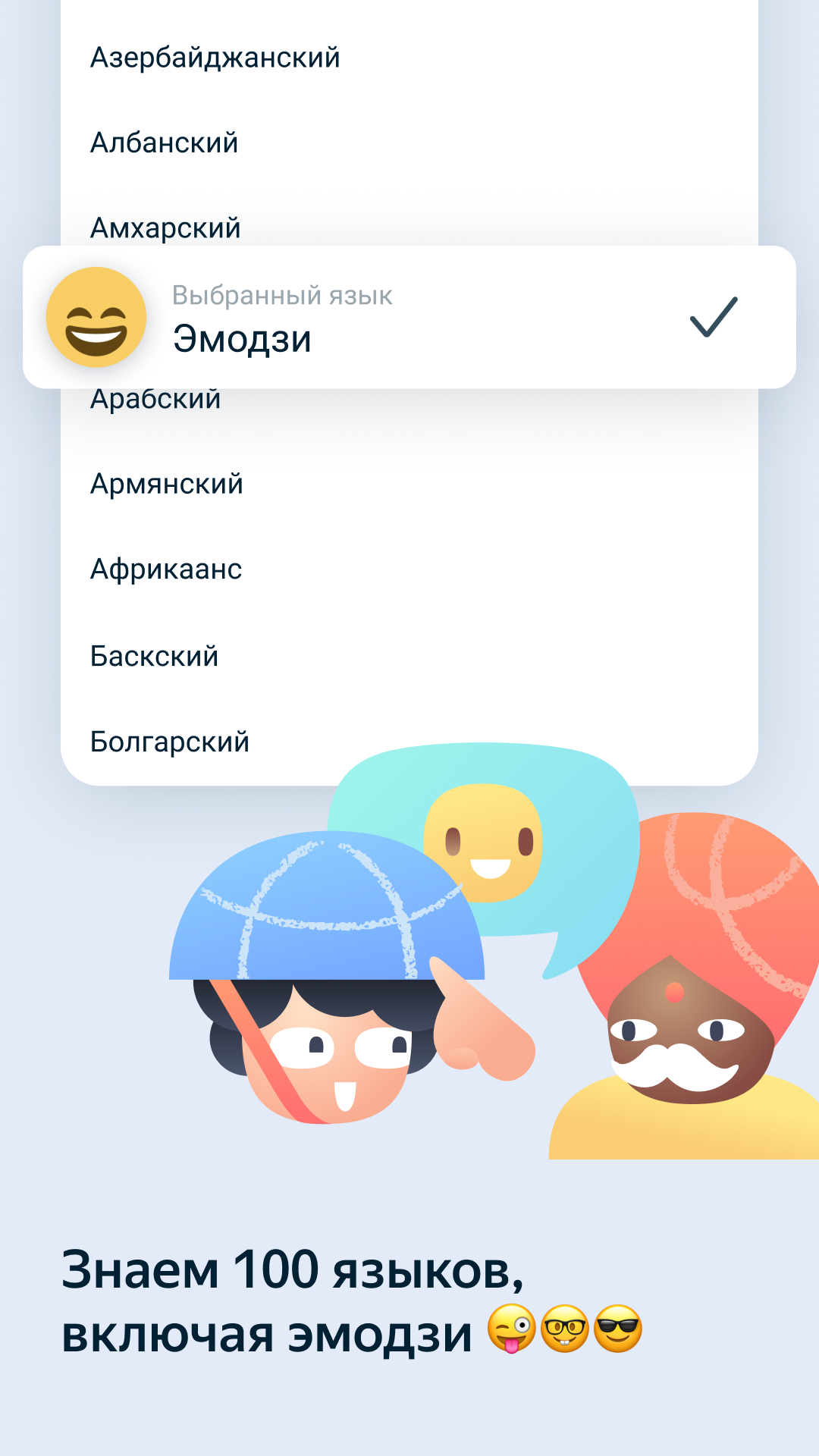
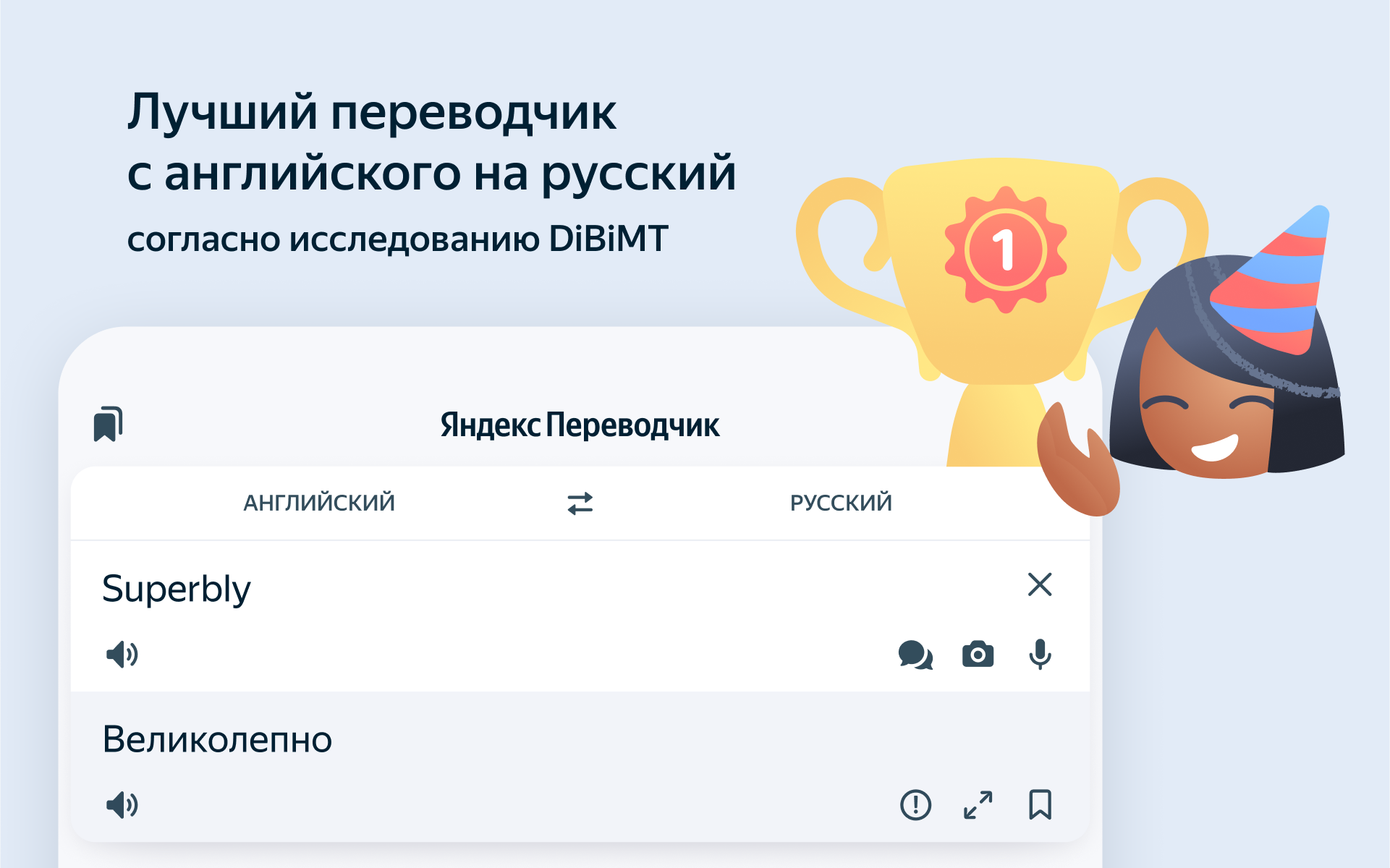
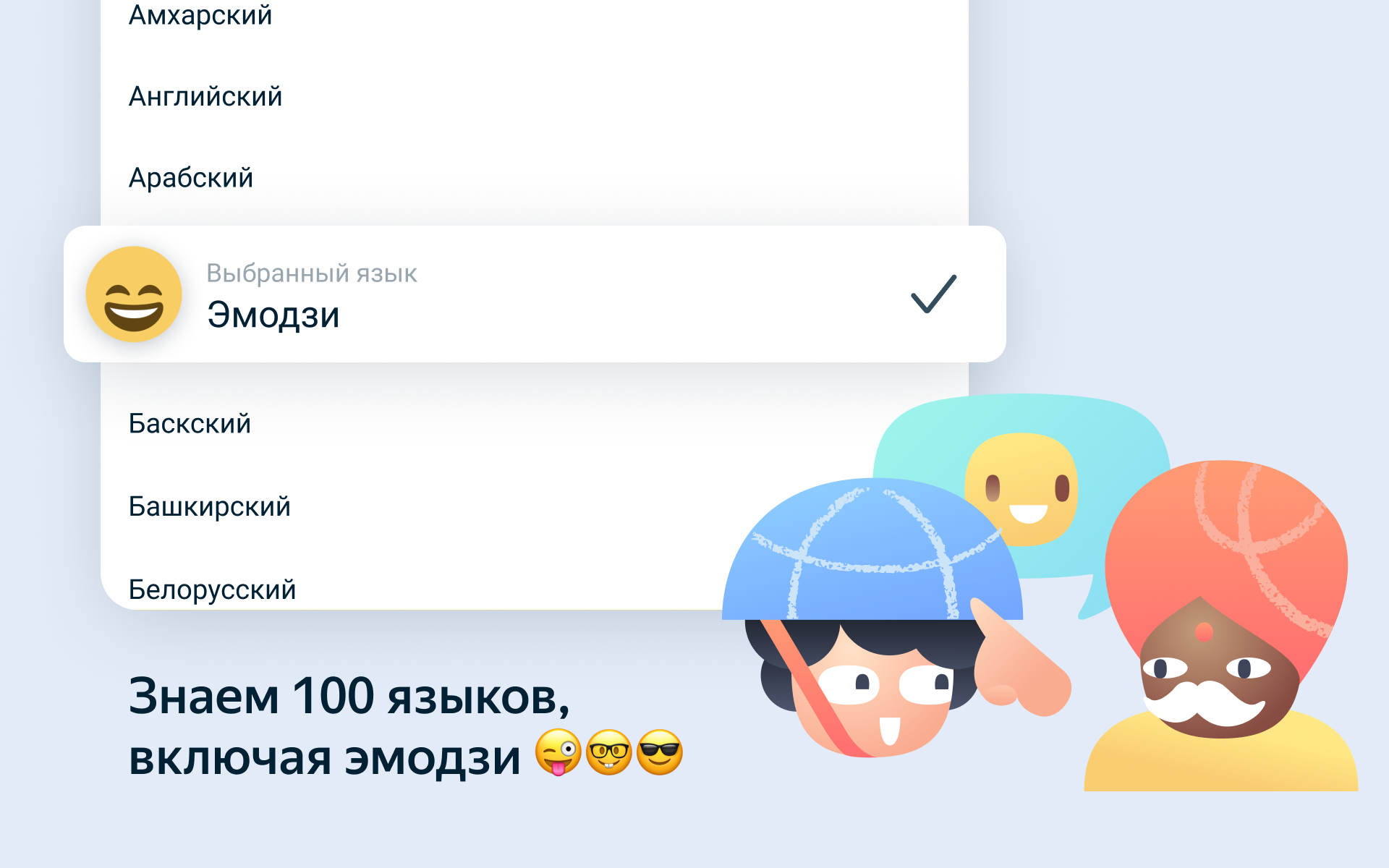
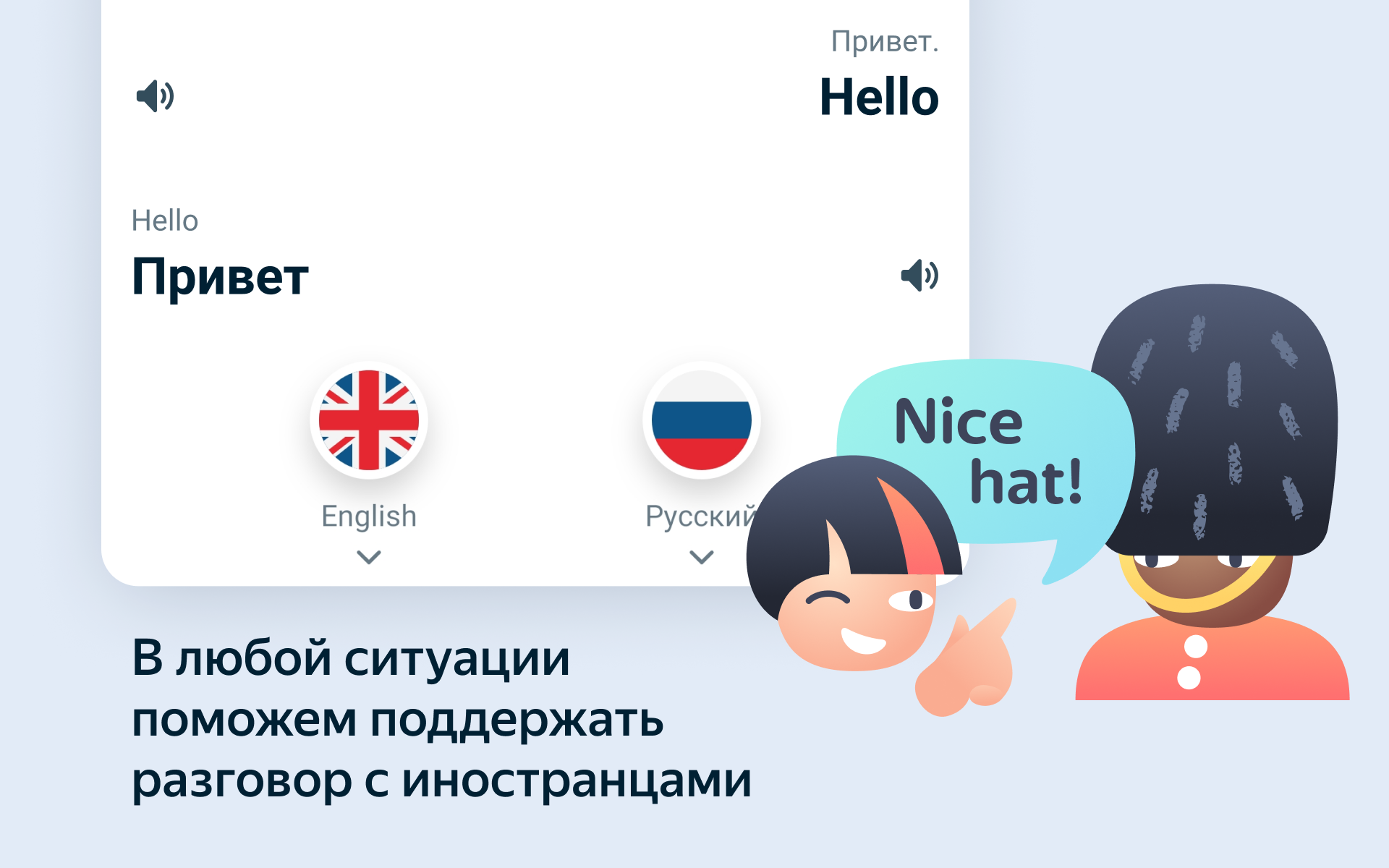
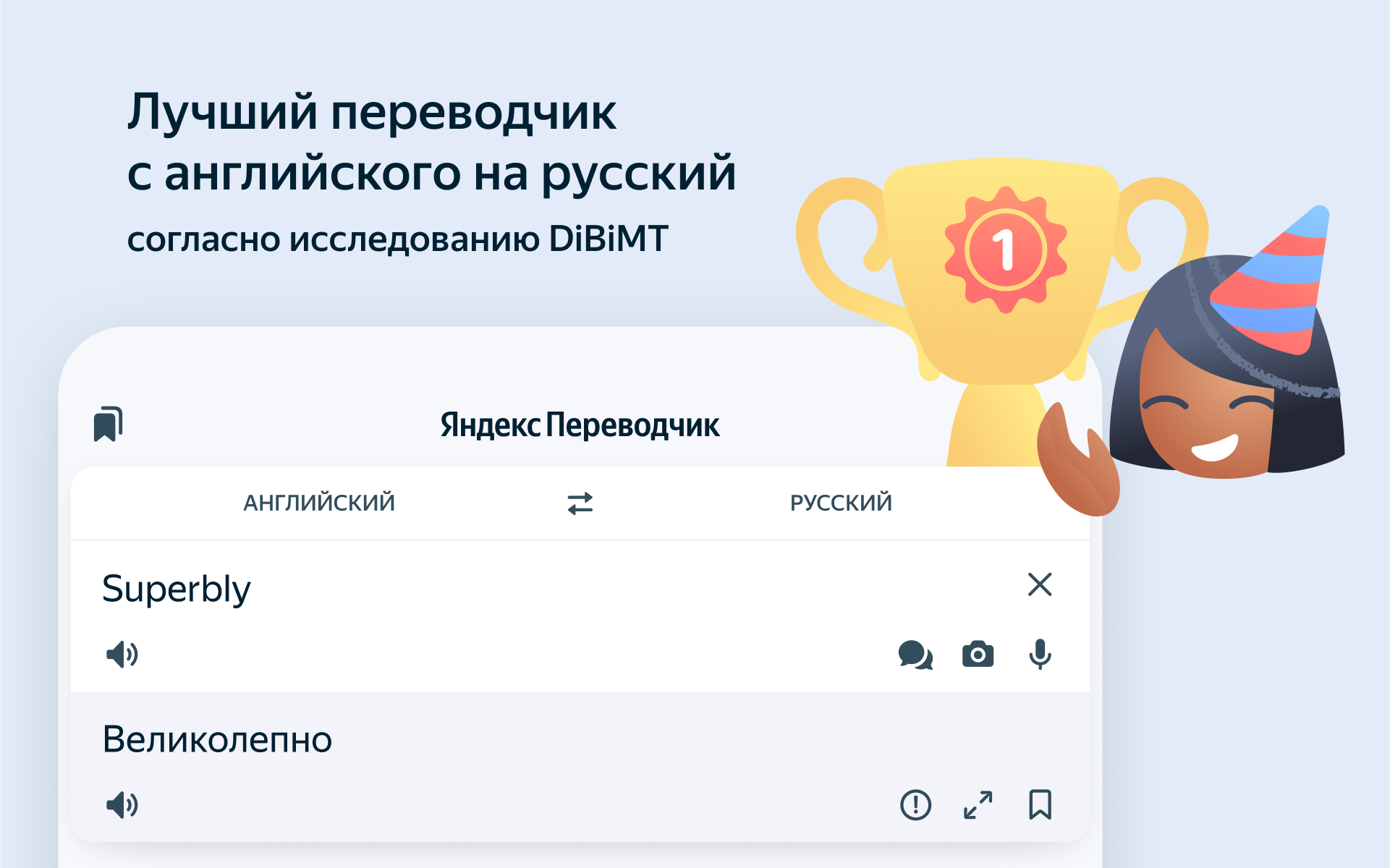
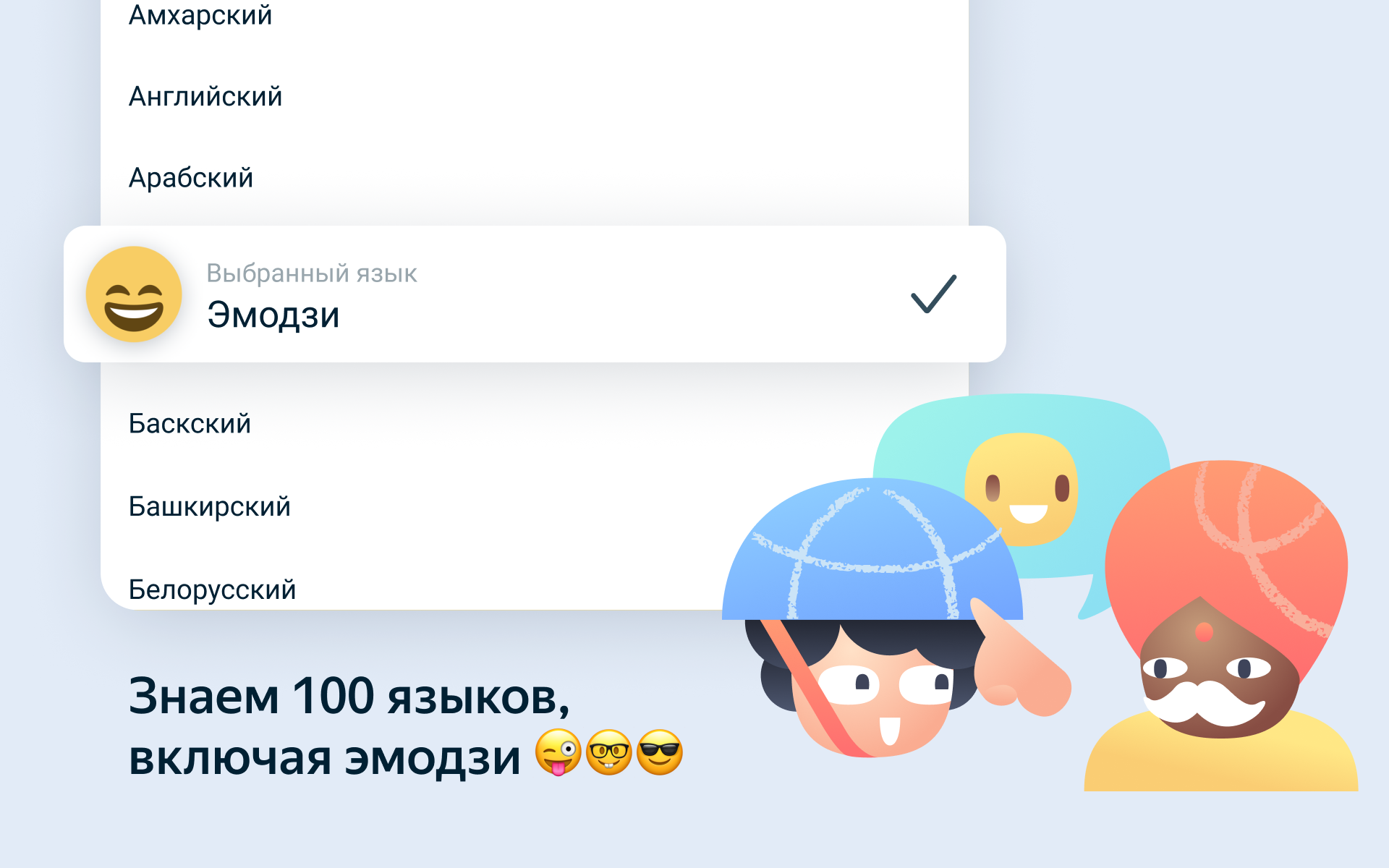
- Support for many languages.
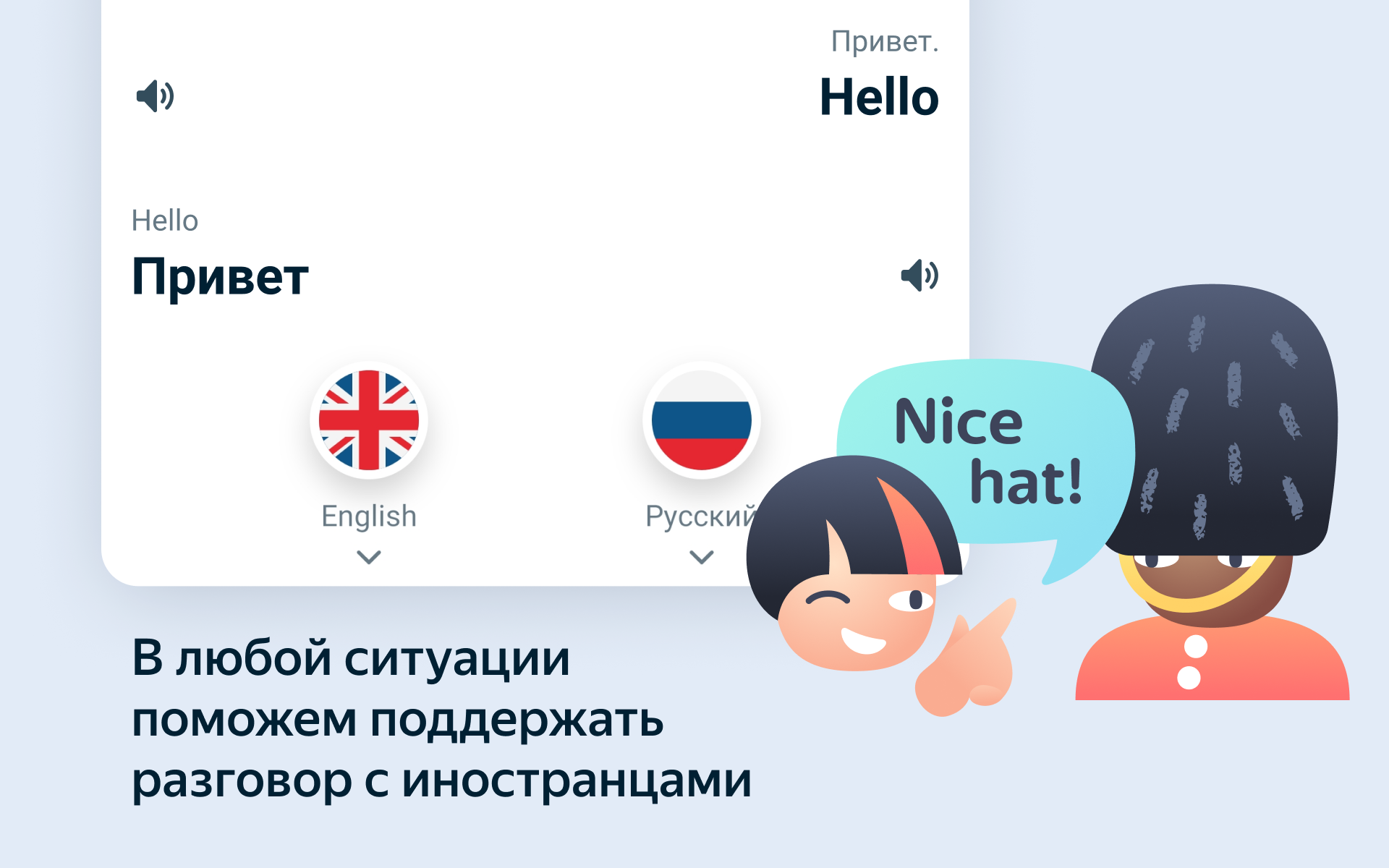
- Voice input function.
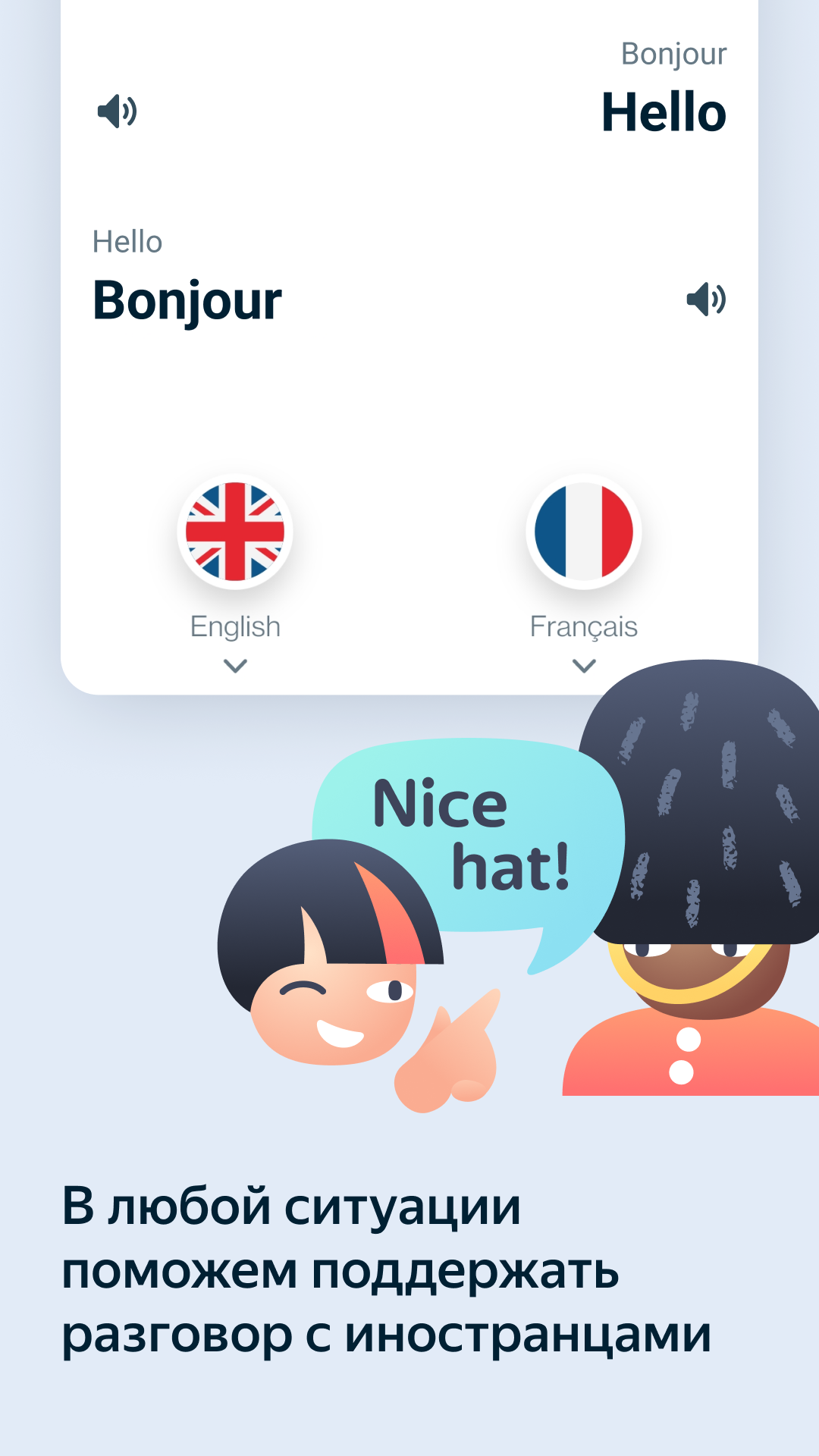
- Speaking of translations.
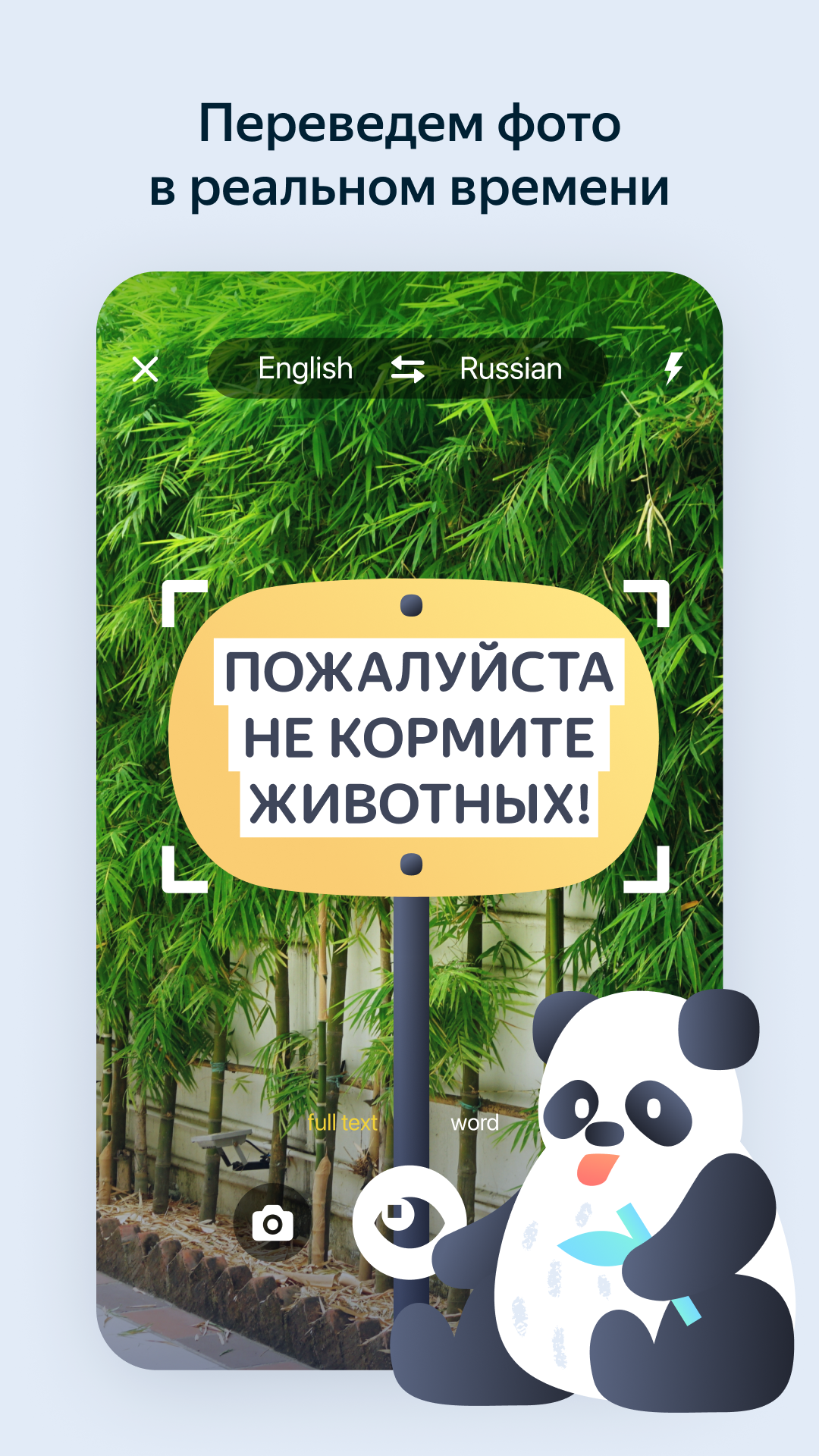
- You can translate entire websites or text from photos.
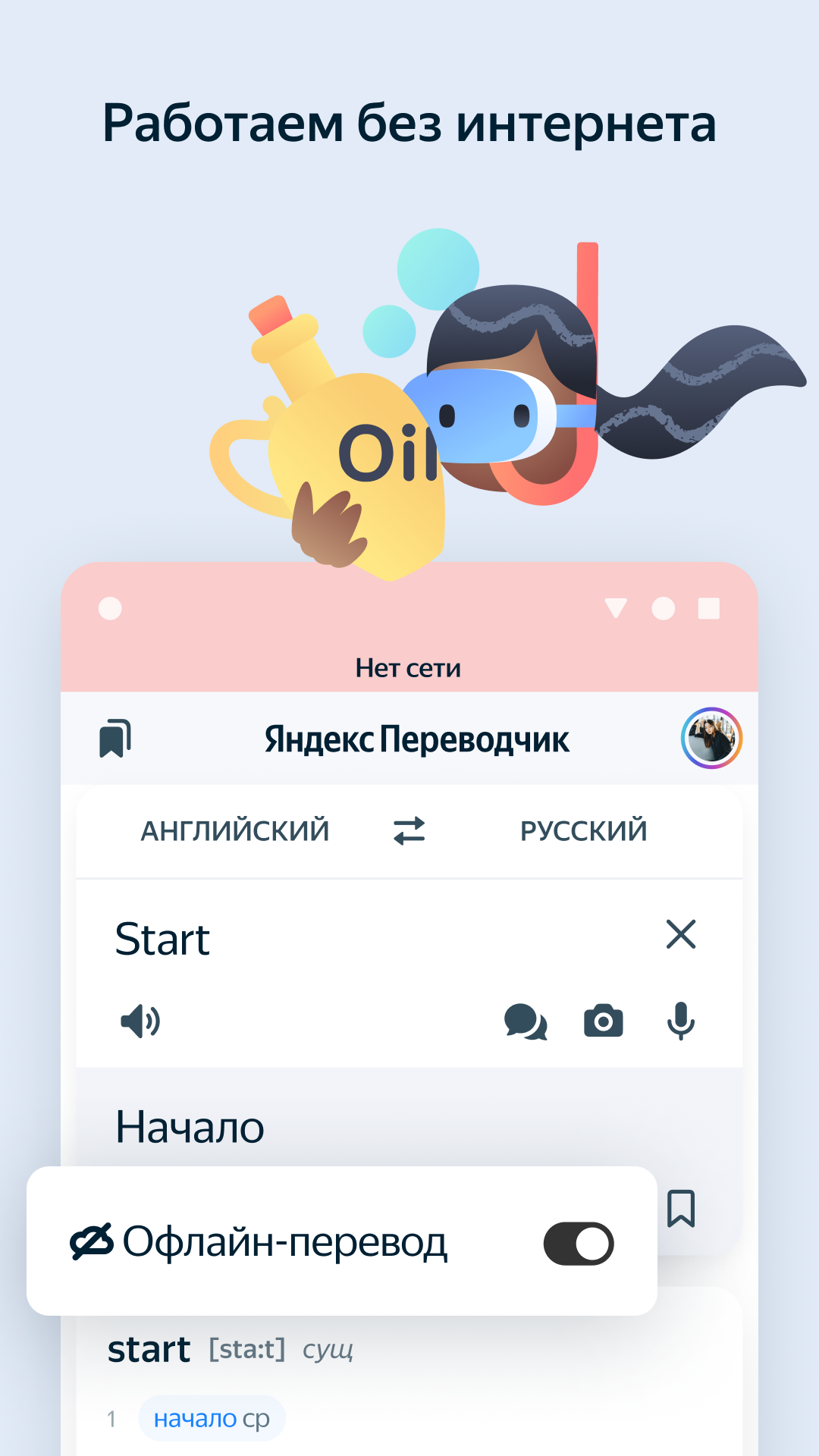
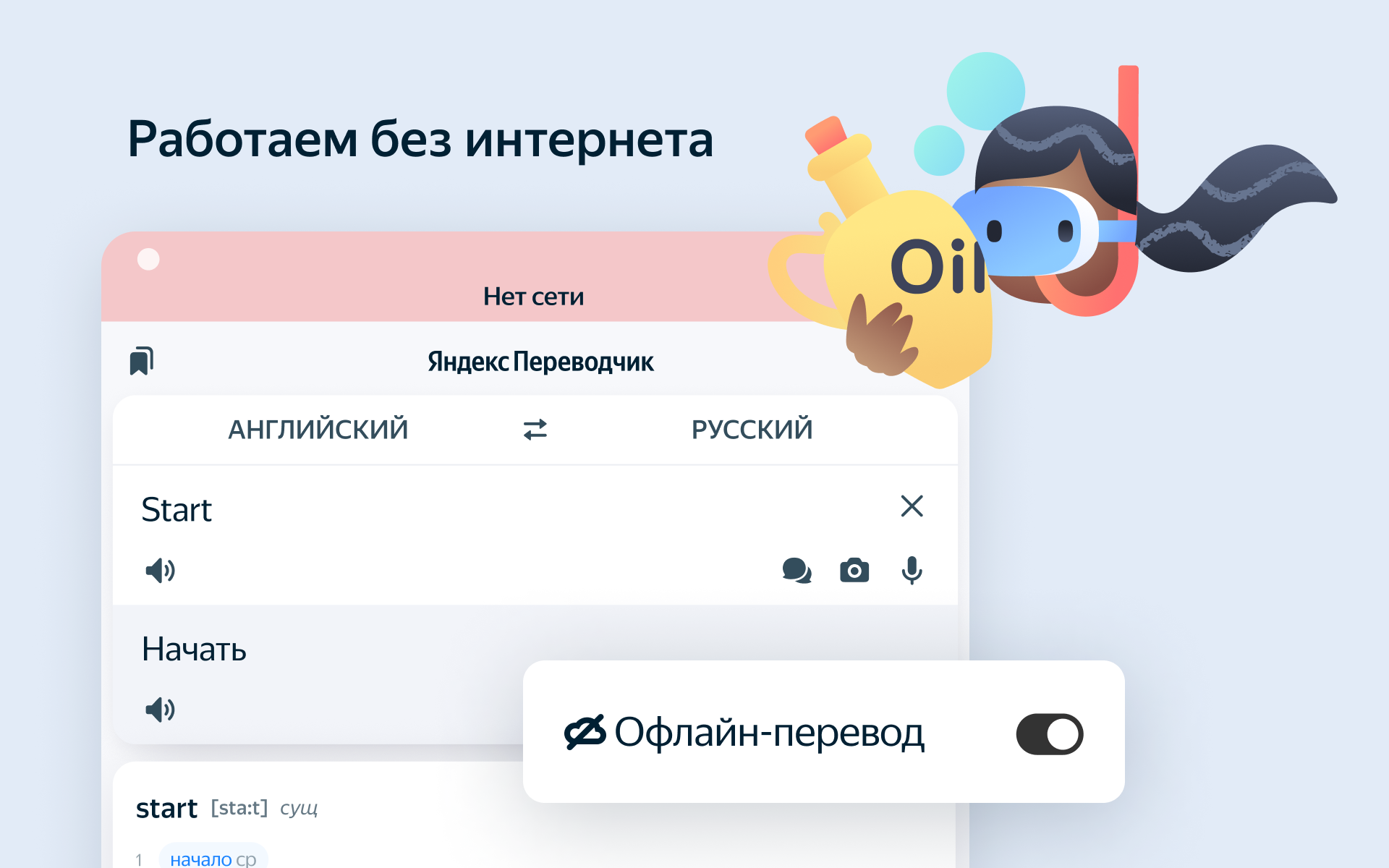
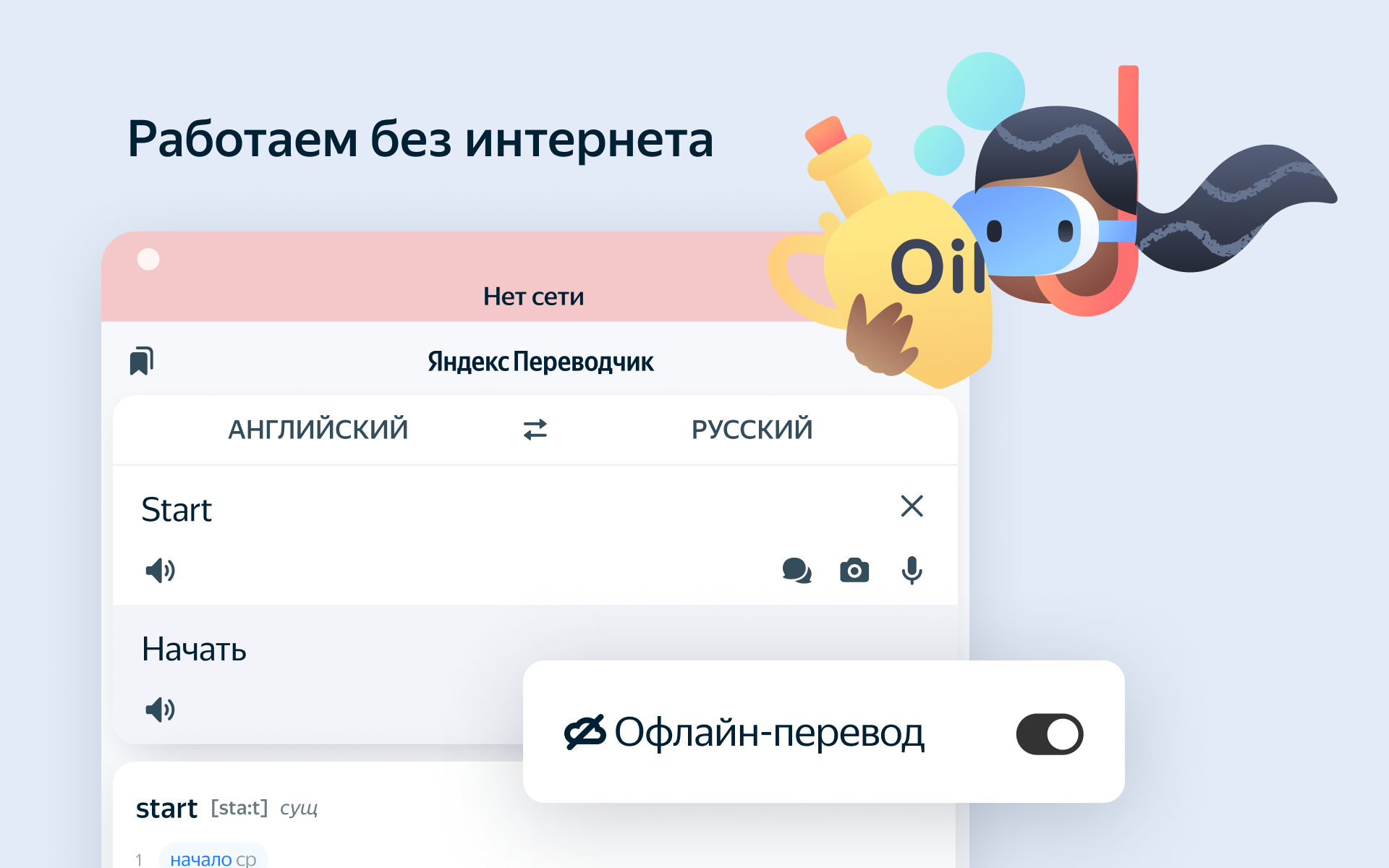
- You can download language packs for offline translation.
- Works for free.
Description
Application Yandex Translate was checked by VirusTotal antivirus. As a result of the scan, no file infections were detected by all the latest signatures.
How to install Yandex Translate
- Download APK file apps from apkshki.com.
- Locate the downloaded file. You can find it in the system tray or in the 'Download' folder using any file manager.
- If the file downloaded in .bin extension (WebView bug on Android 11), rename it to .apk using any file manager or try downloading the file with another browser like Chrome.
- Start the installation. Click on the downloaded file to start the installation
- Allow installation from unknown sources. If you are installing for the first time Yandex Translate not from Google Play, go to your device's security settings and allow installation from unknown sources.
- Bypass Google Play protection. If Google Play protection blocks installation of the file, tap 'More Info' → 'Install anyway' → 'OK' to continue..
- Complete the installation: Follow the installer's instructions to complete the installation process.
How to update Yandex Translate
- Download the new version apps from apkshki.com.
- Locate the downloaded file and click on it to start the installation.
- Install over the old version. There is no need to uninstall the previous version.
- Avoid signature conflicts. If the previous version was not downloaded from apkshki.com, the message 'Application not installed' may appear. In this case uninstall the old version and install the new one.
- Restart annex Yandex Translate after the update.












Requesting an application update
Added Denis Rubinov
Version: 89.6
Size: 48.2 MB
Updated: 24.06.2025
Developer: Yandex Apps
Age Limitations: Everyone
Authorizations:
Downloaded on Google Play: 29296270
Category: Education












Reviews for Yandex Translate
Лучший переводчик. Но при переводе постоянно меняет контекст. С английского на русский вместо past perfect вставляет continues и т.п. Буквально, пытается интерпретировать смысл, хоть и не владеет контекстом. Из-за этого постоянно садиться в лужу.
perfect
could use help with an issue...interface is in French when everything was in English the past week
gets the context 99% right
I stopped using this app because it can be quite frustrating. Every time I try to highlight text, it often swipes away the entire translation card. This makes it difficult to focus on the specific information I need. I hope this issue can be addressed in future updates.
strangely at first try only a few East Asian languages showed, now there seems to be a full list
good
so BAD 🤬🤬🤬🤬
👍
I have been using this translation tool for years and finally gave up and went back to Google Translate. Why? Because every 5 minutes it kicks me out and has me complete a security check. After writing a few paragraphs to lose all your work and start again is very annoying.
Well I just updated the app and now whenever I copy some text on a different app the Quick translation feature just says text can not be translated, before the update this never happened and the Quick translation features is literally one of my favourite things ever that I use on my phone daily, so yeah maybe fix it team Yandex. I just sent a suggestion with video example of the problem. Today is 24.5.2022 and the issue has been fixed. Great work.
This app really helpful for language learners. Also, it has plenty of beneficial functions. So far, I've learned a huge number of words as well as phrases which are helped me to improve my writing and speaking abilities. I recommend you install this translate right away! BTW, there is no ads.
Solid translation app, I use it every day. The context given for translated words is fantastic. One request: long press on a "Recent translation" from the main screen to delete it from history, the same as can be done by going to the History through the Collections button.
Apparently, the offline translations not even working. When I tried to translates the word from Japanese to English, both the collumn shown in Japanese eventho I'd already download the Language Pack. Kinda ironic because the app icon shown あ(A) while the Japanese translations all messed up. I'd just gonna try and giving this app second chances with using the camera translation feature. Probably gonna be better than Google Translate in these kind of translating the images
It's a terrible application. It has designed for Russian language. In other language, it's not showing any definition of words, synonym and so on. It's only translating. So, I didn't find it fascinating. My experience was worst.
Post a comment
To leave a comment, log in with your social network:
Or leave an anonymous comment. Your comment will be sent for moderation.
Post a comment
To leave a comment, log in with your social network:
Or leave an anonymous comment. Your comment will be sent for moderation.