


Added: Denis Rubinov
Version: 2506.1.1
Size: 95.3 MB
Updated: 24.06.2025
Developer: Microsoft Corporation
Age Limitations: Teen
Authorizations: 20
Downloaded on Google Play: 105443644
Category: Entertainment
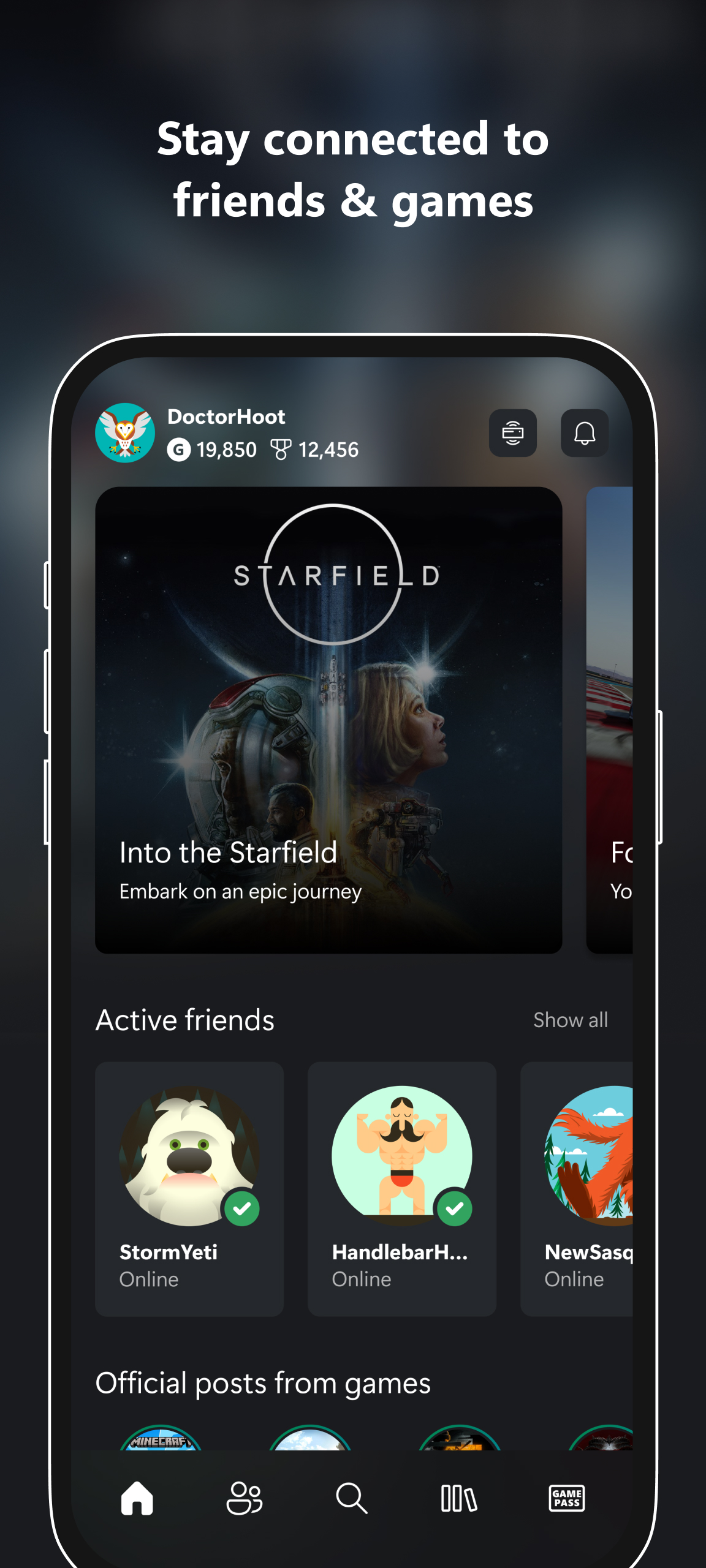
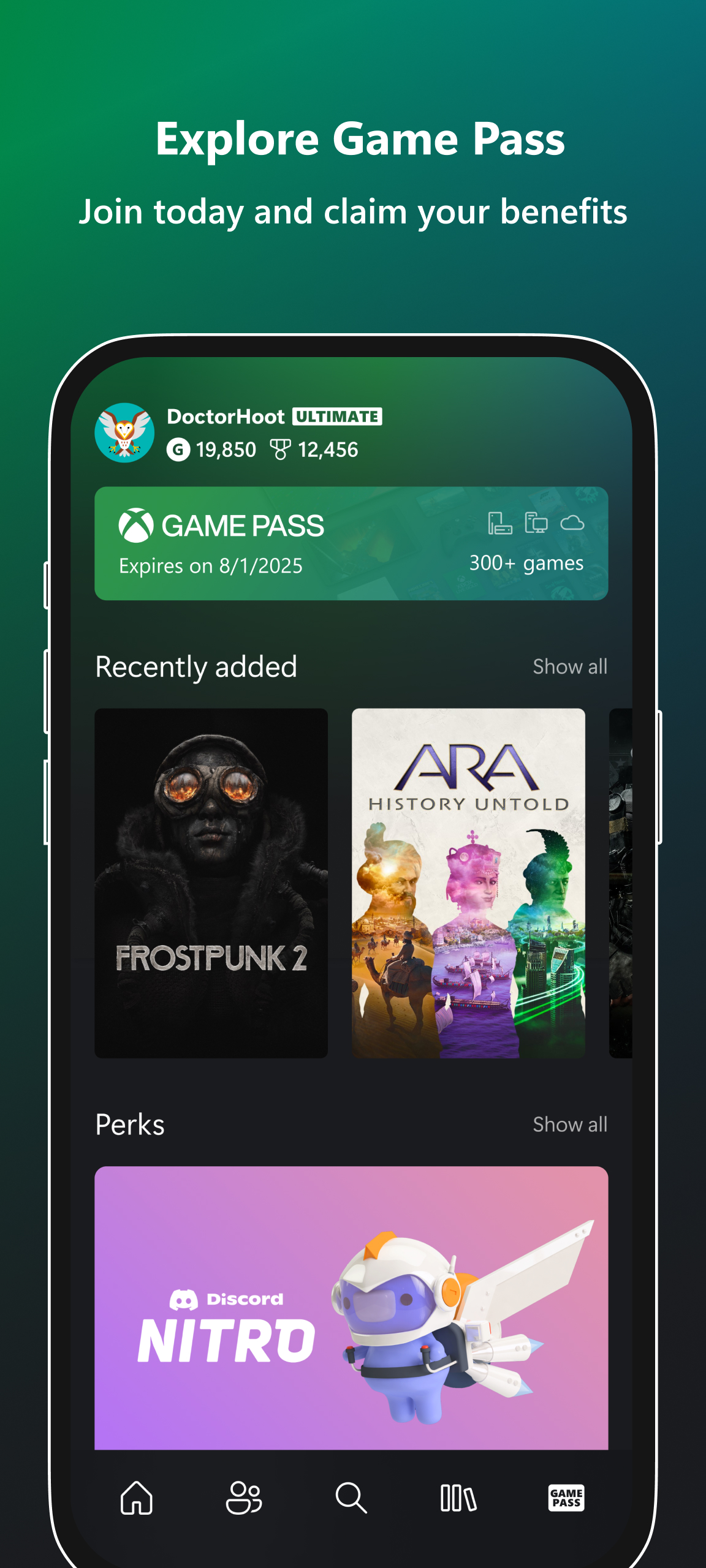
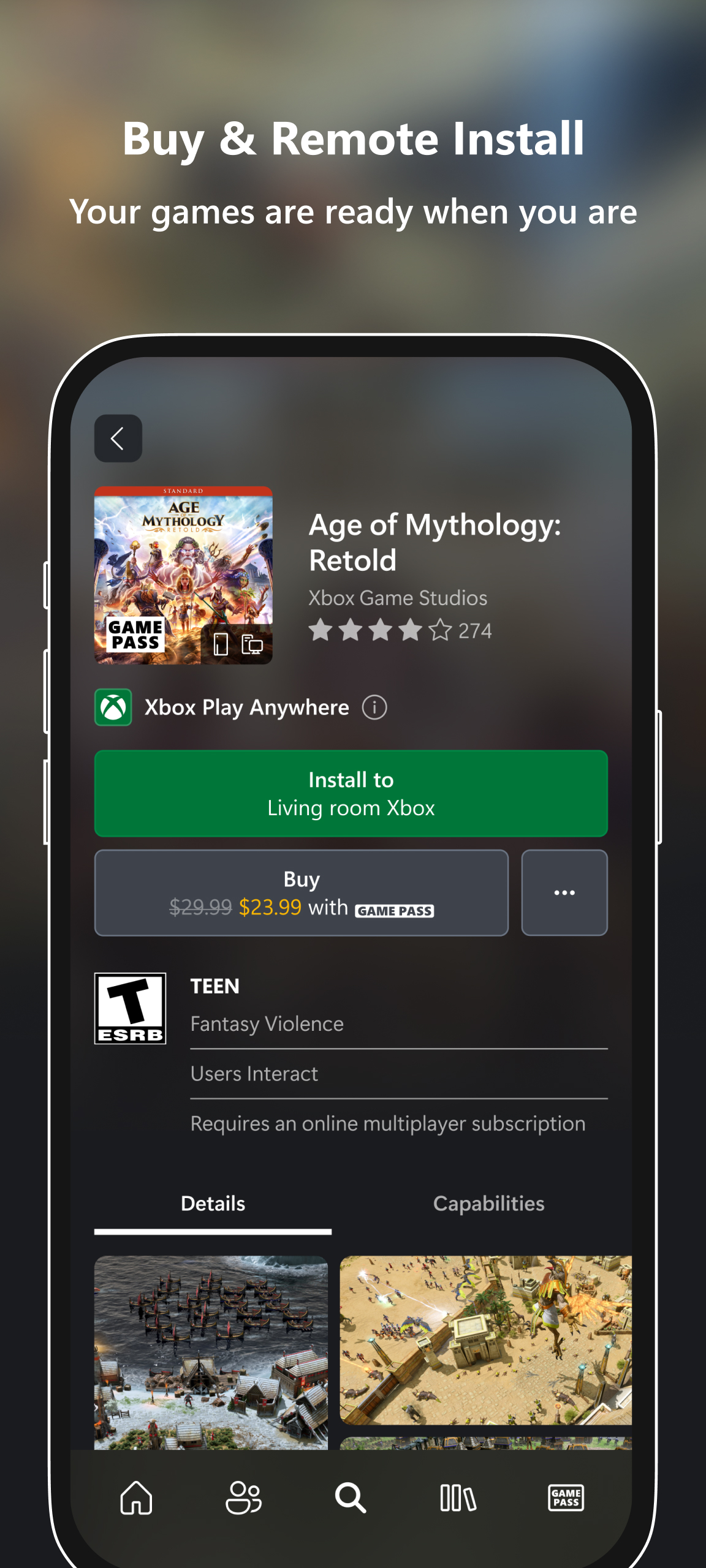
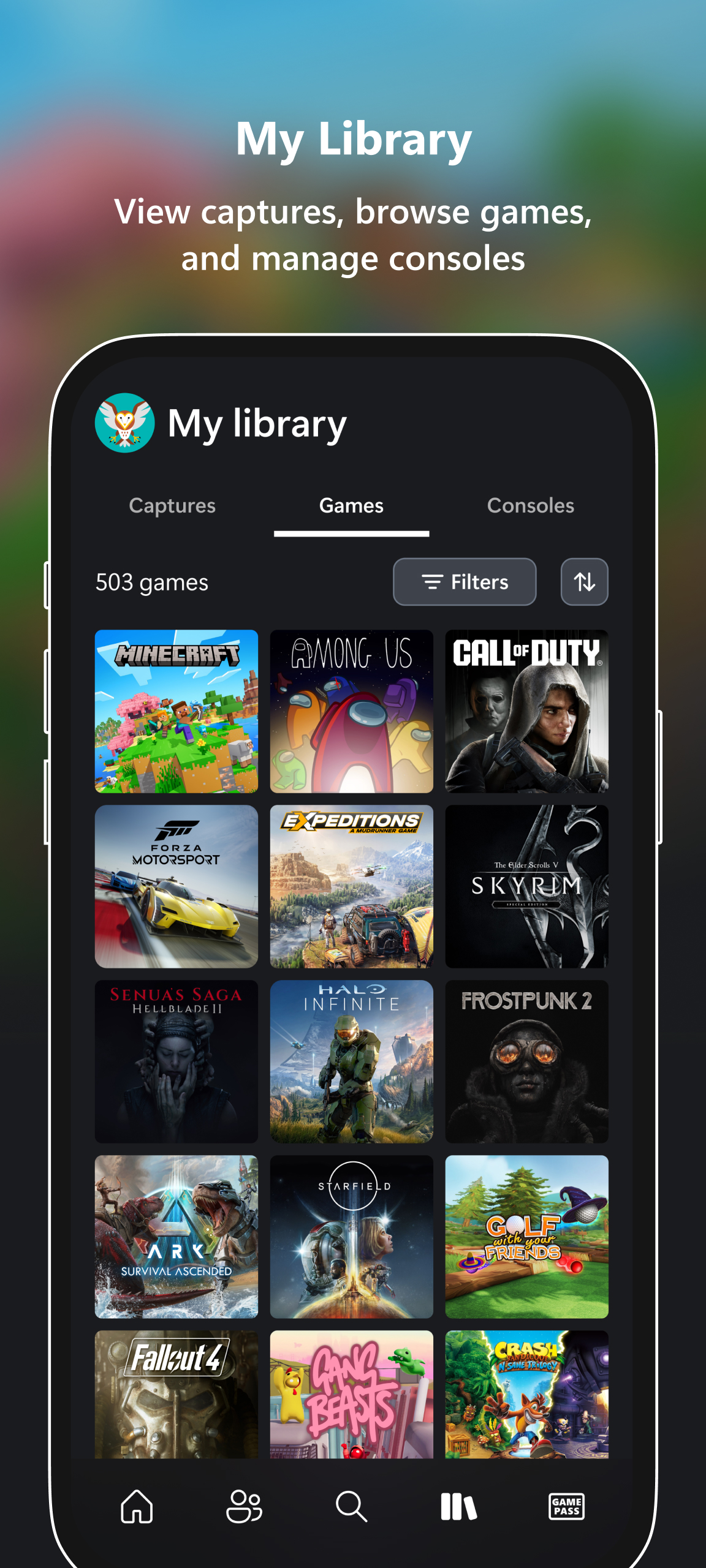
- You can play your favorite console games on your phone.
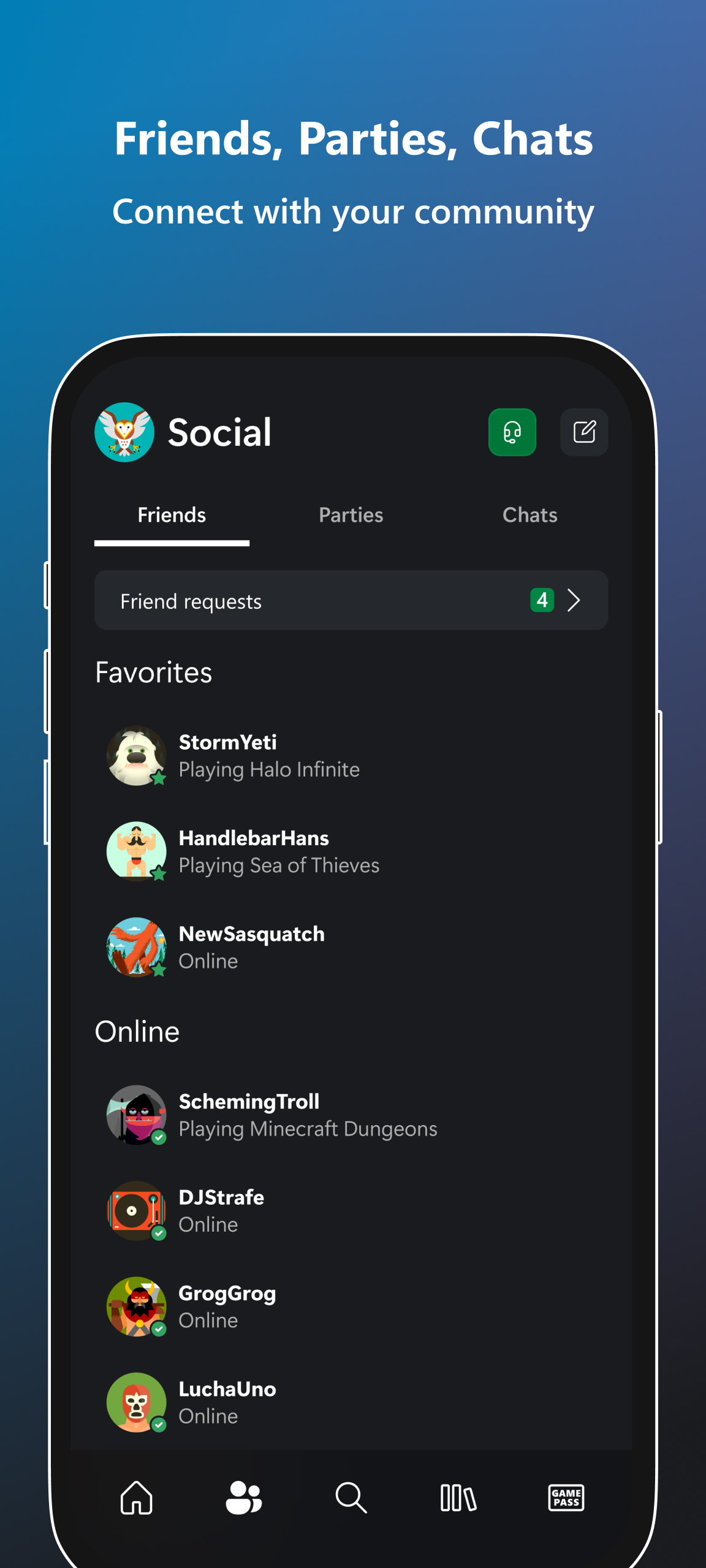
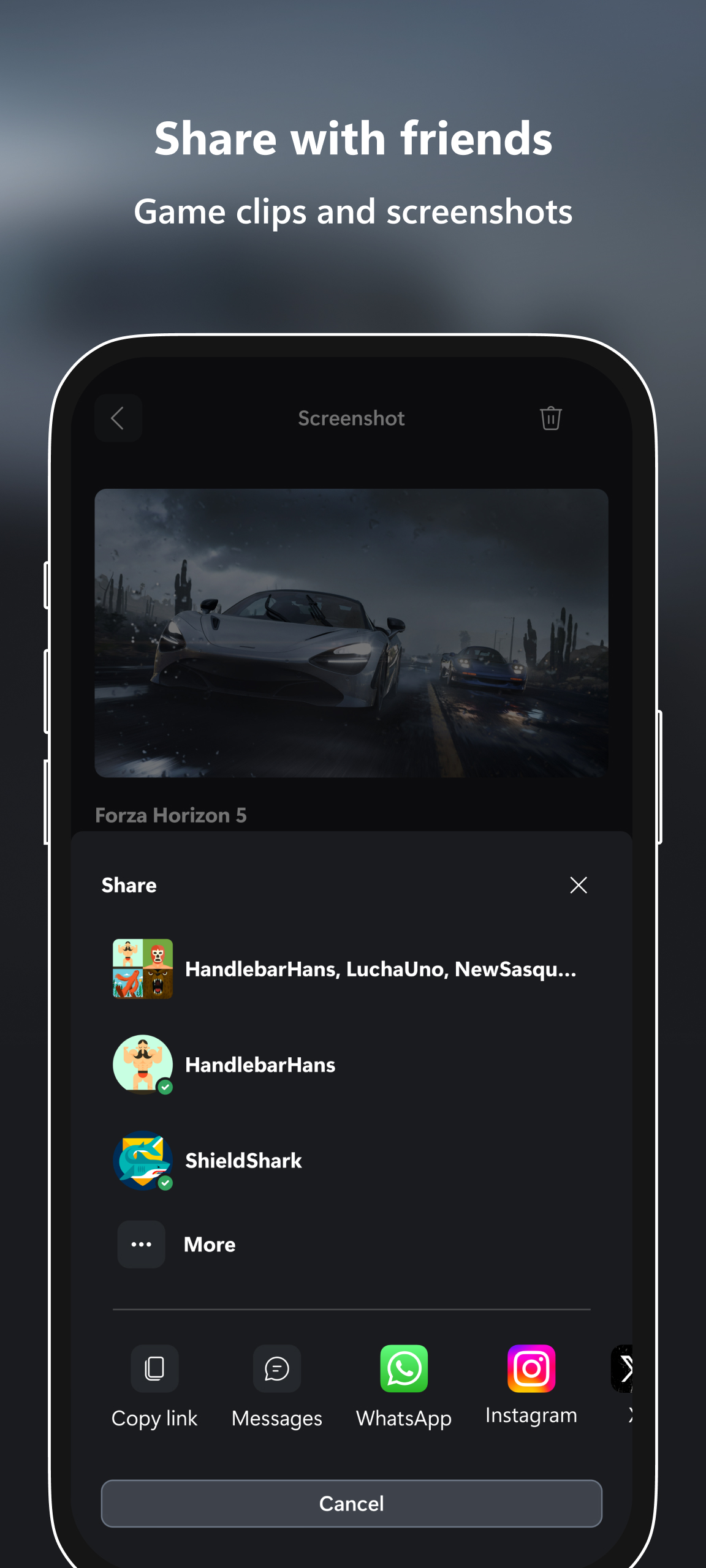
- Access to a convenient chat with friends.
- Instant notifications for game invites and new messages.
- Does not need to be on the same network as the console.
Description
Application Xbox was checked by VirusTotal antivirus. As a result of the scan, no file infections were detected by all the latest signatures.
How to install Xbox
- Download APK file apps from apkshki.com.
- Locate the downloaded file. You can find it in the system tray or in the 'Download' folder using any file manager.
- If the file downloaded in .bin extension (WebView bug on Android 11), rename it to .apk using any file manager or try downloading the file with another browser like Chrome.
- Start the installation. Click on the downloaded file to start the installation
- Allow installation from unknown sources. If you are installing for the first time Xbox not from Google Play, go to your device's security settings and allow installation from unknown sources.
- Bypass Google Play protection. If Google Play protection blocks installation of the file, tap 'More Info' → 'Install anyway' → 'OK' to continue..
- Complete the installation: Follow the installer's instructions to complete the installation process.
How to update Xbox
- Download the new version apps from apkshki.com.
- Locate the downloaded file and click on it to start the installation.
- Install over the old version. There is no need to uninstall the previous version.
- Avoid signature conflicts. If the previous version was not downloaded from apkshki.com, the message 'Application not installed' may appear. In this case uninstall the old version and install the new one.
- Restart annex Xbox after the update.













Requesting an application update
Added Denis Rubinov
Version: 2506.1.1
Size: 95.3 MB
Updated: 24.06.2025
Developer: Microsoft Corporation
Age Limitations: Teen
Authorizations:
Downloaded on Google Play: 105443644
Category: Entertainment












Reviews for Xbox
remote navigation won't work with Netflix.
I've been using this app for a while now it's pretty frikin handy
revert the change to remote play, we used to be able to use the app to do it, and now we can't. It makes no sense to remove that feature, please revert this superfluous change.
cloud could be better like offline games
remote Play isn't working properly my phone won't let me remote Play
With the removal of Remote Play this app is is now completely worthless. Uninstalling.
Xbox is great. join parties and talk to your console and PC friends, message players, and find hot thicc thighed emo gamer girls oof 😅
Very nice App, but unfortunately I'll have to uninstall it now since Minecraft doesn't require it to log me in my Xbox account anymore.
best app for xbox. must have if your a gamer.
XBOX LIVE
The app is good but has lots of bugs and randomly at times it'll unmute your mic if you are muted. I would hope that this is fixed soon. At times it will even kick me from party chats for no reason at all. This has been going on for months now. Another issue I have come across with the xbox app is that it's not changing my pfp though this could just be an error with xbox itself.
Won't connect to my series x. Shows it's on but just says can't connect try again soon when I try anything. Might be the Xbox itself either way Microsoft is about to lose a faithful family of customers. Might be a class action lawsuit if it's not fixed soon I pay for it so do others seems I should be getting some money back if not all the features I pay for are going to work. My Xbox won't even hook to Alexa at the moment.
This review doesn't pertain to the app. But I would like to see windows media player on the Xbox get more features to make it easier to navigate. Maybe it just needs a better ui. Spent 2 hrs making a playlist. Of the 2 options to make a playlist 1 of those crashes windows media player app on Xbox
It was great, but after most recent update, I no longer get notifications when my friends get online. This was my main reason for using this app. Now you can't buy games through the app either anymore. I figured out the issue, Android was keeping this app from running in the background. Adjust that and you should be good to go. It would be nice if you could expand the notification and see a time stamp.
Awesome app. No issues downloading to console if I'm not home and I can send chats or join parties. The other cool thing is I can use my phones keyboard to send a chat when I'm using the remote feature. Saves time on typing with my controller!! However, remote play is being weird and won't let me play half the time. It's a simple card game that I play when I'm not on my Xbox. Can you fix the bug issue with remote play?
Post a comment
To leave a comment, log in with your social network:
Or leave an anonymous comment. Your comment will be sent for moderation.
Post a comment
To leave a comment, log in with your social network:
Or leave an anonymous comment. Your comment will be sent for moderation.