



Simple Gallery
26+
downloads5.0+
version Android
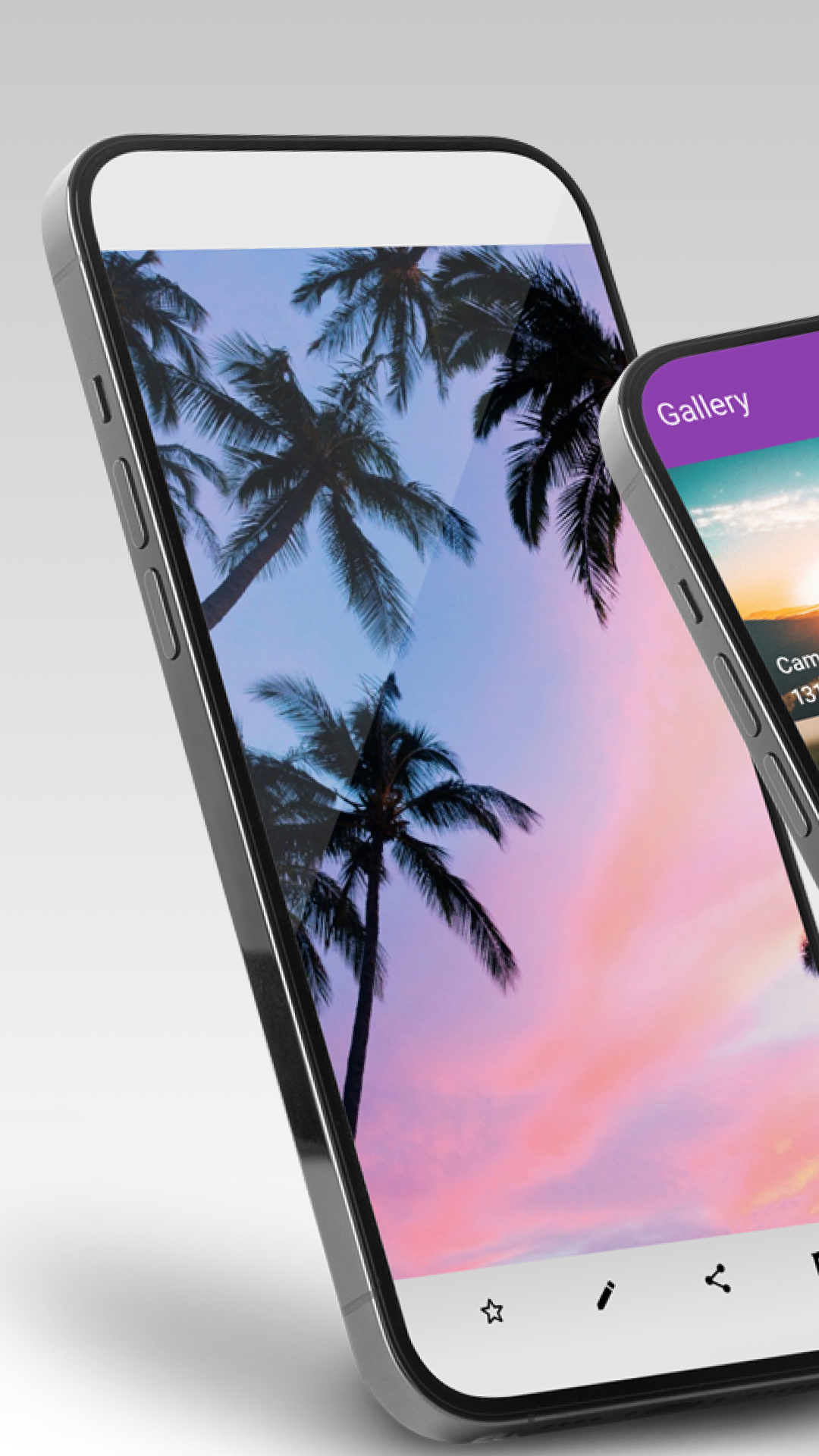
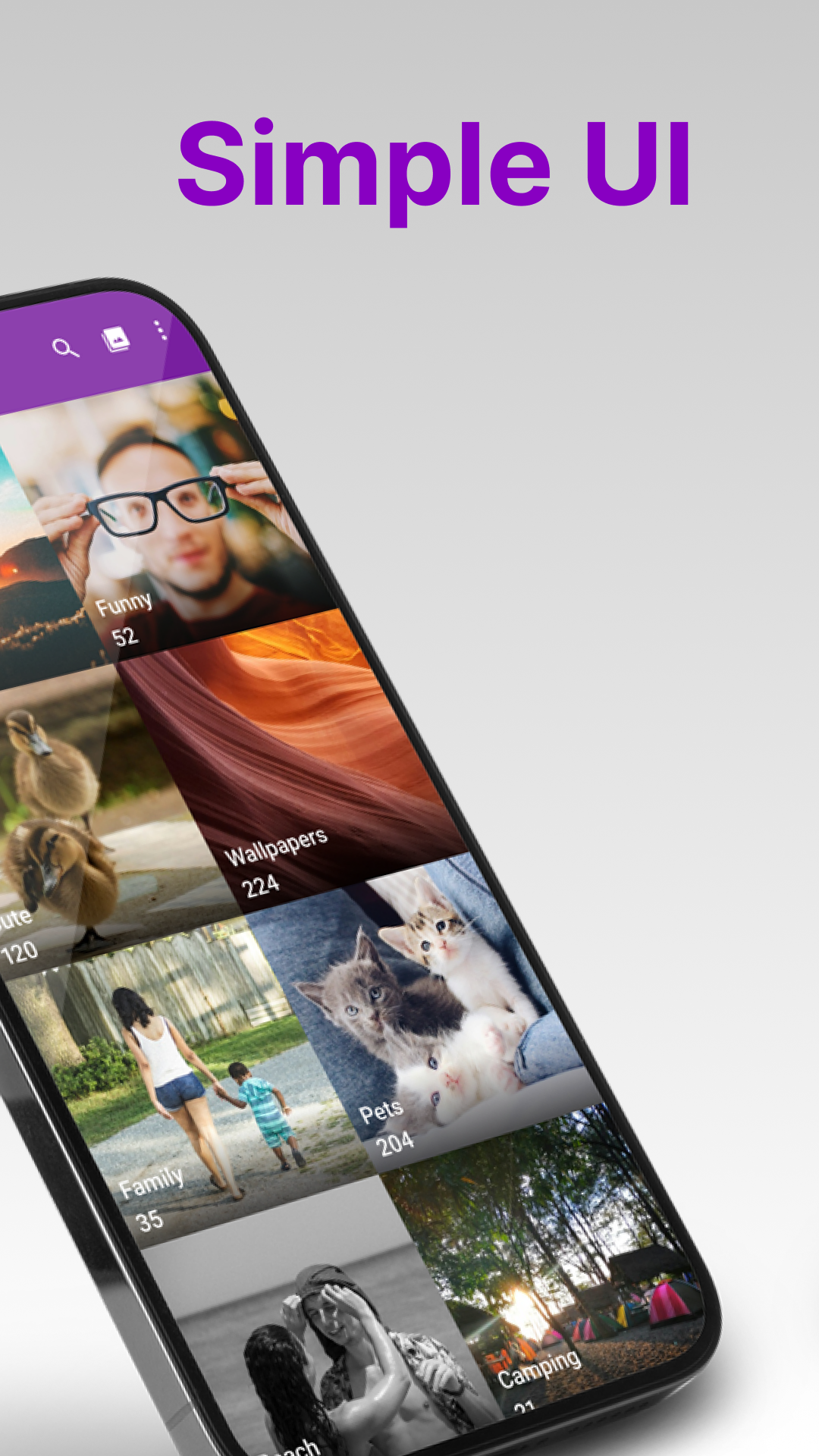
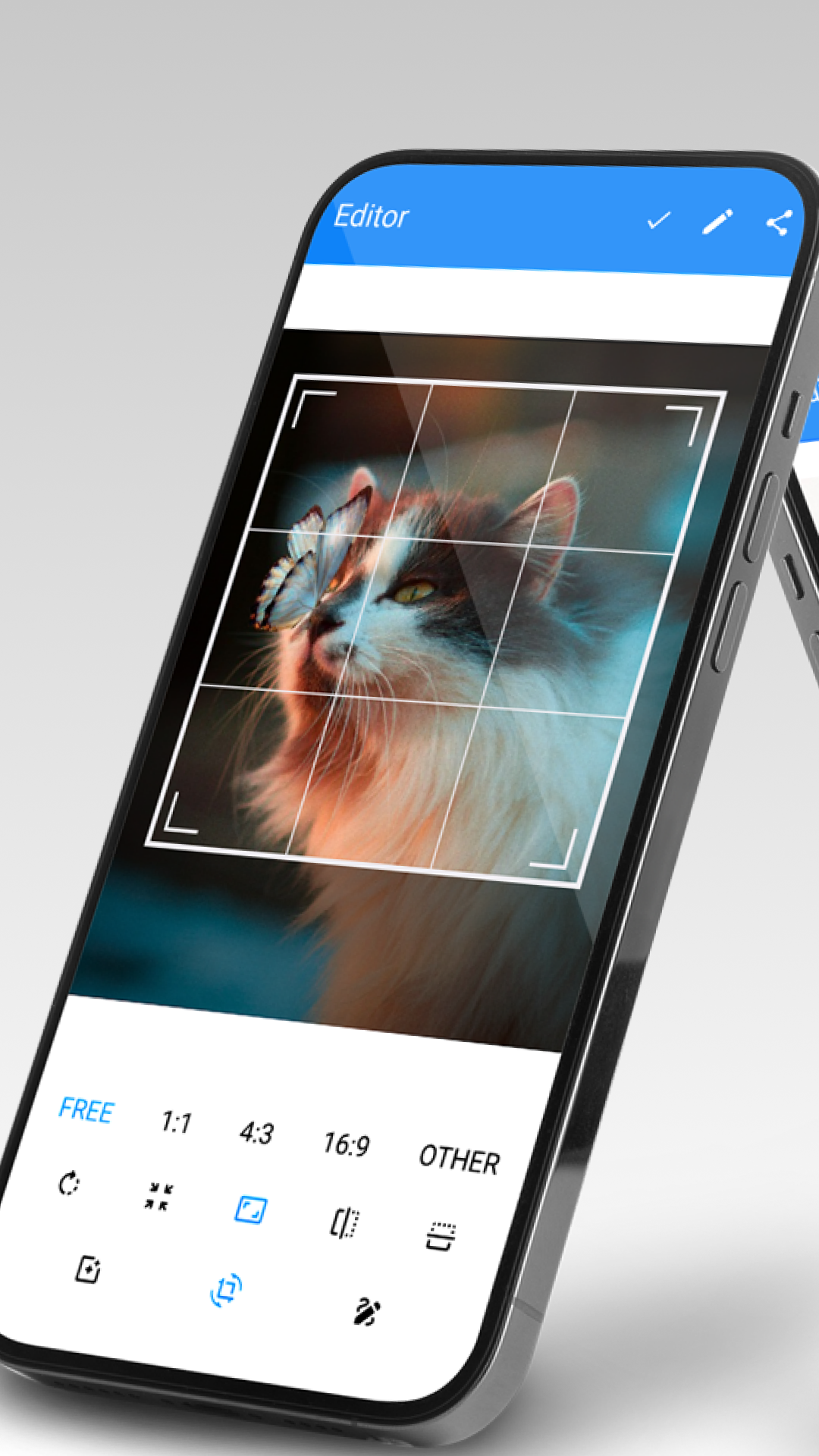
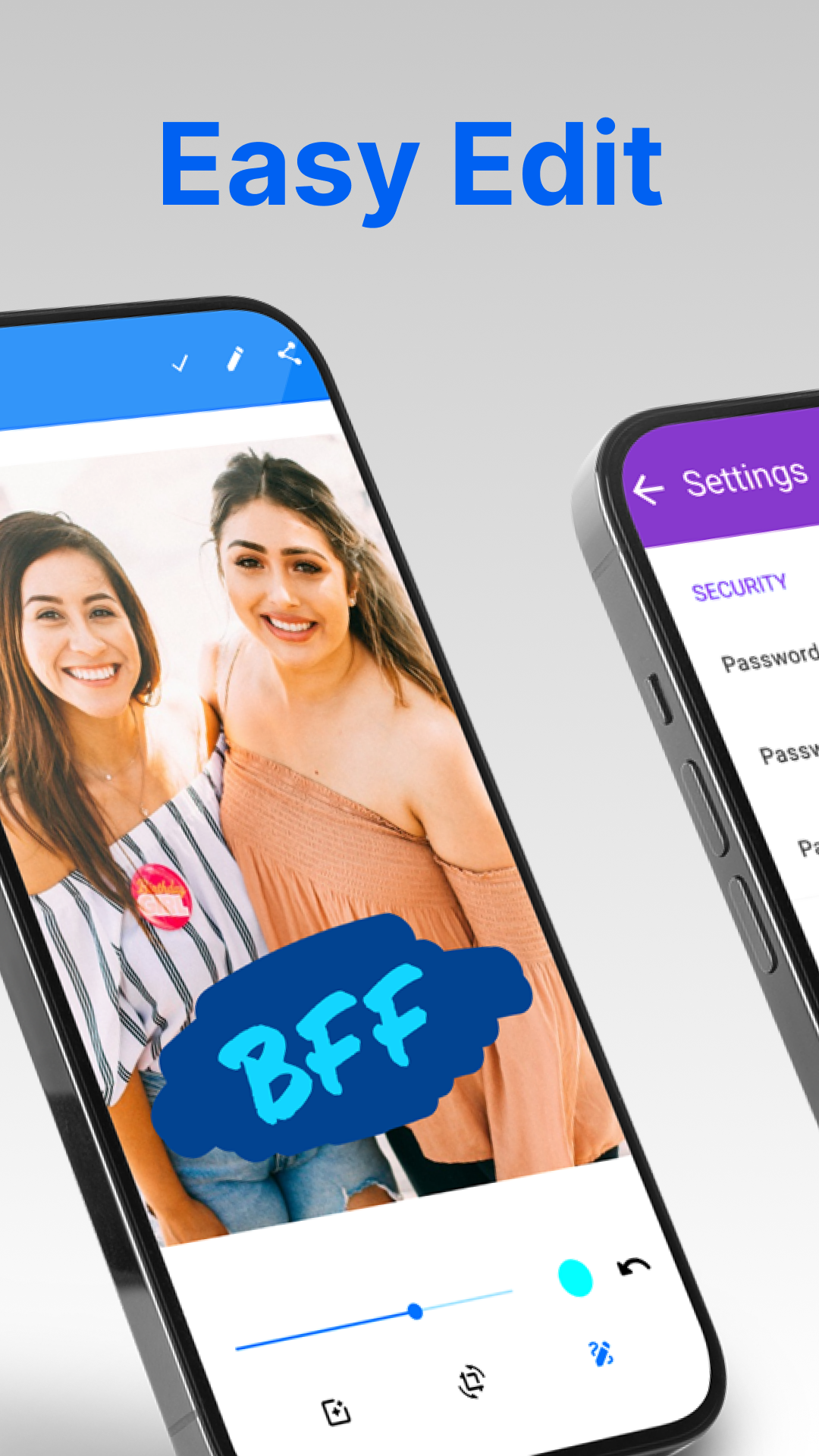
Added: Denis Rubinov
Version: 6.1.3.1
Size: 36.6 MB
Updated: 24.06.2025
Developer: Simple Mobile Tools
Age Limitations: Everyone
Authorizations: 9
Downloaded on Google Play: 27098208
Category: Tools
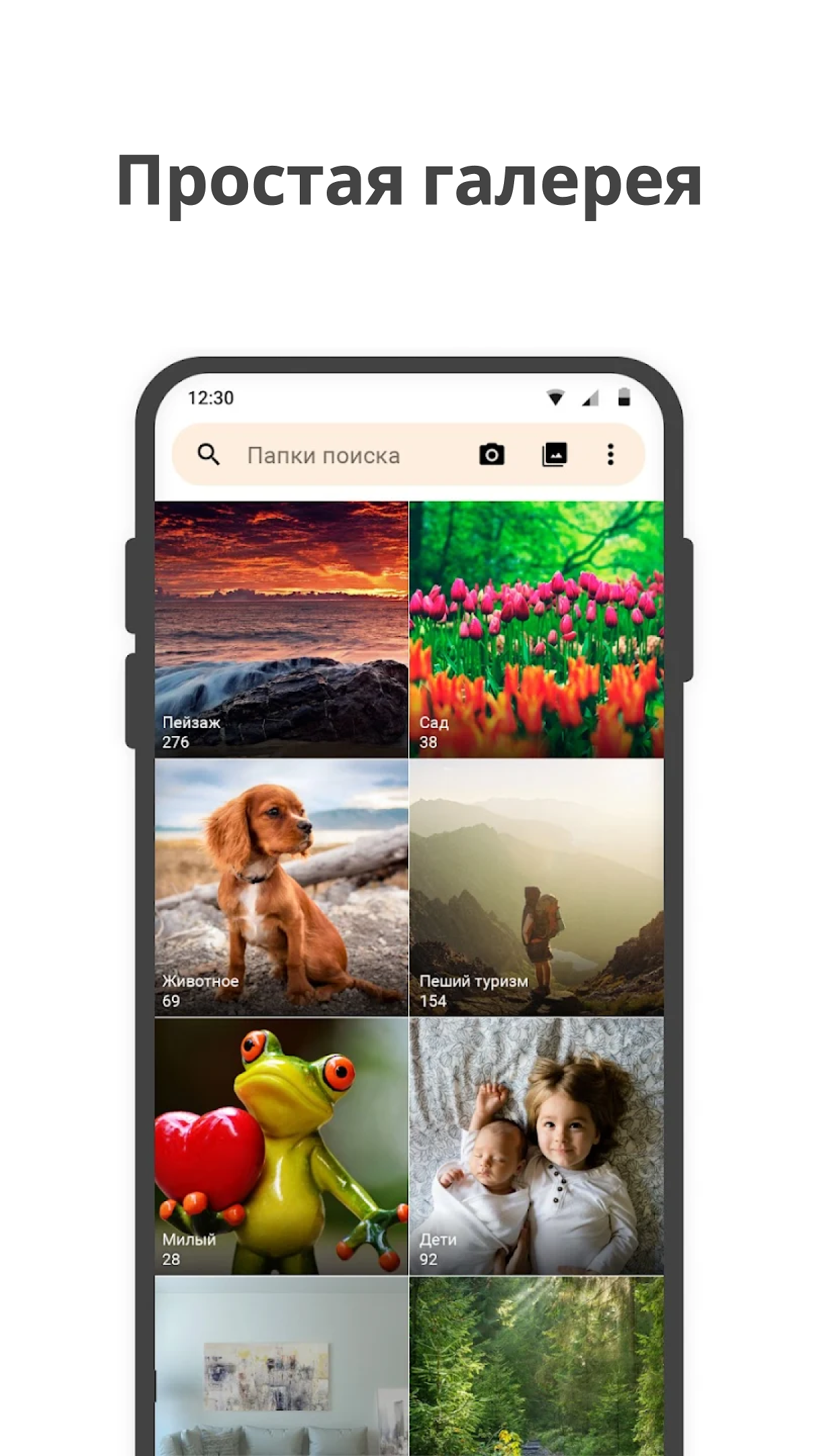
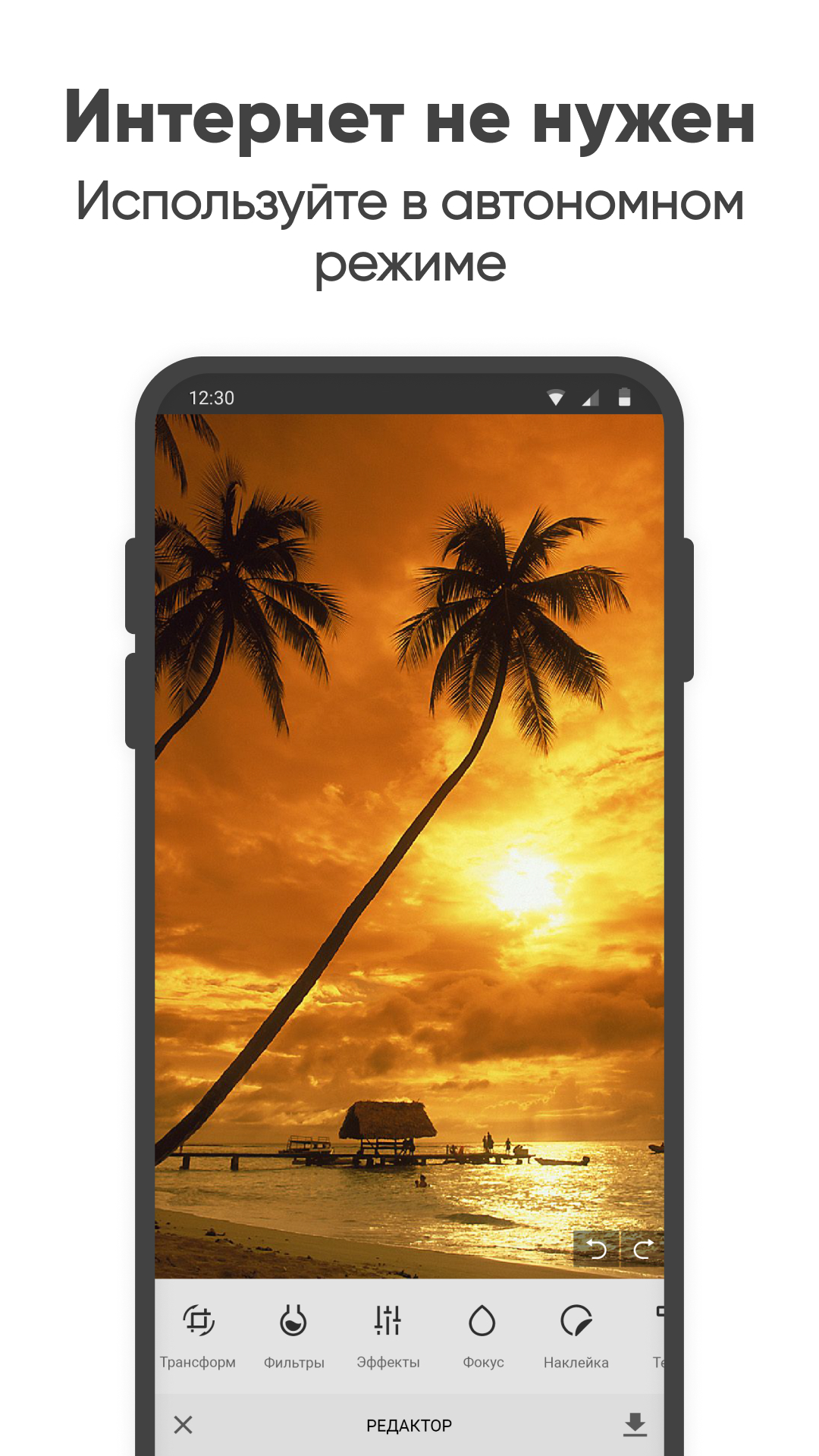
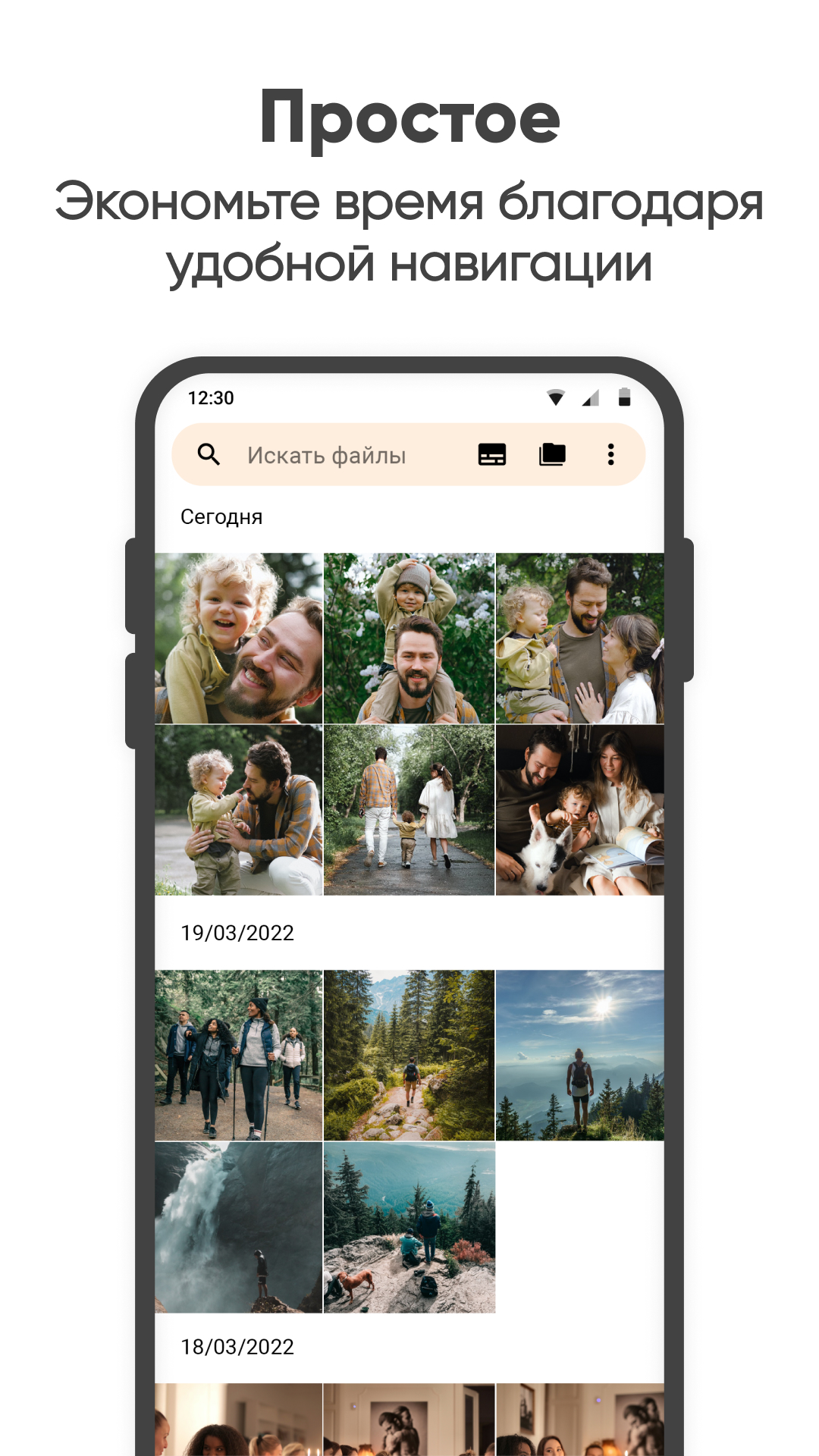
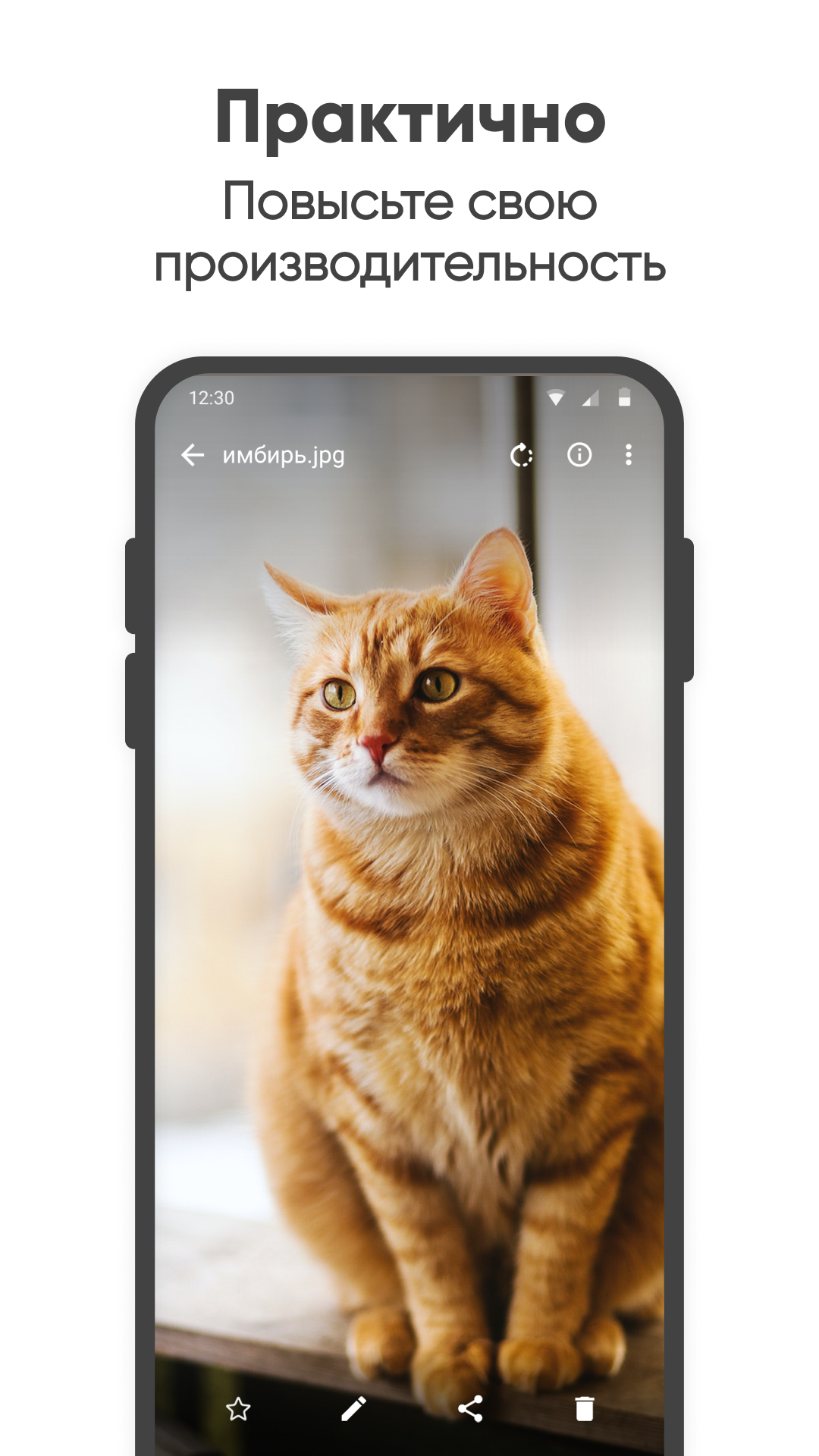
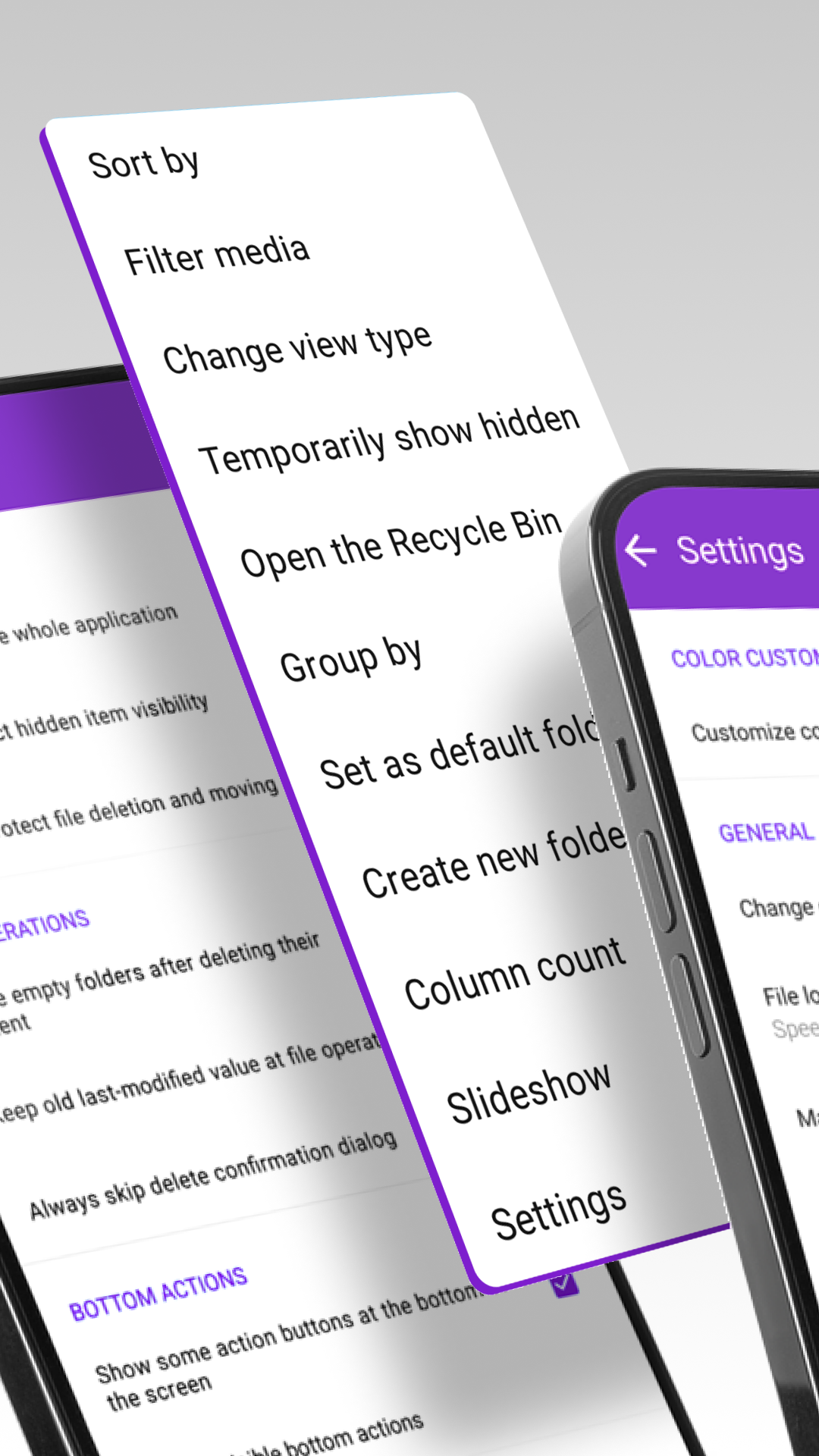
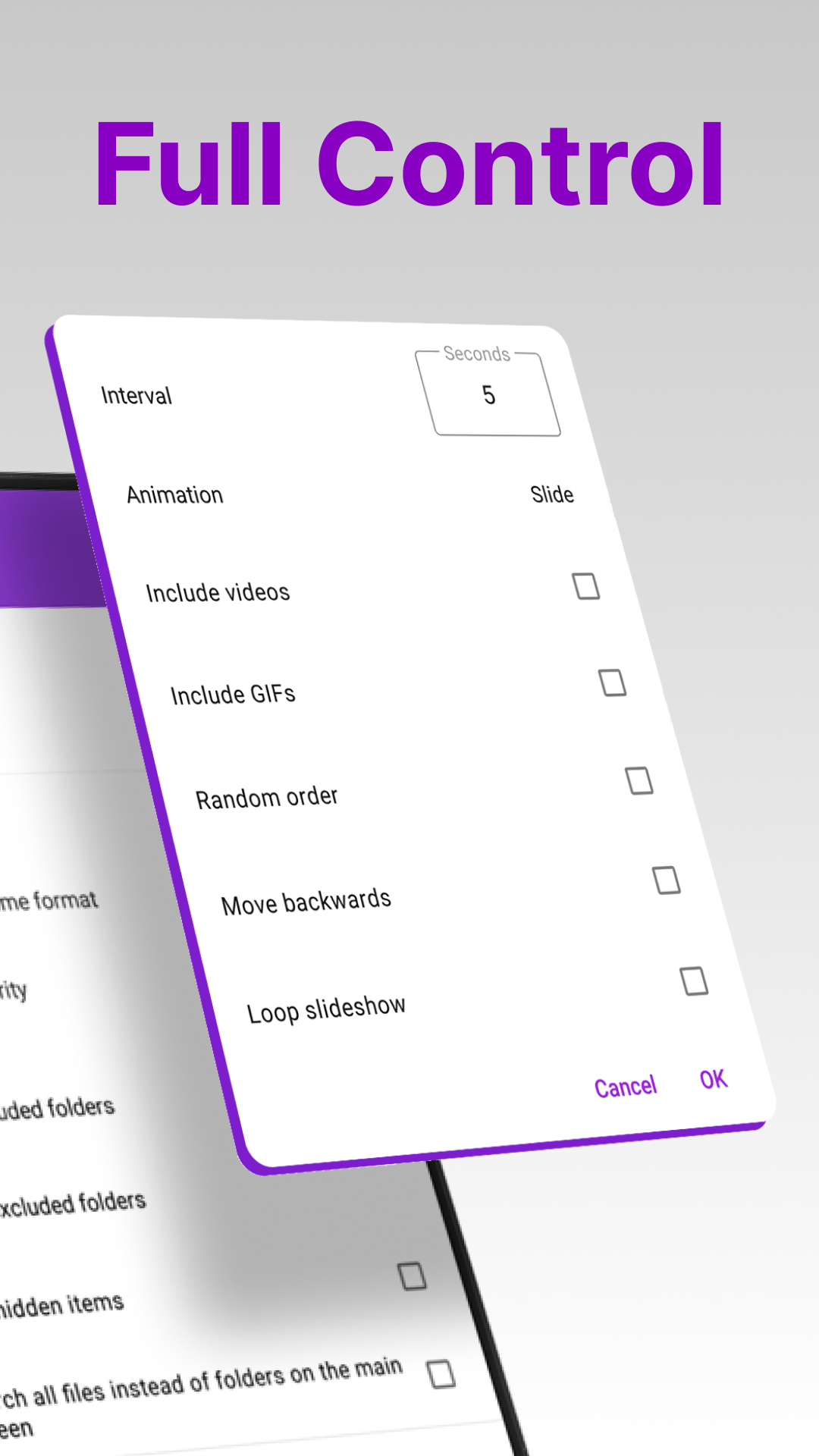
- Basic photo editing functions.
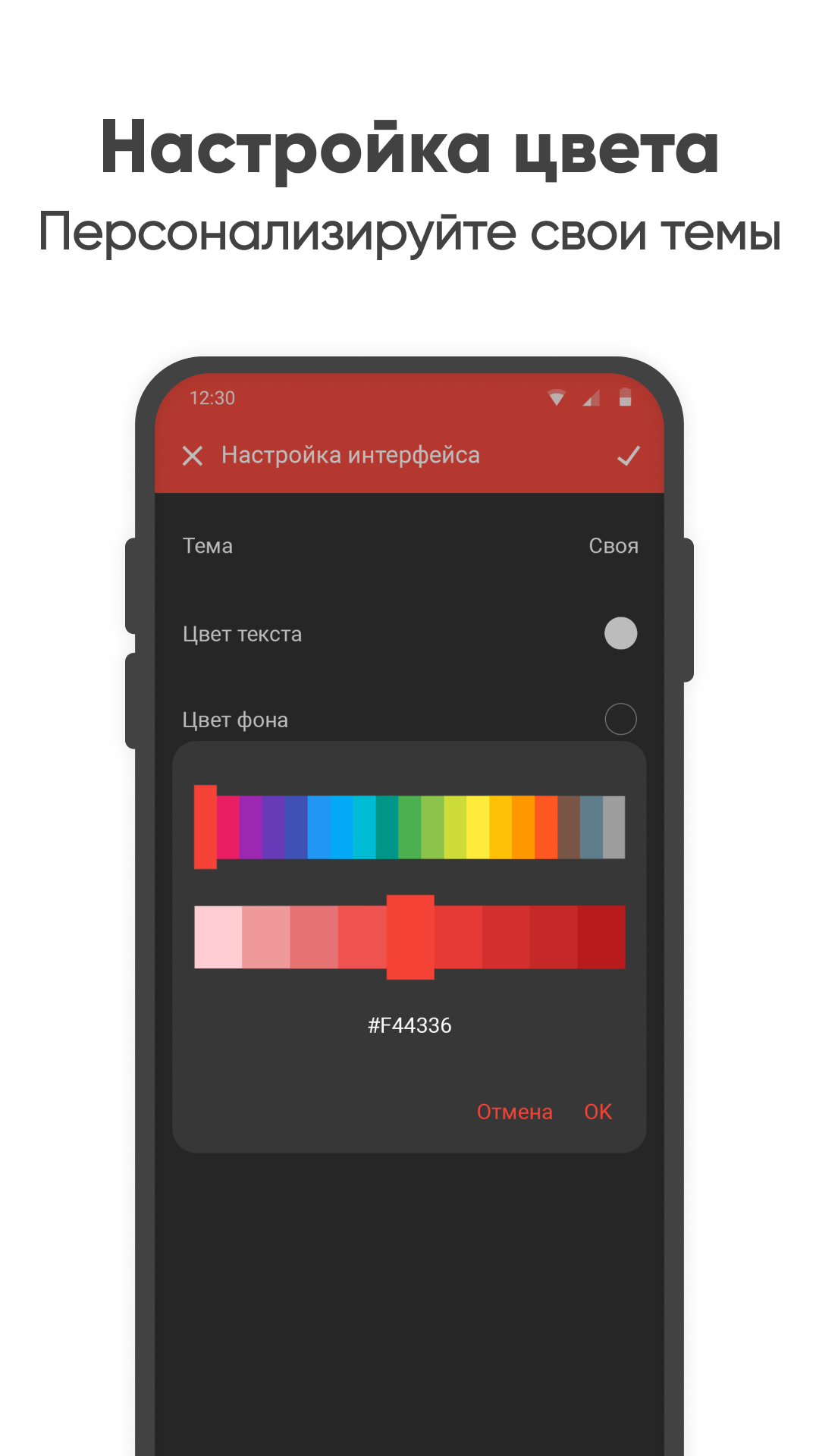
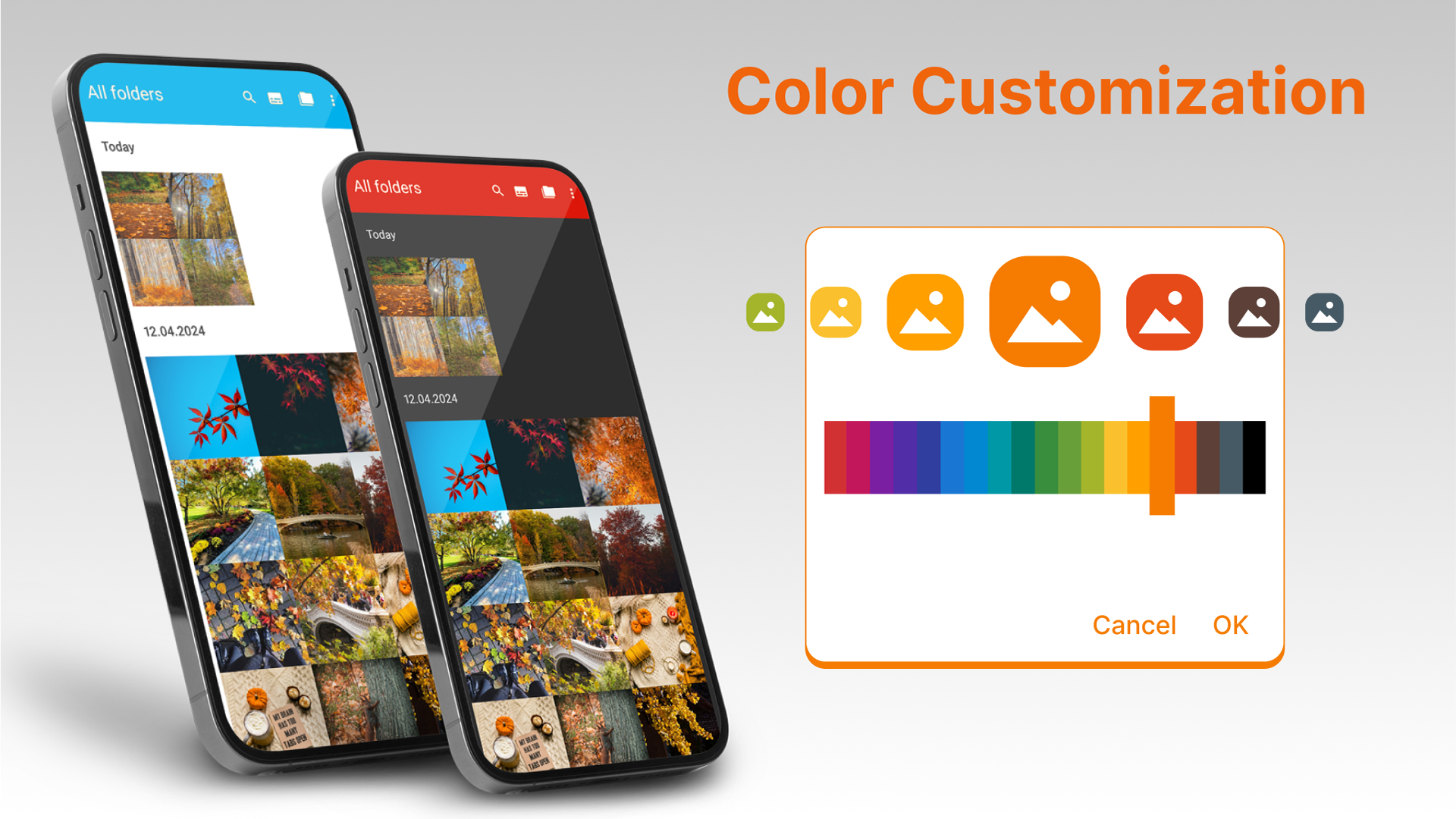
- Customizing the color scheme of the program.
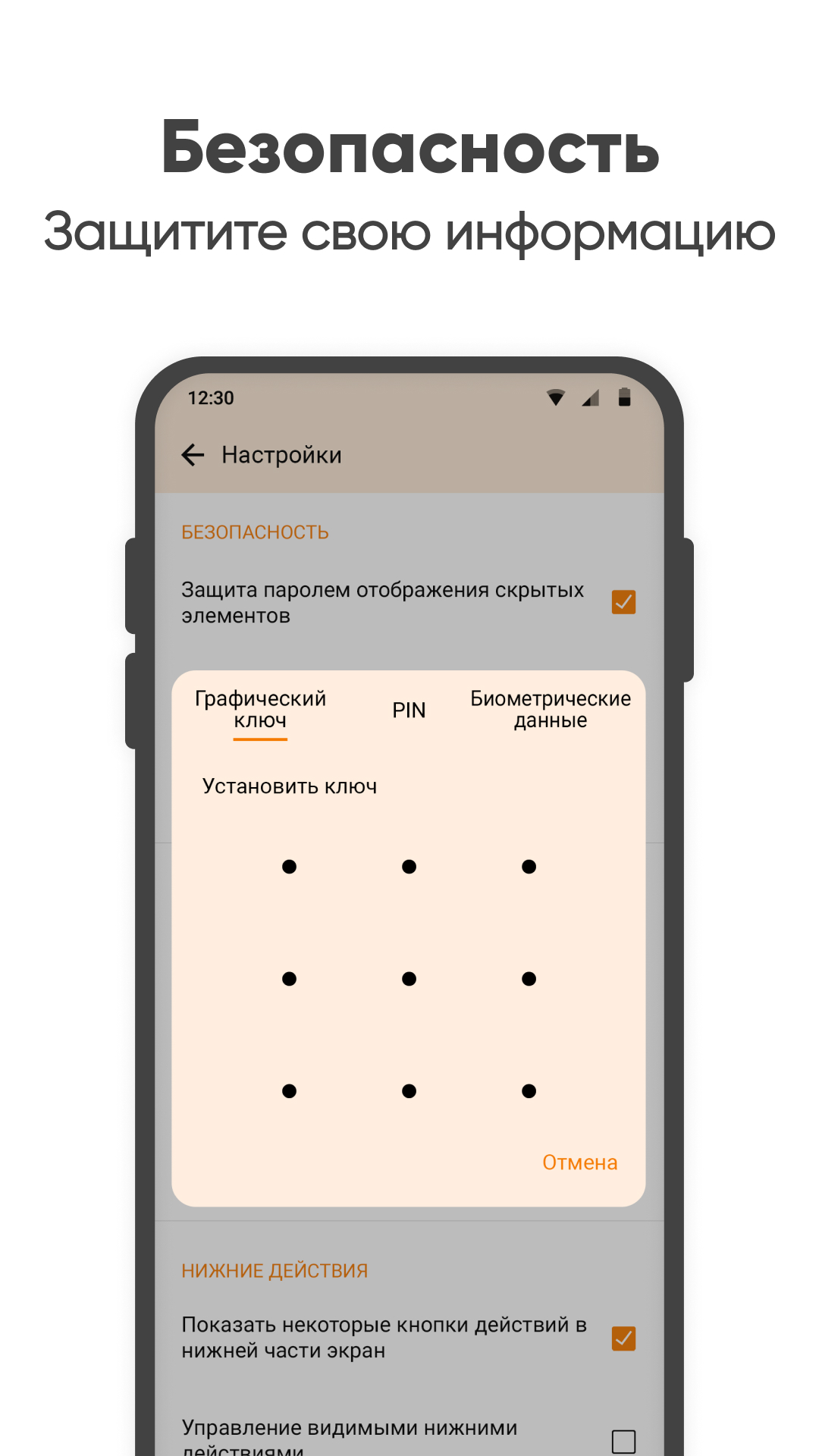
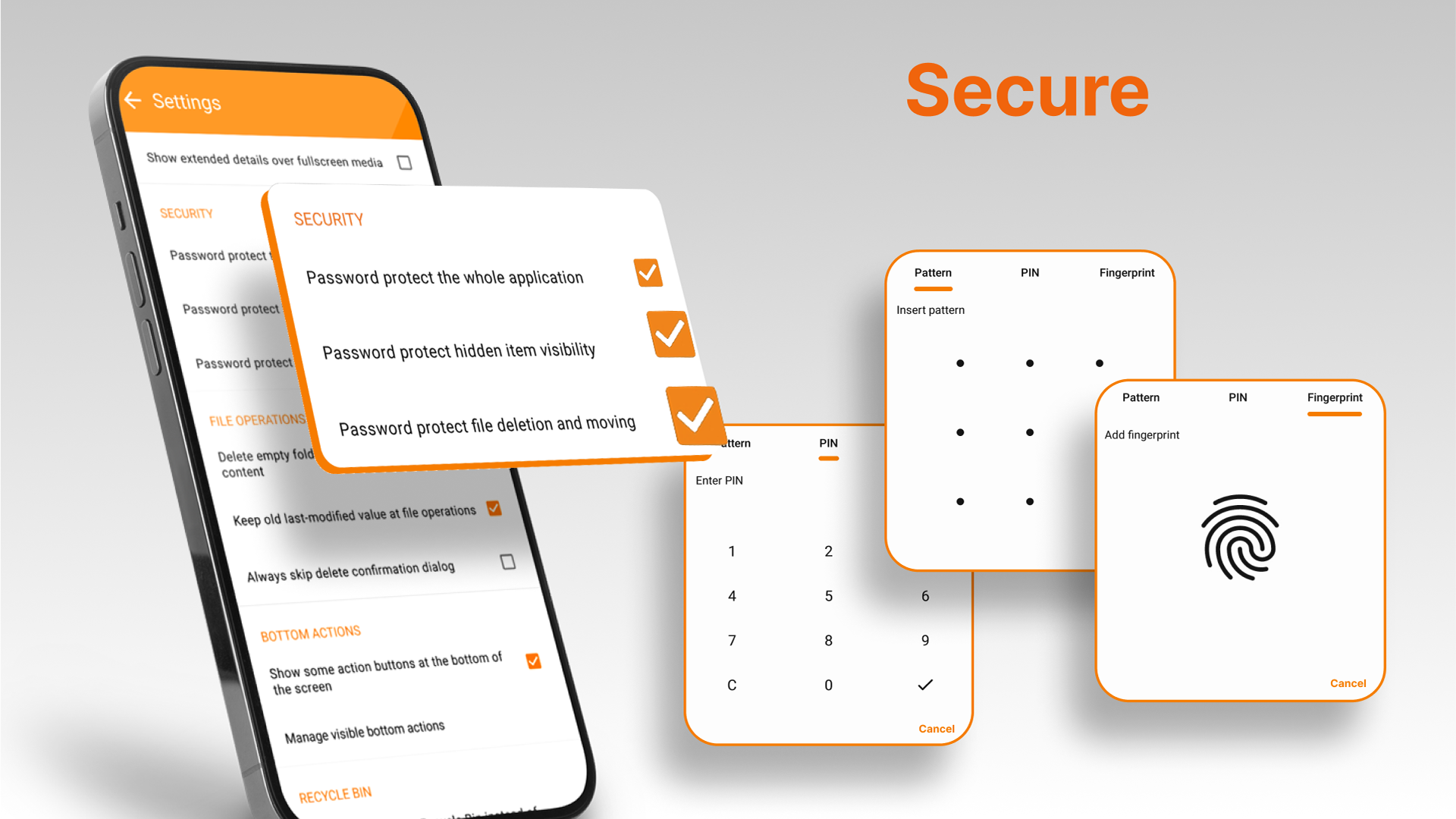
- Protect access to the gallery.
- Confirmation function for deleting files.
- Works offline.
- There is no advertising.
Description
Application Simple Gallery was checked by VirusTotal antivirus. As a result of the scan, no file infections were detected by all the latest signatures.
How to install Simple Gallery
- Download APK file apps from apkshki.com.
- Locate the downloaded file. You can find it in the system tray or in the 'Download' folder using any file manager.
- If the file downloaded in .bin extension (WebView bug on Android 11), rename it to .apk using any file manager or try downloading the file with another browser like Chrome.
- Start the installation. Click on the downloaded file to start the installation
- Allow installation from unknown sources. If you are installing for the first time Simple Gallery not from Google Play, go to your device's security settings and allow installation from unknown sources.
- Bypass Google Play protection. If Google Play protection blocks installation of the file, tap 'More Info' → 'Install anyway' → 'OK' to continue..
- Complete the installation: Follow the installer's instructions to complete the installation process.
How to update Simple Gallery
- Download the new version apps from apkshki.com.
- Locate the downloaded file and click on it to start the installation.
- Install over the old version. There is no need to uninstall the previous version.
- Avoid signature conflicts. If the previous version was not downloaded from apkshki.com, the message 'Application not installed' may appear. In this case uninstall the old version and install the new one.
- Restart annex Simple Gallery after the update.











Requesting an application update
Added Denis Rubinov
Version: 6.1.3.1
Size: 36.6 MB
Updated: 24.06.2025
Developer: Simple Mobile Tools
Age Limitations: Everyone
Authorizations:
Downloaded on Google Play: 27098208
Category: Tools












Reviews for Simple Gallery
Nice app.....
I get it, every company needs to earn money. But I am not watching 15 seconds of full screen advertisement videos just to see one of my stored pics
Ruined with new updates
great app
thank
Good app.I recommend!
First time I opened it, it just showed full screen ad and couldn't do anything about it except hit my home screen button.
terrible. new owners ruined this once great app.
好用、易用o
Too much Ad's in new version. Uninstall ((
*Edit: They removed hide option. Way better than standard phone app, but missing a few photo editing features. *Edit: after further use, it suits my needs almost perfectly. I use it as a private gallery app which I can include hidden folders and parse through them. The file extension support is amazing and the photo and video players are the best implementations I've seen!
This app used to be better. The option to hide images is gone (which they blame on Google) and the app now doesn't update the folder contents in a timely manner. It used to be if you added images to the device, they showed instantly -- now it's wait an hour or two or reboot the device. Clearing the app cache doesn't help. This used to be a five star app, but now I'm not sure it's worth even 3 stars.
Can't get it back to how it was. Clarification> this app's behavior changed a few months ago. I'm busy, it was frustrating always having to "select another folder" all the time (since it changed). I came here looking for a solution and saw all the other reviews saying "something changed". All I am saying is, something changed. And that it is frustrating. Now here I get someone disputing my experience. No tech support, no empathy, just someone disputing my app experience.
My only issue with this app is it can't process photos from 3+ files sources. Like SD card, dual flash drive and phone data photos at the same time. It starts to glitch out and make 2 of the same folders for each folder and you wouldn't even be able to see another folder or files when you make them. I believe this is a glitch that needs to be fixed.
I like this! Simple, well designed and easy to use, and keeps stuff organized so that I know where everything is when I want to find it. I have had some issues creating new folders and moving items, but that's okay. I also get annoyed sometimes about how the folders reorganize based on when they're updated, but there is probably a setting for that.
Post a comment
To leave a comment, log in with your social network:
Or leave an anonymous comment. Your comment will be sent for moderation.
Post a comment
To leave a comment, log in with your social network:
Or leave an anonymous comment. Your comment will be sent for moderation.