



A+ Gallery - Photos & Videos
9+
downloads4.1+
version Android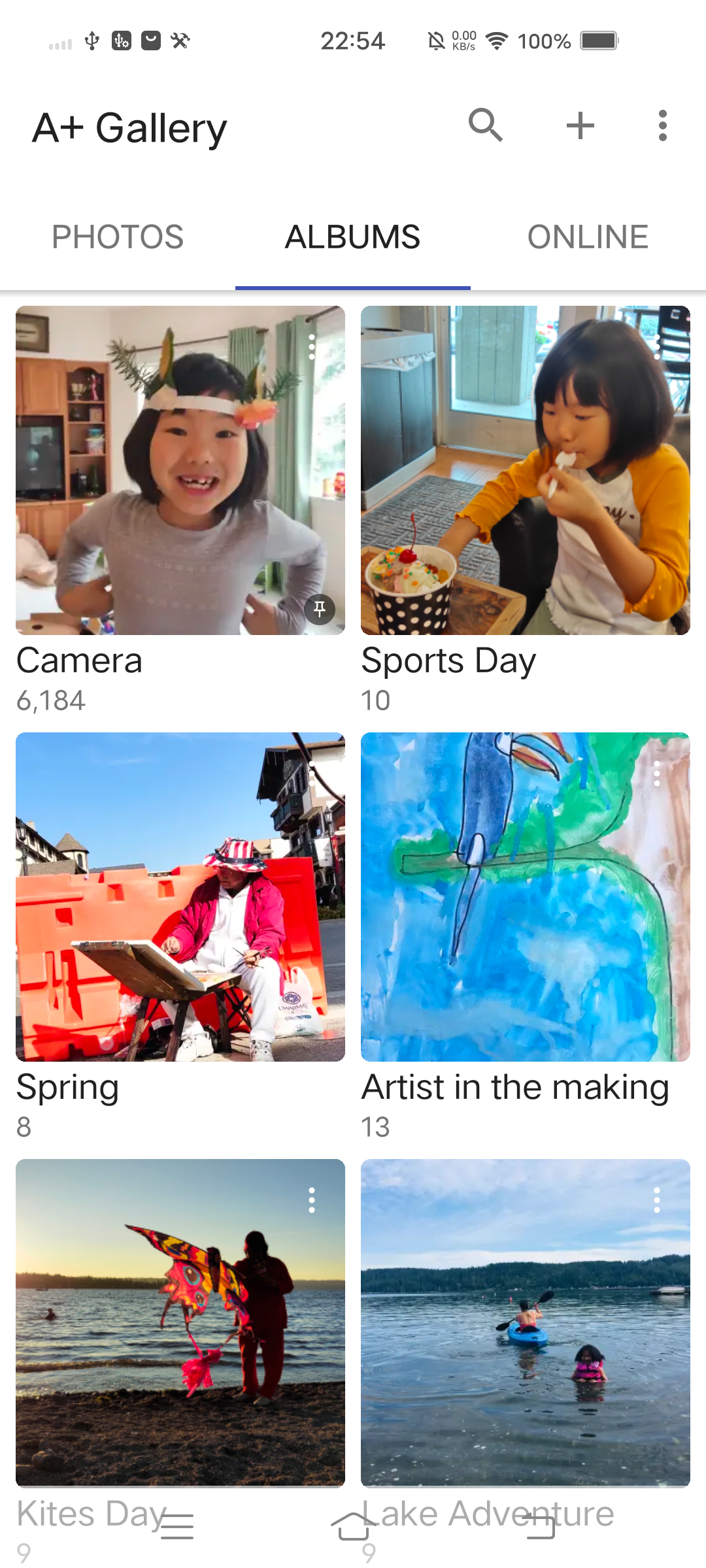
Added: Denis Rubinov
Version: 2.2.70.0
Size: 8 MB
Updated: 04.02.2024
Developer: AtomicAdd Team
Age Limitations: Everyone
Authorizations: 9
Downloaded on Google Play: 27350190
Category: Photo
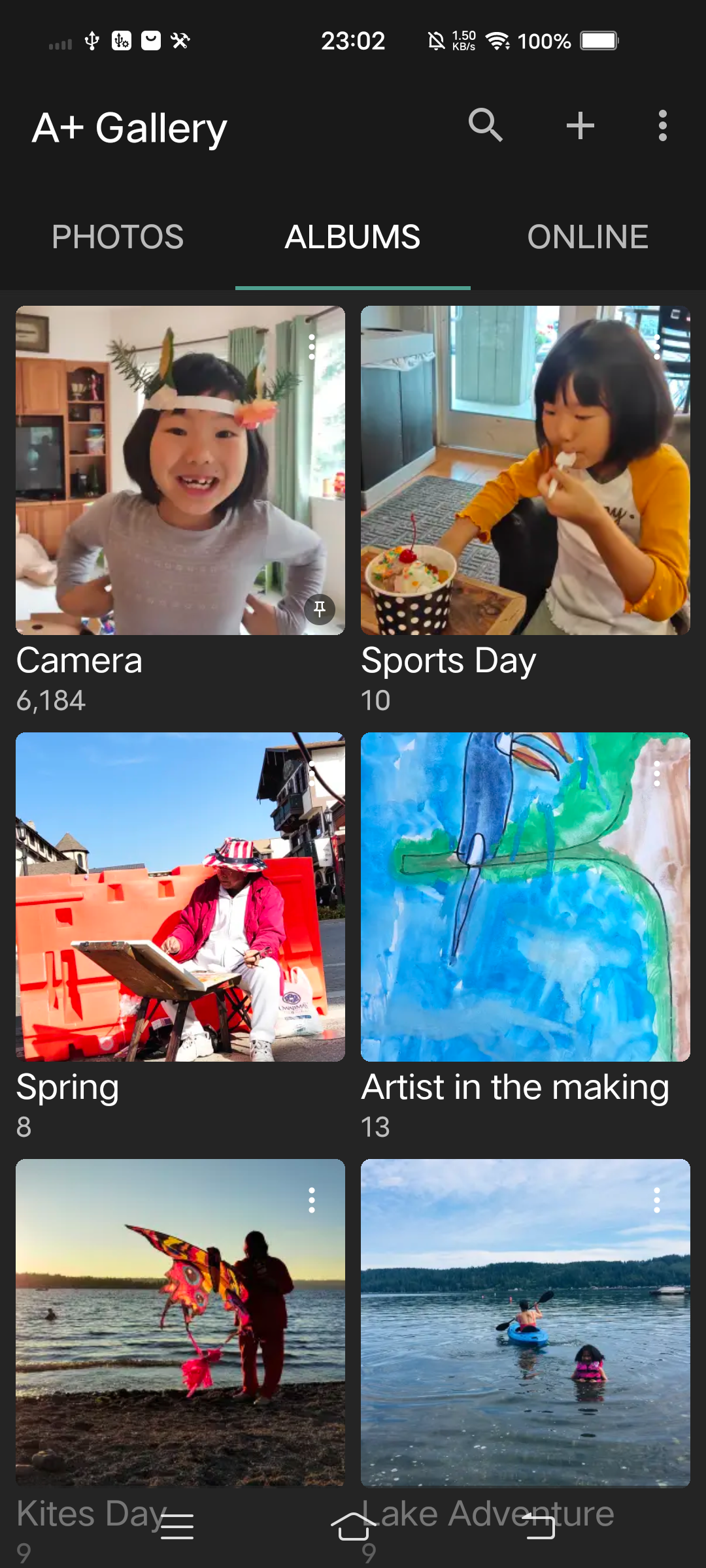
- Convenient management of custom albums.
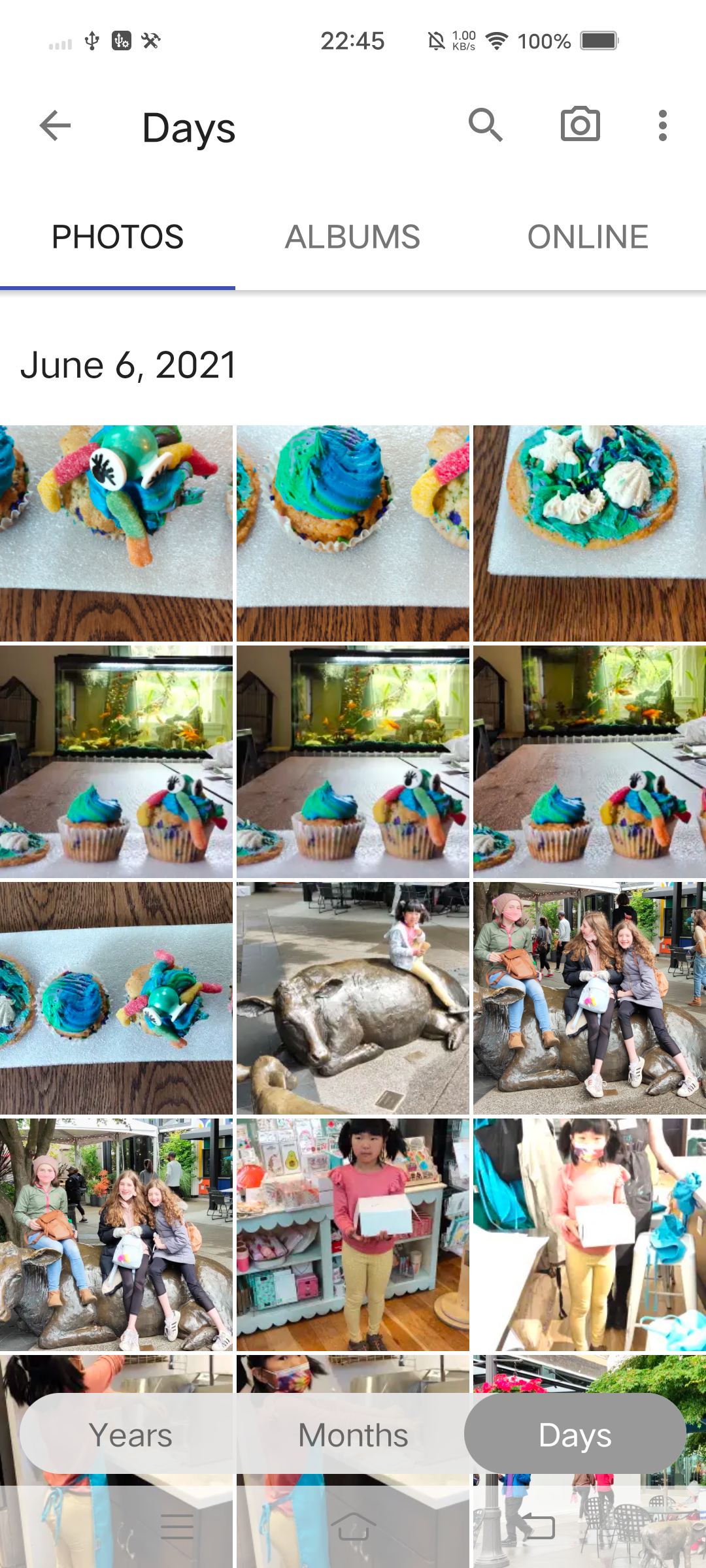
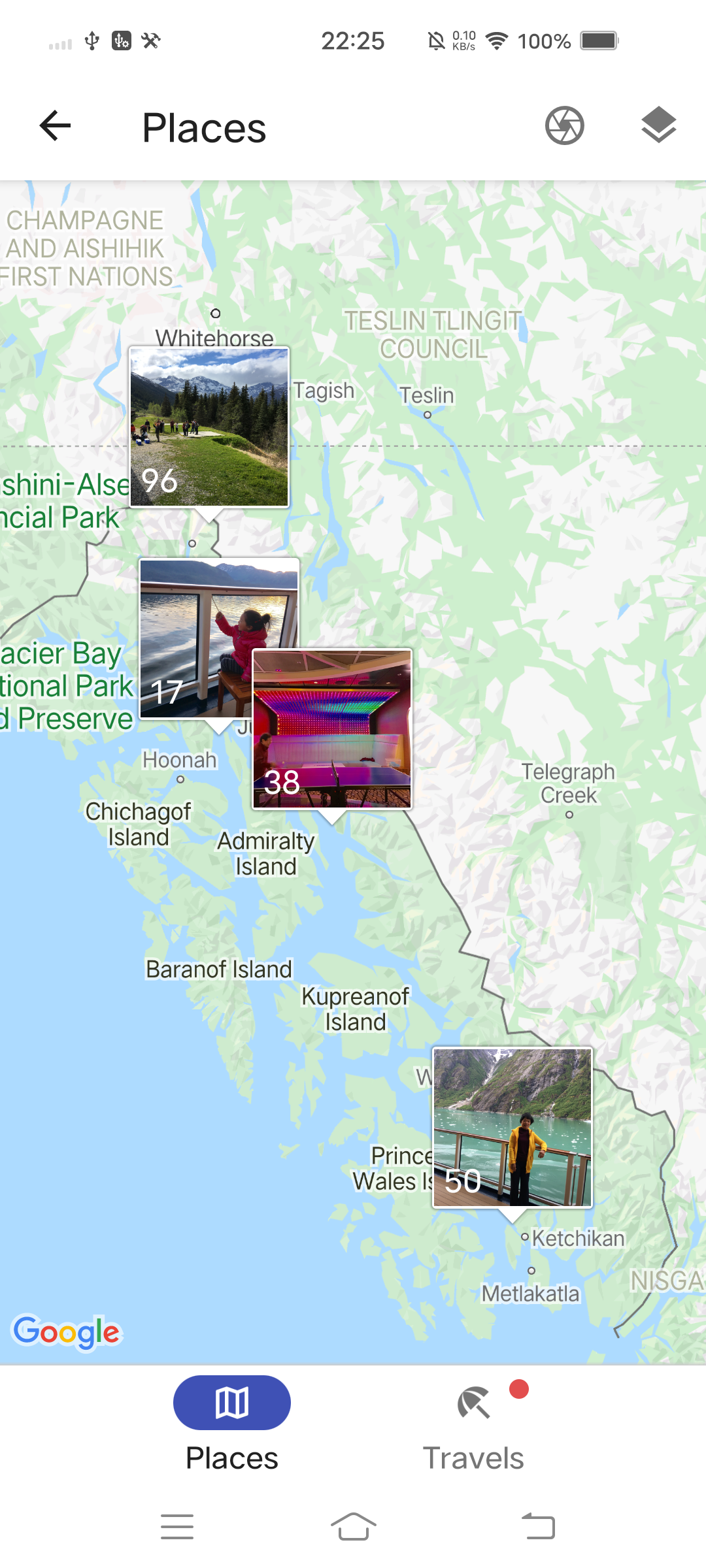
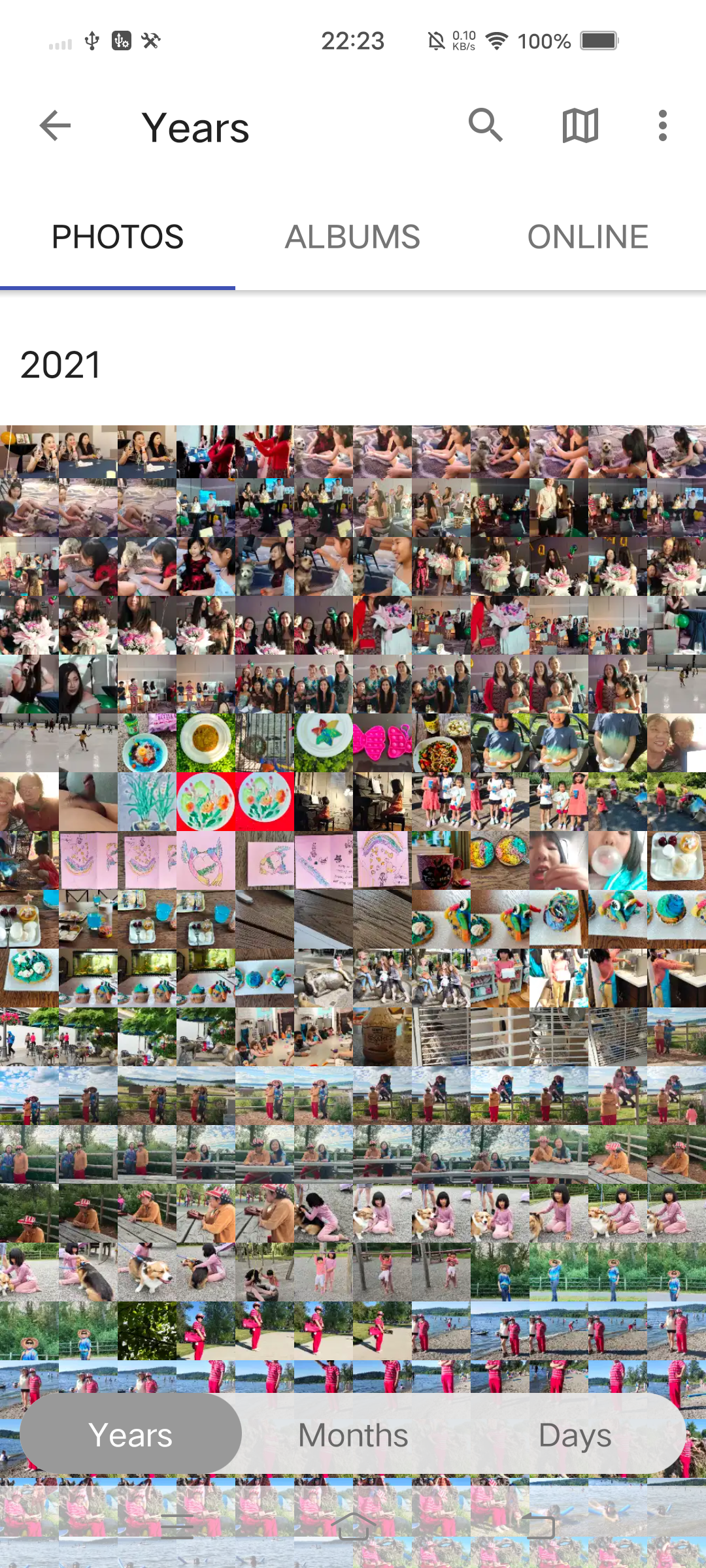
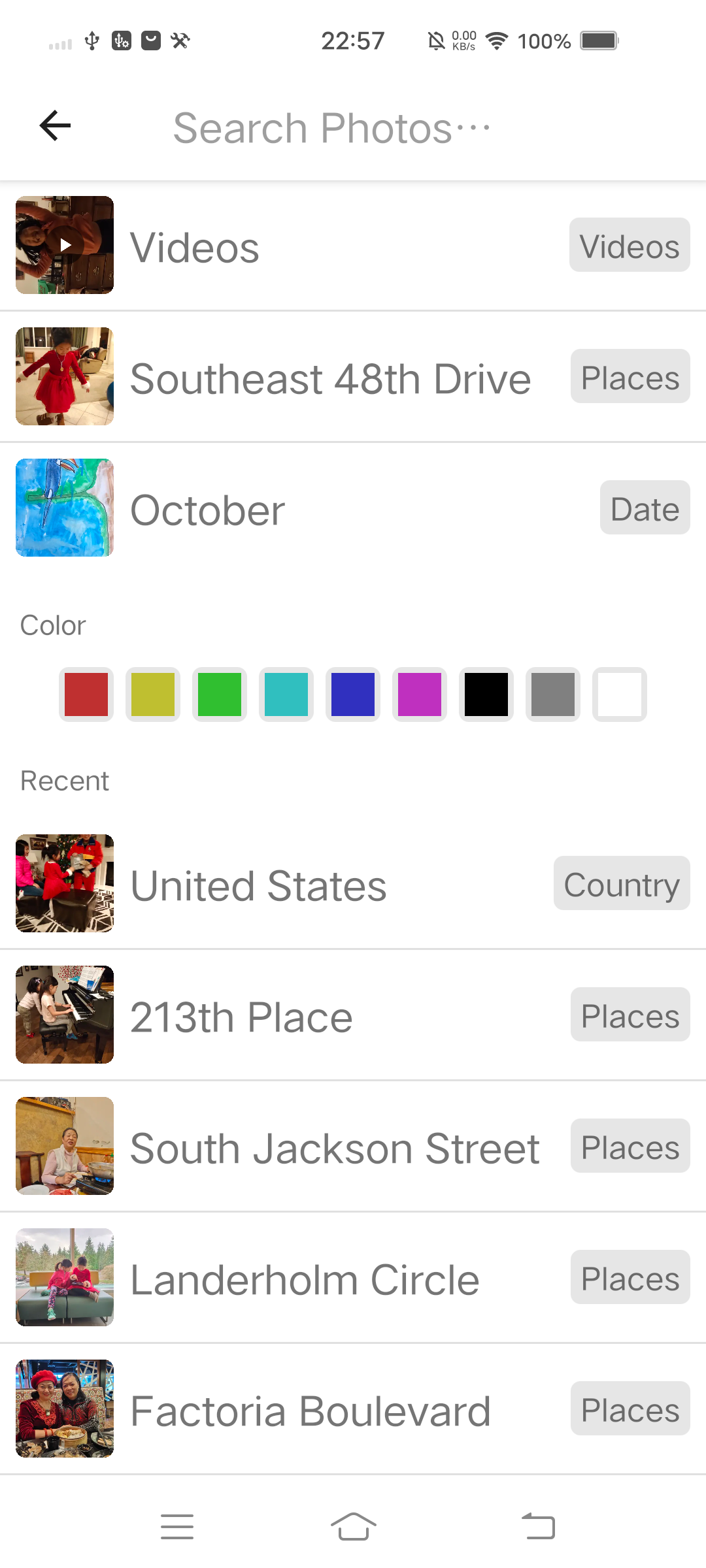
- Search photos by date or location.
- You can create a private album and protect it with a password.
- Photo backup and restore functions.
- Access snapshots saved in the cloud.
Description
Application A+ Gallery - Photos & Videos was checked by VirusTotal antivirus. As a result of the scan, no file infections were detected by all the latest signatures.
How to install A+ Gallery - Photos & Videos
- Download APK file apps from apkshki.com.
- Locate the downloaded file. You can find it in the system tray or in the 'Download' folder using any file manager.
- If the file downloaded in .bin extension (WebView bug on Android 11), rename it to .apk using any file manager or try downloading the file with another browser like Chrome.
- Start the installation. Click on the downloaded file to start the installation
- Allow installation from unknown sources. If you are installing for the first time A+ Gallery - Photos & Videos not from Google Play, go to your device's security settings and allow installation from unknown sources.
- Bypass Google Play protection. If Google Play protection blocks installation of the file, tap 'More Info' → 'Install anyway' → 'OK' to continue..
- Complete the installation: Follow the installer's instructions to complete the installation process.
How to update A+ Gallery - Photos & Videos
- Download the new version apps from apkshki.com.
- Locate the downloaded file and click on it to start the installation.
- Install over the old version. There is no need to uninstall the previous version.
- Avoid signature conflicts. If the previous version was not downloaded from apkshki.com, the message 'Application not installed' may appear. In this case uninstall the old version and install the new one.
- Restart annex A+ Gallery - Photos & Videos after the update.








Requesting an application update
Added Denis Rubinov
Version: 2.2.70.0
Size: 8 MB
Updated: 04.02.2024
Developer: AtomicAdd Team
Age Limitations: Everyone
Authorizations:
Downloaded on Google Play: 27350190
Category: Photo












Reviews for A+ Gallery - Photos & Videos
Keeps exiting out whenever I start it.
Q good
nice
get them background again please.
Great replacement for Google Photos
Can we have this app in the iOS version as well. The app is good and the iOS version would definitely be a catch. thanks.
Everything is Excellent but when I add photos to the secure Vault I cannot see them in the secure Vault even after entering the correct password. it's basically getting hidden in secure Vault.
Garbage
so far it good
I paid for this app, yet I cannot use Secure Vault on a tablet (neither on the Lenovo Tab M9 nor the M11). If I try to switch it on, it instantly jumps back to off. Please fix this
1: If you are looking at a photo and press share.. Navigate to messages, select the person.. It takes you there... Without the photo added. 2: Moving a photo to another album takes you to that album which 80% of the time is not what I want. Certainly annoying if organizing. 3: Edits create a whole new file placed elsewhere instead of the option to replace. Mild annoyances. Otherwise stellar, great work. I am rarely this satisfied. Thank you.
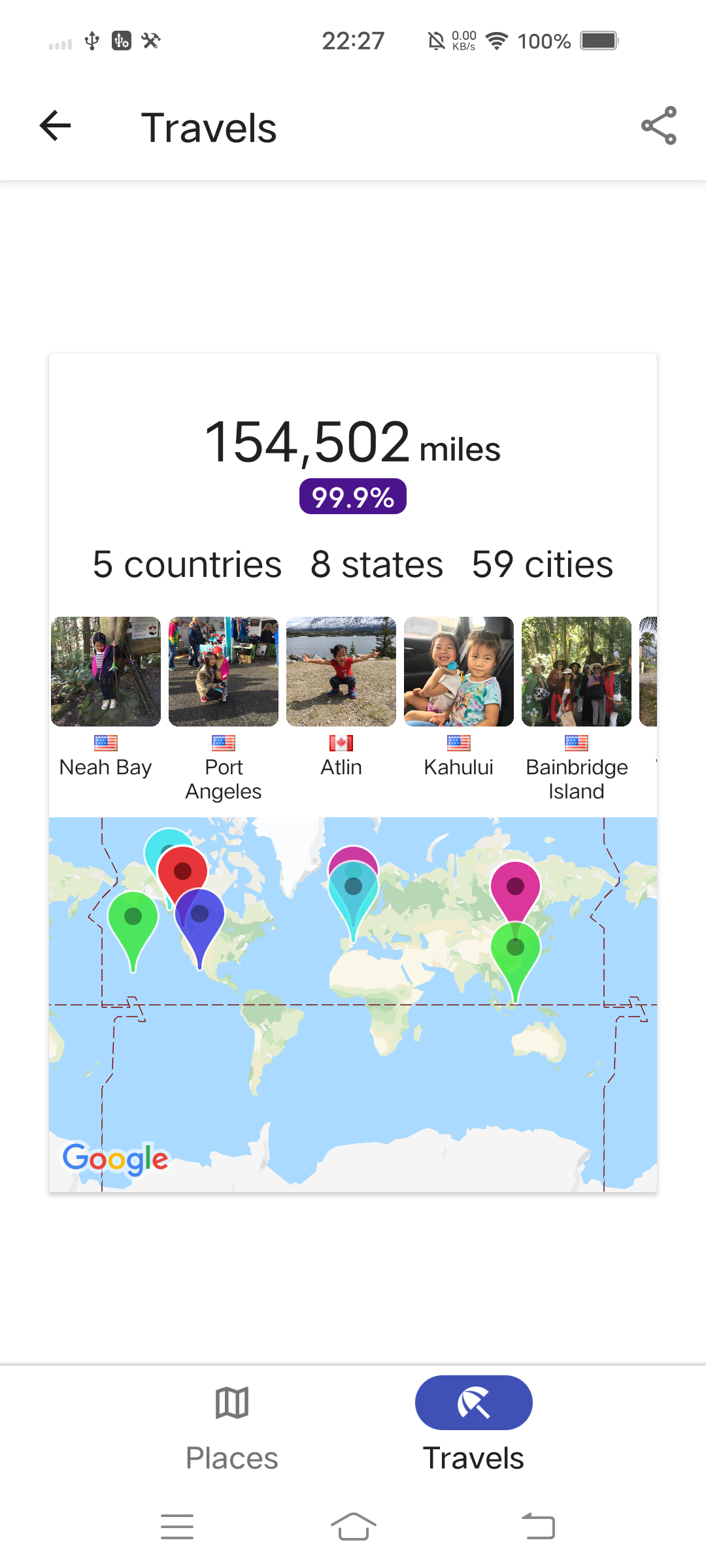
I want to love this App. It was really gorgeous during testing. But the travel map it can build of you, is outright frightening. This is constructive criticism, not a dig. While it's really fascinating to see; I realized it was building a profile of my travels, for as long as I've been taking pictures. You might want to consider removing this feature. Edit - yes, the native OS can do this, ok its own... But that data, going to a third party, is the core issue.
Post a comment
To leave a comment, log in with your social network:
Or leave an anonymous comment. Your comment will be sent for moderation.
Post a comment
To leave a comment, log in with your social network:
Or leave an anonymous comment. Your comment will be sent for moderation.