



Simple Dialer
34+
downloads6.0+
version Android
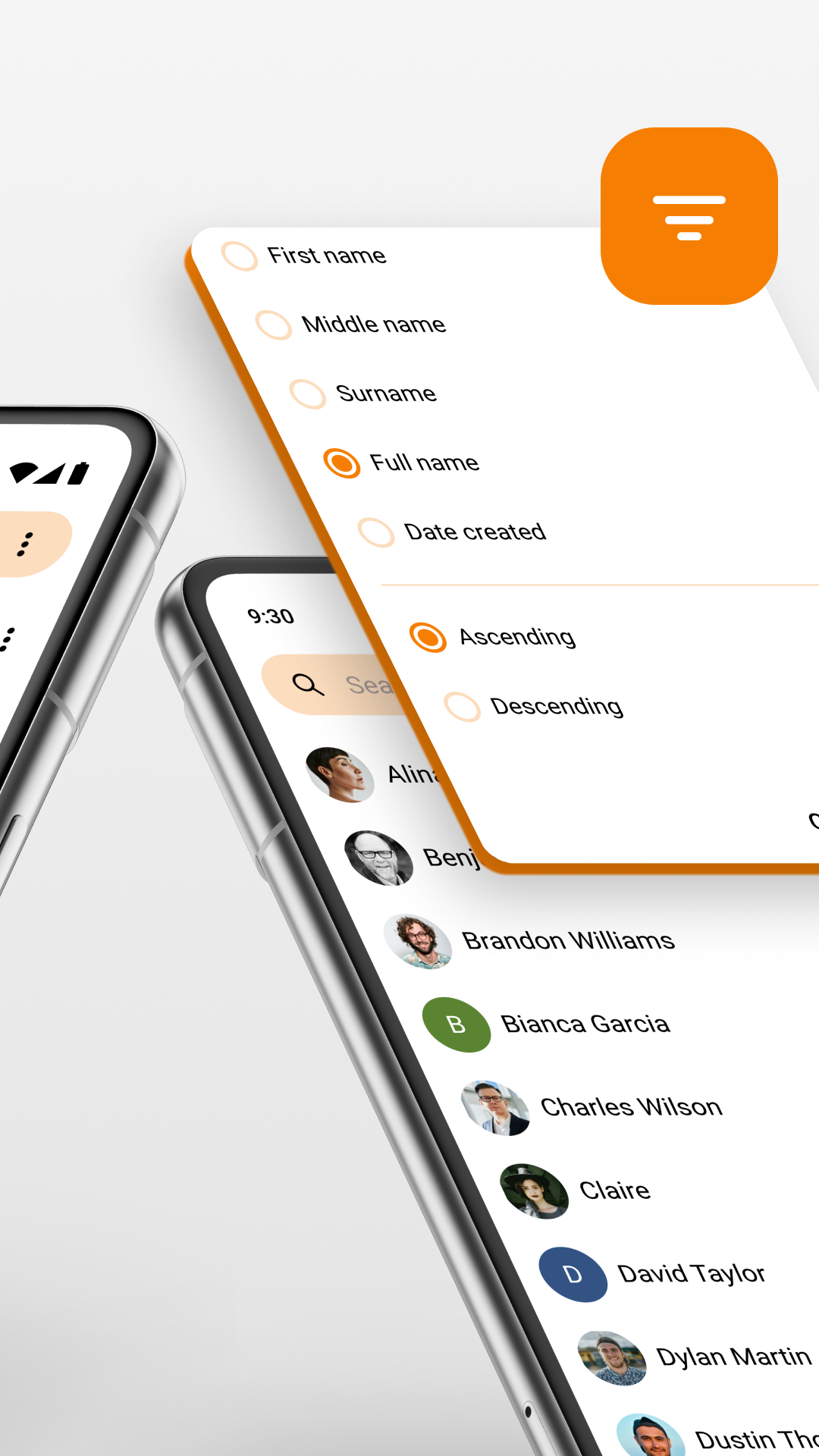
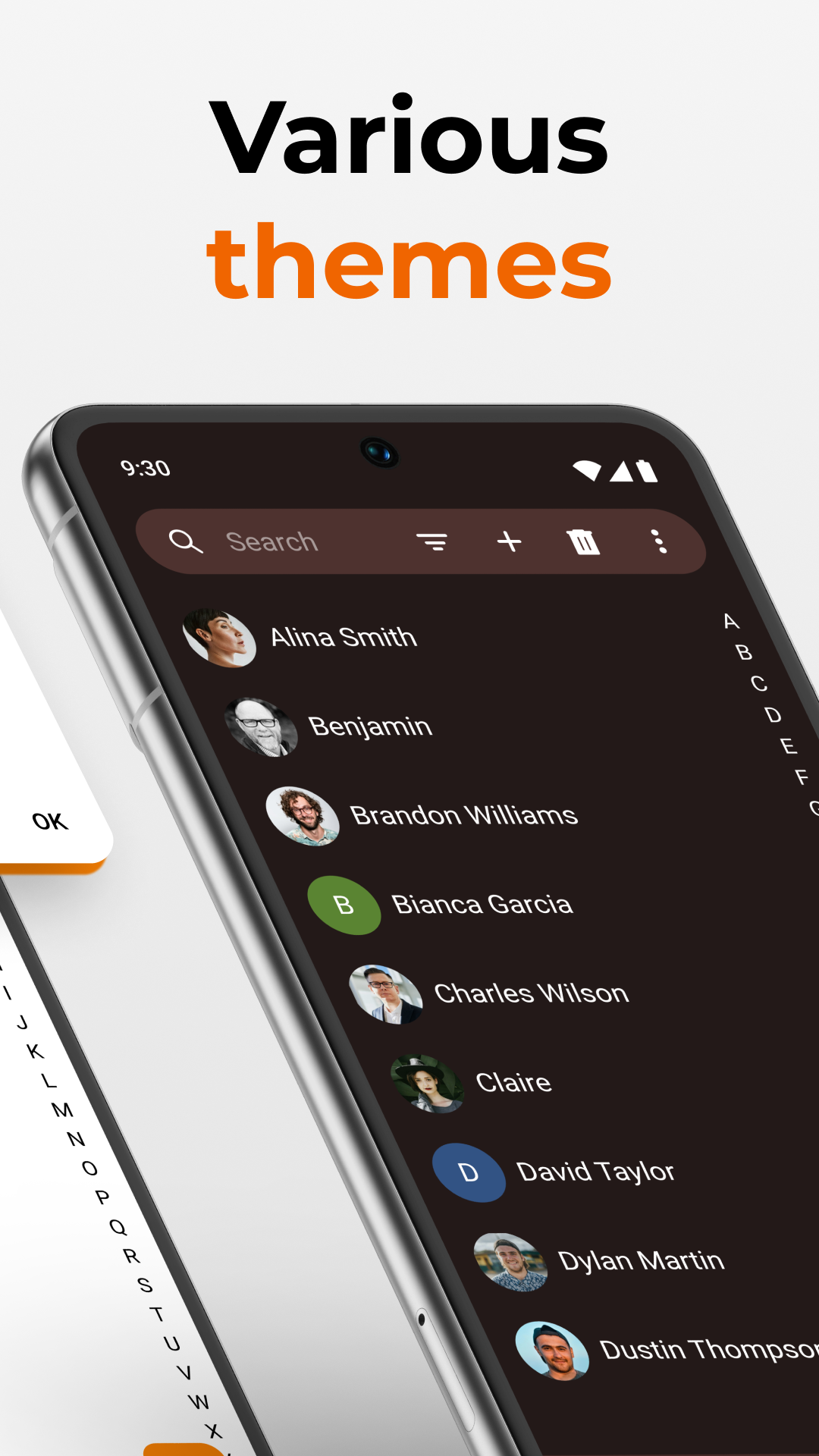
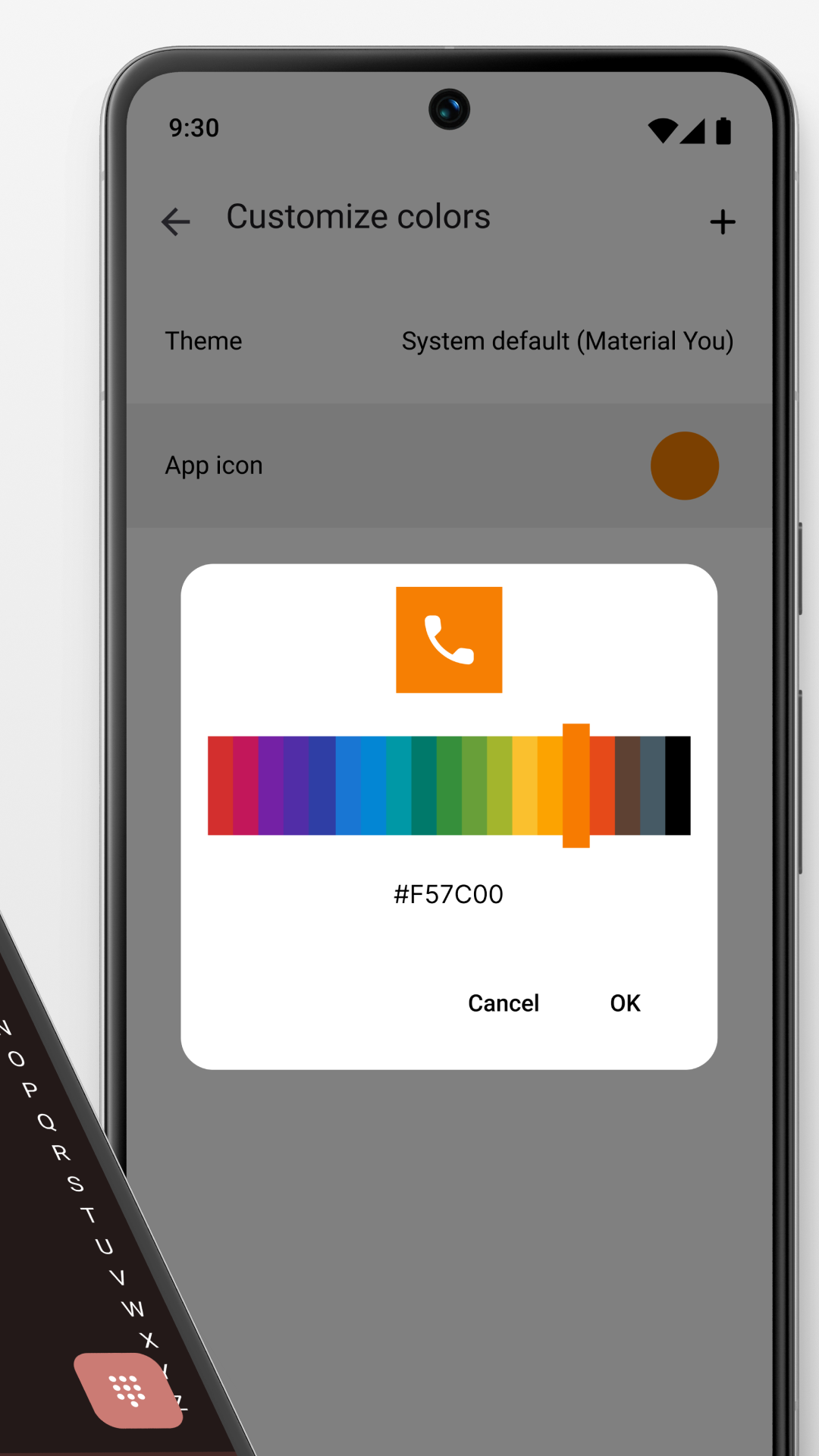
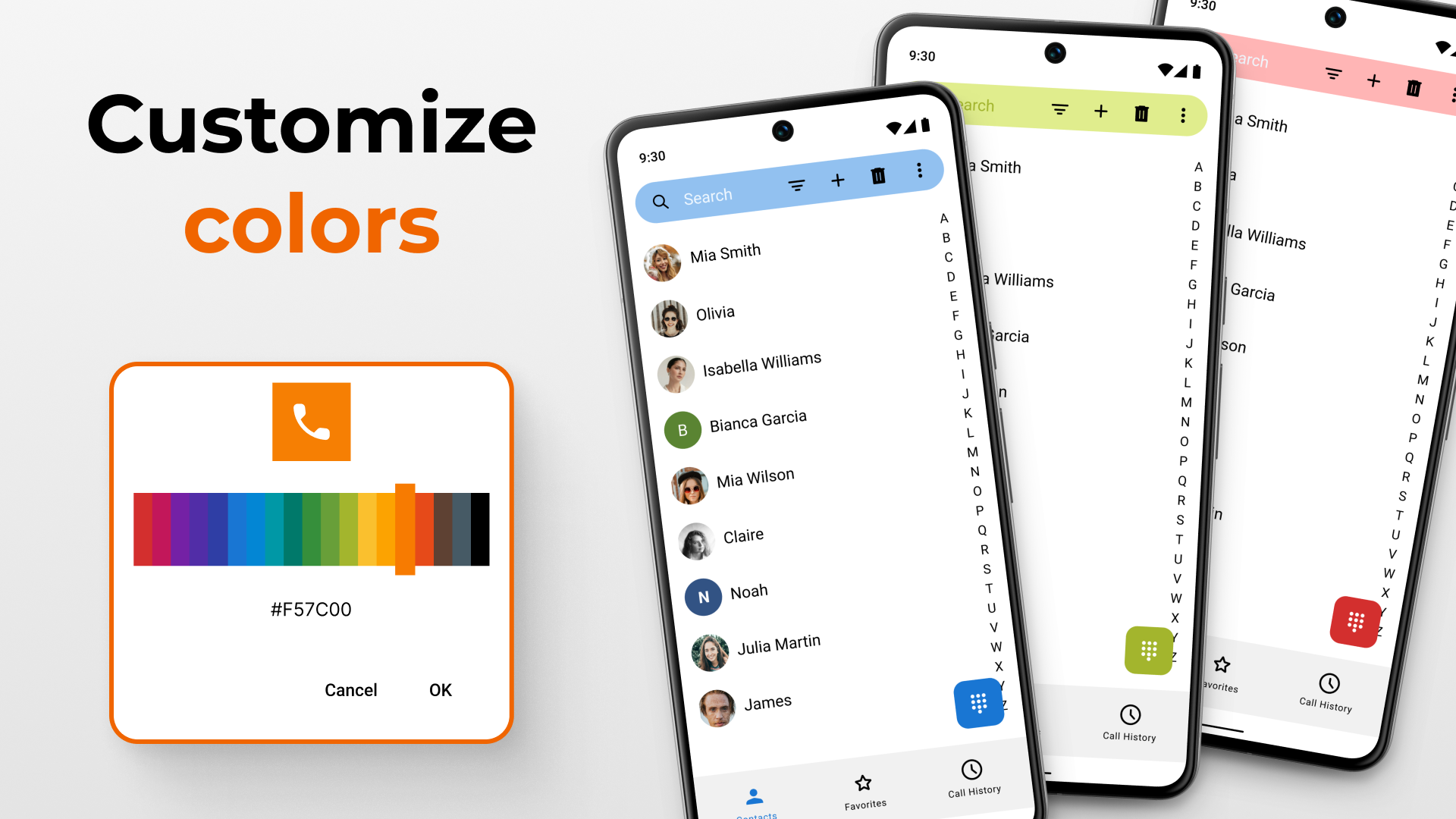
Added: Denis Rubinov
Version: 5.19.1
Size: 13.7 MB
Updated: 24.06.2025
Developer: Simple Mobile Tools
Age Limitations: Everyone
Downloaded on Google Play: 2962565
Category: Contact
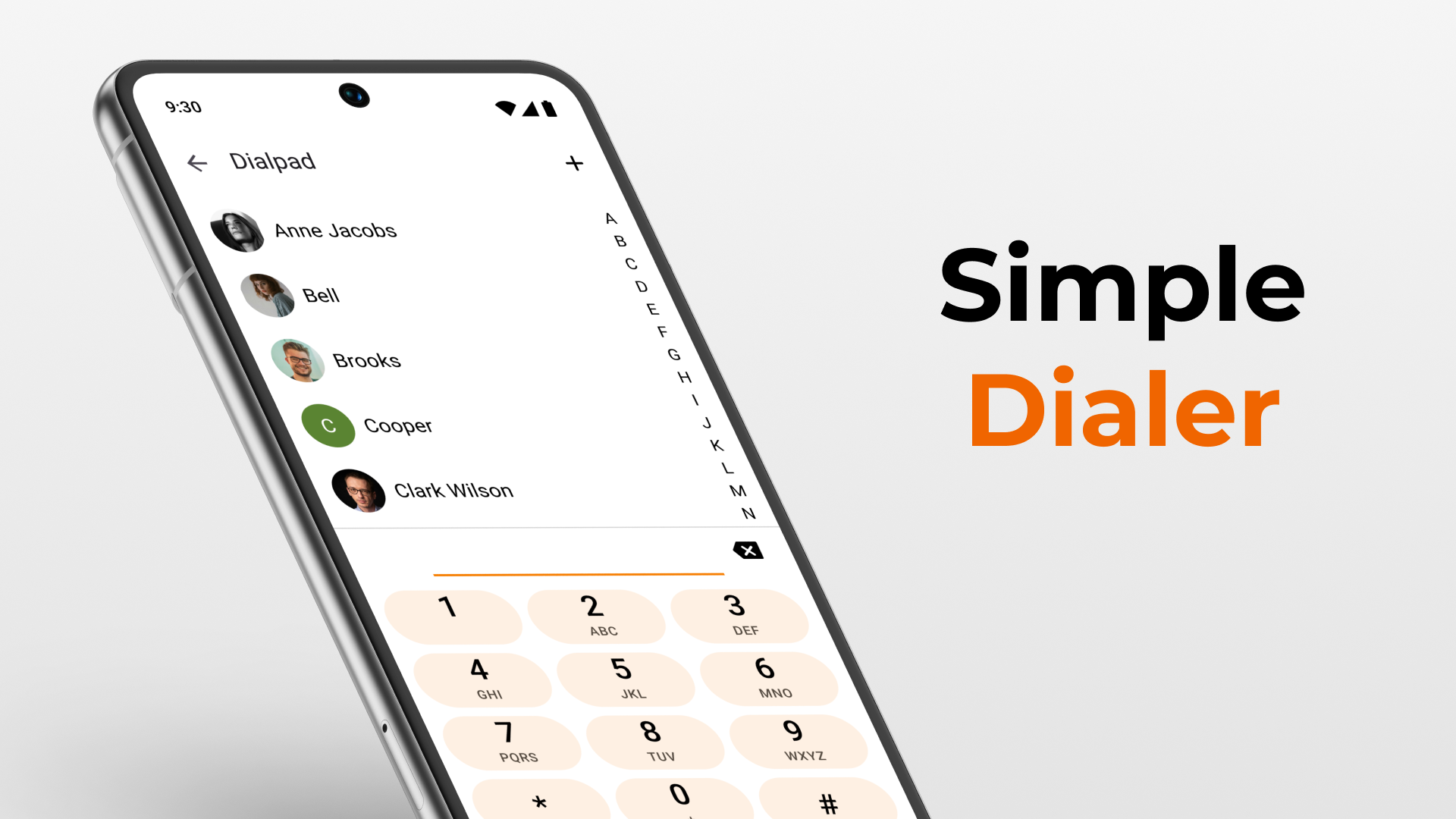
- Good optimization.
- There are no ads.
- No unnecessary functions and interface elements.
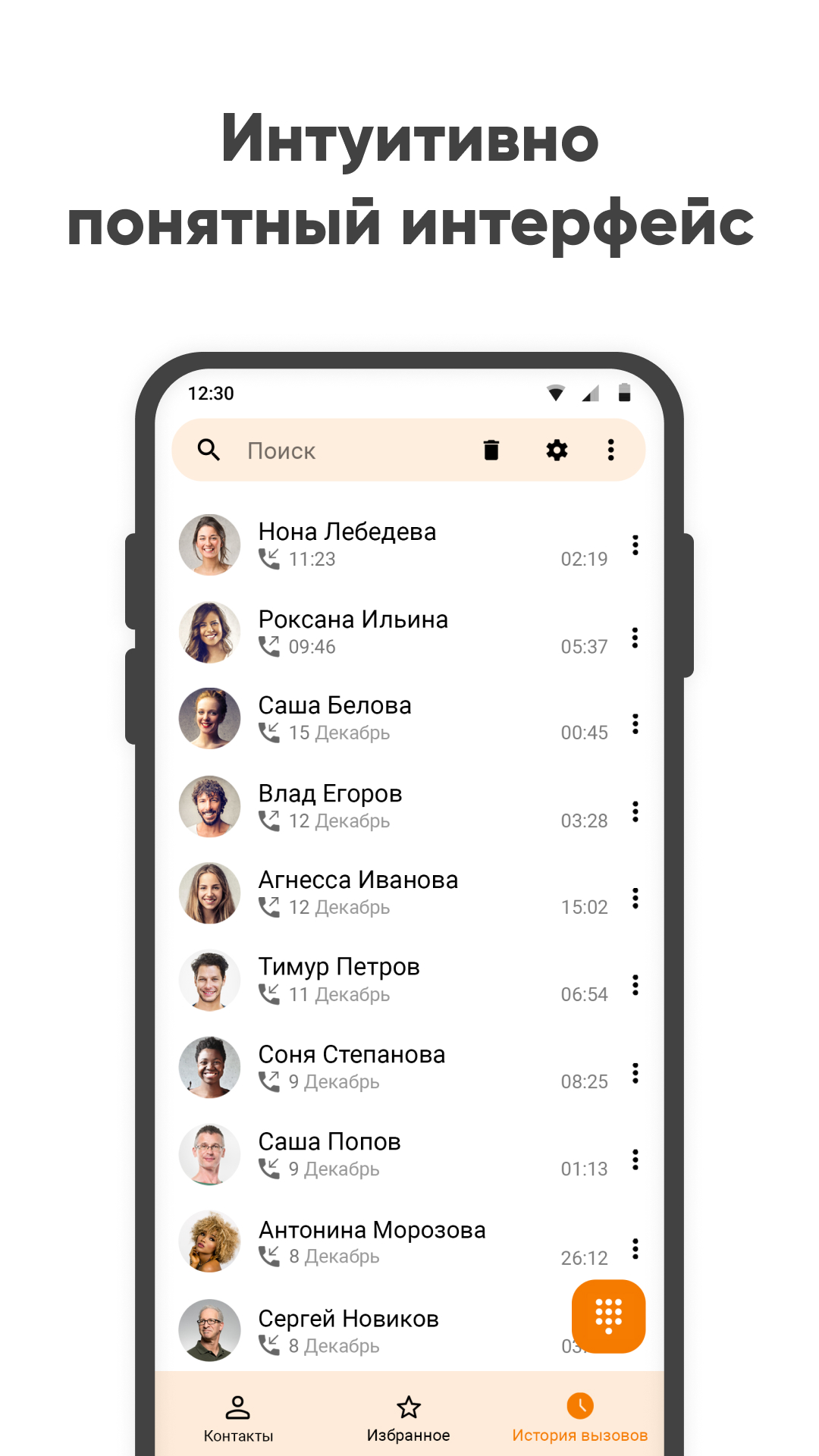
- Save call log.
- Open source.
Description
Application Simple Dialer was checked by VirusTotal antivirus. As a result of the scan, no file infections were detected by all the latest signatures.
How to install Simple Dialer
- Download APK file apps from apkshki.com.
- Locate the downloaded file. You can find it in the system tray or in the 'Download' folder using any file manager.
- If the file downloaded in .bin extension (WebView bug on Android 11), rename it to .apk using any file manager or try downloading the file with another browser like Chrome.
- Start the installation. Click on the downloaded file to start the installation
- Allow installation from unknown sources. If you are installing for the first time Simple Dialer not from Google Play, go to your device's security settings and allow installation from unknown sources.
- Bypass Google Play protection. If Google Play protection blocks installation of the file, tap 'More Info' → 'Install anyway' → 'OK' to continue..
- Complete the installation: Follow the installer's instructions to complete the installation process.
How to update Simple Dialer
- Download the new version apps from apkshki.com.
- Locate the downloaded file and click on it to start the installation.
- Install over the old version. There is no need to uninstall the previous version.
- Avoid signature conflicts. If the previous version was not downloaded from apkshki.com, the message 'Application not installed' may appear. In this case uninstall the old version and install the new one.
- Restart annex Simple Dialer after the update.












Requesting an application update
Added Denis Rubinov
Version: 5.19.1
Size: 13.7 MB
Updated: 24.06.2025
Developer: Simple Mobile Tools
Age Limitations: Everyone
Downloaded on Google Play: 2962565
Category: Contact












Reviews for Simple Dialer
This is a new app. But very good and functional. Thank you very much for the app
good
Can't make a single call unless I make this app a default dialer
👍
very slow to open and shows loading
عالییی
smart
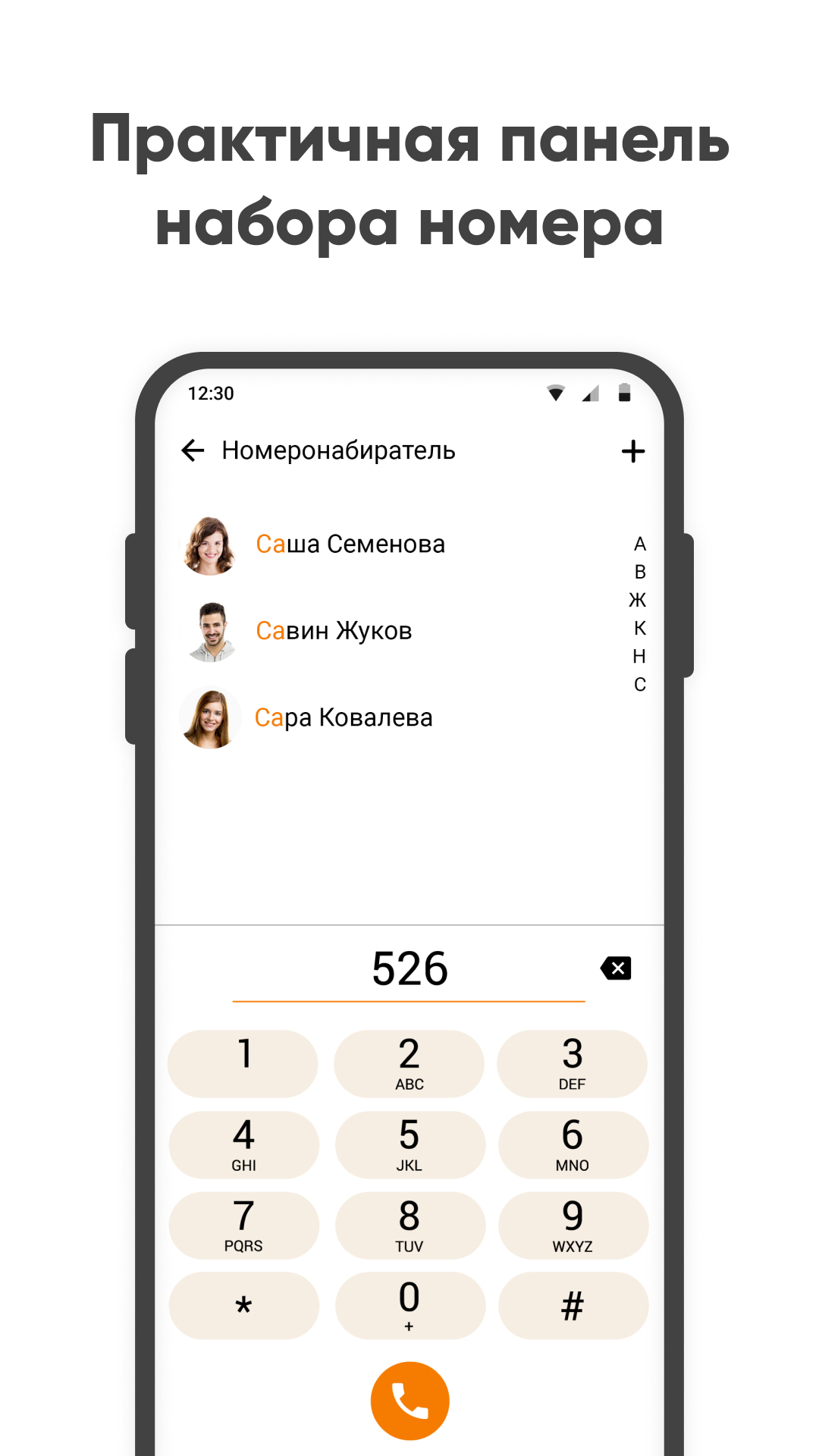
USED TO Tick all the boxes in theory: open source, ad free.... UPDATE: £15 PER WEEK is daylight robery for 'premium' version of a very basic app - ie remove ads and allow extra colour themes. My review from 2020 gave 3 stars due to not being able to sort T9 dialed letters in order of dial hits - eg if typing 323 for Dad (frequently called in history) it just lists all contacts with that key combo. Dev replied that it's in the pipeline but it's now 2025 and still the same - only far more costly
ok
fantastic
Ml not
Every thing is good, I wanted to use it, but unfortunately Call recording is not available, everything else is good.
Push calls to the primary focus. Im tired of missing calls because: 1. First must unlock the phone. This happens randomly. Sometimes calls are answerable, sometimes not and require unlocking. 2. Every app open covers the call. There is no obvious easy to get straight to the call. 3. Android's ridiculously short and not configurable duration before dropping to voicemail. A voicemail I do not have, so bye caller, hope this wasn't important. Fix this.
Like it so far. How do I import/export the call log list?
The Dialer was supposed to contain option for recording the calls. Nothing like that I found there even after rebooting and trying all imaginable. I installed it on Xiaomi Redmi Note 9 Pro Android 11, MIUI 13. The Xiaomi call dialer seems to be better -- both have the fault of no calls recording. A ridiculous fact because it has been a very useful feature.
Post a comment
To leave a comment, log in with your social network:
Or leave an anonymous comment. Your comment will be sent for moderation.
Post a comment
To leave a comment, log in with your social network:
Or leave an anonymous comment. Your comment will be sent for moderation.