



Gallery
23+
downloads4.1+
version Android
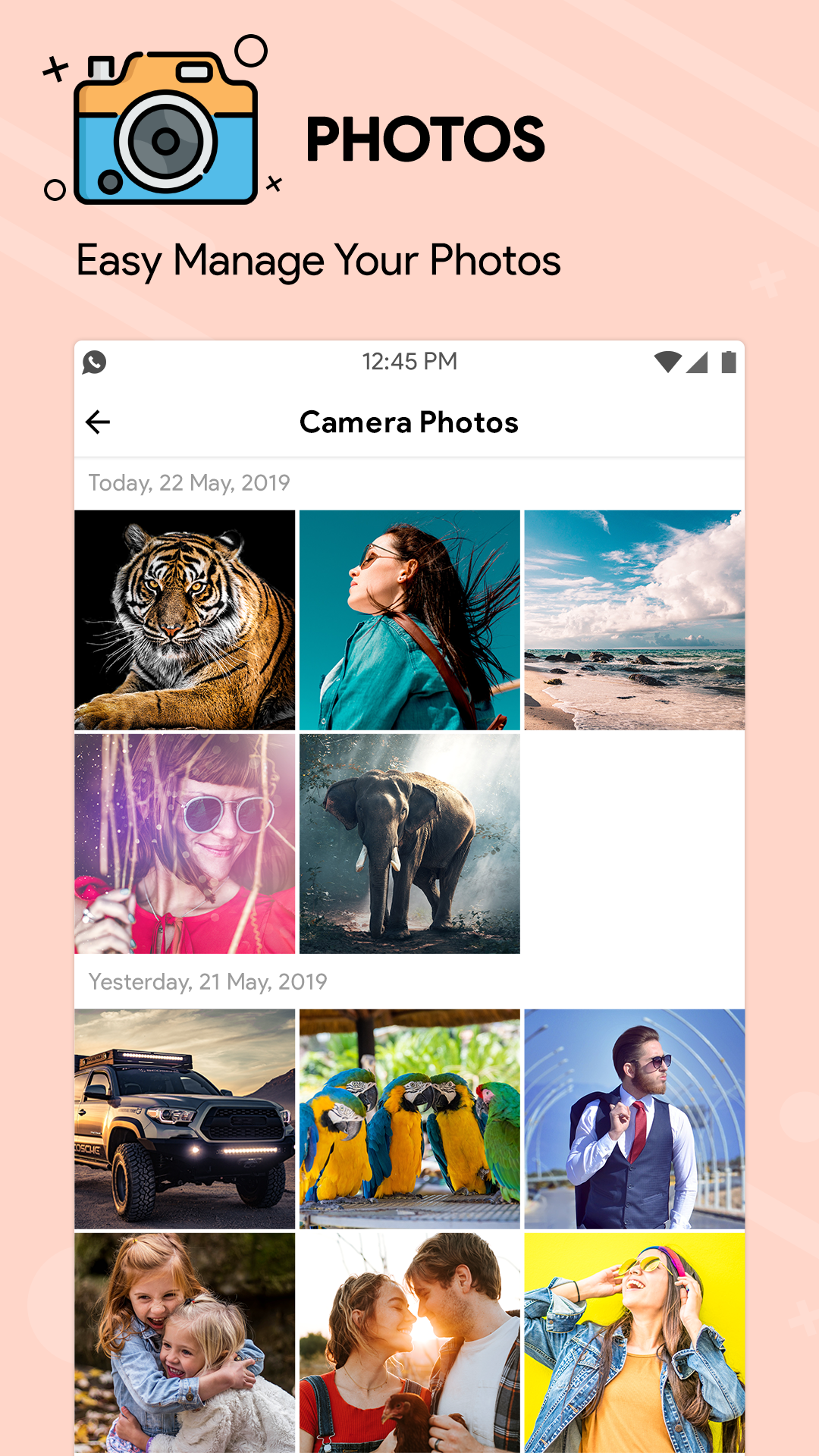
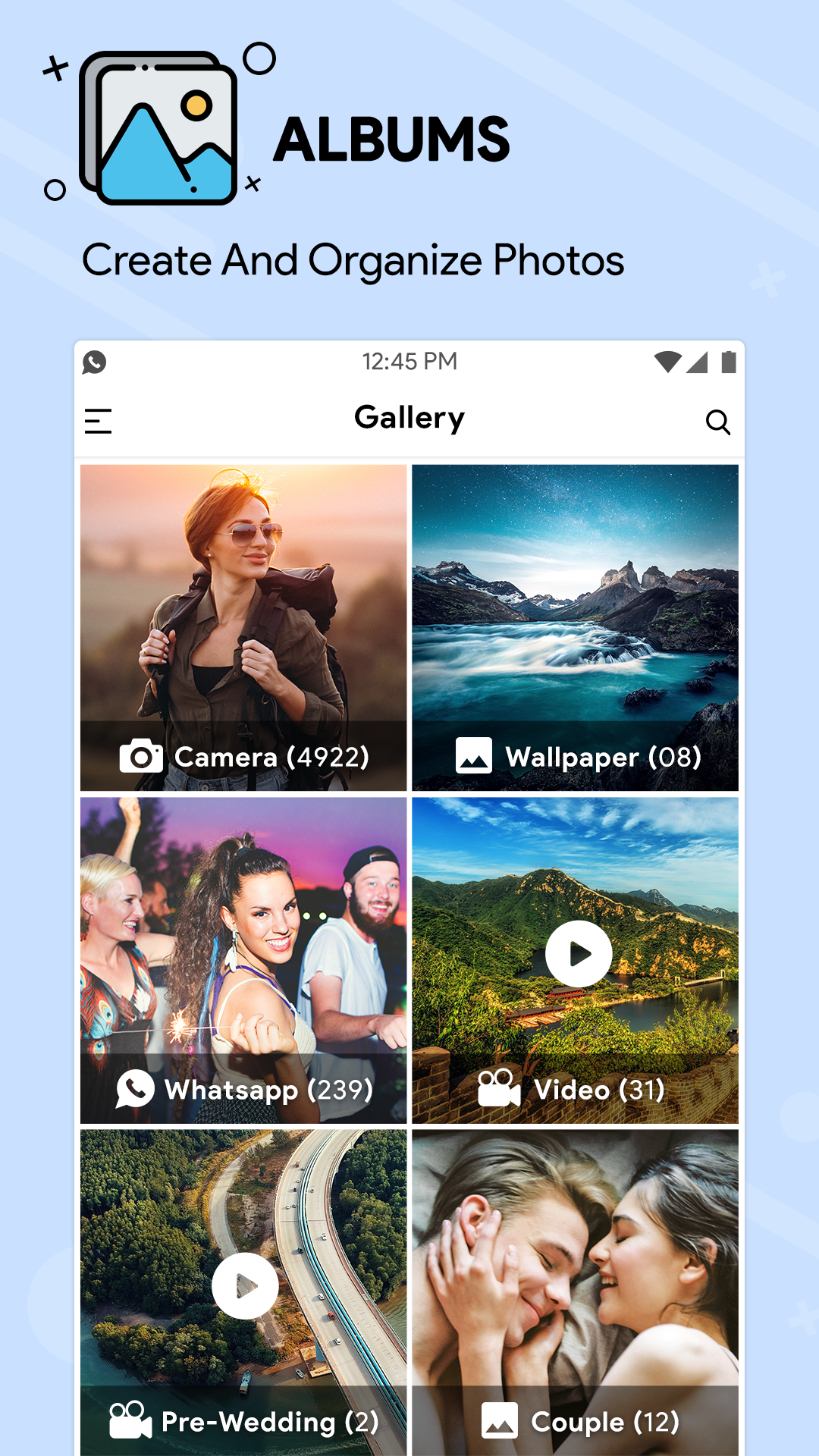
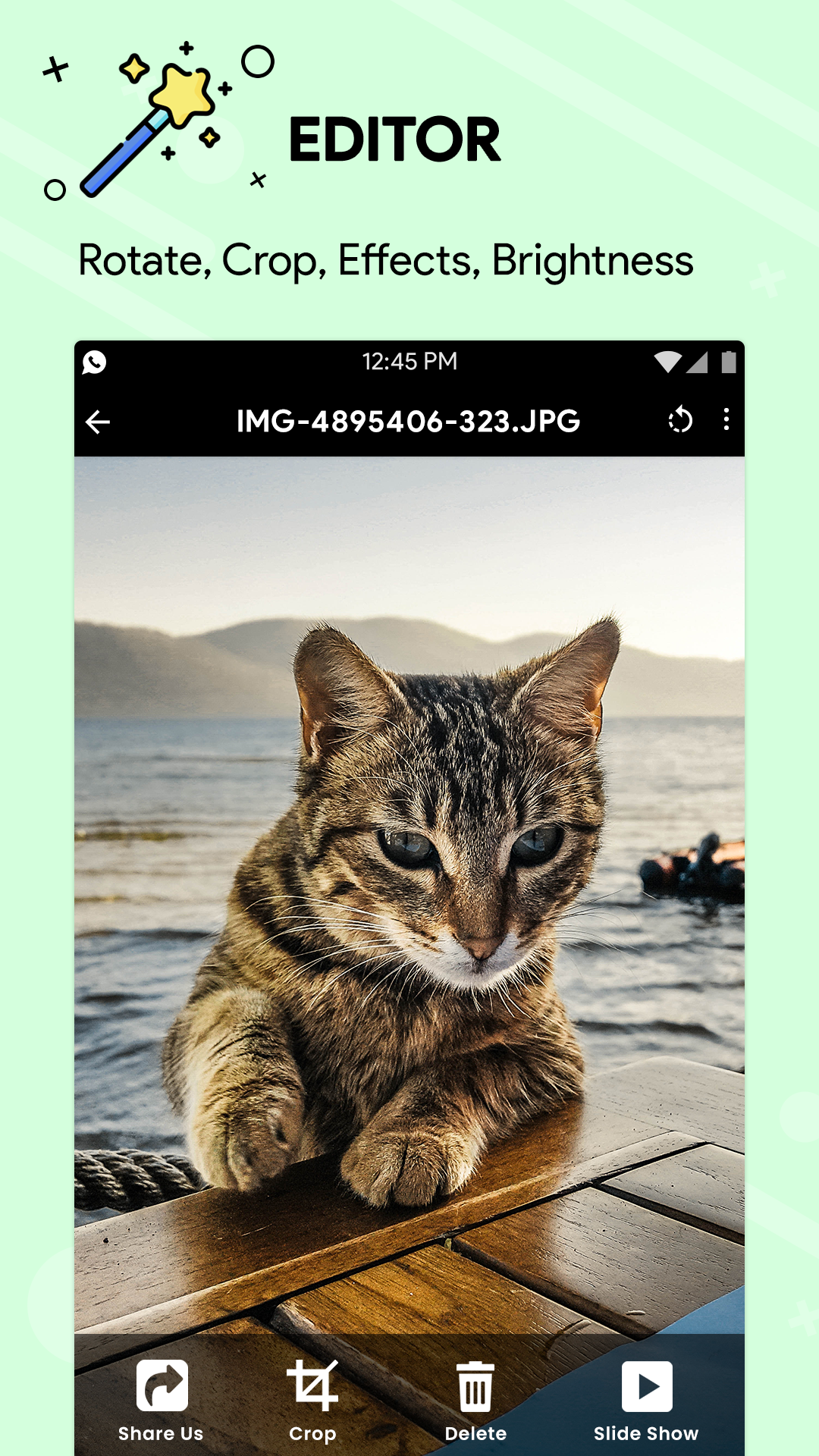
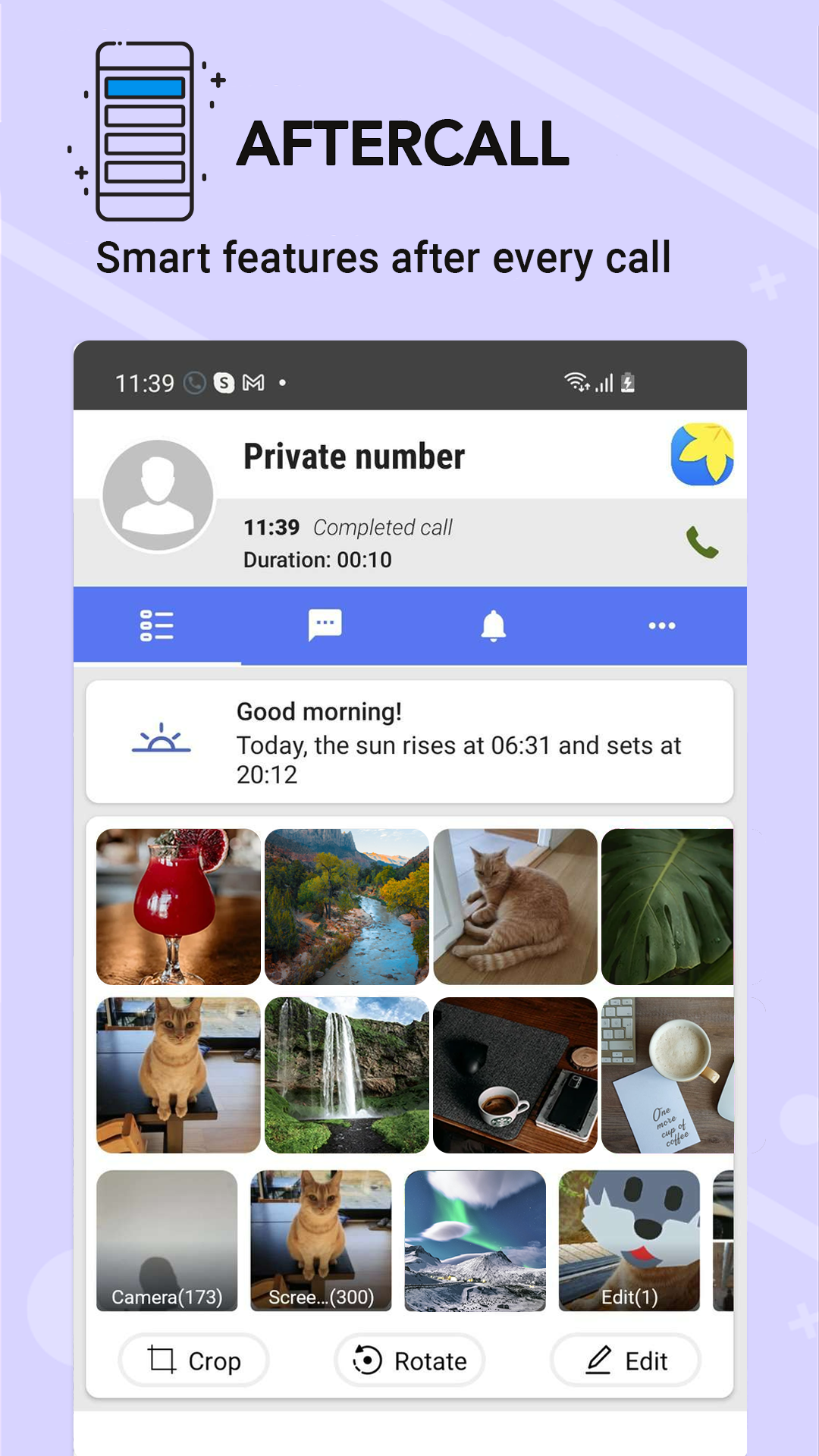
Added: Denis Rubinov
Version: 2.5.82
Size: 14.7 MB
Updated: 13.11.2023
Developer: gallery
Age Limitations: Everyone
Authorizations: 19
Downloaded on Google Play: 75779610
Category: Tools
Description
Application Gallery was checked by VirusTotal antivirus. As a result of the scan, no file infections were detected by all the latest signatures.
How to install Gallery
- Download APK file apps from apkshki.com.
- Locate the downloaded file. You can find it in the system tray or in the 'Download' folder using any file manager.
- If the file downloaded in .bin extension (WebView bug on Android 11), rename it to .apk using any file manager or try downloading the file with another browser like Chrome.
- Start the installation. Click on the downloaded file to start the installation
- Allow installation from unknown sources. If you are installing for the first time Gallery not from Google Play, go to your device's security settings and allow installation from unknown sources.
- Bypass Google Play protection. If Google Play protection blocks installation of the file, tap 'More Info' → 'Install anyway' → 'OK' to continue..
- Complete the installation: Follow the installer's instructions to complete the installation process.
How to update Gallery
- Download the new version apps from apkshki.com.
- Locate the downloaded file and click on it to start the installation.
- Install over the old version. There is no need to uninstall the previous version.
- Avoid signature conflicts. If the previous version was not downloaded from apkshki.com, the message 'Application not installed' may appear. In this case uninstall the old version and install the new one.
- Restart annex Gallery after the update.








Requesting an application update
Added Denis Rubinov
Version: 2.5.82
Size: 14.7 MB
Updated: 13.11.2023
Developer: gallery
Age Limitations: Everyone
Authorizations:
Downloaded on Google Play: 75779610
Category: Tools












Reviews for Gallery
very good 💯💯💯
good work 👍
worst app ever
Good app
good
the app ever
its great
super
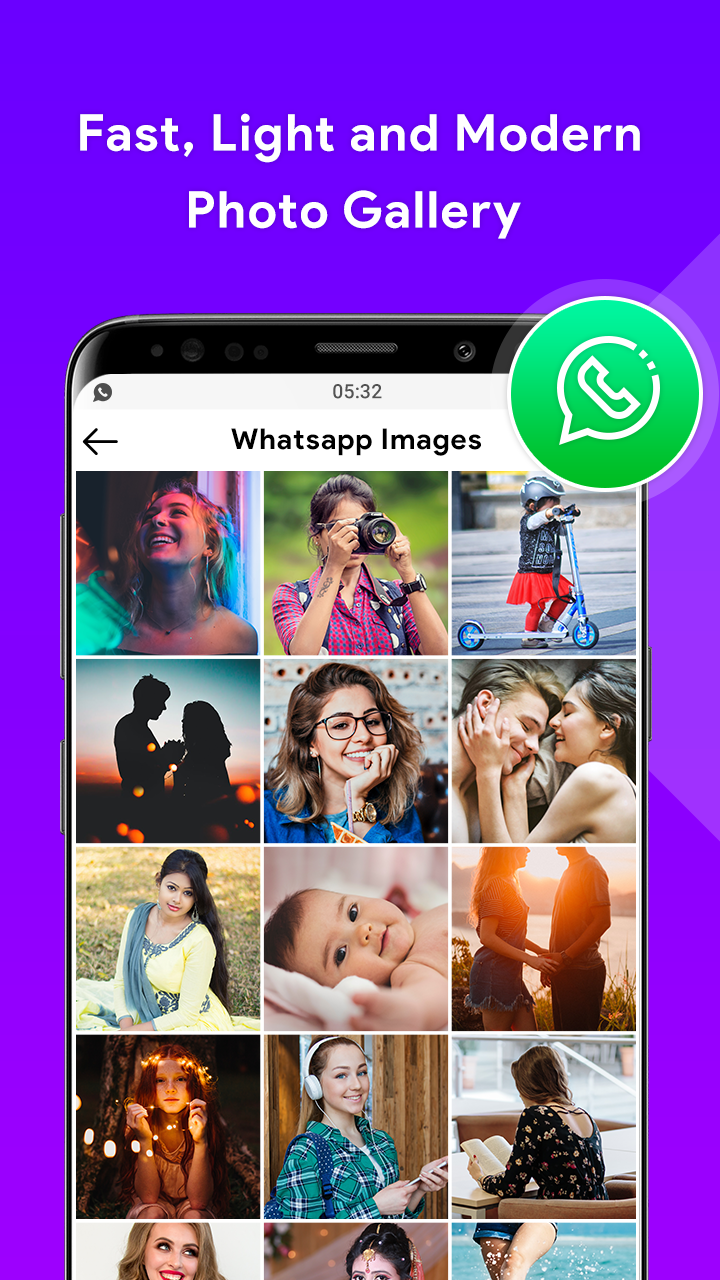
Simple, easy app with lots under the hood. Its intuitive to use, like a built-in gallery app, but has plenty of advanced options and features for super nerds. I use this app instead of competing ones due to privacy concerns; lots of others harvest creepy data and have intrusive ads. My research brought me here and Ive never turned back. The cost of the paid version is totally worth it to support one of the few truly quality apps.
This is a perfect replacement for the gallery that was on my Droid Turbo 2. Has several different sort features and some simple editing features. Allows me to draw on pictures which is a handy feature for sharing illustrated photos with others. I tried many galleries before this one and this is the best one to meet my needs. I found that many galleries dont allow you to draw on photos.
Its very useful for sorting videos, images in phone. I like this app. But I would like to request you please add the feature to edit the folders name after creating it. Quickly I created a folder, and I found it has the spelling error, and when I wanted to edit it, I couldnt. Now it became a folder having spelling error in my phone.I feel so bad.
Its just a great photo storage, organization, and, modification program. It has always worked very well for me. I have zero complaints. I do have some suggestions, though. However yall must be tired of hearing the endless suggestions that users may have. So Ill just hold off for now unless I feel like I wont be imposing my thoughts onto your already excessively busy business.Thank you for a very nice and easy to use photo storage, organization, and modification program.Its just really great!
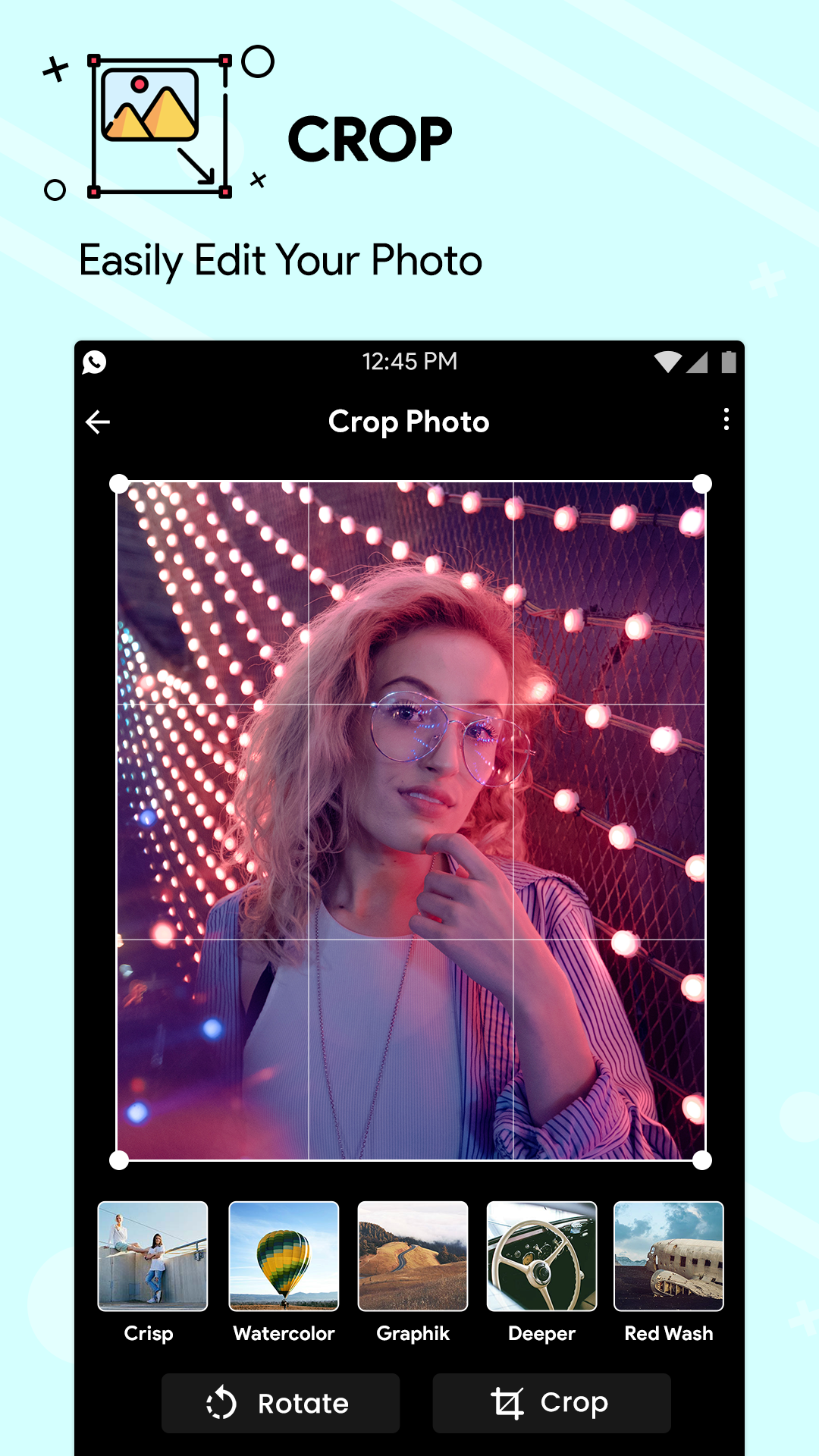
Well it served me well. No annoying ads like other galleries. I have two galleries on my phone because this app, doesnt have the drawing tool, for example I want to cross out some details on an image, I cant do that with this app. But apart from this, all is good. I can crop, i can create albums and move images from one album to another. Its offline and free.
I like this! Simple, well designed and easy to use, and keeps stuff organized so that I know where everything is when I want to find it. I have had some issues creating new folders and moving items, but that's okay. I also get annoyed sometimes about how the folders reorganize based on when they're updated, but there is probably a setting for that.
Edit: The app in latest version get better performance in term of loading speed and response. But can you make the background color to Black when viewing a photo, because it deliver a better experience. Thank you. Previous: It is a good gallery but the start up loading time is very slow, it takes so much time. You need to make it faster.
Post a comment
To leave a comment, log in with your social network:
Or leave an anonymous comment. Your comment will be sent for moderation.
Post a comment
To leave a comment, log in with your social network:
Or leave an anonymous comment. Your comment will be sent for moderation.