



Added: Denis Rubinov
Version: 0.70
Size: 8.4 MB
Updated: 24.06.2025
Developer: Jean-Philip Desjardins
Authorizations: 5
Downloaded on Google Play: 1770557
Category: Tools
Description
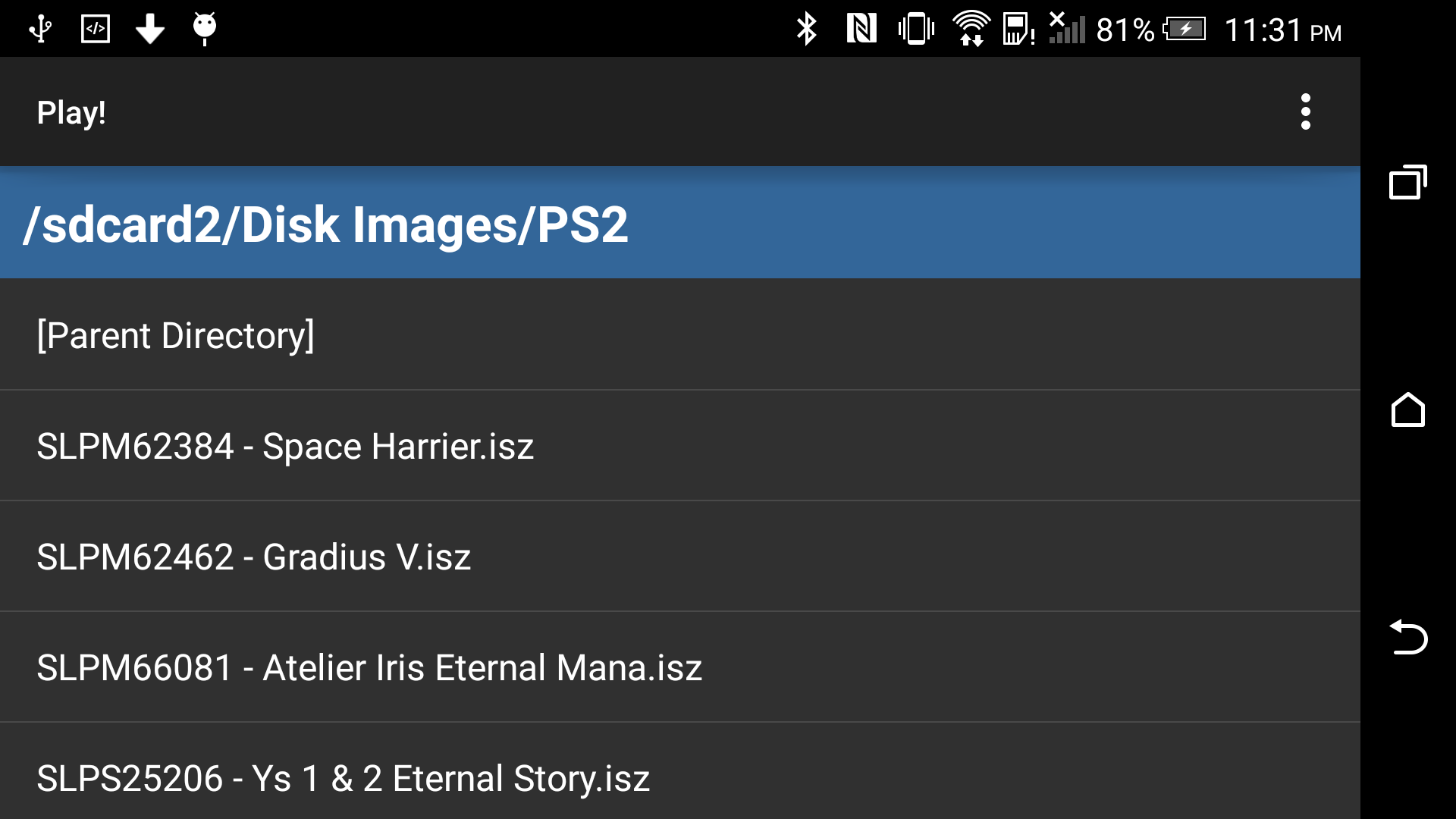
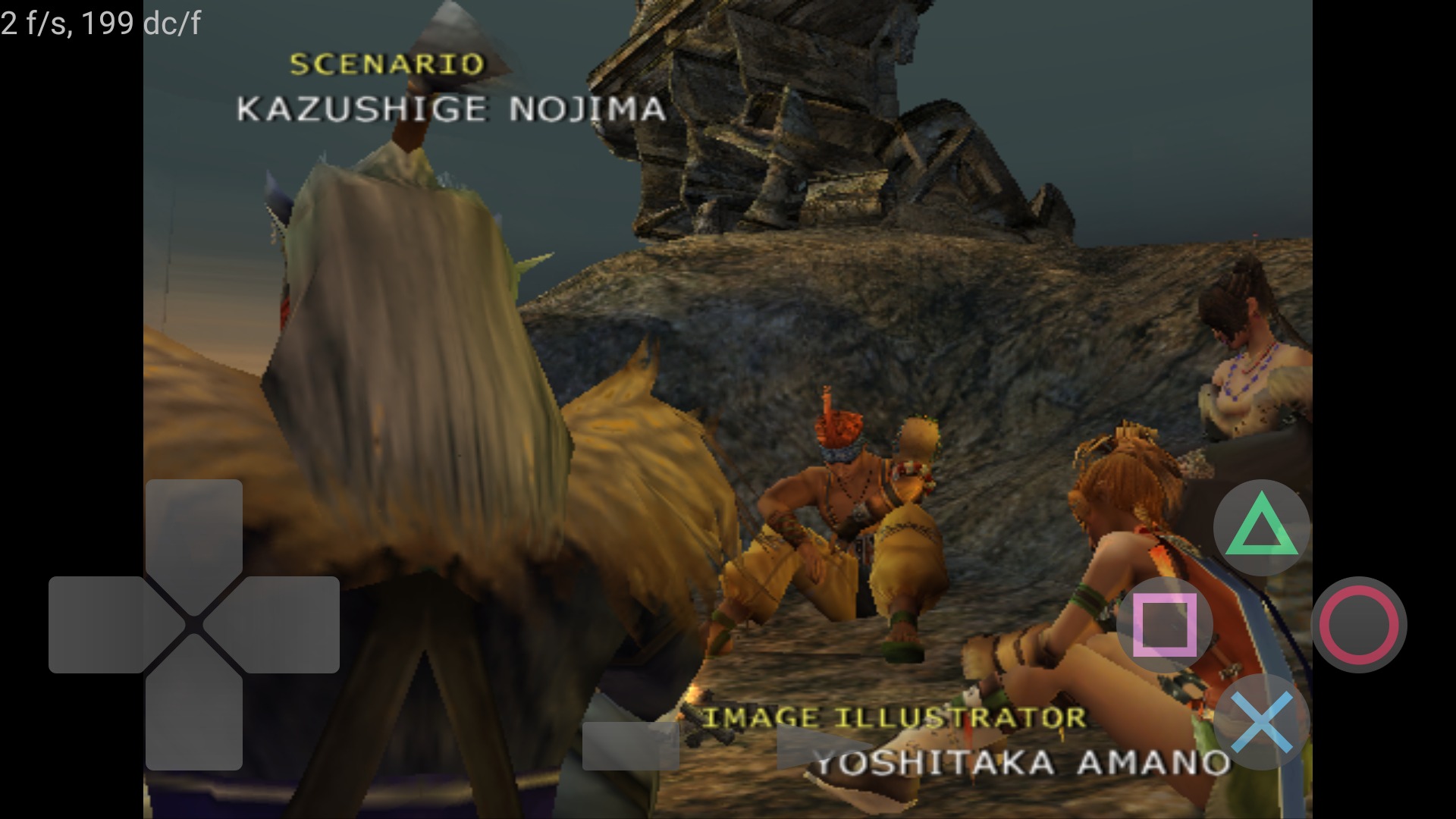
Application Play! was checked by VirusTotal antivirus. As a result of the scan, no file infections were detected by all the latest signatures.
How to install Play!
- Download APK file apps from apkshki.com.
- Locate the downloaded file. You can find it in the system tray or in the 'Download' folder using any file manager.
- If the file downloaded in .bin extension (WebView bug on Android 11), rename it to .apk using any file manager or try downloading the file with another browser like Chrome.
- Start the installation. Click on the downloaded file to start the installation
- Allow installation from unknown sources. If you are installing for the first time Play! not from Google Play, go to your device's security settings and allow installation from unknown sources.
- Bypass Google Play protection. If Google Play protection blocks installation of the file, tap 'More Info' → 'Install anyway' → 'OK' to continue..
- Complete the installation: Follow the installer's instructions to complete the installation process.
How to update Play!
- Download the new version apps from apkshki.com.
- Locate the downloaded file and click on it to start the installation.
- Install over the old version. There is no need to uninstall the previous version.
- Avoid signature conflicts. If the previous version was not downloaded from apkshki.com, the message 'Application not installed' may appear. In this case uninstall the old version and install the new one.
- Restart annex Play! after the update.





Requesting an application update
Added Denis Rubinov
Version: 0.70
Size: 8.4 MB
Updated: 24.06.2025
Developer: Jean-Philip Desjardins
Authorizations:
Downloaded on Google Play: 1770557
Category: Tools













Reviews for Play!
When I tried to play a game on this emulator it's way too damn slow. You need to fix that. 😡
the app lags too much
slowing down my game
it is amazing emulator
Played Transformers the game on this one. I downloaded the CHD format because I did not trust the redump format. Runs slow but works!!
dude just one game Jurassic park operation genesis and still lag and I can't even play it
creator please make this the best PS2 emulator I believe in you guys it's underdevelopment give the creator some credit please make it number one 🙂
Please fix the game very fast, okay, and I'll redeeming your project rather than the game being pretty lag and so 3 stars.
plz fix the lag or make more options to make us fix it sometimes it don't make the game work too well
Good
seems to be in Alpha stage. keep up the work guys. please optimise for NVIDIA shield tv Pro Tegra x1 chip.
people giving this emulator low ratings have no idea how GROUNDBREAKING something like this being made and easily accessible is. Props to the devs, don't give up!
The app it self is amazing because it is so easy to use unlike others but the only problem is (it is the only game i have tried now i am going to try others) gta 3 is very laggy i hope not all the games are but i am still giving five stars cause i think it will be solved
Just use DuckStation instead.
I like this emulator but could you add frameskip please so games can emulate faster, if you do i will rate 5 stars ⭐⭐⭐⭐⭐
Post a comment
To leave a comment, log in with your social network:
Or leave an anonymous comment. Your comment will be sent for moderation.
Post a comment
To leave a comment, log in with your social network:
Or leave an anonymous comment. Your comment will be sent for moderation.