


Jurassic VR Dinos on Cardboard
14+
downloads4.4+
version AndroidRequest an update
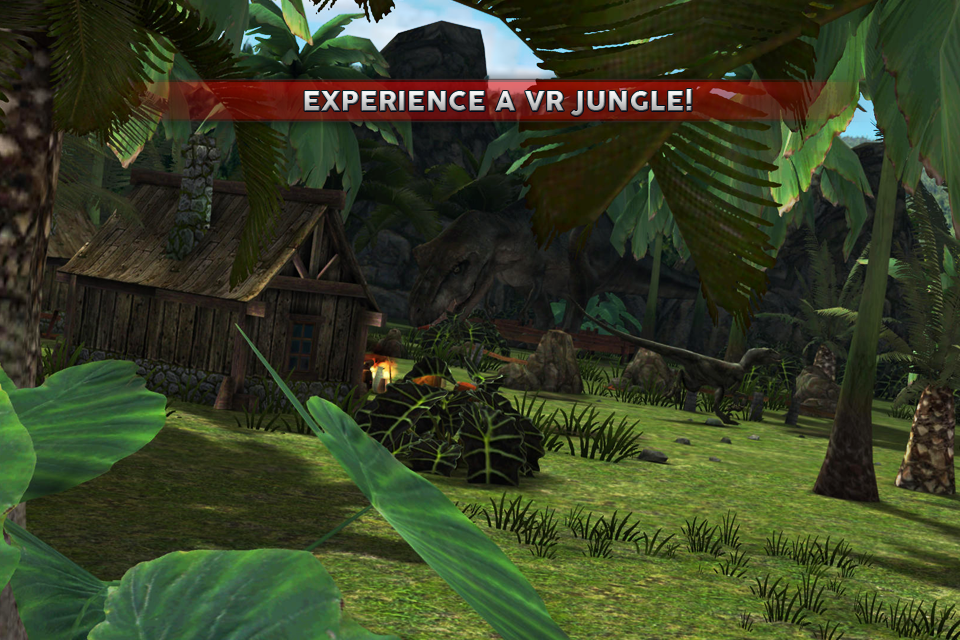
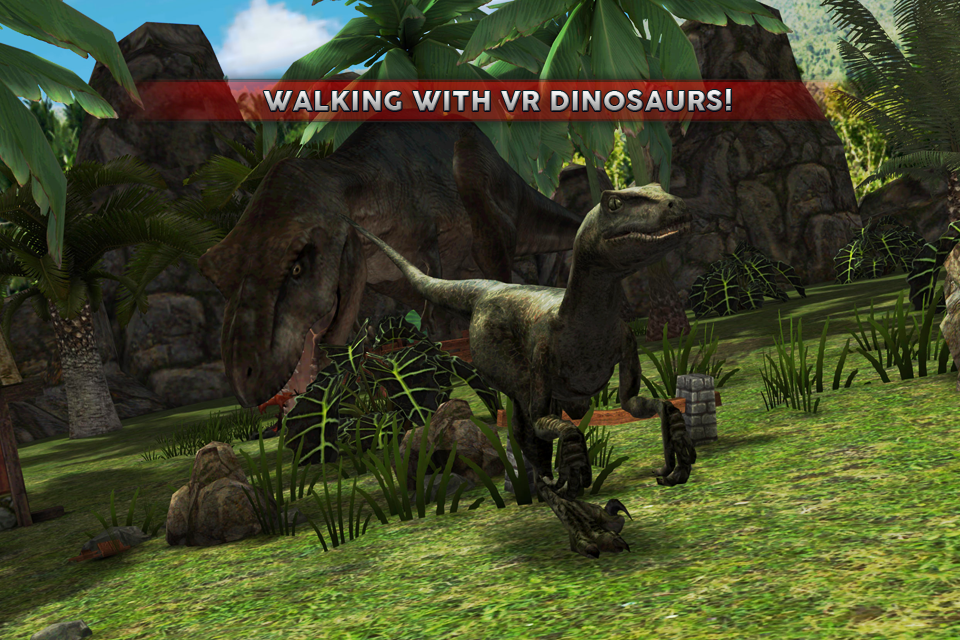
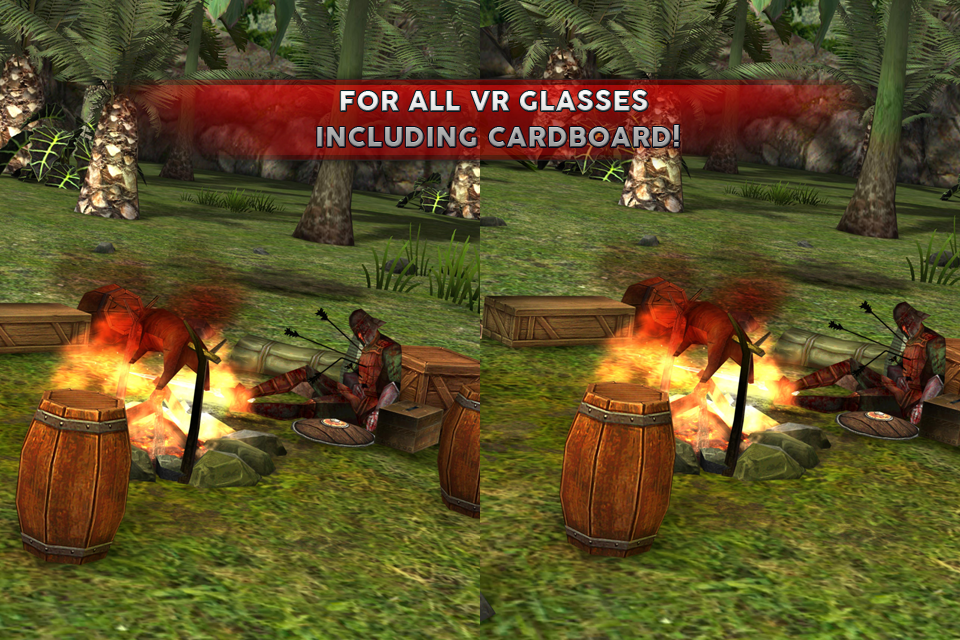
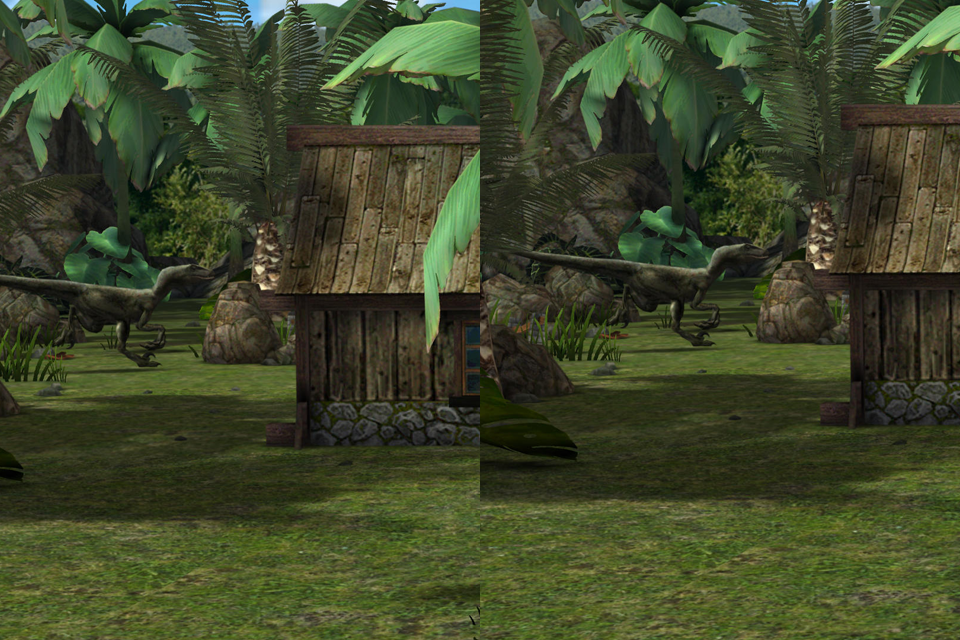
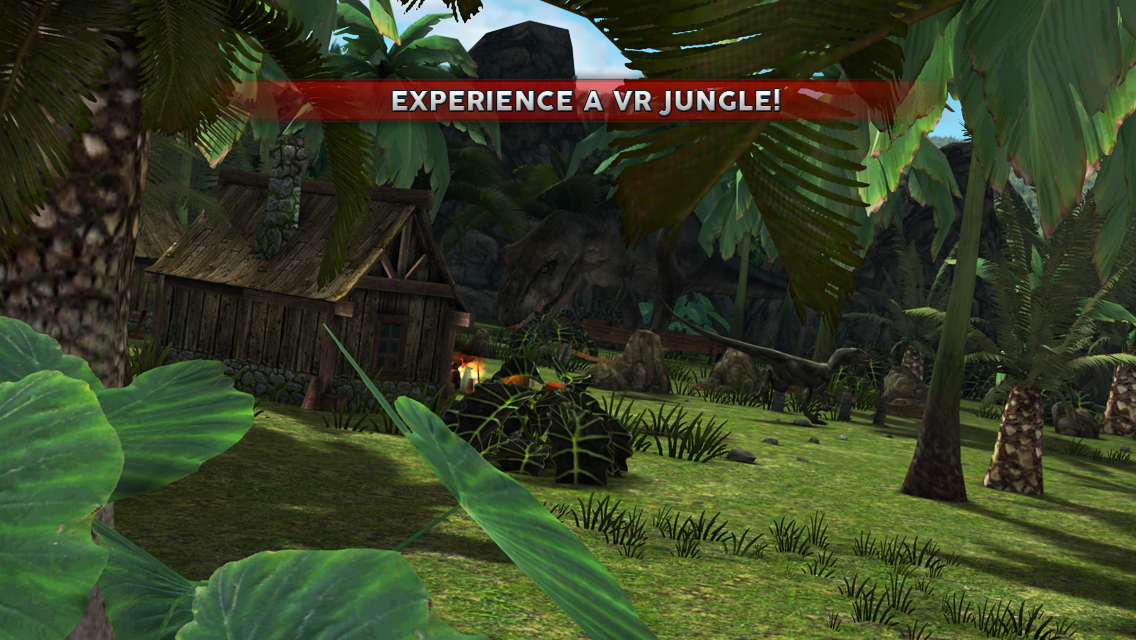
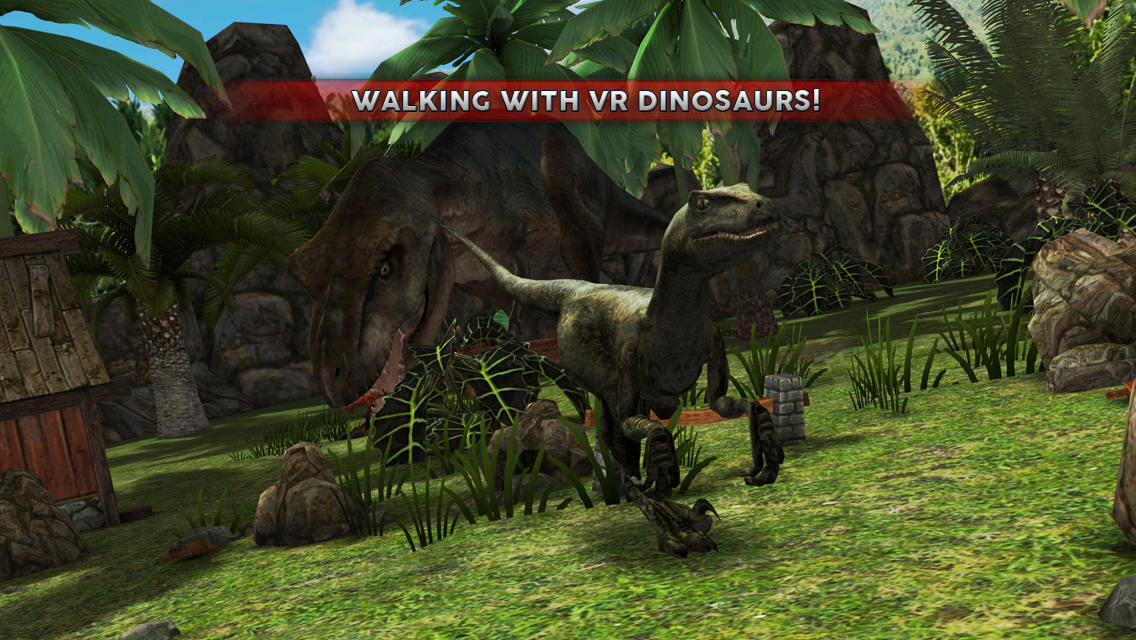
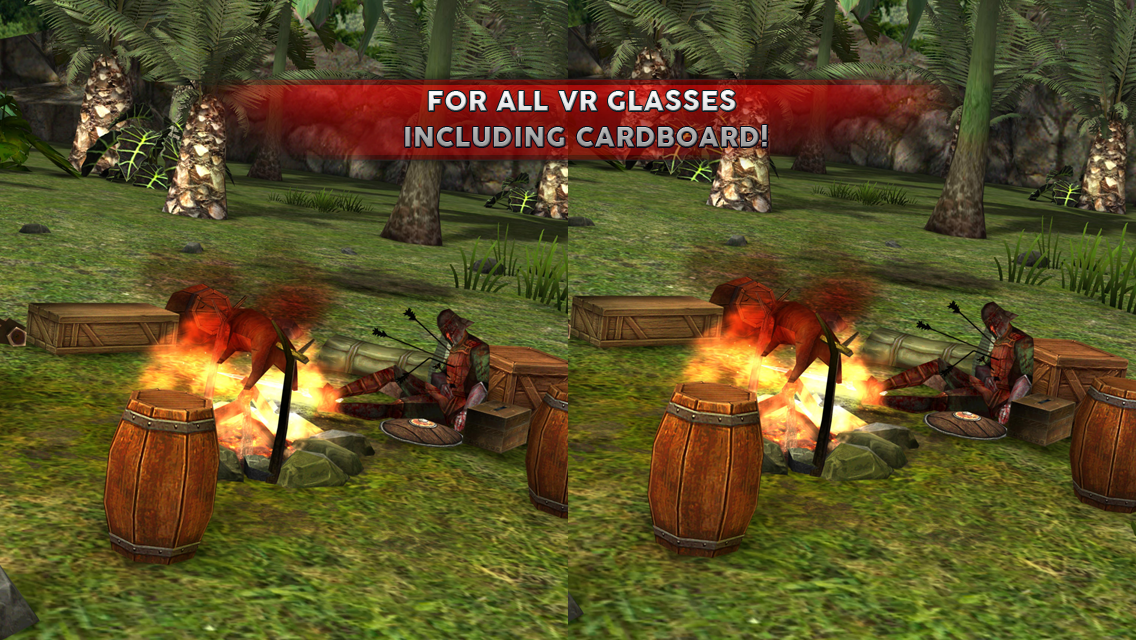
Added: Denis Rubinov
Version: 2.4.2
Size: 124 MB
Updated: 27.10.2023
Developer: Rabbit Mountain
Age Limitations: Teen
Authorizations: 7
Downloaded on Google Play: 8239968
Category: Adventure
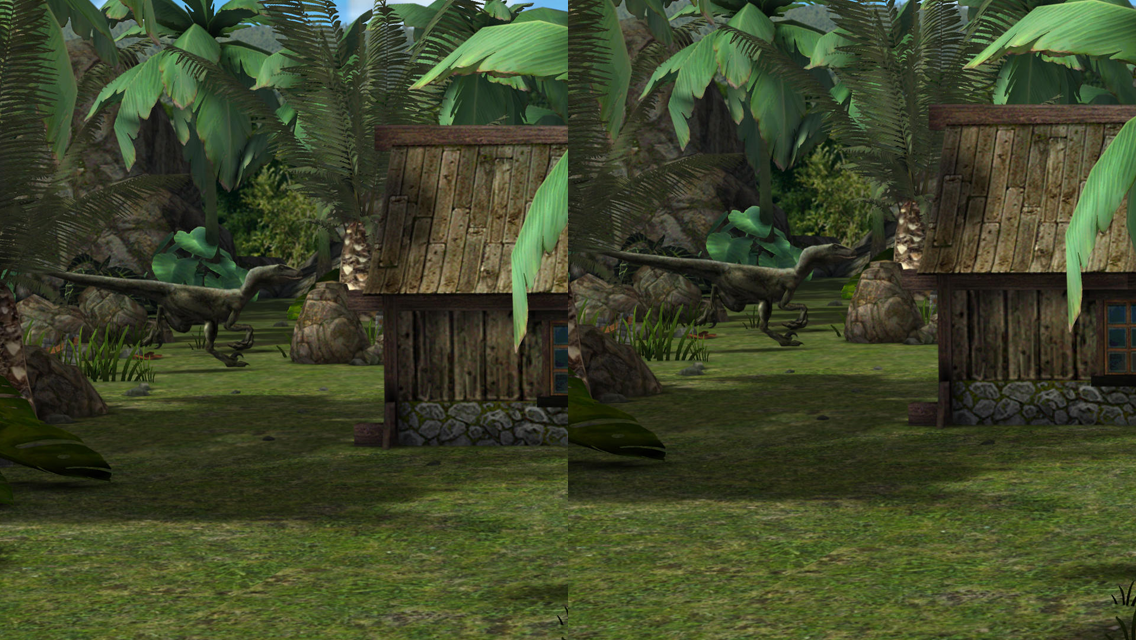
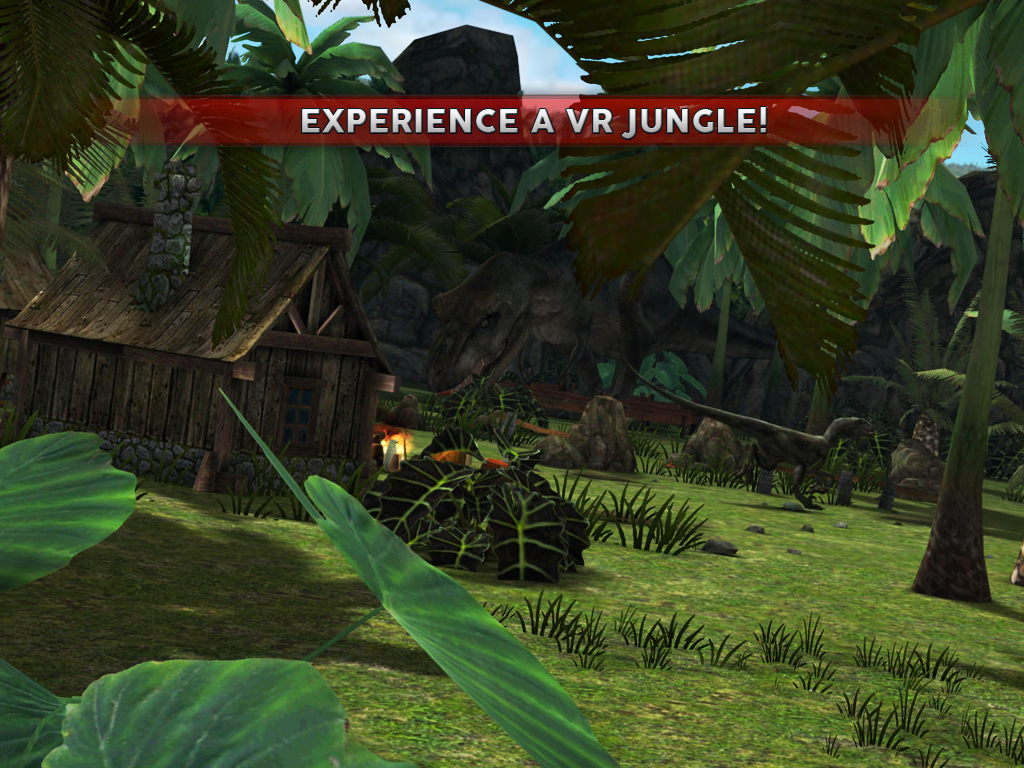
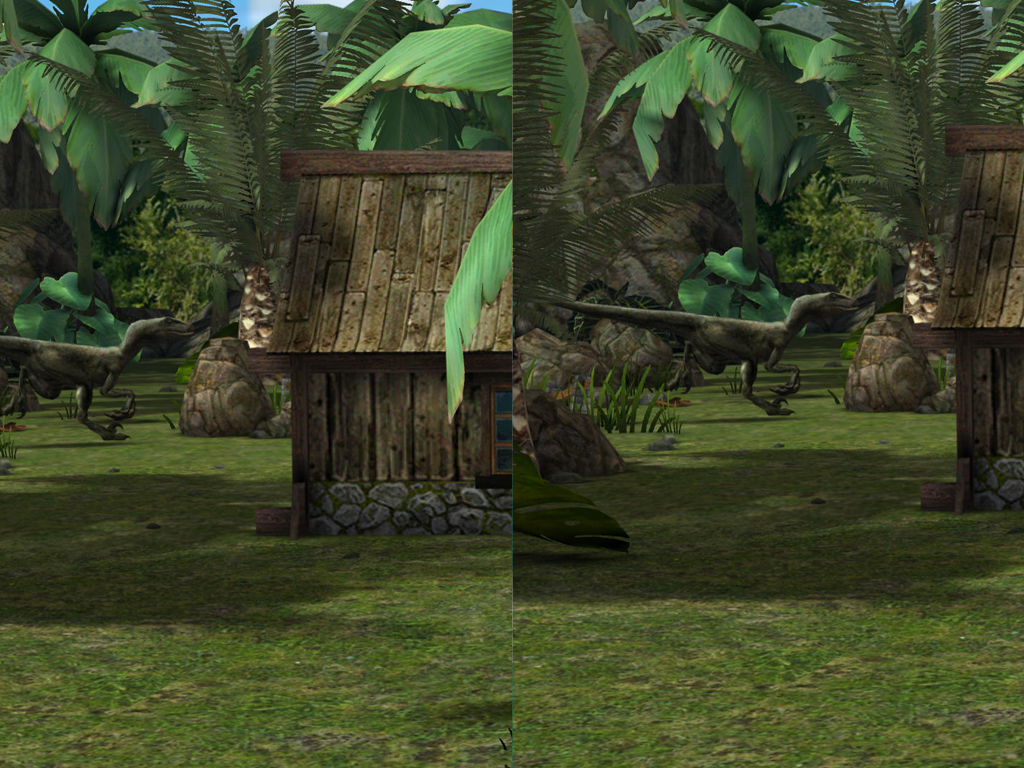
- High quality graphics.
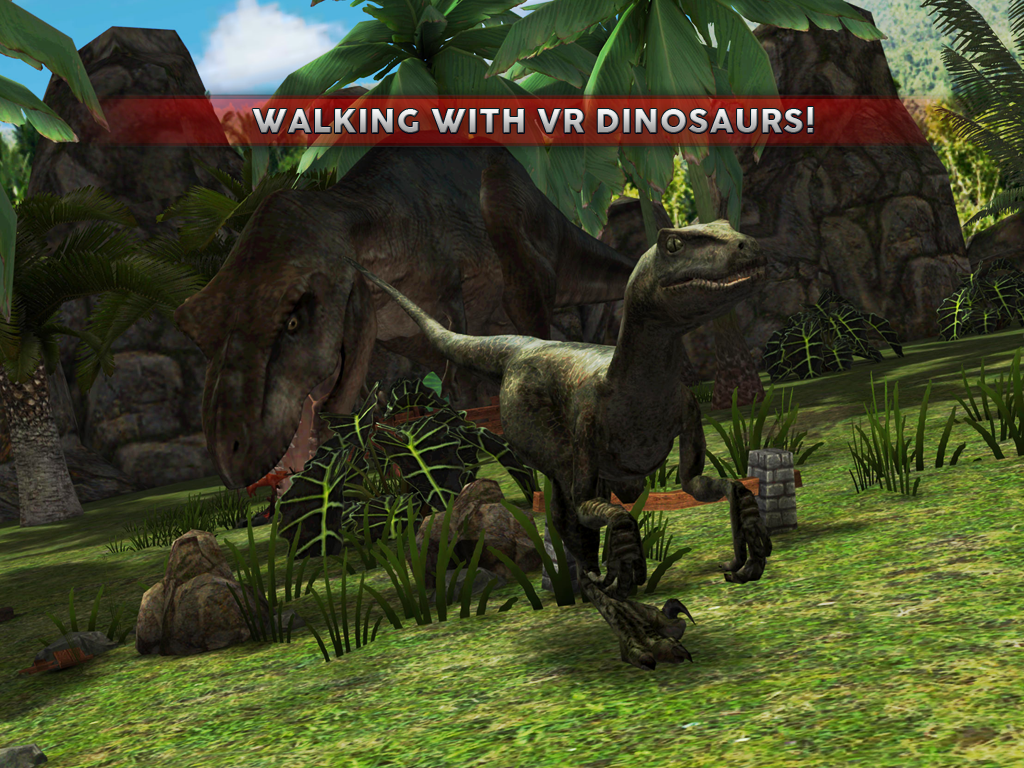
- Realistic dinosaur models.
- Convenient management.
- Many kinds of dinosaurs.
- Free distribution.
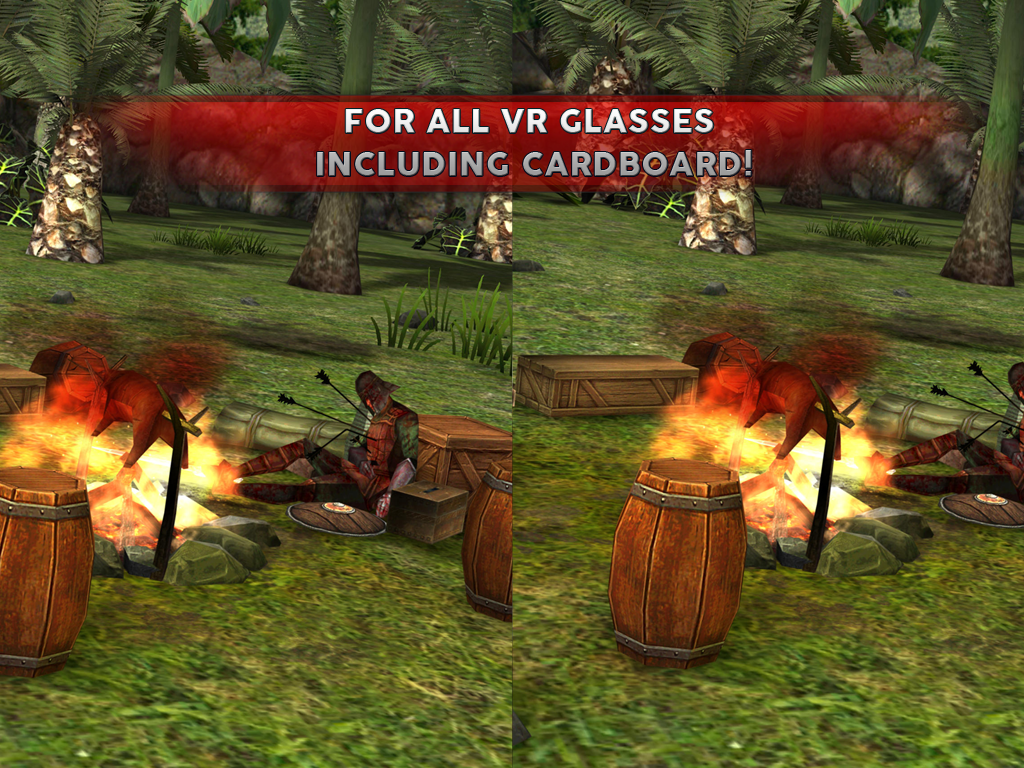
- Compatible with most VR headsets.
Description
Game Jurassic VR Dinos on Cardboard has been checked by VirusTotal antivirus. As a result of the scan, no file infections were detected by all the latest signatures.
How to install Jurassic VR Dinos on Cardboard
- Download APK file games from apkshki.com.
- Locate the downloaded file. You can find it in the system tray or in the 'Download' folder using any file manager.
- If the file downloaded in .bin extension (WebView bug on Android 11), rename it to .apk using any file manager or try downloading the file with another browser like Chrome.
- Start the installation. Click on the downloaded file to start the installation
- Allow installation from unknown sources. If you are installing for the first time Jurassic VR Dinos on Cardboard not from Google Play, go to your device's security settings and allow installation from unknown sources.
- Bypass Google Play protection. If Google Play protection blocks installation of the file, tap 'More Info' → 'Install anyway' → 'OK' to continue..
- Complete the installation: Follow the installer's instructions to complete the installation process.
How to update Jurassic VR Dinos on Cardboard
- Download the new version games from apkshki.com.
- Locate the downloaded file and click on it to start the installation.
- Install over the old version. There is no need to uninstall the previous version.
- Avoid signature conflicts. If the previous version was not downloaded from apkshki.com, the message 'Application not installed' may appear. In this case uninstall the old version and install the new one.
- Restart game Jurassic VR Dinos on Cardboard after the update.









Requesting an application update
Added Denis Rubinov
Version: 2.4.2
Size: 124 MB
Updated: 27.10.2023
Developer: Rabbit Mountain
Age Limitations: Teen
Authorizations:
Downloaded on Google Play: 8239968
Category: Adventure











Reviews for Jurassic VR Dinos on Cardboard
If you think this is gonna have good graphics your wrong but besides that overall I give it 3 stars because there extras mode was where you have to escape a Trex with a golf cart looking thing and you can look back and see the Trex chasing you and there's a fun ride to but roaming sounds exactly what it sounds you get to roam around in a jungle which is fun this a great game but don't get it if you want to save storage
This works excellent I don't have a VR headset anymore I gave it to the kids so I took the app off this was so much fun
The vr does not work for Samsung galaxy pls make it work for Samsung galaxy
can't walk and the game keeps kicking me out of the game
Only adverts no 3d
The only game out there for cardboard vr without intrusive adds. How can I help to make more of them?
Very awful never worked
These game is good
Simple but its entertain enought...
Very nice
Its so fun. Loved it, especially the dino escape. I dont have cardboard vr i have somee other vr headset but it still works the same five stars :)
This game used to be good, now I want to so it to my grandson and it doesn't work properly. I'd love being able to have the left right head turn work it is a very important feature for this app.
The game looked cool until you play it, I couldn't move my screen to choose stuff in vr so I couldn't do anything which ruined everything please fix so that I can play on vr
You should fix the left and right turnings you can't turn and you have to get out to get to touch the left or right problem during vr setting
Doesn't work amazing to look anywhere but up and down you have to use your finger.
Post a comment
To leave a comment, log in with your social network:
Or leave an anonymous comment. Your comment will be sent for moderation.
Post a comment
To leave a comment, log in with your social network:
Or leave an anonymous comment. Your comment will be sent for moderation.