



GPS Status & Toolbox
29+
downloads4.1+
version Android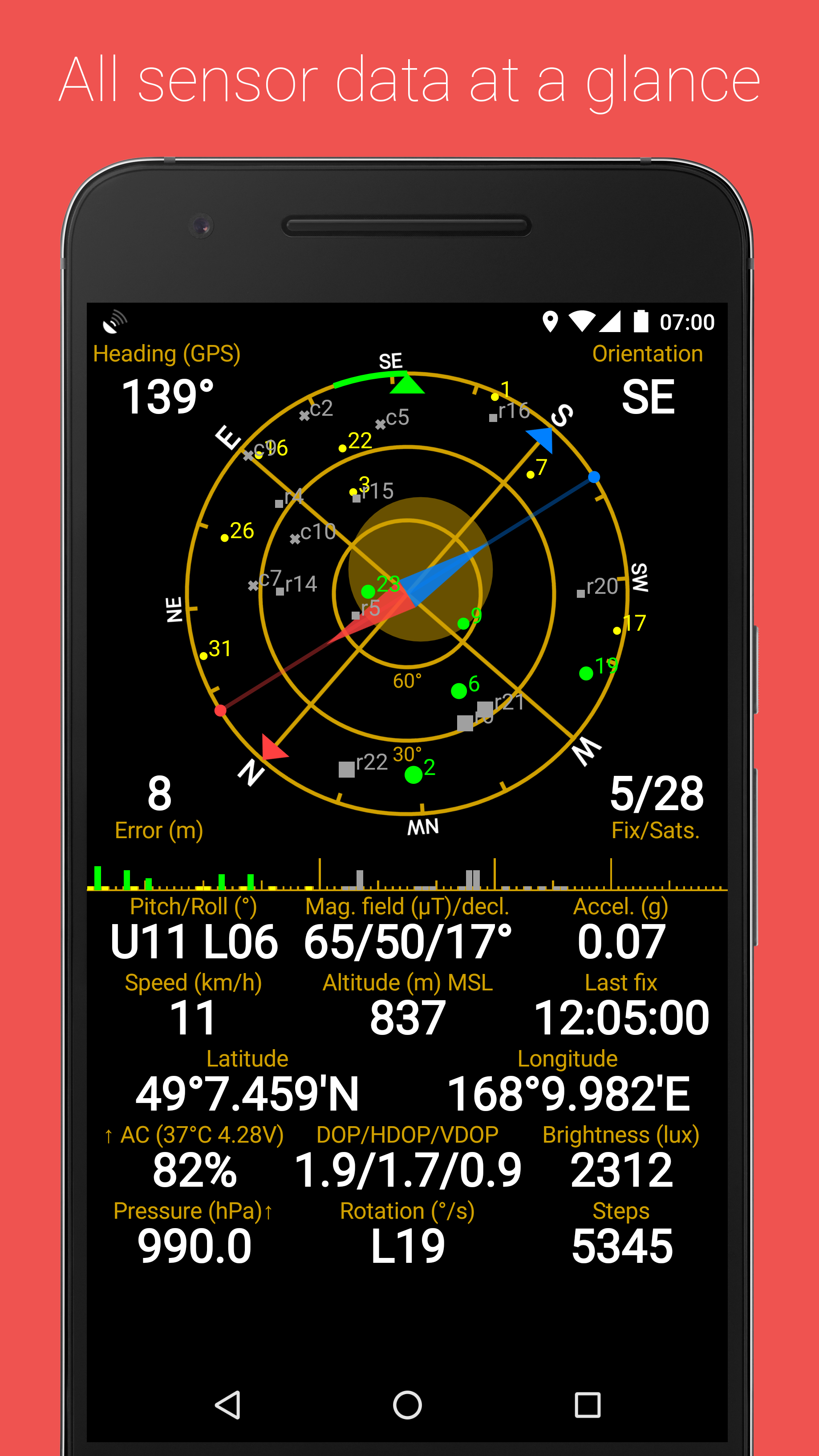
Added: Denis Rubinov
Version: 11.4.316
Size: 9.7 MB
Updated: 21.05.2025
Developer: EclipSim
Age Limitations: Everyone
Authorizations: 6
Downloaded on Google Play: 20829466
Category: Travels
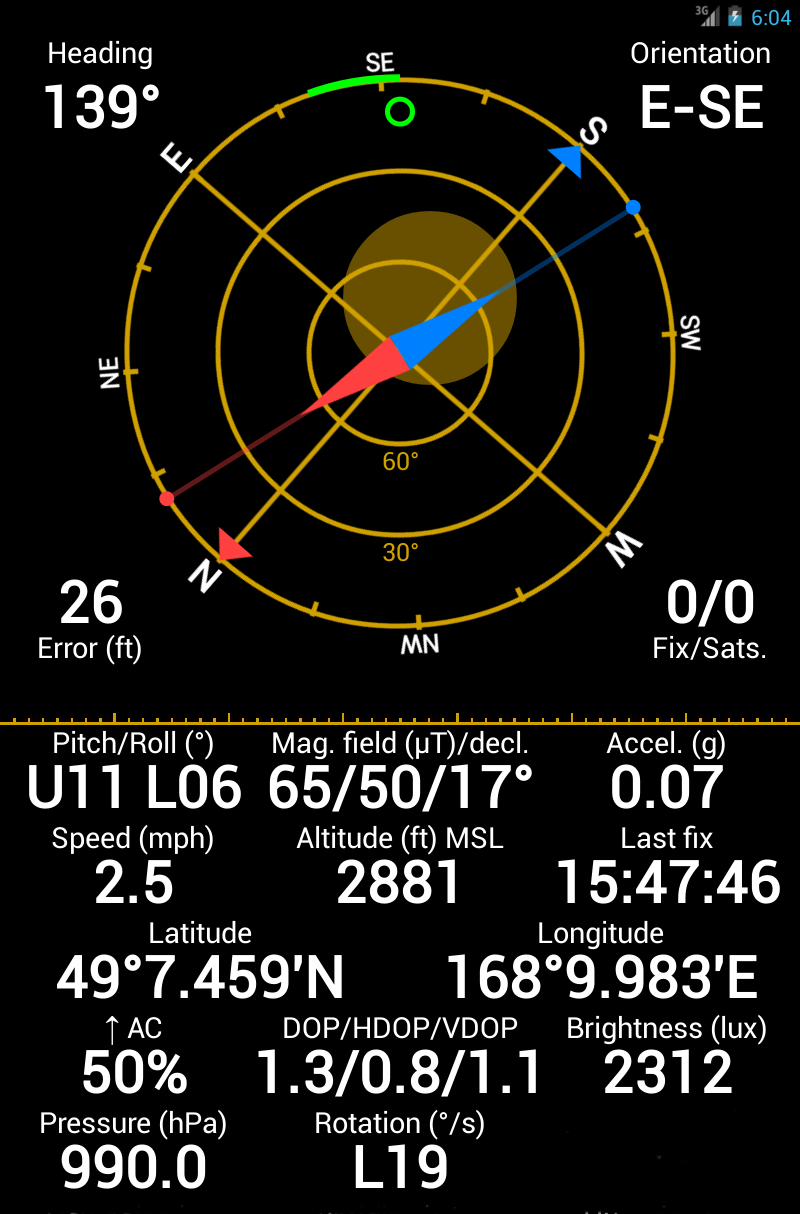
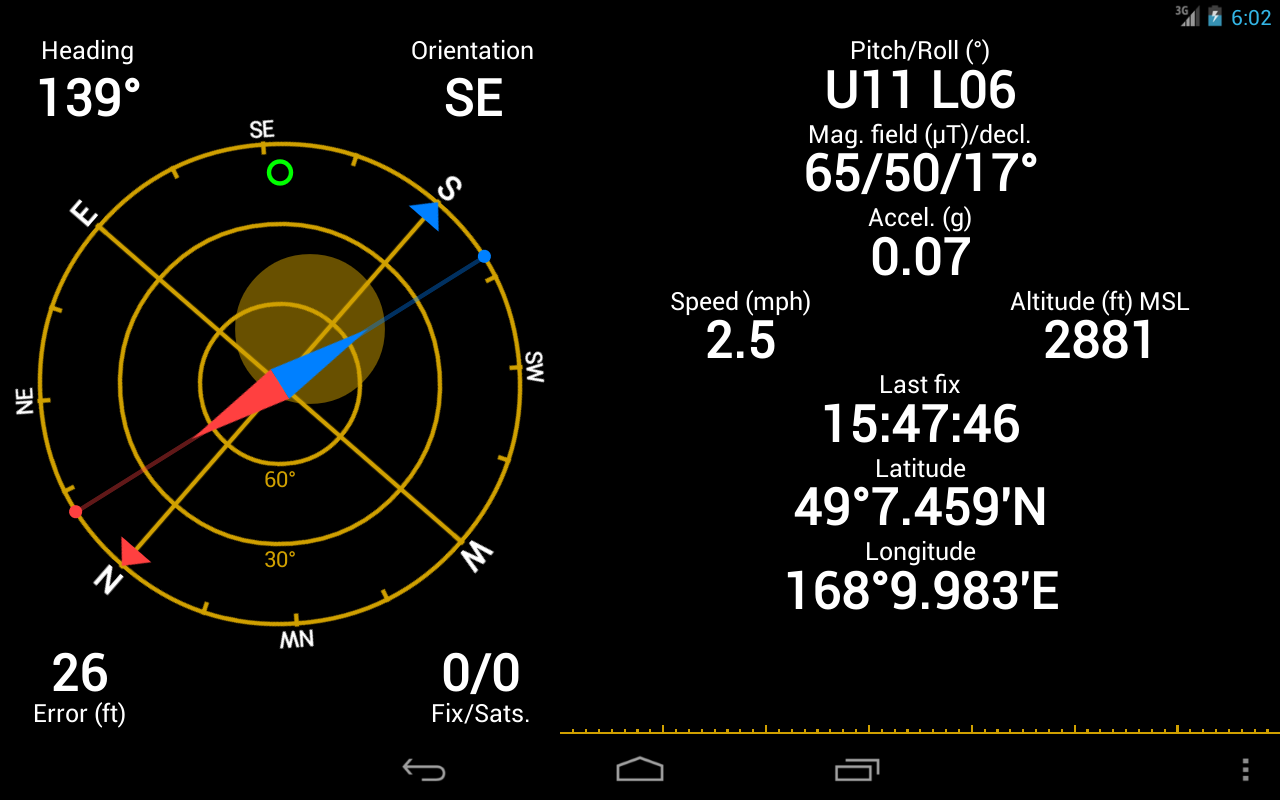
- Visual display of information.
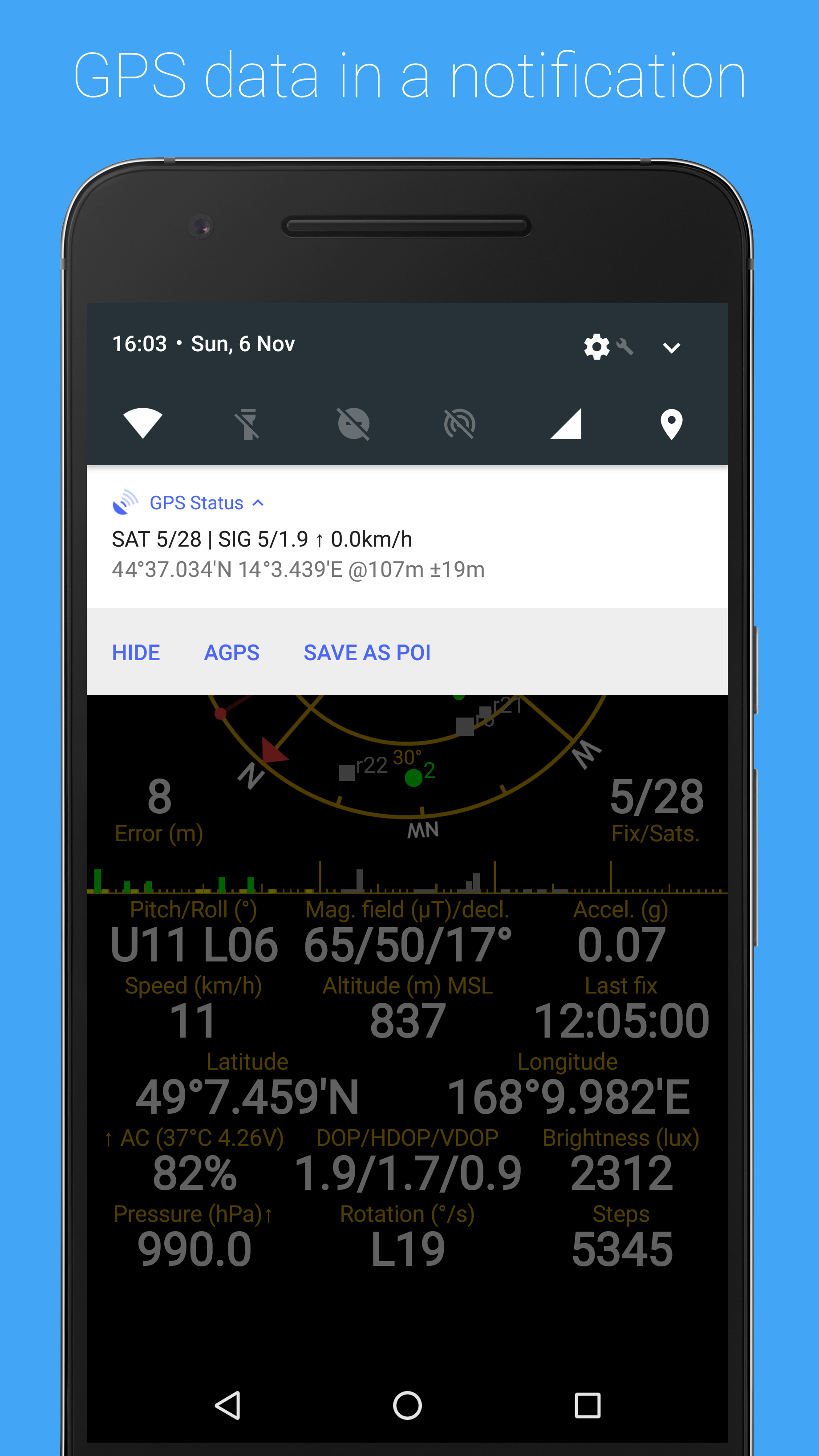
- Information from the GPS sensor, in the notification bar.
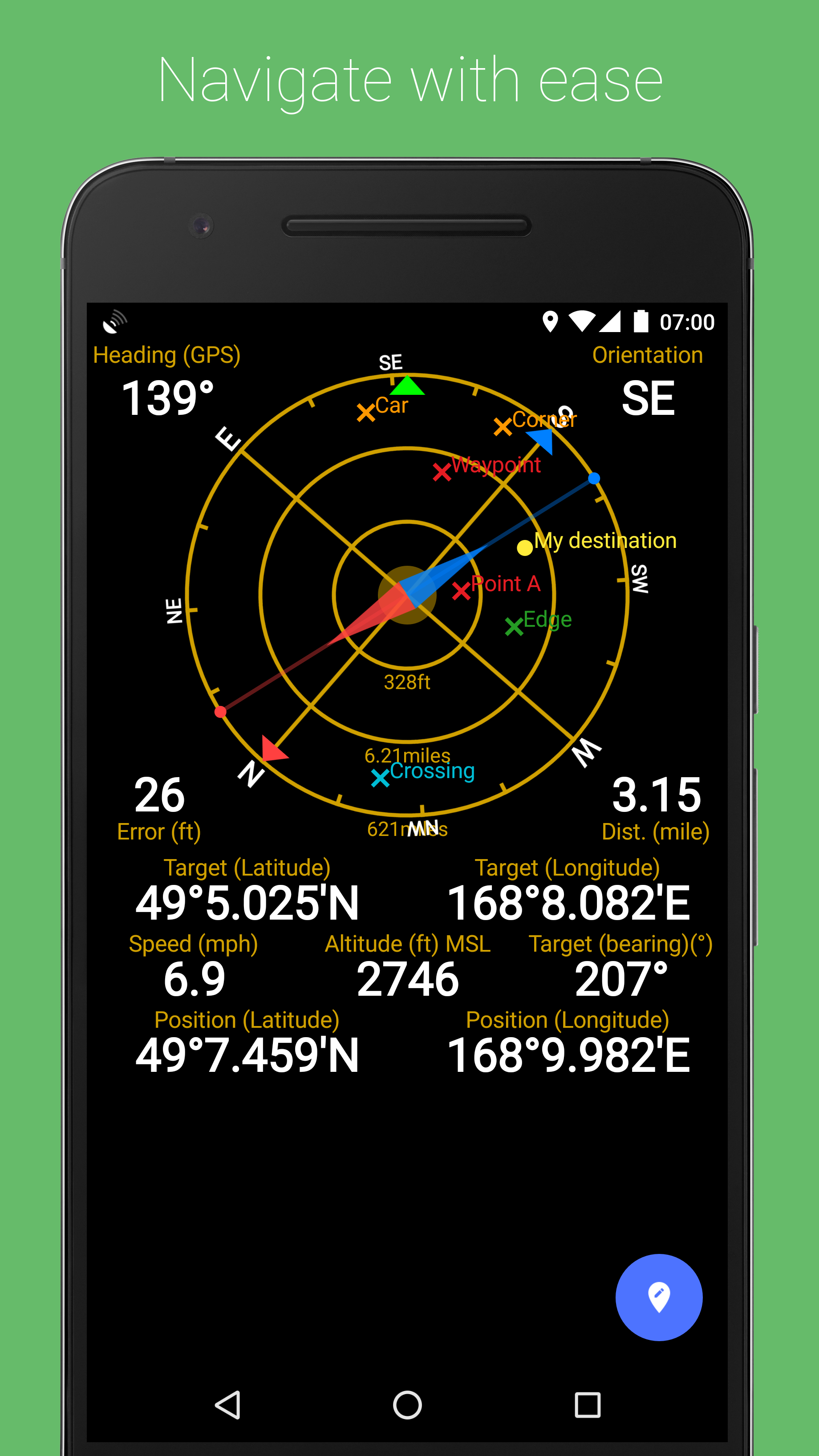
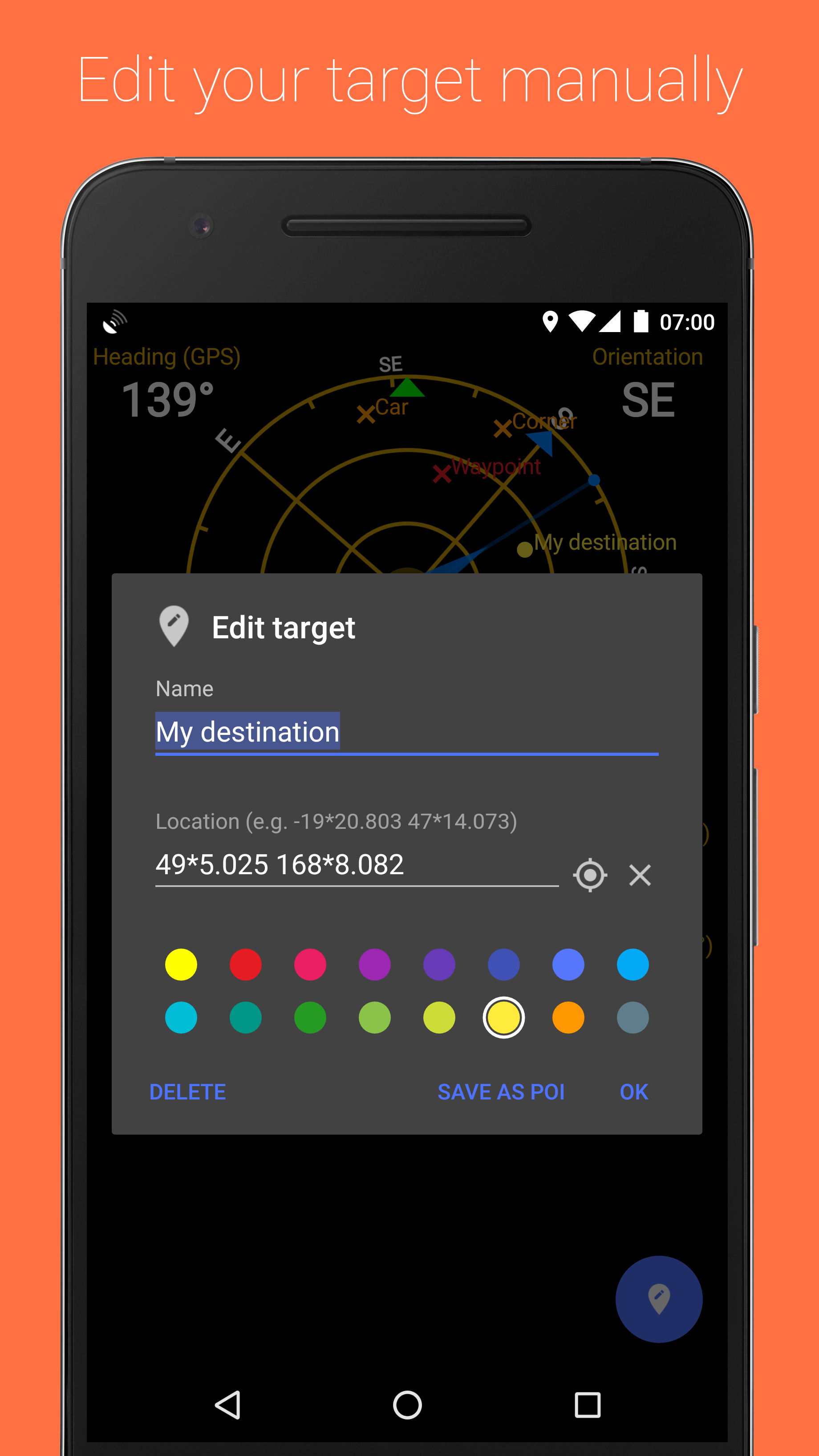
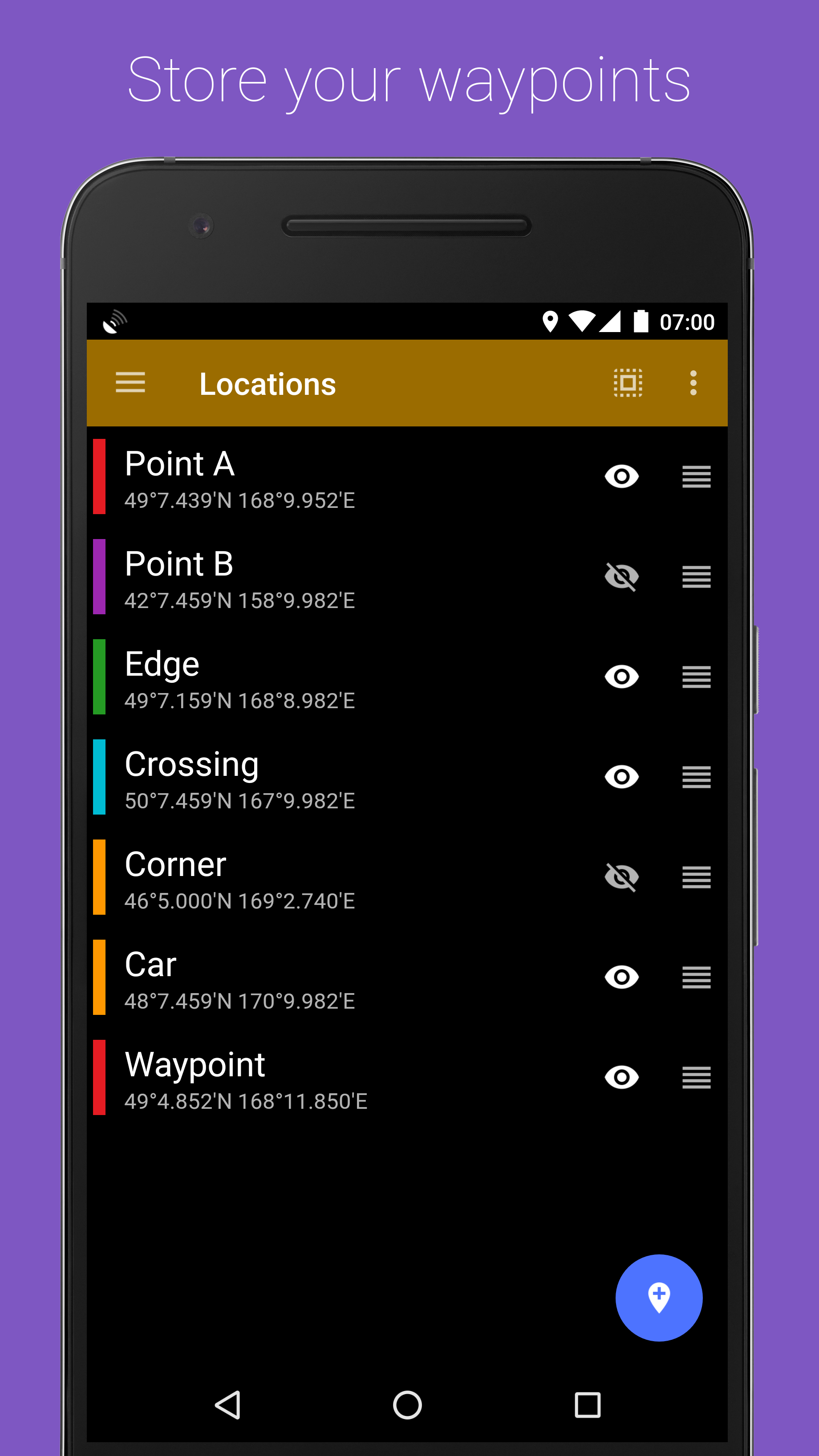
- The coordinates of important points can be saved.
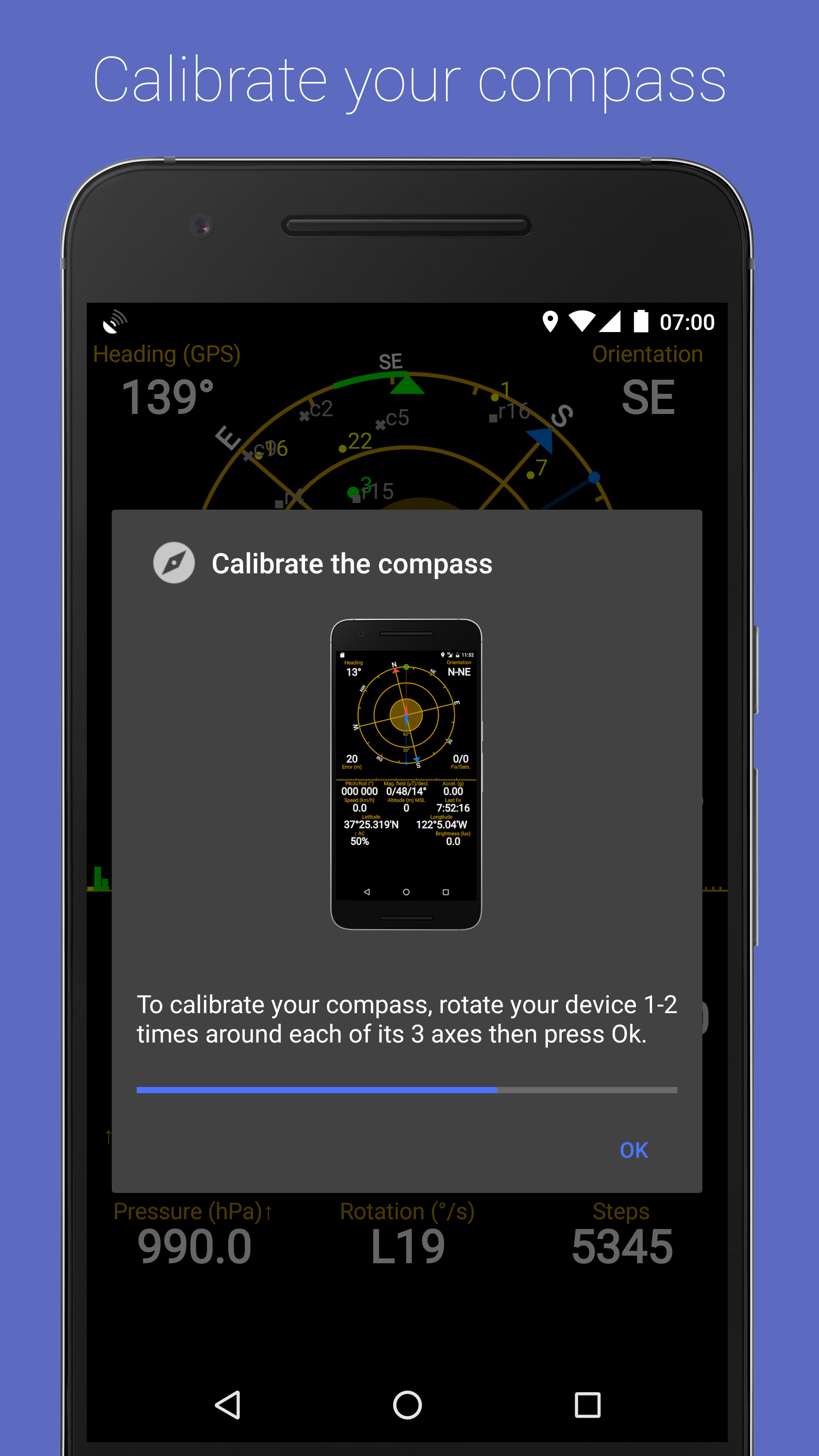
- There is a compass calibration function.
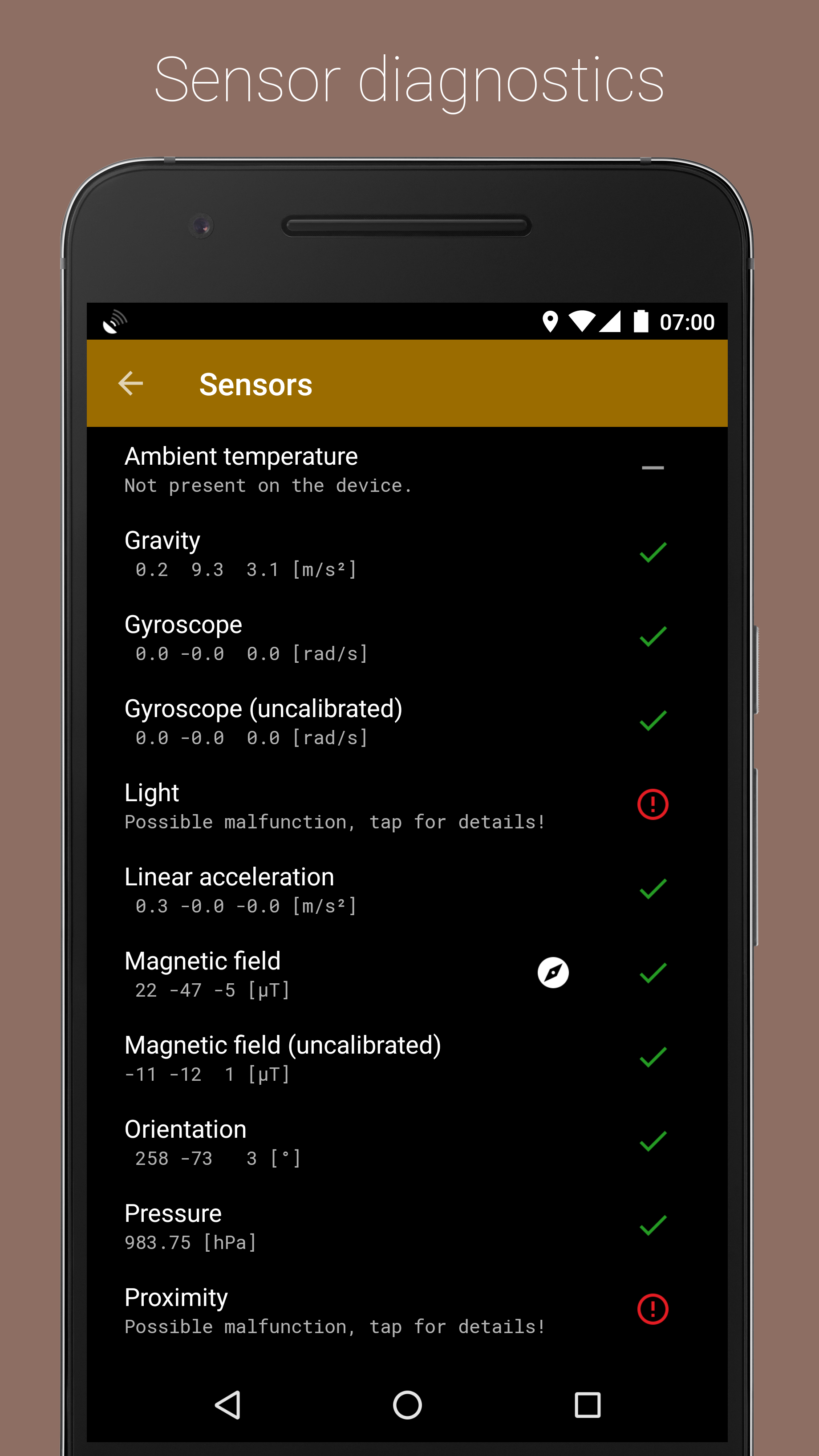
- Quick diagnostics.
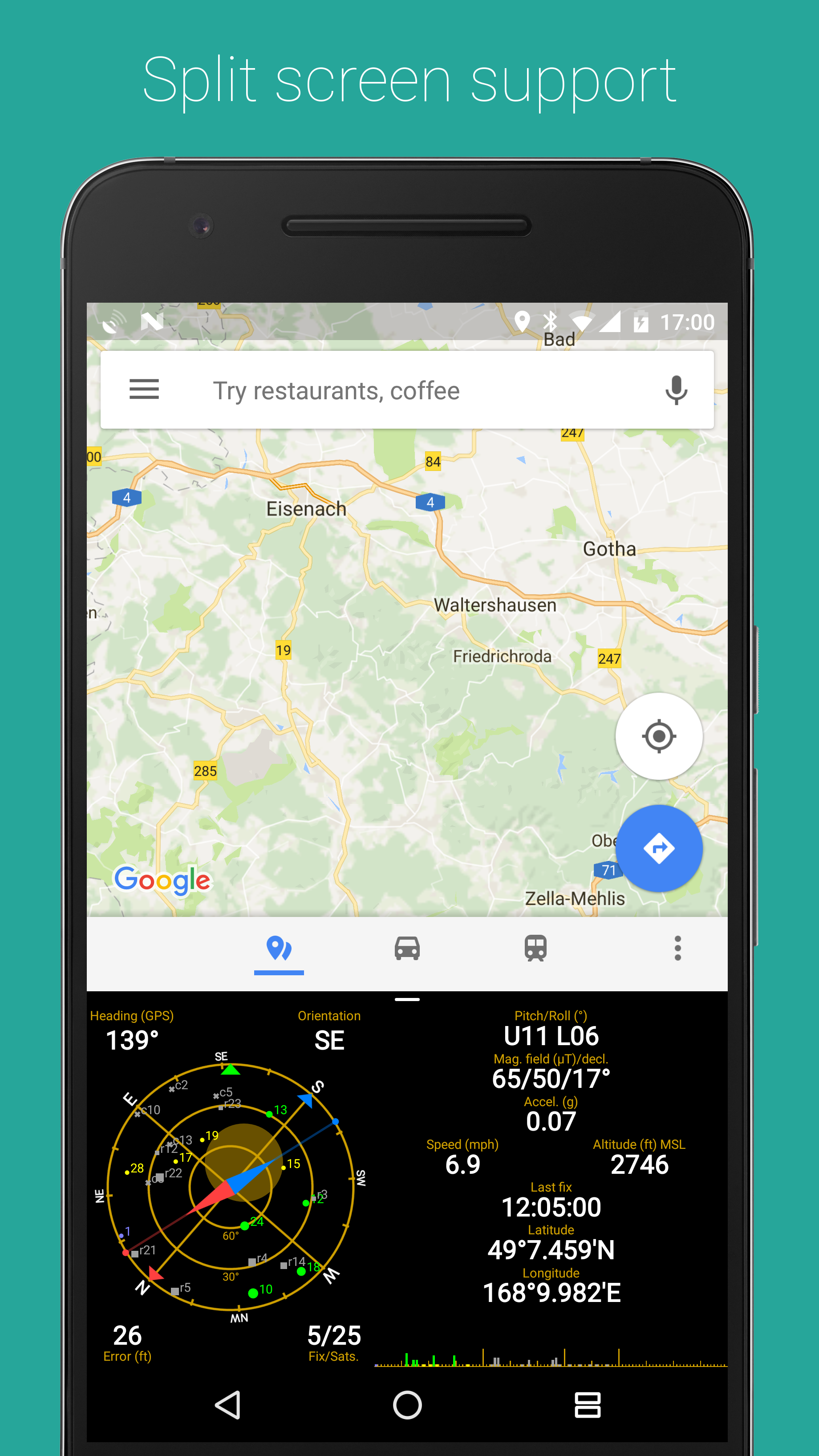
- Can work in split screen mode.
- There is a translation into Russian.
Description
Application GPS Status & Toolbox was checked by VirusTotal antivirus. As a result of the scan, no file infections were detected by all the latest signatures.
How to install GPS Status & Toolbox
- Download APK file apps from apkshki.com.
- Locate the downloaded file. You can find it in the system tray or in the 'Download' folder using any file manager.
- If the file downloaded in .bin extension (WebView bug on Android 11), rename it to .apk using any file manager or try downloading the file with another browser like Chrome.
- Start the installation. Click on the downloaded file to start the installation
- Allow installation from unknown sources. If you are installing for the first time GPS Status & Toolbox not from Google Play, go to your device's security settings and allow installation from unknown sources.
- Bypass Google Play protection. If Google Play protection blocks installation of the file, tap 'More Info' → 'Install anyway' → 'OK' to continue..
- Complete the installation: Follow the installer's instructions to complete the installation process.
How to update GPS Status & Toolbox
- Download the new version apps from apkshki.com.
- Locate the downloaded file and click on it to start the installation.
- Install over the old version. There is no need to uninstall the previous version.
- Avoid signature conflicts. If the previous version was not downloaded from apkshki.com, the message 'Application not installed' may appear. In this case uninstall the old version and install the new one.
- Restart annex GPS Status & Toolbox after the update.








Requesting an application update
Added Denis Rubinov
Version: 11.4.316
Size: 9.7 MB
Updated: 21.05.2025
Developer: EclipSim
Age Limitations: Everyone
Authorizations:
Downloaded on Google Play: 20829466
Category: Travels












Reviews for GPS Status & Toolbox
Very nice to have so many useful tools in one place. Convenient and easy to use.
Dreadfully inconsistent results. Unable to consistently point North after countless attempts and calibrations. Not recommended for navigation purposes. A hobbyist tool at best. Very disappointed.
This is hands down the best GPS app I've ever used. I've had this on my phone for years. Don't even look any further. You'll love this app.
Just an compass nothing else
Great ap to use for work purposes
Deceptive ads posing as app notifications. Hard pass.
This is an excellent tool. I have been using it for many years on my pixel phones. On my devices a step counter shows up but it is not mentioned in the documentation. I don't know when the step counter resets or how to reset it manually.
Everything I need
had for years. but it no longer works.
I had to uninstall this app after years of dependable use. It was reporting erroneous altitude. Other gps based apps displayed the correct altitude for my location.
Update: 7th Jul-23. Working well with last update on Android 13. Thanks. Not working on Android 10 on OnePlus 6t. Not launching automatically when opening maps and no indication on Notification area. All permissions were granted and no notifications are blocked at system level
Unable to reach website
I've been using this app happily for years. But have just discovered that the author's domain is not accessible...
A great app, that I've been using for many years. Alas, the developer seems to be no more. The help/documentation is on a web site that no longer exists, and I see that the app itself has not been updated for just over two years. It still works, but there are things about it that I want to look up in the no-longer-available documentation, and who knows how long it will be before some new Android update breaks it?
Lajee
Post a comment
To leave a comment, log in with your social network:
Or leave an anonymous comment. Your comment will be sent for moderation.
Post a comment
To leave a comment, log in with your social network:
Or leave an anonymous comment. Your comment will be sent for moderation.