


Video Editor Star Maker - Mago
222+
downloads4.3+
version Android




Added: Denis Rubinov
Version: 5.7.0
Size: 37.6 MB
Updated: 20.05.2025
Developer: Video Editor & Photo Editor Apps
Age Limitations: Everyone
Authorizations: 10
Downloaded on Google Play: 14959873
Category: Video Players & Editors
- Lots of free tools.
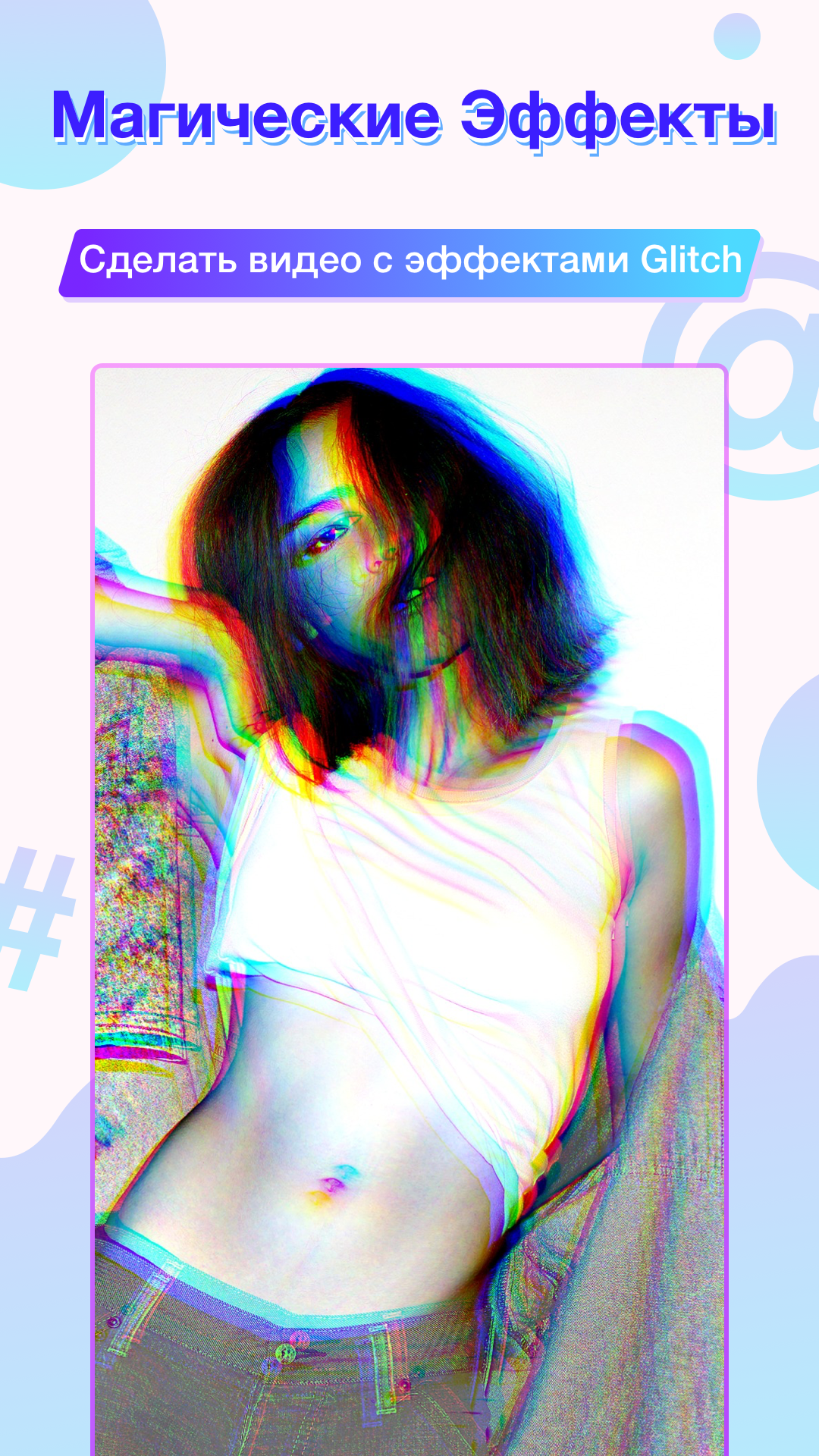
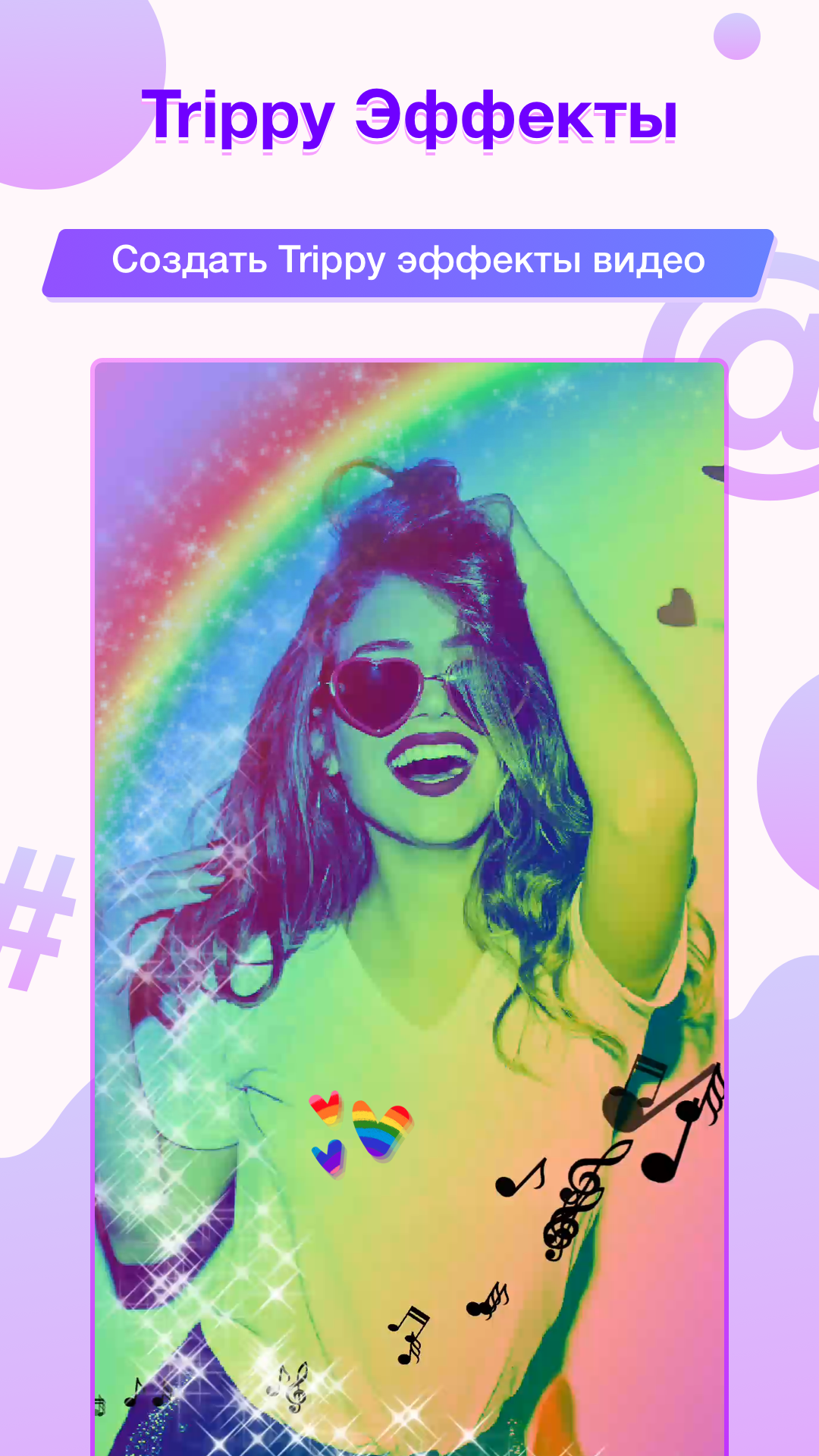
- Variety of effects.
- Disable watermarks for viewing ads.
- You can use the editor for free.
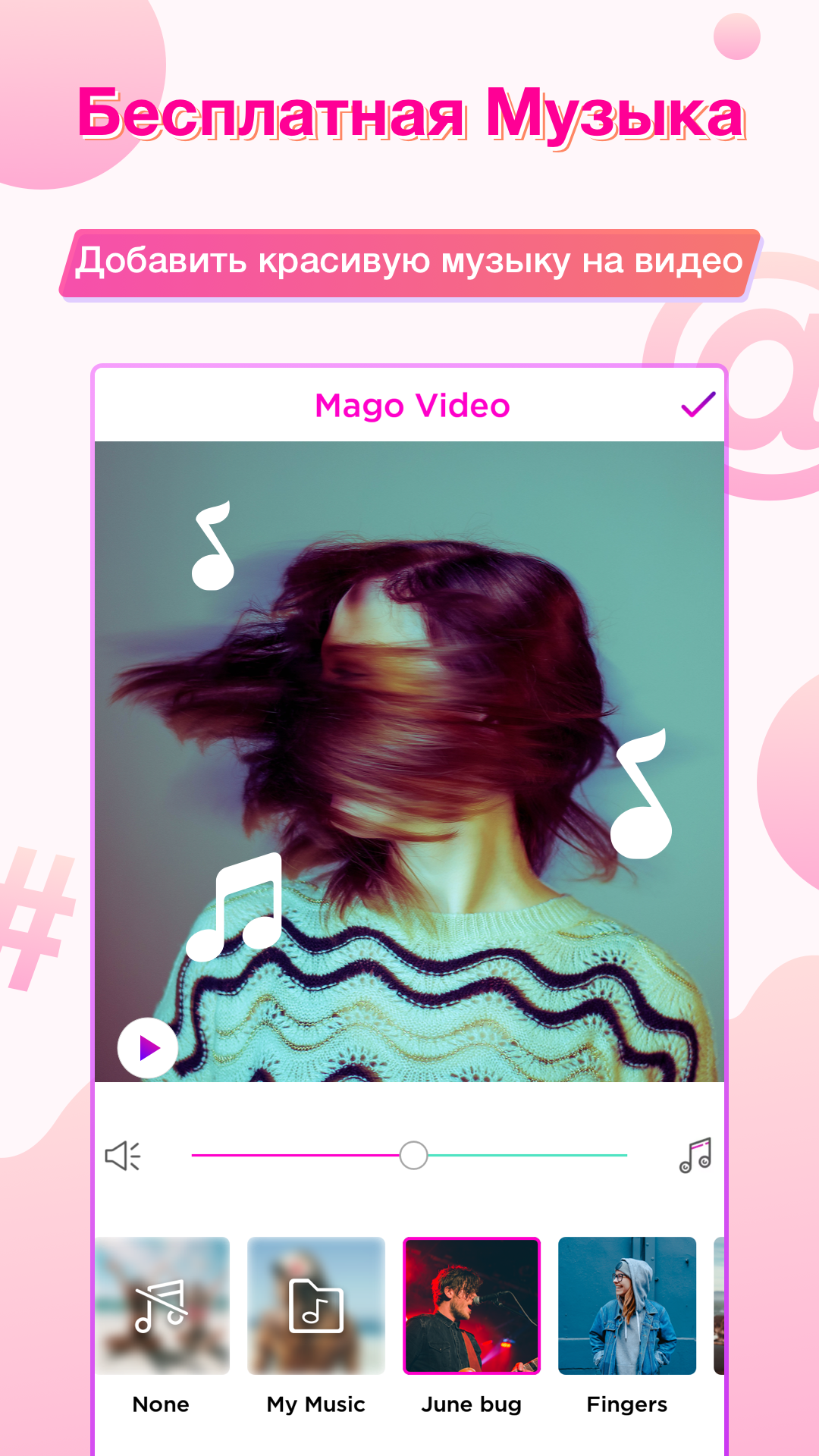
- Add free music from the built-in directory.
- Upload your own tracks.
Description
Application Video Editor Star Maker - Mago was checked by VirusTotal antivirus. As a result of the scan, no file infections were detected by all the latest signatures.
How to install Video Editor Star Maker - Mago
- Download APK file apps from apkshki.com.
- Locate the downloaded file. You can find it in the system tray or in the 'Download' folder using any file manager.
- If the file downloaded in .bin extension (WebView bug on Android 11), rename it to .apk using any file manager or try downloading the file with another browser like Chrome.
- Start the installation. Click on the downloaded file to start the installation
- Allow installation from unknown sources. If you are installing for the first time Video Editor Star Maker - Mago not from Google Play, go to your device's security settings and allow installation from unknown sources.
- Bypass Google Play protection. If Google Play protection blocks installation of the file, tap 'More Info' → 'Install anyway' → 'OK' to continue..
- Complete the installation: Follow the installer's instructions to complete the installation process.
How to update Video Editor Star Maker - Mago
- Download the new version apps from apkshki.com.
- Locate the downloaded file and click on it to start the installation.
- Install over the old version. There is no need to uninstall the previous version.
- Avoid signature conflicts. If the previous version was not downloaded from apkshki.com, the message 'Application not installed' may appear. In this case uninstall the old version and install the new one.
- Restart annex Video Editor Star Maker - Mago after the update.


Likee Lite - Funny videos
Video Players & Editors

Clips Maker
Video Players & Editors

Video Editor & Maker VideoShow
Video Players & Editors

Sony Movie Creator
Video Players & Editors

Video Editor & Maker AndroVid
Video Players & Editors

Star Vlog Creator
Entertainment

Screen Recorder Video Recorder
Video Players & Editors

Make slideshow with music
Photo
Requesting an application update
Added Denis Rubinov
Version: 5.7.0
Size: 37.6 MB
Updated: 20.05.2025
Developer: Video Editor & Photo Editor Apps
Age Limitations: Everyone
Authorizations:
Downloaded on Google Play: 14959873
Category: Video Players & Editors












Reviews for Video Editor Star Maker - Mago
Cool it makes cool edits
It's so nice
Yay a good app 😃😃😃😃😃
I really like this app but now when I edit, I can't edit and use the particular part of the music I like, instead the music will start from the beginning and force you to use the entire music... It used to have that feature where you could just edit and pick the part of the music you wanted and all of a sudden, it stopped... Is there any way to bring that feature back ... It was really helpful
excellent 💖💖💖💖
Please don't make it pay to use like capcut Because it's very great for editing
I really just don't like this app, I don't understand and effects are meh
٣سعتيت
This was terrible it didn't even work any screenshot i put js came black
I BEEN SHERCHEING FOR 30 DAYS FOR THIS
this app is so bad! i am still trying to find different apps so that i can have edits for pictures but this app is the complete opposite. When i clicked on a video it showed options to trim it etc. everything i pressed to make the video better was making it worse. when i was finished it said save. So basically it just lets you edit one video and on picture separately.
I have been exploring the app and have found no transitions. I mainly use funimate for this reason. It's great but the time management is quite difficult. I set it fast for all photos since the time was really slow but it didn't even work. If his had the traits of funimate. But without the watermark and more transitions like videostar. It could've made a better experience.
One word: AMAZING I love this app. That's all I gotta say. No bothersome ads, no lags, no glitches..... it's an amazing app. Just one suggestion though. You know how on YouTube, in some edited videos that the editors stick the video as if it was paused and added text and whatever else they needed to add? Is it possible to add that feature to the next update?
Hi, this is a good app. but a few more features were added. I will give it 5 stars. Everything else is so beautiful. Some animated text and speed control.Speed control is a must.The reason is to slow down quickly or increase the speed, If so the editing will be amazing. I liked it though. It would have been nice to include this as well. May be grammar mistakes .sorry
I love this app! I would pay for pro version if these things can be improved: 1. timing needs to be more precise; I'm not sure if its because the app is laggy but I always have to save the video to see the actual timing of my effects. 2. NEEDS AN UNDO FUNCTION! It sucks to have to start all over again when in working mode play button is missing!
Post a comment
To leave a comment, log in with your social network:
Or leave an anonymous comment. Your comment will be sent for moderation.
Post a comment
To leave a comment, log in with your social network:
Or leave an anonymous comment. Your comment will be sent for moderation.