


Video Editor & Maker- My Movie
20+
downloads4.3+
version Android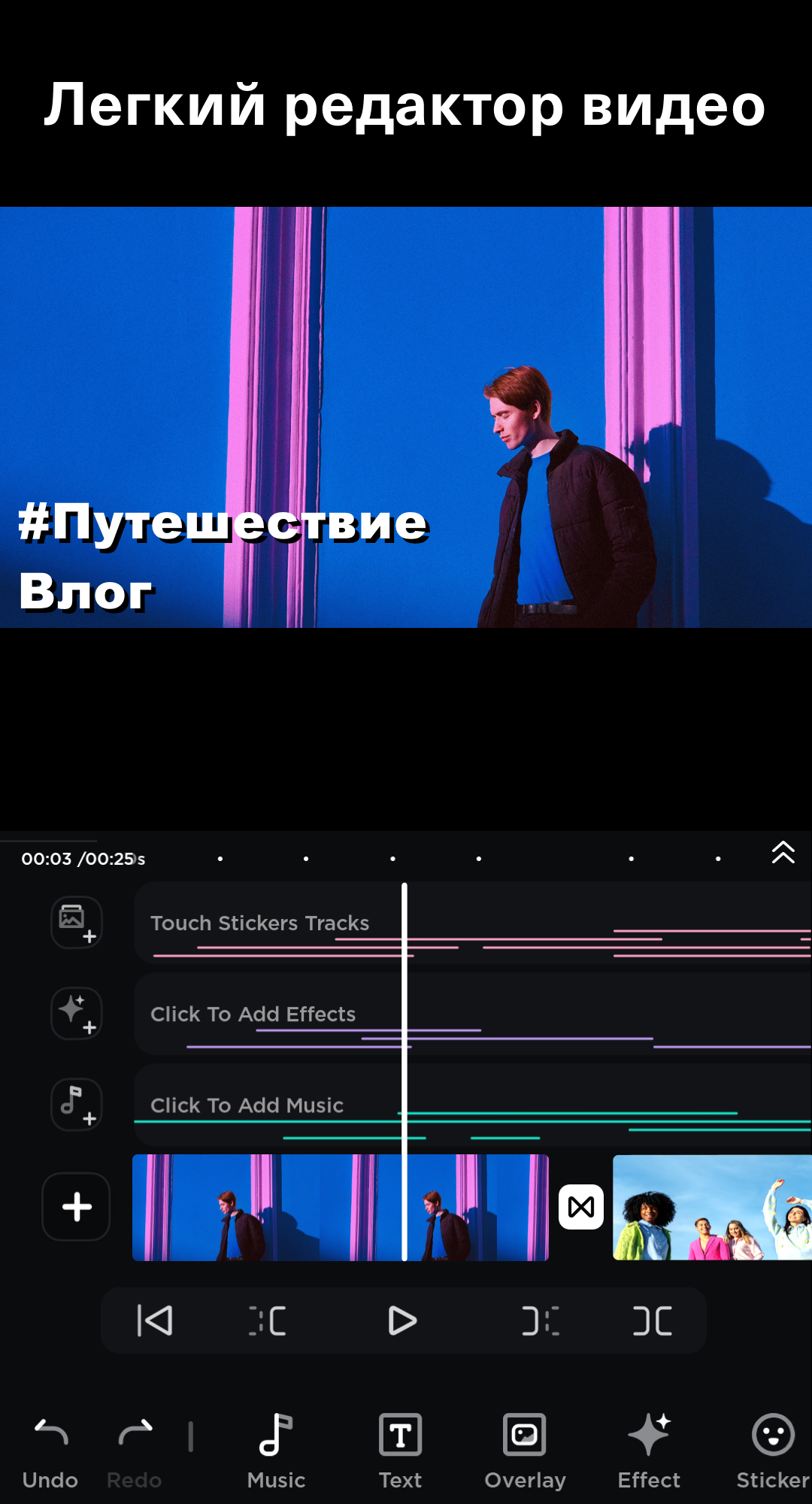
Added: Denis Rubinov
Version: 14.8.0
Size: 107.7 MB
Updated: 24.06.2025
Developer: Video Editor & Photo Editor Apps
Age Limitations: Everyone
Authorizations: 9
Downloaded on Google Play: 20441956
Category: Video Players & Editors
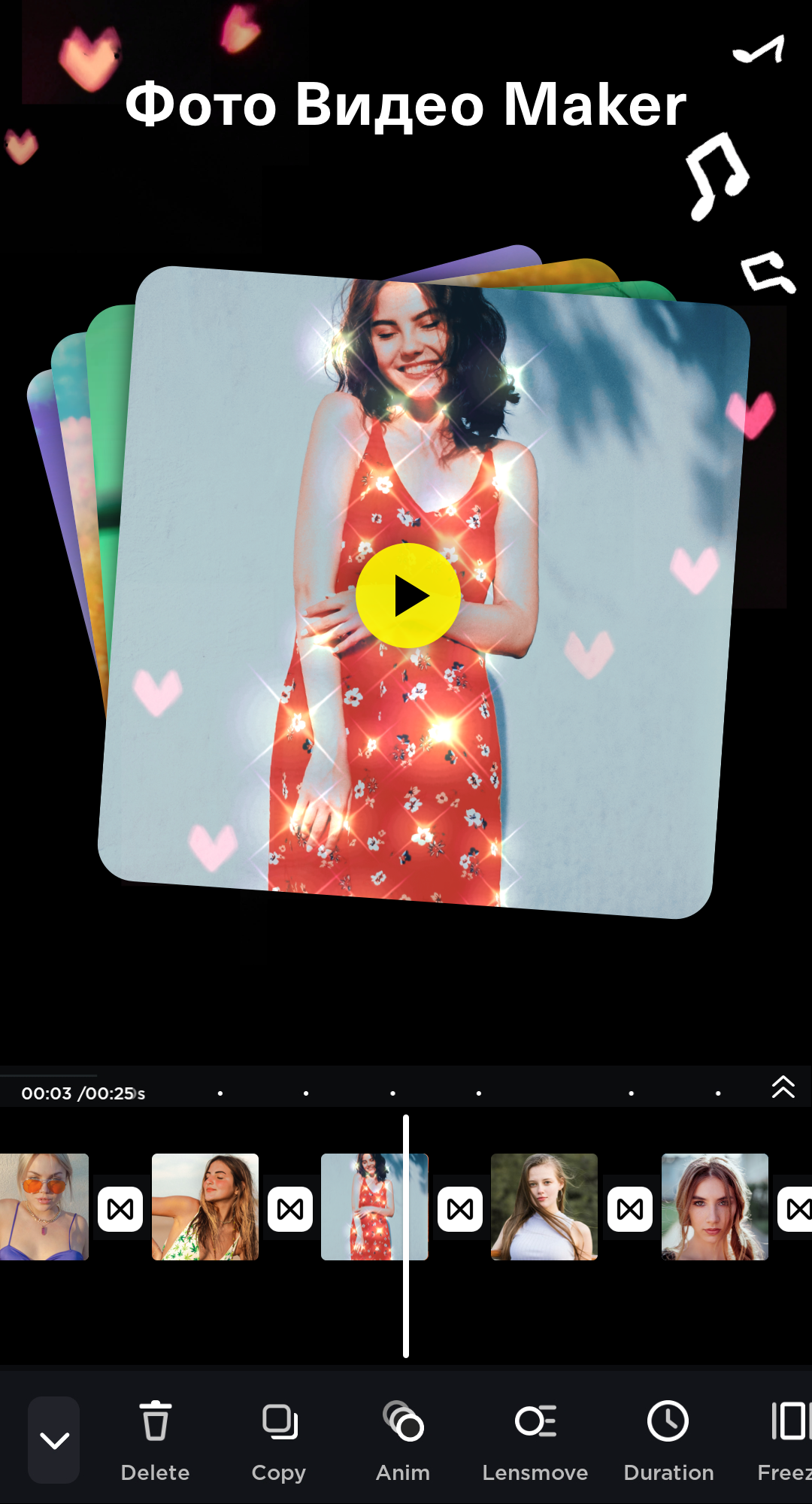
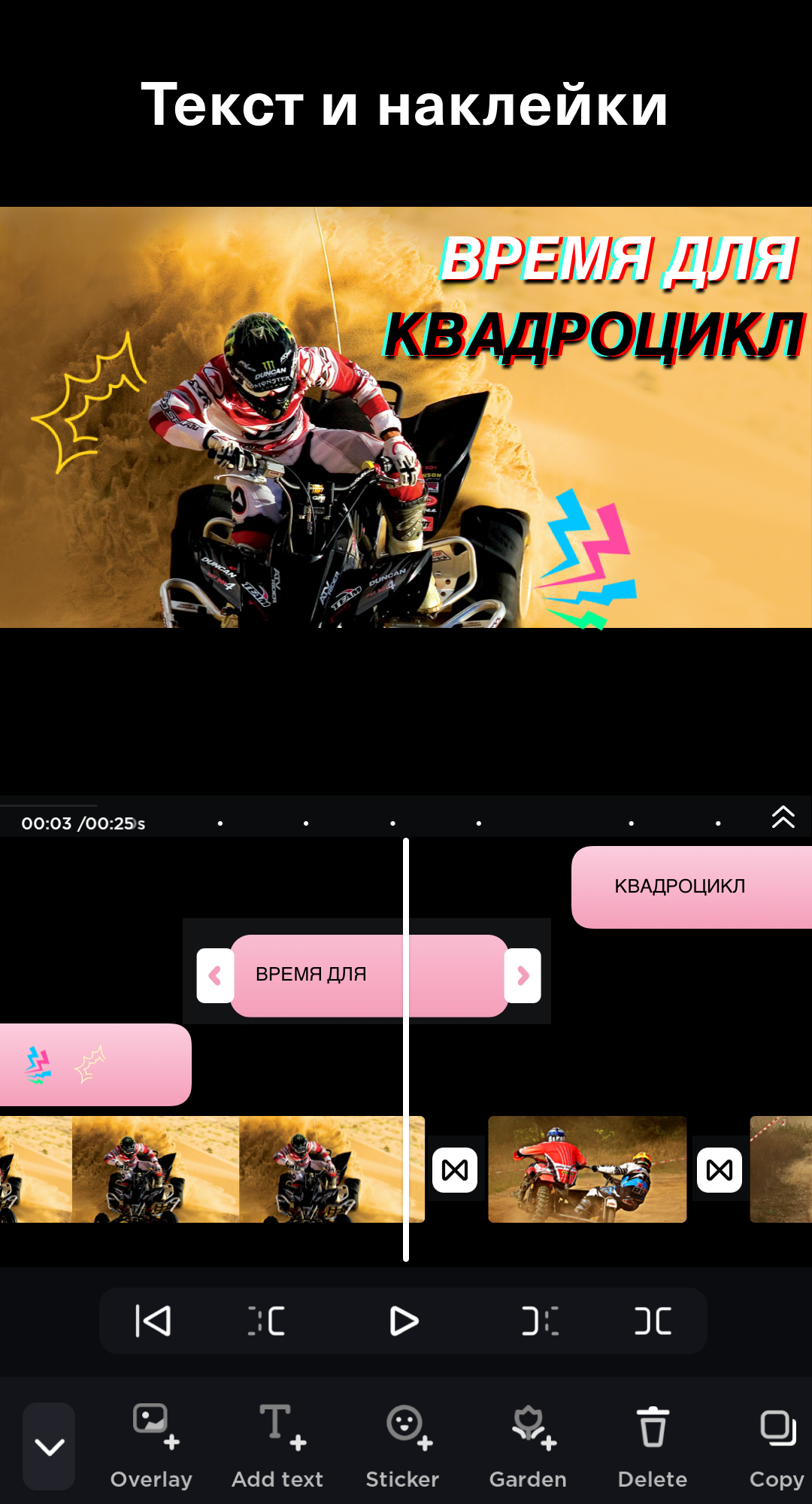
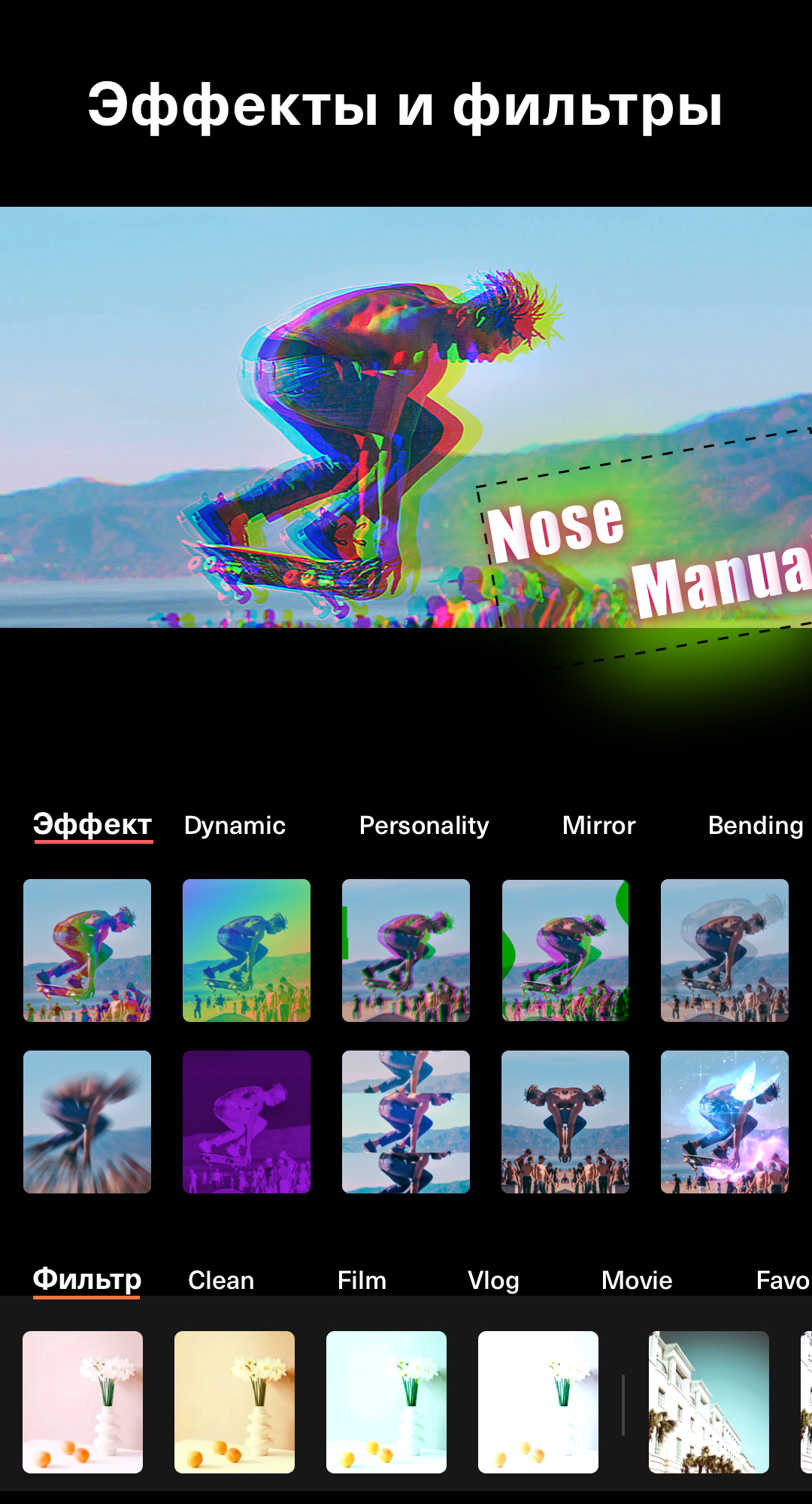
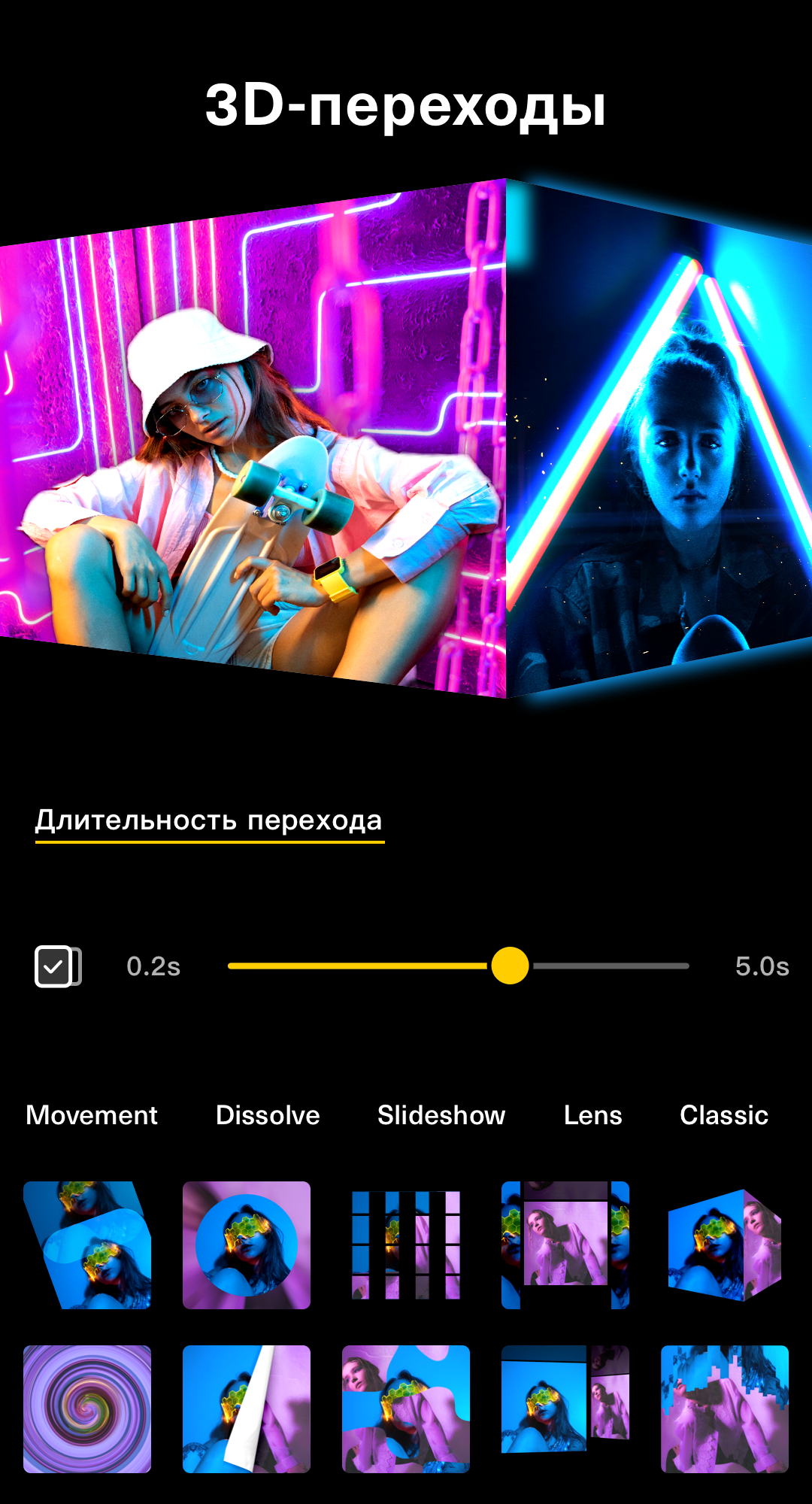
- Large selection of effects.
- No watermark.
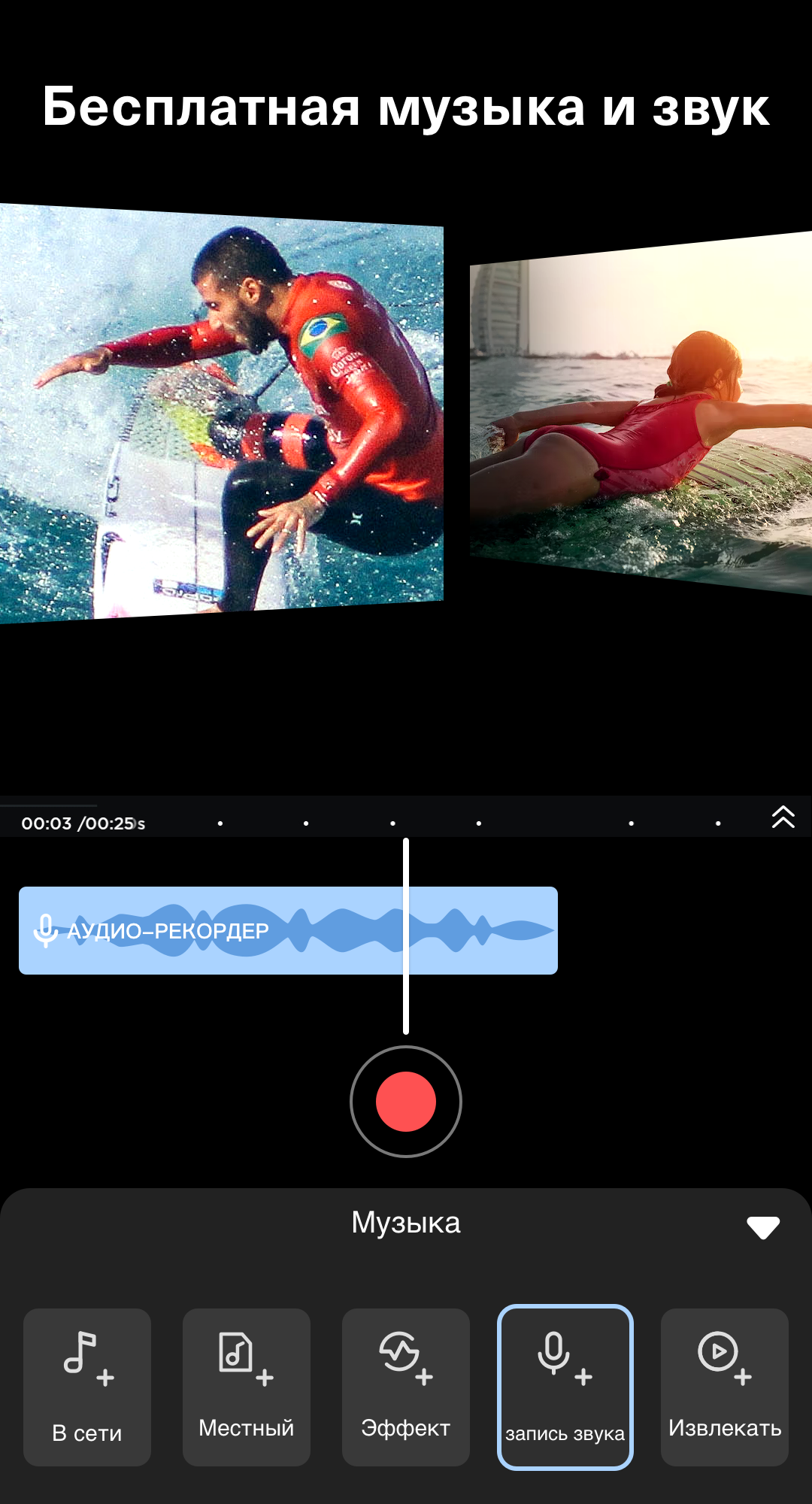
- Large selection of built-in music.
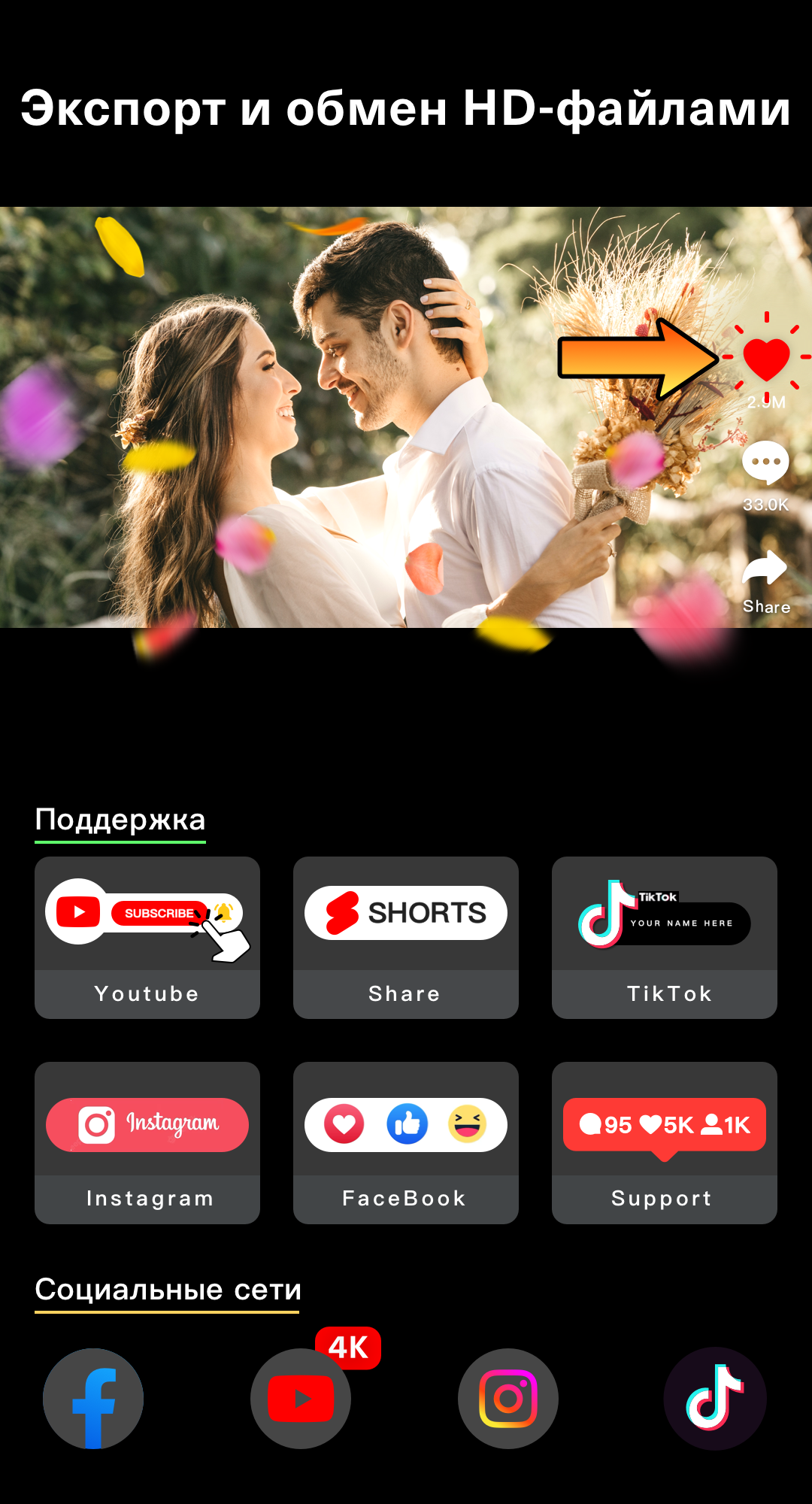
- Export in high resolution.
- Free to use.
Description
Application Video Editor & Maker- My Movie was checked by VirusTotal antivirus. As a result of the scan, no file infections were detected by all the latest signatures.
How to install Video Editor & Maker- My Movie
- Download APK file apps from apkshki.com.
- Locate the downloaded file. You can find it in the system tray or in the 'Download' folder using any file manager.
- If the file downloaded in .bin extension (WebView bug on Android 11), rename it to .apk using any file manager or try downloading the file with another browser like Chrome.
- Start the installation. Click on the downloaded file to start the installation
- Allow installation from unknown sources. If you are installing for the first time Video Editor & Maker- My Movie not from Google Play, go to your device's security settings and allow installation from unknown sources.
- Bypass Google Play protection. If Google Play protection blocks installation of the file, tap 'More Info' → 'Install anyway' → 'OK' to continue..
- Complete the installation: Follow the installer's instructions to complete the installation process.
How to update Video Editor & Maker- My Movie
- Download the new version apps from apkshki.com.
- Locate the downloaded file and click on it to start the installation.
- Install over the old version. There is no need to uninstall the previous version.
- Avoid signature conflicts. If the previous version was not downloaded from apkshki.com, the message 'Application not installed' may appear. In this case uninstall the old version and install the new one.
- Restart annex Video Editor & Maker- My Movie after the update.

VN - Video Editor & Maker
Video Players & Editors

Graphionica: insta story maker
Photo

CapCut - Video Editor
Video Players & Editors

Video Maker: Photo Music Video
Video Players & Editors

Music Video Editor Add Audio
Video Players & Editors

Photo Video Slideshow Music
Video Players & Editors

Tempo - Music Video Maker
Video Players & Editors

VN Video Editor Lite
Video Players & Editors
Requesting an application update
Added Denis Rubinov
Version: 14.8.0
Size: 107.7 MB
Updated: 24.06.2025
Developer: Video Editor & Photo Editor Apps
Age Limitations: Everyone
Authorizations:
Downloaded on Google Play: 20441956
Category: Video Players & Editors












Reviews for Video Editor & Maker- My Movie
Action!
hindi me text property nhi likhata hai
excellent app
wonderful creation
excellent
have contacted them multiple times about my lifetime purchases no longer working & keep getting put off so now all my projects are on hold. super annoying. they used to be better. I keep getting the same annoying unhelpful responses such as the one below. I've tried everything and they will not assist.
as I choose a video the editing section does not open
it's amazing 😍🤩
I'm not able to press next after selecting a video to edit!
ek bekar app hai
I'm using My Movie now to try and edit a video compilation for the first time. I have been very frustrated by the amount of things that don't work as advertised. There's a group of buttons rowed at the bottom of the screen and most of them never work, and the ones that do are not reliable, the app gives no explanation for this. My Chromebook is almost brand new and the mainstream apps on it work well, My Movie however leaves TOO much to be desired.
I was really happy to get this app. J thought it was really cool and really awesome, untill the audio started not lining up with the video! At first I thought it was just me, so I tried again and the same thing happened. Kind of disappointed because it seemed great. I still kept the video in the end, just wish the audio was in line with the video... ☹️
An App loaded with excellent features in an era in which touch screen is under developed. Meaning: you start editing a video and as soon as you touch the screen, edition features start to be added to your video at random, making a mess of your video in 10 seconds. And forget about trying to correct. It worsens the mess. Suggestion: add a "select" button. Along with one finger -really- selecting the special feature, the second finger in the "select" button, will apply the feature.
I really like the old version better. Just seemed to work better and more user friendly. Now it appears that while editing a video everything is close together and harder to select the tiny clips and move them or do anything with them. Plus, taking extra time that I don't really have to relearn where everything is at and navigating through the system. Also, it won't save your drafts or your final work as well. So frustrating that I had to do edit a video about three times because it never saved.
Glitched after a couple of days. It is a knock off version of iMovie. Yes, there were some issues such as the video that I tried making was not fully understood. It was very staticky. It was fine for 3 months or so and then suddenly I try using the app and the video that I made made us into robots. What I mean is that the video's volume quality was bad.
Post a comment
To leave a comment, log in with your social network:
Or leave an anonymous comment. Your comment will be sent for moderation.
Post a comment
To leave a comment, log in with your social network:
Or leave an anonymous comment. Your comment will be sent for moderation.