



Termux
1487+
downloads5.0+
version Android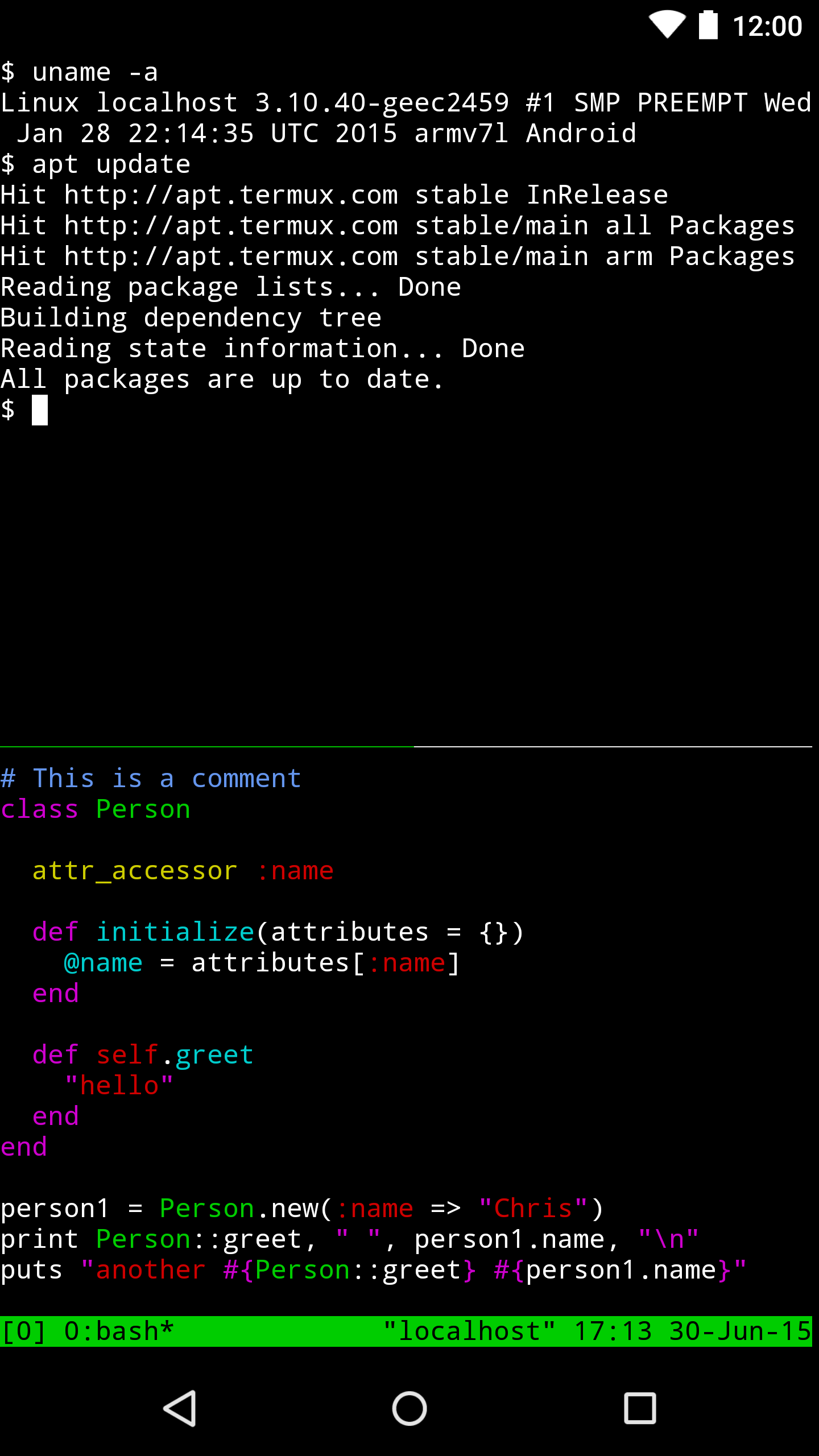
Added: Denis Rubinov
Version: 0.119.0
Size: 109.6 MB
Updated: 24.06.2025
Developer: Fredrik Fornwall
Age Limitations: Everyone
Authorizations: 4
Downloaded on Google Play: 28845148
Category: Tools
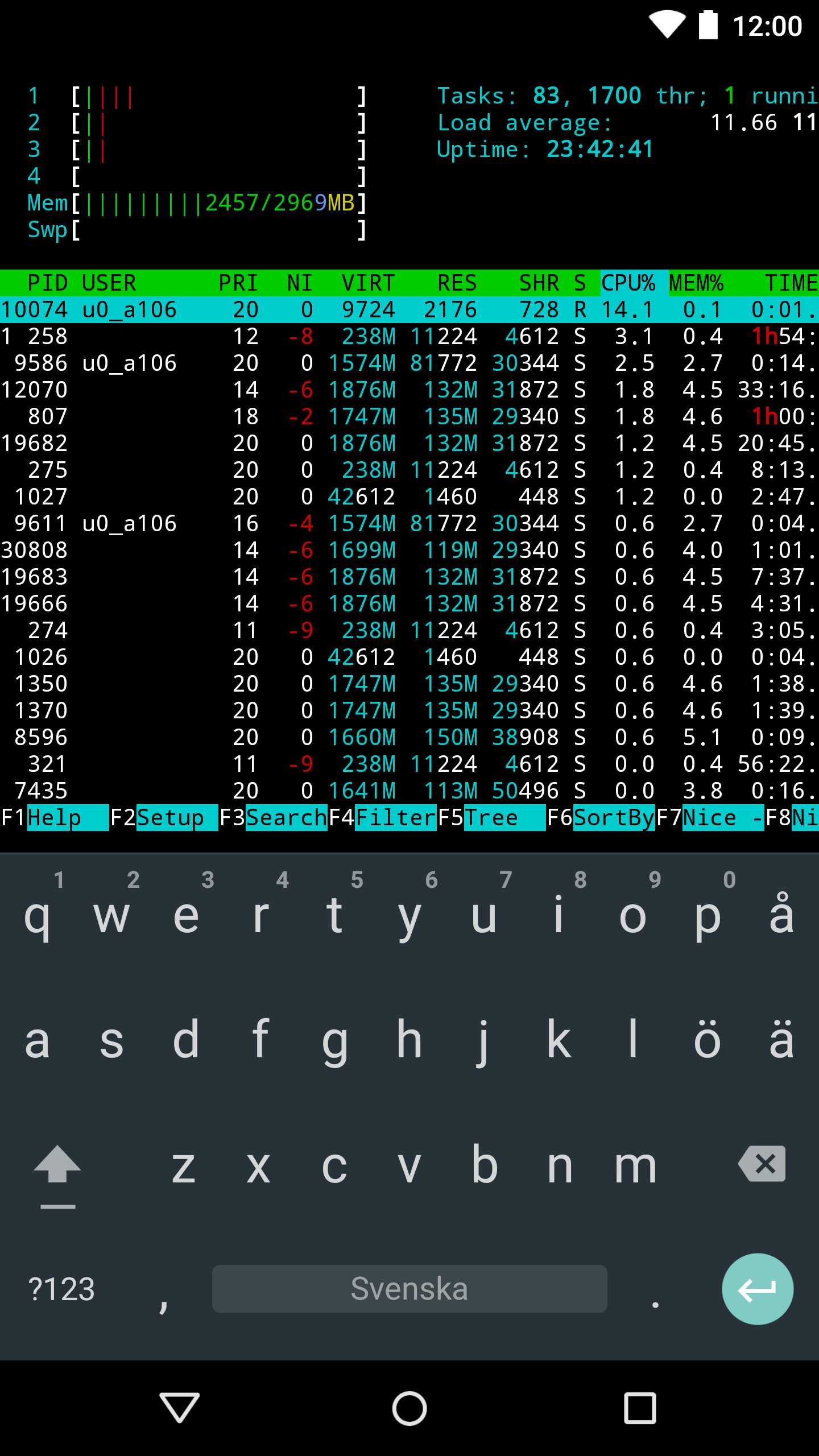
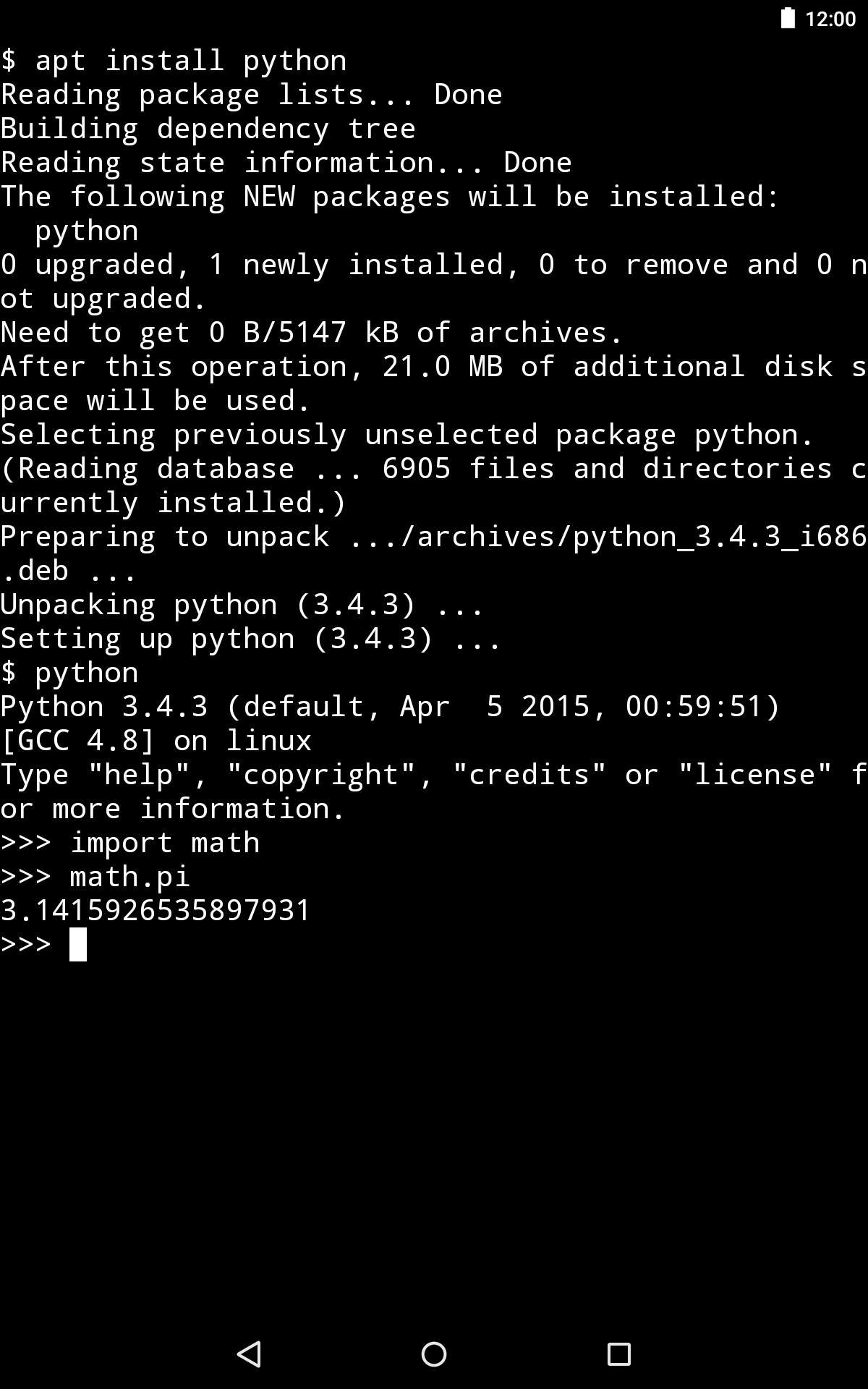
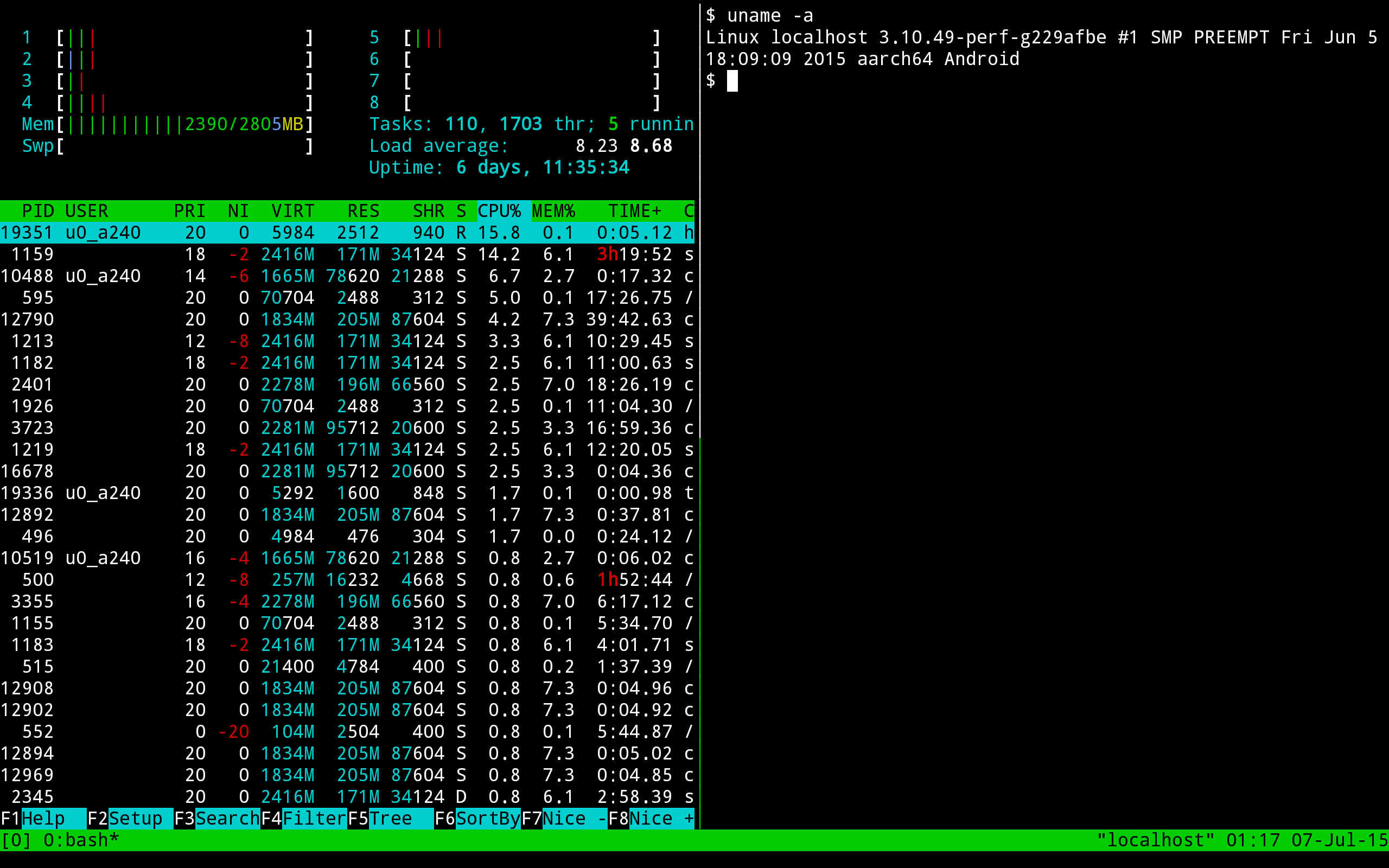
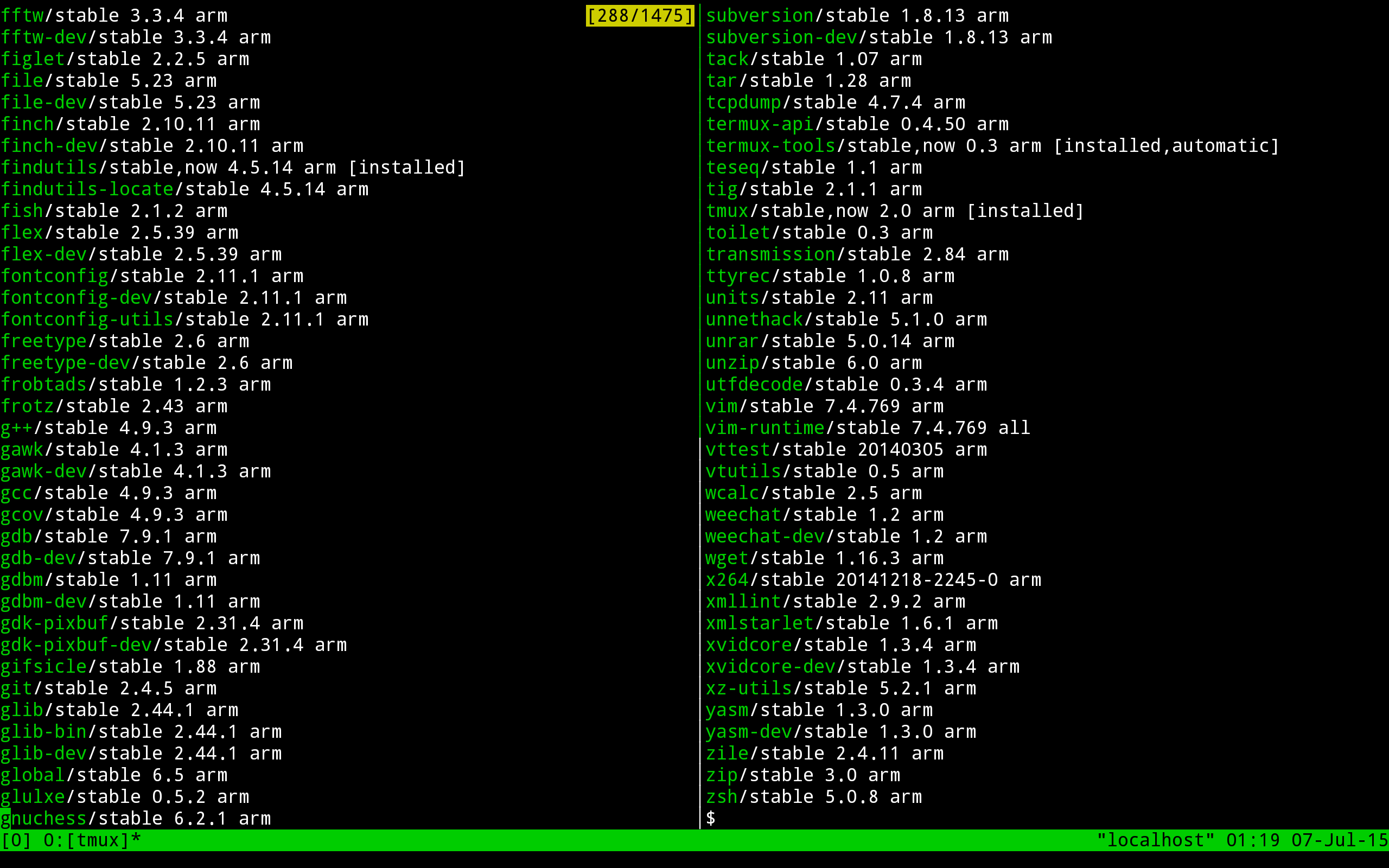
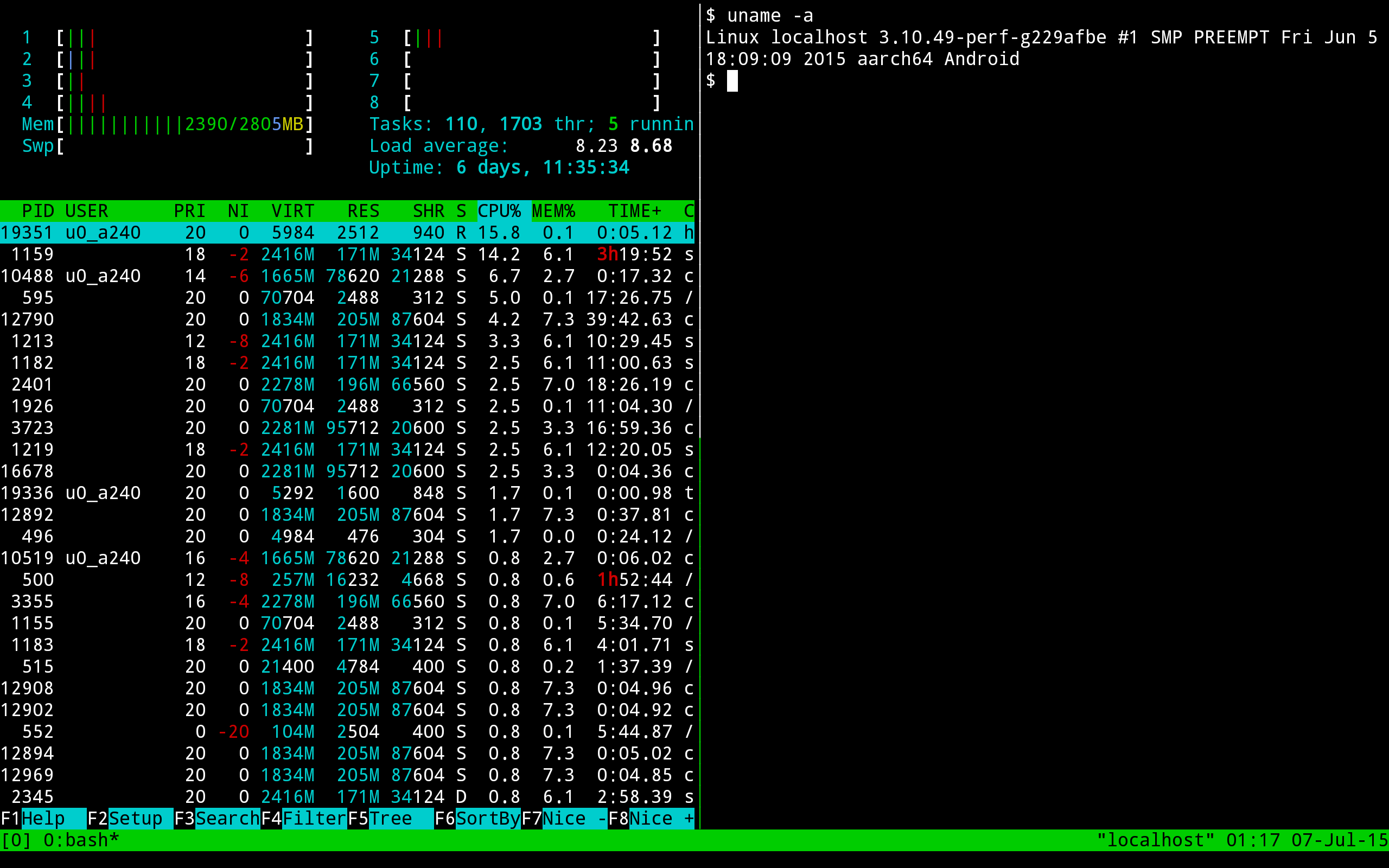
- Full-featured Linux terminal.
- Support for bash and zsh shells.
- Access to servers via ssh.
- Ability to compile code.
- No ads.
- Can use for free.
Description
Application Termux was checked by VirusTotal antivirus. As a result of the scan, no file infections were detected by all the latest signatures.
How to install Termux
- Download APK file apps from apkshki.com.
- Locate the downloaded file. You can find it in the system tray or in the 'Download' folder using any file manager.
- If the file downloaded in .bin extension (WebView bug on Android 11), rename it to .apk using any file manager or try downloading the file with another browser like Chrome.
- Start the installation. Click on the downloaded file to start the installation
- Allow installation from unknown sources. If you are installing for the first time Termux not from Google Play, go to your device's security settings and allow installation from unknown sources.
- Bypass Google Play protection. If Google Play protection blocks installation of the file, tap 'More Info' → 'Install anyway' → 'OK' to continue..
- Complete the installation: Follow the installer's instructions to complete the installation process.
How to update Termux
- Download the new version apps from apkshki.com.
- Locate the downloaded file and click on it to start the installation.
- Install over the old version. There is no need to uninstall the previous version.
- Avoid signature conflicts. If the previous version was not downloaded from apkshki.com, the message 'Application not installed' may appear. In this case uninstall the old version and install the new one.
- Restart annex Termux after the update.








Requesting an application update
Added Denis Rubinov
Version: 0.119.0
Size: 109.6 MB
Updated: 24.06.2025
Developer: Fredrik Fornwall
Age Limitations: Everyone
Authorizations:
Downloaded on Google Play: 28845148
Category: Tools












Reviews for Termux
hi guys this is not a vary good version we aspect.
best app but I think it needs to add something cause I've been so stressed it doesn't have a "delete all" and I'm so annoyed please add this feature thank you!
saved me from buying laptop- Having error npm install
This application is my soul mate for NOW 💻 👨💻
bad
this apk is older version of termux and it's not support fully thing so update the termux's newest version plsssee
great application
Good
thank developers my collage computer enter various enter USB cable 😁😁😁😁
nice
Keep up the good work. I notice some occasional tiny bugs like command history scrambled after breaking out of webpack server, but honestly I see the same type issues in my regular Linux terminal. I wish accessing device memory was a little more straight forward, but I prefer not being asked for all permission upfront... So yeah would I do anything differently... probably but it would only be worse lol great work!!! Thanks so much!!!
The app is great for mobile Android. I use it very often. I like its minimalistic design. No graphics, no animations nothing just the terminal. But using it on a very small devices like smartphone, we tend to make a lot of typos in commands. So if you could add the command suggestions like the word suggestions in keyboards it would make our lives easy. It would make the app even more better.
Works. Not having root access sometimes makes it hard but it's not the app's fault, so... Thanks a lot. One thing though, you can use up and down arrows to go through command history, but since you don't have the right and left arrow on the bar, it's extremely hard to change the last command without deleting the most of it. Simply add left and right arrows, please.
Termux is a great for power users and does exactly as described. The features by default are minimal but in the right hands, with the right .pkg installations, can become something both complex and powerful. Being that this is a terminal emulator, it would be nice to have an option to save commands to a "favourites" list for faster command execution when using the app without a hardware keyboard.
Good emulator to learn and practice CLI, vi and shell. I like it. Some non-fatal comments that probably just need me using this more... 1. I did not find a "settings" and in partucular; turn off haptic feedback. 2. On my Android/Samsung, CLI and vi typing does not show/echo to screen as I type, but shows only after I hit "enter/search." 3. I am still unsure of what the "left/right" arrows button at the bottom of the screen does yet.
Post a comment
To leave a comment, log in with your social network:
Or leave an anonymous comment. Your comment will be sent for moderation.
Post a comment
To leave a comment, log in with your social network:
Or leave an anonymous comment. Your comment will be sent for moderation.