


Phone by Google
449+
downloads7.0+
version Android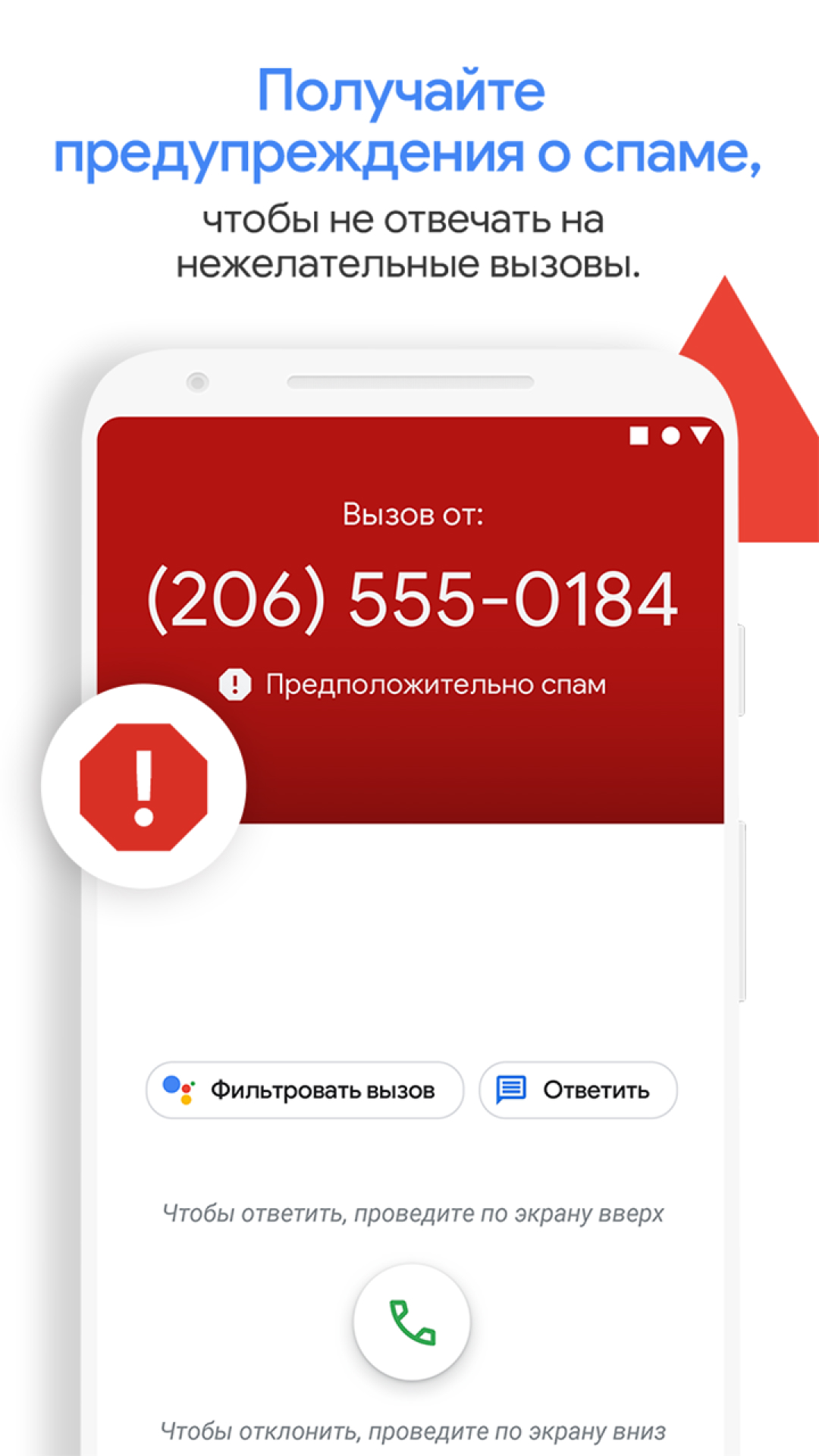
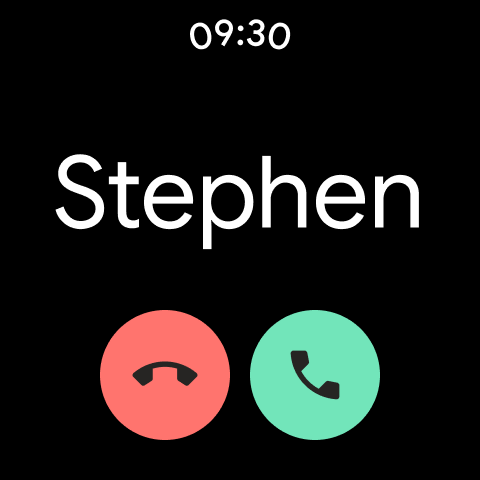
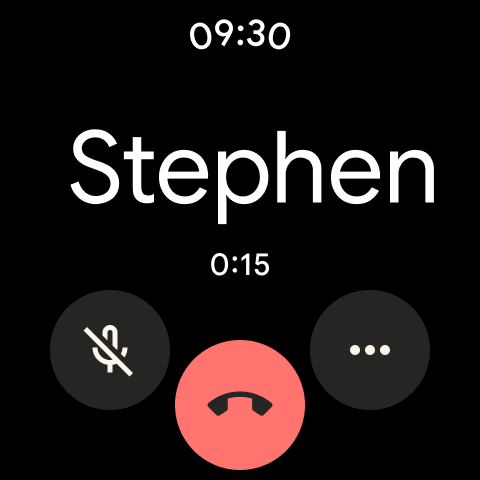
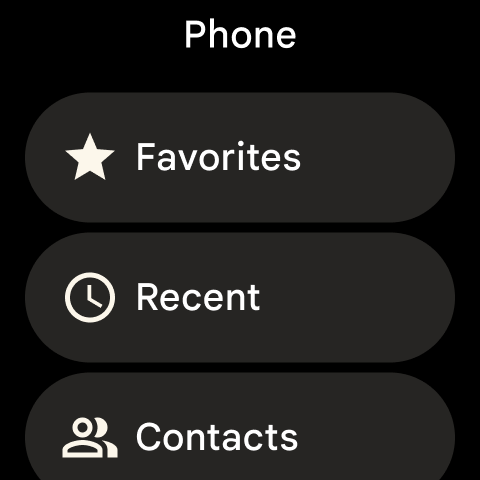
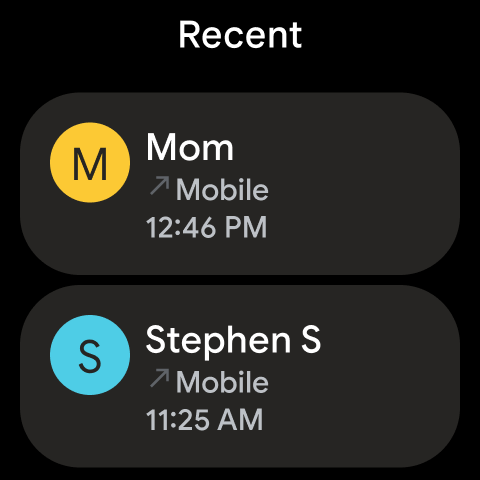
Added: Denis Rubinov
Version: 175.0.759176961
Size: 33.2 MB
Updated: 19.05.2025
Developer: Google LLC
Age Limitations: Everyone
Authorizations: 46
Downloaded on Google Play: 2680493187
Category: Tools
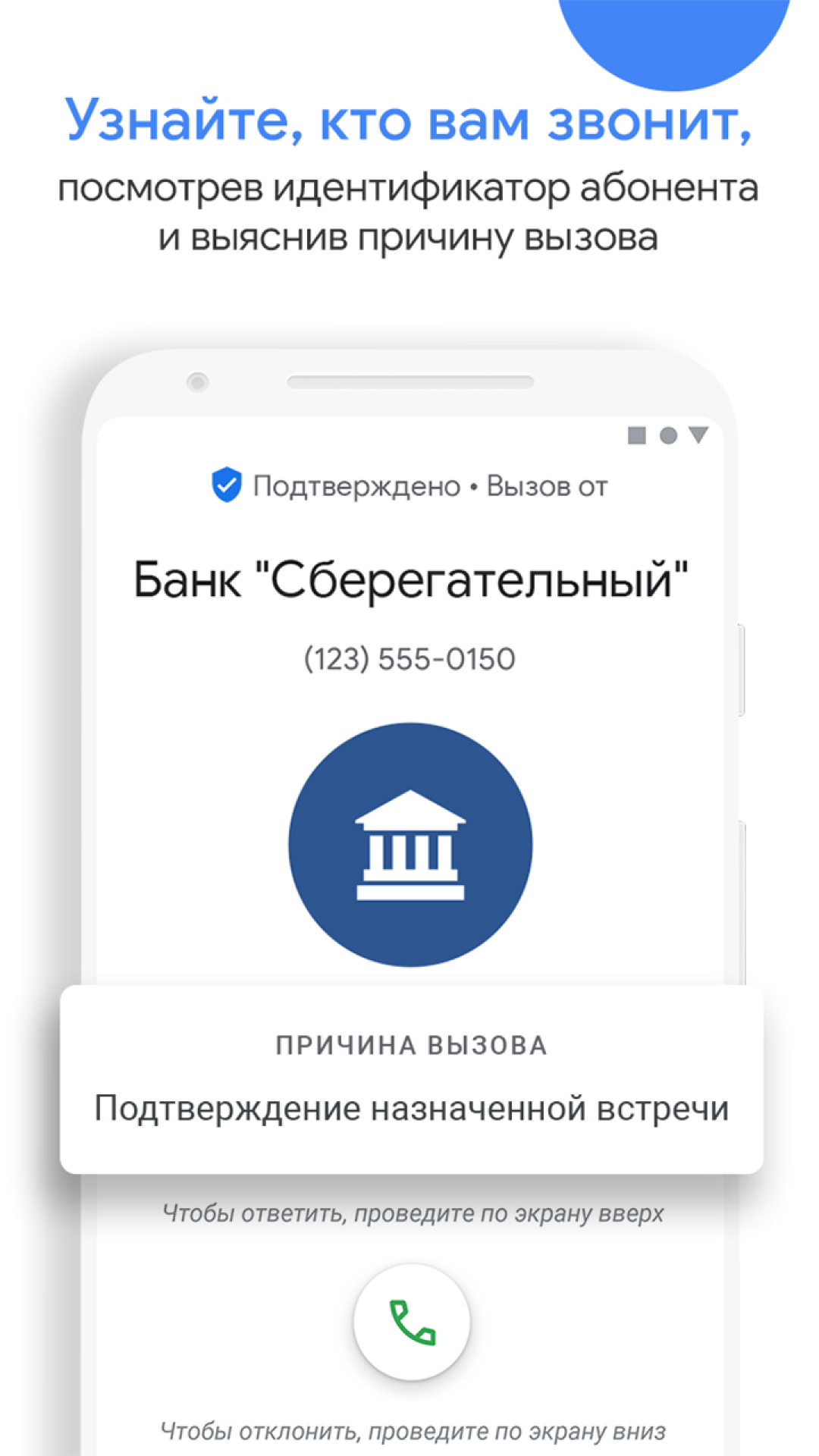
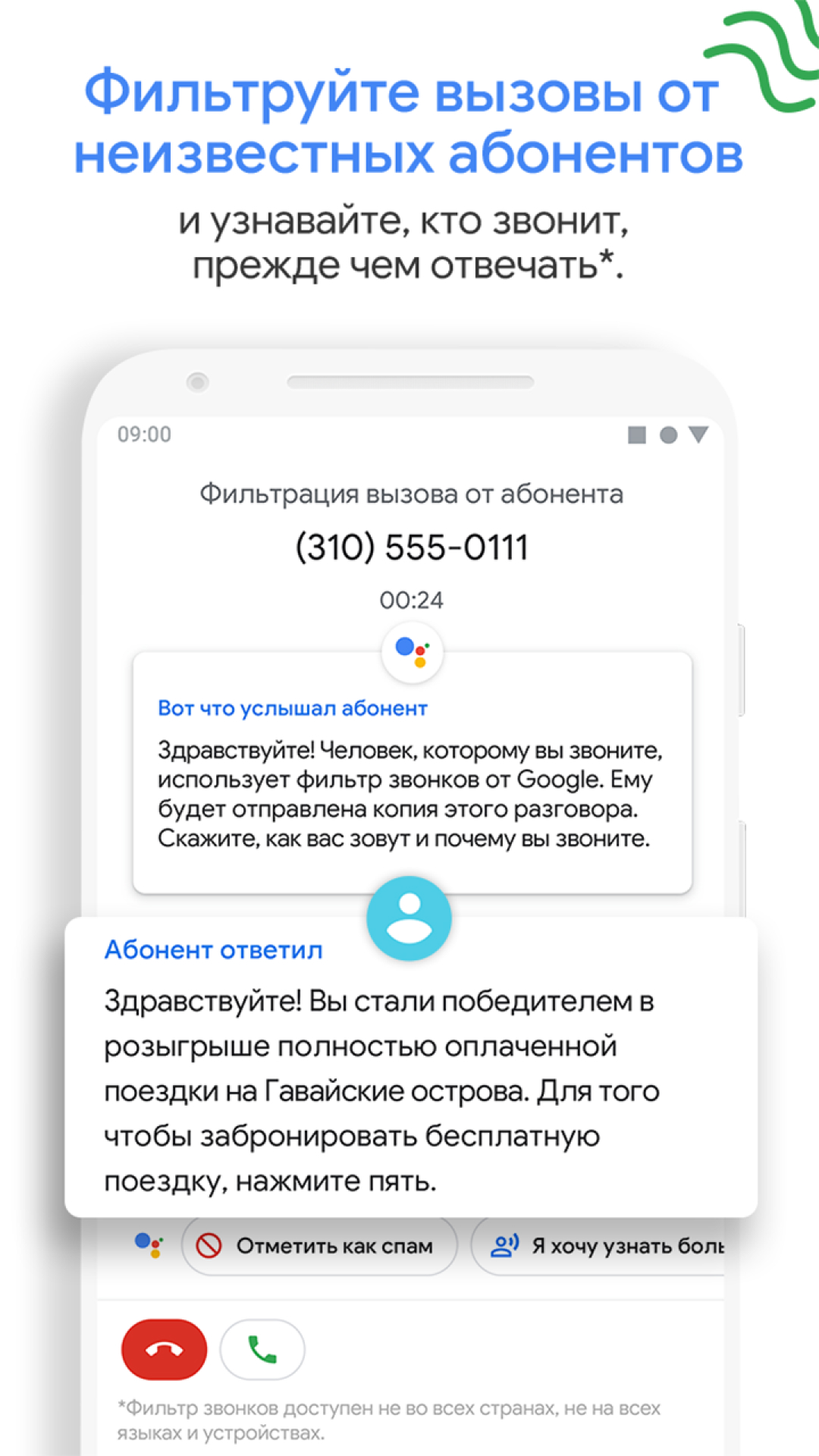
- Caller ID.
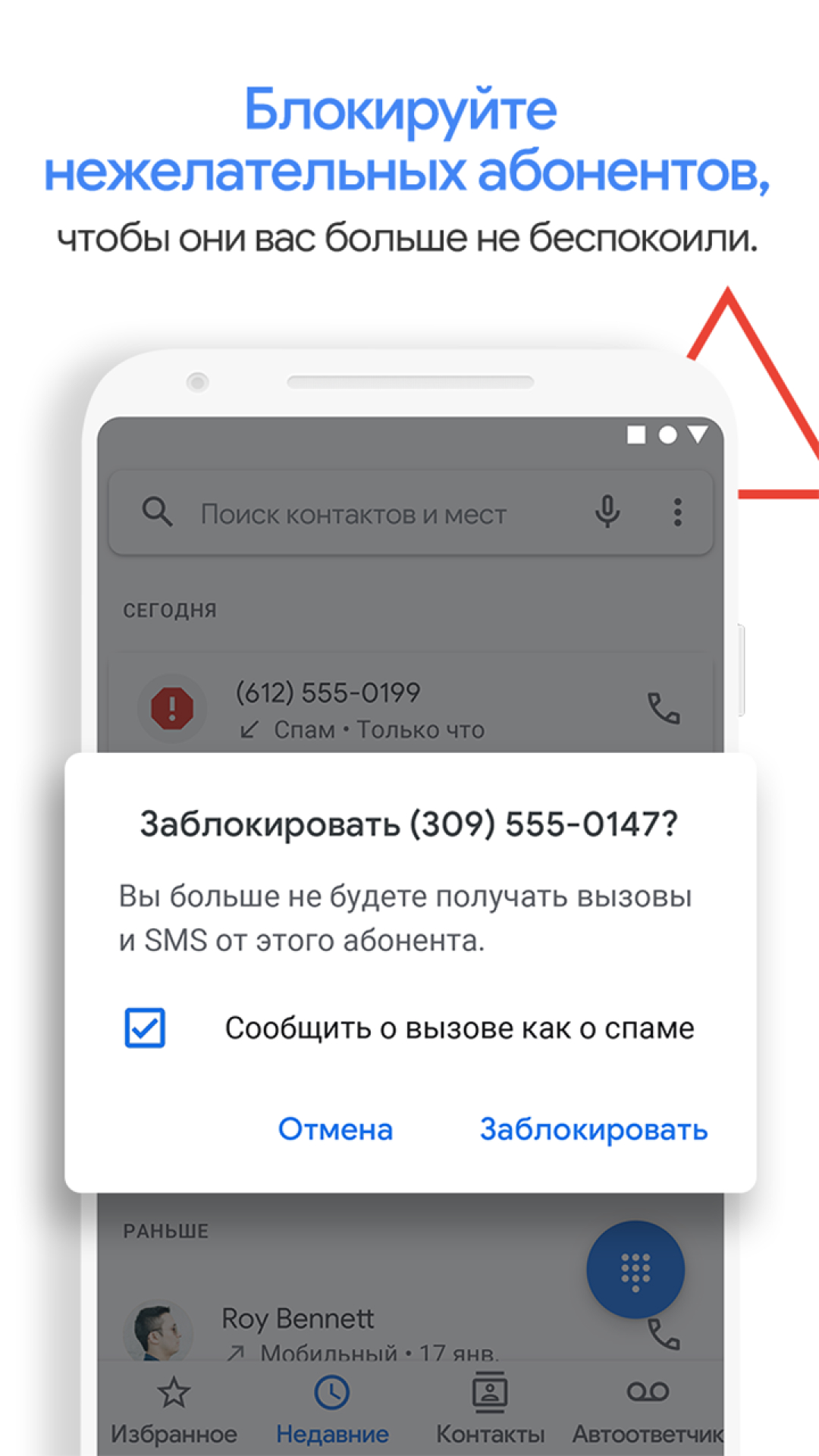
- Spam alerts.
- Built-in search for interesting places nearby.
- Blacklist.
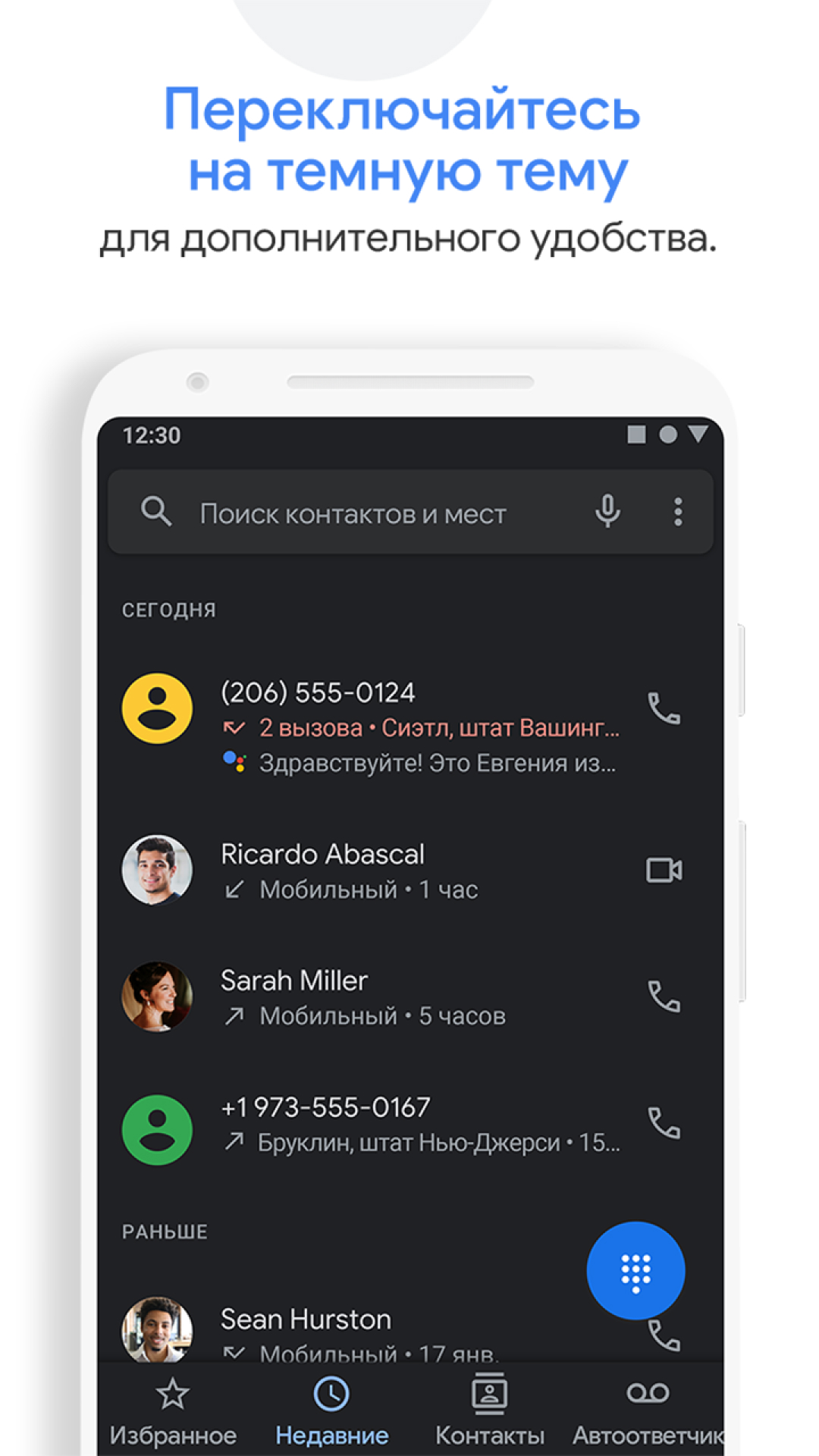
- Dark theme support.
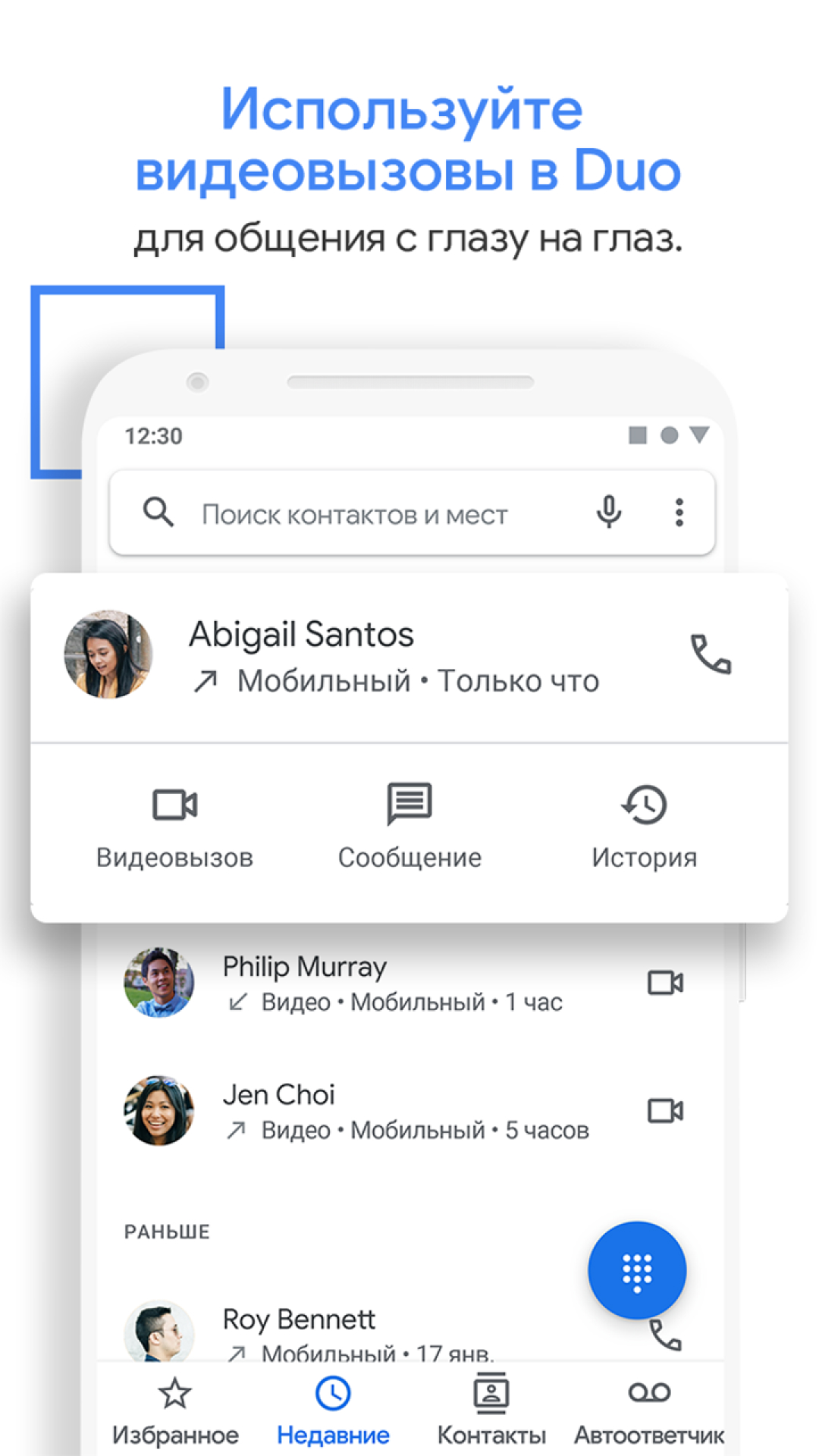
- Duo video calling function.
Description
Application Phone by Google was checked by VirusTotal antivirus. As a result of the scan, no file infections were detected by all the latest signatures.
How to install Phone by Google
- Download APK file apps from apkshki.com.
- Locate the downloaded file. You can find it in the system tray or in the 'Download' folder using any file manager.
- If the file downloaded in .bin extension (WebView bug on Android 11), rename it to .apk using any file manager or try downloading the file with another browser like Chrome.
- Start the installation. Click on the downloaded file to start the installation
- Allow installation from unknown sources. If you are installing for the first time Phone by Google not from Google Play, go to your device's security settings and allow installation from unknown sources.
- Bypass Google Play protection. If Google Play protection blocks installation of the file, tap 'More Info' → 'Install anyway' → 'OK' to continue..
- Complete the installation: Follow the installer's instructions to complete the installation process.
How to update Phone by Google
- Download the new version apps from apkshki.com.
- Locate the downloaded file and click on it to start the installation.
- Install over the old version. There is no need to uninstall the previous version.
- Avoid signature conflicts. If the previous version was not downloaded from apkshki.com, the message 'Application not installed' may appear. In this case uninstall the old version and install the new one.
- Restart annex Phone by Google after the update.













Requesting an application update
Added Denis Rubinov
Version: 175.0.759176961
Size: 33.2 MB
Updated: 19.05.2025
Developer: Google LLC
Age Limitations: Everyone
Authorizations:
Downloaded on Google Play: 2680493187
Category: Tools











Reviews for Phone by Google
good
ok
was aaaaaaAs@a@aa#a@@#aA@A@@
nice phone
iska call recording wla system bahut gatiya h 🤬🤬🤬 kam se kam file me save to hona chahiye call recording number delete krne pe recording bhi delete ho jata h bakwas h application yah don't download this application 🤬🤬🤬🤬🤬🤬 upar se incoming number show krta h bakwas h
superb
thank you 🙏
Mohamed adem افضل موقع
Best Solution
giving me headache
Please download this application it most important app 🔥 🔥 🔥
I want to inform you that your "Phone by Google" app has a bug where it resets the "display over other apps" setting to allowed every time it update. This has been quite an annoyance for me as I don't care for the bubble interface. Hopefully this can be resolved in the near future. Thank you. Edit: Clearing cache did not work. Oneplus 8 Pro actually just got Android 12 update and still no fix. The option actually disappeared from the app setting but the new global option doesn't work either.
I like the extra features that are part of the Google version of Phone. Unfortunately, 50% of the time phones calls are either muffled or distorted/robotic. Making it unreliable. So many times I have to end the call and try again, or restart the phone entirely. This doesn't happen with the built-in default Phone app at all. I want to use it for the extras, but I can't. This needs improvement. Motorola Edge 5G UW (2021), Android 11.
Never mind that Google is excessively invasive on their own. I can't help but notice the way the numbers look on my dial pad continually change. It's like it's normal when I clear the cache and delete everything, uninstall and reinstall. Everything looks normal. Maybe 2 minutes after that. Everything looks completely different. I know that I'm not changing the settings. I repeatedly switch it so that it can't display over other apps and yet here we are as it displays over other apps. Trash app.
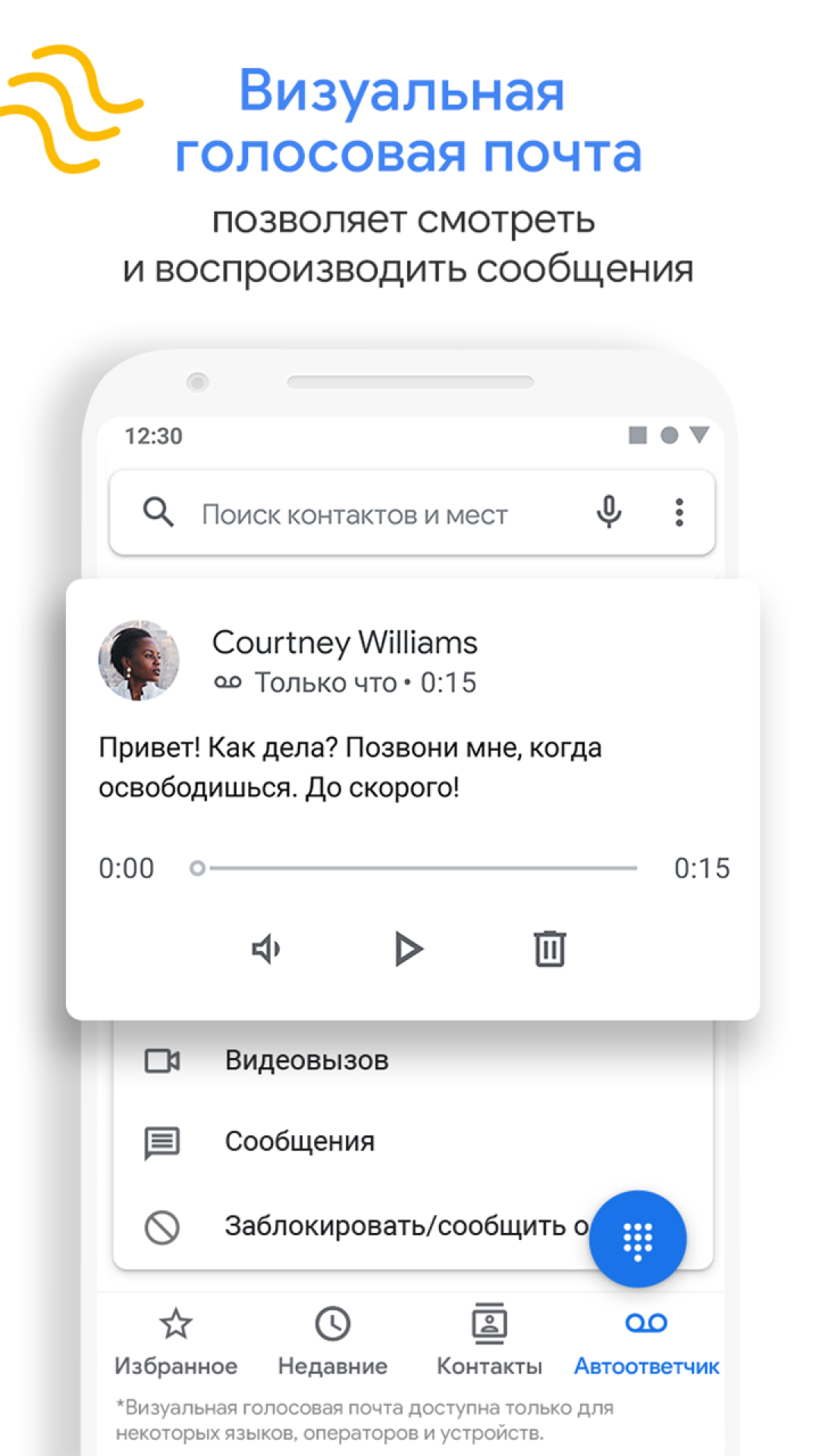
Using this default phone app to obtain my voicemail works out well, and I'll stick with this; it is the phone's default way to receive messages. The Metro-PC visual voicemail app suddenly stopped working. I had to delete that voice mail app and now use the default phone app to dial voice mail. I do not need the visual voicemail app, which was fine until it prevented retrieving messages.
Post a comment
To leave a comment, log in with your social network:
Or leave an anonymous comment. Your comment will be sent for moderation.
Post a comment
To leave a comment, log in with your social network:
Or leave an anonymous comment. Your comment will be sent for moderation.