



Timesheet - Work Hours Tracker
16+
downloads4.1+
version Android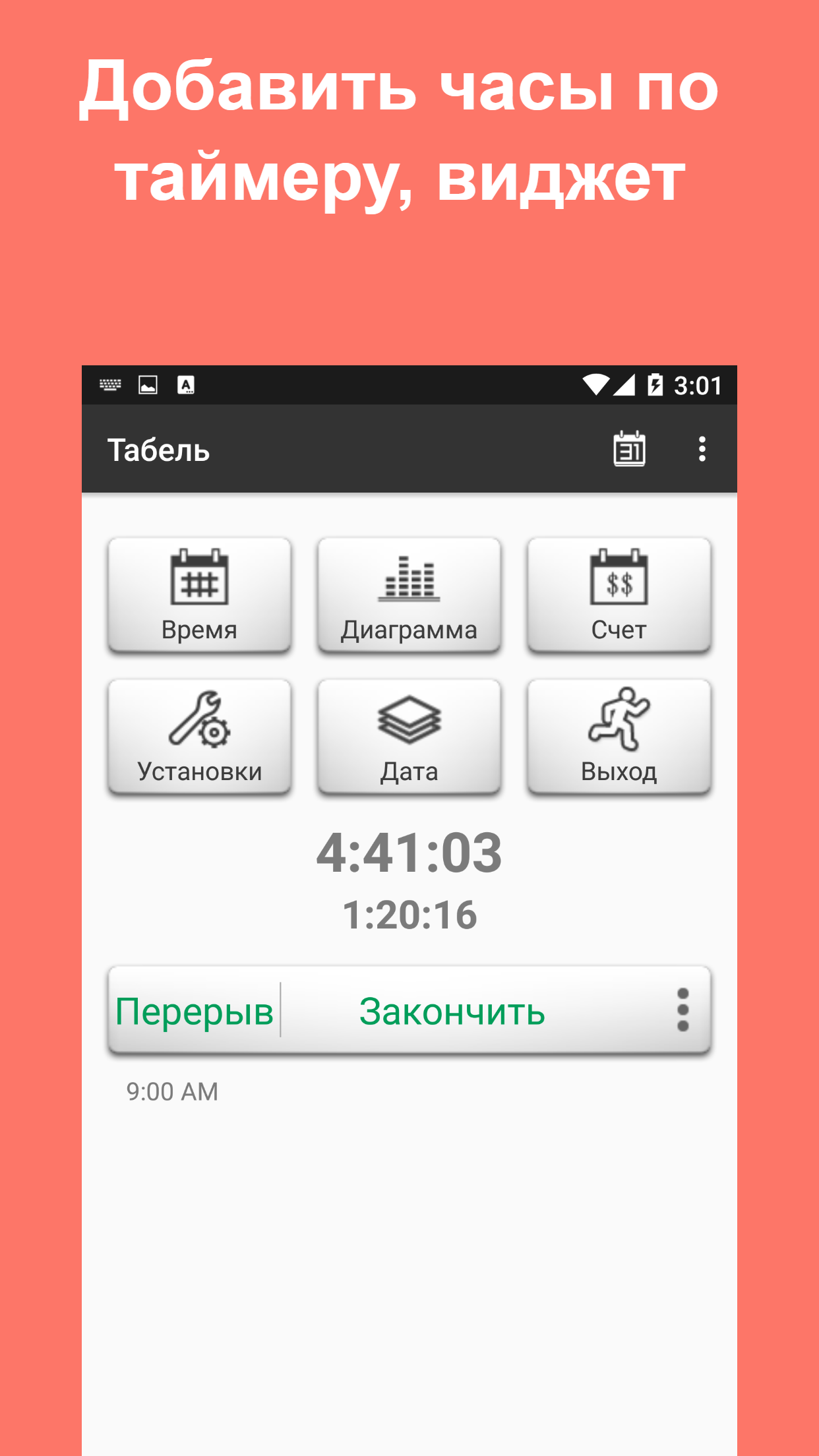
Added: Denis Rubinov
Version: 14.6.6
Size: 27.1 MB
Updated: 24.06.2025
Developer: aadhk
Age Limitations: Everyone
Authorizations: 11
Downloaded on Google Play: 3541348
Category: Business
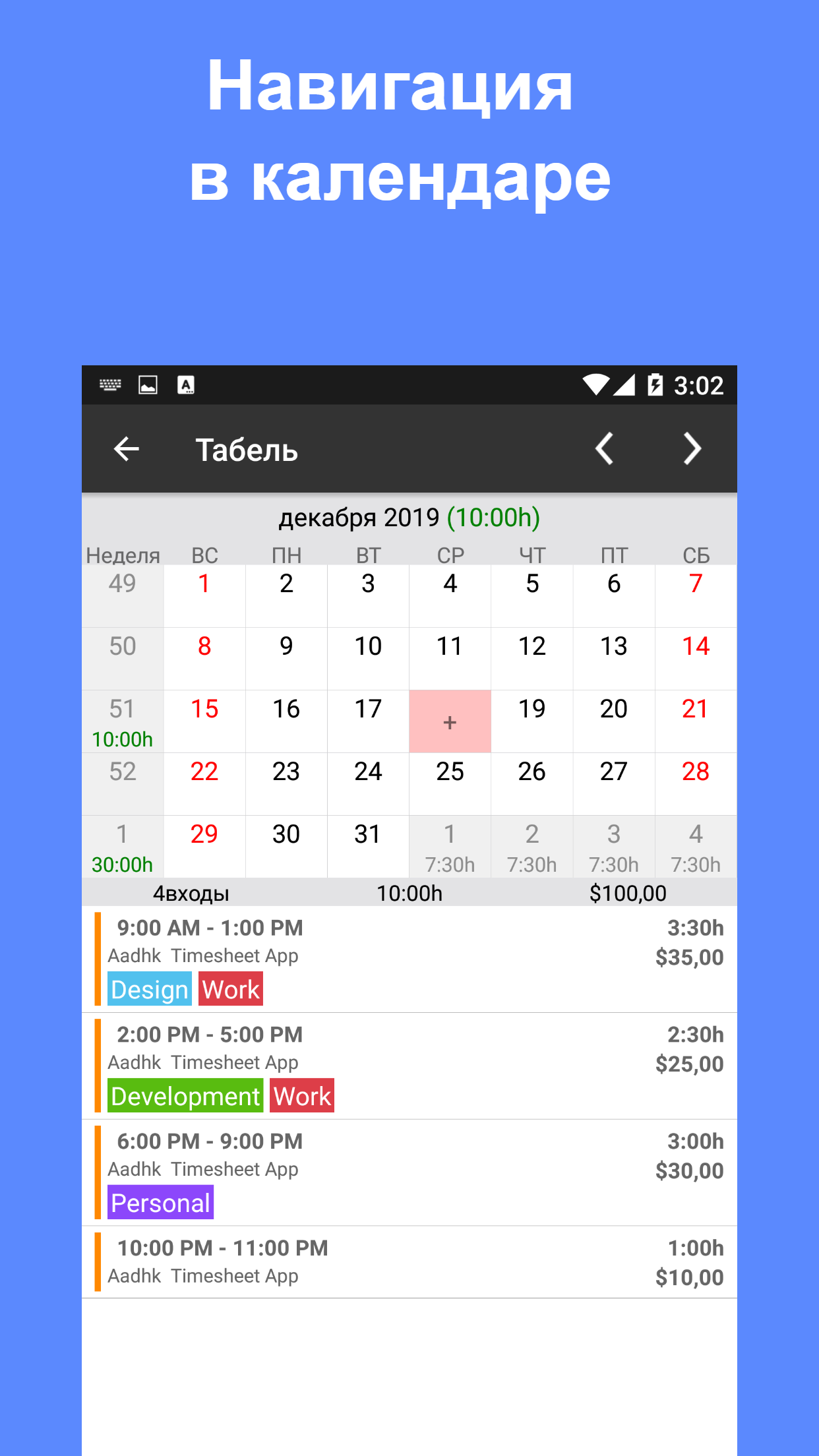
- Convenient built-in calendar.
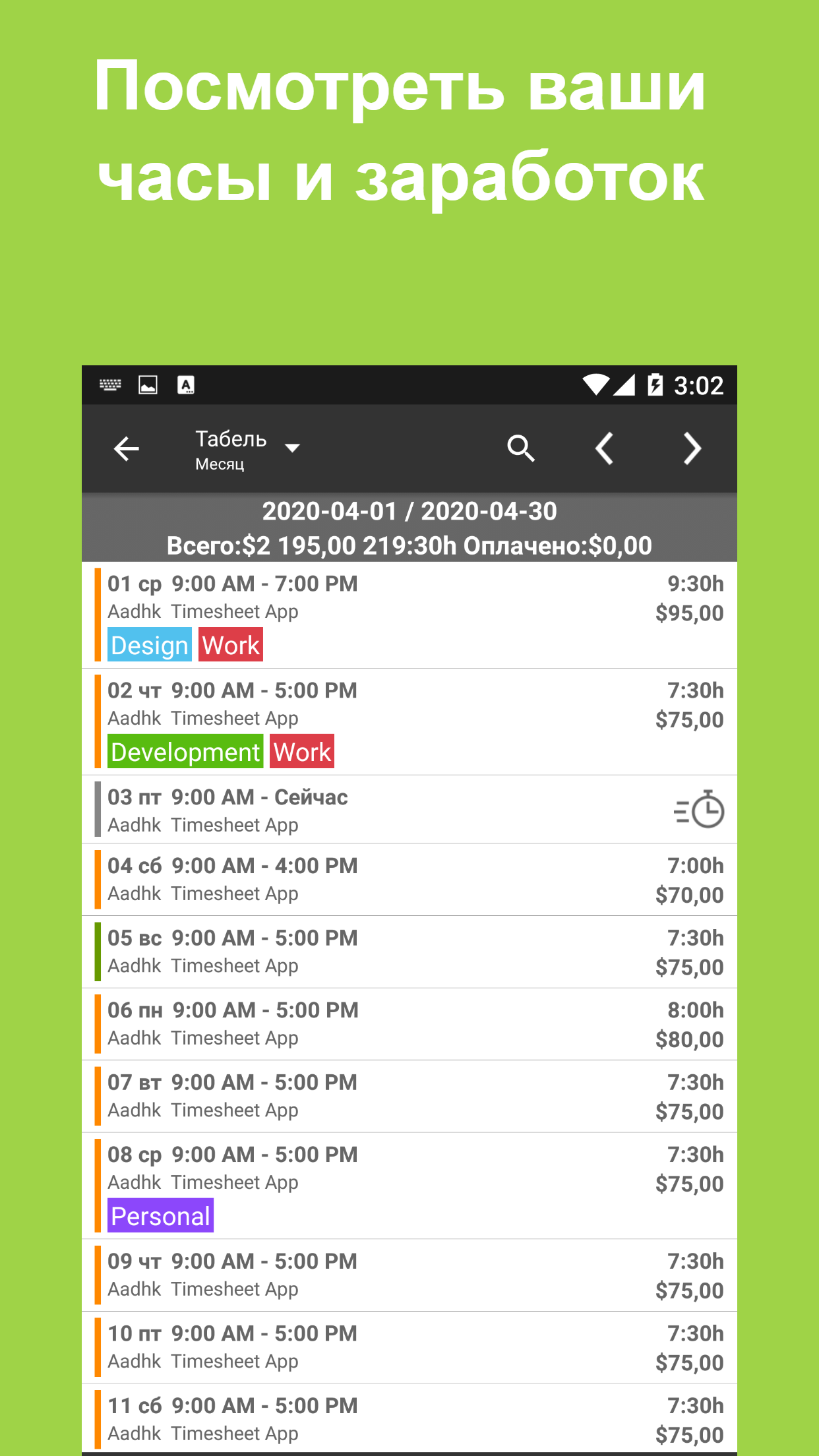
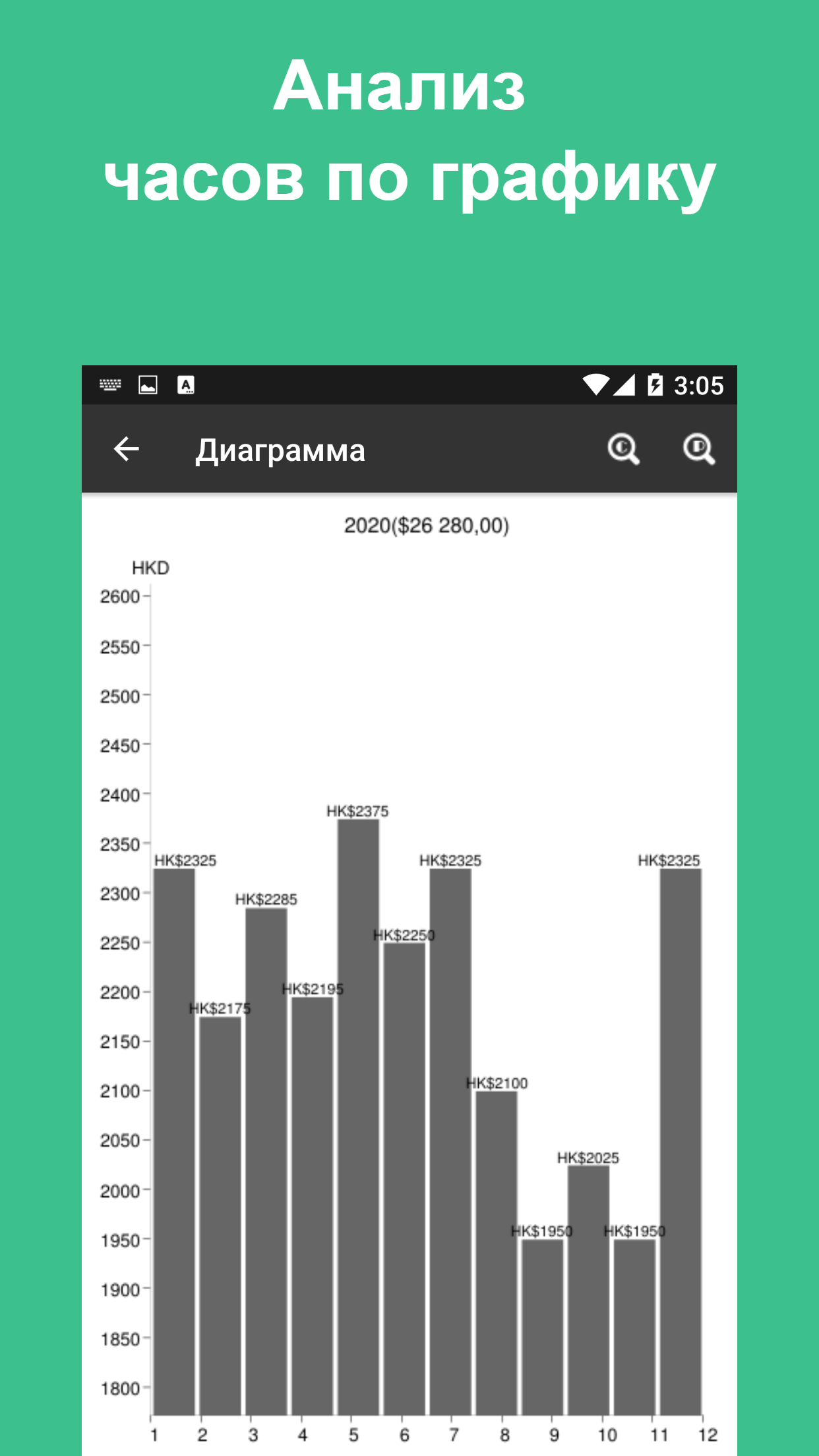
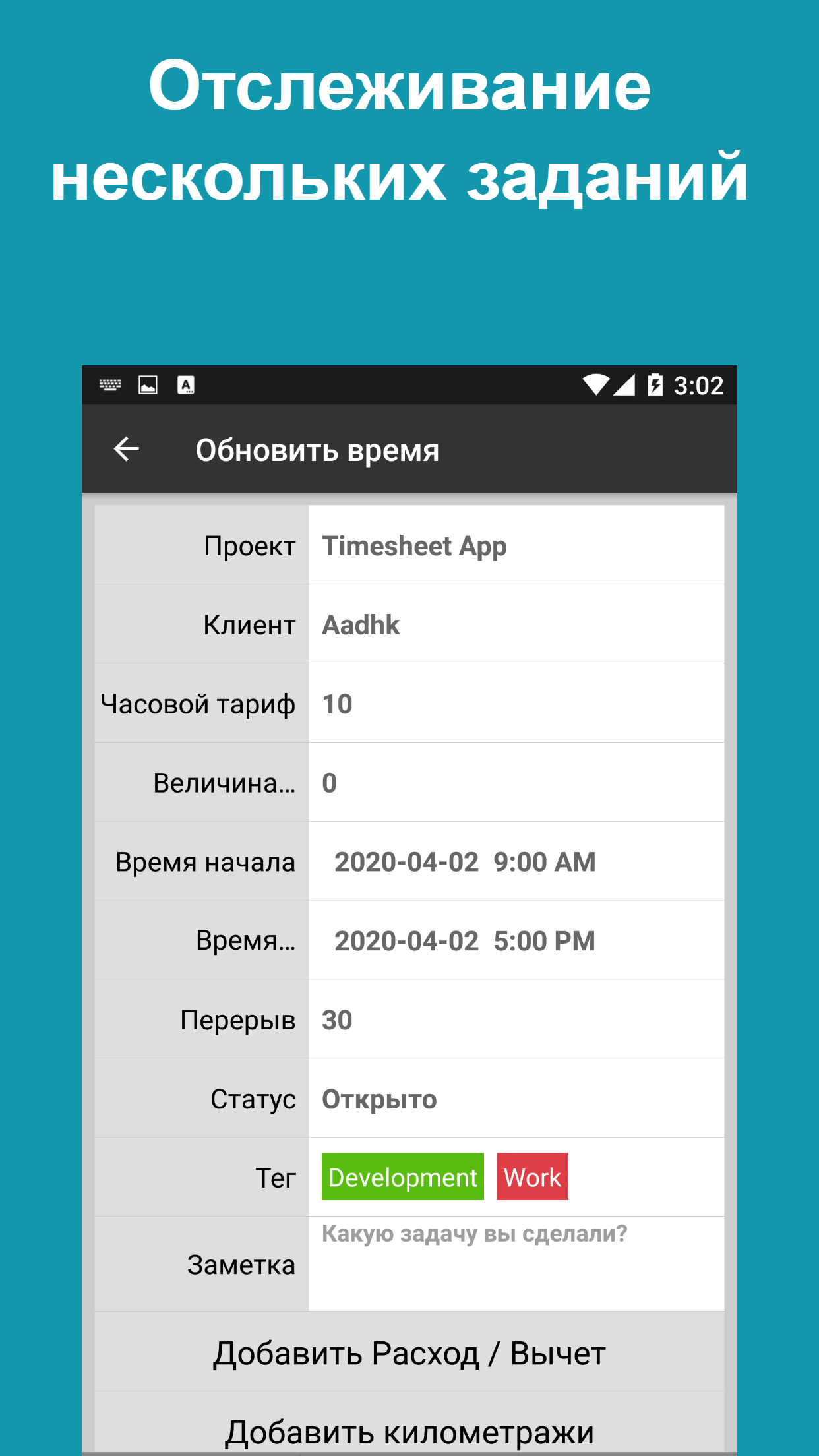
- Ability to check the number of hours worked and earnings.
- Statistics accurate to the second.
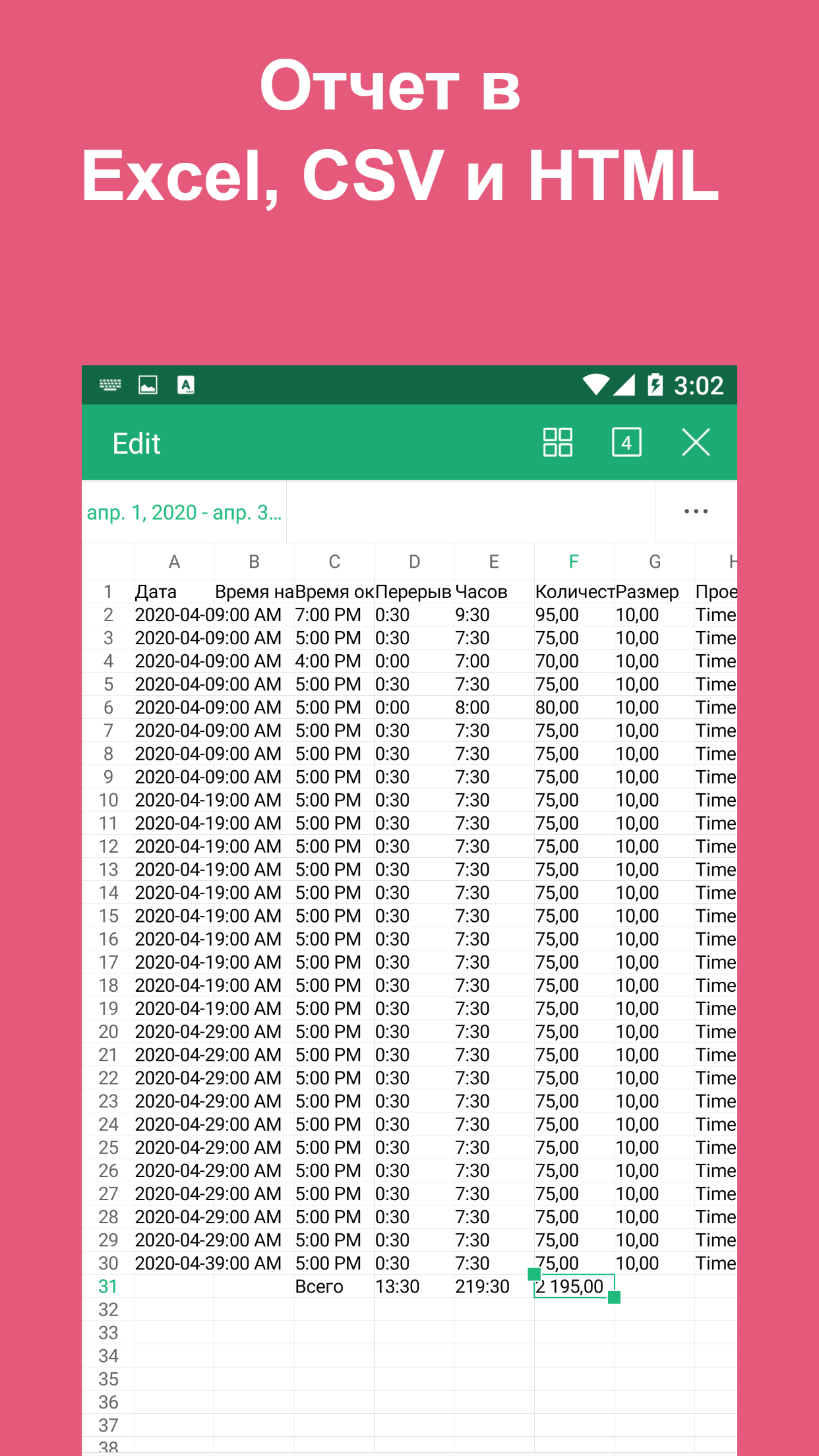
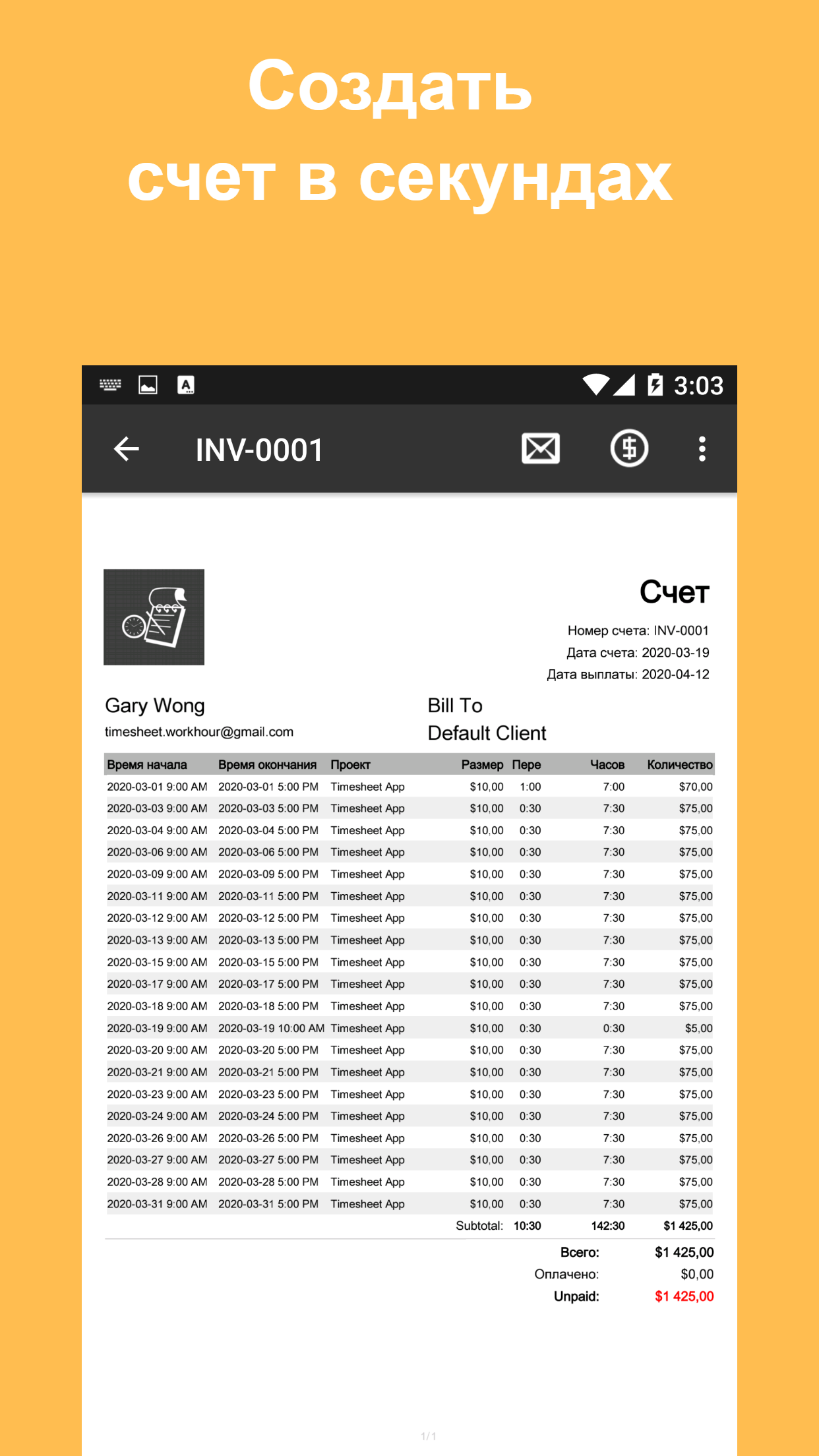
- Report export function.
- Russian language support.
Description
Application Timesheet - Work Hours Tracker was checked by VirusTotal antivirus. As a result of the scan, no file infections were detected by all the latest signatures.
How to install Timesheet - Work Hours Tracker
- Download APK file apps from apkshki.com.
- Locate the downloaded file. You can find it in the system tray or in the 'Download' folder using any file manager.
- If the file downloaded in .bin extension (WebView bug on Android 11), rename it to .apk using any file manager or try downloading the file with another browser like Chrome.
- Start the installation. Click on the downloaded file to start the installation
- Allow installation from unknown sources. If you are installing for the first time Timesheet - Work Hours Tracker not from Google Play, go to your device's security settings and allow installation from unknown sources.
- Bypass Google Play protection. If Google Play protection blocks installation of the file, tap 'More Info' → 'Install anyway' → 'OK' to continue..
- Complete the installation: Follow the installer's instructions to complete the installation process.
How to update Timesheet - Work Hours Tracker
- Download the new version apps from apkshki.com.
- Locate the downloaded file and click on it to start the installation.
- Install over the old version. There is no need to uninstall the previous version.
- Avoid signature conflicts. If the previous version was not downloaded from apkshki.com, the message 'Application not installed' may appear. In this case uninstall the old version and install the new one.
- Restart annex Timesheet - Work Hours Tracker after the update.

Parcels: Track Online Orders
Purchases

Screen Time - Restrain yoursel
Tools

Air Traffic - flight tracker
Maps and navigation

GeoLocator — We Link Family
Motherhood and childhood

Shop: All your favorite brands
Purchases

Waterful | Drink Water Tracker
Health & Fitness

Water Time Tracker & Reminder
Health & Fitness

Food Seller Assistant
Tools
Requesting an application update
Added Denis Rubinov
Version: 14.6.6
Size: 27.1 MB
Updated: 24.06.2025
Developer: aadhk
Age Limitations: Everyone
Authorizations:
Downloaded on Google Play: 3541348
Category: Business












Reviews for Timesheet - Work Hours Tracker
would have had give more if didn't loose all my data despite back up
Very nice app. I have been using it for a year, and it is easy and efficient. update: As 05/2025, nine years had passed, and I still use it with no issues .
this is the best timesheet app I've come across.. best part the ads are unobtrusive. even though I have not purchased it yet, I'm not punished with bs ads every other click.
great simple app
amazing app
this is a fantastic app. it is easy to use and shows me everything I need at a glance
Very good app with everything I need. Automatic local Backup would be nice though
this app does everything I needed and more!
Super helpful app.
ease to use
Works well
Best hours log for construction workers I've found. Takes a little time tweaking the settings to figure it all out, but once you understand how the settings work, it's perfect. You can customize it any way you want as far as pay rates for different scenarios and stuff. I do work for many different companies, and this is the best app for keeping track of who I worked for, and what I was making and when. So good, I actually purchased it, just because it's so well thought out & helpful!
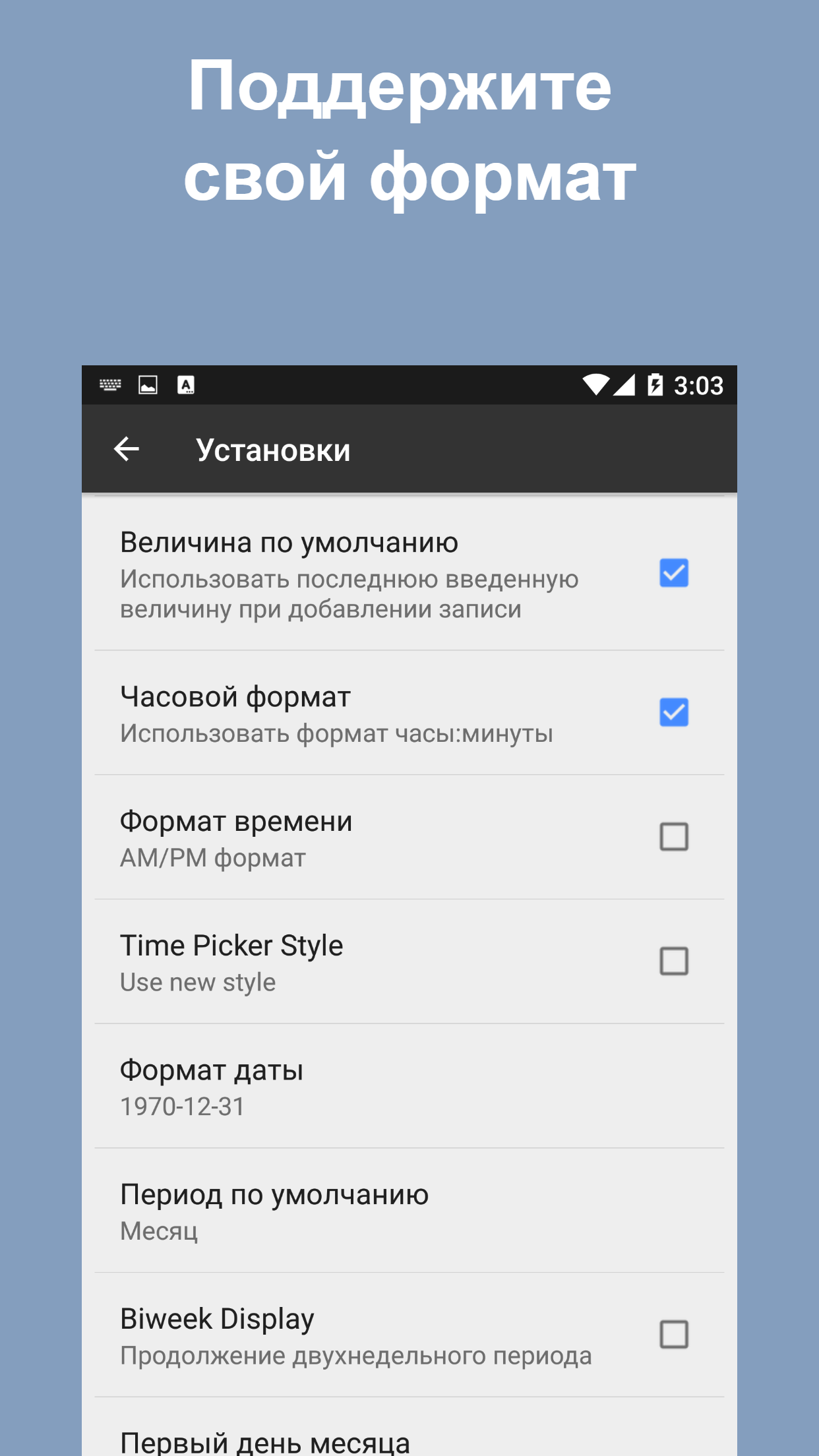
Works well just wish there was a way to turn the time 12 hour increments
Really useful app
Listen. Not bad for a free app. In an ideal world I'd love the ability to charge different currencies for different clients
Post a comment
To leave a comment, log in with your social network:
Or leave an anonymous comment. Your comment will be sent for moderation.
Post a comment
To leave a comment, log in with your social network:
Or leave an anonymous comment. Your comment will be sent for moderation.