



Screenshot Easy
11+
downloads4.1+
version Android

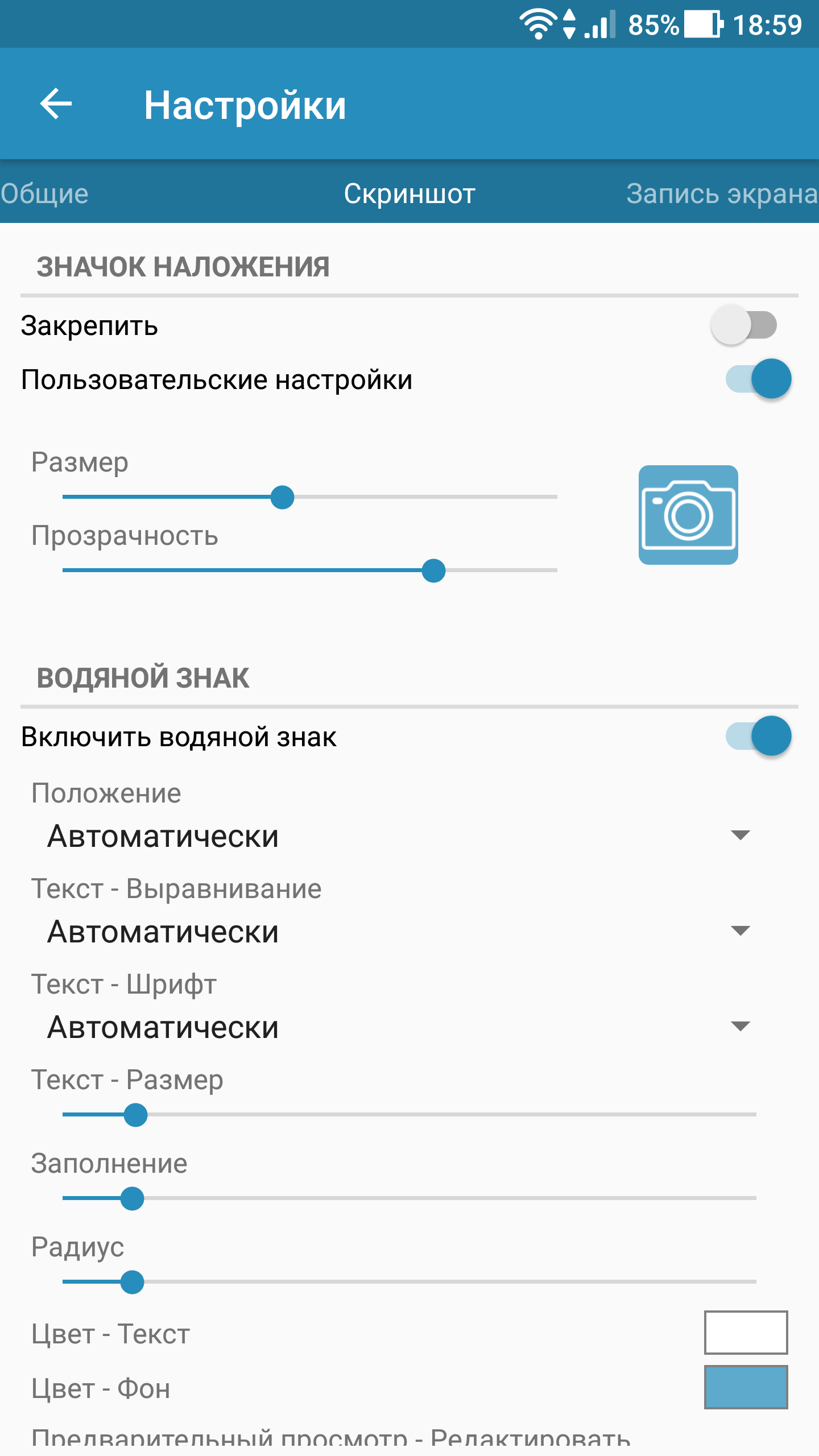
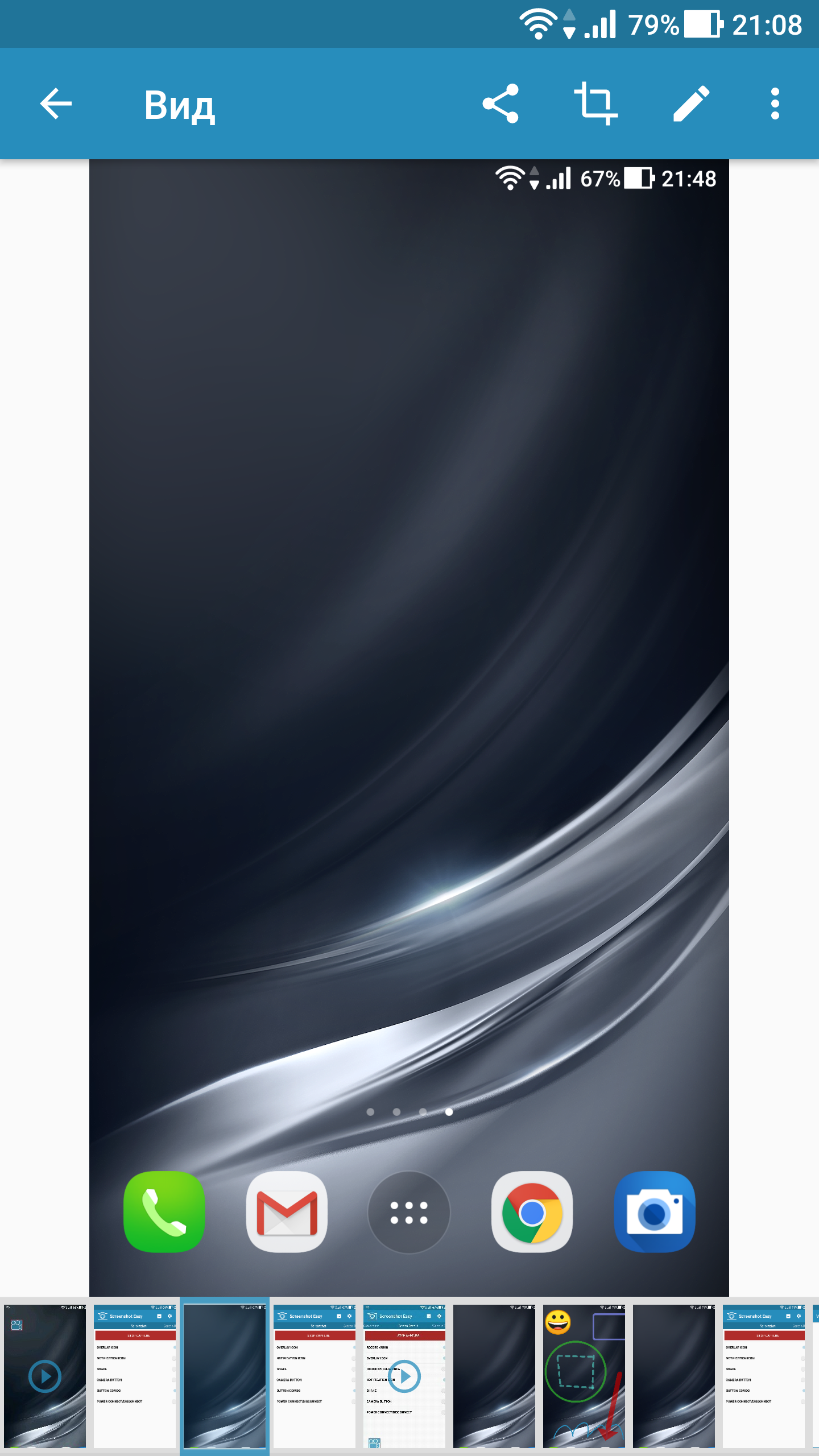
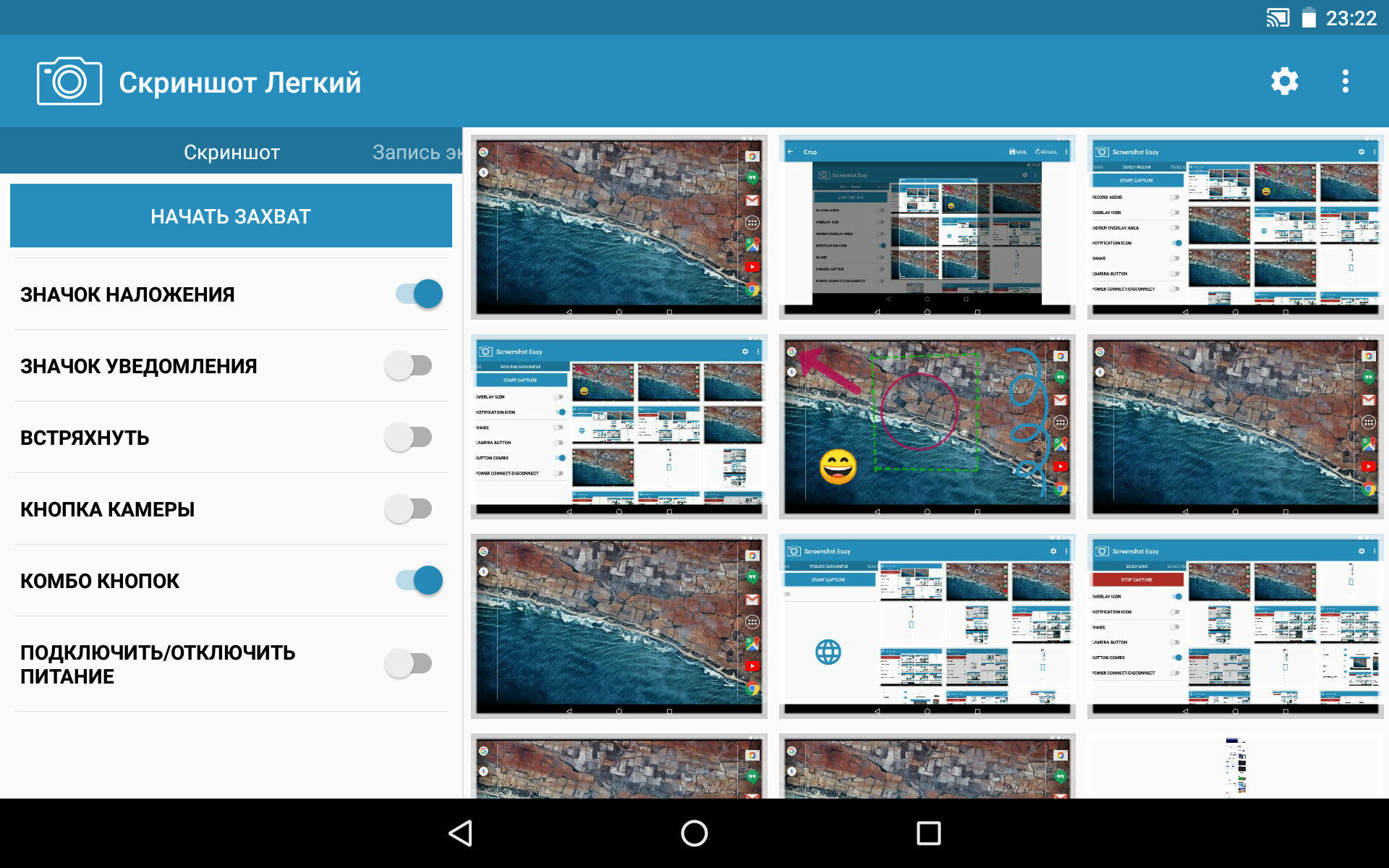
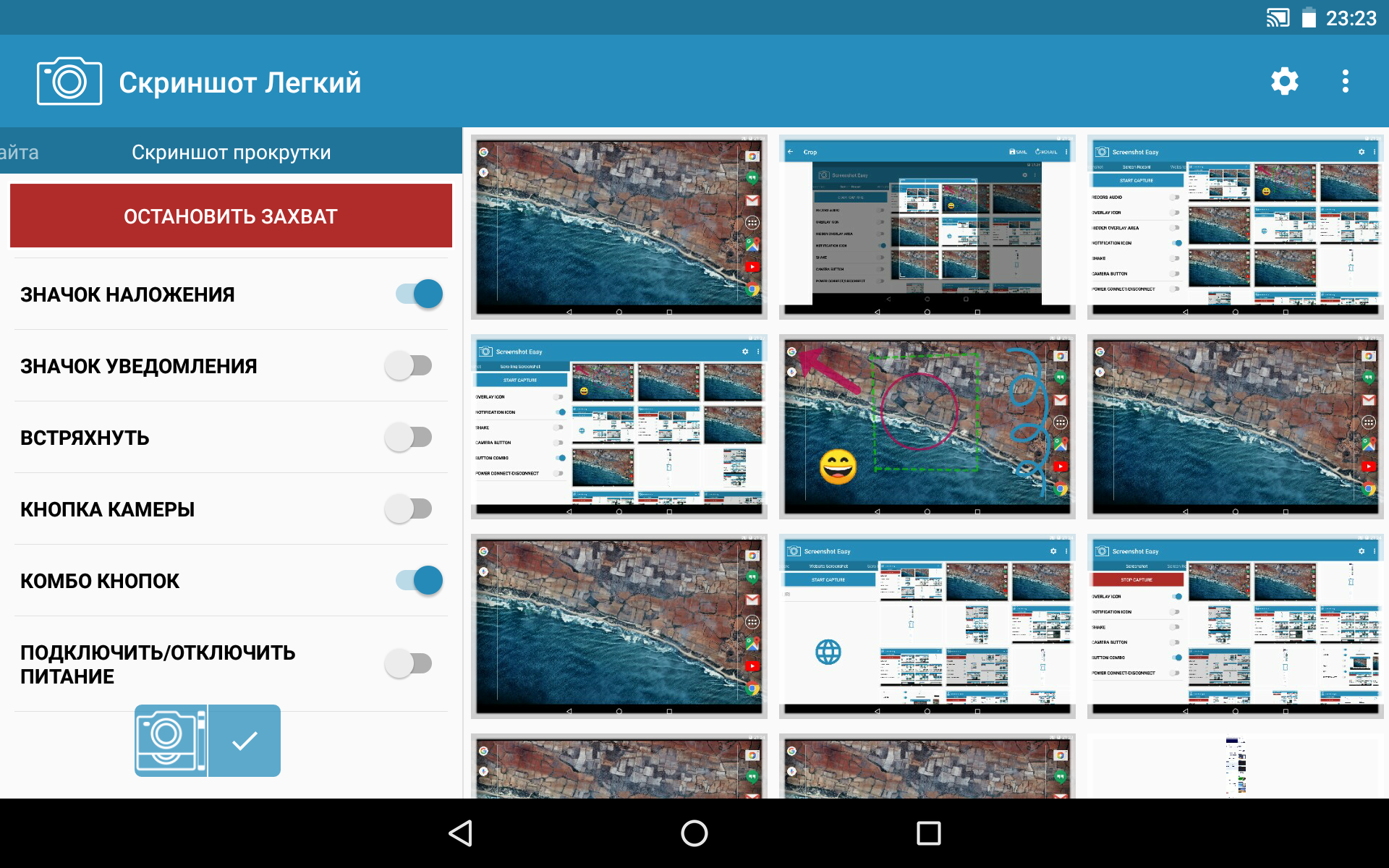
Added: Denis Rubinov
Version: 8.4.2
Size: 18.4 MB
Updated: 21.05.2025
Developer: Ice Cold Apps
Age Limitations: Everyone
Authorizations: 10
Downloaded on Google Play: 45697089
Category: Tools
Description
Application Screenshot Easy was checked by VirusTotal antivirus. As a result of the scan, no file infections were detected by all the latest signatures.
How to install Screenshot Easy
- Download APK file apps from apkshki.com.
- Locate the downloaded file. You can find it in the system tray or in the 'Download' folder using any file manager.
- If the file downloaded in .bin extension (WebView bug on Android 11), rename it to .apk using any file manager or try downloading the file with another browser like Chrome.
- Start the installation. Click on the downloaded file to start the installation
- Allow installation from unknown sources. If you are installing for the first time Screenshot Easy not from Google Play, go to your device's security settings and allow installation from unknown sources.
- Bypass Google Play protection. If Google Play protection blocks installation of the file, tap 'More Info' → 'Install anyway' → 'OK' to continue..
- Complete the installation: Follow the installer's instructions to complete the installation process.
How to update Screenshot Easy
- Download the new version apps from apkshki.com.
- Locate the downloaded file and click on it to start the installation.
- Install over the old version. There is no need to uninstall the previous version.
- Avoid signature conflicts. If the previous version was not downloaded from apkshki.com, the message 'Application not installed' may appear. In this case uninstall the old version and install the new one.
- Restart annex Screenshot Easy after the update.














Requesting an application update
Added Denis Rubinov
Version: 8.4.2
Size: 18.4 MB
Updated: 21.05.2025
Developer: Ice Cold Apps
Age Limitations: Everyone
Authorizations:
Downloaded on Google Play: 45697089
Category: Tools












Reviews for Screenshot Easy
I like it
Works Well
very useless
THIS SCREENSHOT EASY APP WORKS PERFECTLY. I USE IT ALL THE TIME. PERFECT SCREENSHOT EASY. "BEST OF THE BEST" SCREENSHOT EASY. Perfect Screenshots Thanks God!😁
very good, very easy to use 👍
A while back, I had issues with it not working.. I uninstalled. Just got it back, and it's working fine. For now.
brilliant app
everything is easy to use and convenient
I had taken some screenshots using this app around September to December 2024 and due to some storage issue in my system, my tablet... idk what happened but the screenshots in this app were all vanished ...I didn't export not even one screenshot and I really require those data back ...is there any chance your team can work towards this issue and restore all my potential and crucial screenshots? I really need them, everything depends on it... I'll assure you to a rating of 5 stars once it'ssolved
perfect app
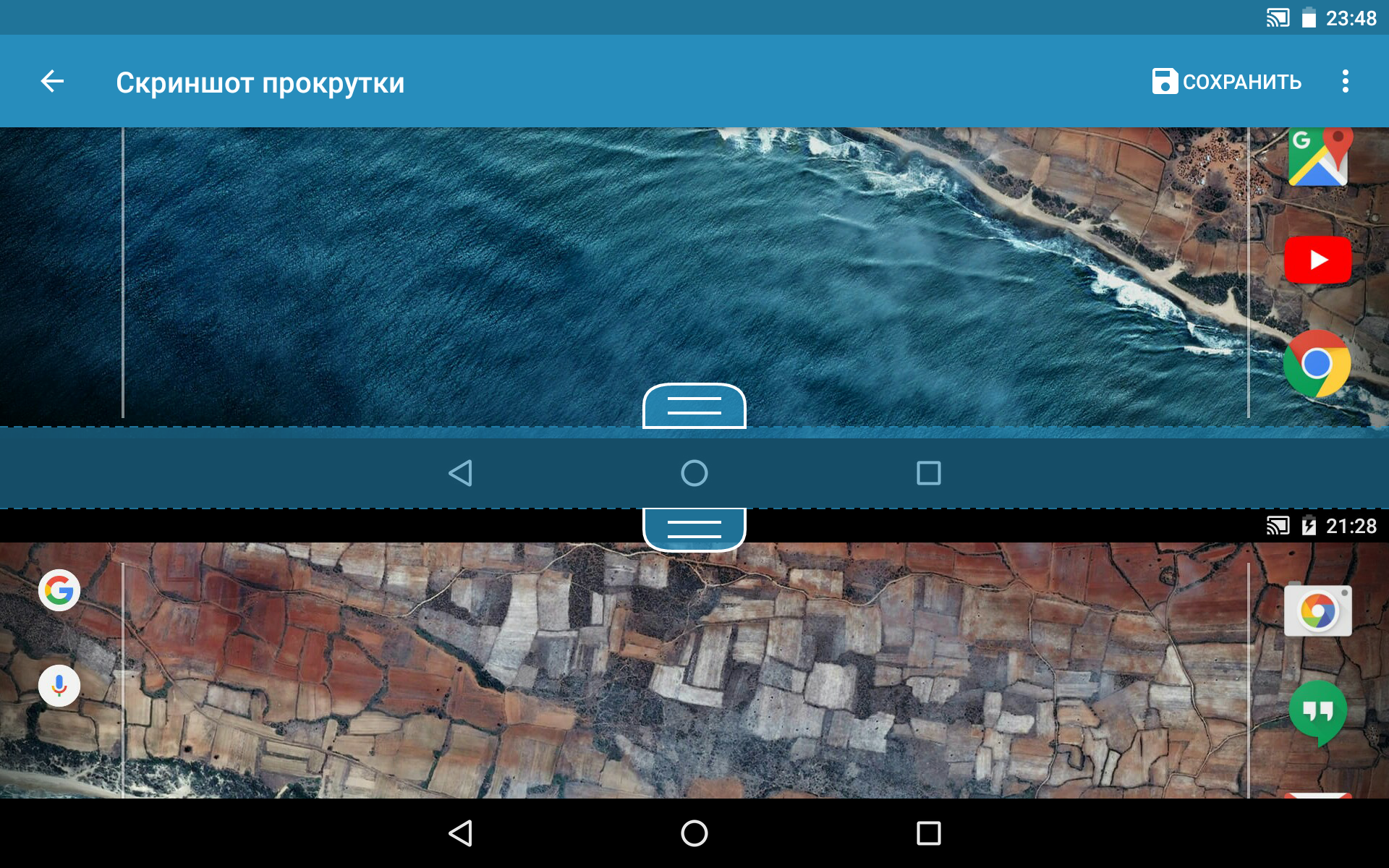
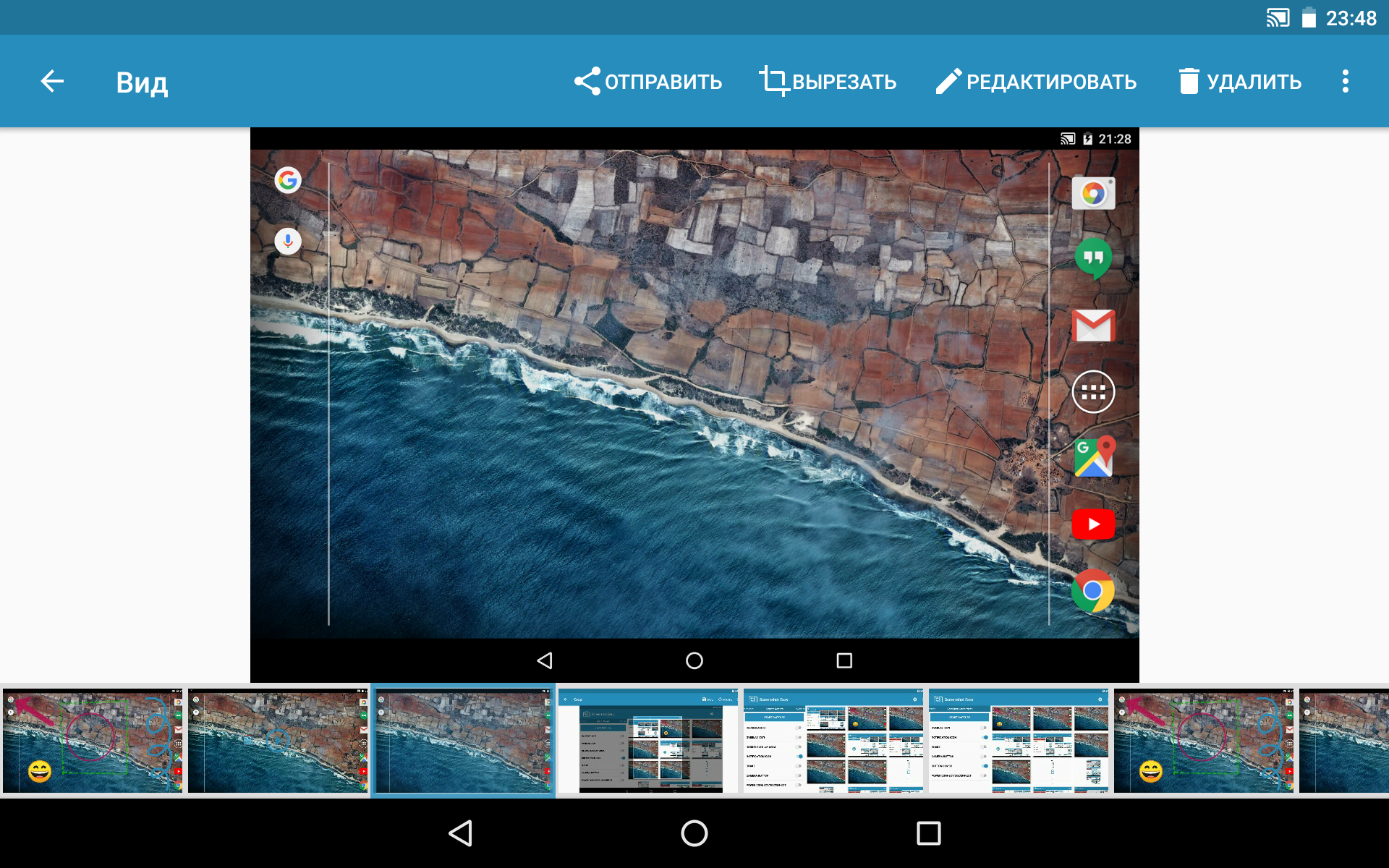
Has a lot of features including scrolling and screen video recording but doesn't allow disabling the preview after a screenshot. Also when it goes to the "View" menu there's no way to return to the main page! Unless you close/reopen the app, which is weird design. Seems good aside from that but I don't think it'll be my preference because there are times when i don't want a preview box coming up for every screenshot.
Warning this app stores your screenshots in an obscure file format or location and delete them when you uninstall the app. It does not have an intuitive interface that allows you to browse those pictures or move them to a new location before they are deleted. If you actually want to save your pictures do not download this app.
This app looked promising after the other app I tried to use (and failed). I went into the app, good start. I looked around the app, slightly confused. And when I tried to look to take a picture, I couldn't find how. I'm not being too hard on it but still, it needs improvement: Simpler directions, Heading straight to the screenshot when you open the app. And one more thing, the name decieves you, it's not easy.
This app gets 1 star simply because it doesn't have the most obvious feature there is. When I capture my screen, I simply want to save it to my phone's storage with a non-cryptic filename. And this app doesn't offer this most basic and obviously essential feature. The app offers all sorts of sharing to all sorts of apps that don't make sense at all, but a simple "save as" isn't there, so when you make a couple of screenshots and you want to use them later, the ultracryptic filenames make it almost impossible. If I simply had the option to meaningfully name my screenshots, this app would probably get 5 stars, because it does the job properly, but without this absolutely crucial feature, the app is nearly useless, or at least extremely awkward and clumsy to use, where with a simple "save as" feature it would have been wonderfully useful.
Great App! Really helped me a lot. I have to press my phone's power and volume (down) button to take a screenshot but since my power button's broken, I can't. This app solved that issue and made it even easier to take a SS. There are some problems with it though. One, having your internet on while using the app; sometimes the button takes like 10 seconds to reappear and takes the SS late, however, turning off your internet solves the problem. Two, the screen recording feature is broken.
Post a comment
To leave a comment, log in with your social network:
Or leave an anonymous comment. Your comment will be sent for moderation.
Post a comment
To leave a comment, log in with your social network:
Or leave an anonymous comment. Your comment will be sent for moderation.