



Data Usage Analyzer
6+
downloads6.0+
version Android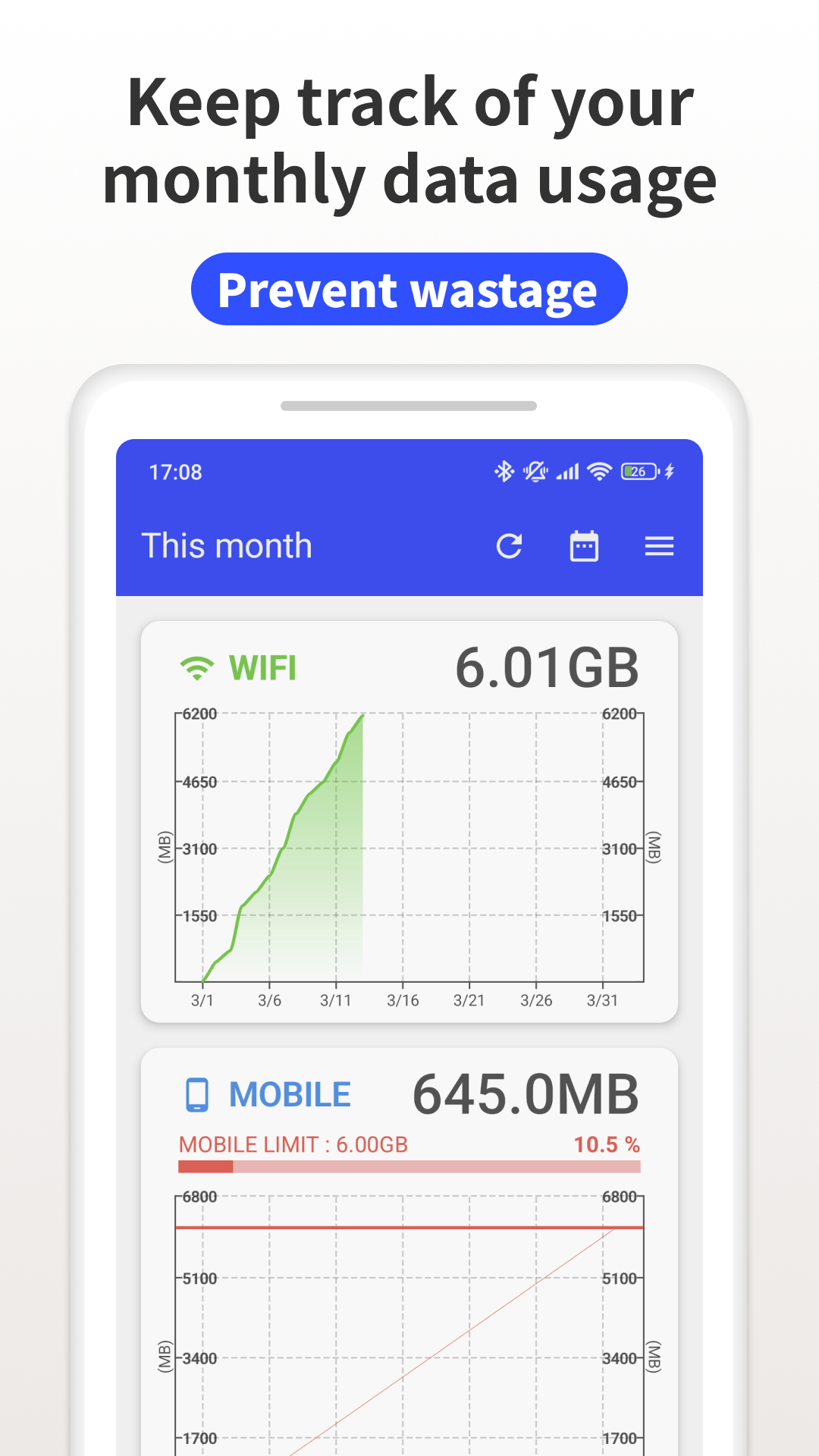
Added: Denis Rubinov
Version: 1.17.2030
Size: 7.8 MB
Updated: 12.11.2023
Developer: Lufesu Inc.
Age Limitations: Everyone
Authorizations: 10
Downloaded on Google Play: 2623735
Category: Tools
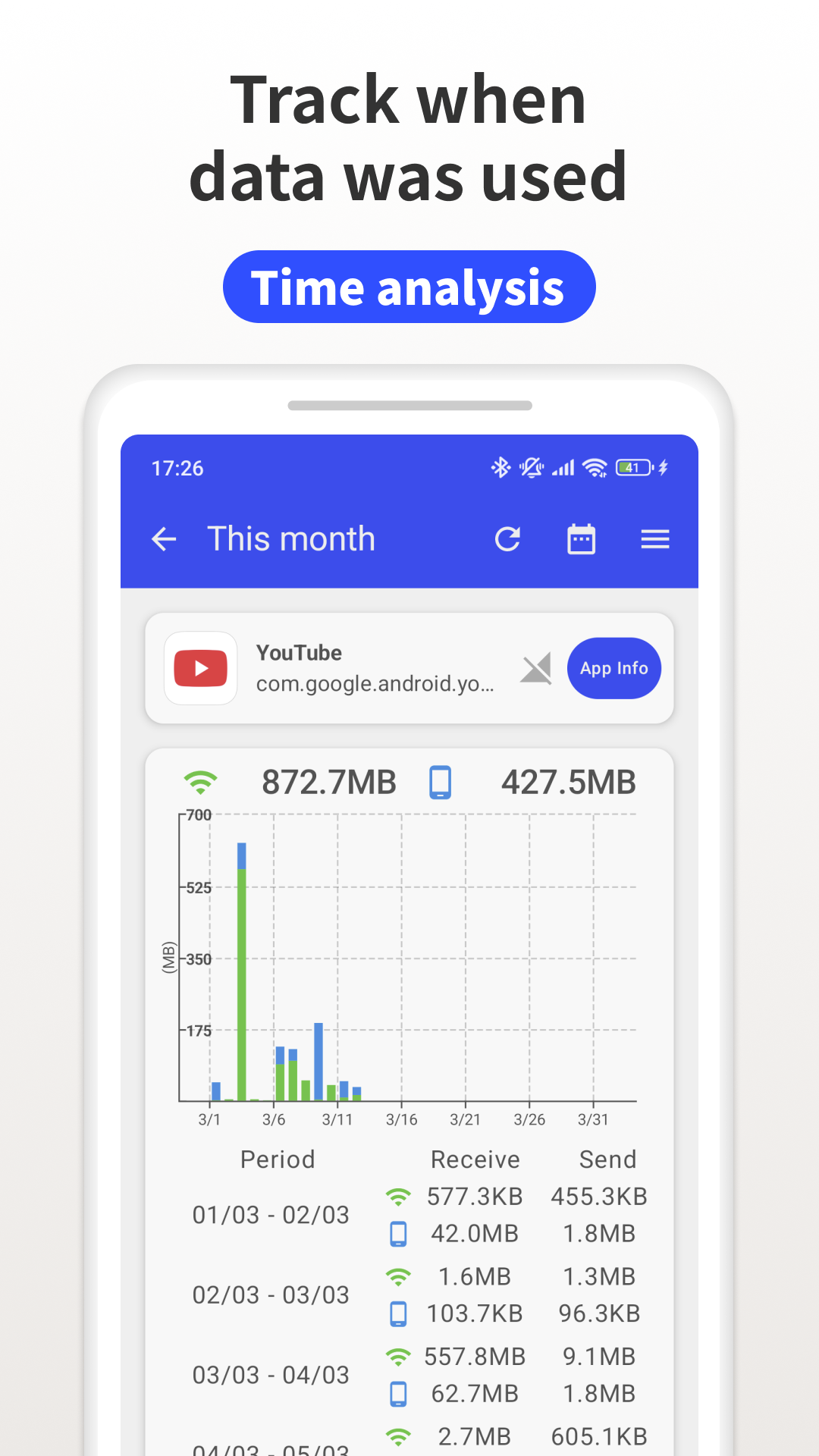
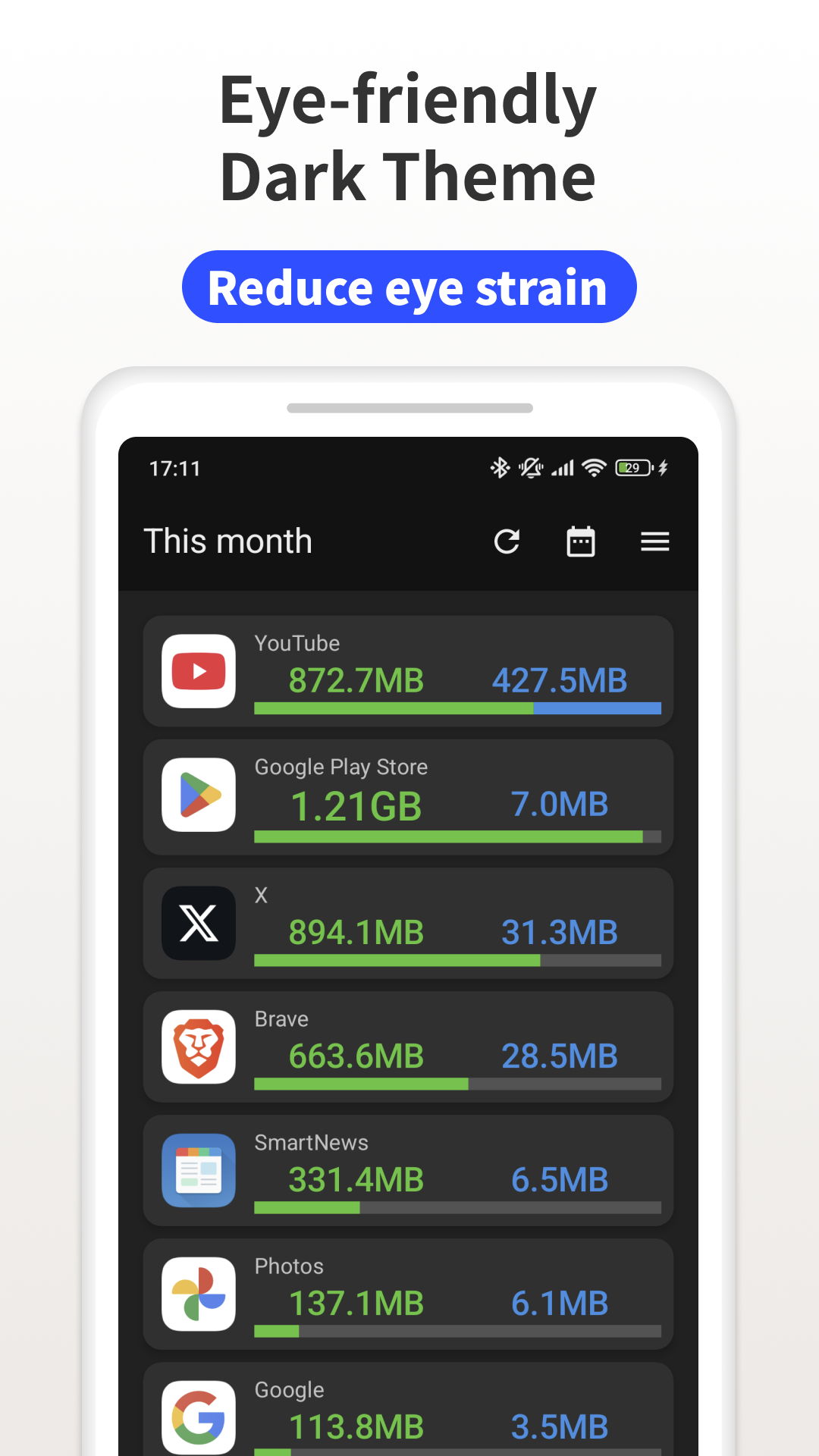
- Allows you to set limits.
- Notifications about approaching traffic limits.
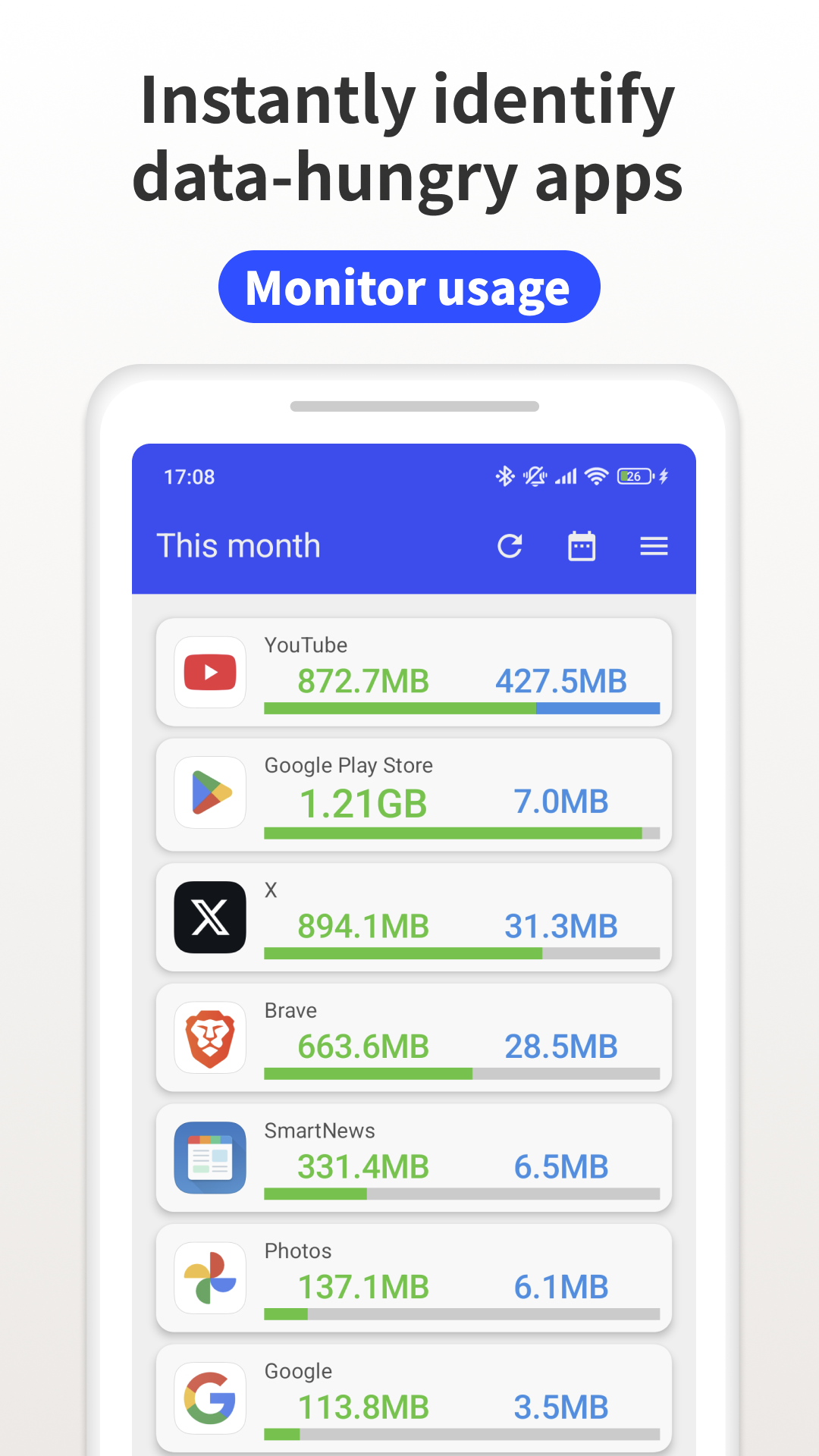
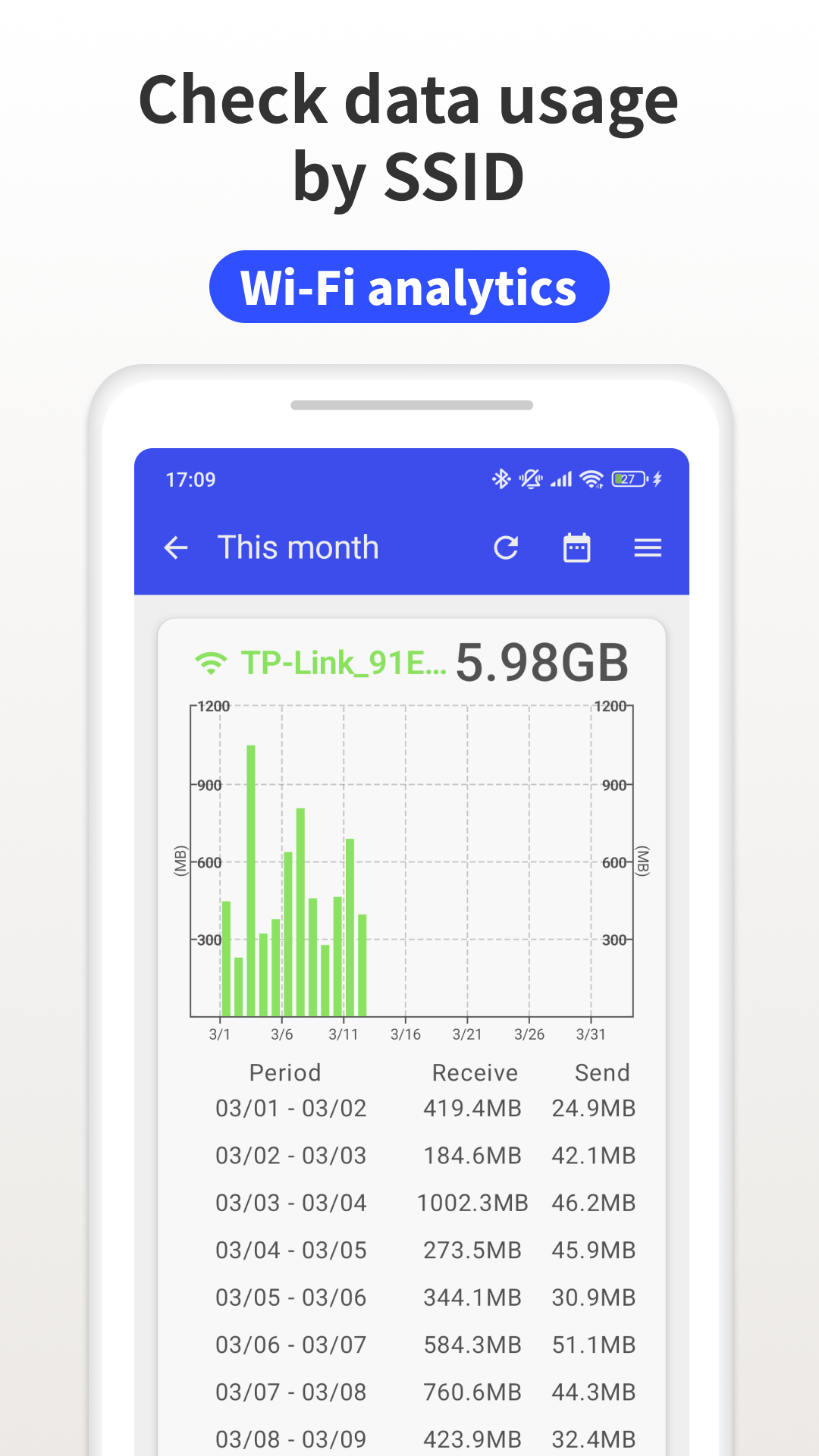
- Works in cellular networks and Wi-FI,
- Free to use.
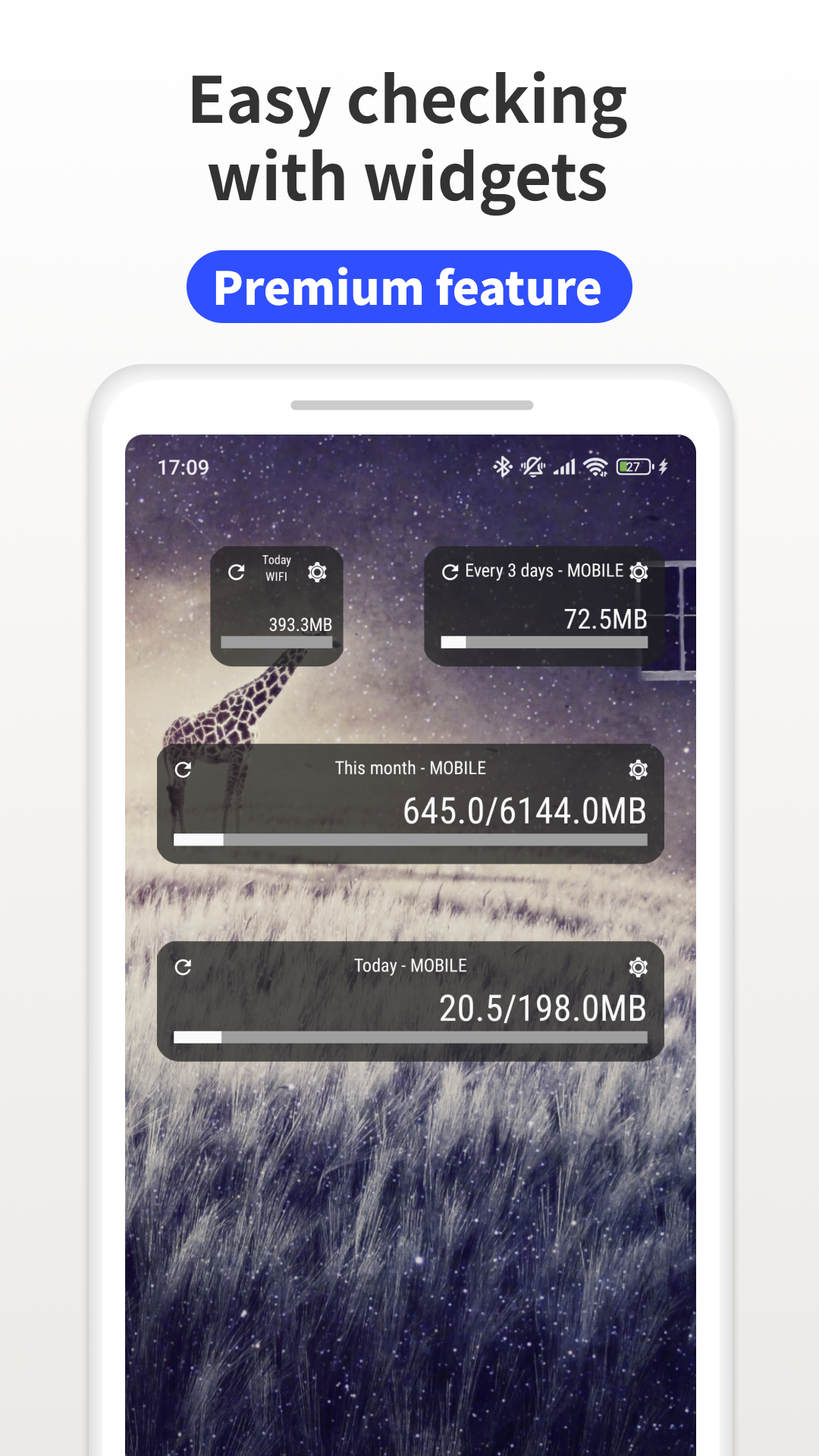
- Having a convenient widget.
Description
Application Data Usage Analyzer was checked by VirusTotal antivirus. As a result of the scan, no file infections were detected by all the latest signatures.
How to install Data Usage Analyzer
- Download APK file apps from apkshki.com.
- Locate the downloaded file. You can find it in the system tray or in the 'Download' folder using any file manager.
- If the file downloaded in .bin extension (WebView bug on Android 11), rename it to .apk using any file manager or try downloading the file with another browser like Chrome.
- Start the installation. Click on the downloaded file to start the installation
- Allow installation from unknown sources. If you are installing for the first time Data Usage Analyzer not from Google Play, go to your device's security settings and allow installation from unknown sources.
- Bypass Google Play protection. If Google Play protection blocks installation of the file, tap 'More Info' → 'Install anyway' → 'OK' to continue..
- Complete the installation: Follow the installer's instructions to complete the installation process.
How to update Data Usage Analyzer
- Download the new version apps from apkshki.com.
- Locate the downloaded file and click on it to start the installation.
- Install over the old version. There is no need to uninstall the previous version.
- Avoid signature conflicts. If the previous version was not downloaded from apkshki.com, the message 'Application not installed' may appear. In this case uninstall the old version and install the new one.
- Restart annex Data Usage Analyzer after the update.






Requesting an application update
Added Denis Rubinov
Version: 1.17.2030
Size: 7.8 MB
Updated: 12.11.2023
Developer: Lufesu Inc.
Age Limitations: Everyone
Authorizations:
Downloaded on Google Play: 2623735
Category: Tools












Reviews for Data Usage Analyzer
Doesn't support background usage. You have to open the app everyday to read the data usage
My entire reason for installing it is now behind a paywall. I downloaded it to track my usage because I'm on a plan with limited data. It worked great for the couple years I used it, now just a couple days ago it stopped showing the display and when I pulled the app up it says I have to shell out money to get it back. F that.
Good application
安裝在工作模式裡的應用程式無法顯示數據流量
Whey this fkn app needs a phone permission, all the similar apps requiring only the data permission! It seems like a shady stuff in the background!
原本還算不錯,現在擱這還退步了是吧!?
There is no option to see statistic by range
Almost perfect. Can you guys implement Dual SIM monitoring for the data use, then it would be perfect. 👍
Useless app
Bustard app.
No developer reply, then why need to comment? Good attempt but not much useful when other apps for same purpose available with more useful options like. 1. selection of mobile or wifi 2. small period like last hours, minutes etc 3. Speed monitor is separate app. Total data usage with today is showing but it is not useful because JIO data reset time is not night 12. So make it special and make it useful..
What can you say about an app that does not come close to what it is supposed to do. This app was the best. How is it that an app can crash 31 times in a short space of time. The developer does not care about this app as they do not even have the courtesy of a reply to an email.
Recent problems seem to be now resolved. Nice looking app showing detailed info. That anonymous data is used for market research was made clear, I am assuming and hoping Japan might have EU like rules on data collection and commercial use.
An excellent little tool. Exactly the information desired, in a simple format, with logical settings. Worth money.
I need a extra setting. I have a daily usage limit. But my usage meter starts at 12:16AM, not 12:00AM. I should have an option to set the start time for daily usage as the option for firt day of the week or start of the month options.
Post a comment
To leave a comment, log in with your social network:
Or leave an anonymous comment. Your comment will be sent for moderation.
Post a comment
To leave a comment, log in with your social network:
Or leave an anonymous comment. Your comment will be sent for moderation.