



3DMark — The Gamer's Benchmark
8+
downloads5.0+
version Android
Added: Denis Rubinov
Version: 2.5.4969
Size: 93.7 MB
Updated: 20.05.2025
Developer: UL LLC
Age Limitations: Everyone
Authorizations: 7
Downloaded on Google Play: 5374463
Category: Tools
Description
Application 3DMark — The Gamer's Benchmark was checked by VirusTotal antivirus. As a result of the scan, no file infections were detected by all the latest signatures.
How to install 3DMark — The Gamer's Benchmark
- Download APK file apps from apkshki.com.
- Locate the downloaded file. You can find it in the system tray or in the 'Download' folder using any file manager.
- If the file downloaded in .bin extension (WebView bug on Android 11), rename it to .apk using any file manager or try downloading the file with another browser like Chrome.
- Start the installation. Click on the downloaded file to start the installation
- Allow installation from unknown sources. If you are installing for the first time 3DMark — The Gamer's Benchmark not from Google Play, go to your device's security settings and allow installation from unknown sources.
- Bypass Google Play protection. If Google Play protection blocks installation of the file, tap 'More Info' → 'Install anyway' → 'OK' to continue..
- Complete the installation: Follow the installer's instructions to complete the installation process.
How to update 3DMark — The Gamer's Benchmark
- Download the new version apps from apkshki.com.
- Locate the downloaded file and click on it to start the installation.
- Install over the old version. There is no need to uninstall the previous version.
- Avoid signature conflicts. If the previous version was not downloaded from apkshki.com, the message 'Application not installed' may appear. In this case uninstall the old version and install the new one.
- Restart annex 3DMark — The Gamer's Benchmark after the update.






Requesting an application update
Added Denis Rubinov
Version: 2.5.4969
Size: 93.7 MB
Updated: 20.05.2025
Developer: UL LLC
Age Limitations: Everyone
Authorizations:
Downloaded on Google Play: 5374463
Category: Tools












Reviews for 3DMark — The Gamer's Benchmark
Needs more powerful tests that will run on the S25 ultra. some are broken
Says device not supported on S25 Ultra SM-938B
phone test uchun yaxshi
full database, useful benchmark
Works just as you expect a benchmark would, also not ads spam
Not working
good for knows
pretty great benchmark,my redmi a3 gets 17fps max on the low graphics
my potatoe phone's not even mid what the flip.
no just no it makes my phone hot
The app crashes when trying to run the Slingshot Extreme benchmark using Vulkan API on my OnePlus 7 Pro. Adreno drivers are updated till vulkan version 1.1.128. Please look into the issue. Till then I'm giving it a single star rating.
This benchmark straight outright crashes when you open the app on rooted devices. As soon I added it to magisk denylist it started to work without any problem. If you want to add a root check you should show a warning instead of making the app not work without any explanation
Benchmarking without bloatware, 3DMark the finest of them all. I have a problem with SlingShot and SlingShot Extreme causing the app to crash every time I try to run the test. I've sent multiple crash reports using the feedback system. I'm looking forward to updates to solve this issue with my ZenFone Max Pro M1
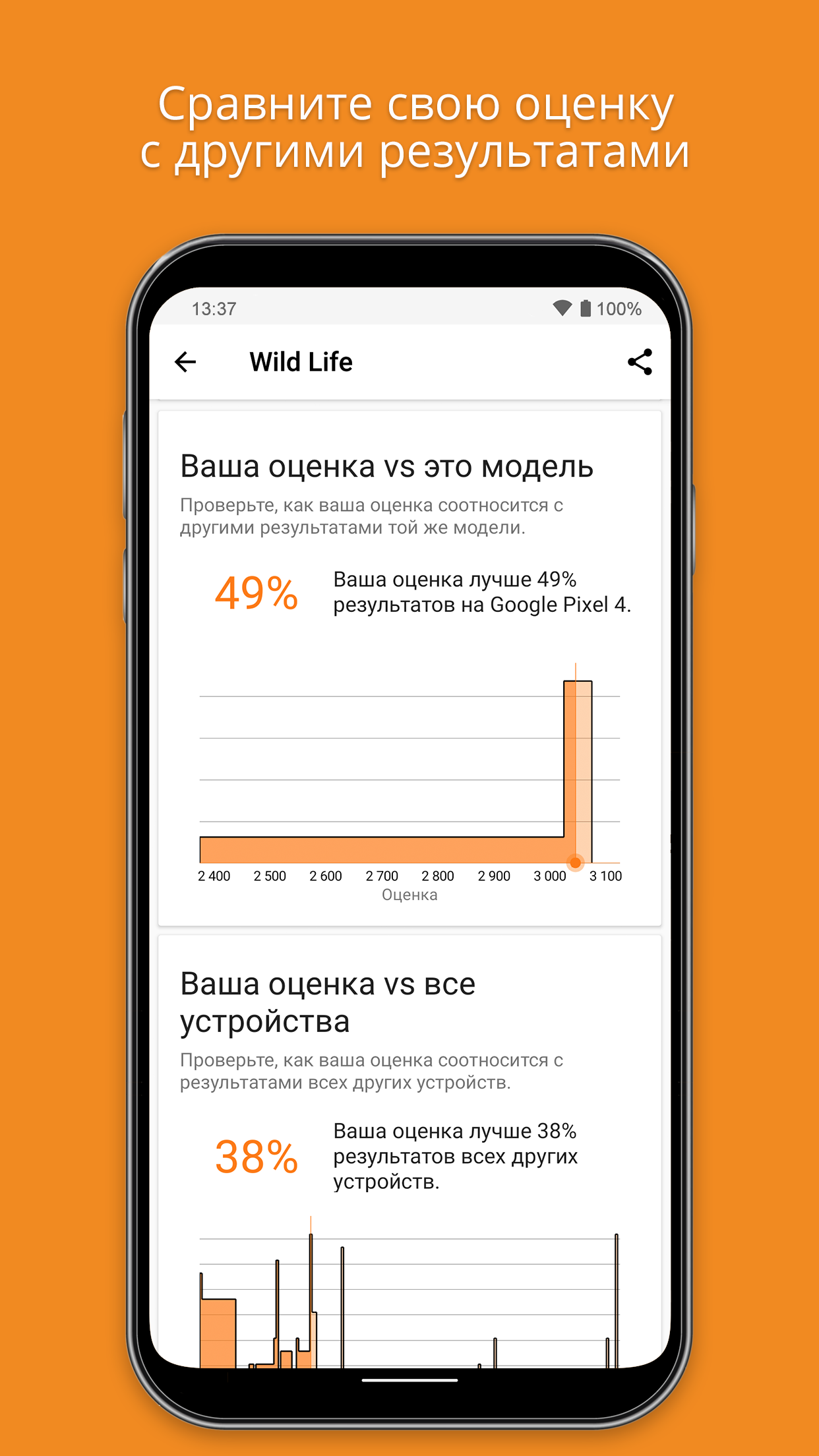
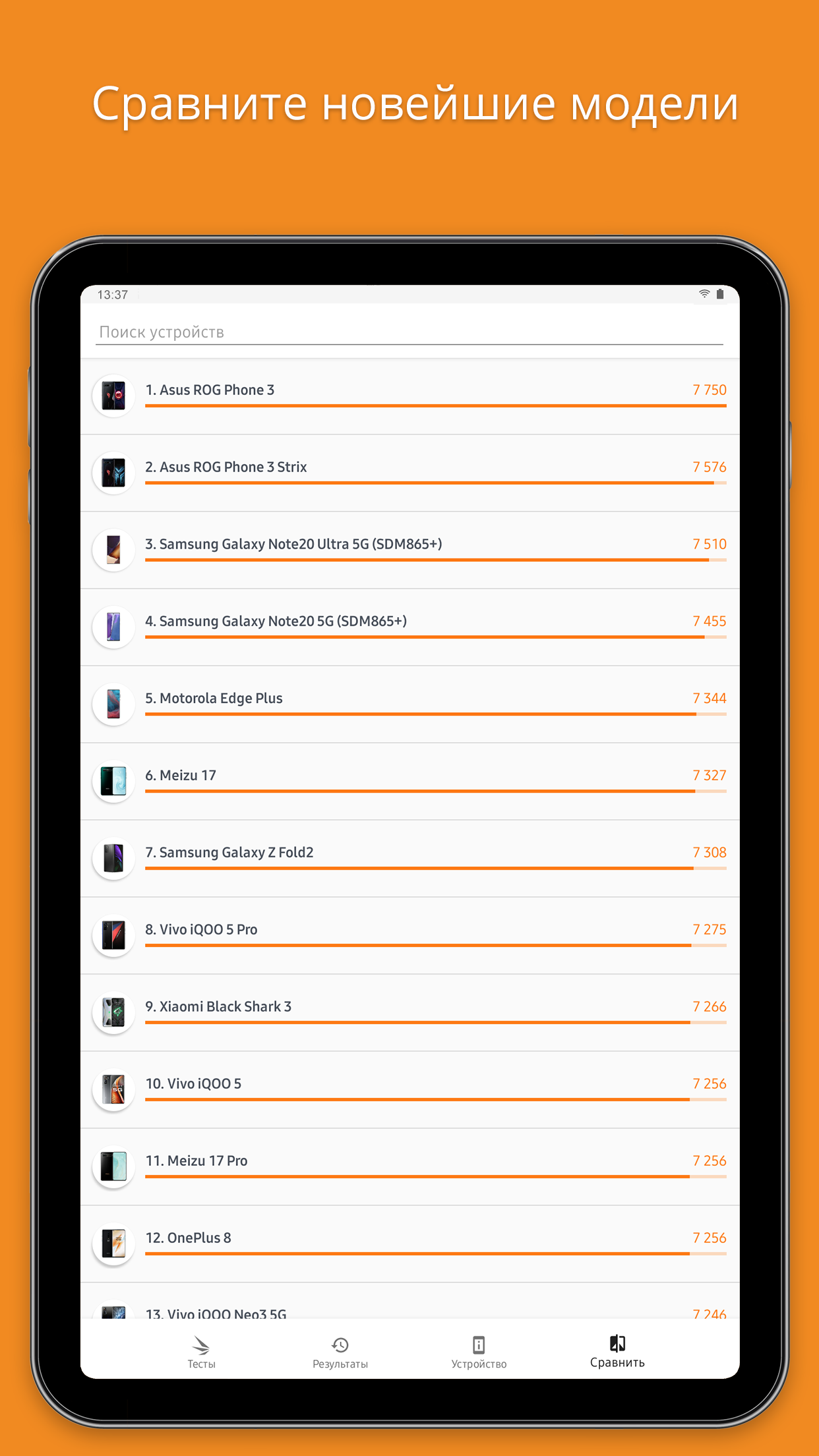
Works as intended. It really gauges your GPU's ability to render. My device have SD860 SoC with Adreno 640 on it. Scored 3545 in 3dmark Wild Life. Spoofed device name to ROG Phone 3, still scores the same. Best tool to really push phone's GPU to the limit. Also, the clip used in Wild Life looks so amazing, almost PC quality. Loved it
Not great. The demo itself is OK. But what is missing is a continuous demo. All modes just end after a minute, so no way to let the phone running and drain the battery for example.
Post a comment
To leave a comment, log in with your social network:
Or leave an anonymous comment. Your comment will be sent for moderation.
Post a comment
To leave a comment, log in with your social network:
Or leave an anonymous comment. Your comment will be sent for moderation.