



LG ThinQ
54+
downloads5.0+
version Android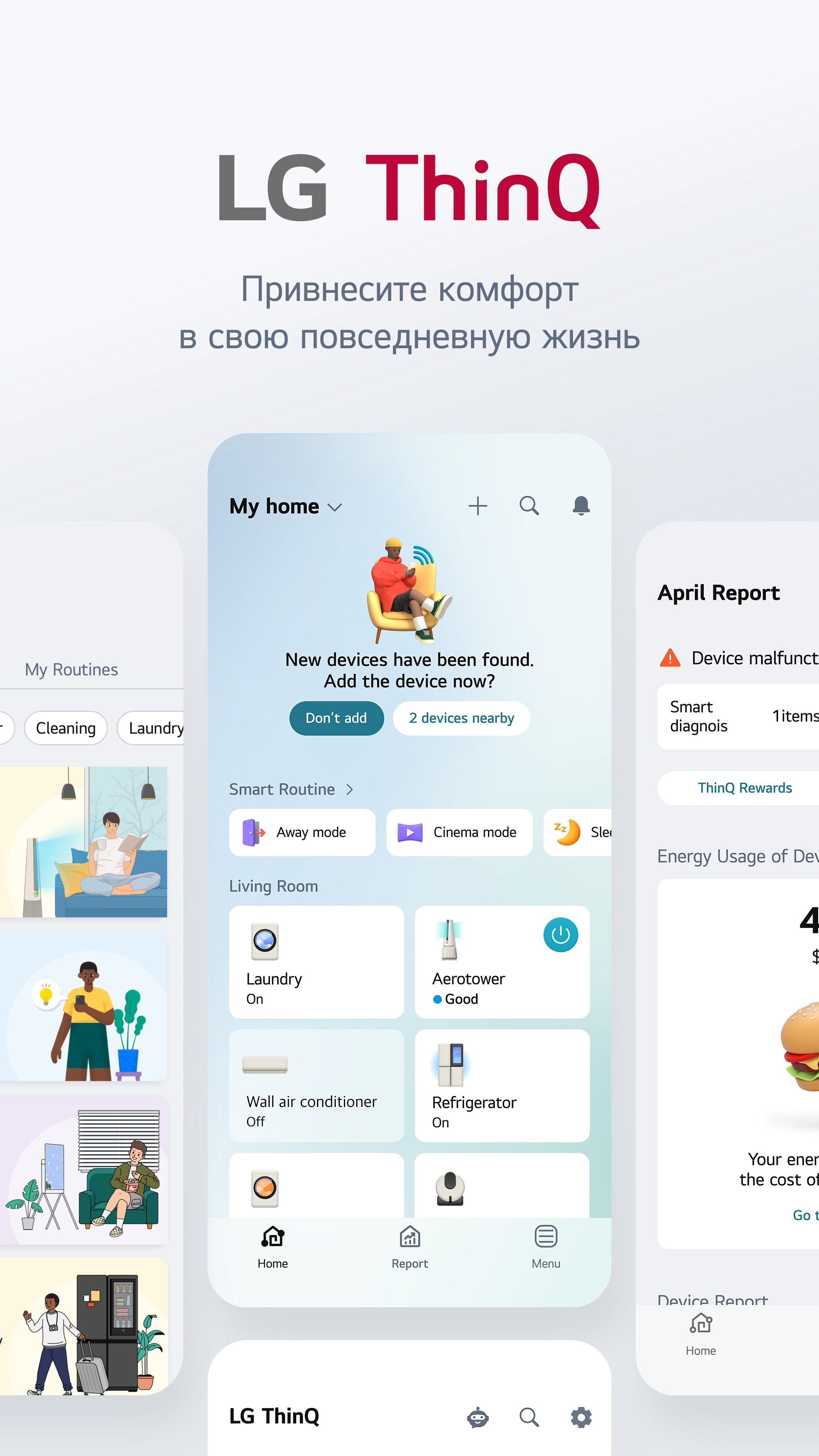
Added: Denis Rubinov
Version: 5.1.10210
Size: 202.7 MB
Updated: 24.06.2025
Developer: LG Electronics, Inc.
Age Limitations: Everyone
Authorizations: 23
Downloaded on Google Play: 80407186
Category: Life style
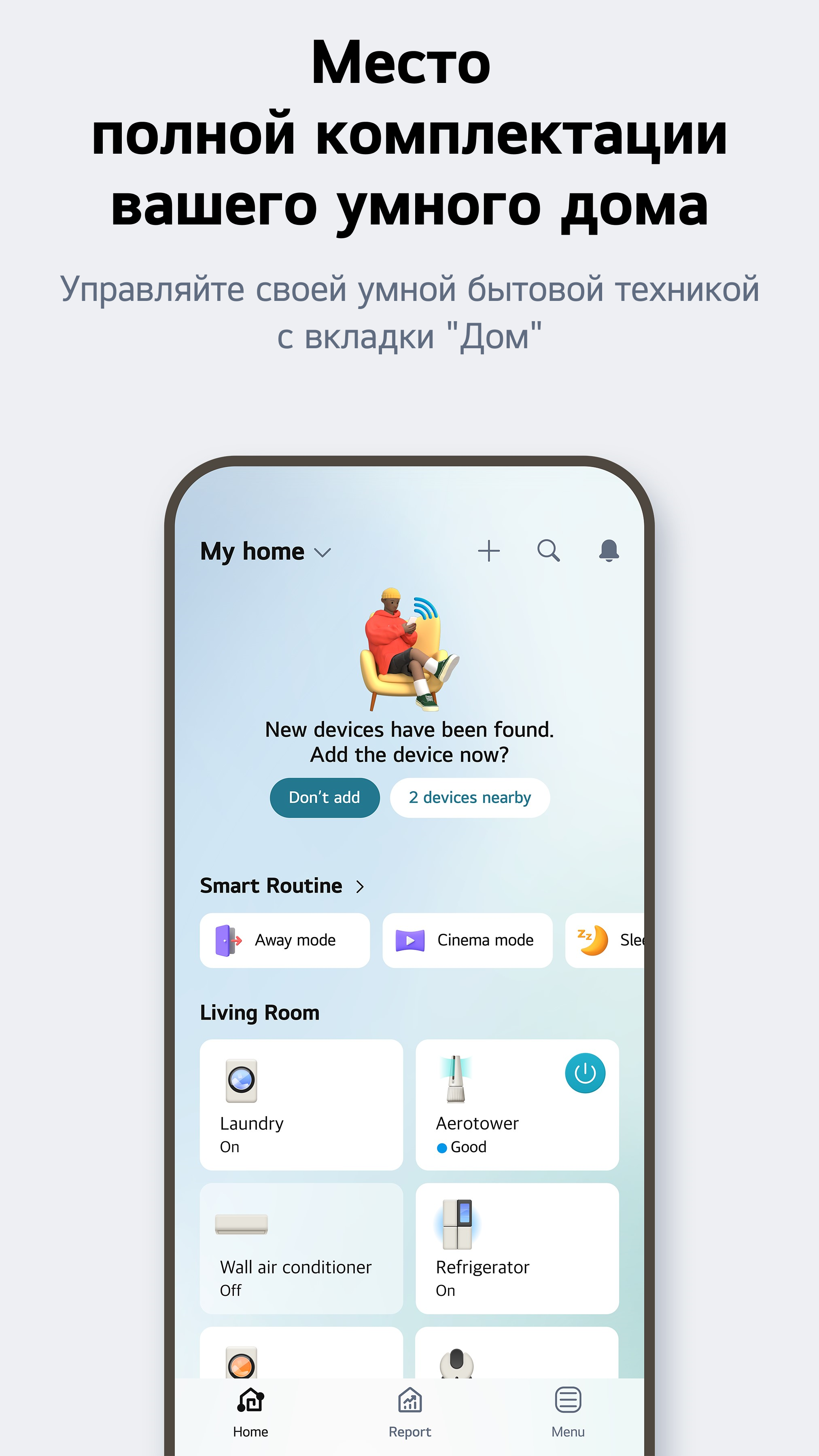
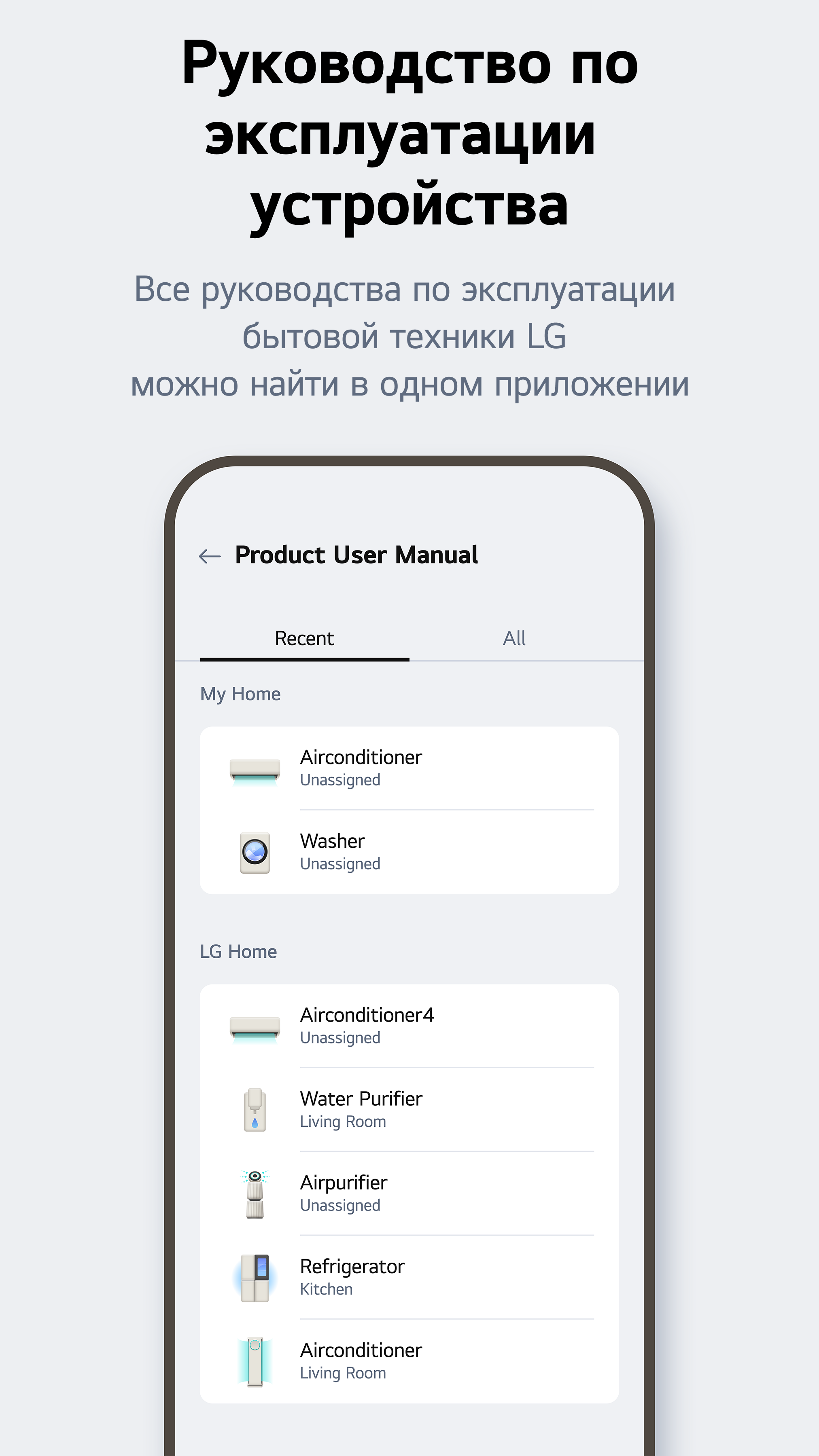
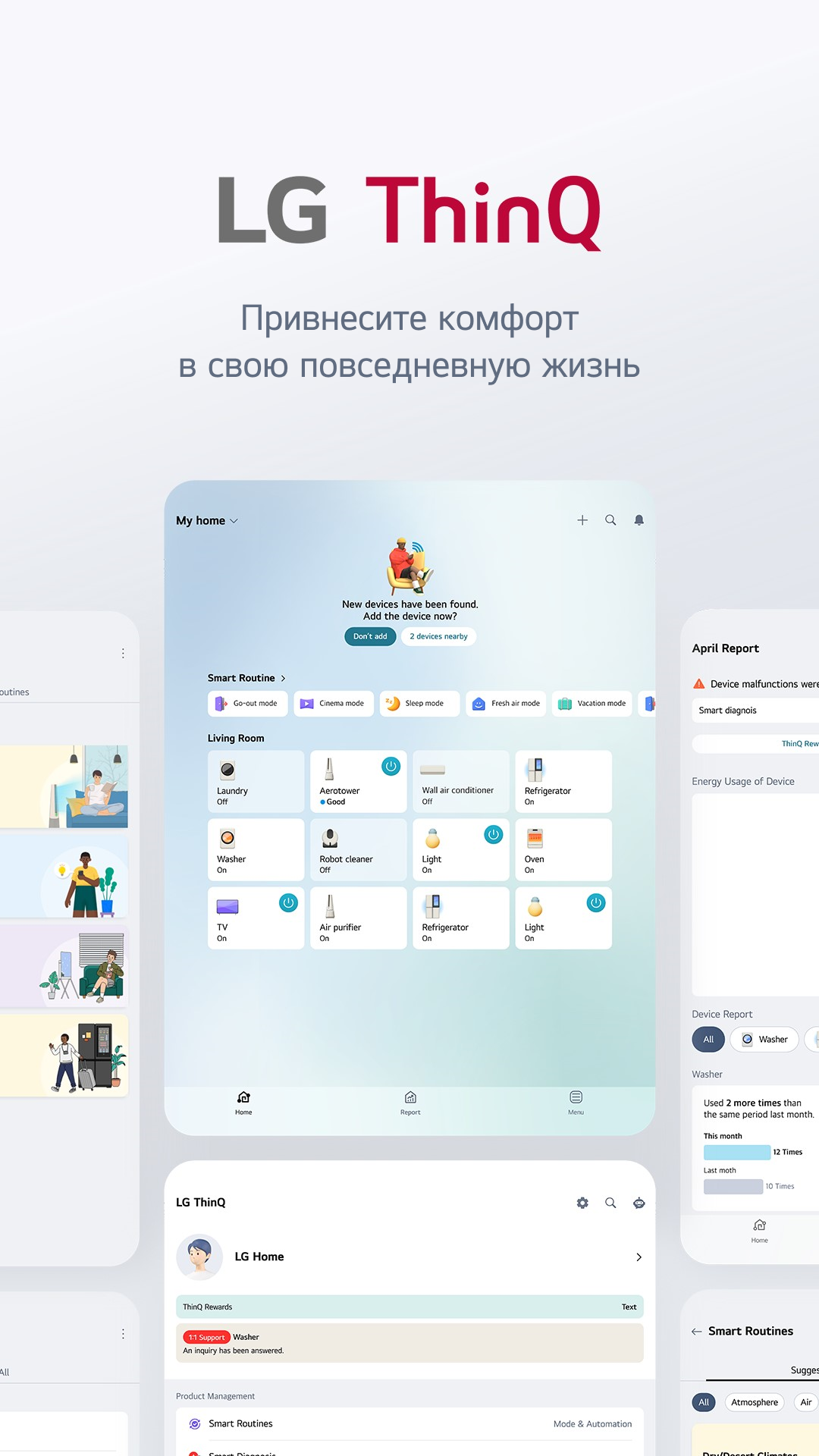
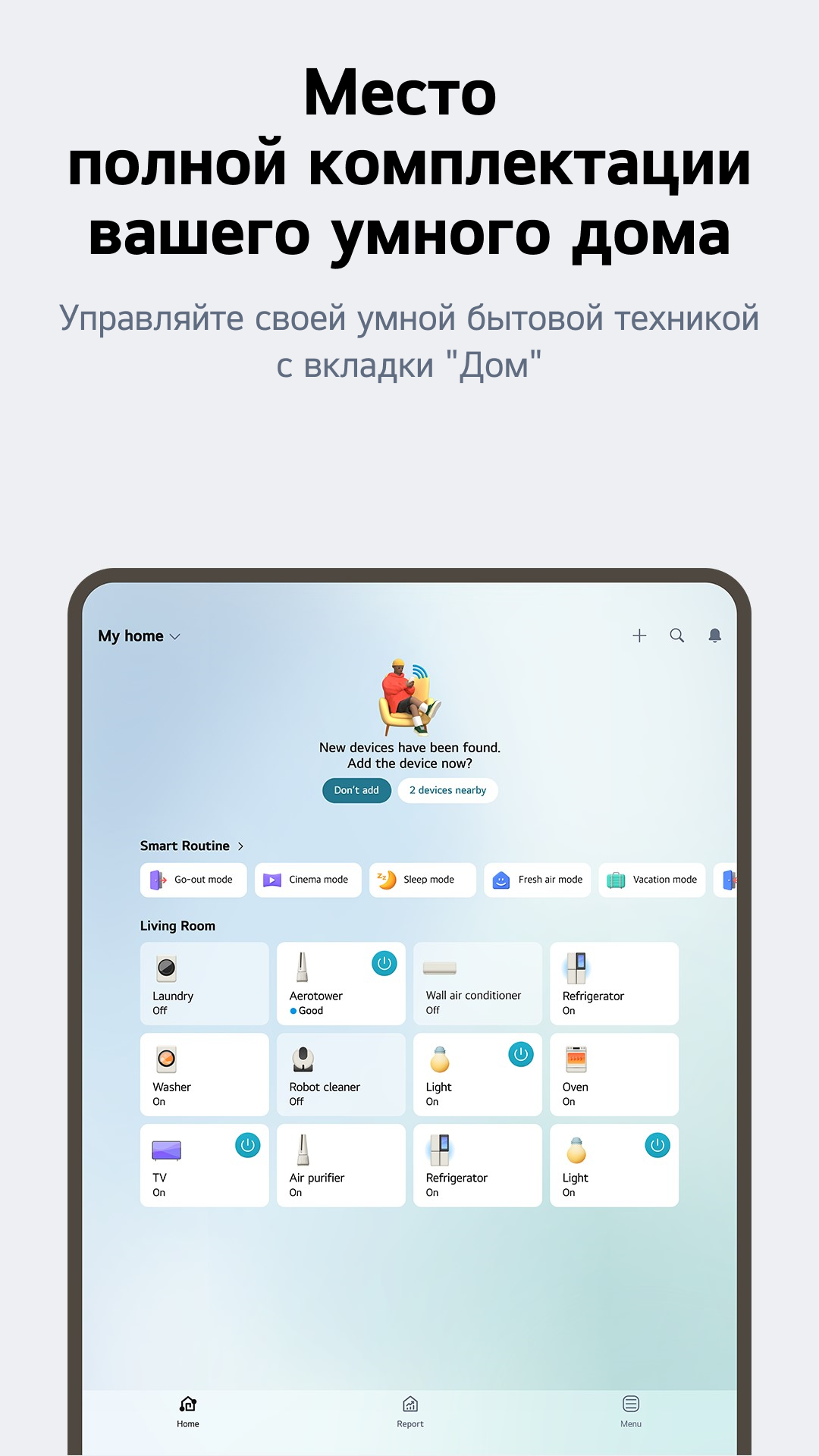
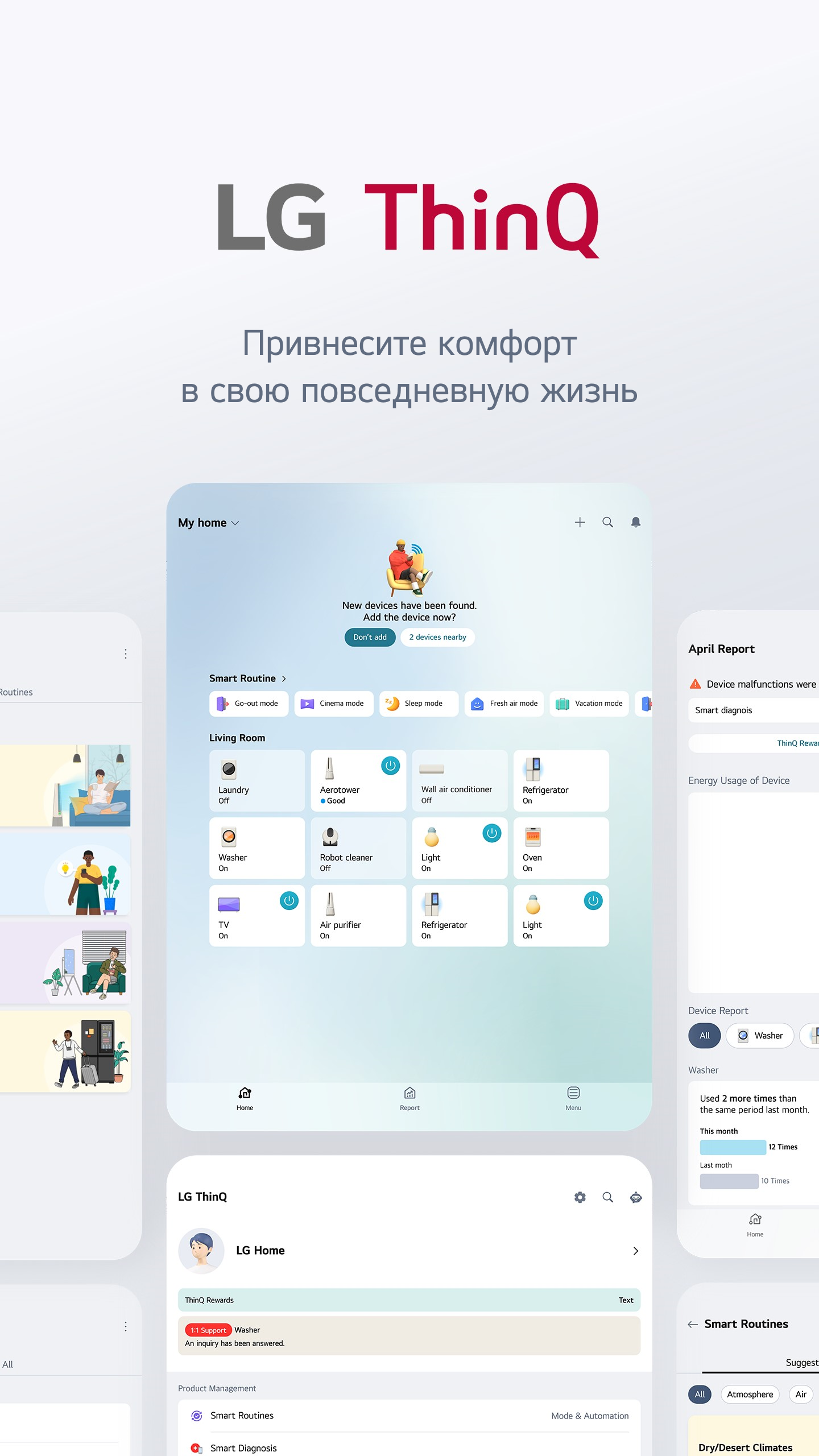
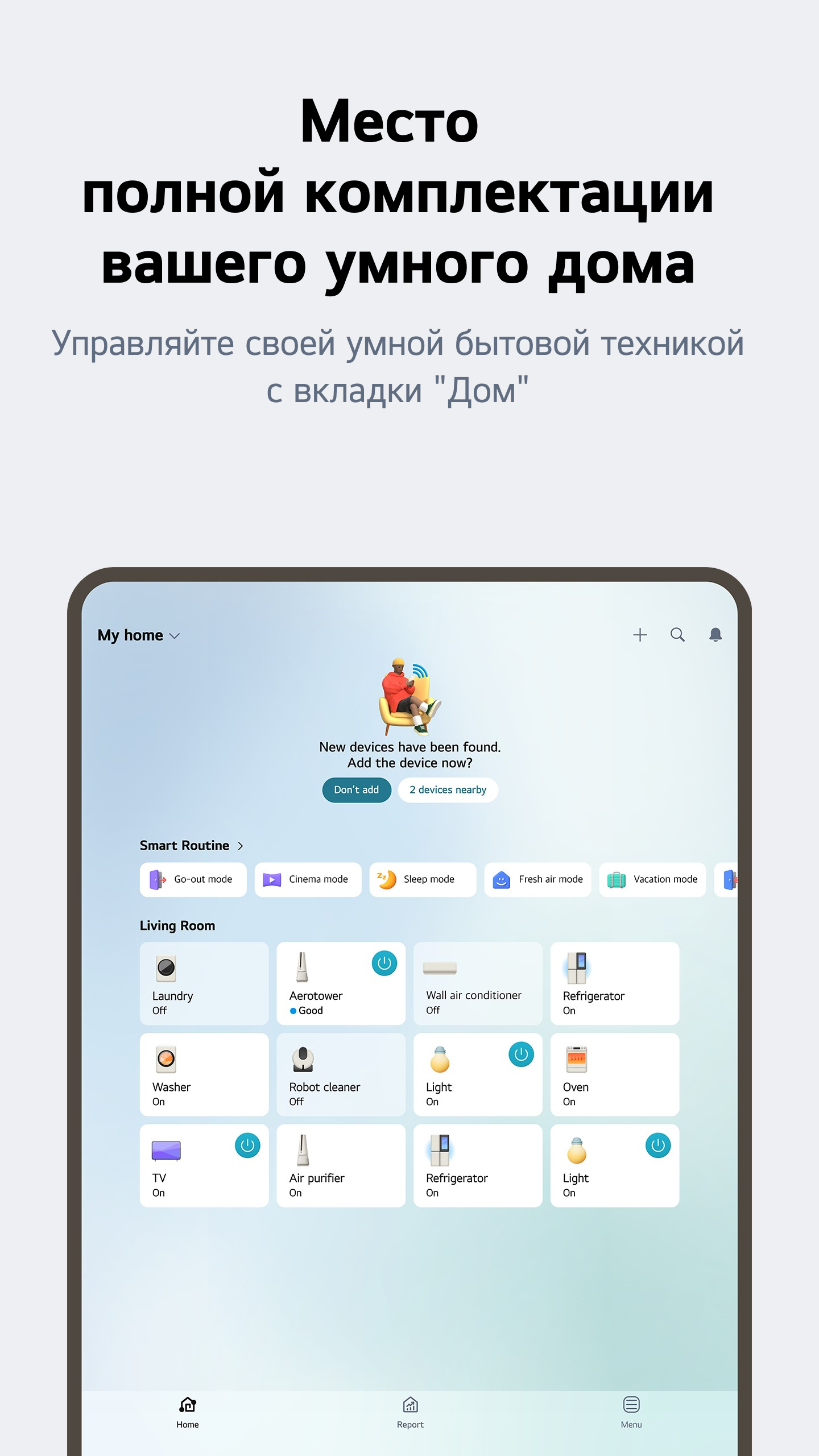
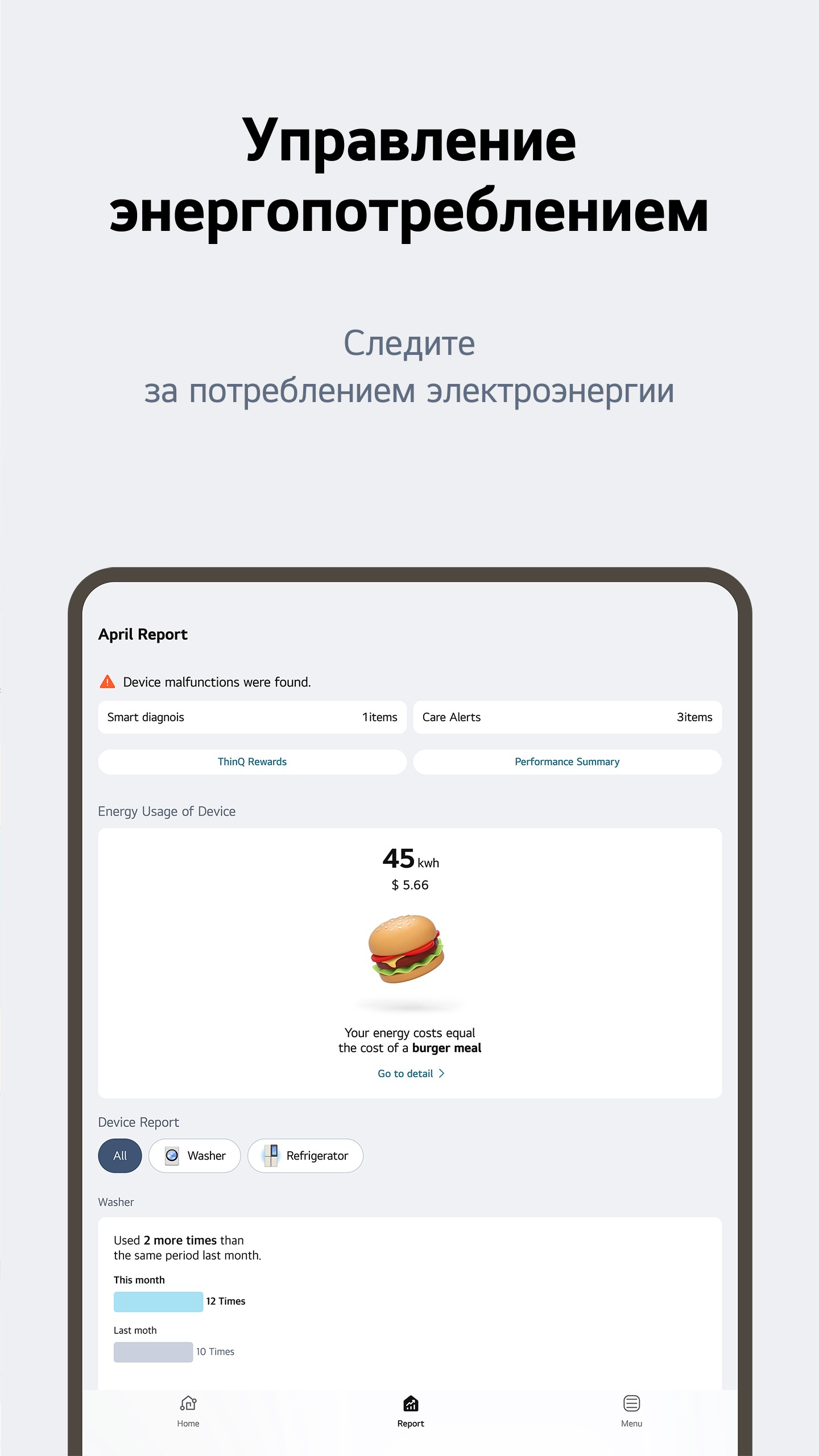
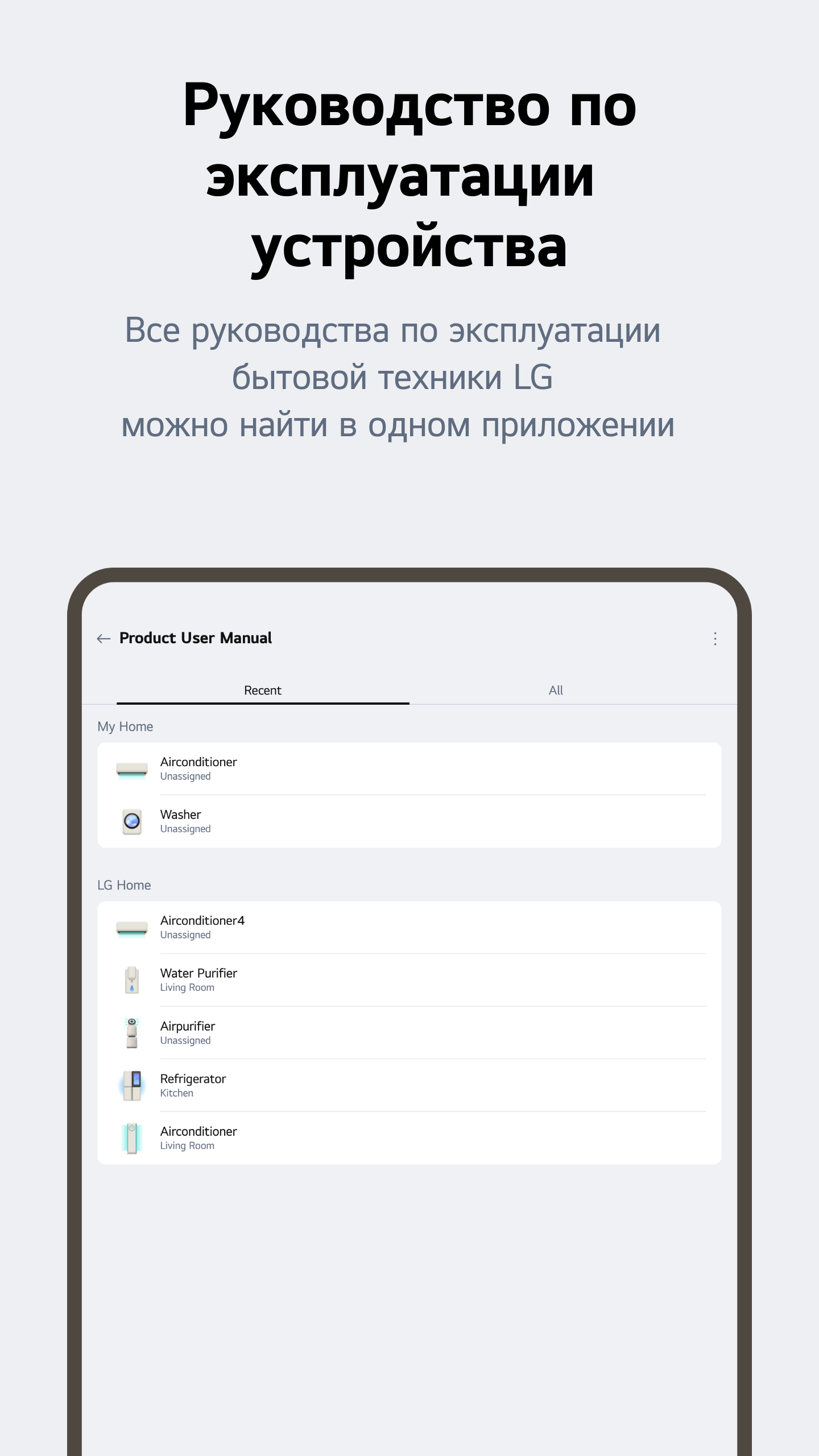
- Control all LG smart appliances in one place.
- Easy and quick adding of new devices.
- Availability of a virtual remote control for TVs.
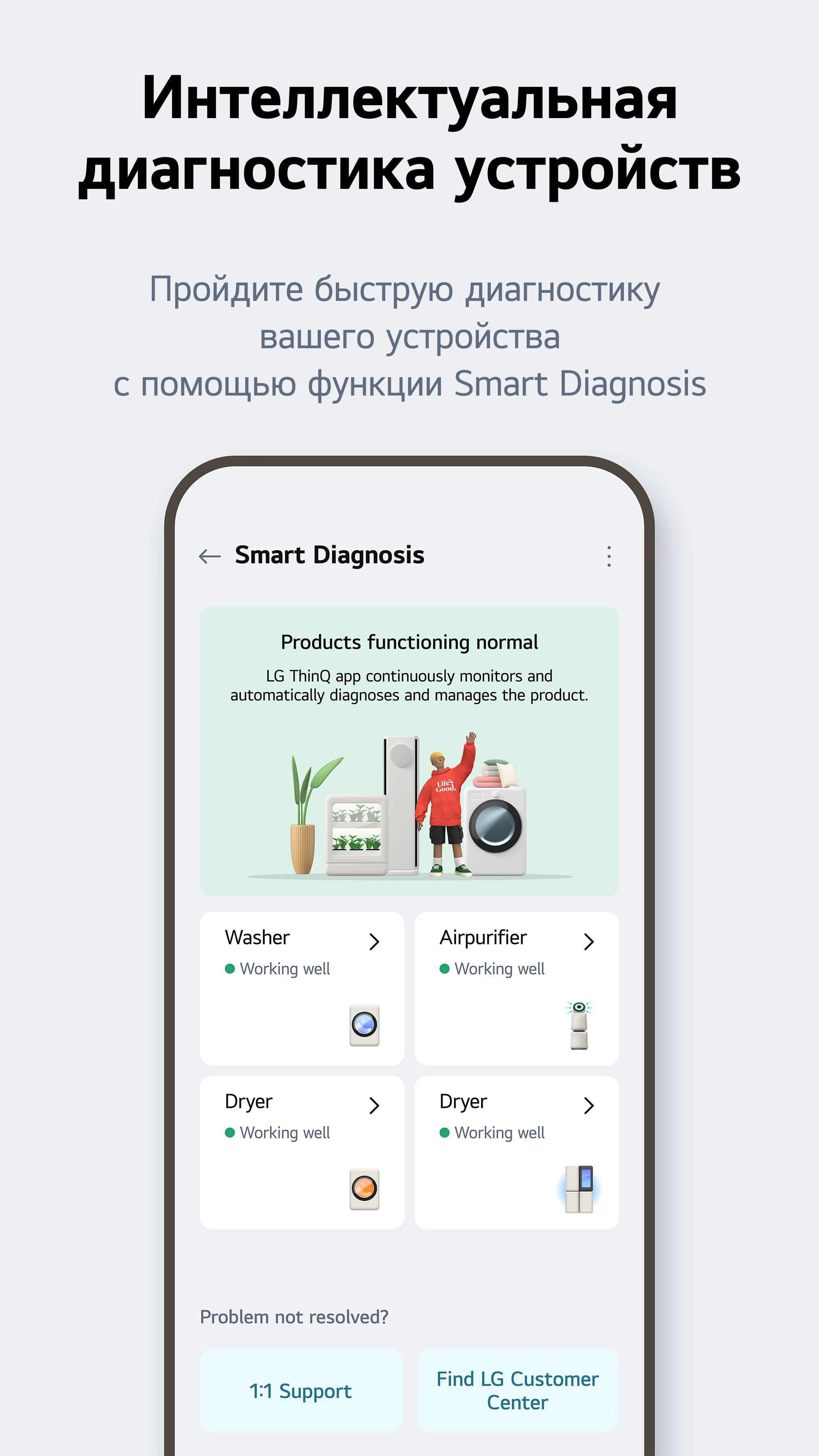
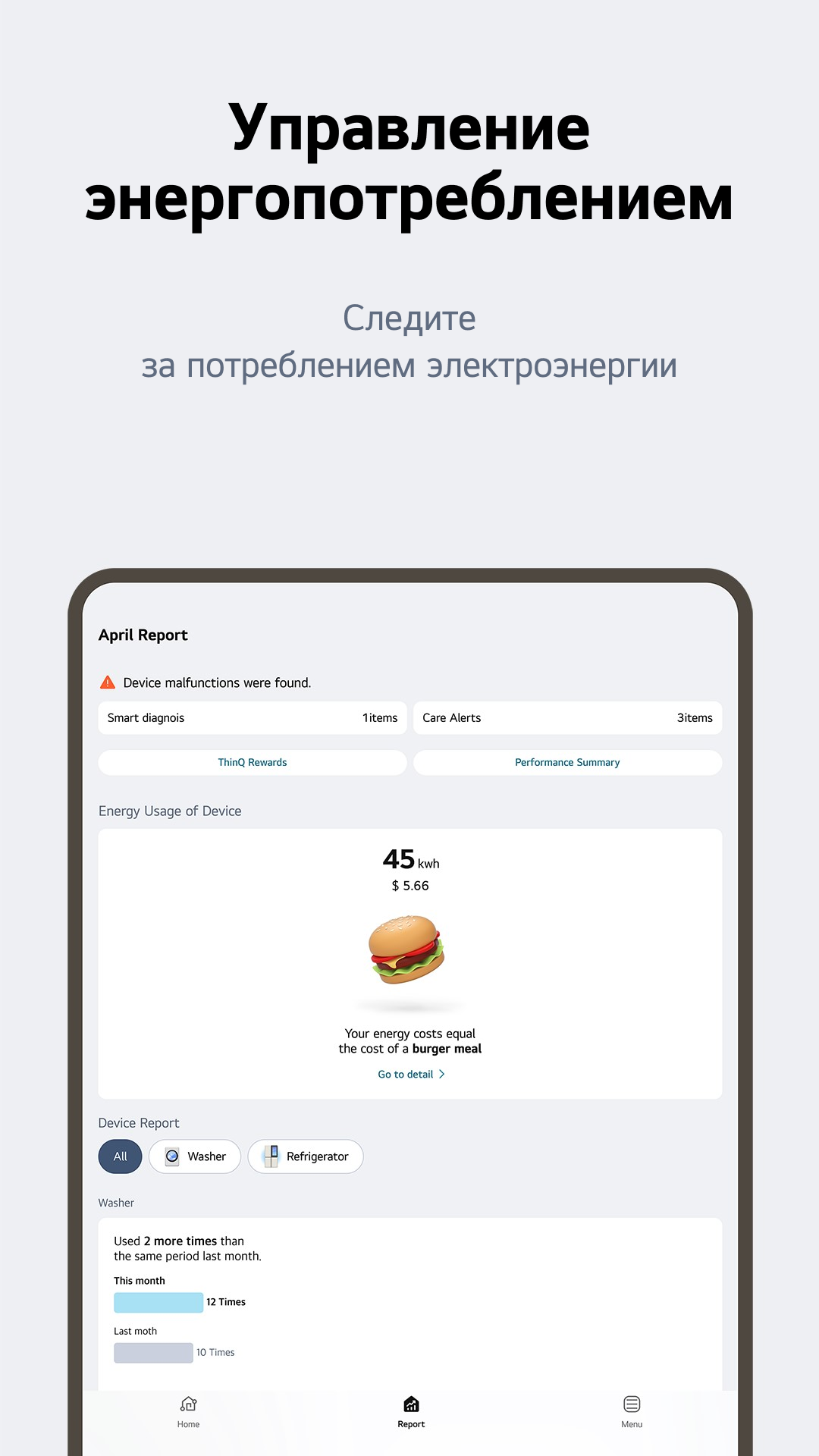
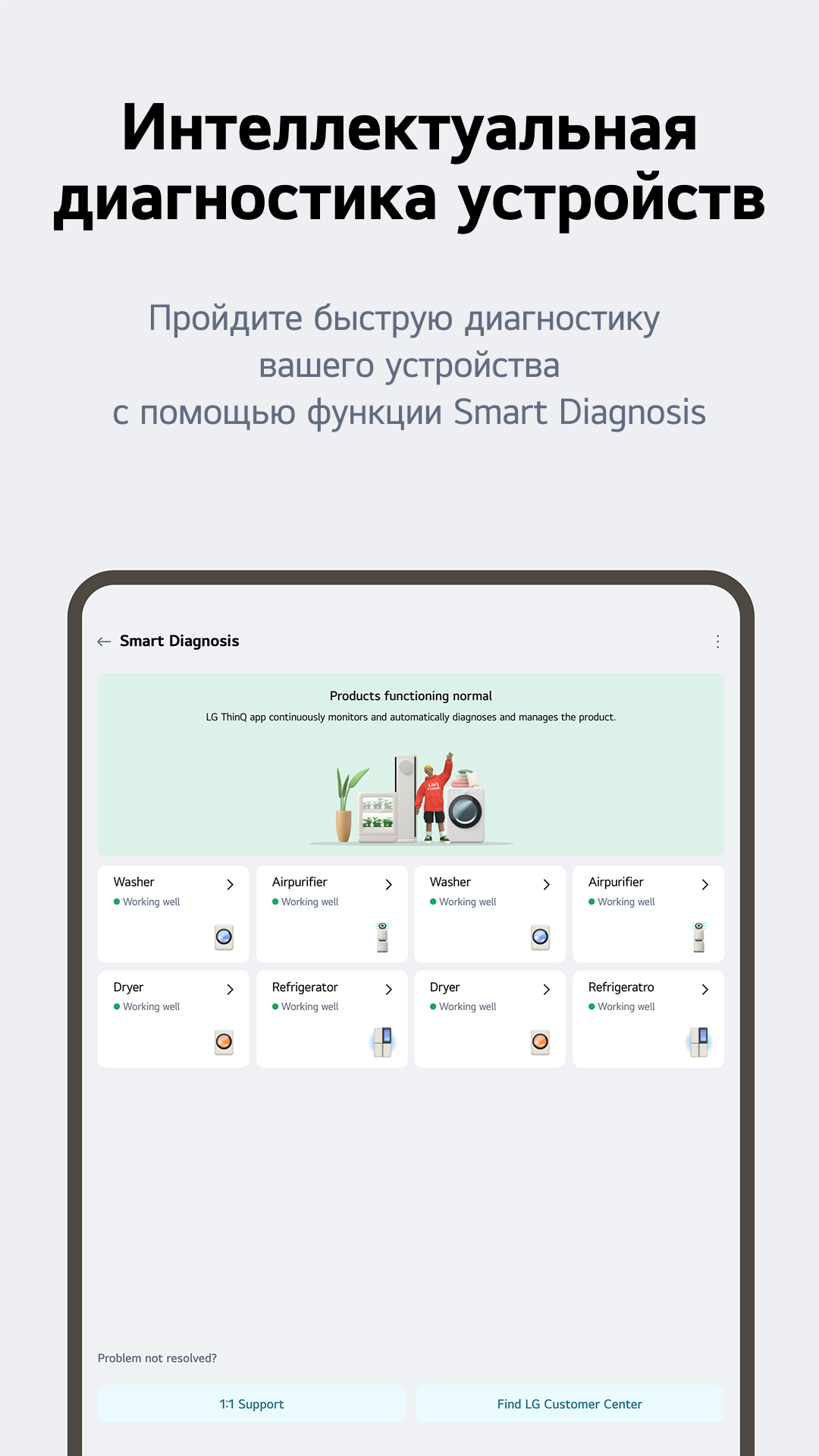
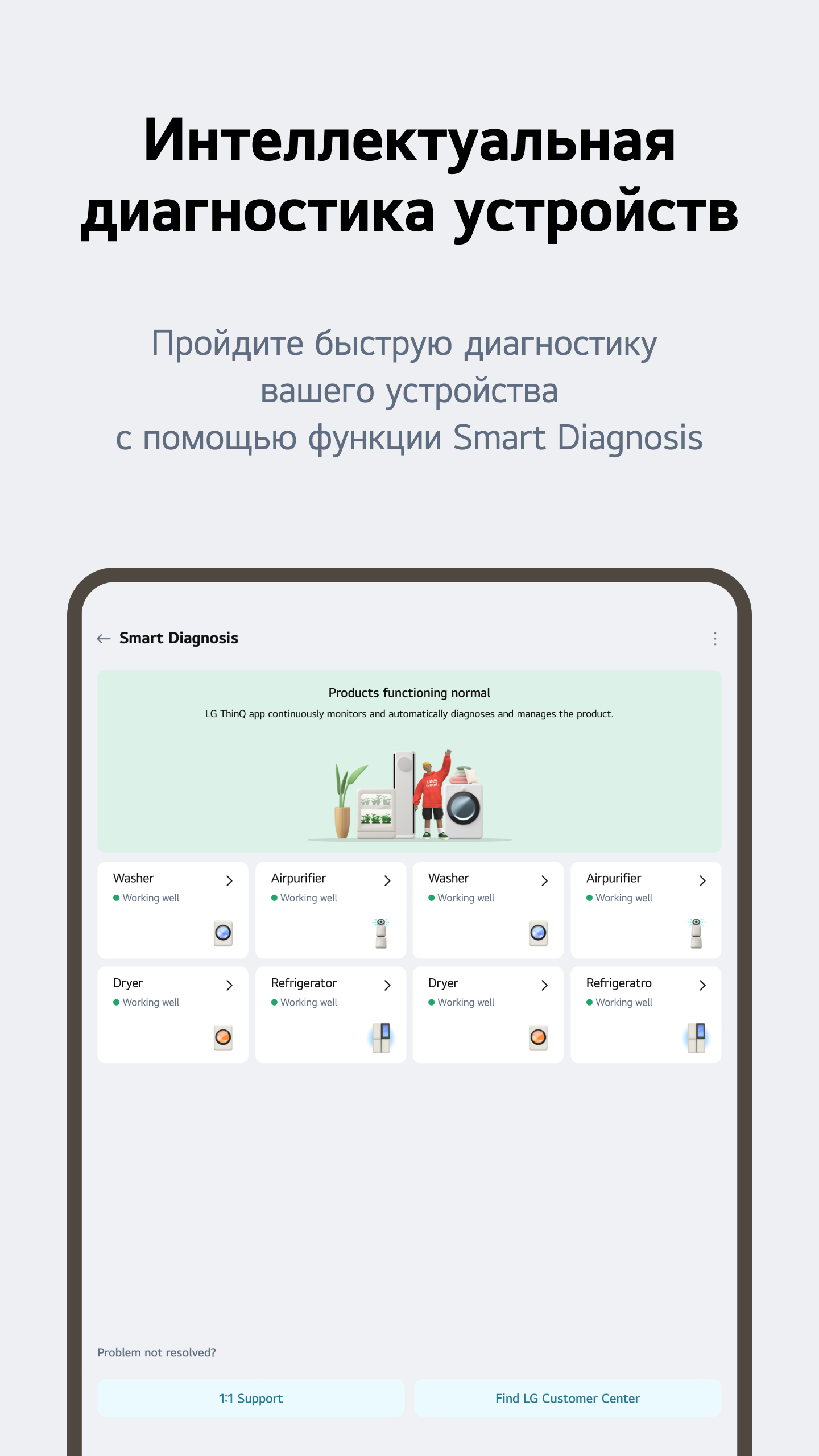
- Automatic equipment diagnostics.
- Configure rules to automatically turn devices on or off.
Description
Application LG ThinQ was checked by VirusTotal antivirus. As a result of the scan, no file infections were detected by all the latest signatures.
How to install LG ThinQ
- Download APK file apps from apkshki.com.
- Locate the downloaded file. You can find it in the system tray or in the 'Download' folder using any file manager.
- If the file downloaded in .bin extension (WebView bug on Android 11), rename it to .apk using any file manager or try downloading the file with another browser like Chrome.
- Start the installation. Click on the downloaded file to start the installation
- Allow installation from unknown sources. If you are installing for the first time LG ThinQ not from Google Play, go to your device's security settings and allow installation from unknown sources.
- Bypass Google Play protection. If Google Play protection blocks installation of the file, tap 'More Info' → 'Install anyway' → 'OK' to continue..
- Complete the installation: Follow the installer's instructions to complete the installation process.
How to update LG ThinQ
- Download the new version apps from apkshki.com.
- Locate the downloaded file and click on it to start the installation.
- Install over the old version. There is no need to uninstall the previous version.
- Avoid signature conflicts. If the previous version was not downloaded from apkshki.com, the message 'Application not installed' may appear. In this case uninstall the old version and install the new one.
- Restart annex LG ThinQ after the update.








Requesting an application update
Added Denis Rubinov
Version: 5.1.10210
Size: 202.7 MB
Updated: 24.06.2025
Developer: LG Electronics, Inc.
Age Limitations: Everyone
Authorizations:
Downloaded on Google Play: 80407186
Category: Life style












Reviews for LG ThinQ
bakwaas
Great👍
doesn't connect even after entering the code
great
thank you Lg
It's an absolutely great A/C unit. a 4-Star minimum had it not been for the following. Im a bit surprised, coming from LG. 1) After you turn off, the next use mode starts on Heater! It's obnoxious in summer when you expect a cold house and end up with a house in the 90° range. 2) It's unservicable. when it's done, it's done. 3) Auto Swing could have a bit more range. although, maybe I got a defect. However, I have 40 rentals that use the same model.
Perfect work in lg ac but stating slow
Cool application
Nice app for AC
Server not reachable for login
Love the frequent enhanced UX features! Wish to have advanced control for ACs. Also, it would be amazing to synchronize with Samsung Smart Things and Bixy
Fantastic!!
Clunky install with repeated "can't connect to server" errors. Needs too much access to data. Shouldn't need location data to add an appliance in my opinion. Uninstalled and will register my product another way.
Quá tệ cho 1 app từ 1 công ty lớn, lúc nhận thấy tv trong cùng mạng wifi lúc không, rất phập phù
super. I have everything under my grip. I can even control the settings from work. waoooo
Post a comment
To leave a comment, log in with your social network:
Or leave an anonymous comment. Your comment will be sent for moderation.
Post a comment
To leave a comment, log in with your social network:
Or leave an anonymous comment. Your comment will be sent for moderation.