



LG AV REMOTE
11+
downloads4.0+
version Android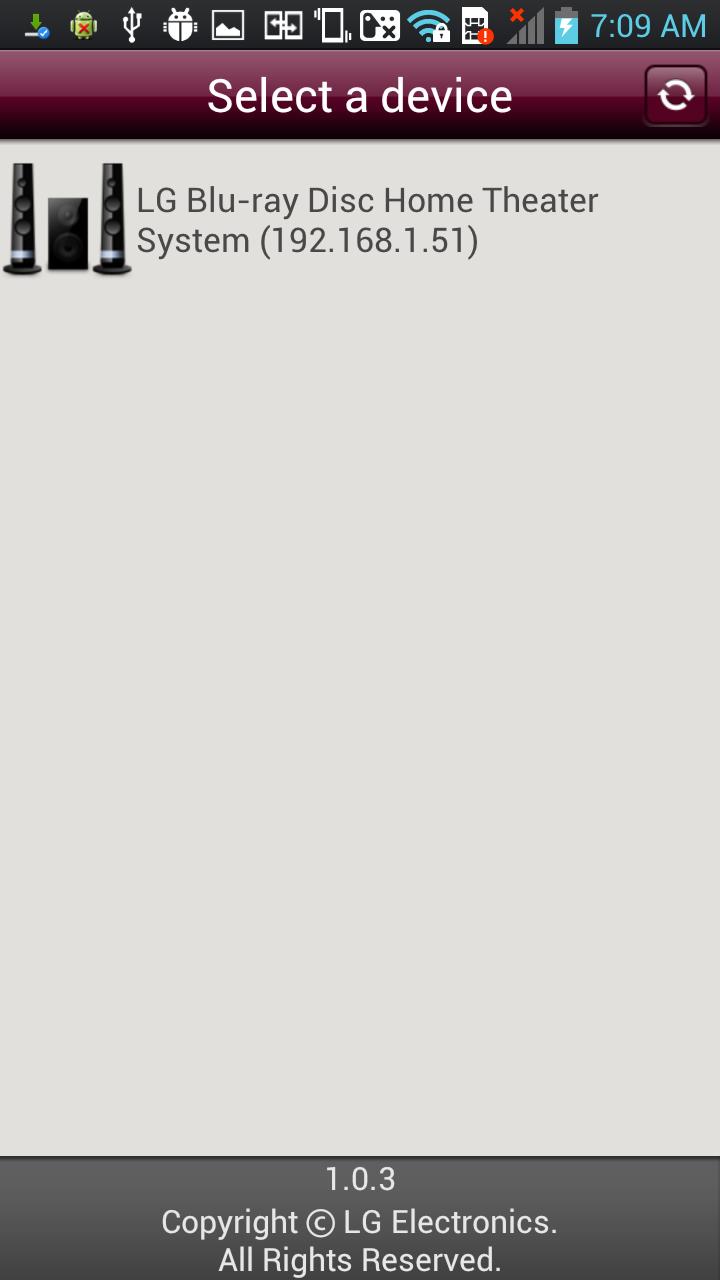
Added: Denis Rubinov
Version: 2.0.17
Size: 14.2 MB
Updated: 13.11.2023
Developer: LG Electronics, Inc.
Age Limitations: Everyone
Authorizations: 7
Downloaded on Google Play: 2793278
Category: Tools
Description
Application LG AV REMOTE was checked by VirusTotal antivirus. As a result of the scan, no file infections were detected by all the latest signatures.
How to install LG AV REMOTE
- Download APK file apps from apkshki.com.
- Locate the downloaded file. You can find it in the system tray or in the 'Download' folder using any file manager.
- If the file downloaded in .bin extension (WebView bug on Android 11), rename it to .apk using any file manager or try downloading the file with another browser like Chrome.
- Start the installation. Click on the downloaded file to start the installation
- Allow installation from unknown sources. If you are installing for the first time LG AV REMOTE not from Google Play, go to your device's security settings and allow installation from unknown sources.
- Bypass Google Play protection. If Google Play protection blocks installation of the file, tap 'More Info' → 'Install anyway' → 'OK' to continue..
- Complete the installation: Follow the installer's instructions to complete the installation process.
How to update LG AV REMOTE
- Download the new version apps from apkshki.com.
- Locate the downloaded file and click on it to start the installation.
- Install over the old version. There is no need to uninstall the previous version.
- Avoid signature conflicts. If the previous version was not downloaded from apkshki.com, the message 'Application not installed' may appear. In this case uninstall the old version and install the new one.
- Restart annex LG AV REMOTE after the update.











Requesting an application update
Added Denis Rubinov
Version: 2.0.17
Size: 14.2 MB
Updated: 13.11.2023
Developer: LG Electronics, Inc.
Age Limitations: Everyone
Authorizations:
Downloaded on Google Play: 2793278
Category: Tools











Reviews for LG AV REMOTE
Does it work with the BH6720 3D Blu-ray Home Theater?
Per the description, caps mine: "This application is a universal Wi-Fi remote control launcher that ALLOWS A USER TO CONTROL NETWORK-CONNECTABLE DEVICES RELEASED SINCE 2012. If both a smart phone and a LG device are connected to the same router, you can use your phone as a traditional remote control after a simple connection process." Well...no. This didn't find our TV. The interface looks like it is only intended for disc players, and it did not find our TV. I just want a usable remote app!
The app works great. I'm not sure what happened to my remote, but I downloaded this app, and it works great.
Lacking
Doesn't work.
Not working
Does not work one bit. Need new remote for my LG TV and the app doesn't even look like is was built after 2012. It looks like a shiny button 2008 iPod touch app, and I still can't turn the volume up on my TV with out having to go to best buy. Make a new app like everyone else, what are y'all even using your money for
Total garbage just like the LG blue ray I just bought. Nothing works. Wont open to eject the discs, wont play amazon prime app, freezes up. Completely useless garbage. Thanks LG, another fine product right down there with your usual standards.
Bought an LG BP450 with no remote. Plugged in power and network cable. The app found the player and I could play a Blu Ray and navigate the various menus within the Blu Ray disc and also all the settings on the home page of the player. Glad to save another piece of electronics from landfill.
Doesn't work, yes I know what I'm doing. Sometimes a tool isn't working, and the vendor has the decency to pull it from market. Sent from my LG V60 that can't talk to my LG OLED TV.
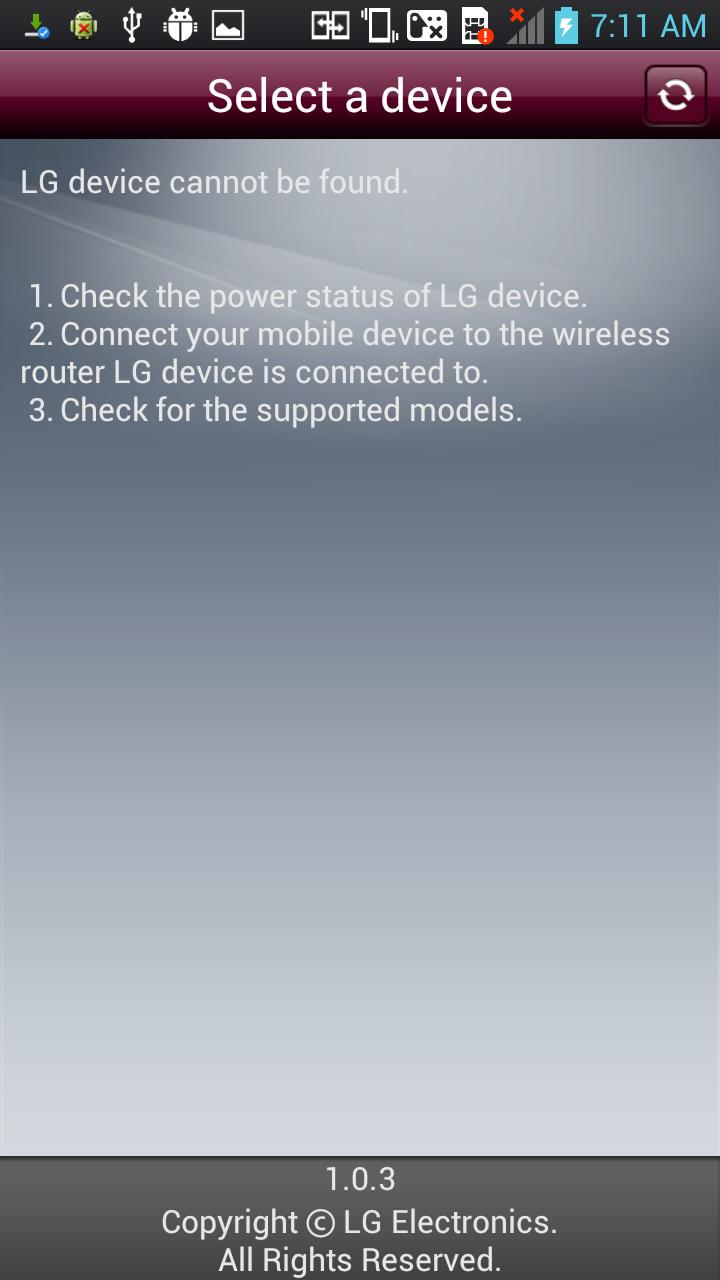
Just bought today a brand new LG BP175 Blu-ray player. Box clearly advertises it works with the app. Connected it to our wired home network (on-screen menu shows network info including Blu-ray player's assigned IP address); connected LG G6 phone to the same home network and installed the app, as the Blu-ray player on-screen instructions direct, and, surprise! The app will not find the Blu-ray player! App is worthless. No way to troubleshoot from within the app or within the Blu-ray player menu!
Post a comment
To leave a comment, log in with your social network:
Or leave an anonymous comment. Your comment will be sent for moderation.
Post a comment
To leave a comment, log in with your social network:
Or leave an anonymous comment. Your comment will be sent for moderation.