



Home Connect
3+
downloads6.0
version Android
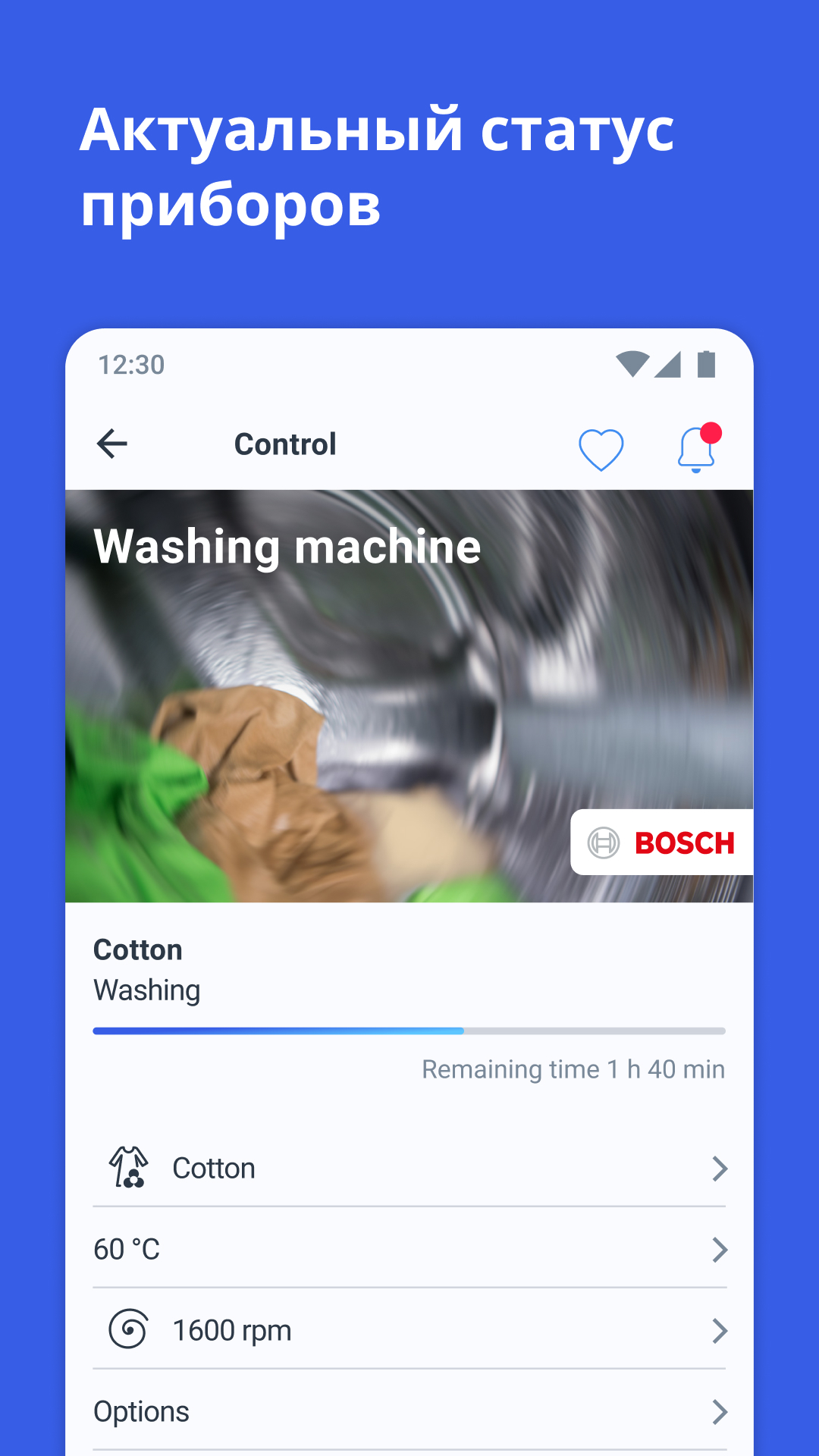
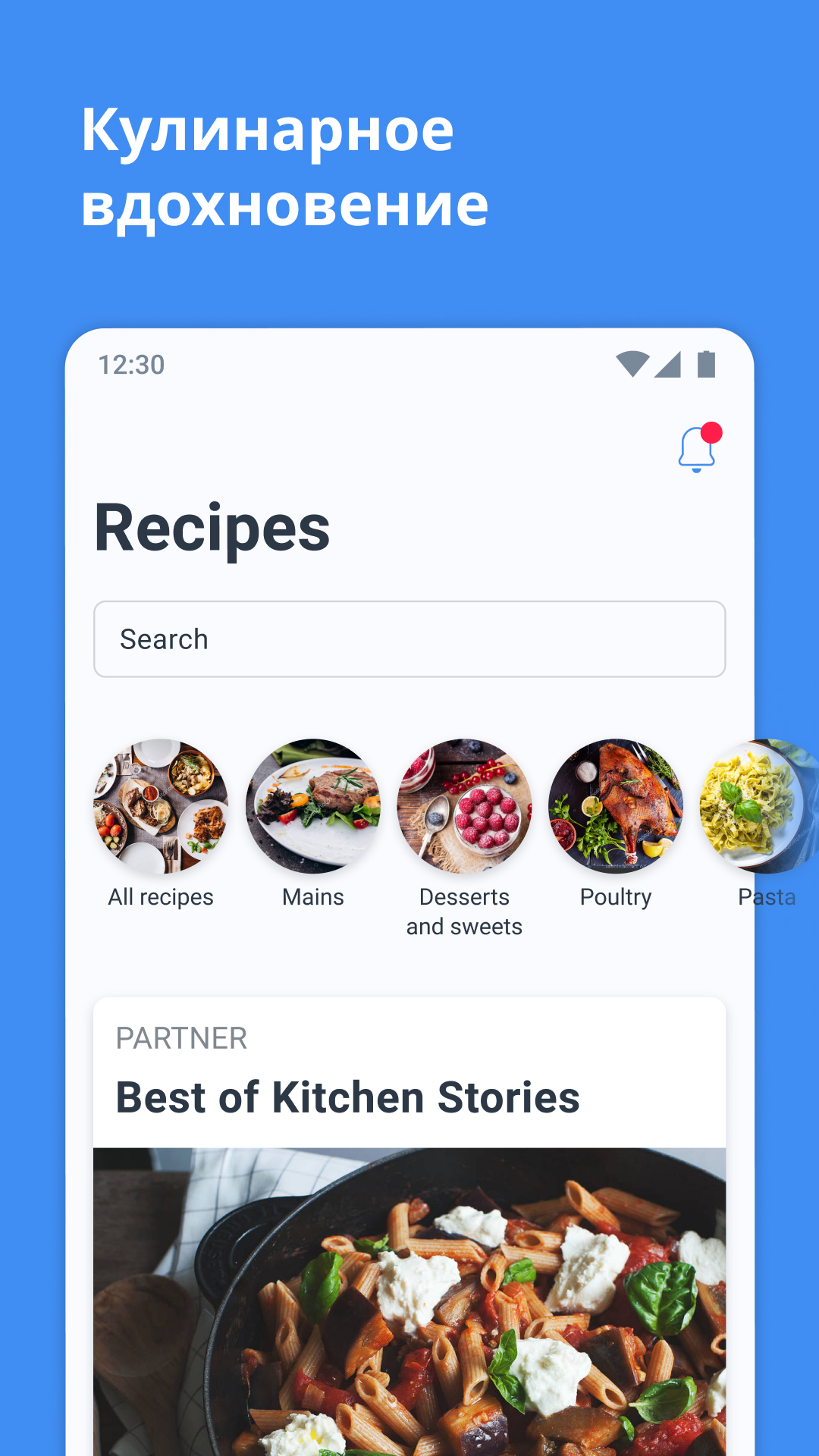
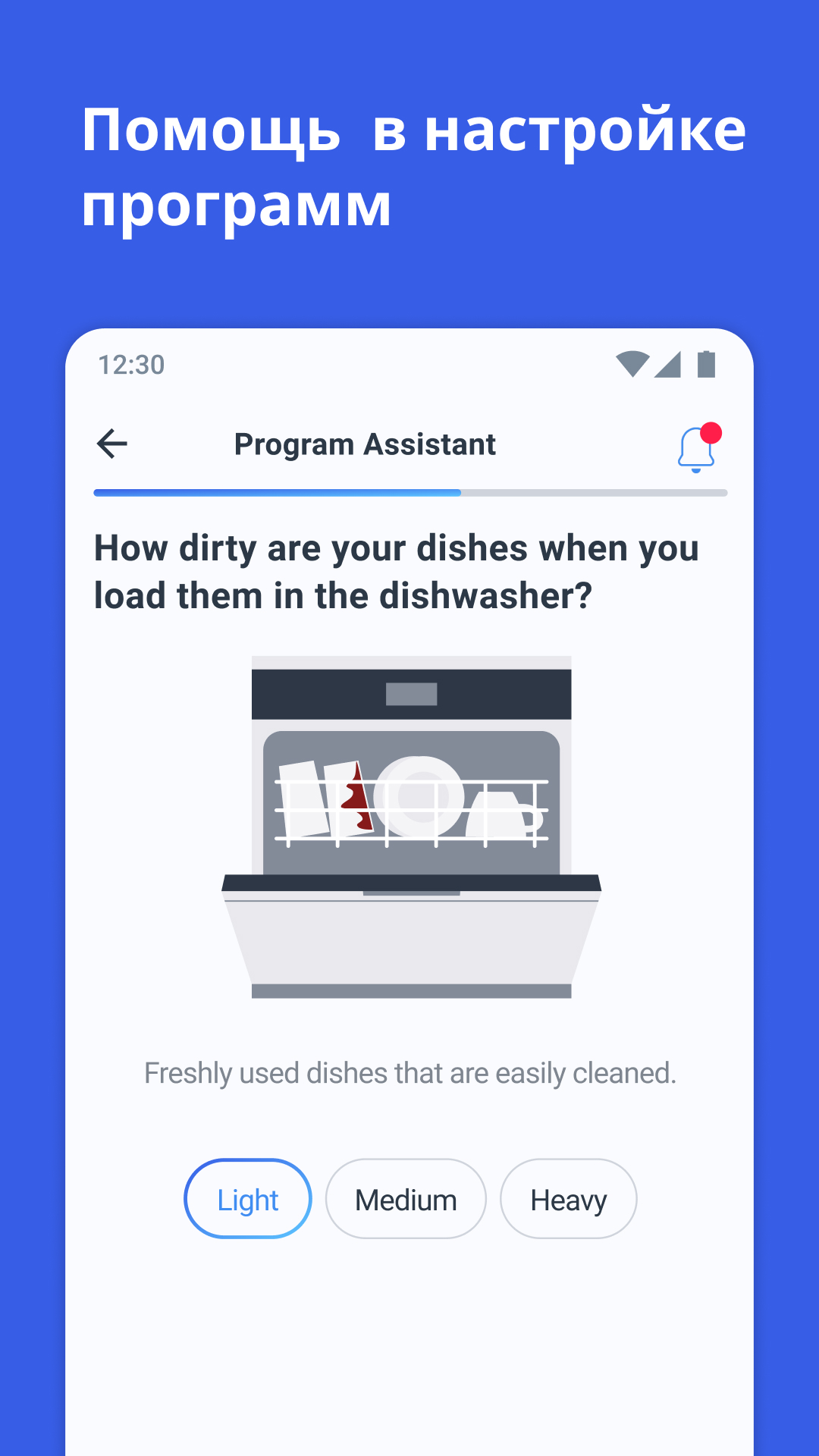
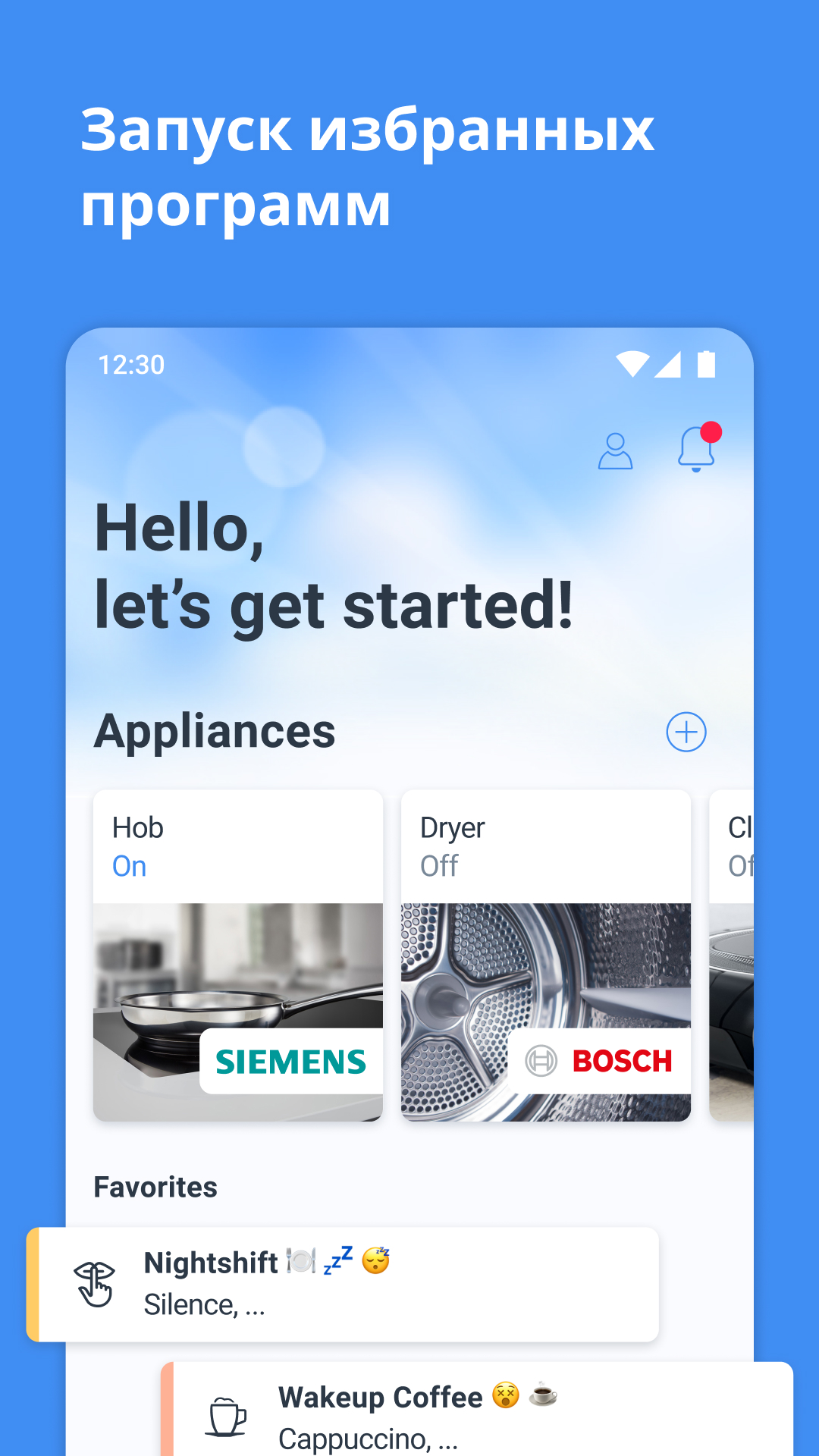
Added: Denis Rubinov
Version: 11.6.0
Size: 148.7 MB
Updated: 24.06.2025
Developer: Home Connect GmbH
Authorizations: 15
Downloaded on Google Play: 2969239
Category: Life style
Description
Application Home Connect was checked by VirusTotal antivirus. As a result of the scan, no file infections were detected by all the latest signatures.
How to install Home Connect
- Download APK file apps from apkshki.com.
- Locate the downloaded file. You can find it in the system tray or in the 'Download' folder using any file manager.
- If the file downloaded in .bin extension (WebView bug on Android 11), rename it to .apk using any file manager or try downloading the file with another browser like Chrome.
- Start the installation. Click on the downloaded file to start the installation
- Allow installation from unknown sources. If you are installing for the first time Home Connect not from Google Play, go to your device's security settings and allow installation from unknown sources.
- Bypass Google Play protection. If Google Play protection blocks installation of the file, tap 'More Info' → 'Install anyway' → 'OK' to continue..
- Complete the installation: Follow the installer's instructions to complete the installation process.
How to update Home Connect
- Download the new version apps from apkshki.com.
- Locate the downloaded file and click on it to start the installation.
- Install over the old version. There is no need to uninstall the previous version.
- Avoid signature conflicts. If the previous version was not downloaded from apkshki.com, the message 'Application not installed' may appear. In this case uninstall the old version and install the new one.
- Restart annex Home Connect after the update.








Requesting an application update
Added Denis Rubinov
Version: 11.6.0
Size: 148.7 MB
Updated: 24.06.2025
Developer: Home Connect GmbH
Authorizations:
Downloaded on Google Play: 2969239
Category: Life style












Reviews for Home Connect
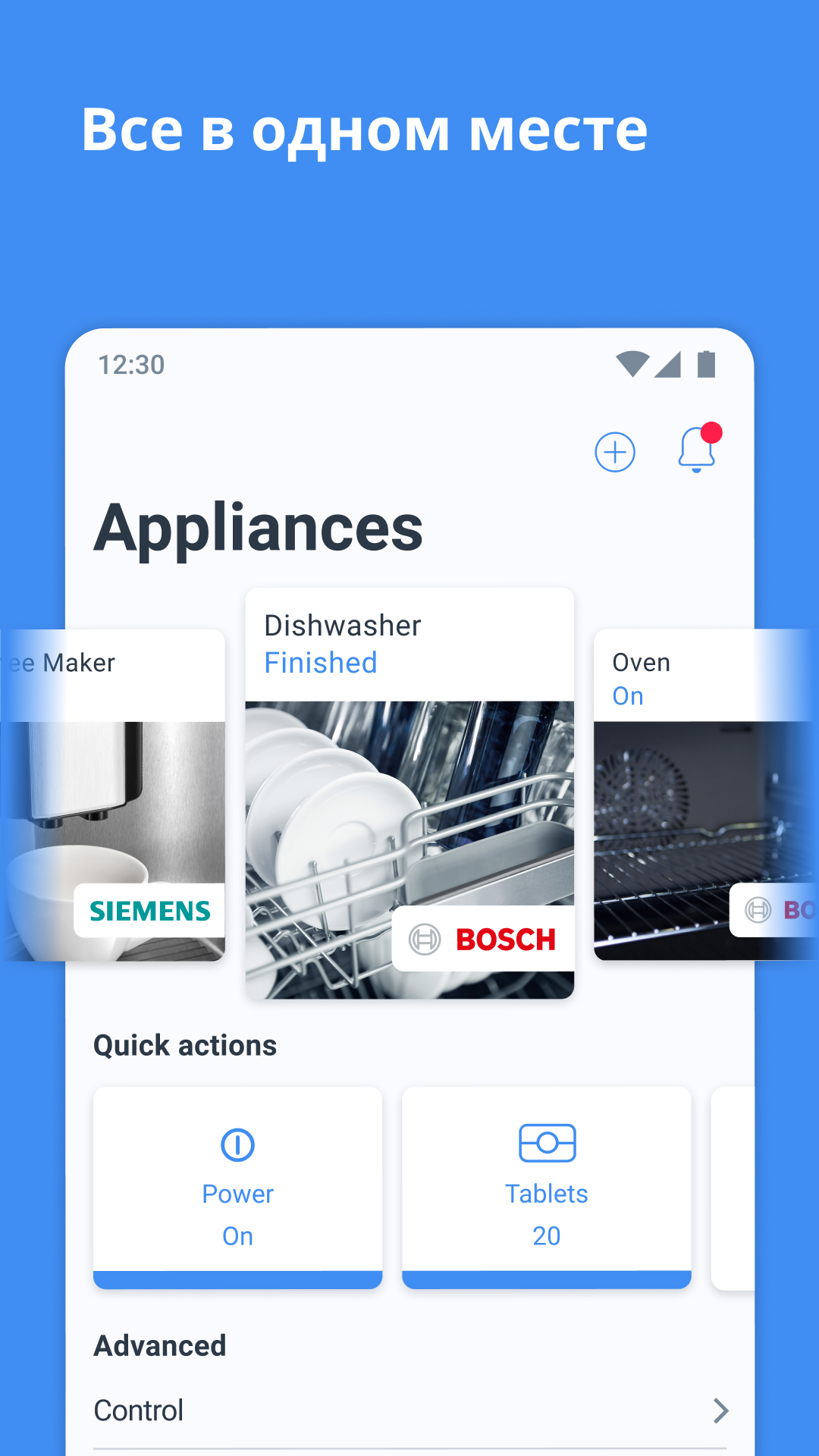
tab counter in the real last version of the home connect Android application has disappeared. But I still see it in the advertisement pictures, very strange.
Good app, and I was every excited with the tab counter feature. It seems it was removed recently though. Please put it back
Using it for 2 months! Great connectivity and interesting app! Keep up the good work
would give it a 5 star, but as they removed the tablet counter which notified me that I need to buy more tables and I didn't need to worry, The one of the useful features they removed it, sad.
My wife bought á Bluetooth thermometer from Siemens. In the history of terrible appliances, this musts be the winner. There is no way to operate it without this terrible app which for some reason is stuck on Fahrenheit and two frantic menu diving sessions have not yet resolved it. This kit will soon become electronic waste. Even Jucero, an epic failure sounds better than this junk.
Great app
great app, I'm using it for my dishwasher but why tablet counter disappeared from quick action tab?
Great app, but it should be allowed to change units. Gallons to Liters ;) You can if system language is English United Kingdom, from English United States
works ok, but can disconnect from the app
Very, very bad application. Disconnecting after every washing cycle. Useless app 👎
Didn't receive notifications when tabs were running low. And it's suddenly forcing 'singlekey' signups with no way to delay it.
Unable to keep stable connection with dishwasher - useless
On S21, the latest Android after the last update, application connect and disconnect continue despite the fact that the connectivity has been recreated.
After last update cant connect the dishwasher machine anymore
Doesn't work with Siemens oven MB578G5.6B. OK pairing process though it took a while. But once connected, it doesn't actually work. Reporting the state of the oven - doesn't update unless I edit the app or display page and go back in. But all UI is disabled/greyed out - I can't even select which oven to view. All control settings are disabled (have tried both manual and permanent options on the oven), so it is completely non-functional - I can't control or even view the status reliably.
Post a comment
To leave a comment, log in with your social network:
Or leave an anonymous comment. Your comment will be sent for moderation.
Post a comment
To leave a comment, log in with your social network:
Or leave an anonymous comment. Your comment will be sent for moderation.