


Health Sync
13+
downloads4.4+
version Android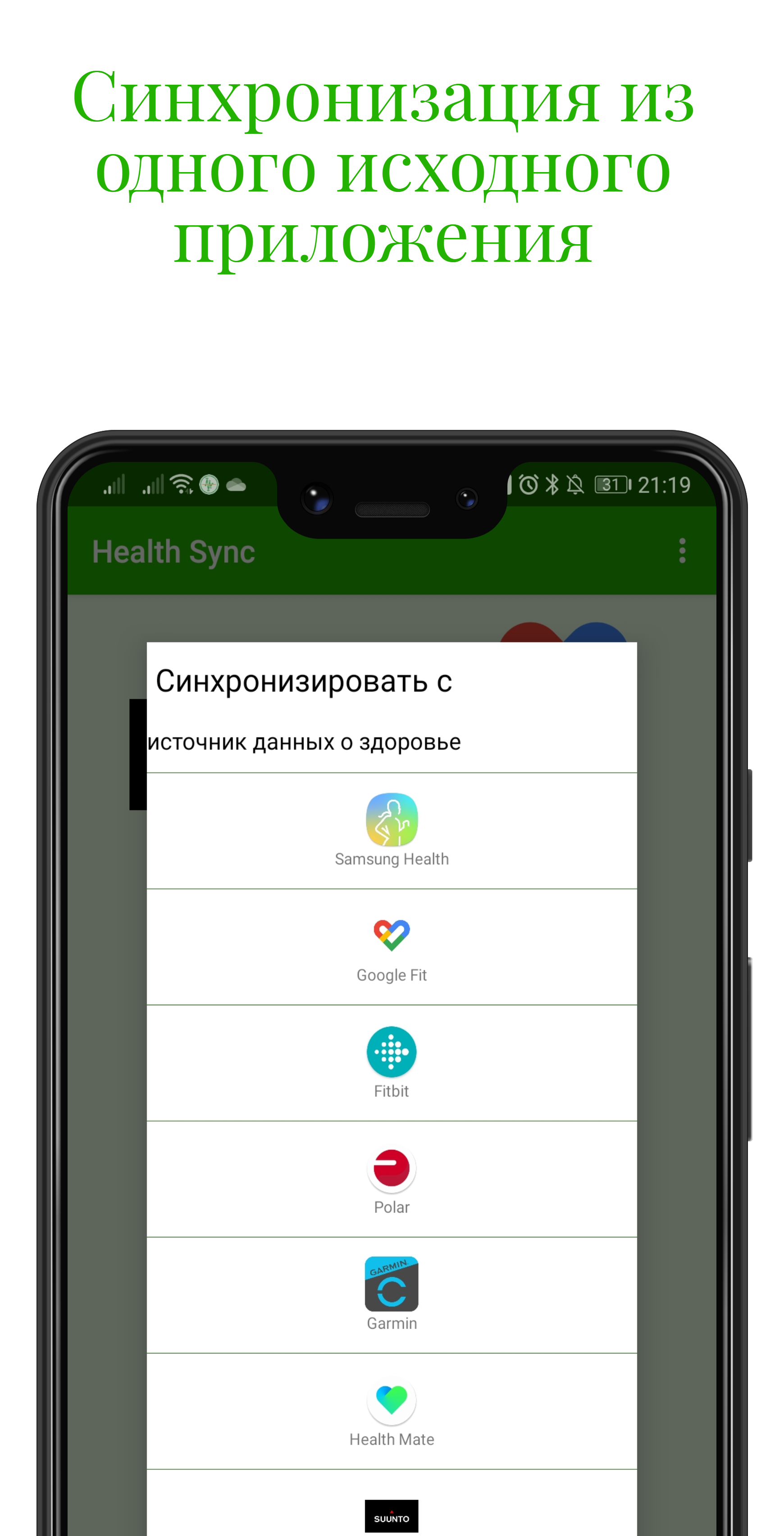
Added: Denis Rubinov
Version: 7.8.3.2
Size: 30.1 MB
Updated: 24.06.2025
Developer: appyhapps.nl
Age Limitations: Everyone
Downloaded on Google Play: 2426418
Category: Health & Fitness
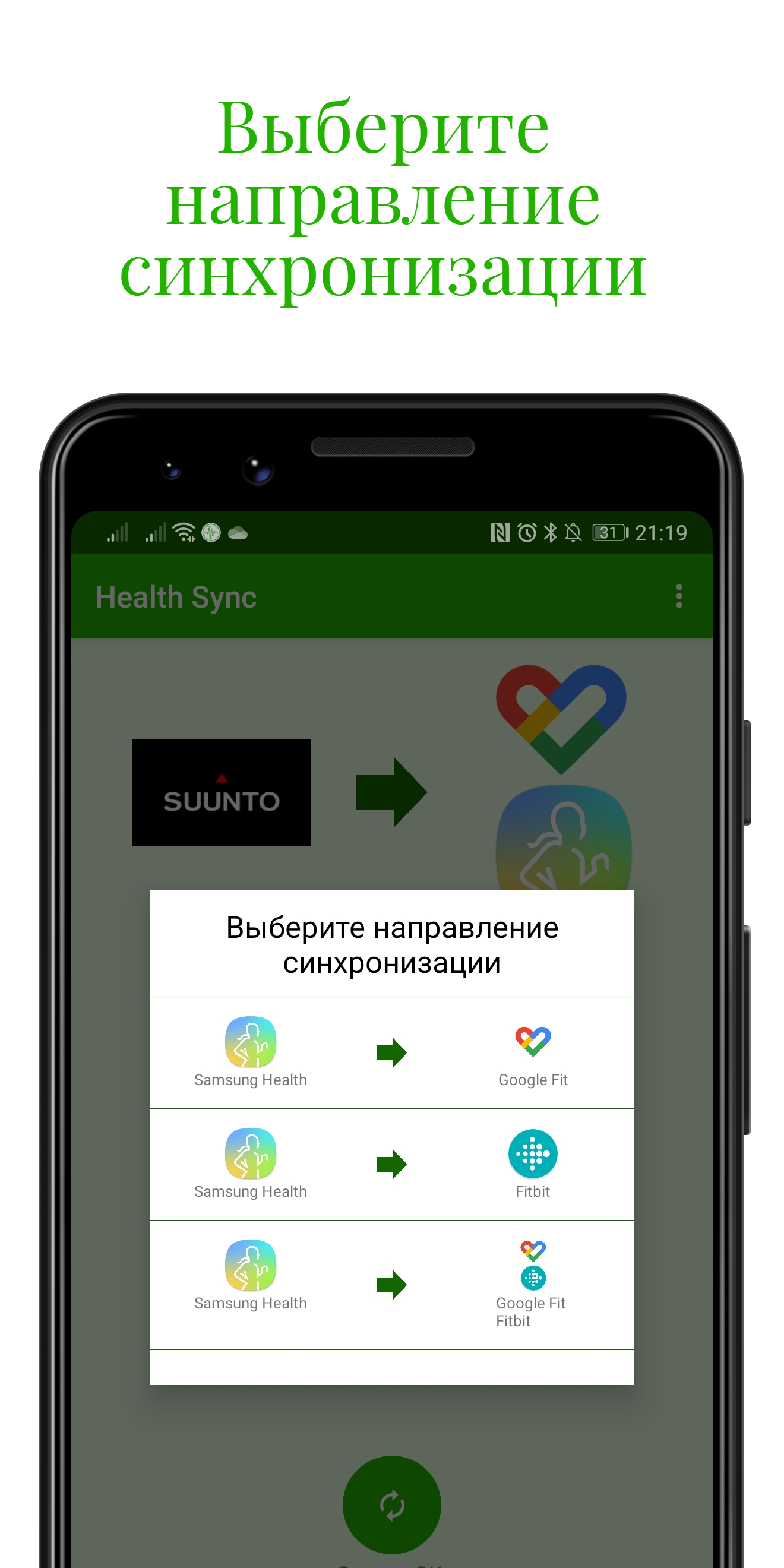
- Synchronization of data with a number of third-party services.
- Runs in the background.
- Interface in Russian.
- One week free trial.
Description
Application Health Sync was checked by VirusTotal antivirus. As a result of the scan, no file infections were detected by all the latest signatures.
How to install Health Sync
- Download APK file apps from apkshki.com.
- Locate the downloaded file. You can find it in the system tray or in the 'Download' folder using any file manager.
- If the file downloaded in .bin extension (WebView bug on Android 11), rename it to .apk using any file manager or try downloading the file with another browser like Chrome.
- Start the installation. Click on the downloaded file to start the installation
- Allow installation from unknown sources. If you are installing for the first time Health Sync not from Google Play, go to your device's security settings and allow installation from unknown sources.
- Bypass Google Play protection. If Google Play protection blocks installation of the file, tap 'More Info' → 'Install anyway' → 'OK' to continue..
- Complete the installation: Follow the installer's instructions to complete the installation process.
How to update Health Sync
- Download the new version apps from apkshki.com.
- Locate the downloaded file and click on it to start the installation.
- Install over the old version. There is no need to uninstall the previous version.
- Avoid signature conflicts. If the previous version was not downloaded from apkshki.com, the message 'Application not installed' may appear. In this case uninstall the old version and install the new one.
- Restart annex Health Sync after the update.







Requesting an application update
Added Denis Rubinov
Version: 7.8.3.2
Size: 30.1 MB
Updated: 24.06.2025
Developer: appyhapps.nl
Age Limitations: Everyone
Downloaded on Google Play: 2426418
Category: Health & Fitness












Reviews for Health Sync
works really well!!
It takes a while until the sync is done but I want to mention the support team of this app, especially Hielko who was very proactive and tried everything to help me with my issue. Thank you a lot. You deserve five stars
I really love the clear instructions with this app and how they walk you through everything step by step. (It's so revolutionary ^^. I wish this was the norm with other apps!) This app has allowed me to sync my data with an app called Bearable, which has been so incredibly helpful to keep all my data in one place. Thank you health sync for making this possible!
very good and helpful
Not working with Huawei Health
I have since moved to honor and now there is a honor health app, will you guys be working to get honor health to sync to strava?
It just works!
Great Sync App!
when will you support syncing from Zepp to Huawei health ?
Works! what now f do you need to know?
Update: their response has nothing to do with my review. I'm not complaining about historical data transfer, new data won't transfer either. In other words, the app doesn't do anything. Doesn't transfer data between Samsung health and Google fit like it claims it does. And it's only a week long trial, after a few days it starts warning you that you have to pay. For an app that doesn't work anyway.
I use this app to sync my Garmin data to Google Fit. It worked great on my Samsung Galaxy S8, but since upgrading to the S10, I've had difficulty getting the app to recognize that Garmin Connect is syncing, which means that Health Sync is not capturing the data to push to Google Fit. I have tried disabling all of the battery saving "features" that Samsung utilizes, but still can't seem to get the app to sync the data with any regularity. Just for reference, on my S8, it would sync multiple times throughout the day and everytime I hit the manual sync button in Garmin Connect, but on the S10 it seems the best I can do is about one sync per day, and even that is hit or miss. There is no option to force a manual sync in the Health Sync app if you're using Garmin as the source data, so the fact that it doesn't detect when Garmin is syncing makes the app ineffective. EDIT: Apparently the issue was related to the SmartSwitch when I transferred the apps from my S8 to S10. I was able to resolve the issue by completely uninstalling both apps and starting over from scratch. It's now working as expected. Just FYI - in this case, it had nothing to do with the battery saving settings. Back to 5 stars!
I have a Pixel phone and prefer the Google Fit app, but my smartwatch is a Samsung Galaxy. This app works perfectly to sync the data from my watch to Google Fit. I did the 7 day free trial and then bought the app about a month ago, and haven't had any issues. The instructions and interface for setting everything up are very clear and easy to understand.
This app has helped me so much. I struggle sometimes because I like how Google fit syncs your ecosystem but surprisingly mainstream activity trackers don't always sync with it and google fit lacks at showing some vital information (especially in sleep). This app works so smooth and seemlessly. Many thanks to the developer. It's a no-brainer for anyone trying to consolidate their health all in one place with the freedom of device choice.
This app doesn't sync properly. It's missing about 10-20% of my steps when syncing from Samsung Health on my S10+ to Google Fit. It's also changing the workout types. For example, a morning walk was turned into front raises by this app, and now I can't fix it. Great idea for an app, but it just doesn't work with Samsung Health. A friend also tried syncing with his Galaxy S6 to his own Google fit account and ran into the exact same problem.
Post a comment
To leave a comment, log in with your social network:
Or leave an anonymous comment. Your comment will be sent for moderation.
Post a comment
To leave a comment, log in with your social network:
Or leave an anonymous comment. Your comment will be sent for moderation.