


Smart Transfer: File Sharing
37+
downloads4.1+
version Android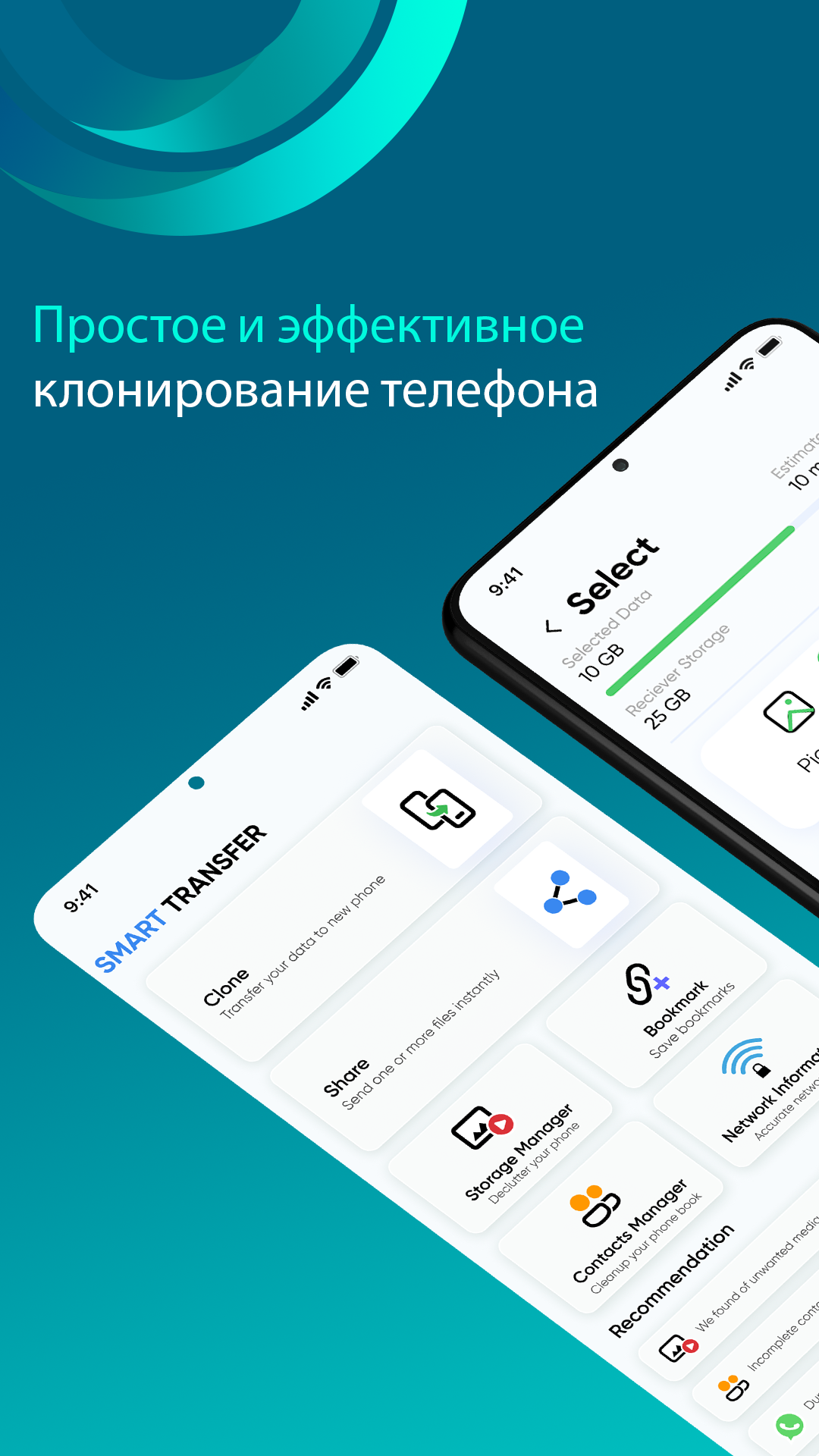
Added: Denis Rubinov
Version: 3.7.0
Size: 33.4 MB
Updated: 19.05.2025
Developer: Aomata LLC.
Age Limitations: Everyone
Downloaded on Google Play: 9479816
Category: Tools
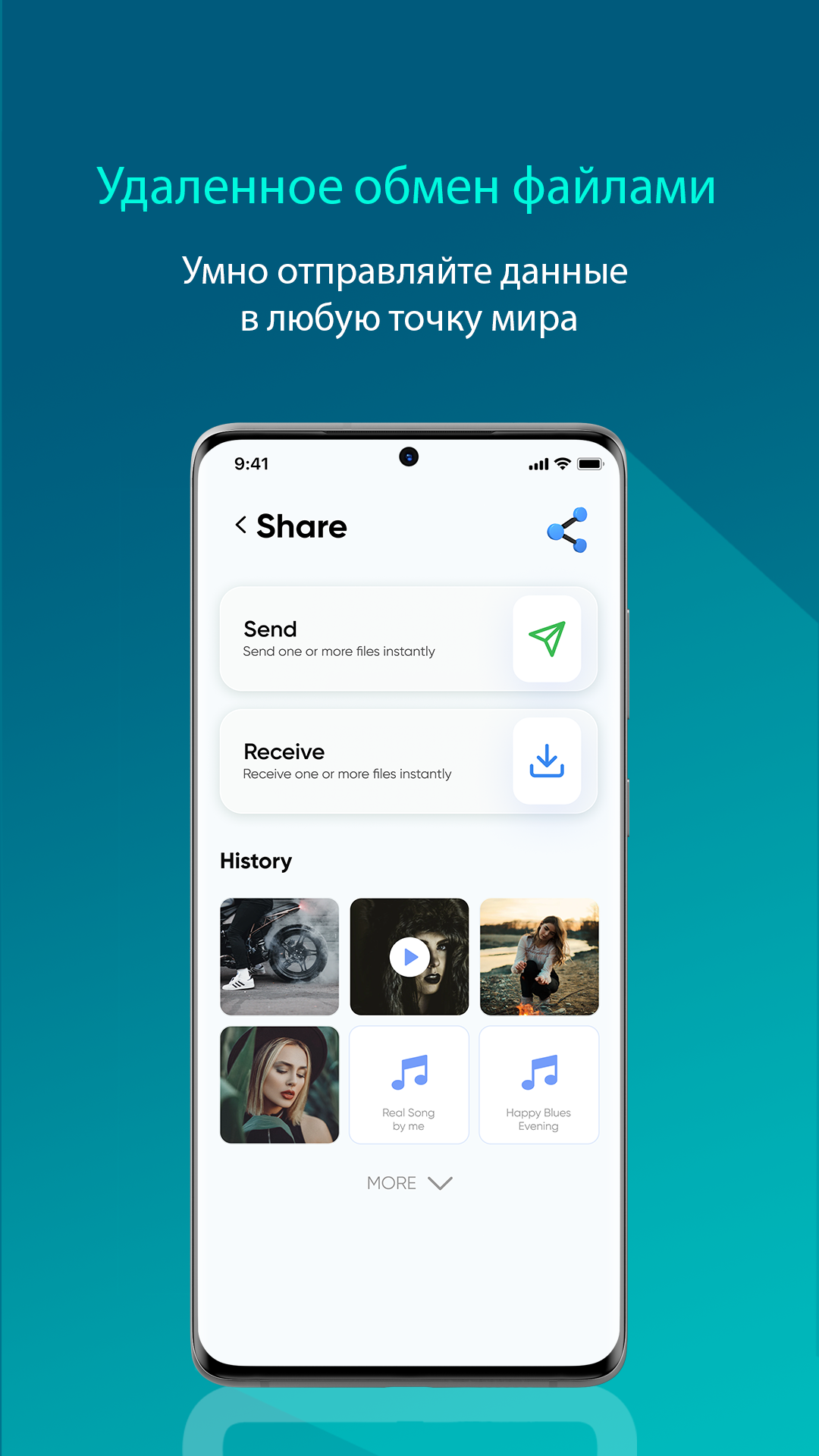
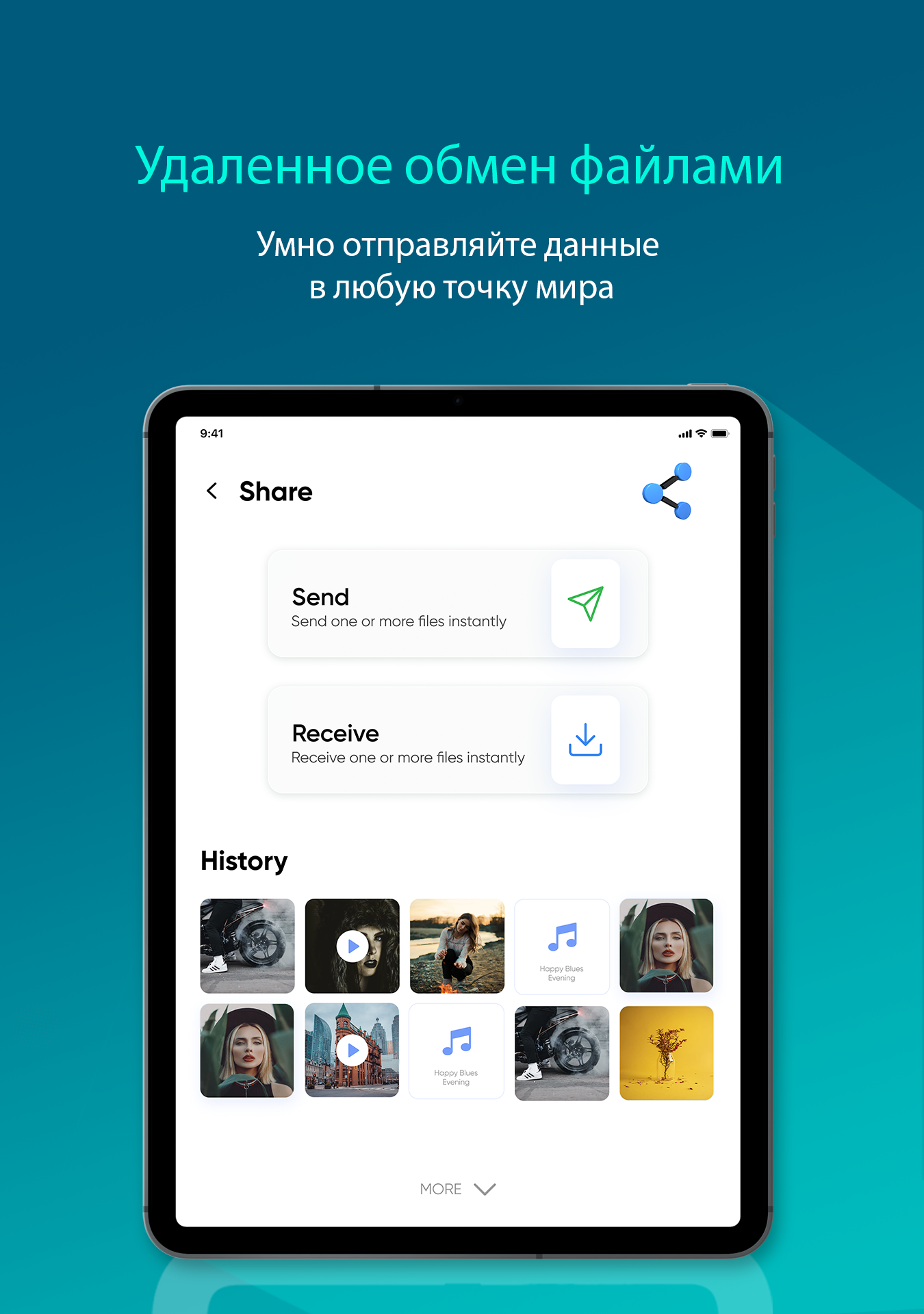
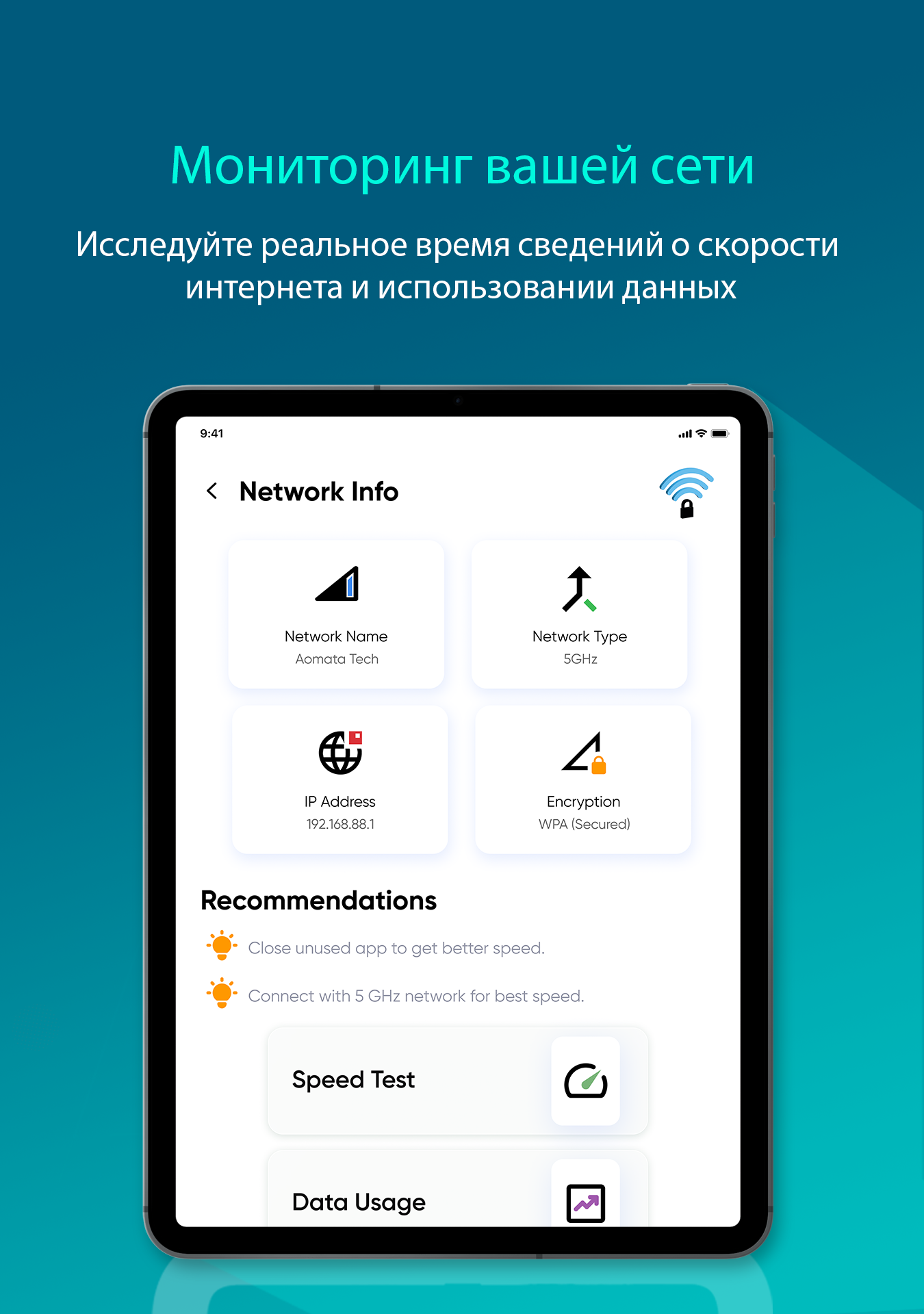
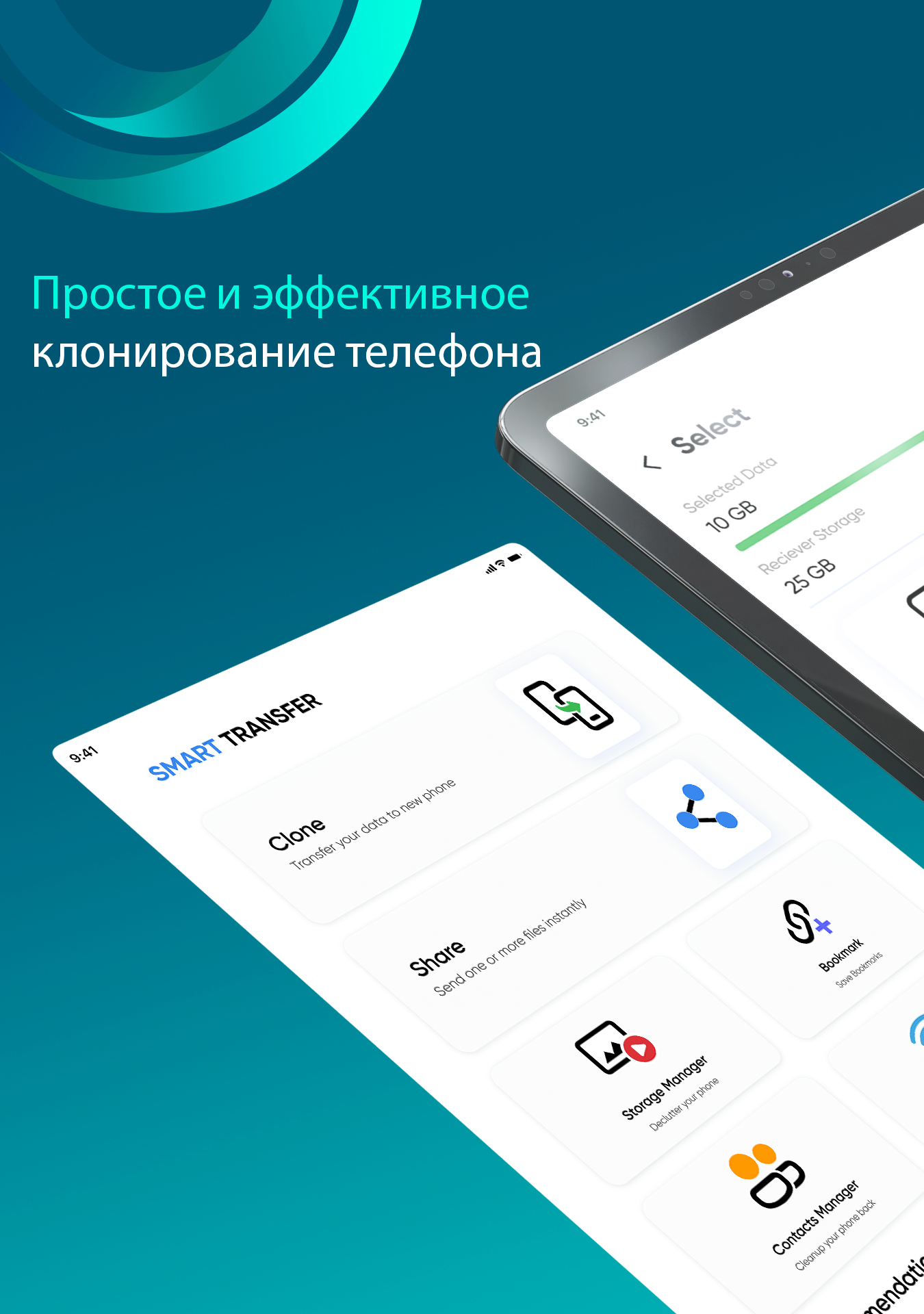
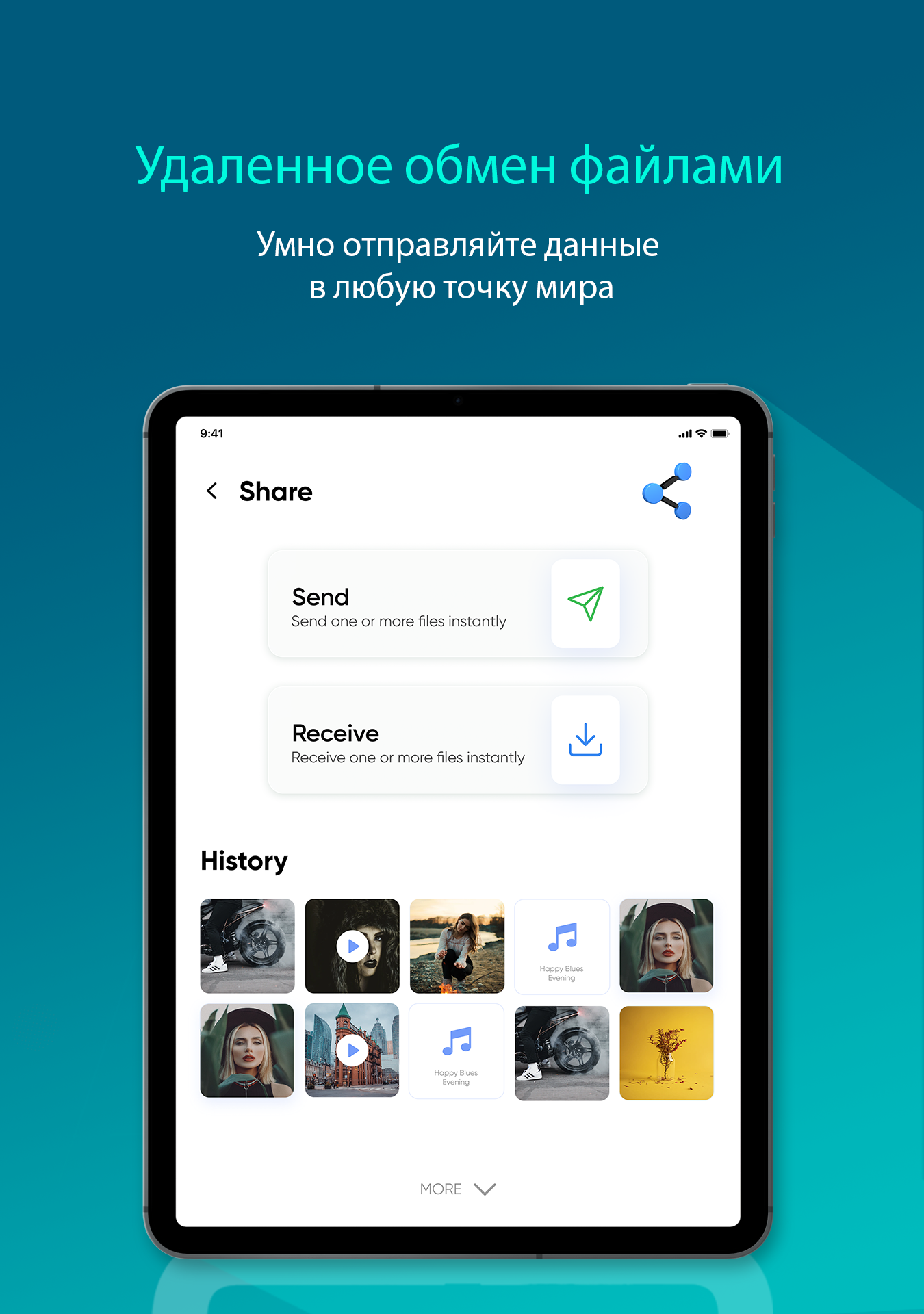
- Works on smartphones and tablets.
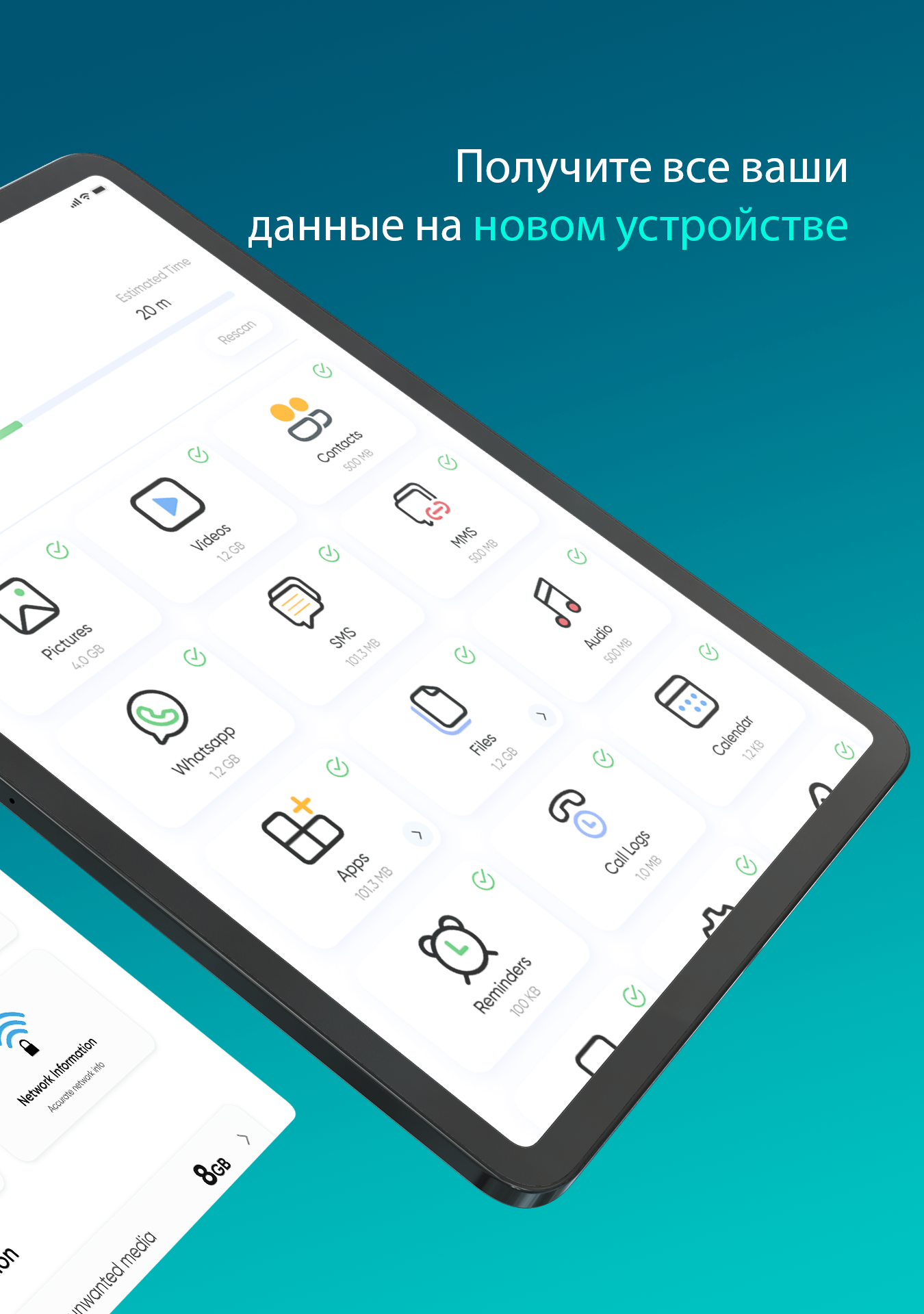
- There is no limit on the size of the transferred files.
- High speed of work.
- Free to use.
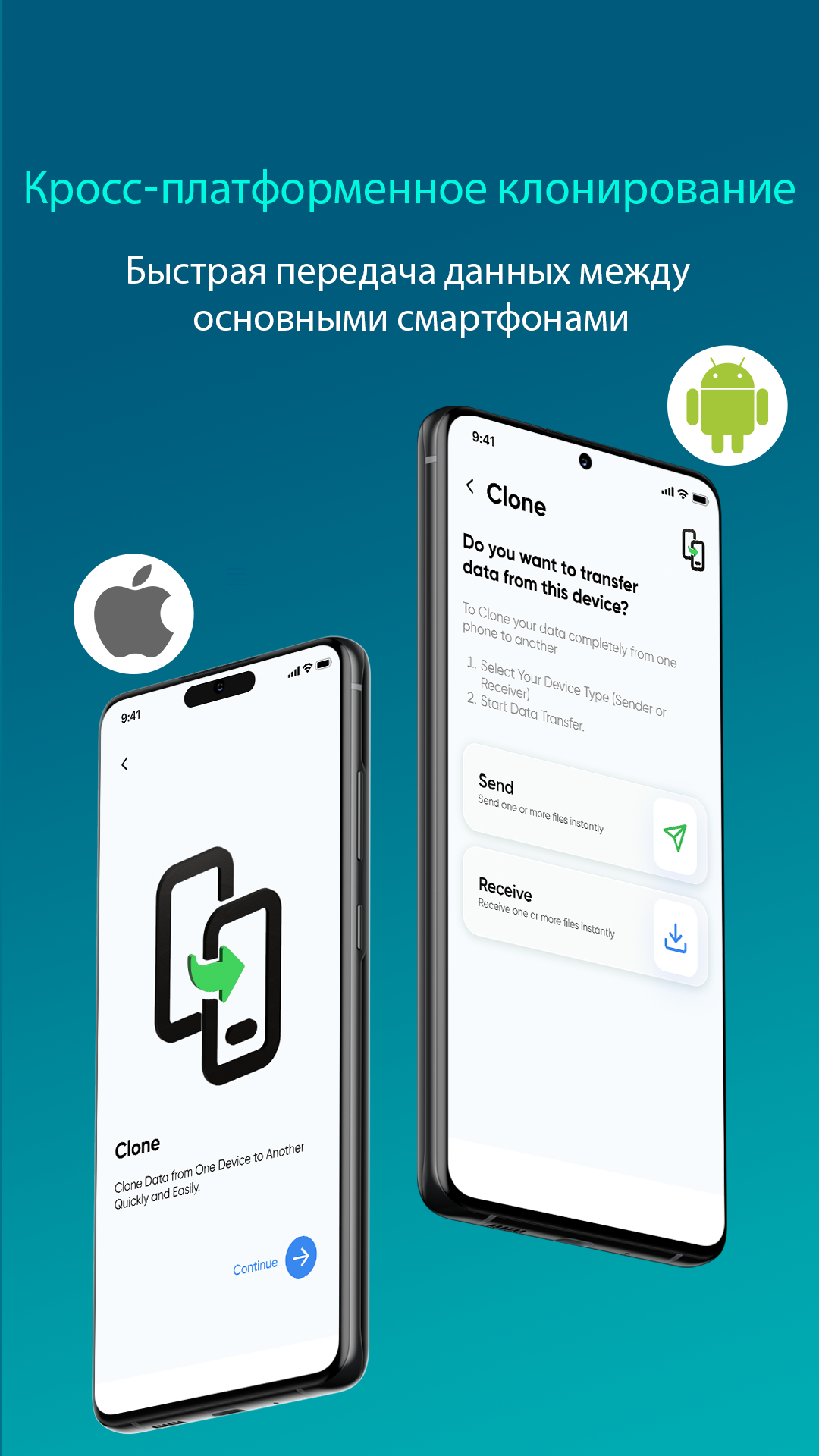
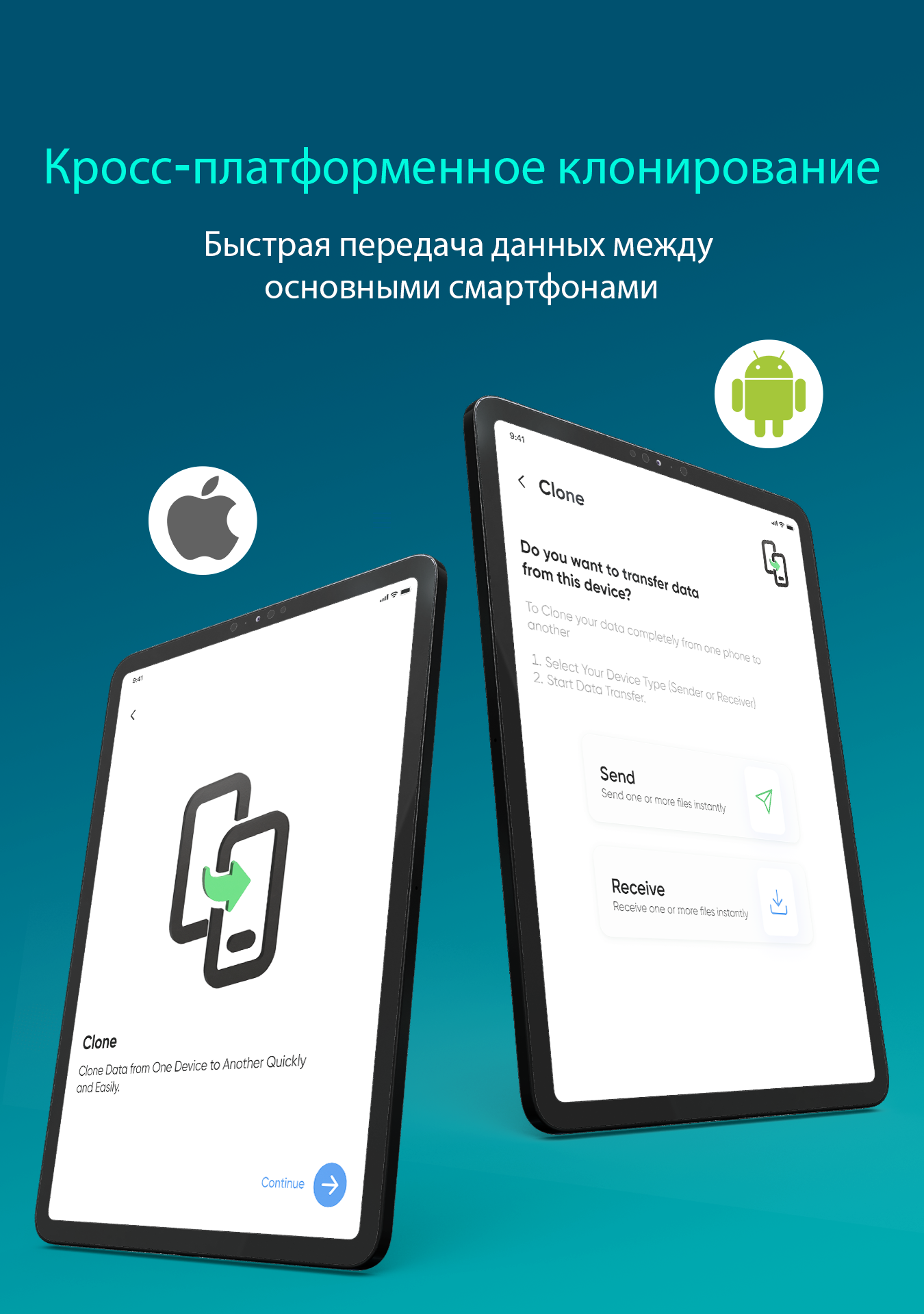
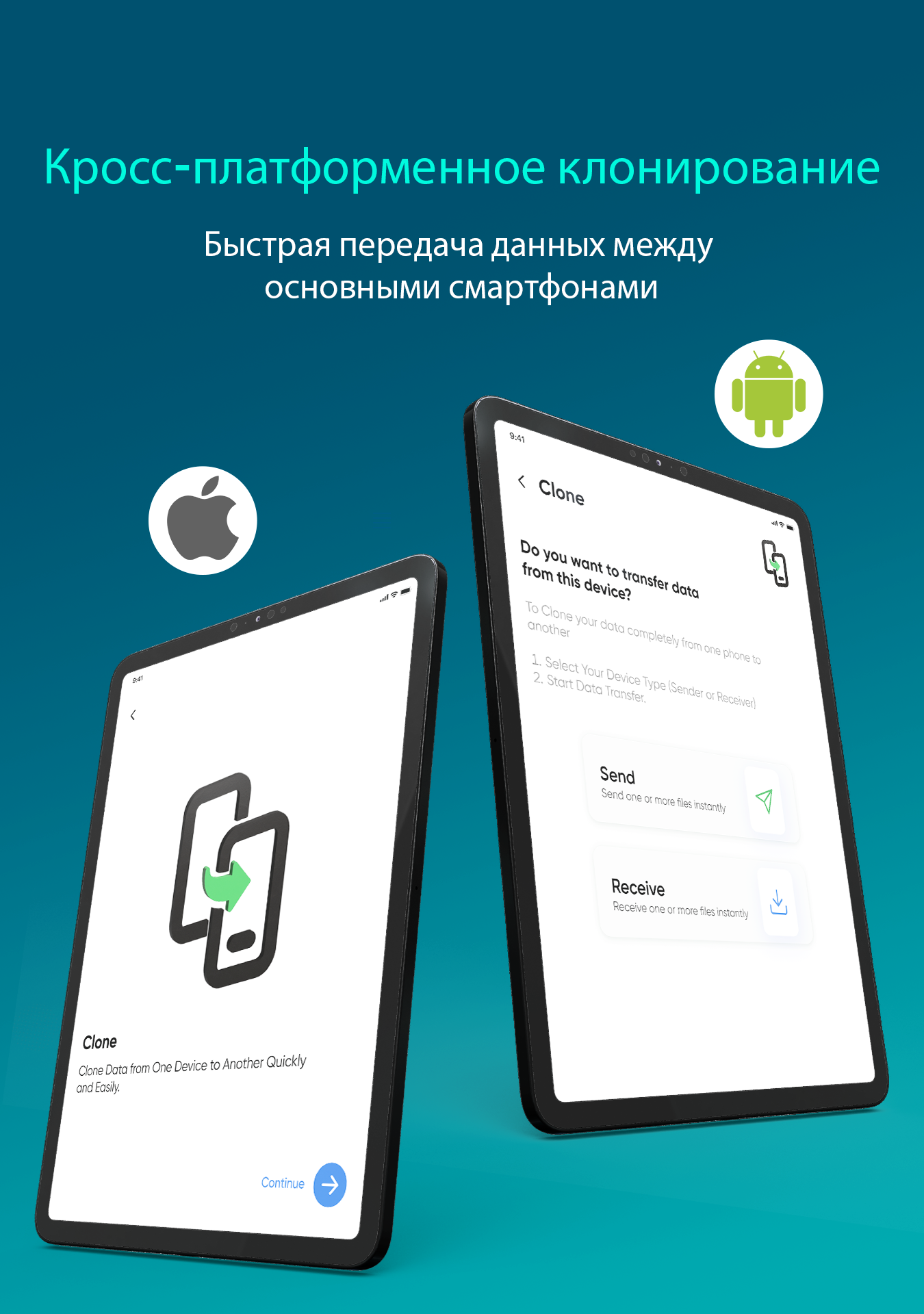
- Ability to transfer data between Android and iOS gadgets.
Description
Application Smart Transfer: File Sharing was checked by VirusTotal antivirus. As a result of the scan, no file infections were detected by all the latest signatures.
How to install Smart Transfer: File Sharing
- Download APK file apps from apkshki.com.
- Locate the downloaded file. You can find it in the system tray or in the 'Download' folder using any file manager.
- If the file downloaded in .bin extension (WebView bug on Android 11), rename it to .apk using any file manager or try downloading the file with another browser like Chrome.
- Start the installation. Click on the downloaded file to start the installation
- Allow installation from unknown sources. If you are installing for the first time Smart Transfer: File Sharing not from Google Play, go to your device's security settings and allow installation from unknown sources.
- Bypass Google Play protection. If Google Play protection blocks installation of the file, tap 'More Info' → 'Install anyway' → 'OK' to continue..
- Complete the installation: Follow the installer's instructions to complete the installation process.
How to update Smart Transfer: File Sharing
- Download the new version apps from apkshki.com.
- Locate the downloaded file and click on it to start the installation.
- Install over the old version. There is no need to uninstall the previous version.
- Avoid signature conflicts. If the previous version was not downloaded from apkshki.com, the message 'Application not installed' may appear. In this case uninstall the old version and install the new one.
- Restart annex Smart Transfer: File Sharing after the update.








Requesting an application update
Added Denis Rubinov
Version: 3.7.0
Size: 33.4 MB
Updated: 19.05.2025
Developer: Aomata LLC.
Age Limitations: Everyone
Downloaded on Google Play: 9479816
Category: Tools












Reviews for Smart Transfer: File Sharing
Great!
fast
More advertisements than the file transfer. wasted bandwidth and time on un-skpable video ads that when done open another ad anyway. not to mention that they sell your data off all your photos, not only the ones you transferred.
good
worst
Endlessly loads on the phone from which I'm trying to send. Maybe it's just my phone? I don't know. I mean, there's a reason I'm trying to replace it.
useless app, this meant for showing ads only using mobile data, shows ads continuously on both connected devices, i could not transferred a single file through this app😡
The worst app you could choose
I don't buy things that don't look like they work! uninstalled right away! seriously
ok
Do not install this app unless ,you want to take a chance ,because you may lose some of your precious memories!!! My videos didn't transfer to my phone! If this app rating would let me, I wouldn't give them any stars. I think I recall seeing another good quality transfer app, so that would probably work WAY better than this app, if you have two of the same phones to use for the transfer and to recieve it.This Smart Transfer is a big waste of time, and was not smart at all.
"unable to contact with host" two times/attempts. App requires turning on location/gps. I diligently kept both phones in great connection with wifi. It kept spinning on: "Please wait, Connecting" for literally HOURS!! Would a status bar be too much to ask for, or even evidence that the app was doing more than wasting time - working or not?! Over the span of 6 days, I tried aprox 6 or 7 apps for data sharing and despite my every effort, NONE OF THE APPS, including this one, WOLD ACTUALLY CONNECT to transfer the data.
Easier than i had anticipated. After realizing the LG transfer wasn't geared towards transferring files from an iphone to an LG, i had no idea what to do. So many different appsand who knows which are trustworthy handling your personal files? This app saved the day. Easy to use, simple and attractive design, no unnecessary purchases or subscriptions... Yes you read it right... 2 ads played during a transfer and ended before it did. FREE, EASY, & IOS>>>ANDROID TRANSFERS ARE SIMPLE AS PIE😌
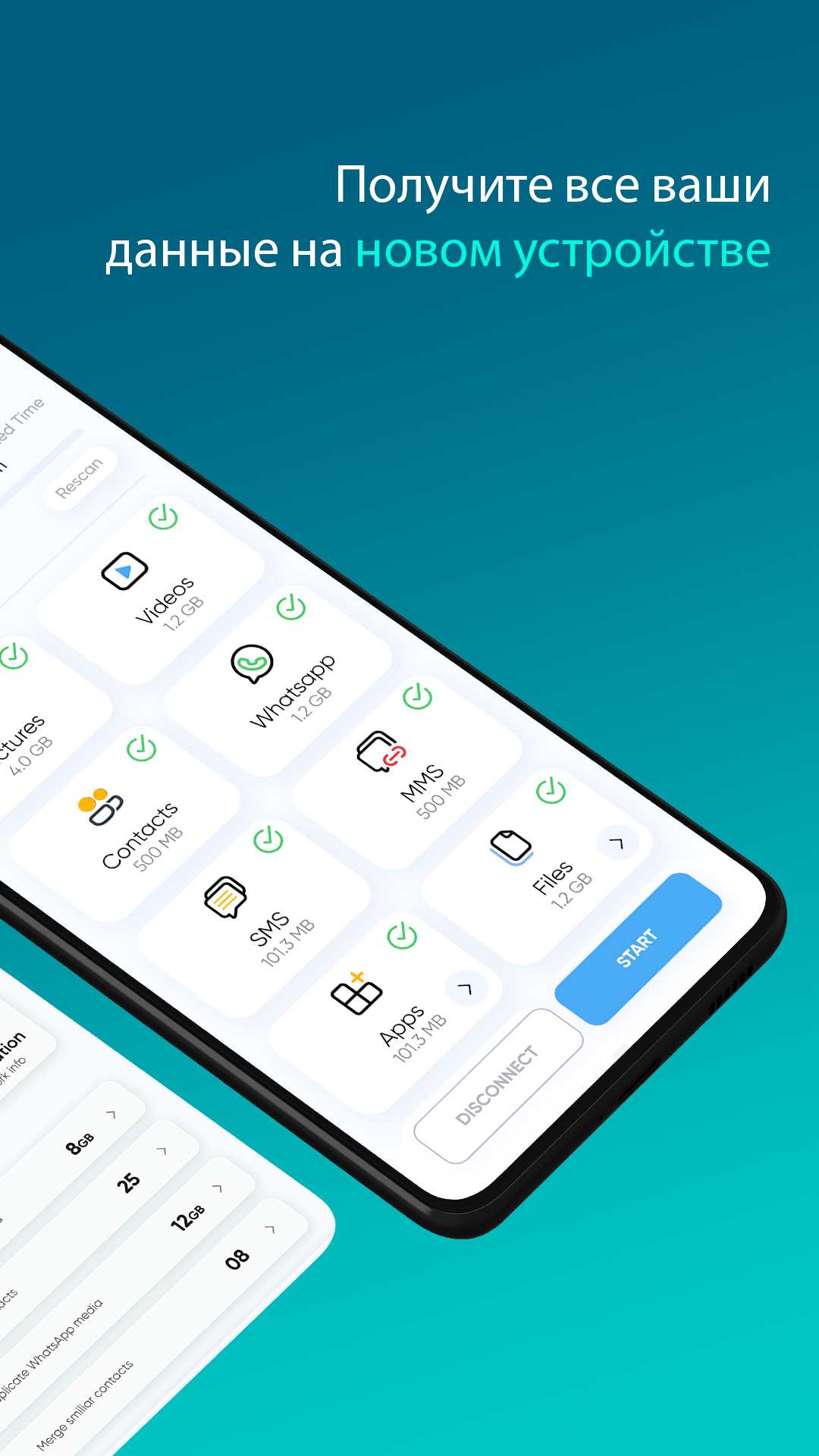
The only reason I give it 4 rather than 5 stars is because there is not an option to select the induvidual photos/videos/files/apps that you would like to transfer. Otherwise it worked smooth. Easy to use with no complications or failures. The app that my new phone came with gave me nothing but hassles and this app Smart Transfer was the solution.
Transfered half of the content pretty quick and easily.but then receiving phone screen went blank. Think it was an add that tried and and only got half way? But just hit disconnect on transfer phone and closed then read opened the app on receiving phone. Reconnected and it transfered the the other half even faster than the first time. But like some others wrote in their reviews, it's not very often an app works and no all hyped up iby the description? This app 100% dose what it says.
Post a comment
To leave a comment, log in with your social network:
Or leave an anonymous comment. Your comment will be sent for moderation.
Post a comment
To leave a comment, log in with your social network:
Or leave an anonymous comment. Your comment will be sent for moderation.