


Copy My Data: Transfer Content
18+
downloads2.3+
version Android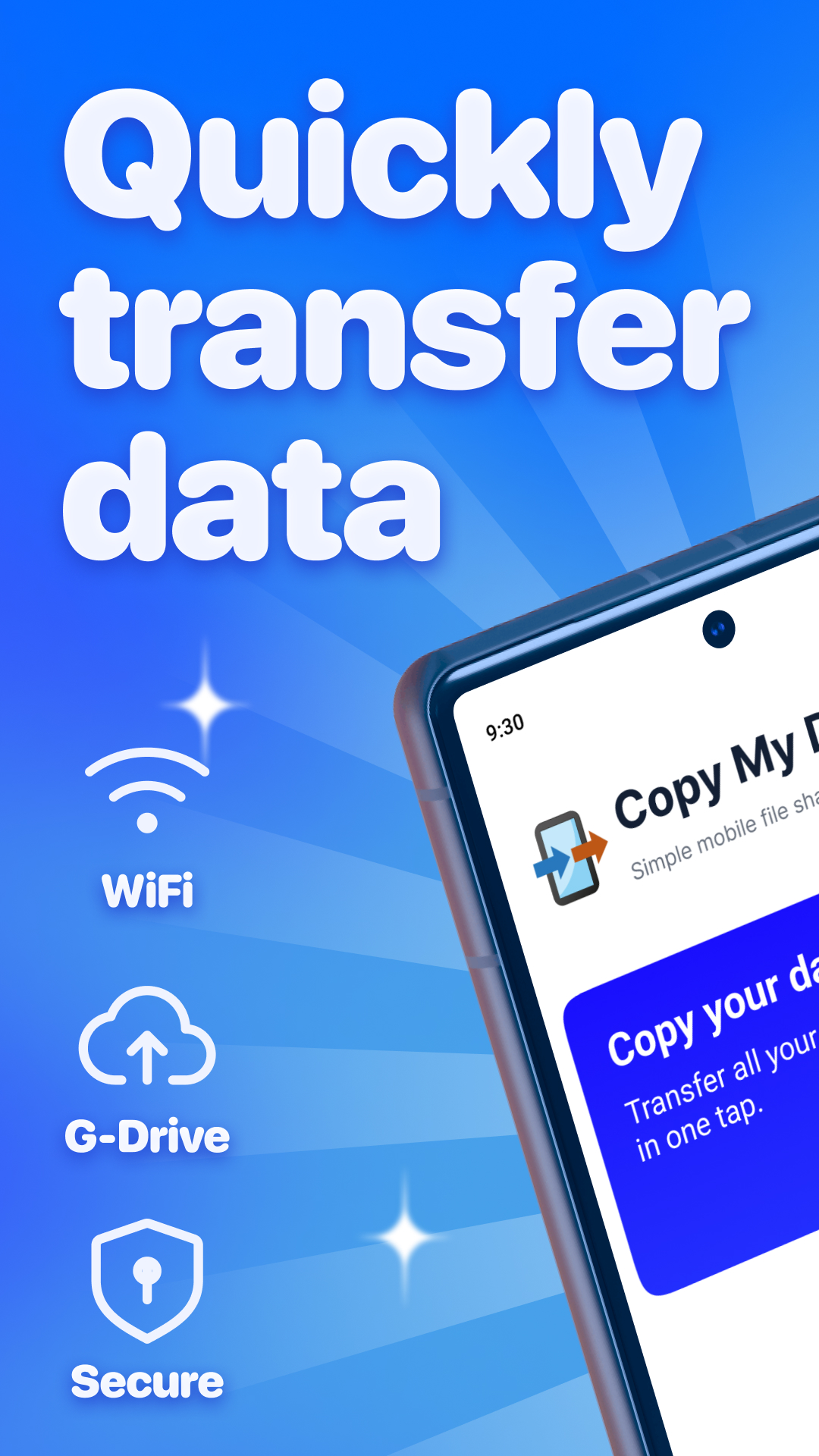
Added: Denis Rubinov
Version: 4.0.1
Size: 67.6 MB
Updated: 24.06.2025
Developer: Media Mushroom
Age Limitations: Everyone
Downloaded on Google Play: 57990135
Category: Tools
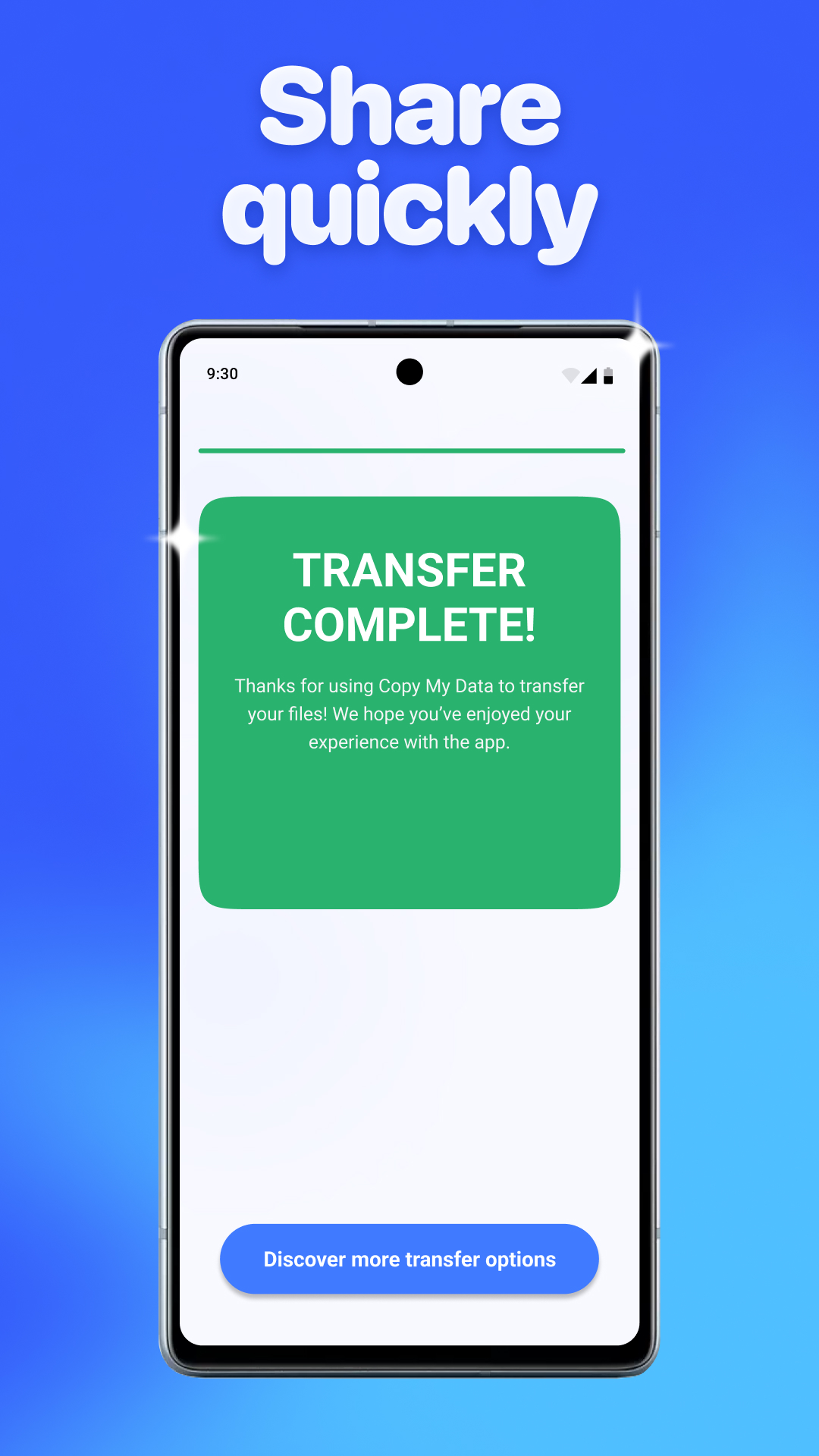
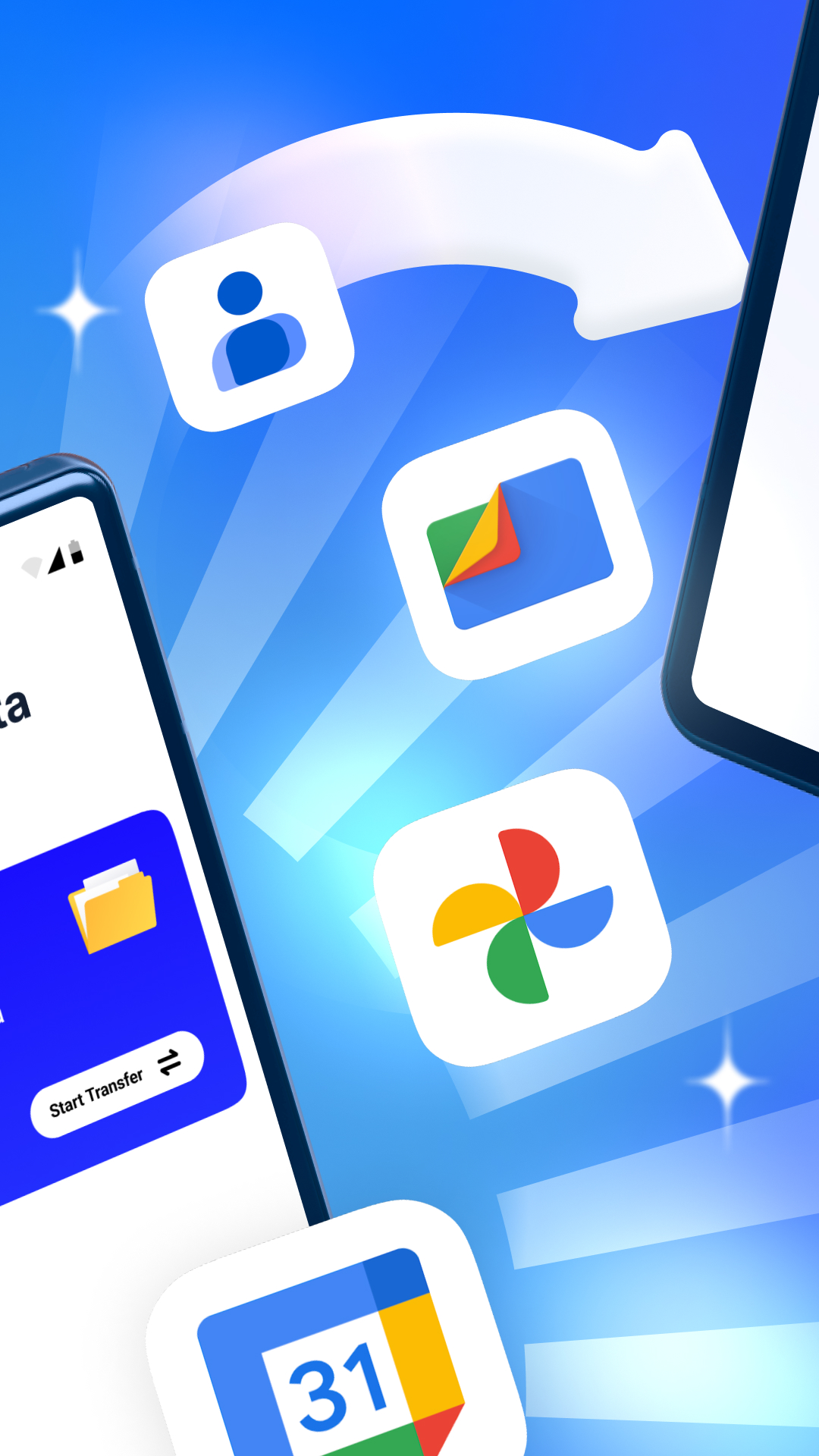
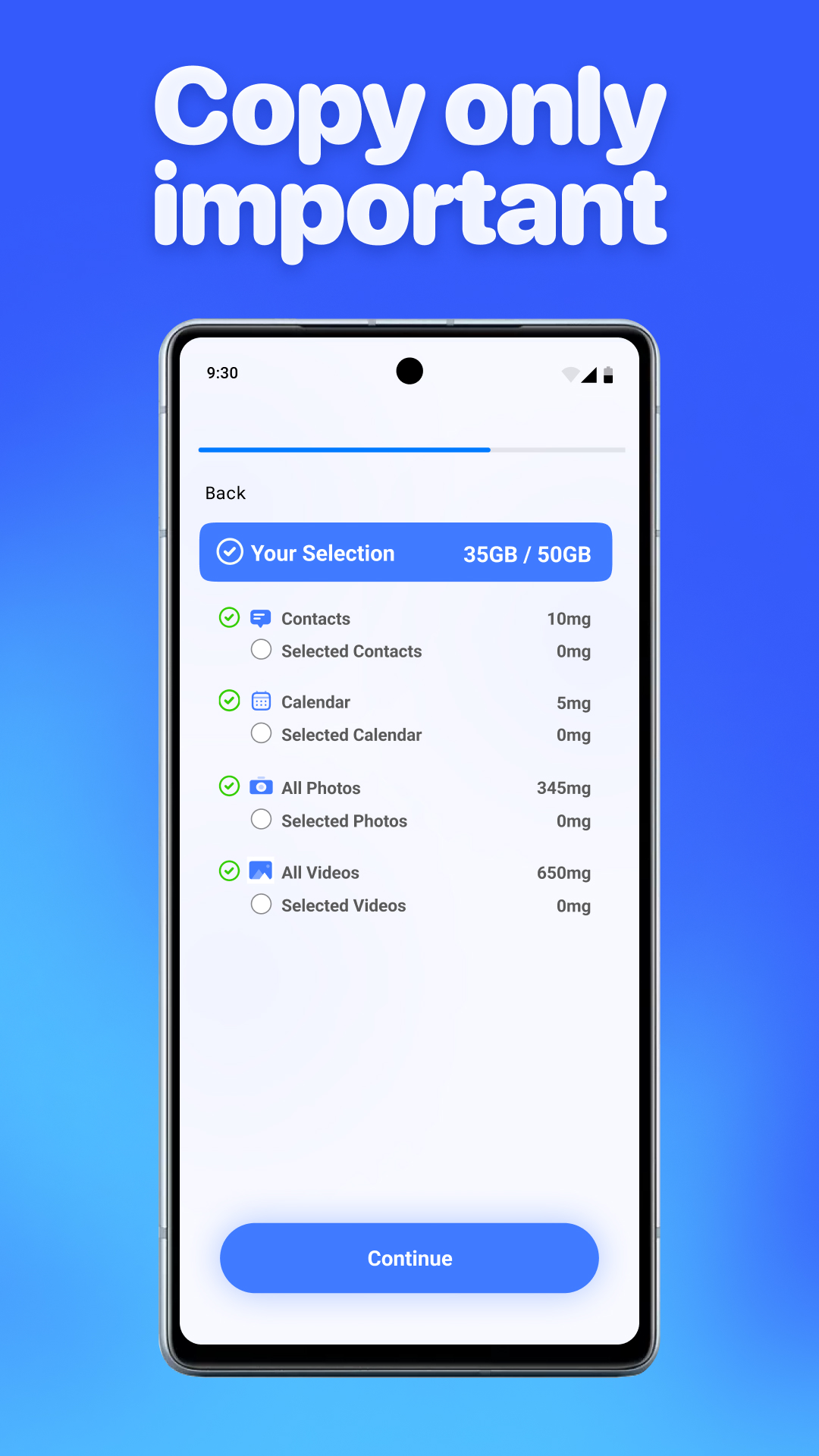
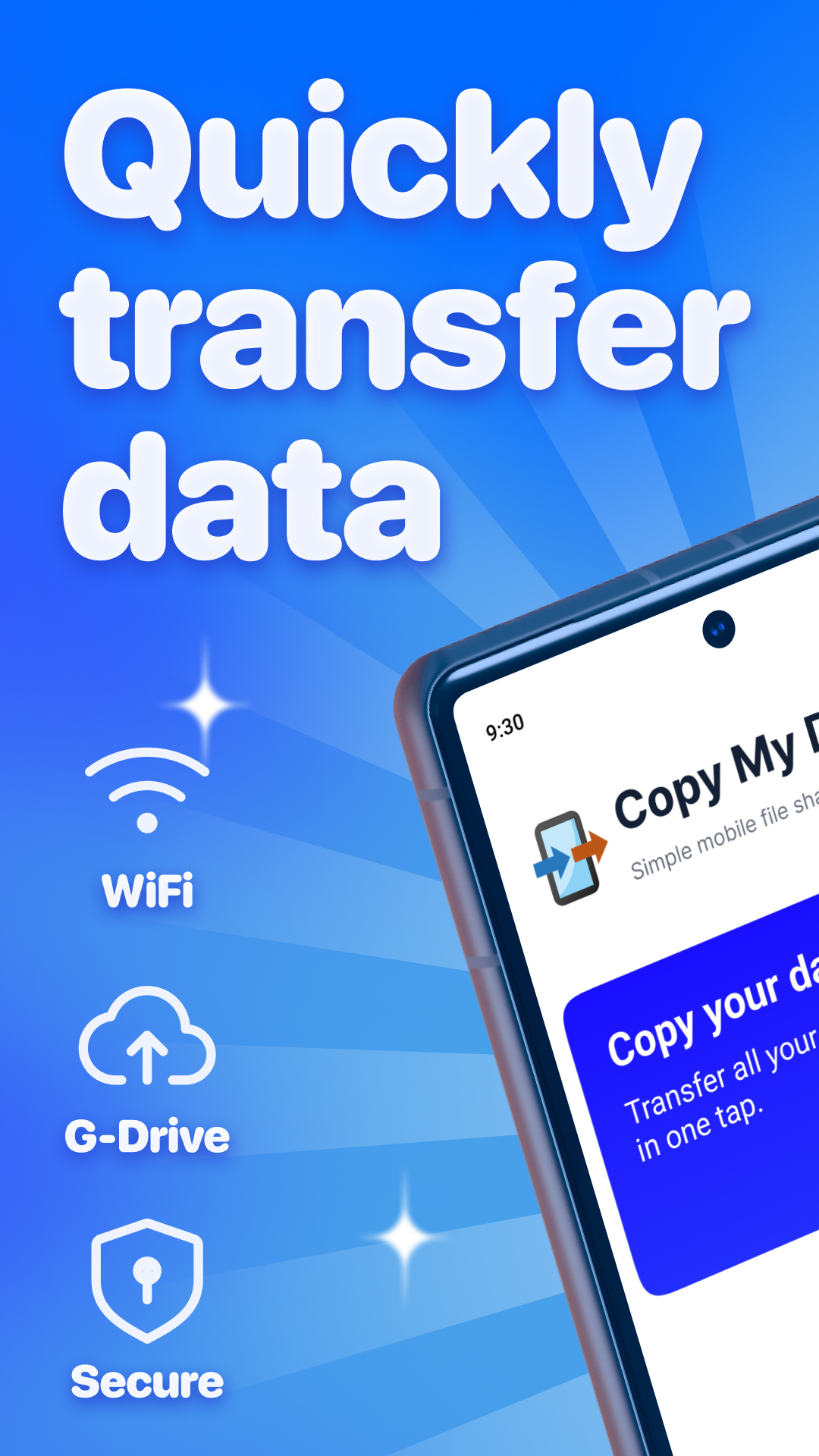
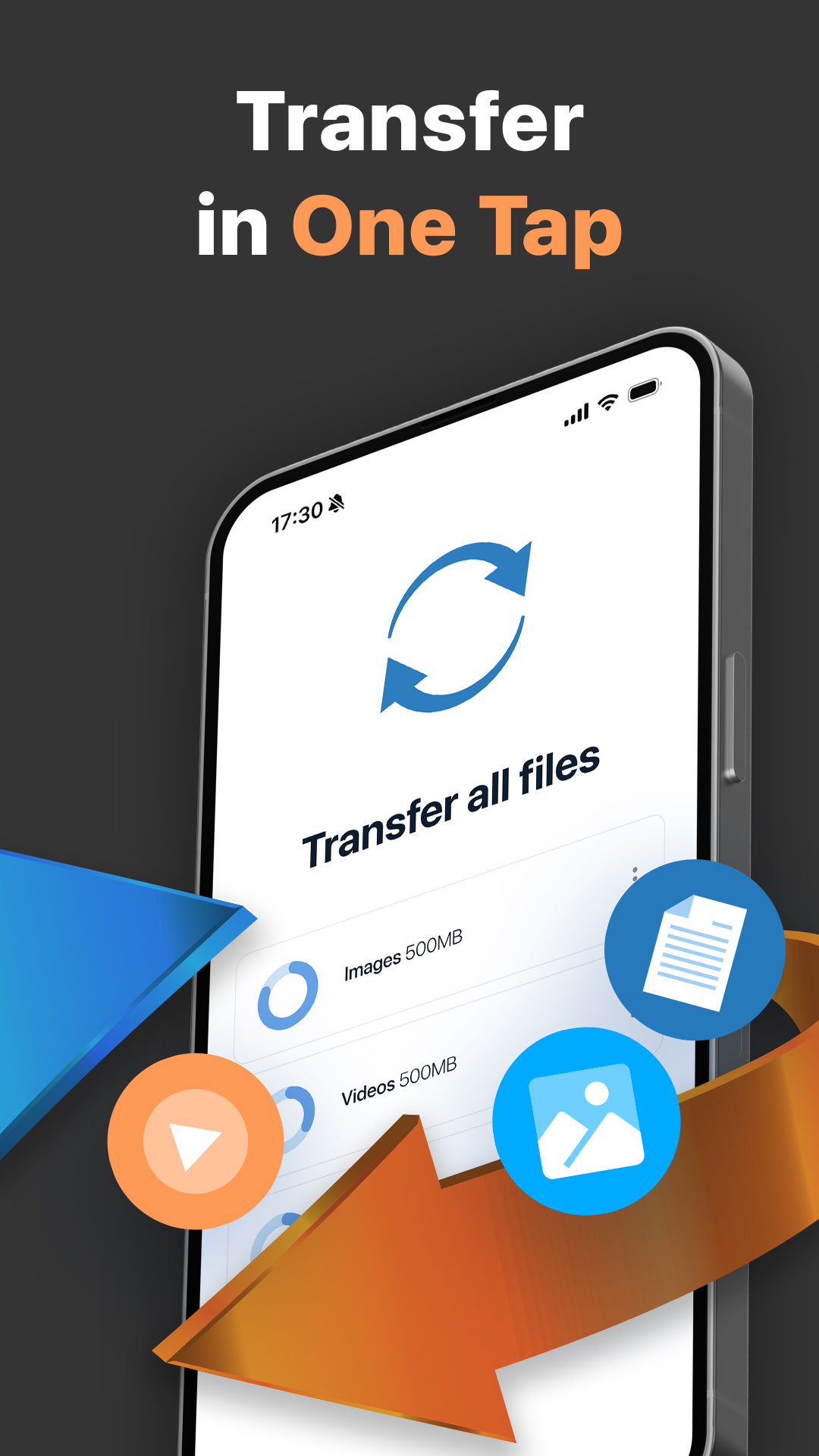
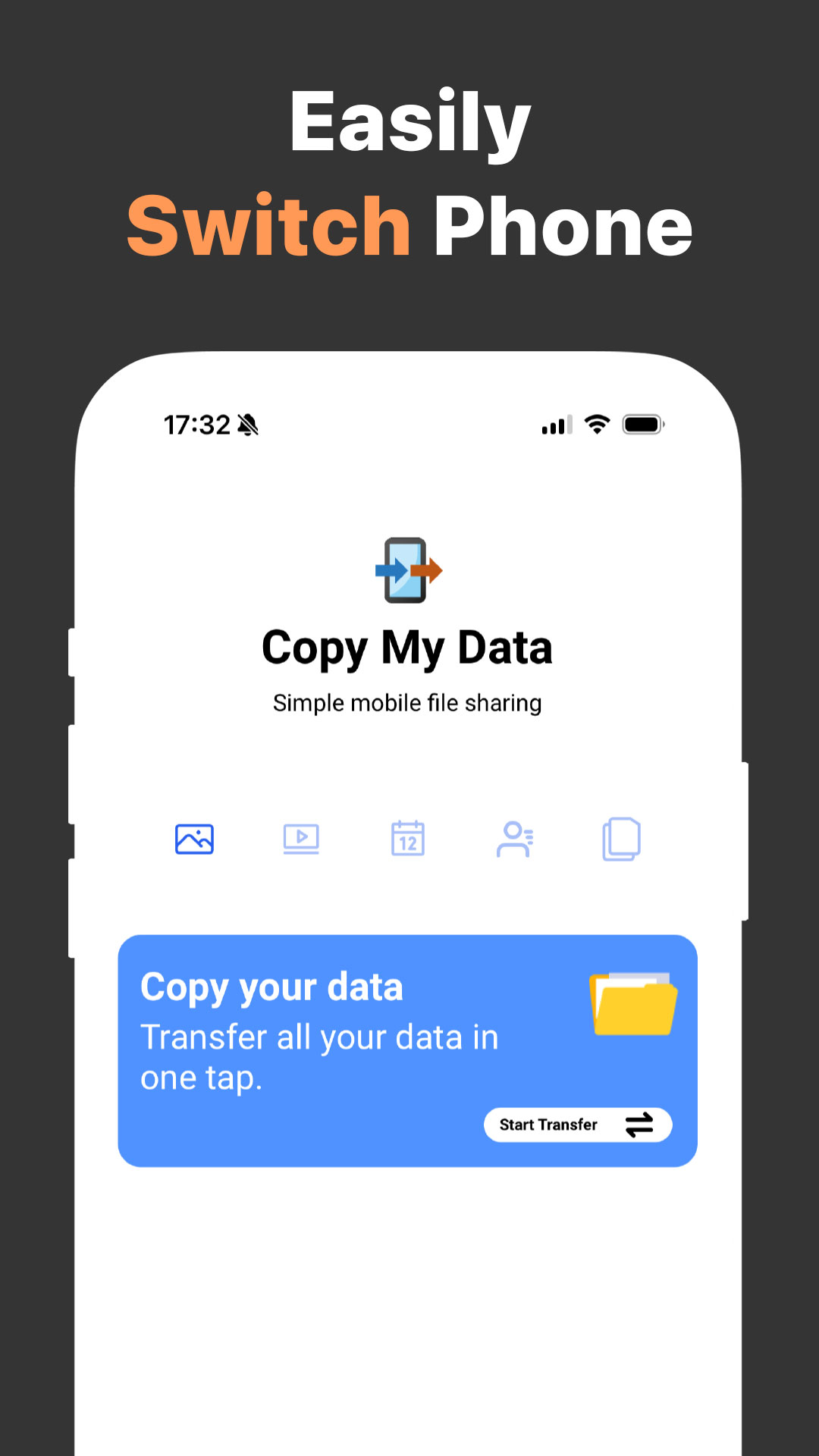
- Transfer of all necessary data.
- Good copying speed.
- Maximum ease of use.
- Takes up very little space.
- No payment required.
Description
Application Copy My Data: Transfer Content was checked by VirusTotal antivirus. As a result of the scan, no file infections were detected by all the latest signatures.
How to install Copy My Data: Transfer Content
- Download APK file apps from apkshki.com.
- Locate the downloaded file. You can find it in the system tray or in the 'Download' folder using any file manager.
- If the file downloaded in .bin extension (WebView bug on Android 11), rename it to .apk using any file manager or try downloading the file with another browser like Chrome.
- Start the installation. Click on the downloaded file to start the installation
- Allow installation from unknown sources. If you are installing for the first time Copy My Data: Transfer Content not from Google Play, go to your device's security settings and allow installation from unknown sources.
- Bypass Google Play protection. If Google Play protection blocks installation of the file, tap 'More Info' → 'Install anyway' → 'OK' to continue..
- Complete the installation: Follow the installer's instructions to complete the installation process.
How to update Copy My Data: Transfer Content
- Download the new version apps from apkshki.com.
- Locate the downloaded file and click on it to start the installation.
- Install over the old version. There is no need to uninstall the previous version.
- Avoid signature conflicts. If the previous version was not downloaded from apkshki.com, the message 'Application not installed' may appear. In this case uninstall the old version and install the new one.
- Restart annex Copy My Data: Transfer Content after the update.








Requesting an application update
Added Denis Rubinov
Version: 4.0.1
Size: 67.6 MB
Updated: 24.06.2025
Developer: Media Mushroom
Age Limitations: Everyone
Downloaded on Google Play: 57990135
Category: Tools












Reviews for Copy My Data: Transfer Content
good
Rubbish, you need wi fi, tried blue tooth to blue tooth, then you click on share near by, and it keeps saying, you need to enable wi fi, like all aps to a large part, Sssuuuucccckkkssssssd
Doesnt move all the apps
holy shift this is cancer. this developer has brain rot. 3 adds every 30 seconds
no way to cancel. no response to emails. scam
I didn't give permission to take money off my credit card? unsubscribe my account!!!
fake
Very slow & lacks any privacy
Pos ad riddled
Please don't do it. Didn't even get past the instructions. Went right to an ad and then asked for money.
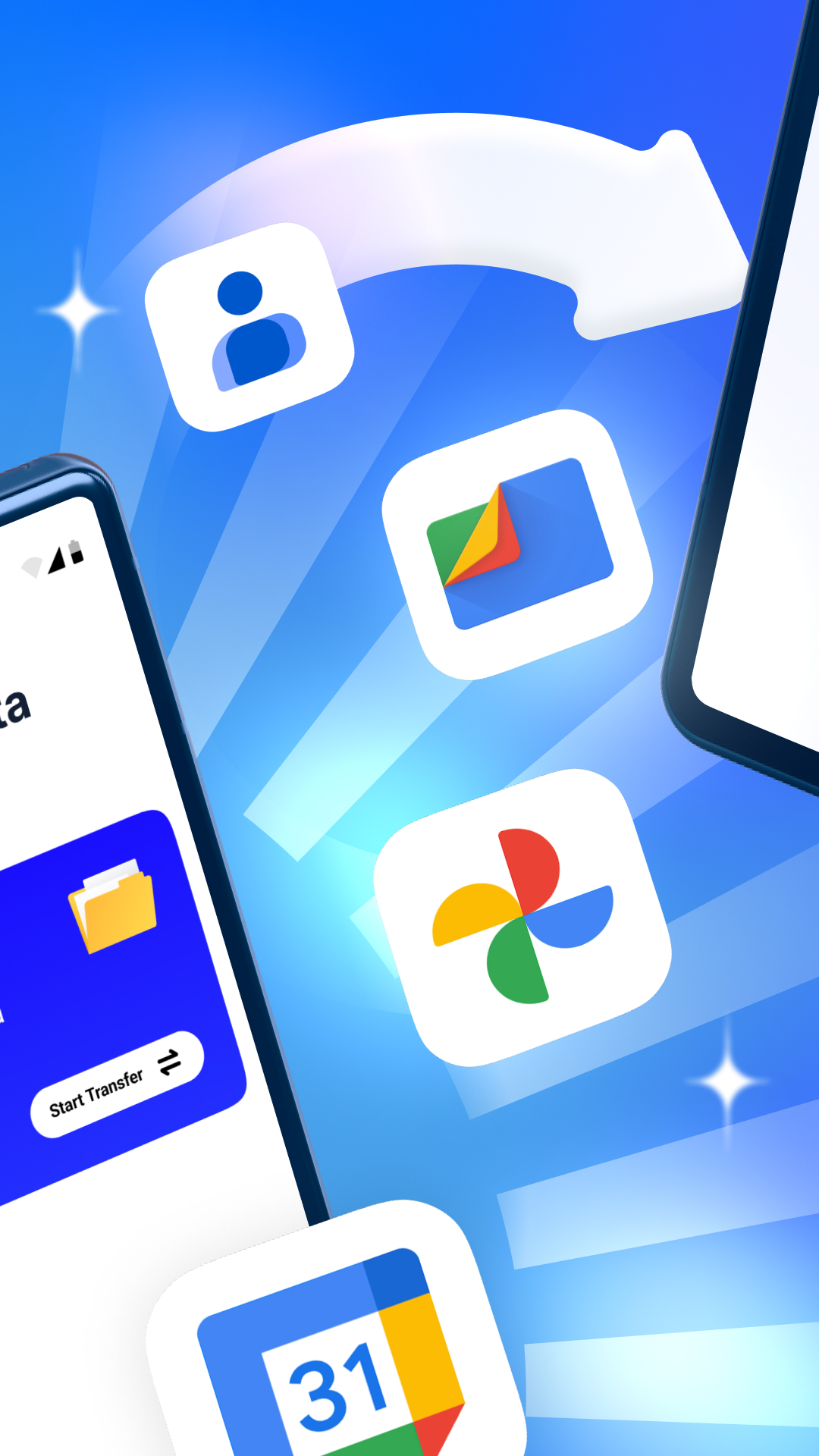
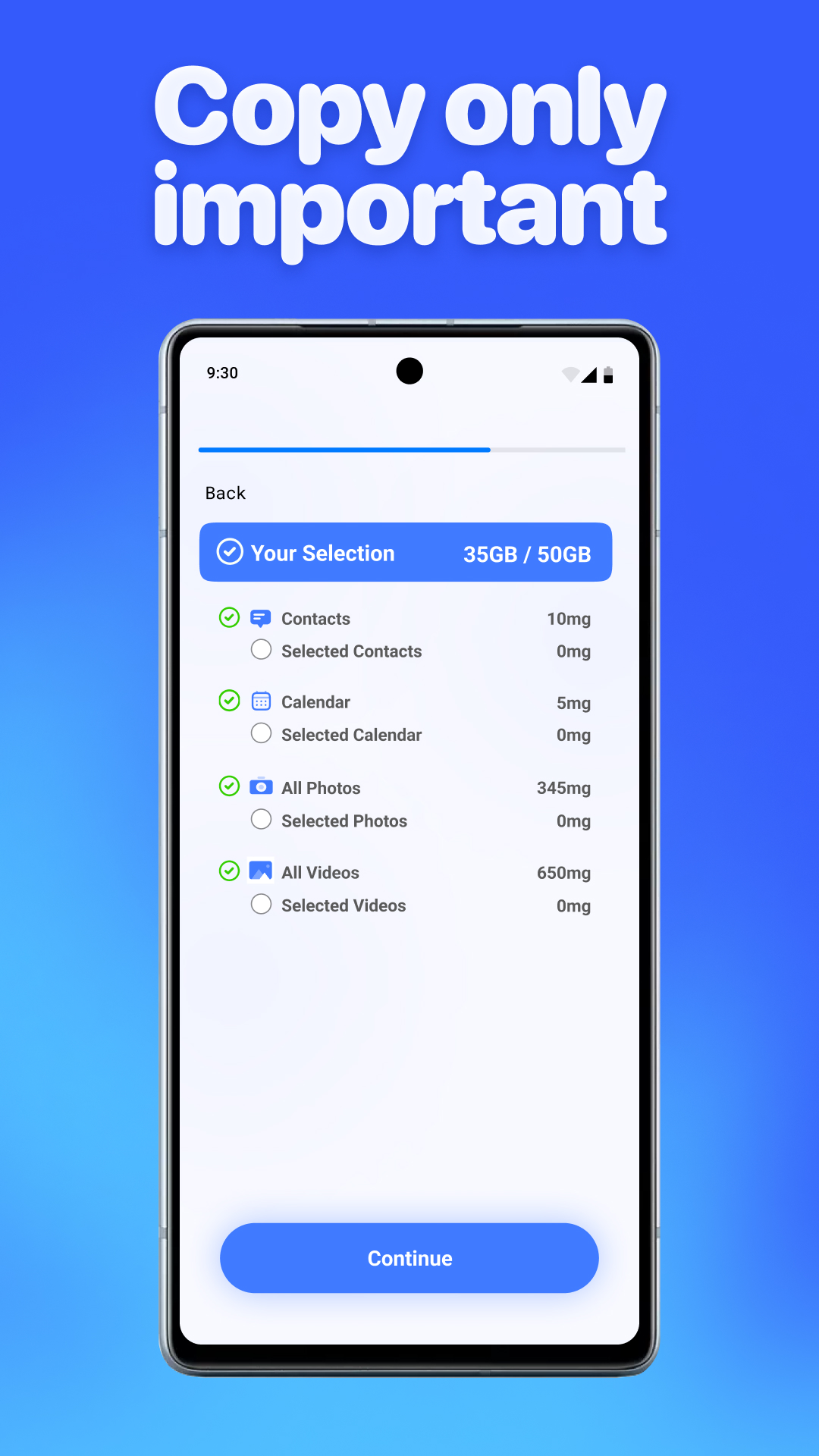
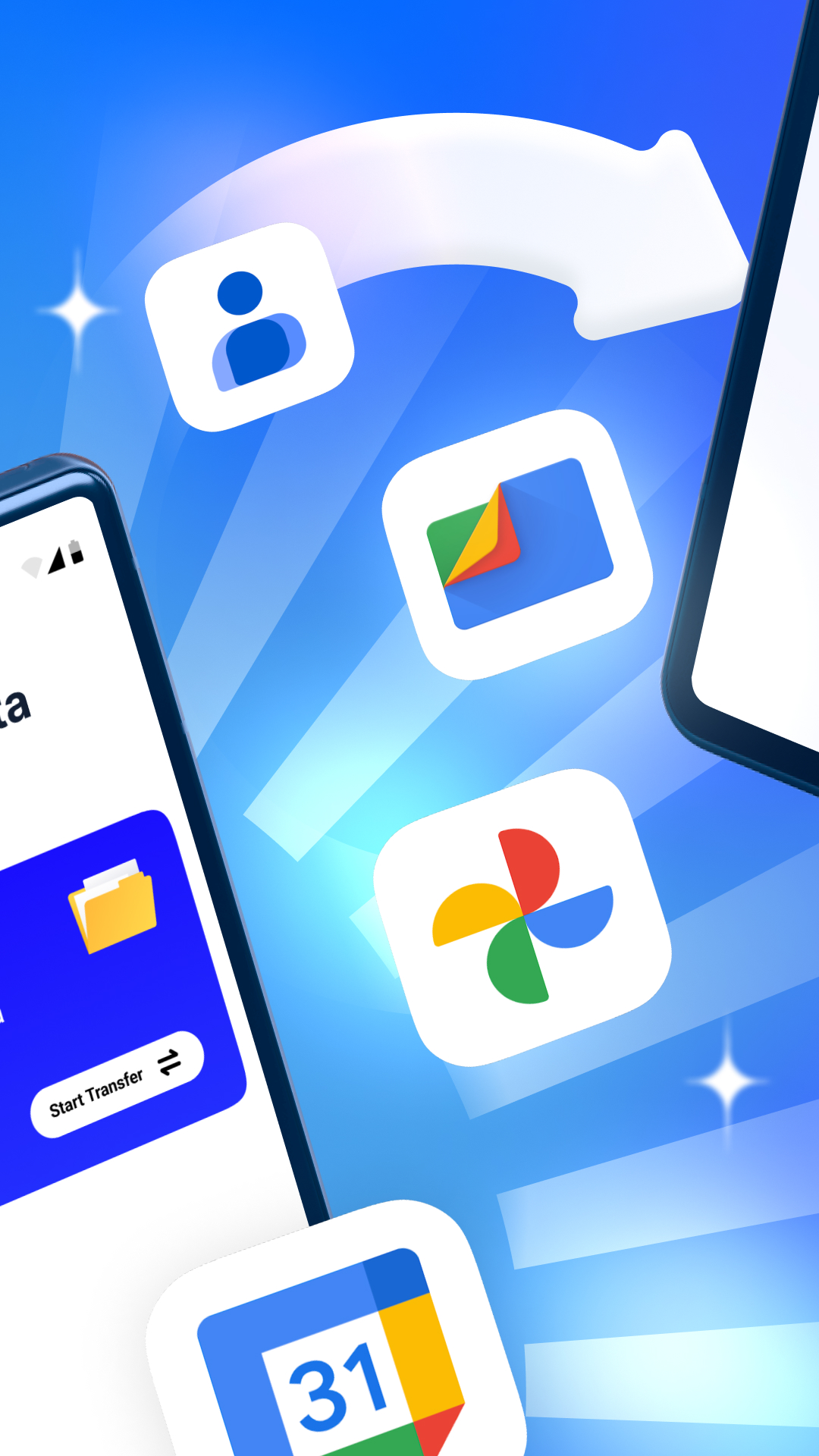
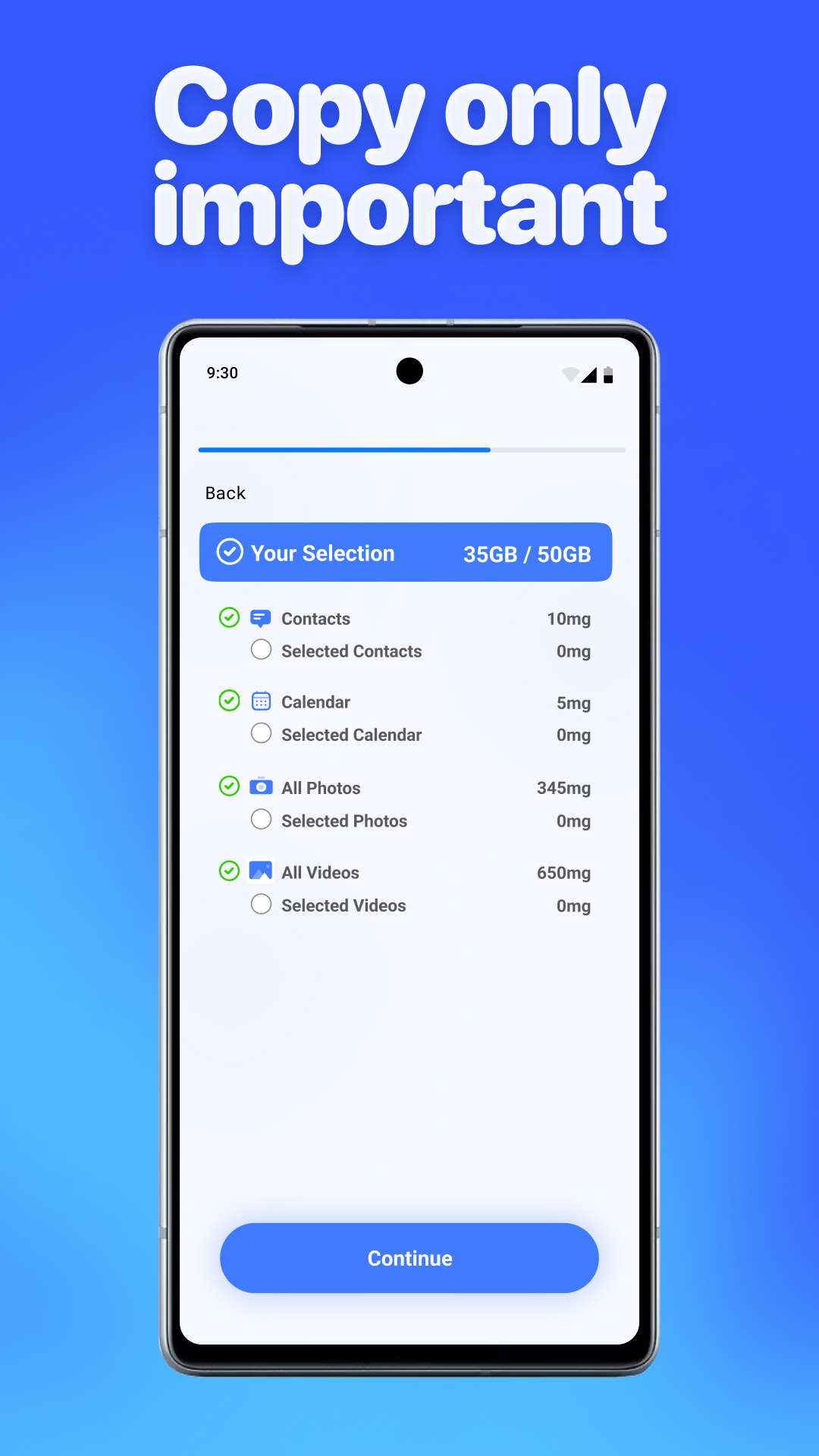
Does not do apps, SMS messages. Just photos/videos, Contacts and calendar
A top app, really easy to use and does exactly what it says. I changed phone from Samsung S8 to Huawei Mate pro 20 and needed to transfer quite a lot of data. After trying a few other apps unsuccessfully this app done the job with no problems. All contacts, photos, videos, calendar appointments etc uploaded to my new phone. Music/audio didnt work for some reason so had to use bluetooth instead.
Used to be my go to app, until the ads were added and the app is now really unresponsive
3rd class experience Whenever tried to transfer the data from android to iphone it sucks.dont going anywhere after typing the code thing.
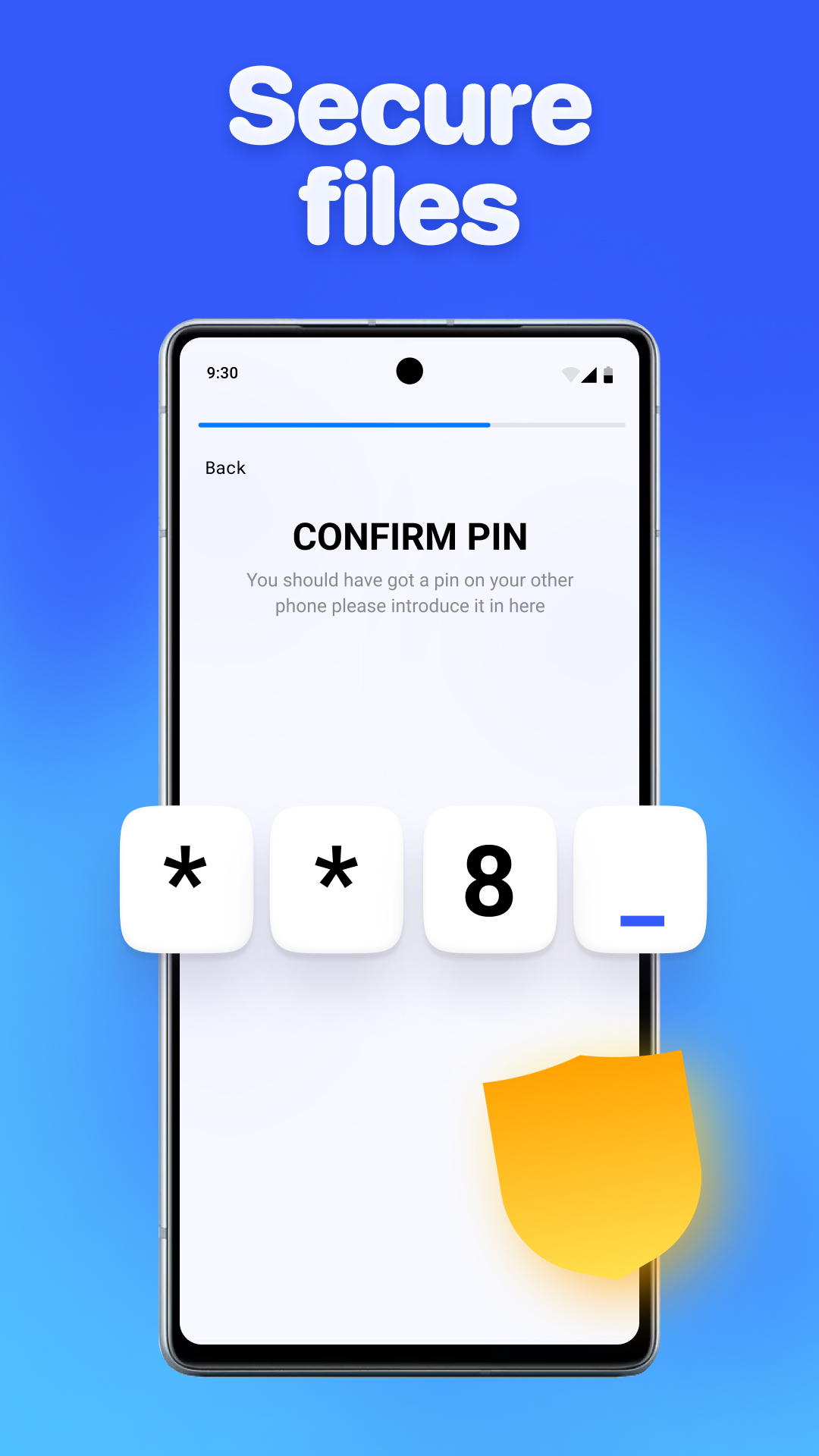
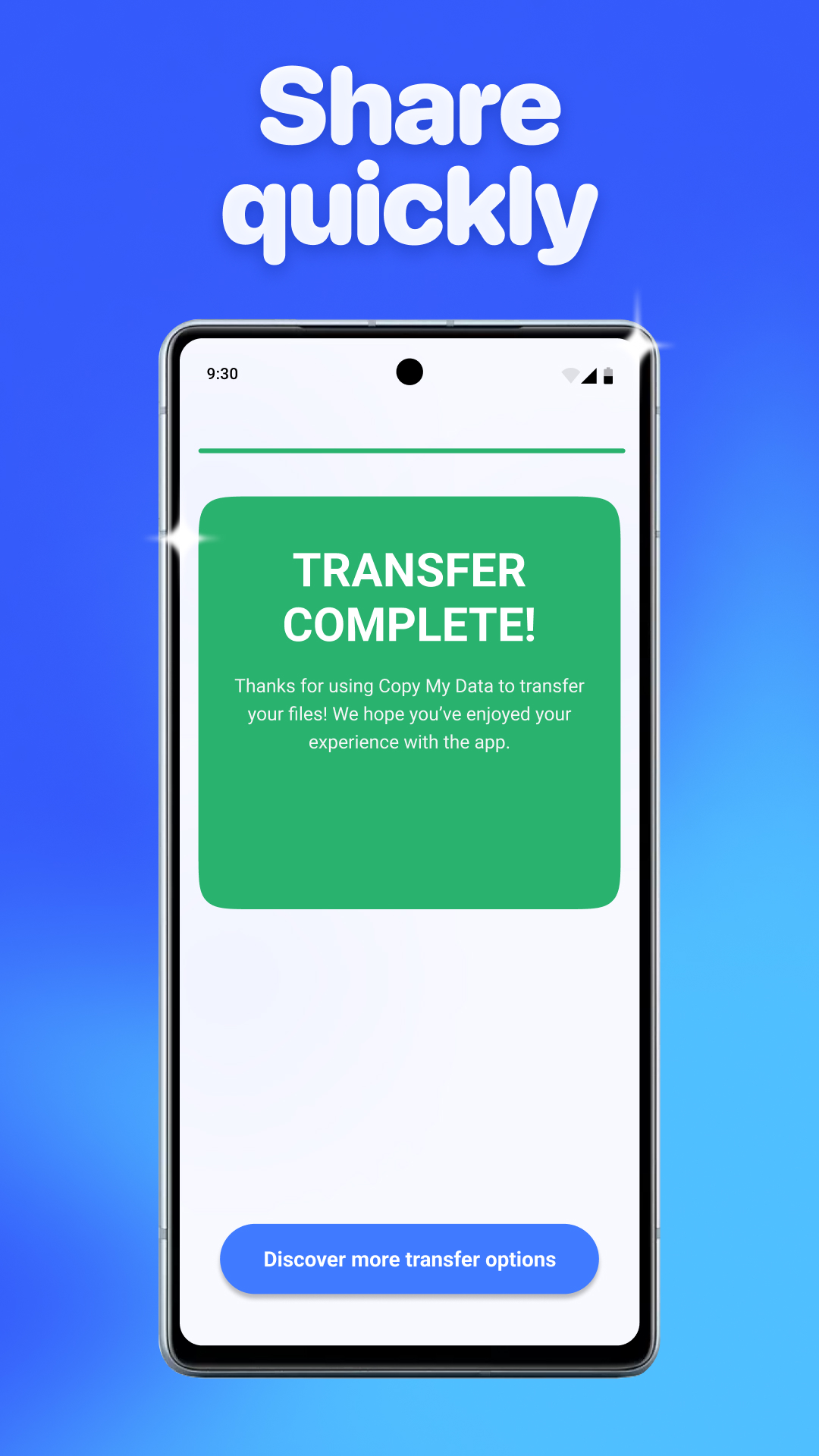
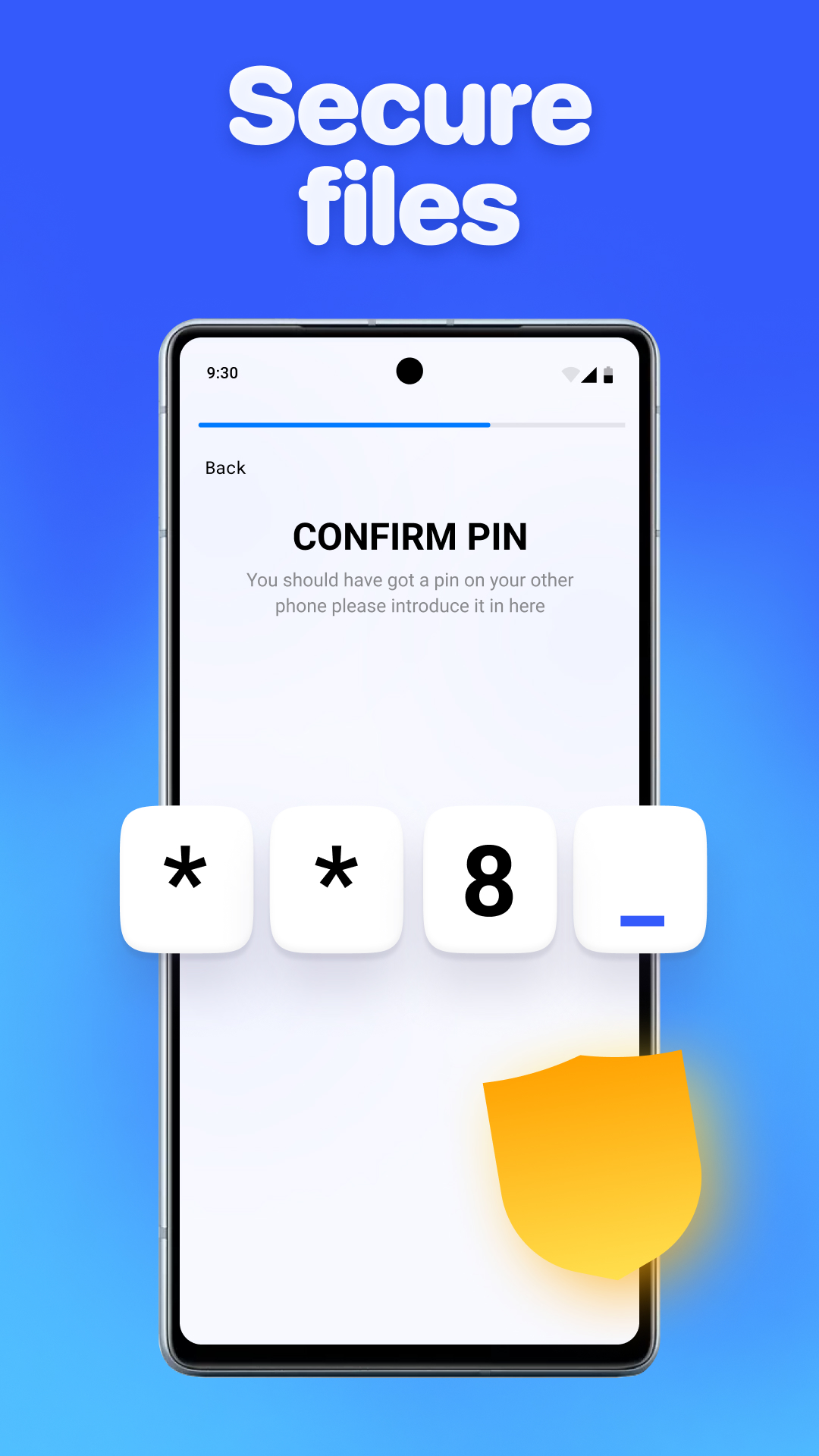
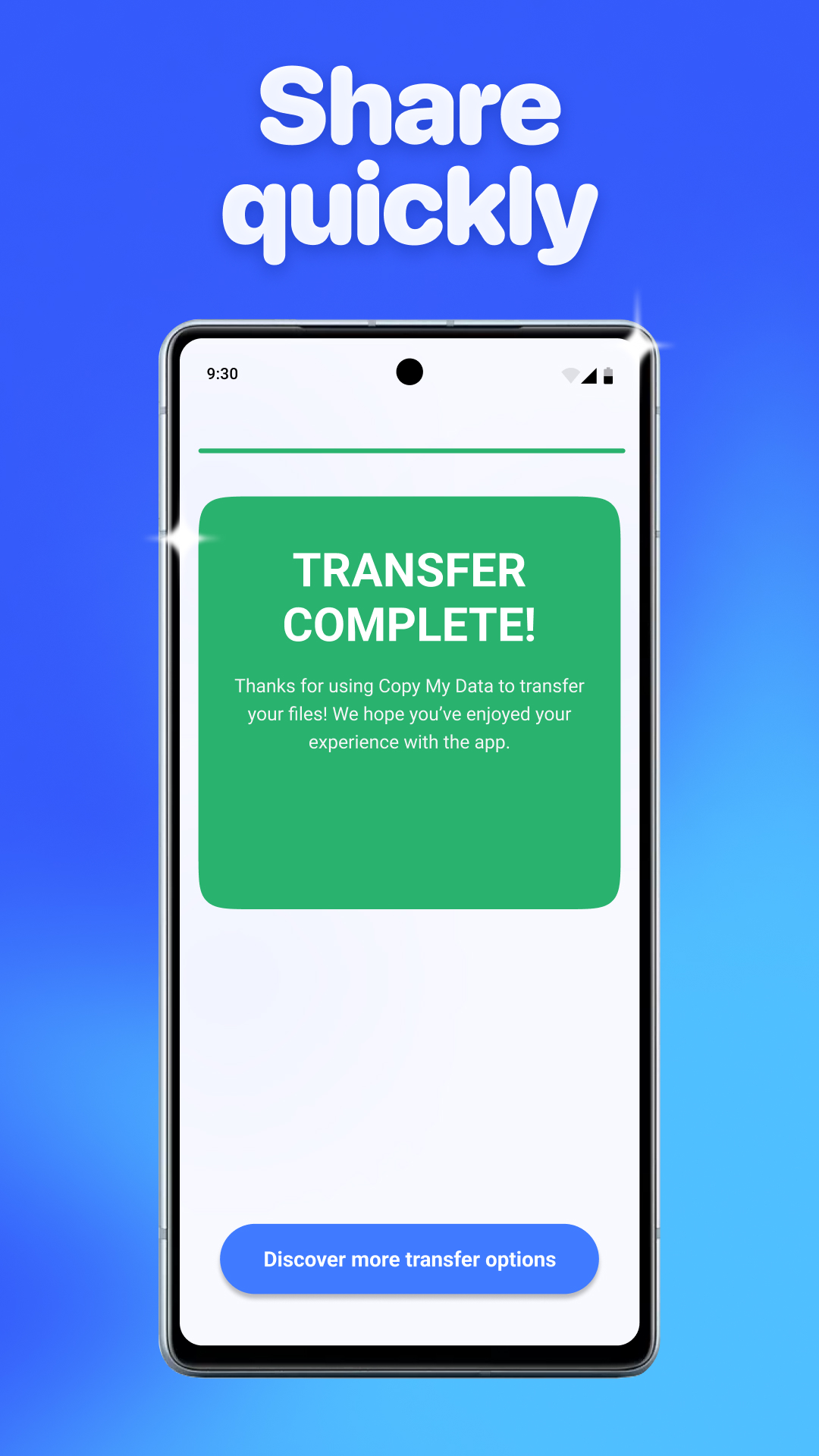
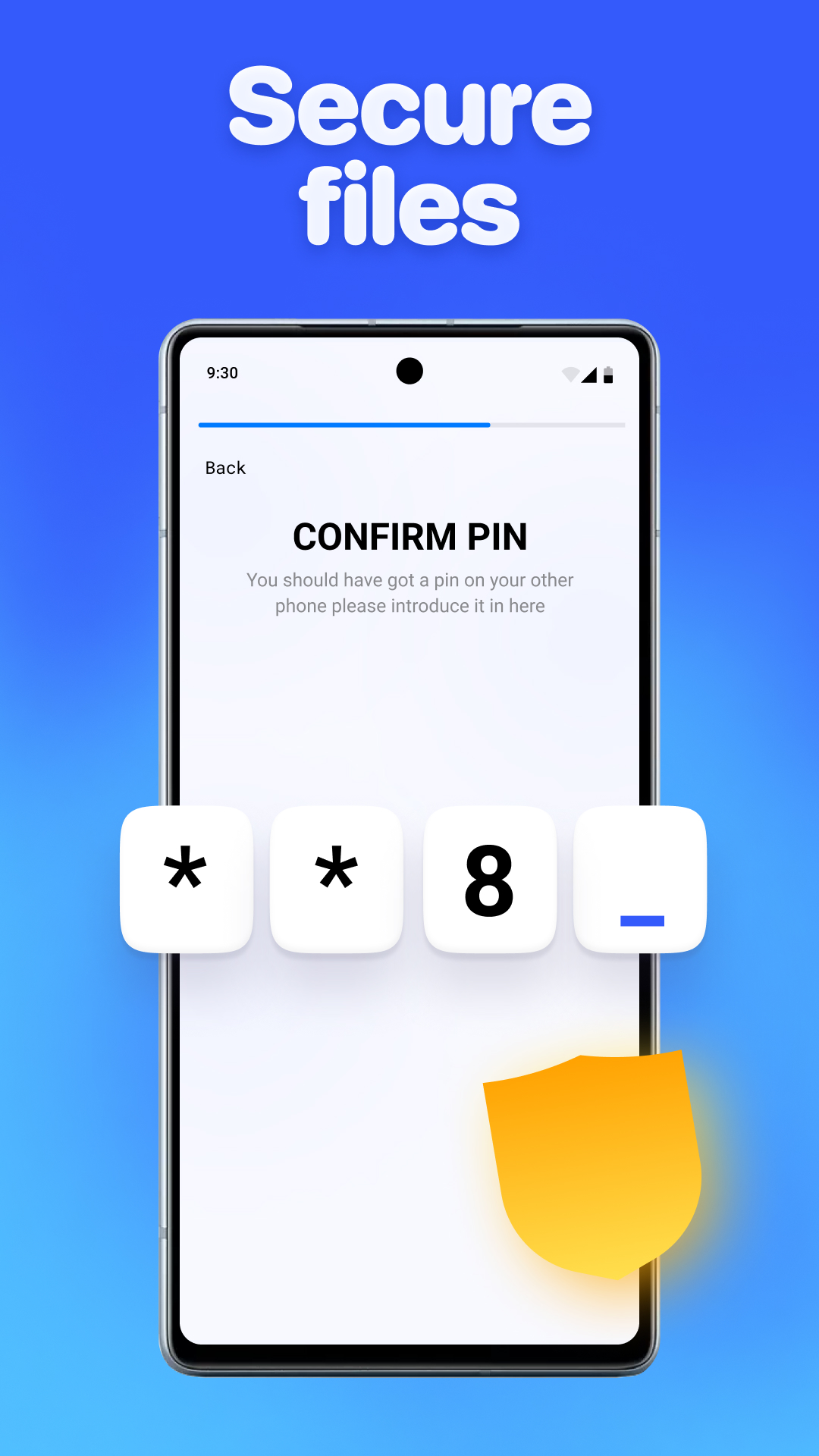
Can't move forward It sends a code to your other phone and your supposed to press next when done. Problem is... It won't let you press the NEXT button. On either phone!!
Post a comment
To leave a comment, log in with your social network:
Or leave an anonymous comment. Your comment will be sent for moderation.
Post a comment
To leave a comment, log in with your social network:
Or leave an anonymous comment. Your comment will be sent for moderation.