



GoPro Quik: Video Editor
62+
downloads7.0+
version Android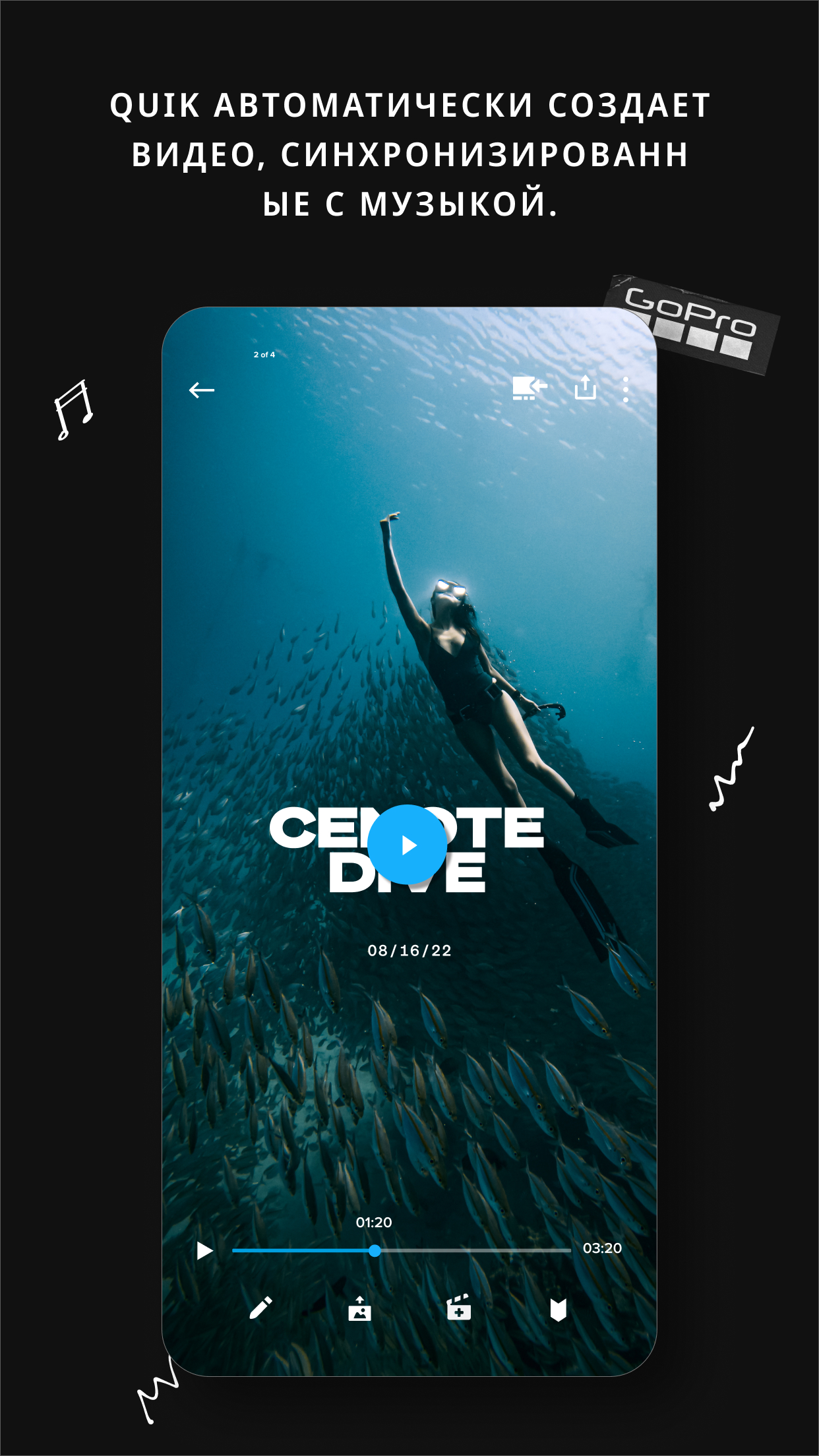
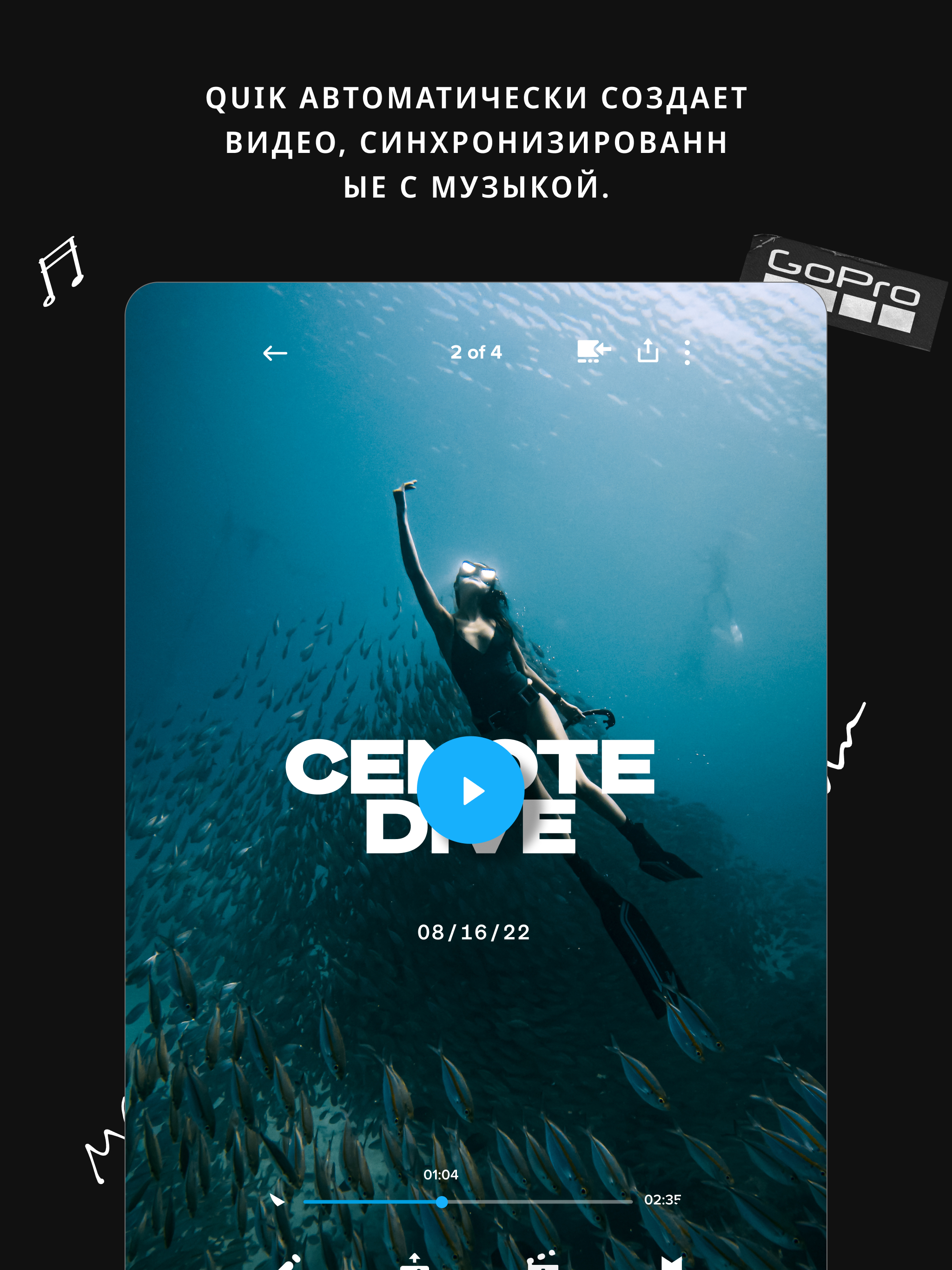
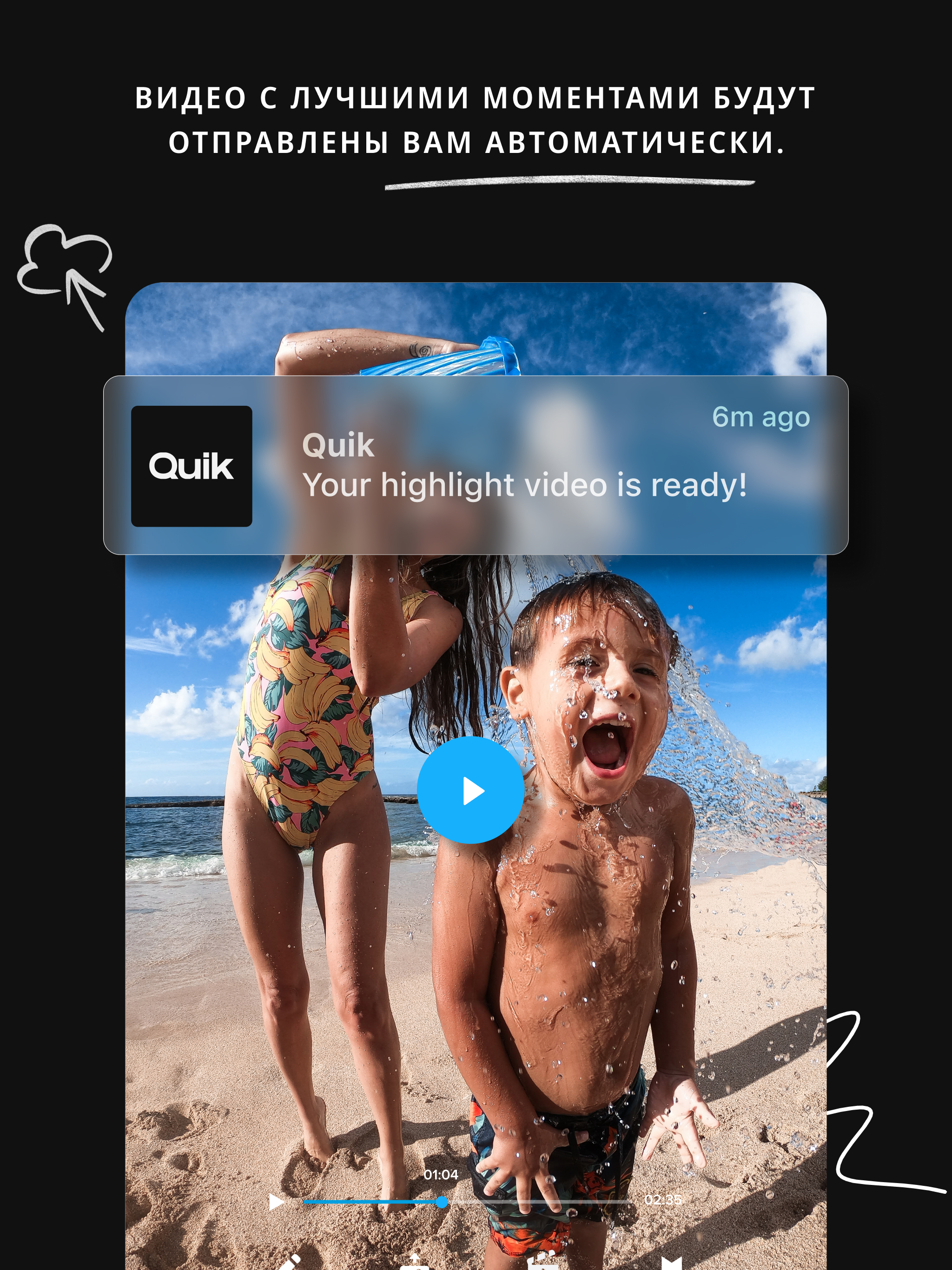
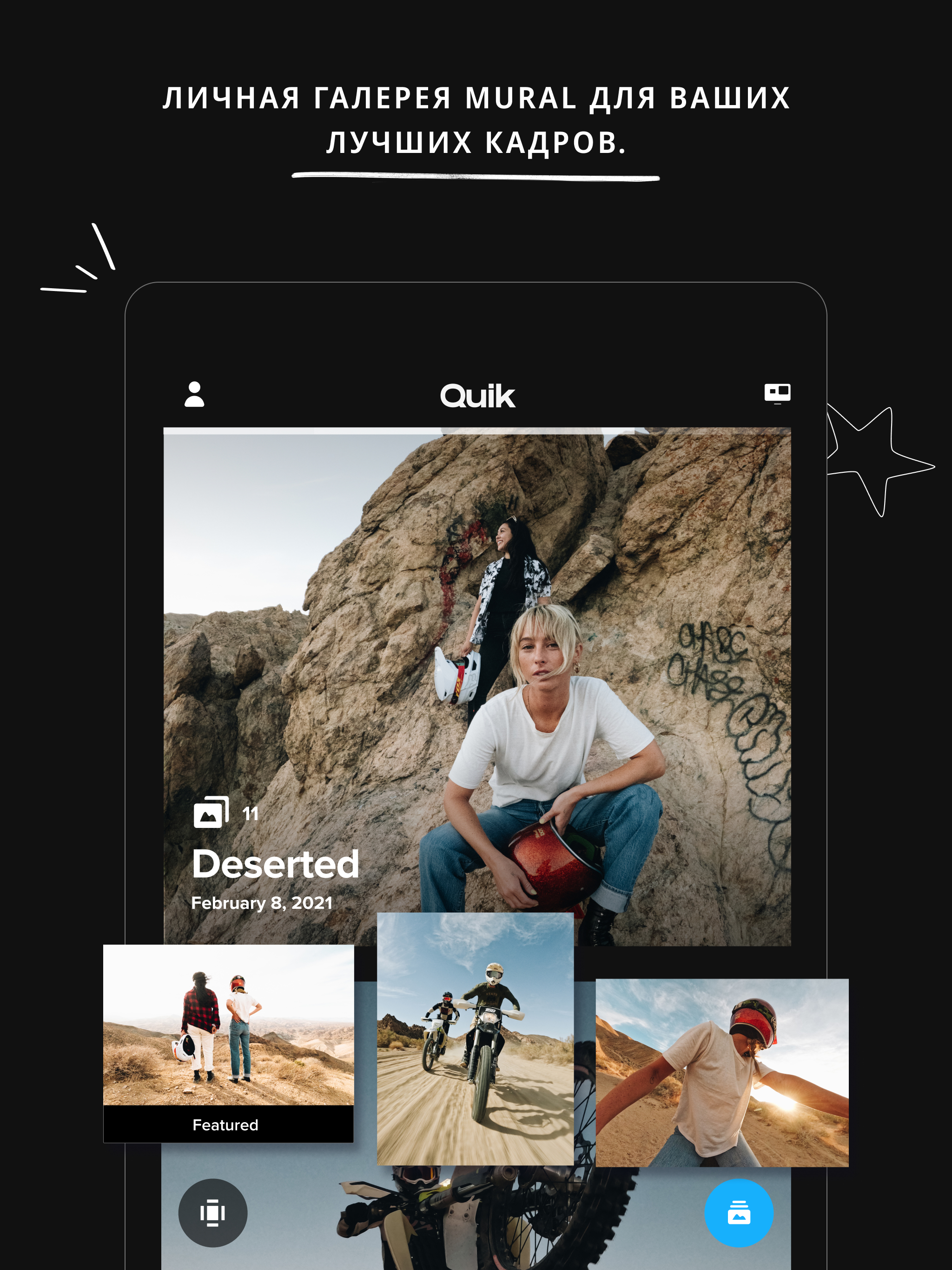
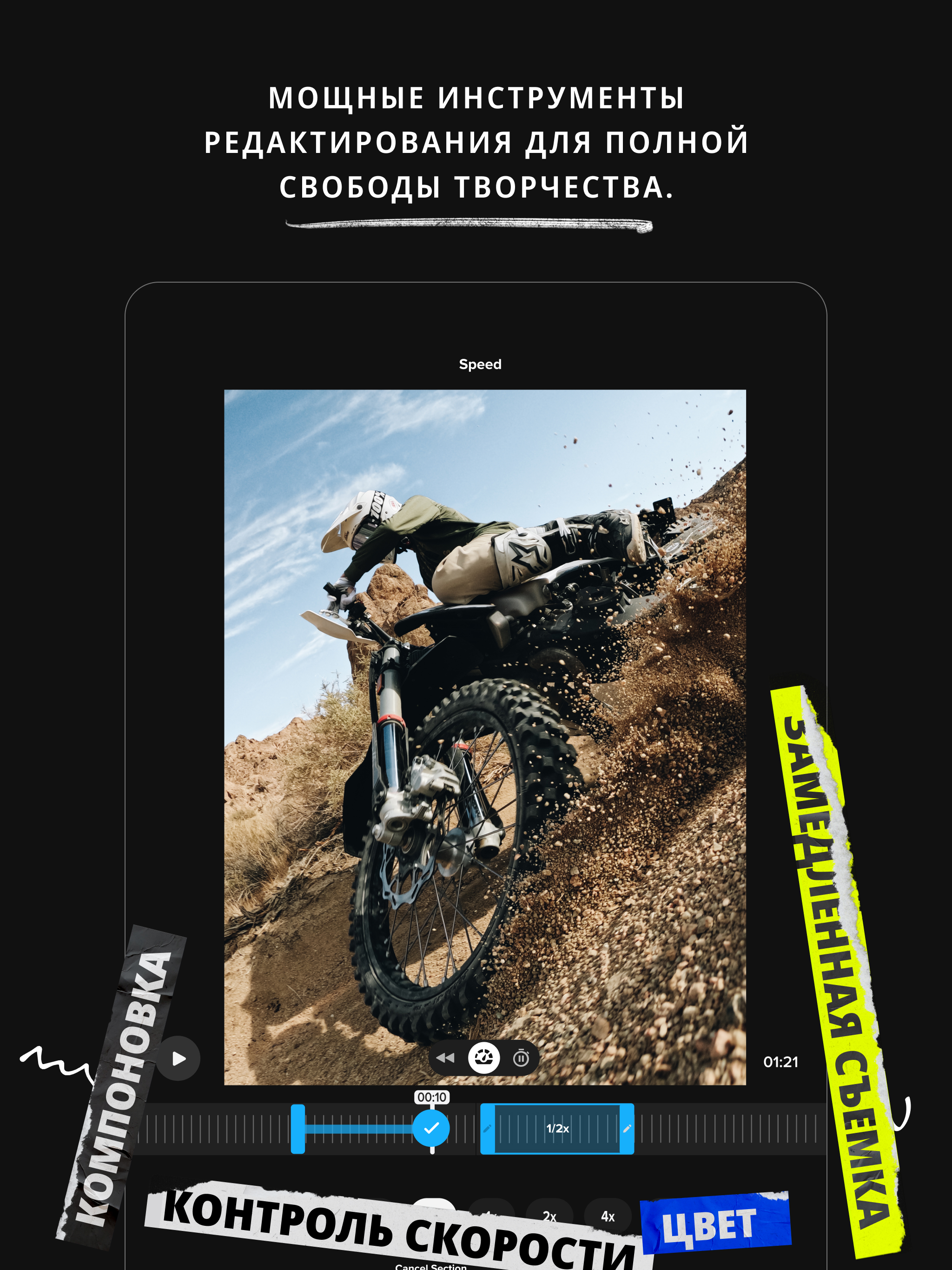
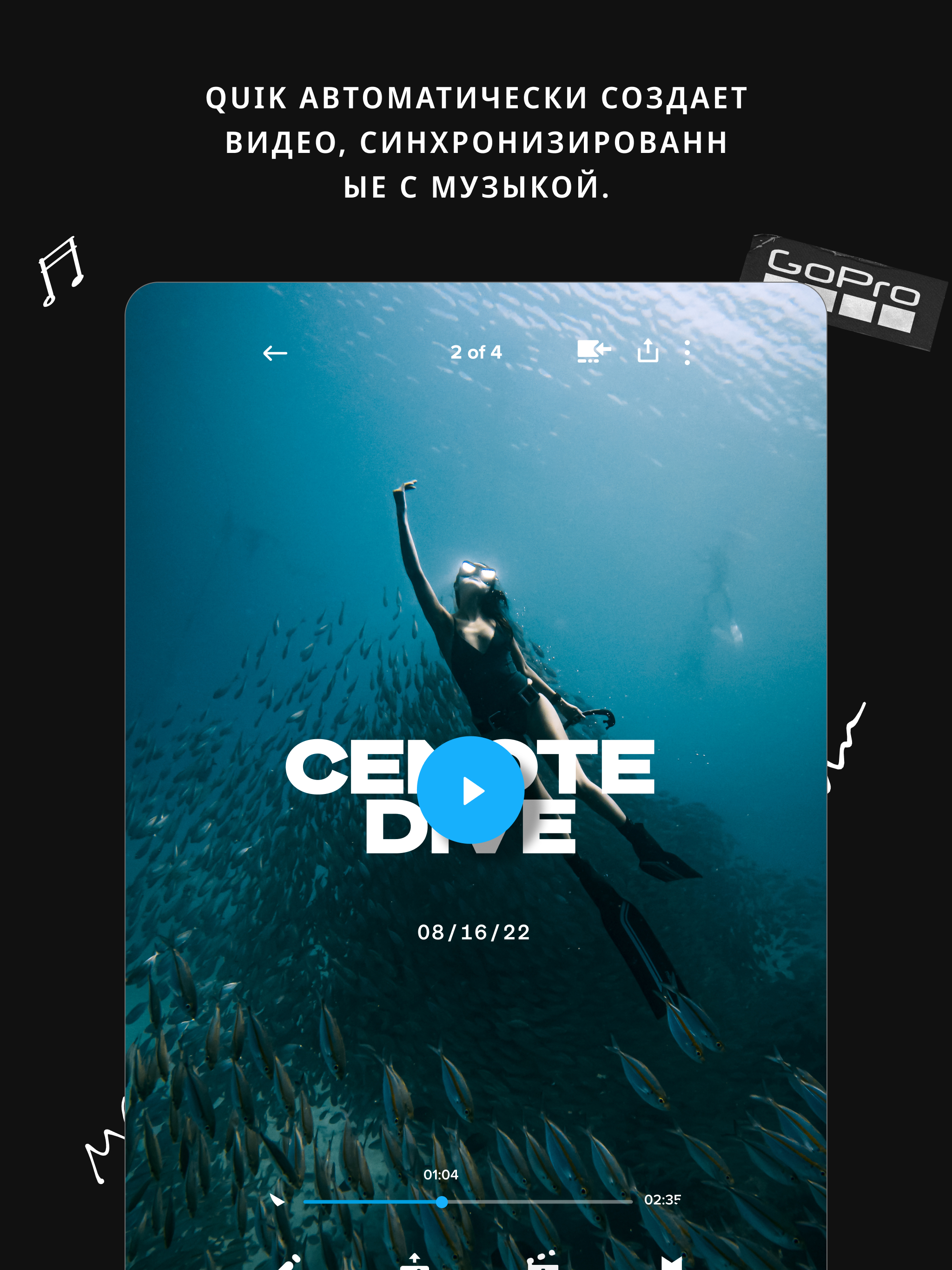
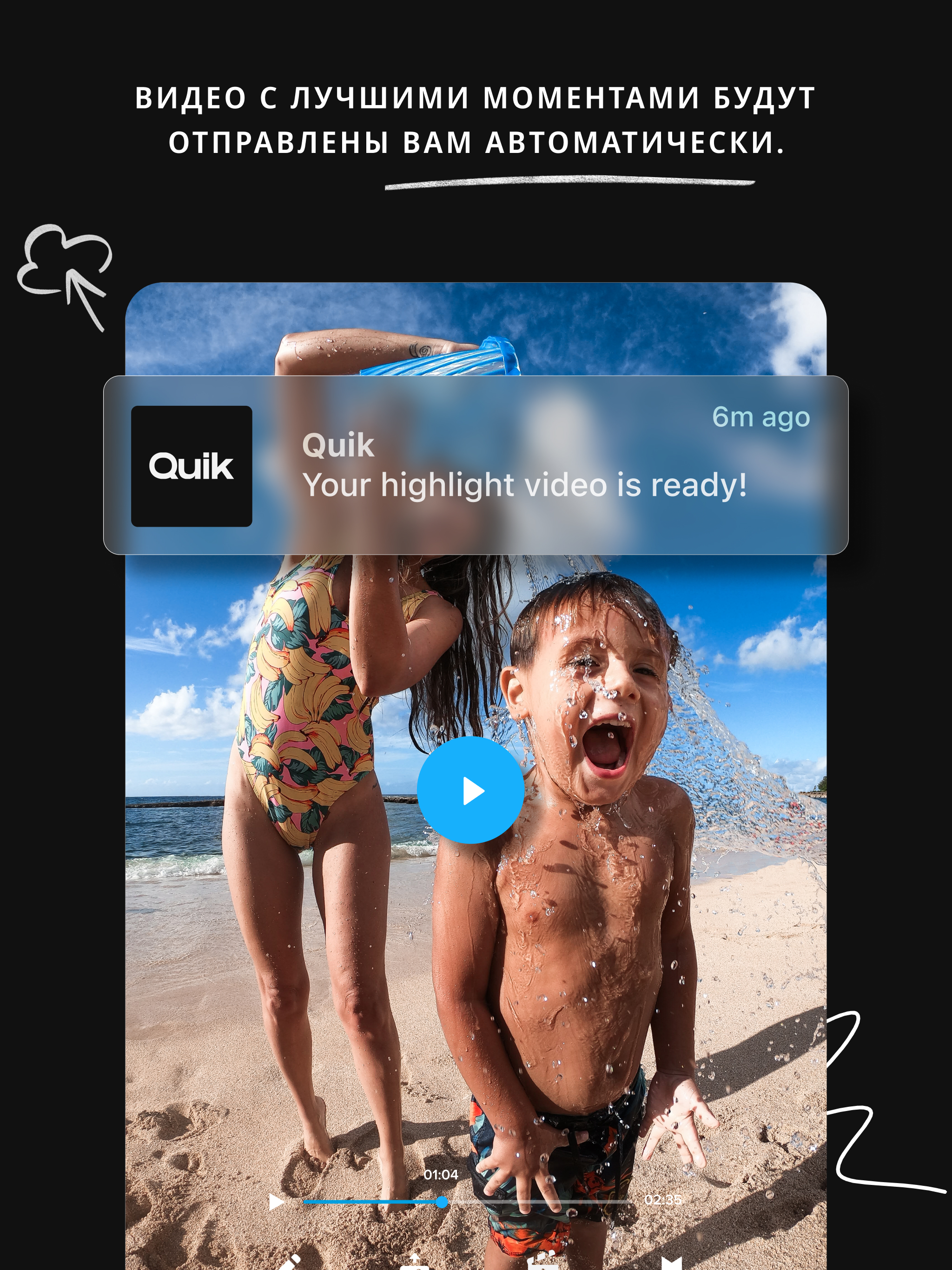
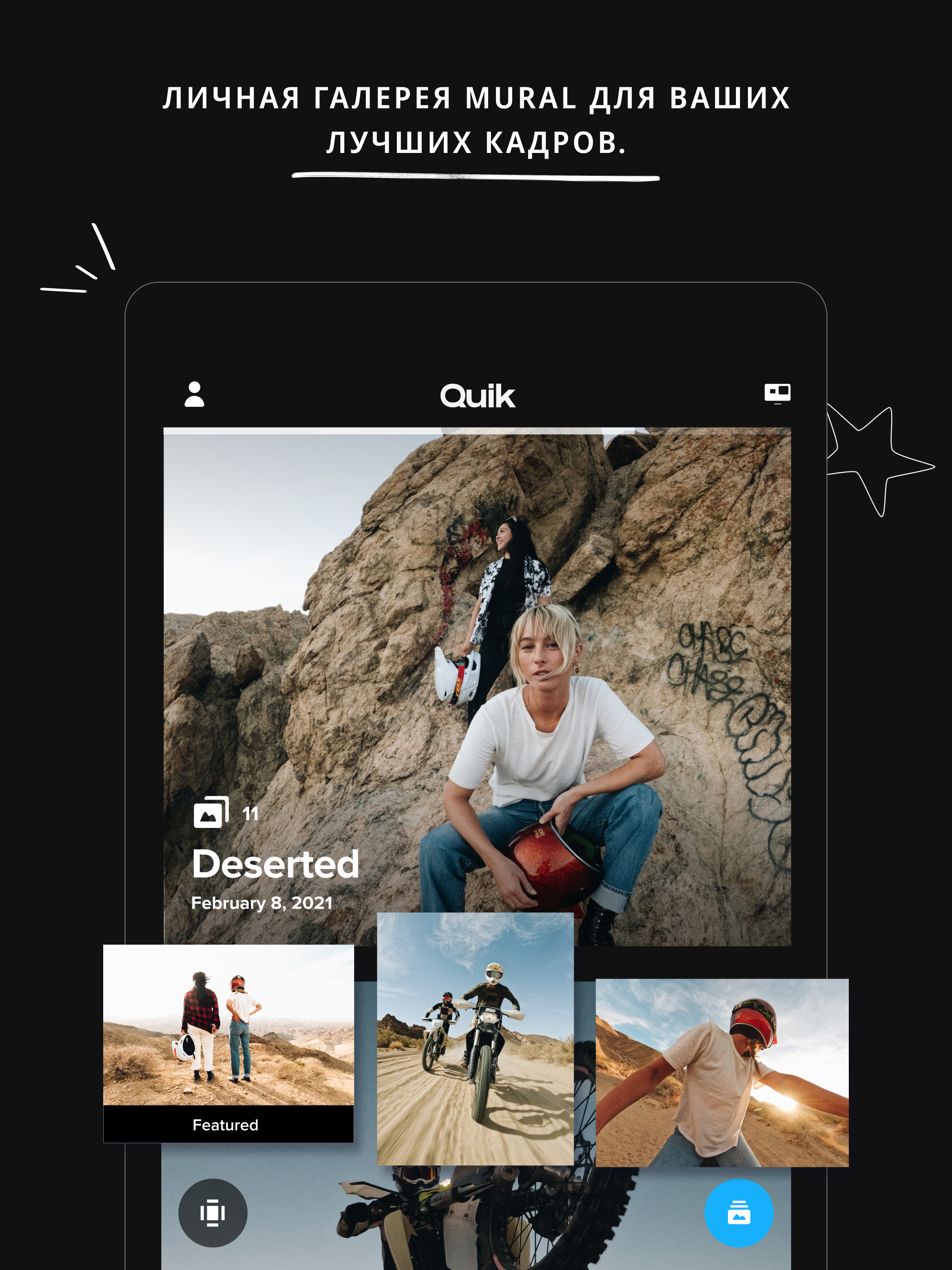
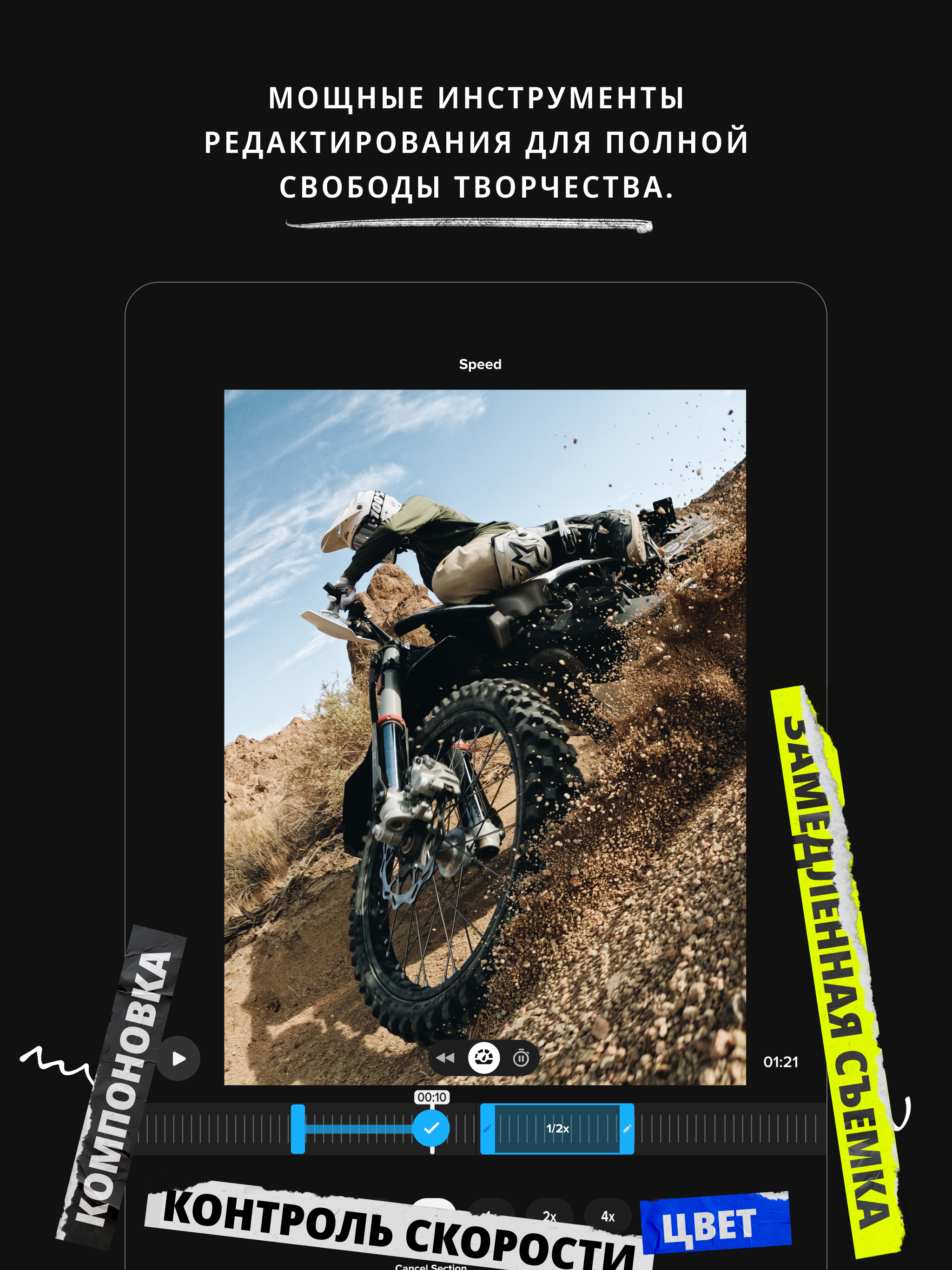
Added: Denis Rubinov
Version: 13.16
Size: 278.7 MB
Updated: 24.06.2025
Developer: GoPro
Age Limitations: Everyone
Authorizations: 24
Downloaded on Google Play: 40590701
Category: Video Players & Editors
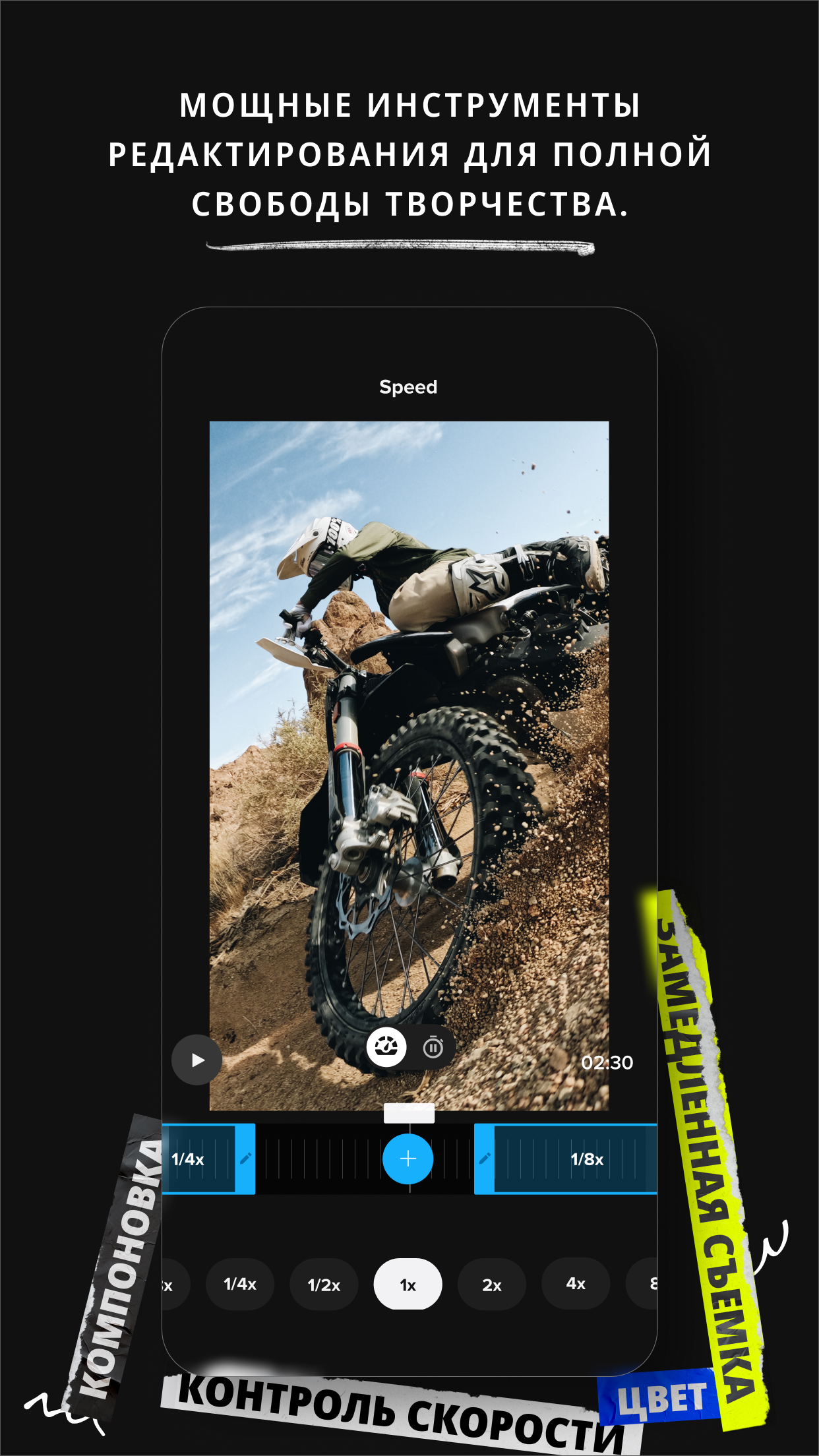
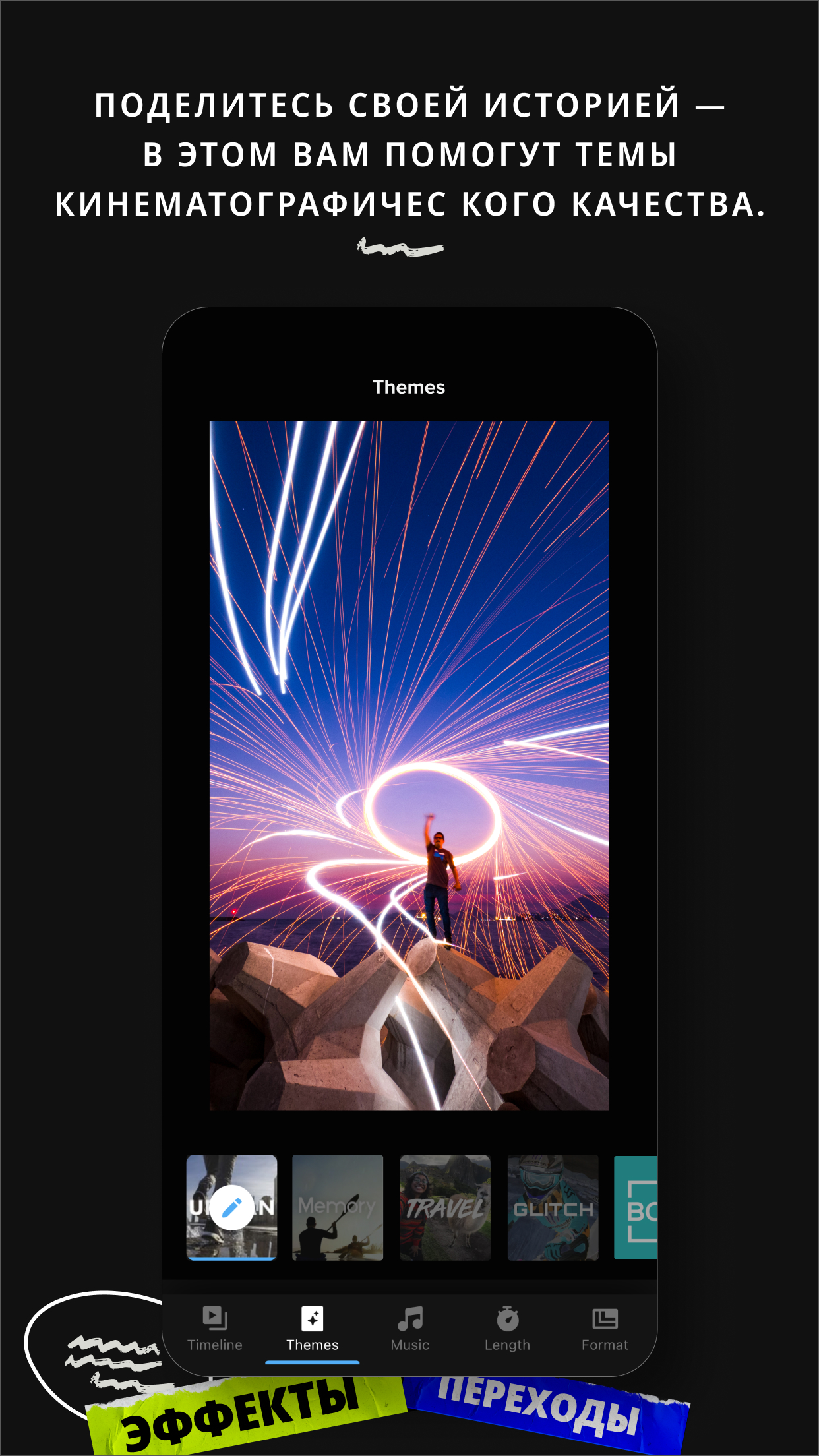
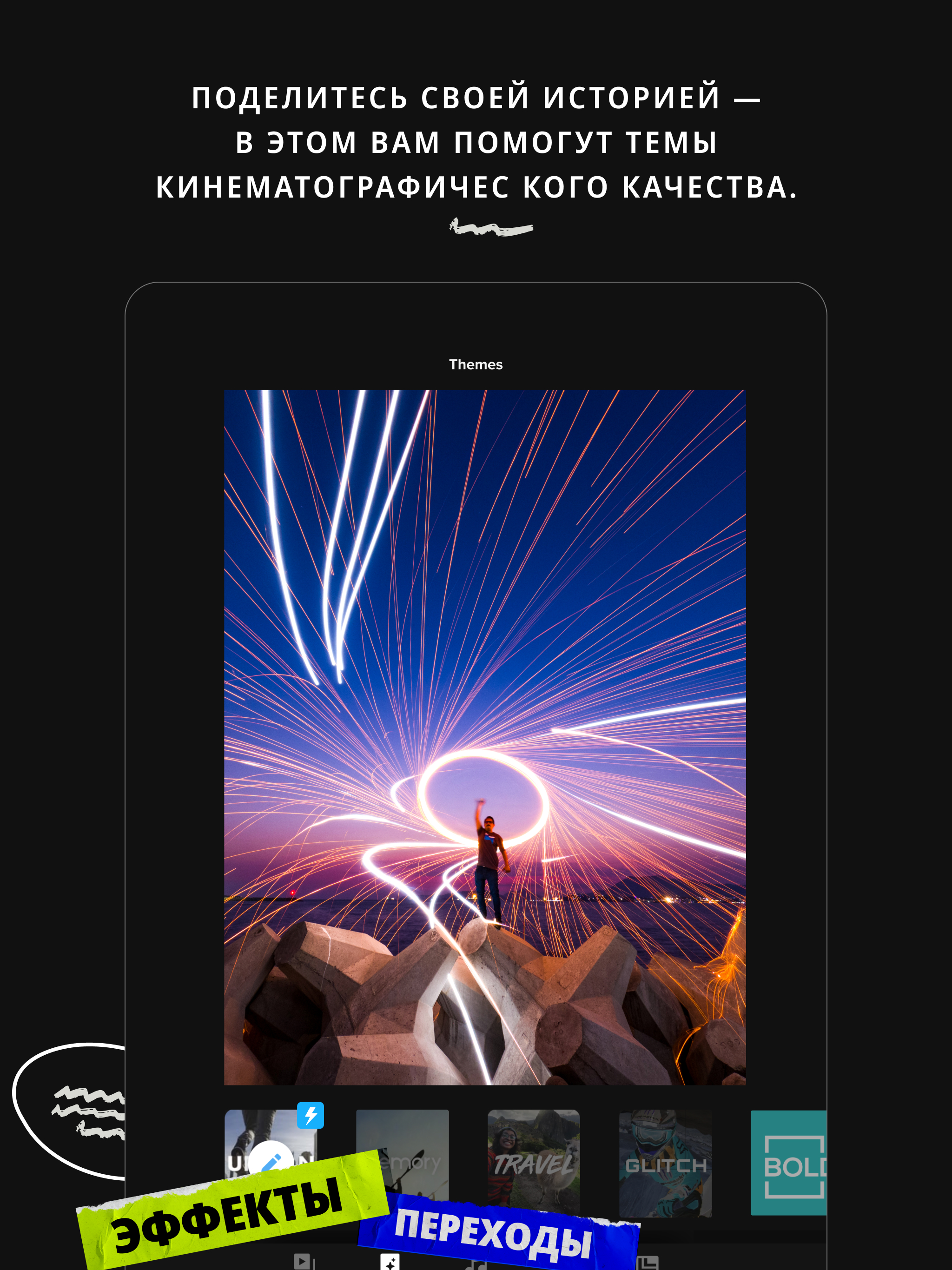
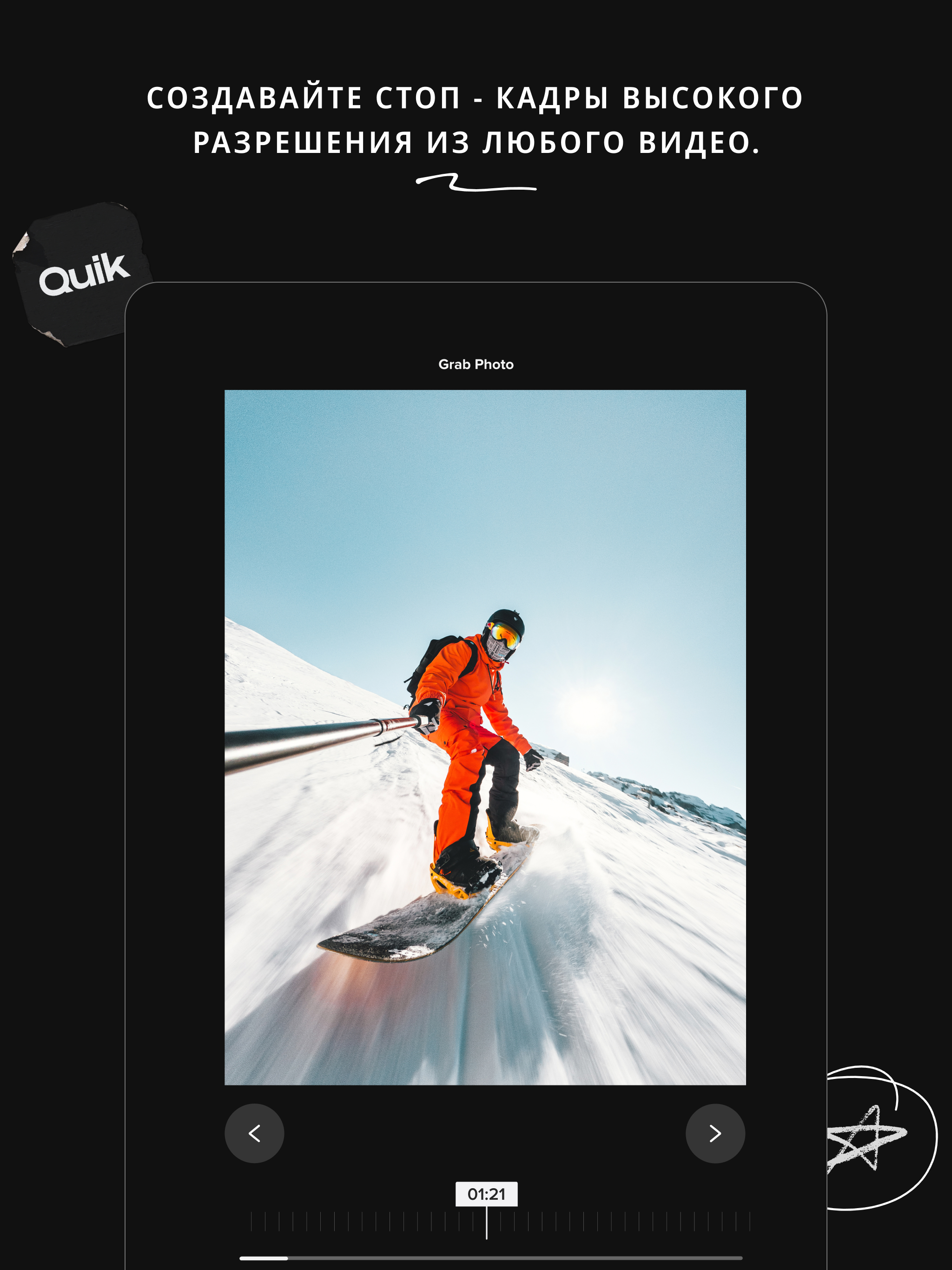
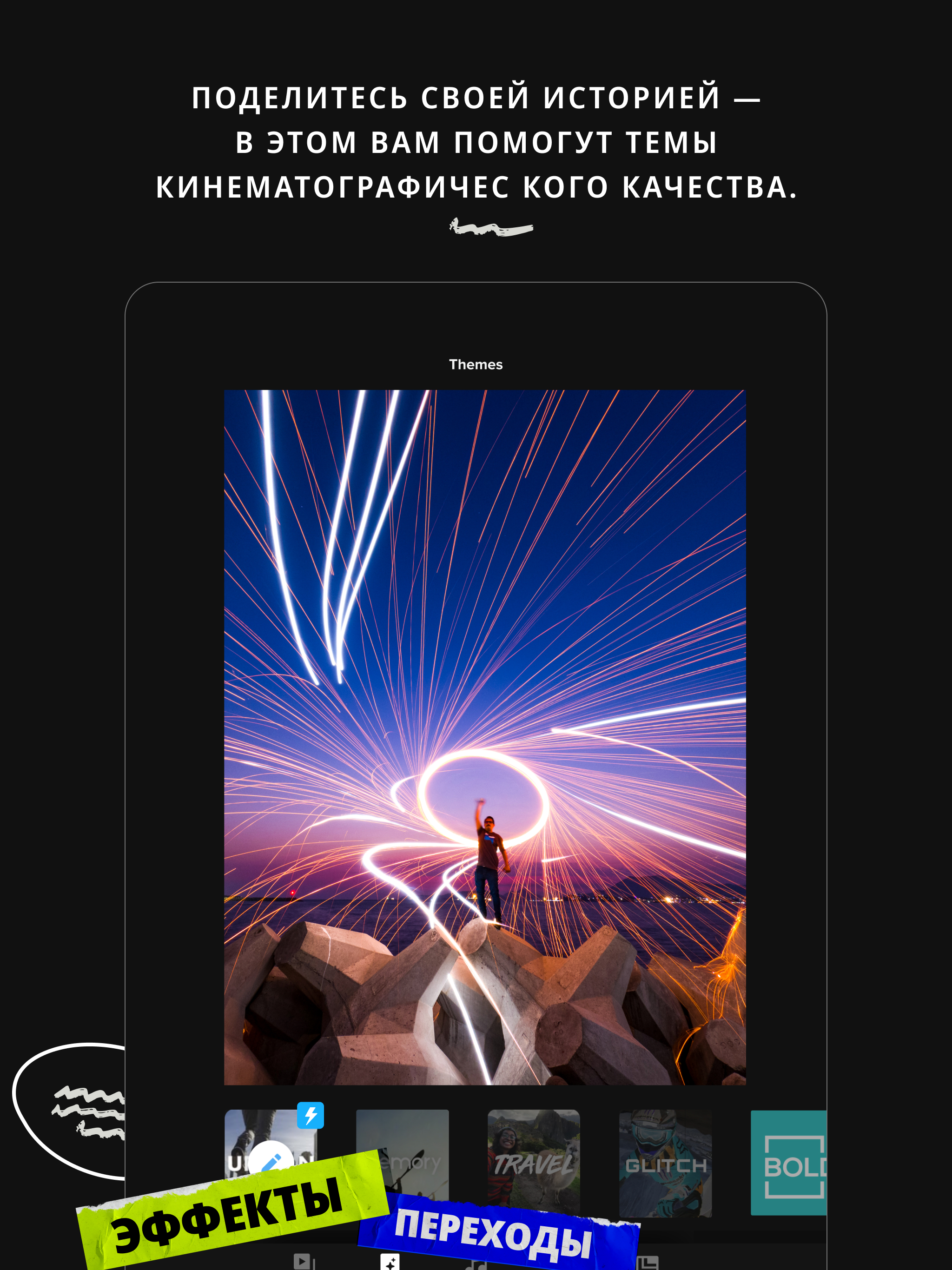
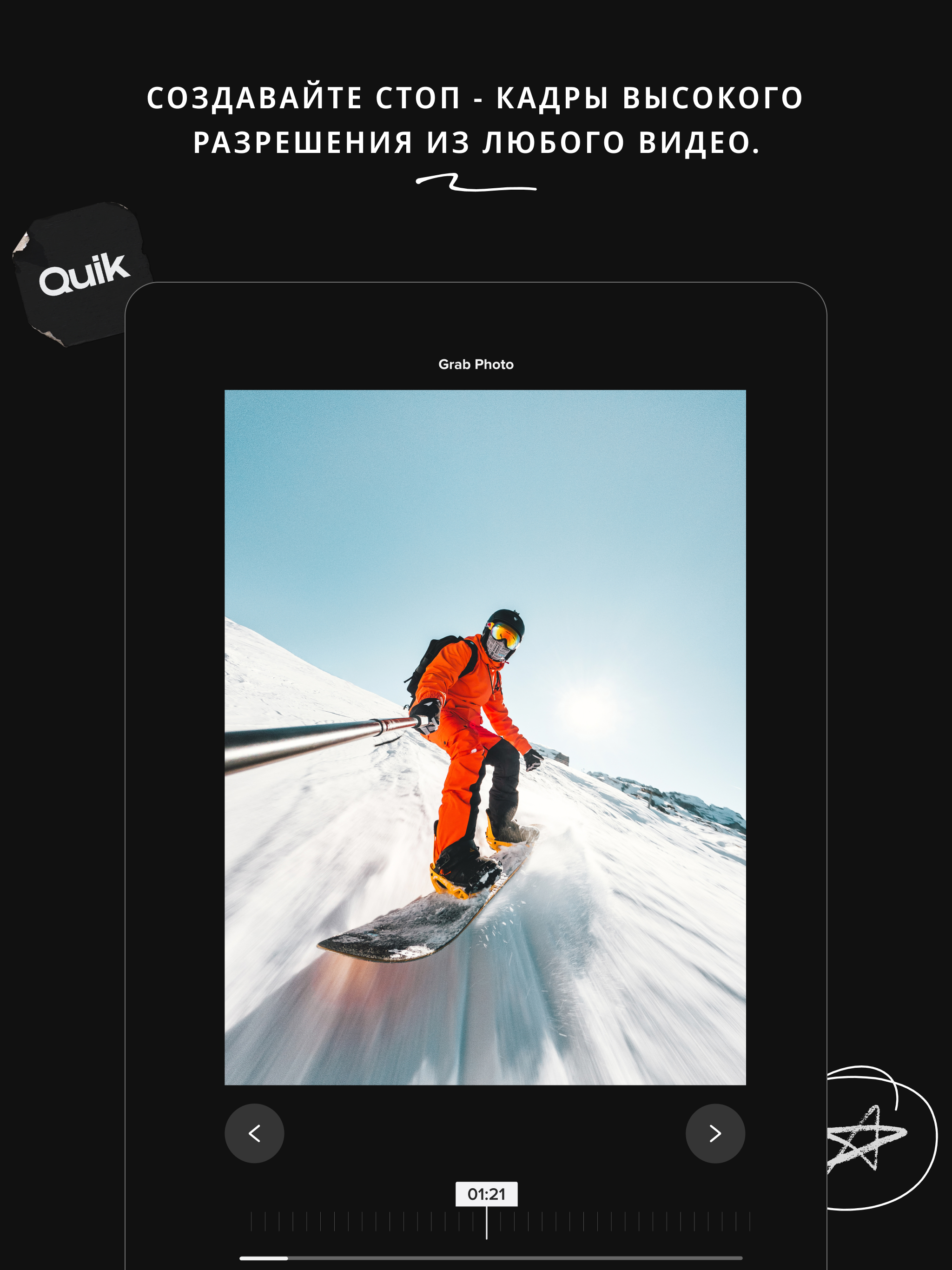
- One-tap video editing
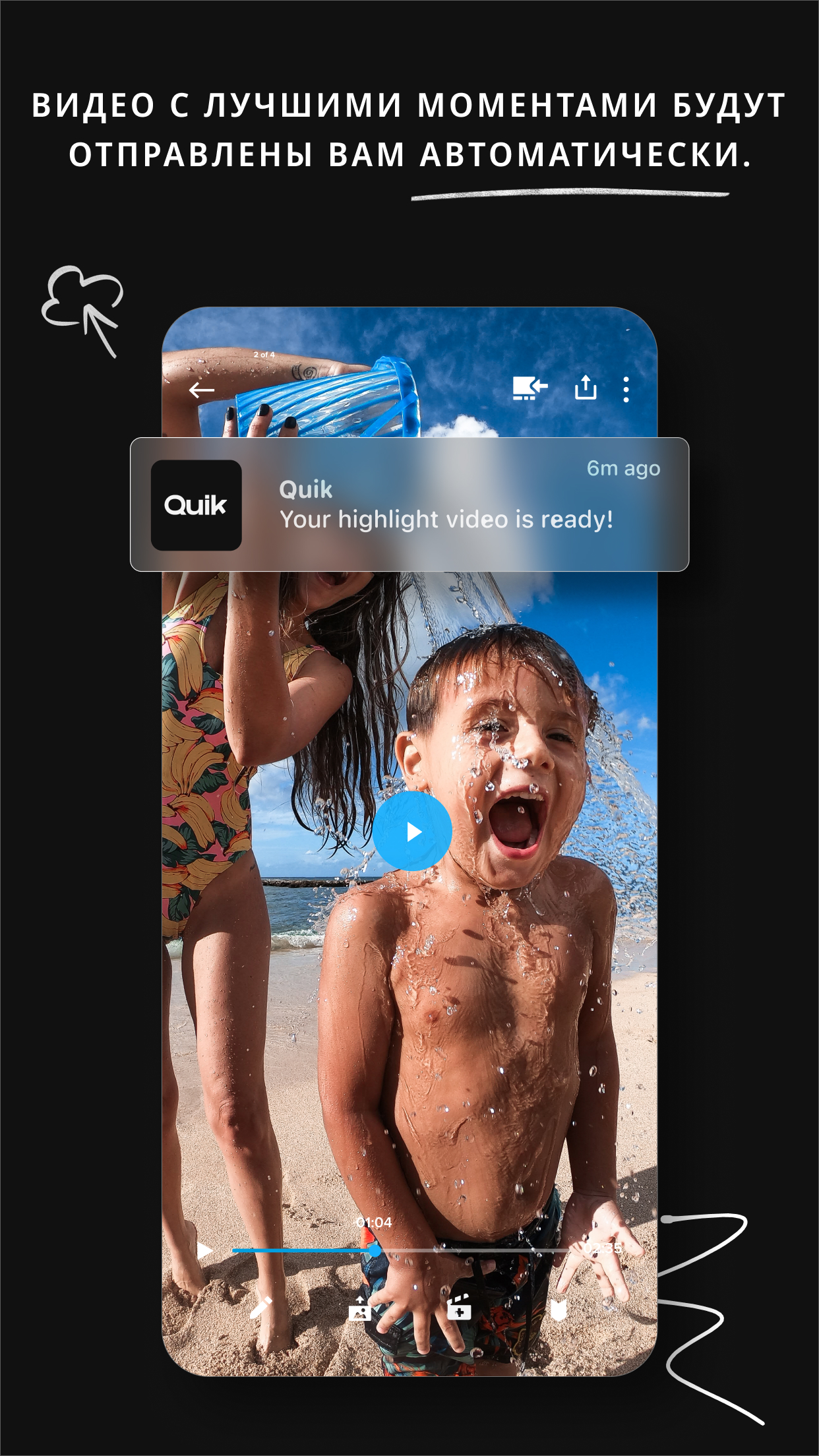
- Automatic processing.
- Exclusive filters.
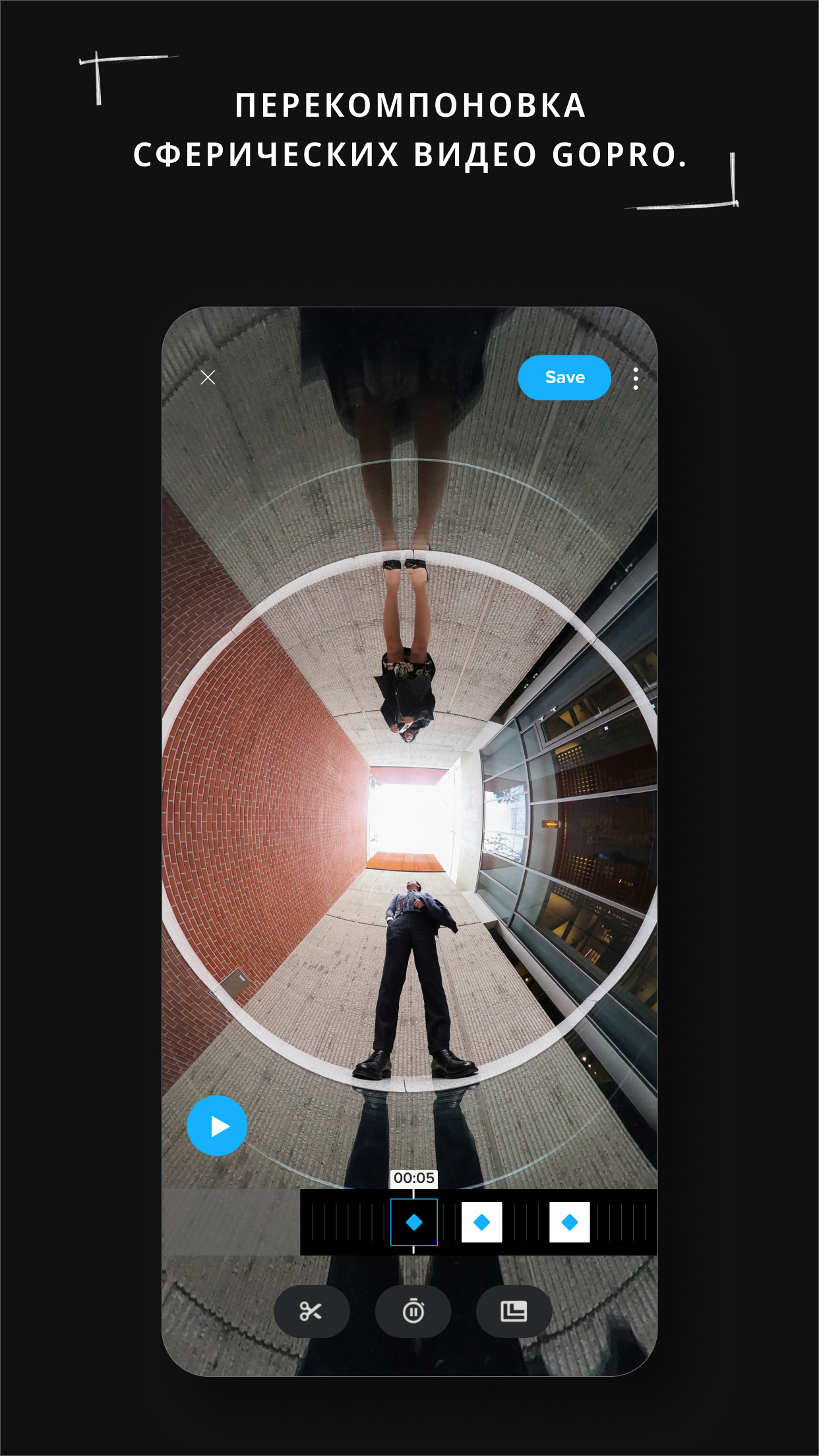
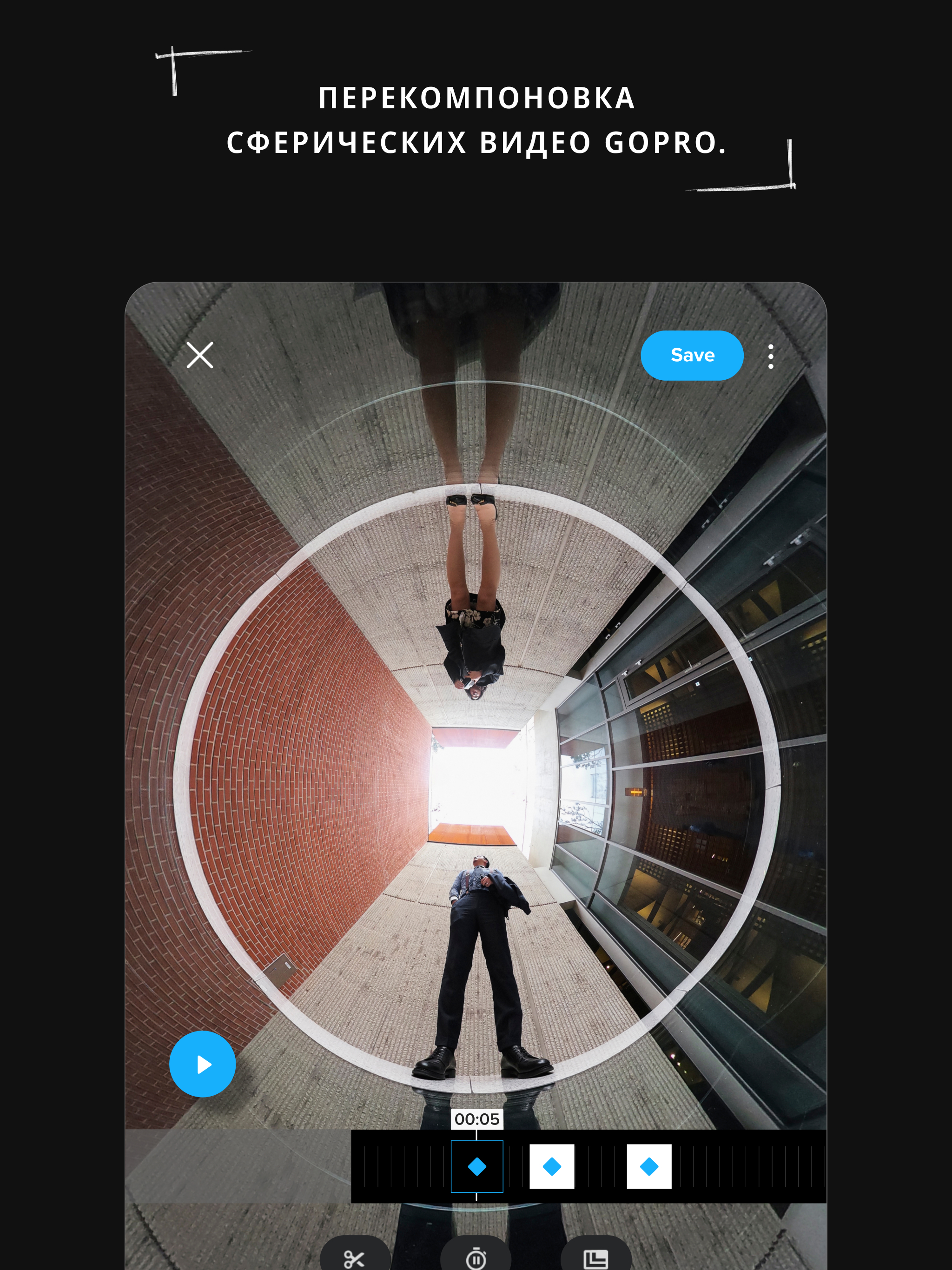
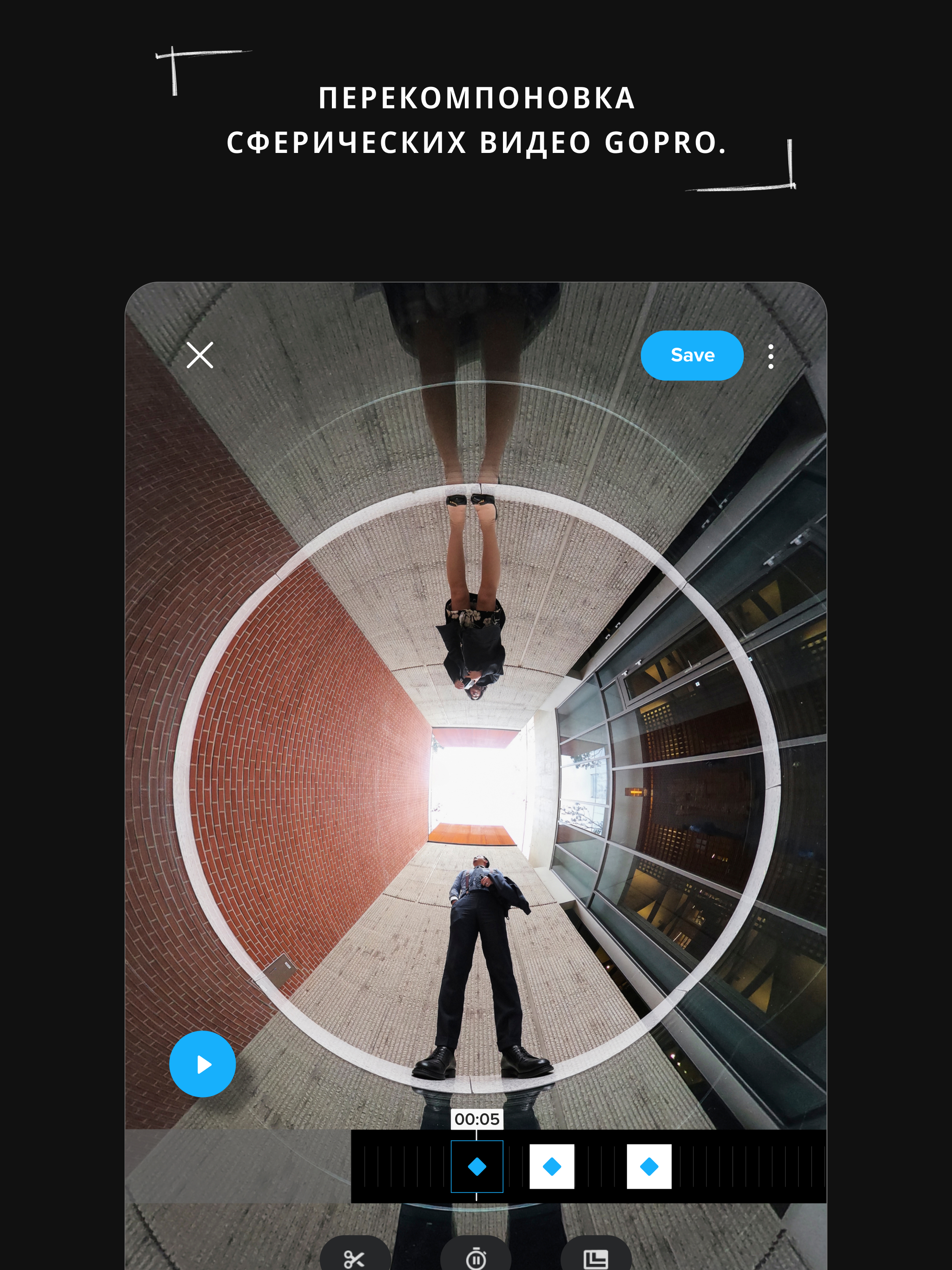
- Support for spherical panoramas.
- Free to use.
Description
Application GoPro Quik: Video Editor was checked by VirusTotal antivirus. As a result of the scan, no file infections were detected by all the latest signatures.
How to install GoPro Quik: Video Editor
- Download APK file apps from apkshki.com.
- Locate the downloaded file. You can find it in the system tray or in the 'Download' folder using any file manager.
- If the file downloaded in .bin extension (WebView bug on Android 11), rename it to .apk using any file manager or try downloading the file with another browser like Chrome.
- Start the installation. Click on the downloaded file to start the installation
- Allow installation from unknown sources. If you are installing for the first time GoPro Quik: Video Editor not from Google Play, go to your device's security settings and allow installation from unknown sources.
- Bypass Google Play protection. If Google Play protection blocks installation of the file, tap 'More Info' → 'Install anyway' → 'OK' to continue..
- Complete the installation: Follow the installer's instructions to complete the installation process.
How to update GoPro Quik: Video Editor
- Download the new version apps from apkshki.com.
- Locate the downloaded file and click on it to start the installation.
- Install over the old version. There is no need to uninstall the previous version.
- Avoid signature conflicts. If the previous version was not downloaded from apkshki.com, the message 'Application not installed' may appear. In this case uninstall the old version and install the new one.
- Restart annex GoPro Quik: Video Editor after the update.









Requesting an application update
Added Denis Rubinov
Version: 13.16
Size: 278.7 MB
Updated: 24.06.2025
Developer: GoPro
Age Limitations: Everyone
Authorizations:
Downloaded on Google Play: 40590701
Category: Video Players & Editors












Reviews for GoPro Quik: Video Editor
Terrible app. It doesn't upload 😔 Only bought this yesterday and hate it. Wasted so much of my time already. You edited clips then you can't do anything with footage. You can't upload, download, the app just freezes. I've uninstalled and reinstalled 3 times. Once footage us uploaded sync is fine. then when complete, sound is out of sync. NOT BUY!
amazing app very simple and easy to use videos take mad long to download tho
The app gives great edits when it actually works. Which is about 1% of the time. Constant freezing and crashing. It makes editing a nightmare.
do the developers even use this app? so many glitches
slow...this app is always so slow with loading, just load in a low res and let me scrub ..
cant make edits of my videos
unreliable and slow. completely unusable. edited video doesn't have thumbnail, the entire thing is slow, videos stuck loading. doing everything in the app is slow and unbearable. it's even worse if you pay for the subscription because you basically can't use it because it's so bad.
good job was good app I would like to download again my friend.
awesome apps, helps with making mini highlight reels wich is super helpful 👌
Uploads are very slow with the device, despite having fiber internet. Other than that, I'm enjoying my GoPro and its features.
my favourite
It was good before now it become worst can guys fix it 2nd time and complaining can you fix it i can't save the video to my phone
very nice
Has the potential to be a great app but slow to use because there are so many bugs. Often, I have to repeat the process because of errors or it freezers.
nice
Post a comment
To leave a comment, log in with your social network:
Or leave an anonymous comment. Your comment will be sent for moderation.
Post a comment
To leave a comment, log in with your social network:
Or leave an anonymous comment. Your comment will be sent for moderation.