



Autodesk Fusion
24+
downloads5.0+
version Android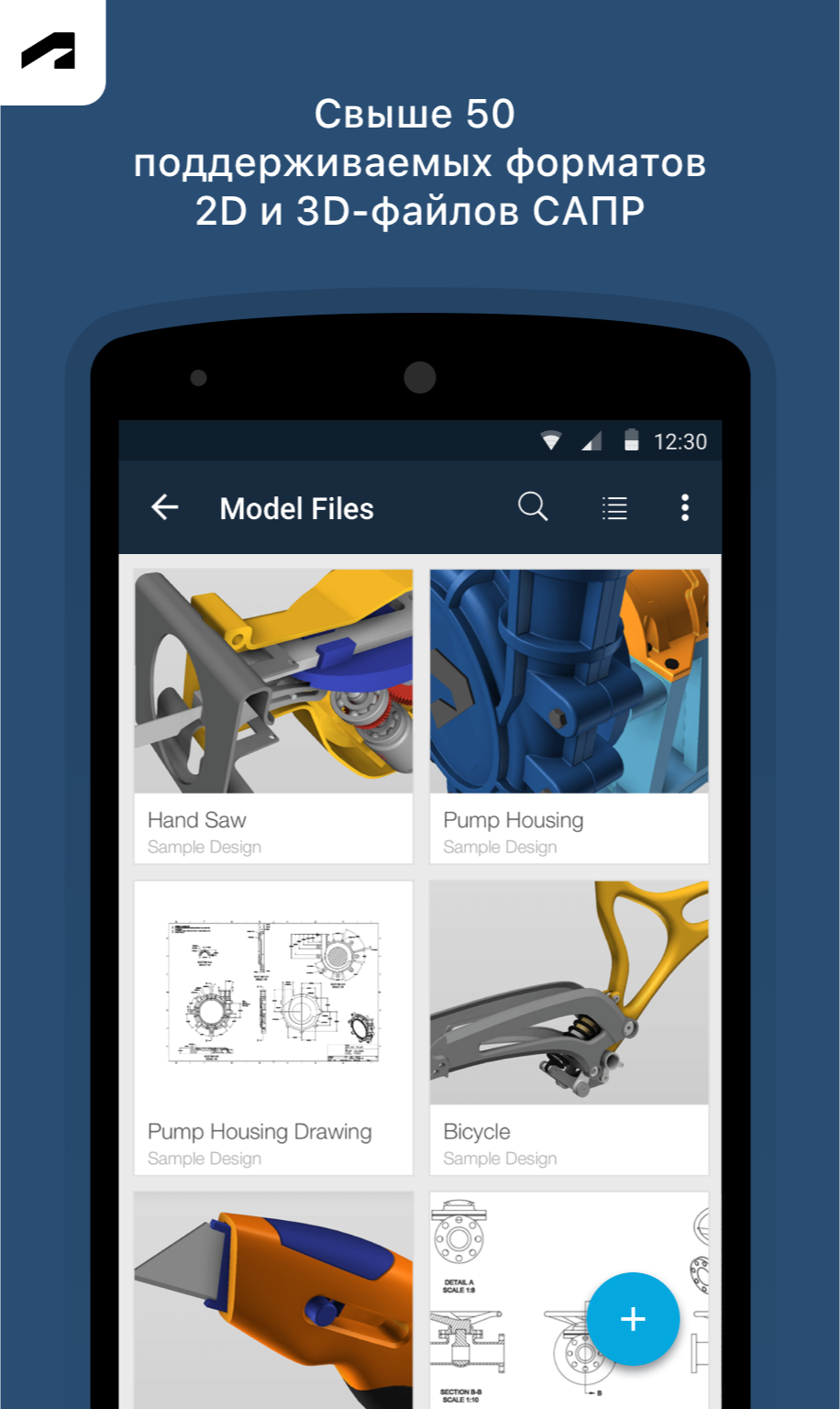
Added: Denis Rubinov
Version: 2.9.0
Size: 27.3 MB
Updated: 24.06.2025
Developer: Autodesk Inc.
Age Limitations: Everyone
Downloaded on Google Play: 1059857
Category: Work
Description
Application Autodesk Fusion was checked by VirusTotal antivirus. As a result of the scan, no file infections were detected by all the latest signatures.
How to install Autodesk Fusion
- Download APK file apps from apkshki.com.
- Locate the downloaded file. You can find it in the system tray or in the 'Download' folder using any file manager.
- If the file downloaded in .bin extension (WebView bug on Android 11), rename it to .apk using any file manager or try downloading the file with another browser like Chrome.
- Start the installation. Click on the downloaded file to start the installation
- Allow installation from unknown sources. If you are installing for the first time Autodesk Fusion not from Google Play, go to your device's security settings and allow installation from unknown sources.
- Bypass Google Play protection. If Google Play protection blocks installation of the file, tap 'More Info' → 'Install anyway' → 'OK' to continue..
- Complete the installation: Follow the installer's instructions to complete the installation process.
How to update Autodesk Fusion
- Download the new version apps from apkshki.com.
- Locate the downloaded file and click on it to start the installation.
- Install over the old version. There is no need to uninstall the previous version.
- Avoid signature conflicts. If the previous version was not downloaded from apkshki.com, the message 'Application not installed' may appear. In this case uninstall the old version and install the new one.
- Restart annex Autodesk Fusion after the update.










Requesting an application update
Added Denis Rubinov
Version: 2.9.0
Size: 27.3 MB
Updated: 24.06.2025
Developer: Autodesk Inc.
Age Limitations: Everyone
Downloaded on Google Play: 1059857
Category: Work












Reviews for Autodesk Fusion
looked for an android CAD for making 3d projects, seen this was recommended and installed, created account, verified account, back to login to relog in, gets stuck in an infinite verify loop per the web address and displays a bright white screen showing only the web address, closed app and restarted with same result, & uninstalled app. all in all very poor experience
app is horrible cant design for free they want you to make it public go figure and create a team and make it hardest thing possible to figure out how to do screw this go to solidworks or bambus. what a waste do better auto desk.
Cannot log in. Blank page at the end of authentication process
log in issue should upgrade log in page
can't login to the app - username & password go fine but the 2FA page just loops back to the login button. my Autodesk account works fine on other devices
terrible, wouldn't accept login. just sits on Auth page. website and desktop login fine. feels very un tested
Autodesk has allowed this app to fall apart. I can't log in at all. It was working for the longest time, then it's like they just stopped.
Login broken
There is no excuse for Autodesk making commercials that mock GOD to sell their terrible apps & software.
Can't login. Once I try to switch to either my password manager or the authenticator, the login dialog goes away and I can't paste the numbers...
Cannot open local files in the smartphone/SD card. Useless. Uninstall
The biggest issue I have with this app is the measurement. I installed this app thinking I can atleast see the sizes and distances of holes when I am not on my PC, but you can not select the center of a curved face in order to do so, making it very inaccurate when you want to know the position of a hole.
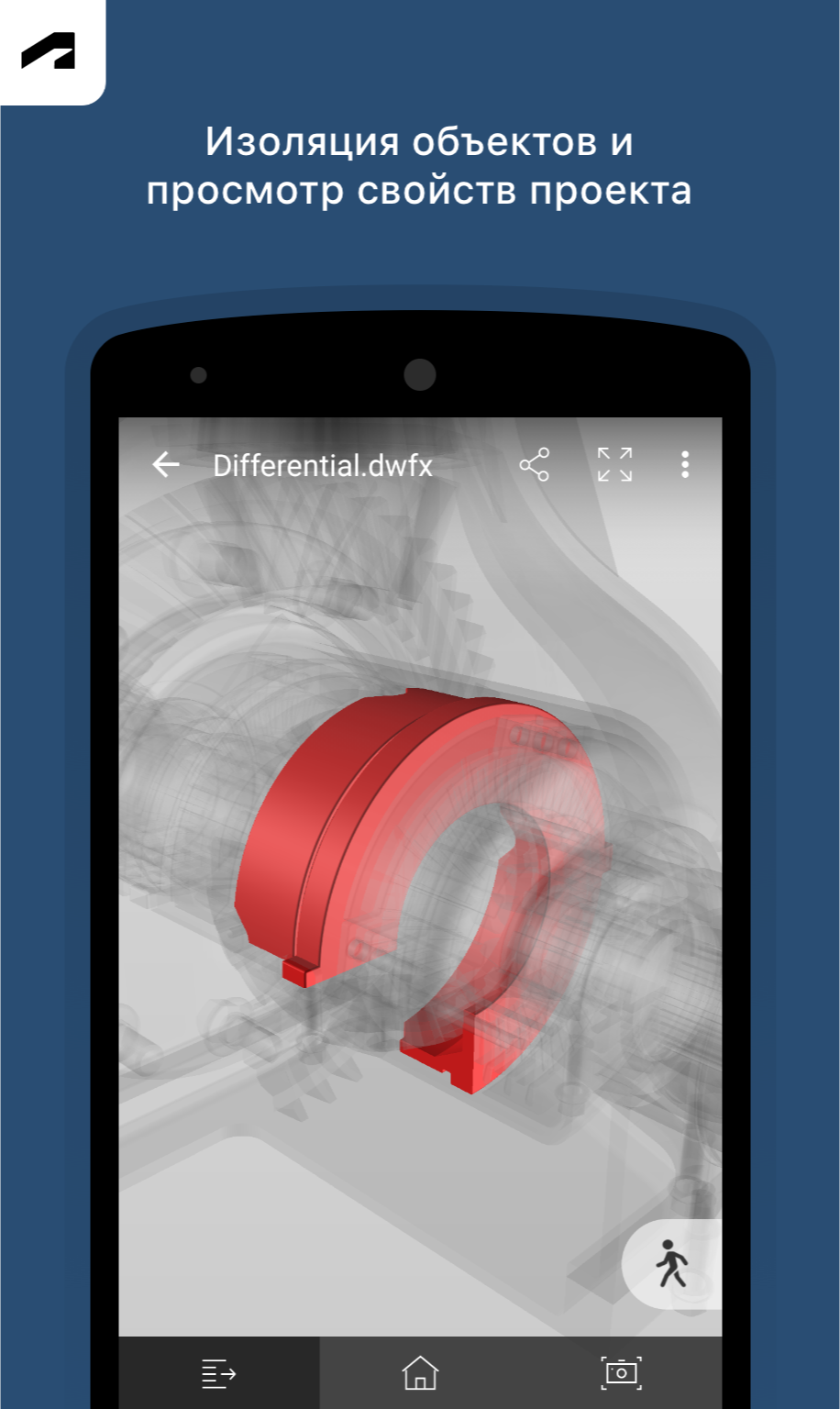
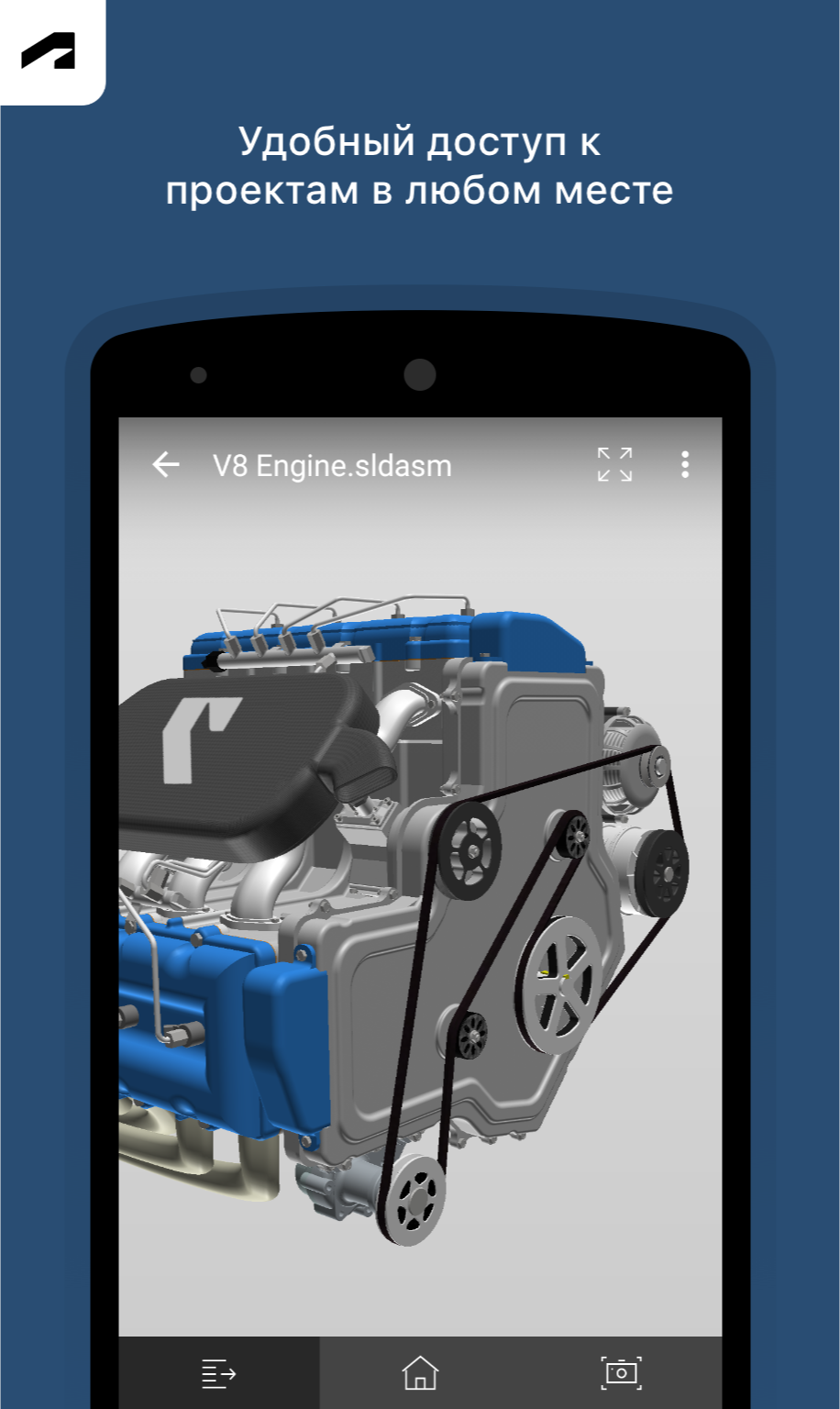
Pros are obvious. View your Fusion360 files on the move, show/hide objects, etc. Cons are that the loaded file doesn't automatically hide objects hidden when you load the file in Fusion360 proper. 3D view manipulation also feels strange, using a combined orbit/pan/rotate method. It would also be nice to be able to view models in AR, similar to how eDrawing works with Solidworks. Good, but not a killer app.
Terrible slow in opening files - sometimes it feel like waiting forever. Fusion electronics files are not easy to view - not optimized and basically no lables on tracks. Additionally it frequently ask to login again - also very annoying. Overall its a terrible implementation of nice product concept.
Was working fine for quite a while, now I can't login anymore. Login button just leads to message "unknown error occurred" and sends you right back to the "login" button. Clearing data/cache doesn't do anything as well as reinstalling the app. What a shame! :(
Post a comment
To leave a comment, log in with your social network:
Or leave an anonymous comment. Your comment will be sent for moderation.
Post a comment
To leave a comment, log in with your social network:
Or leave an anonymous comment. Your comment will be sent for moderation.