



3D Modeling App: Sculpt & Draw
22+
downloads4.4+
version Android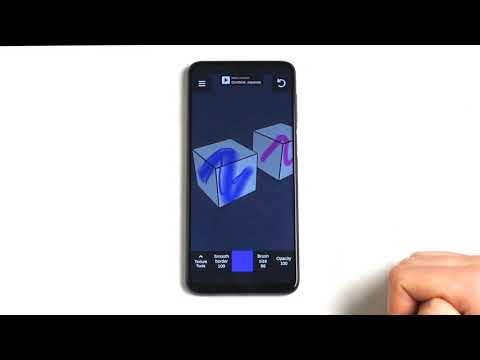
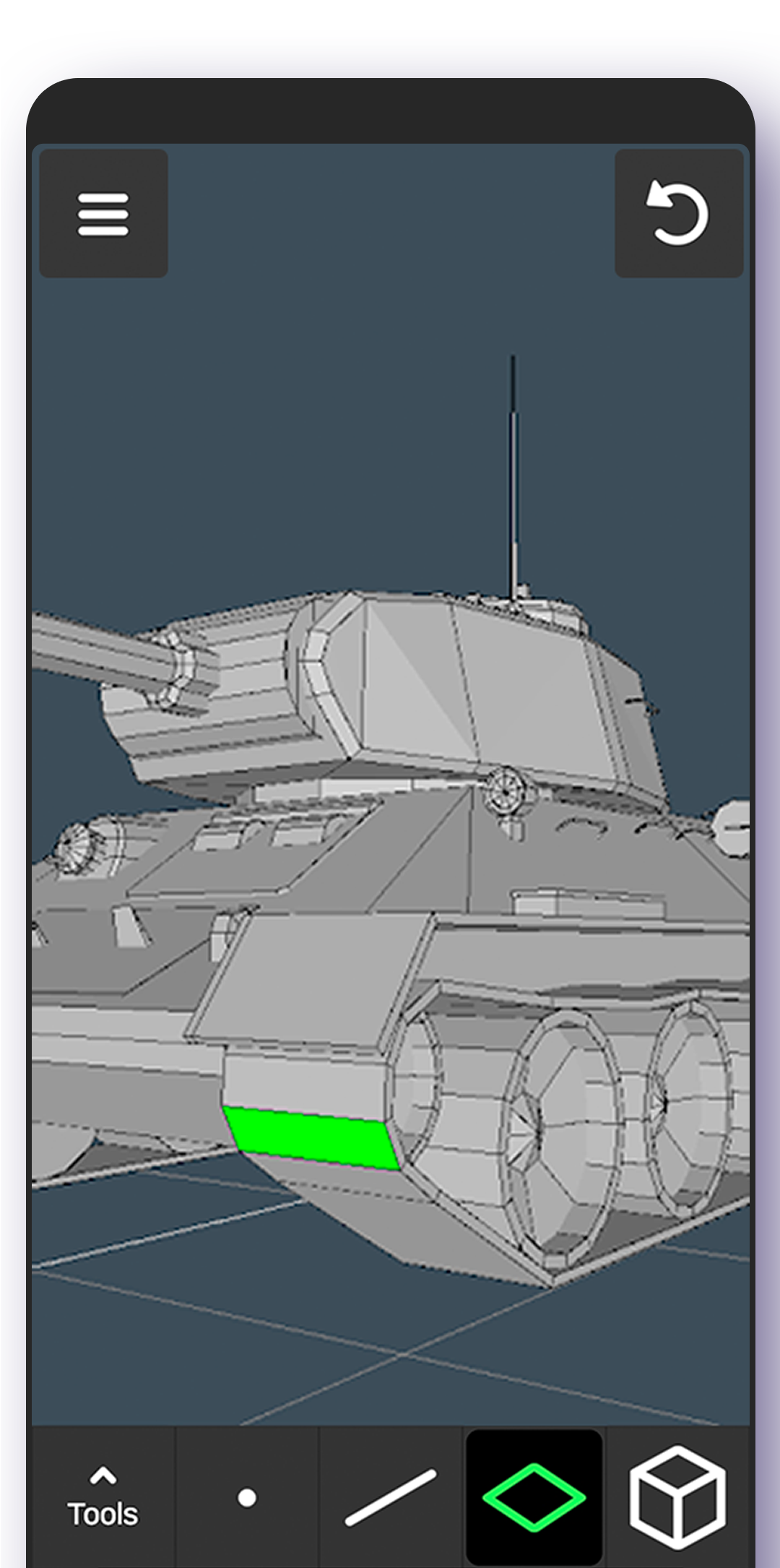
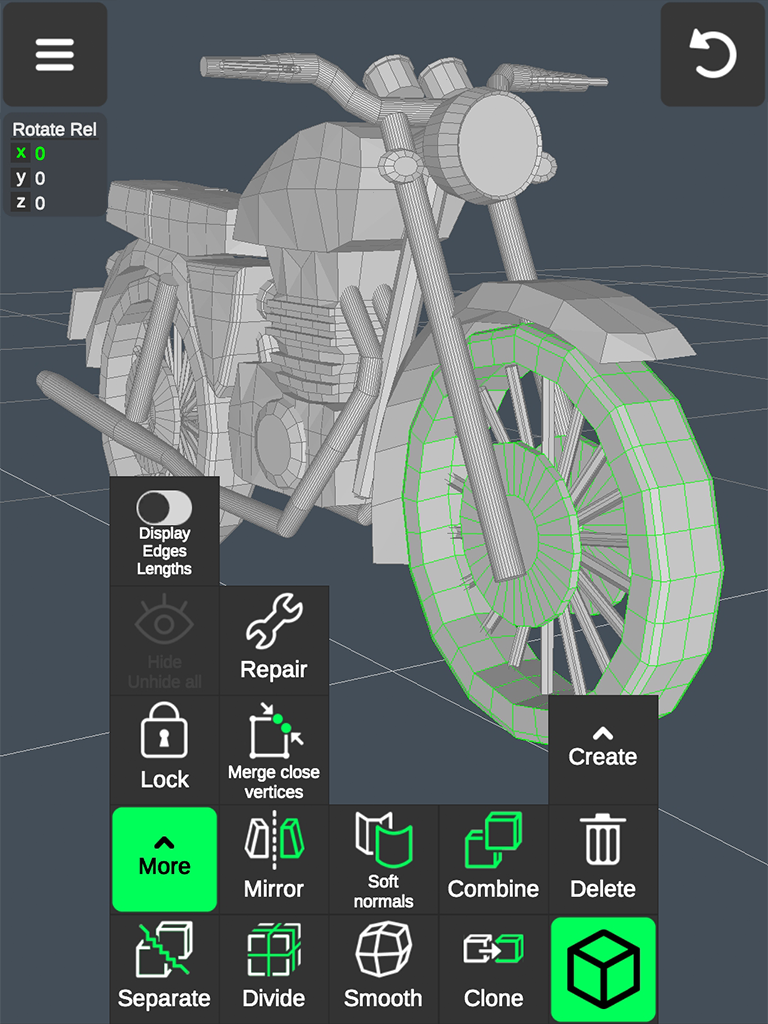
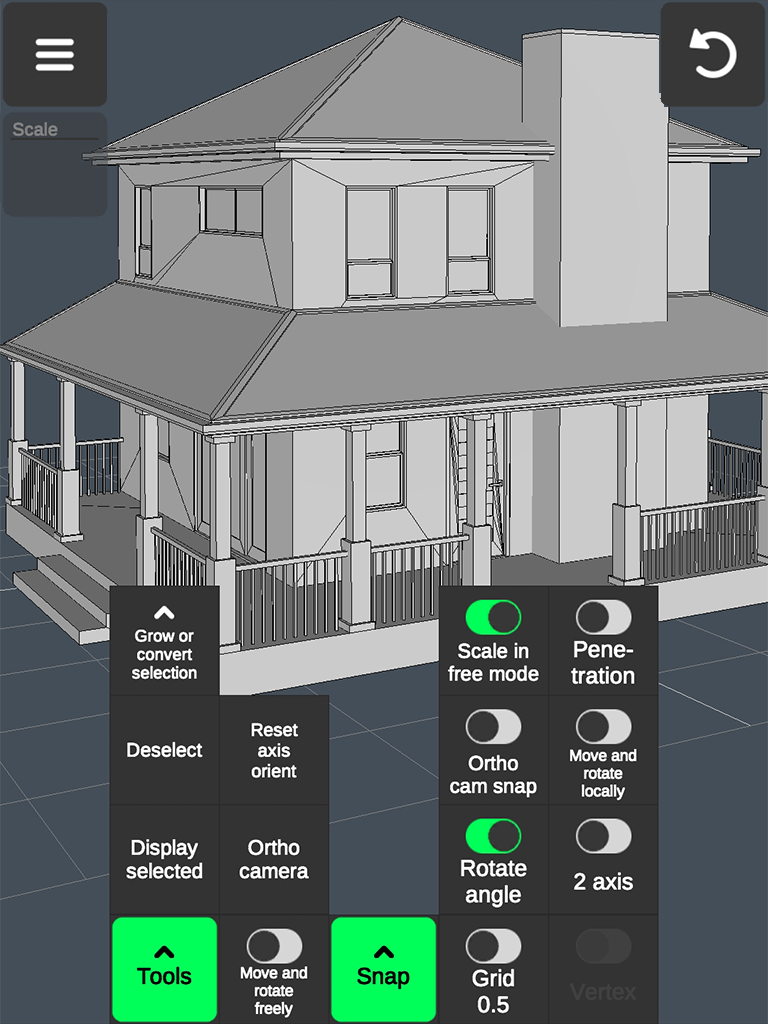
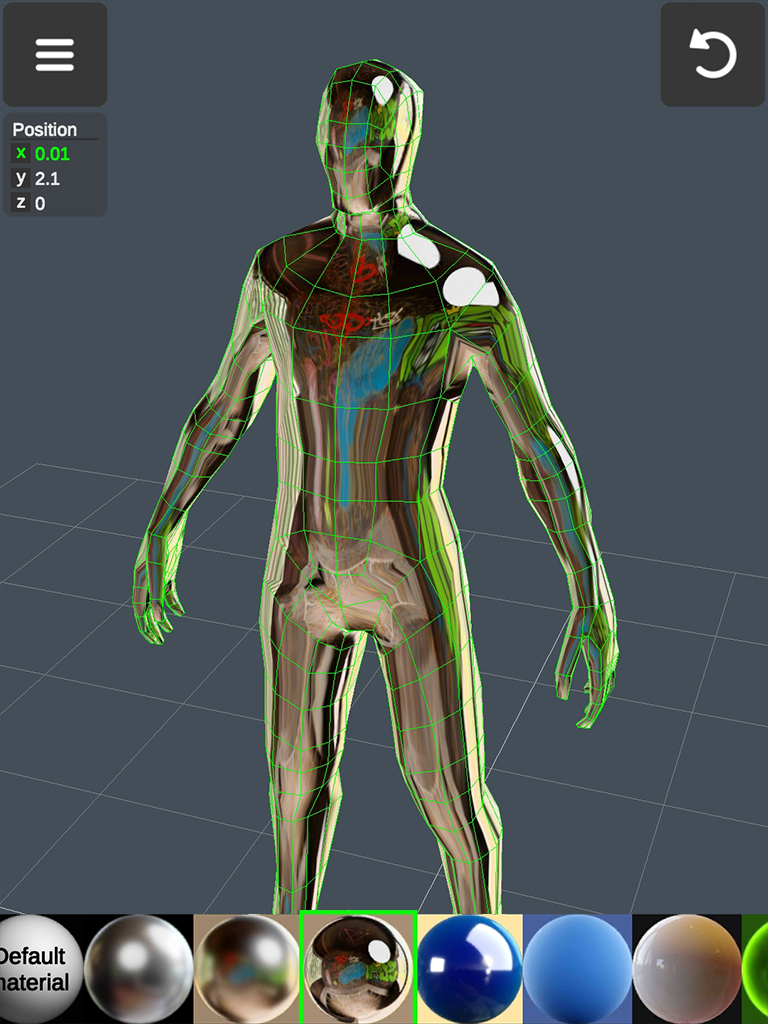
Added: Denis Rubinov
Version: 1.20.1
Size: 54.3 MB
Updated: 20.05.2025
Developer: 3D Modeling Apps
Age Limitations: Everyone
Downloaded on Google Play: 6753373
Category: Art and design
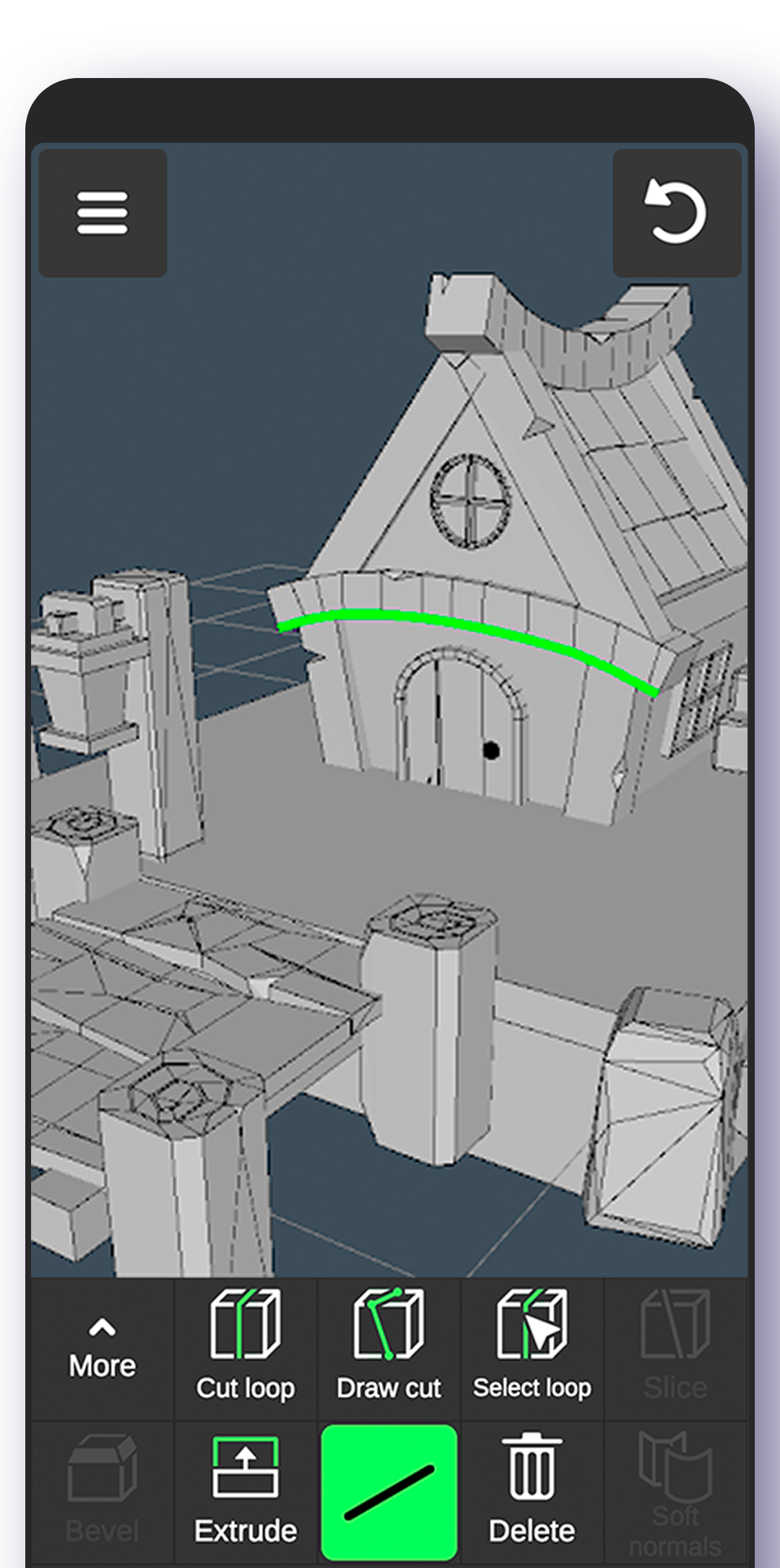
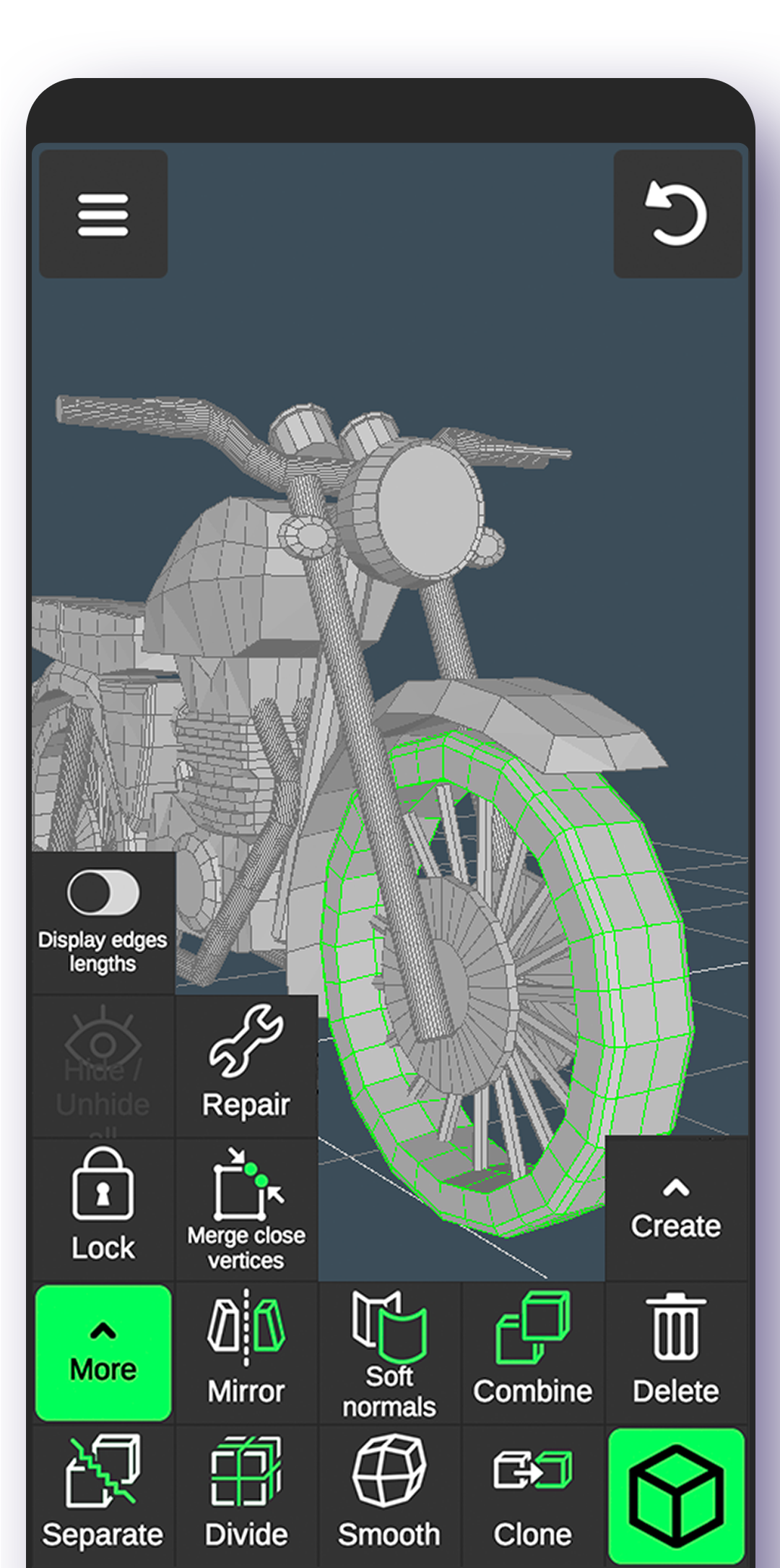
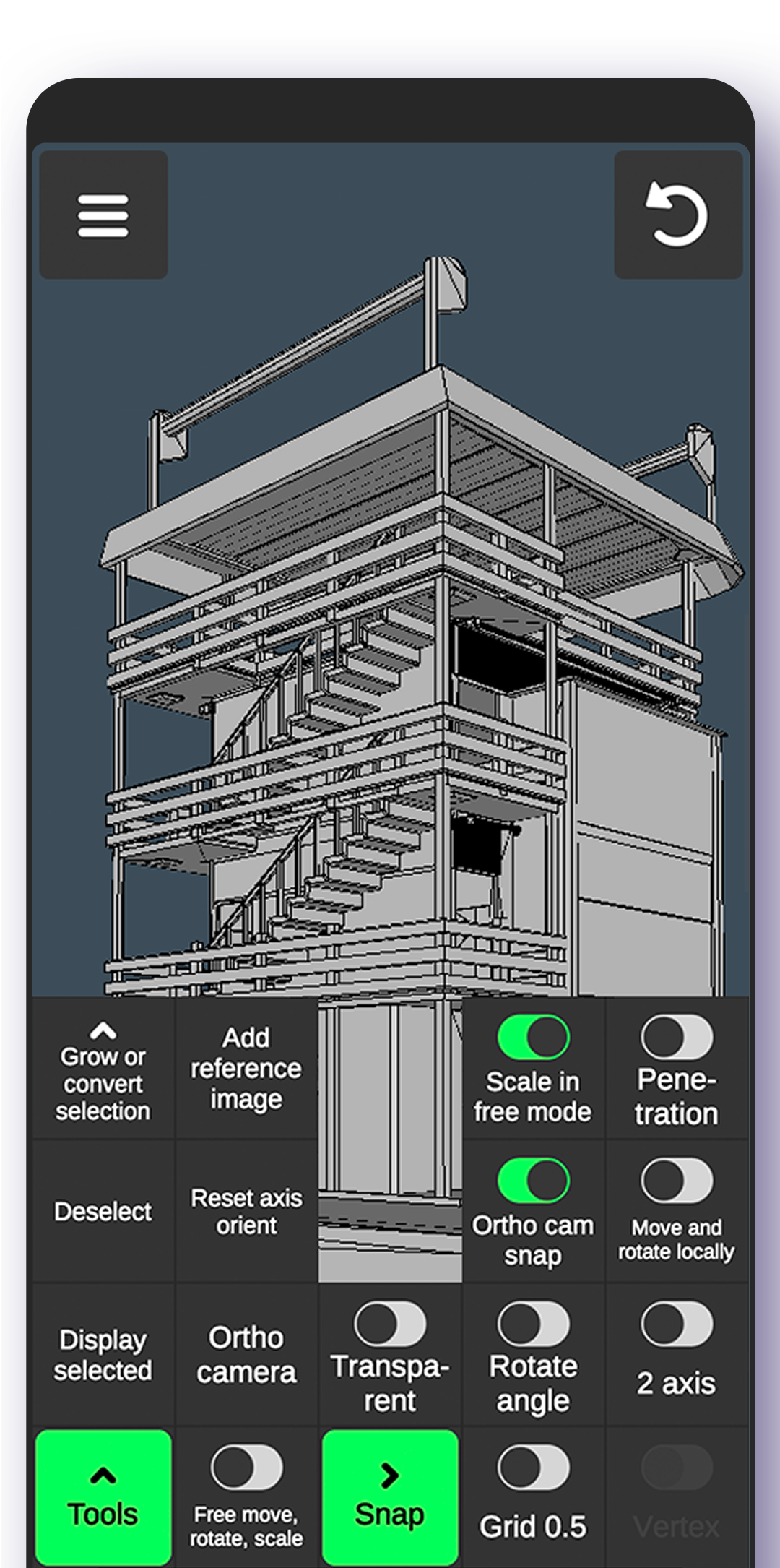
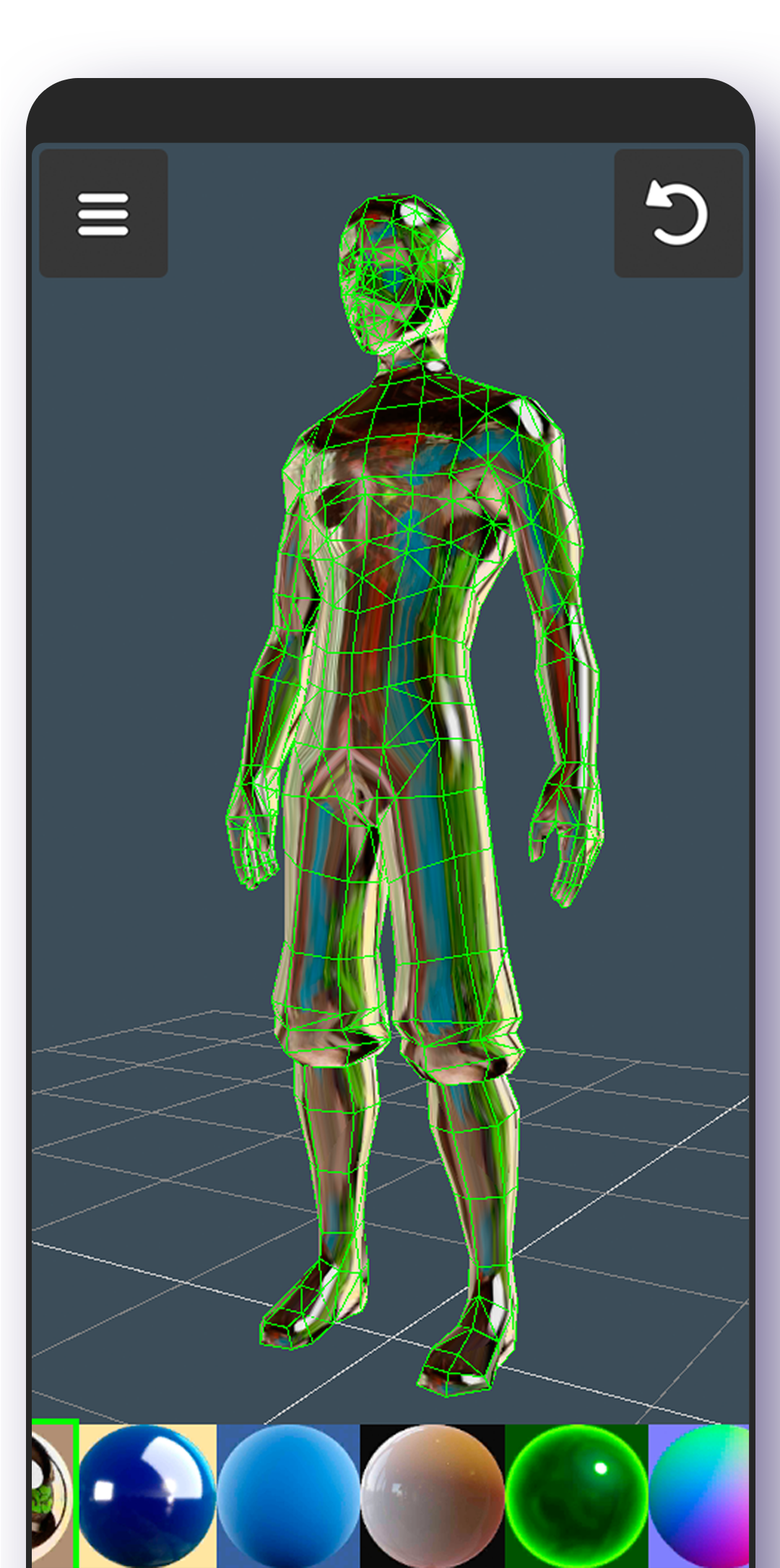
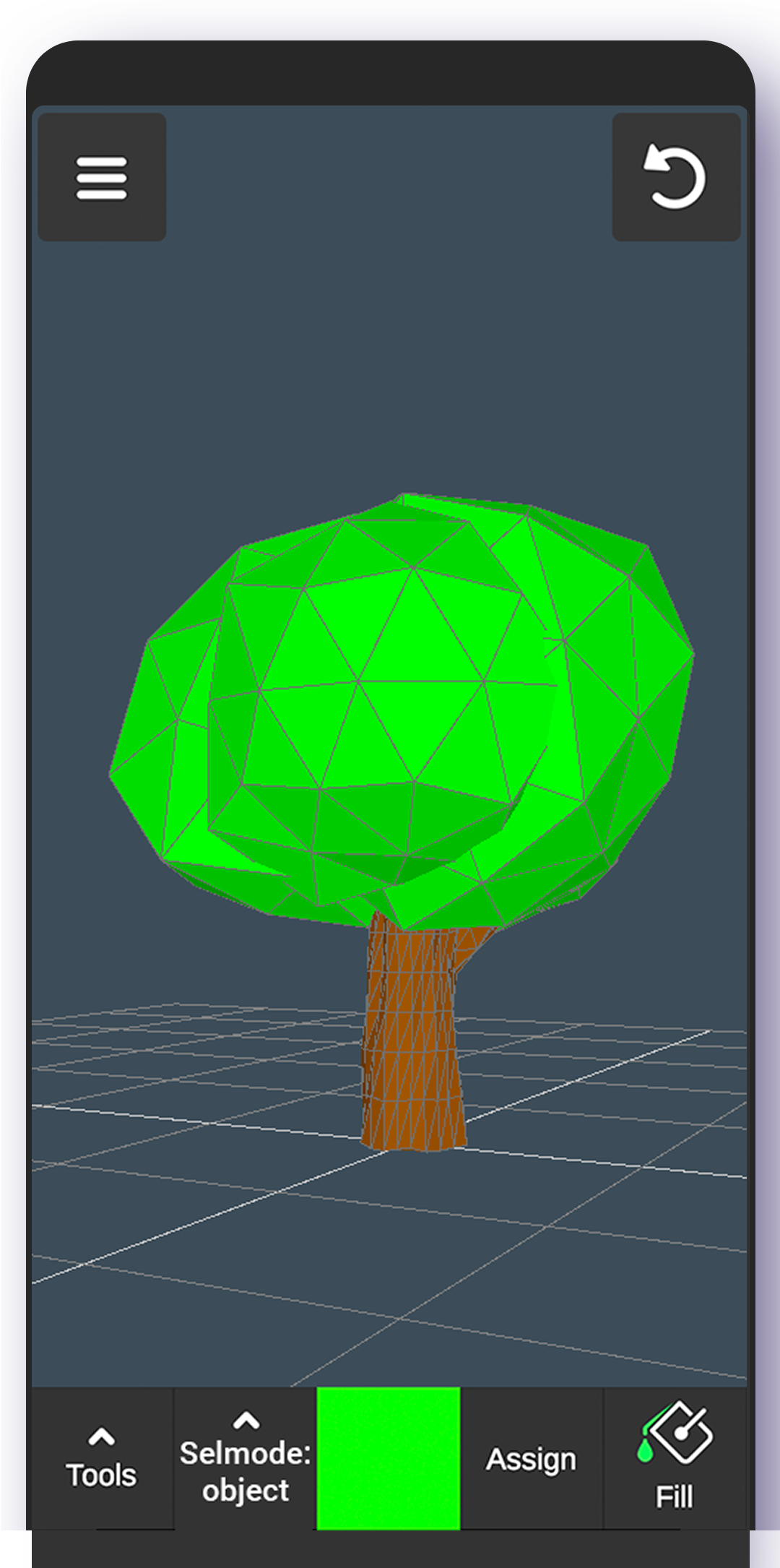
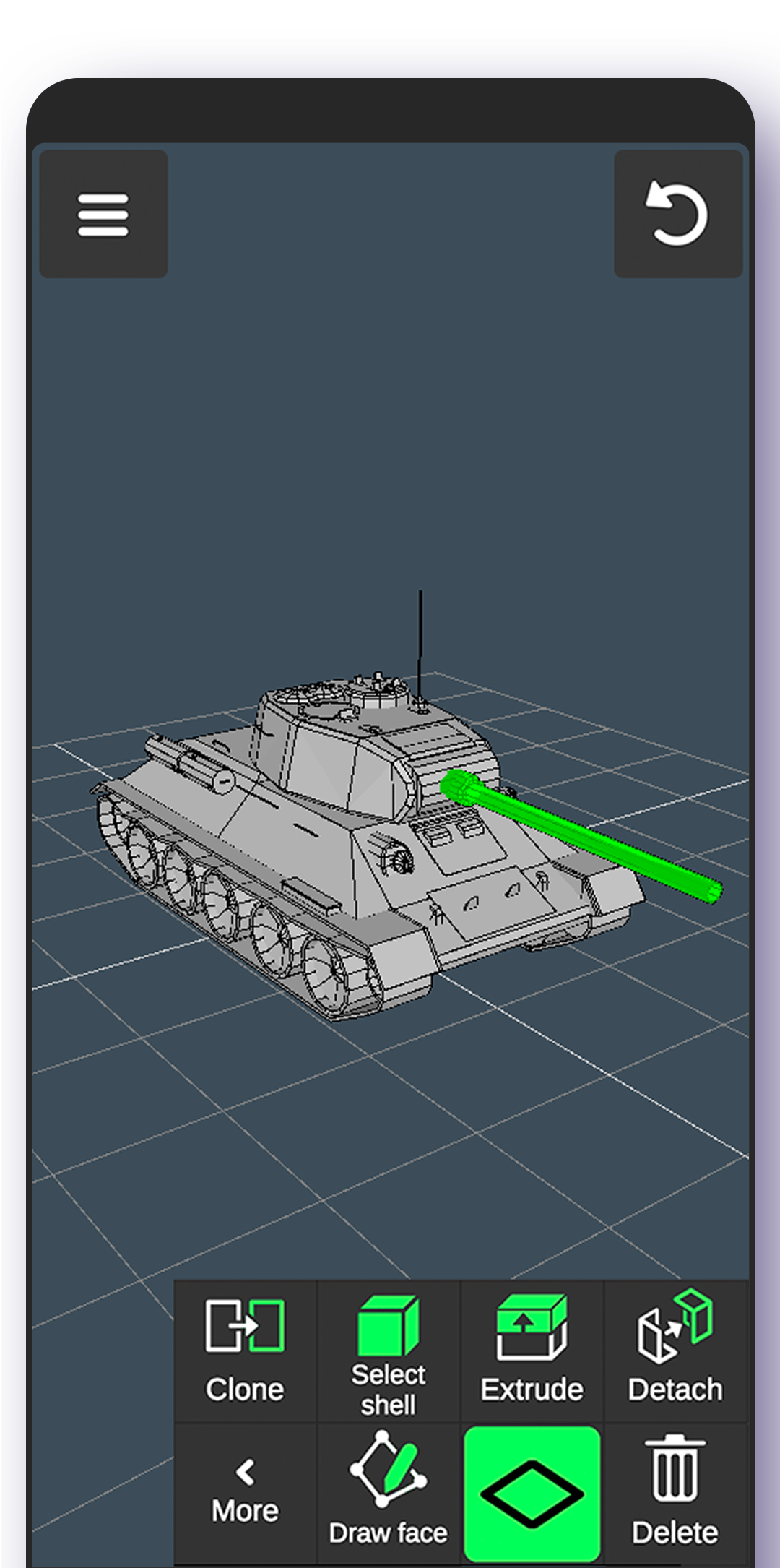
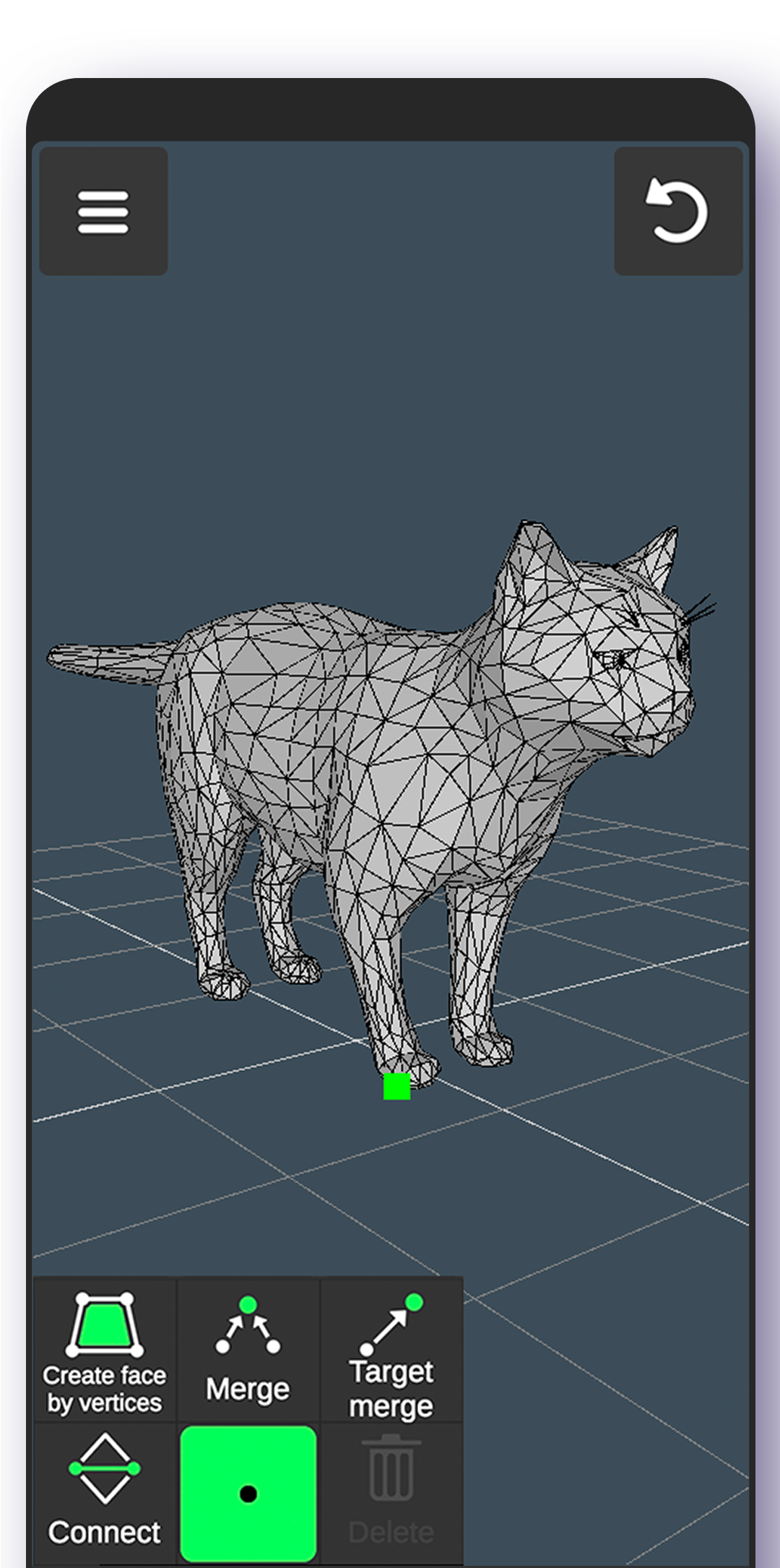
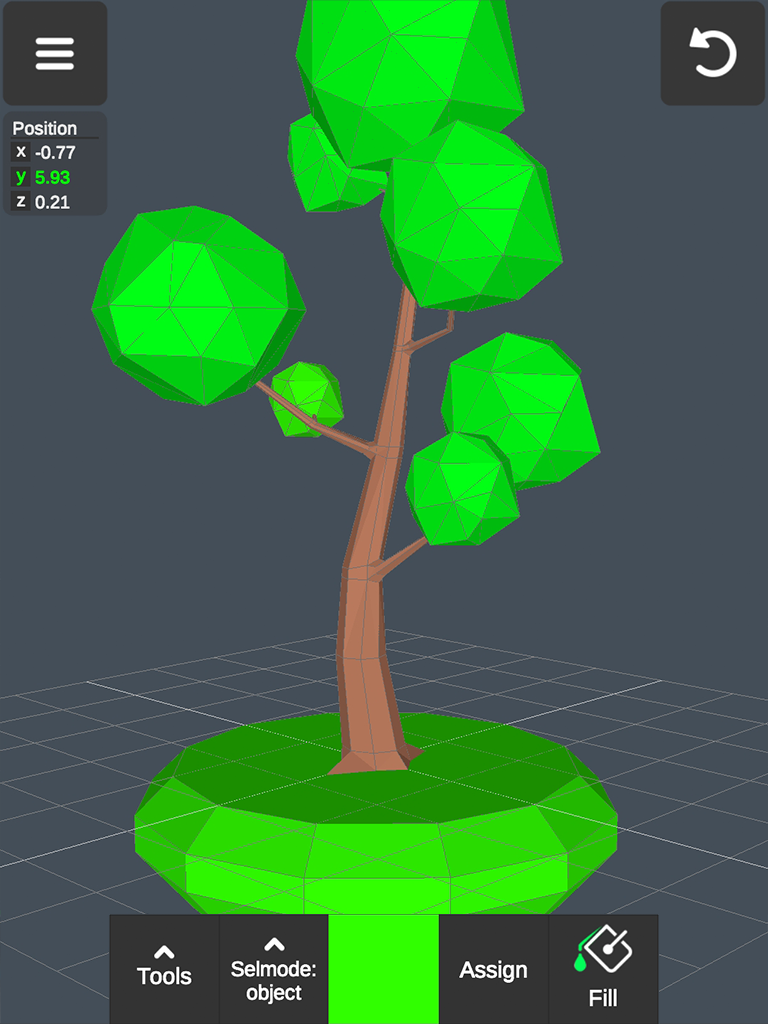
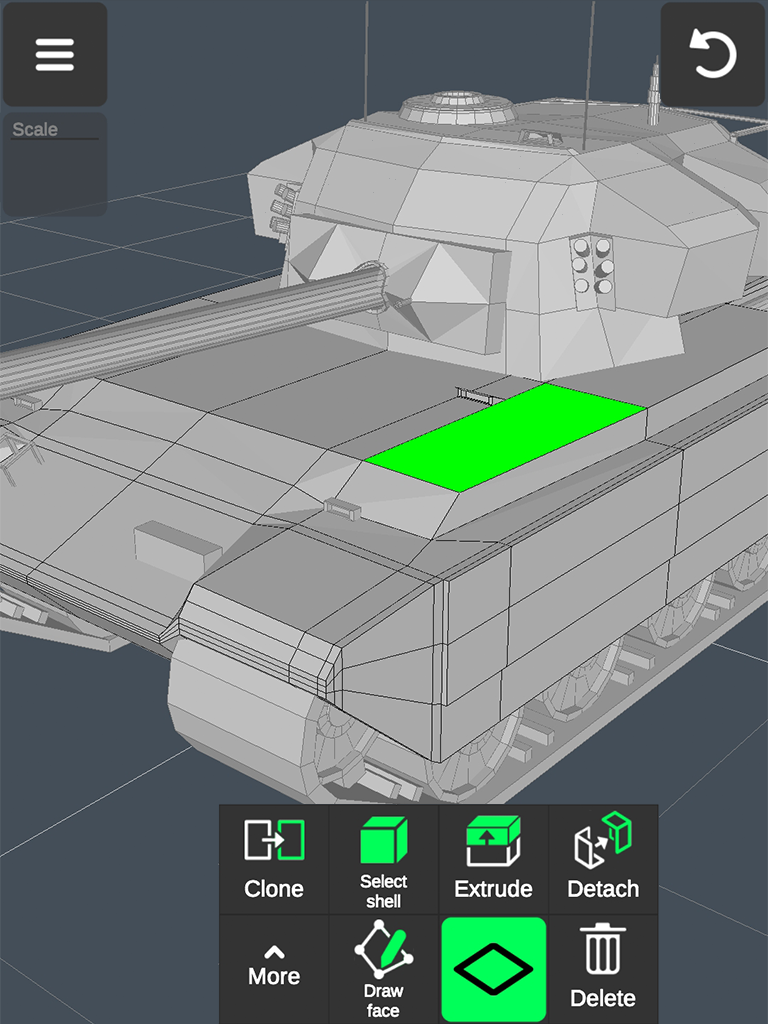
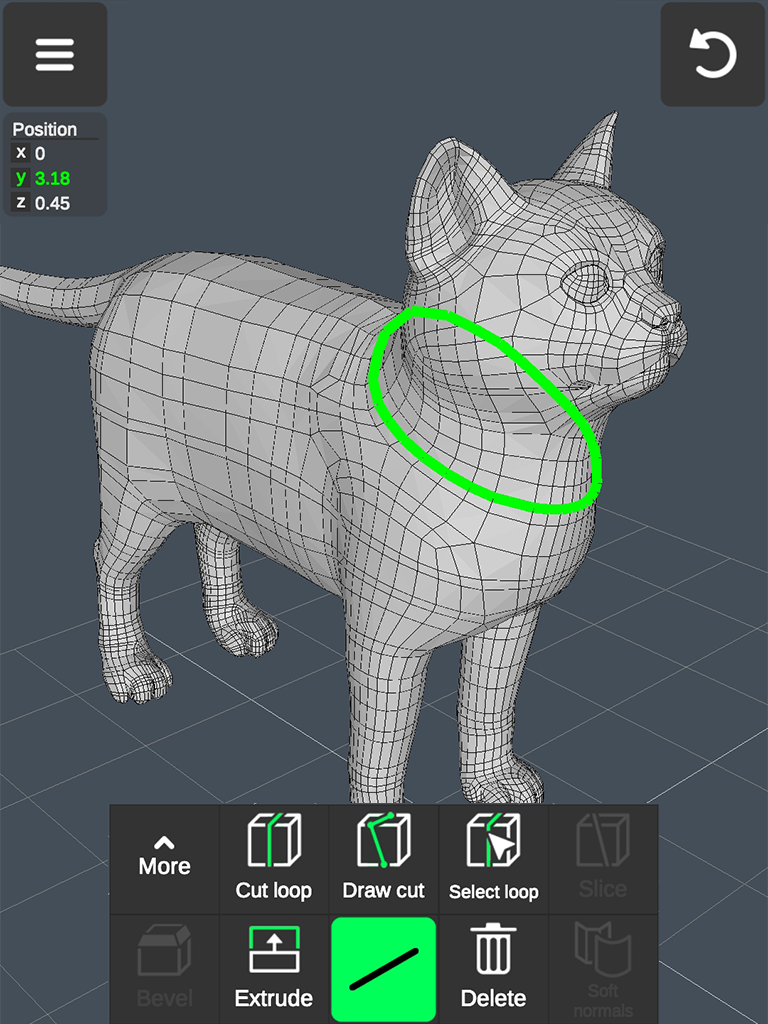
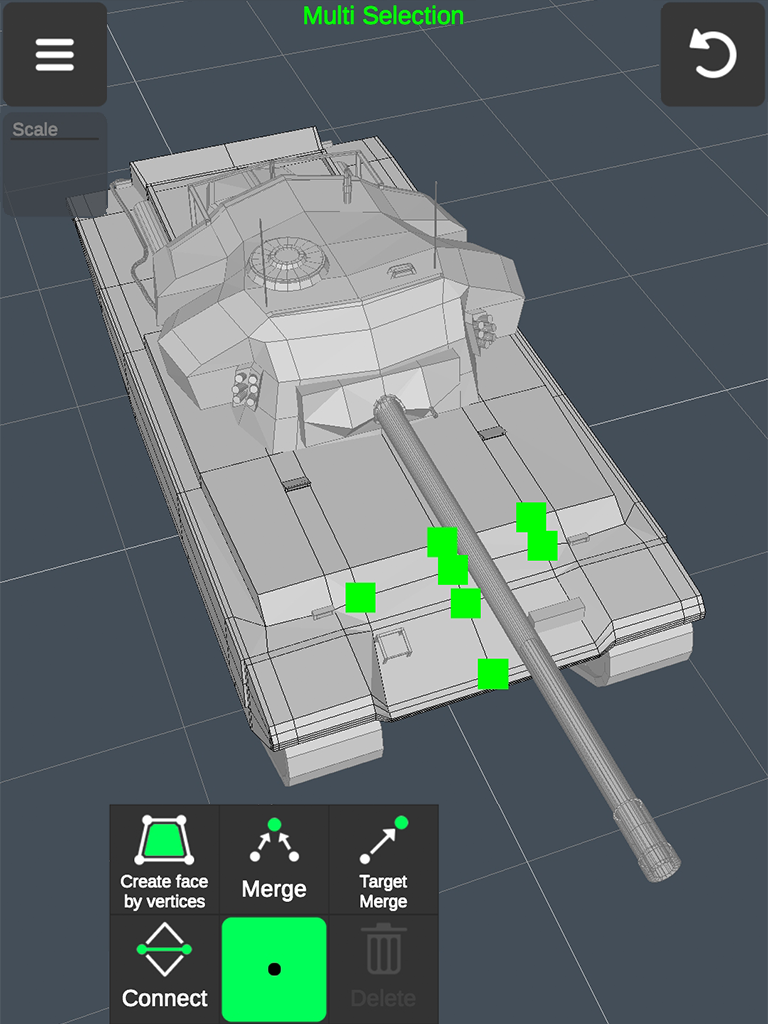
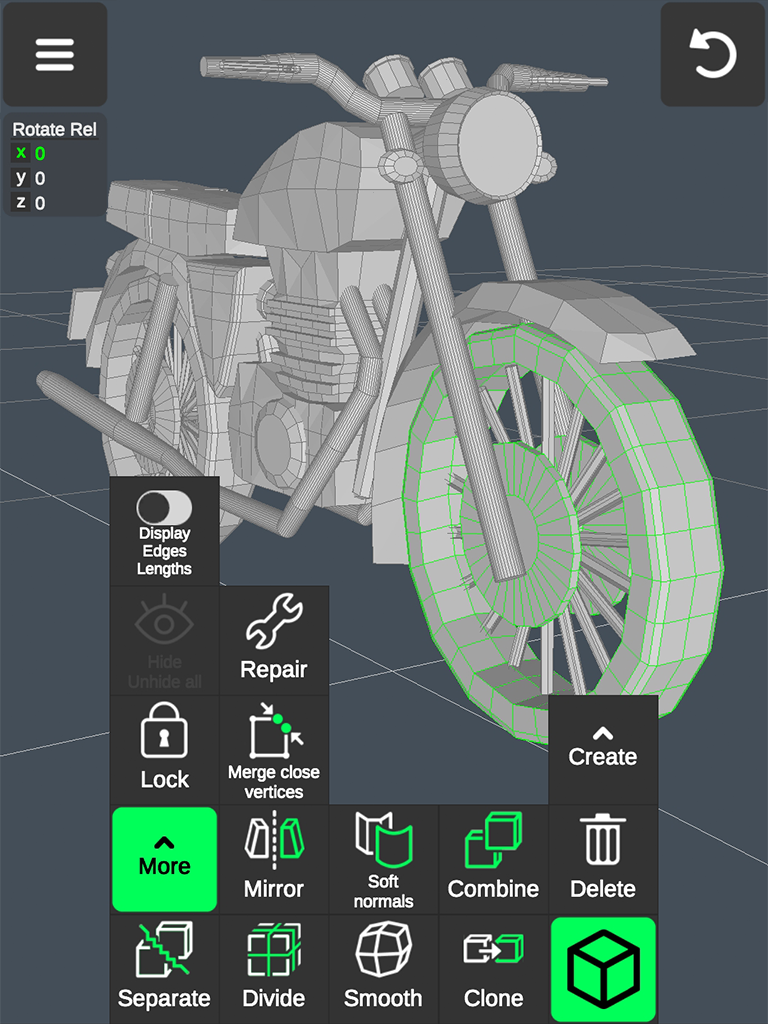
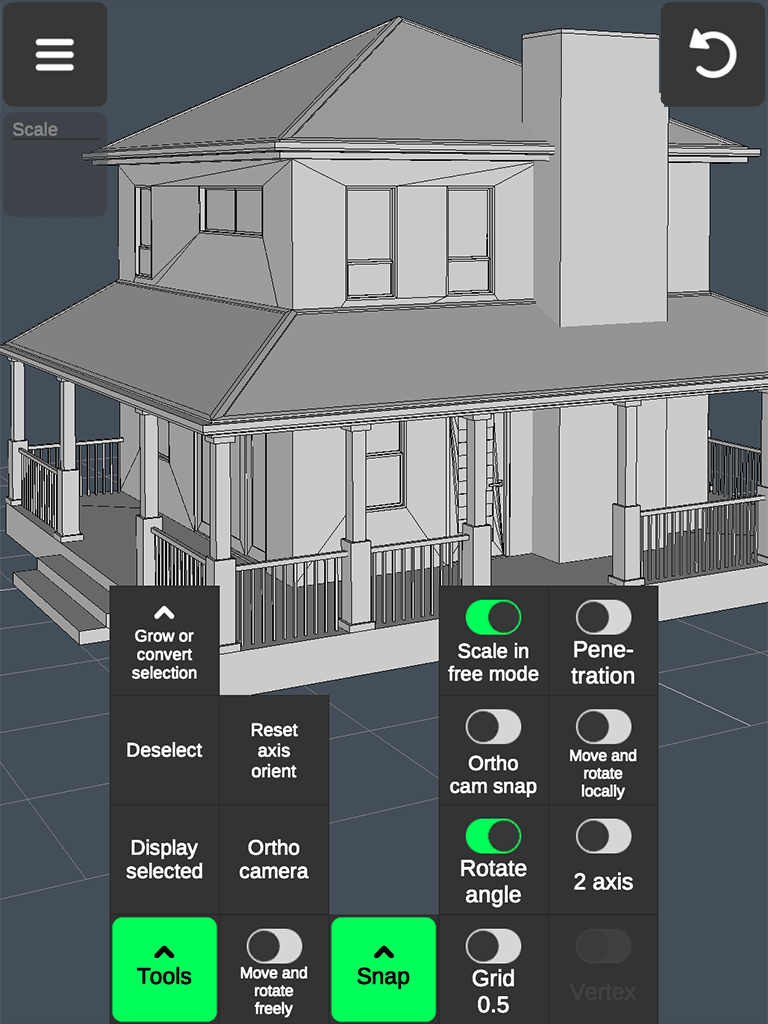
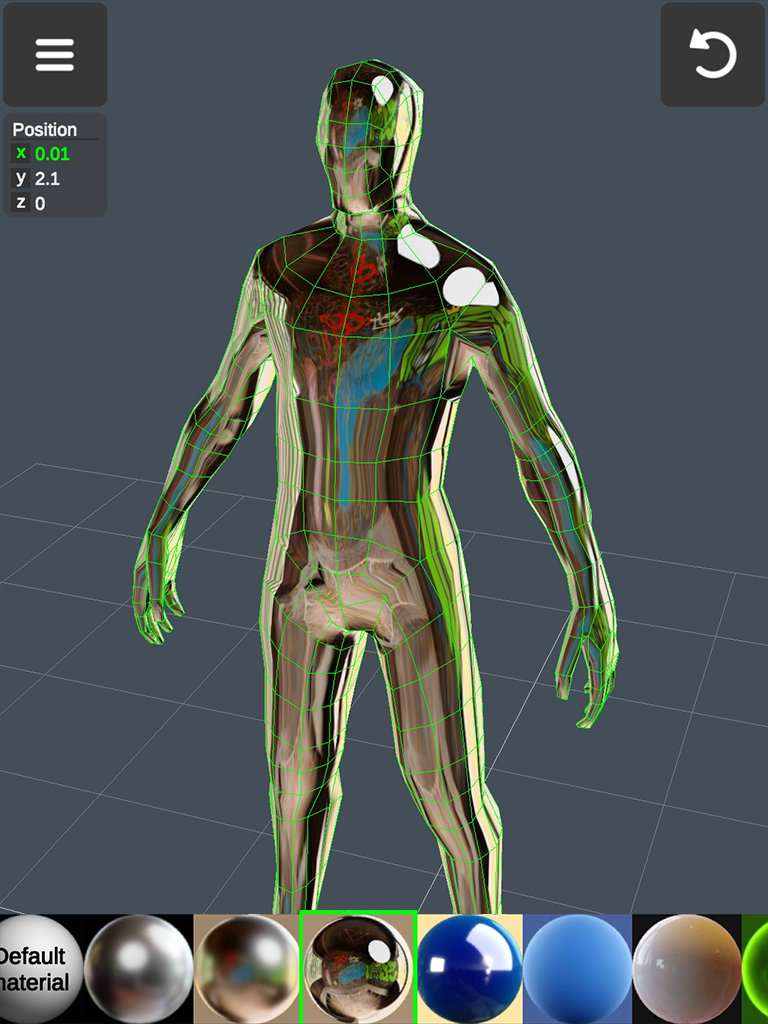
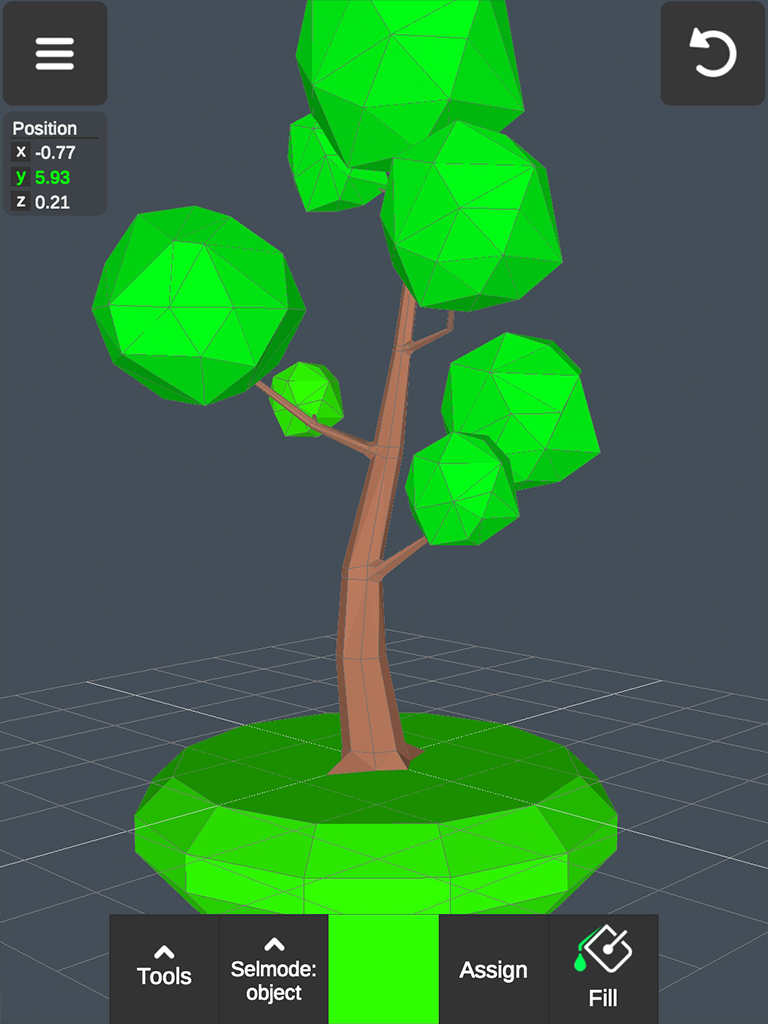
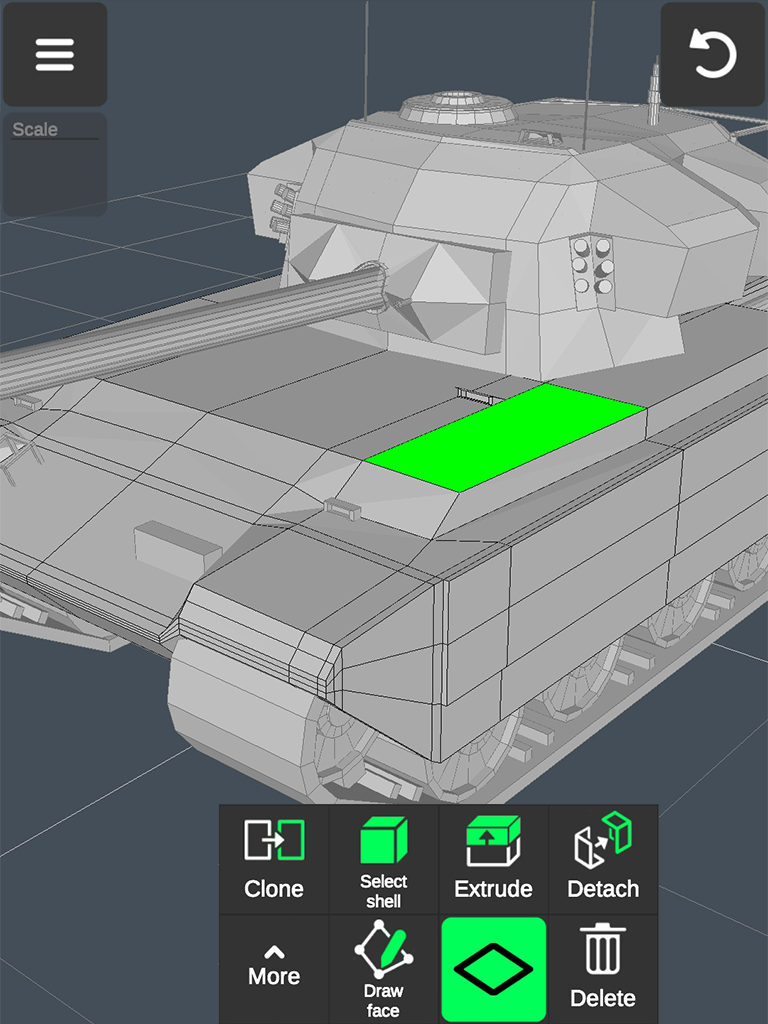
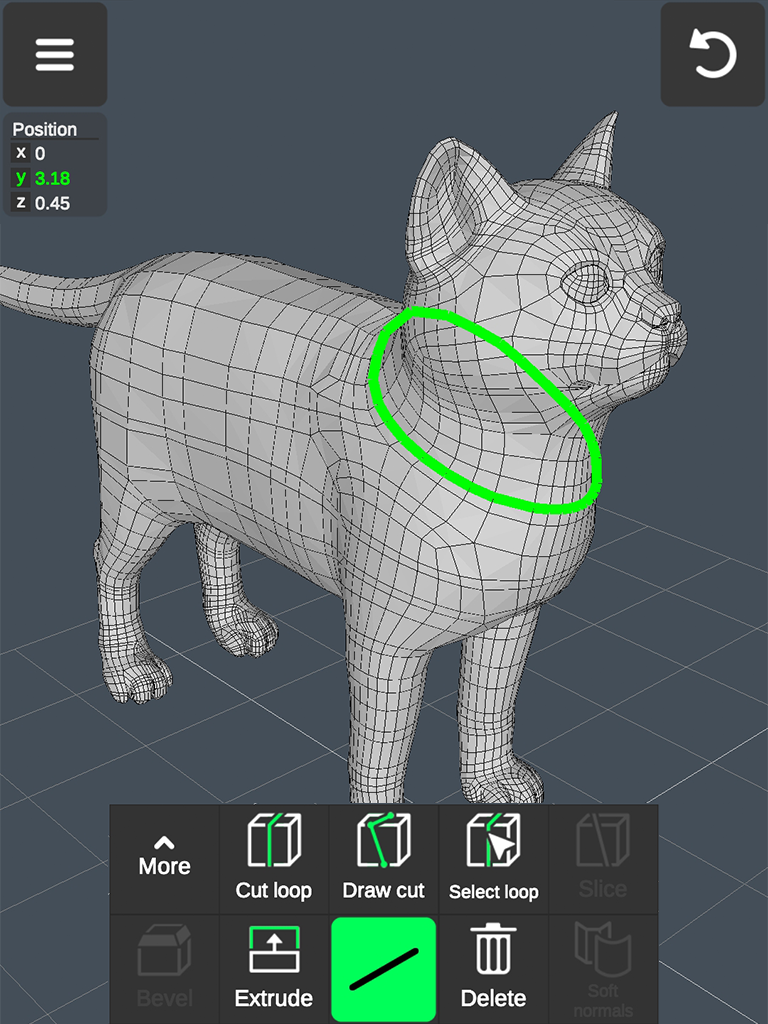
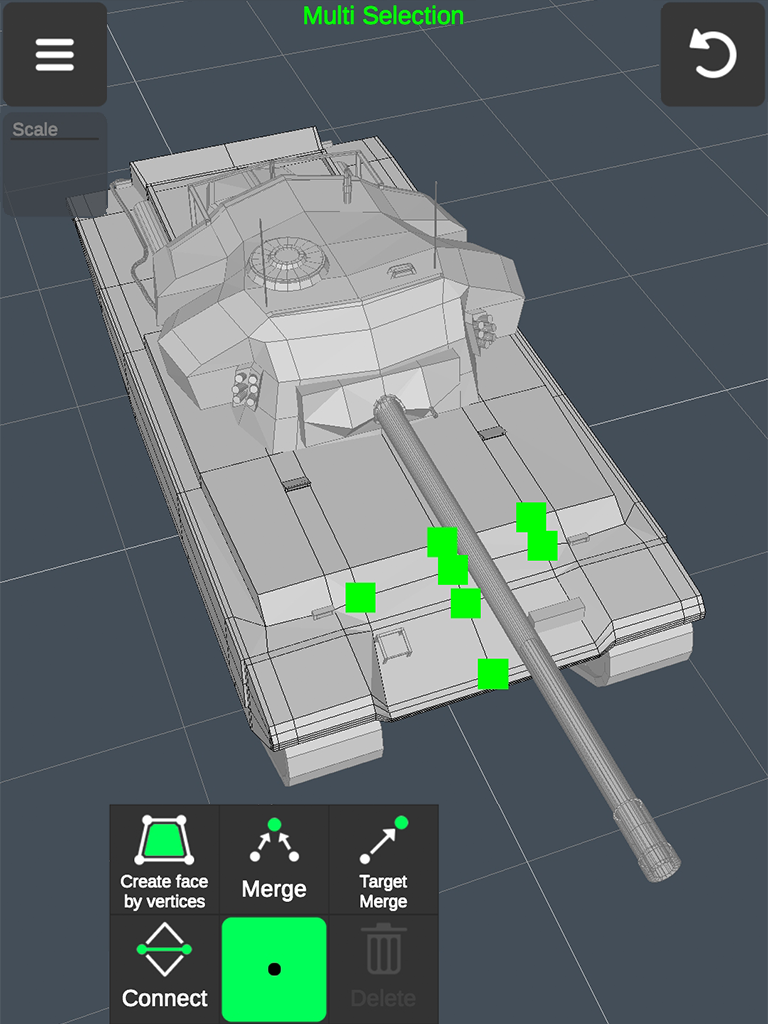
- All the necessary tools for 3D modeling.
- Suitable for beginners and advanced users.
- The controls are adapted for touchscreens.
- Built-in tutorials.
- Free to use.
Description
Application 3D Modeling App: Sculpt & Draw was checked by VirusTotal antivirus. As a result of the scan, no file infections were detected by all the latest signatures.
How to install 3D Modeling App: Sculpt & Draw
- Download APK file apps from apkshki.com.
- Locate the downloaded file. You can find it in the system tray or in the 'Download' folder using any file manager.
- If the file downloaded in .bin extension (WebView bug on Android 11), rename it to .apk using any file manager or try downloading the file with another browser like Chrome.
- Start the installation. Click on the downloaded file to start the installation
- Allow installation from unknown sources. If you are installing for the first time 3D Modeling App: Sculpt & Draw not from Google Play, go to your device's security settings and allow installation from unknown sources.
- Bypass Google Play protection. If Google Play protection blocks installation of the file, tap 'More Info' → 'Install anyway' → 'OK' to continue..
- Complete the installation: Follow the installer's instructions to complete the installation process.
How to update 3D Modeling App: Sculpt & Draw
- Download the new version apps from apkshki.com.
- Locate the downloaded file and click on it to start the installation.
- Install over the old version. There is no need to uninstall the previous version.
- Avoid signature conflicts. If the previous version was not downloaded from apkshki.com, the message 'Application not installed' may appear. In this case uninstall the old version and install the new one.
- Restart annex 3D Modeling App: Sculpt & Draw after the update.




Requesting an application update
Added Denis Rubinov
Version: 1.20.1
Size: 54.3 MB
Updated: 20.05.2025
Developer: 3D Modeling Apps
Age Limitations: Everyone
Downloaded on Google Play: 6753373
Category: Art and design












Reviews for 3D Modeling App: Sculpt & Draw
thank you
try it it's actually perfect
If this was a perpetual one time purchase then it would fine but instead they insist on a paid subscription model where you only get to see the real cost after a lengthy (but to be fair well made) tutorial. The app itself looks decent but I will never use ad / subscription based software.
Good( ・ω・)☞🟦
very hard to use
it's very nice
goodddd app
awesome very amazing I love these models
it has very good tutorials excellent for new learners but I wish the had more ready made models for free
good but the textures keep glitching, almost every time after I save my project and rejoin the textures are glitched and I have to start over again. please fix this.
Trash app. Cant import or export properly on tabs7. Force you to suscribe yearly to use free trial. How do i cancel my subscription?
On a Note 20 ultra (so I have a stylus) it works great. Sucks the phone doesn't have much RAM but technology is what it is. For a phone app this is pretty damn amazing honestly, mainly for sculpting though. The modeling is alright, still great for a phone app. Coloring is less than stellar but hey, can't have it all for 3$ a month on a frickin PHONE or tablet.
❤️❤️❤️❤️❤️❤️❤️👍👍👍👍👍💛💛💛💛💛💛💛🧡🧡🧡🧡🧡🧡☺️☺️☺️☺️☺️☺️☺️😸😸😸😸😸😸😸🐈🐈😸😸😸😸😸😸☺️☺️☺️☺️☺️☺️☺️☺️☺️☺️
Fun
It's VERY HARD
Post a comment
To leave a comment, log in with your social network:
Or leave an anonymous comment. Your comment will be sent for moderation.
Post a comment
To leave a comment, log in with your social network:
Or leave an anonymous comment. Your comment will be sent for moderation.