



CPU Monitor - temperature
4+
downloads4.1+
version Android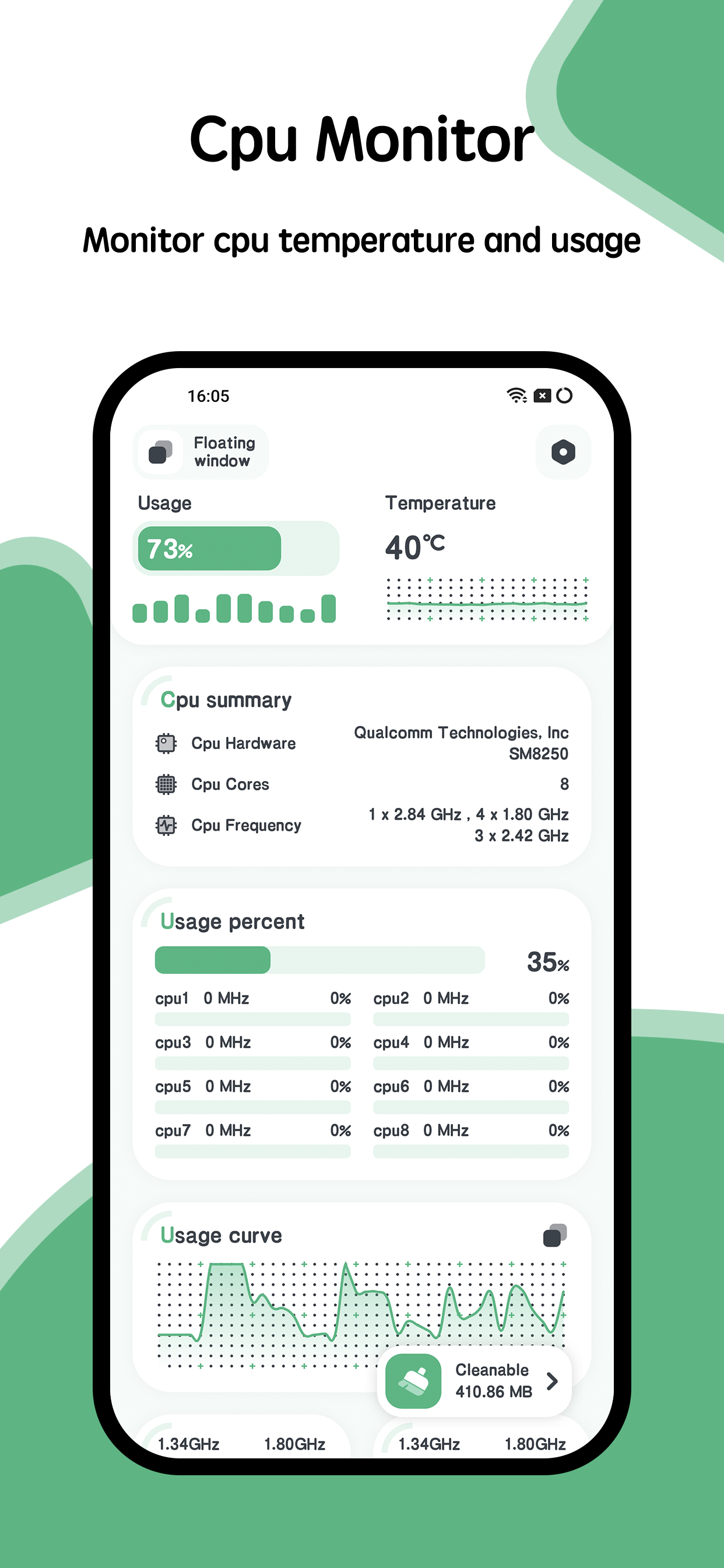
Added: Denis Rubinov
Version: 11.0.3
Size: 10.5 MB
Updated: 21.05.2025
Developer: System monitor tools lab - Cpu Ram Battery
Age Limitations: Everyone
Authorizations: 14
Downloaded on Google Play: 3293698
Category: Tools
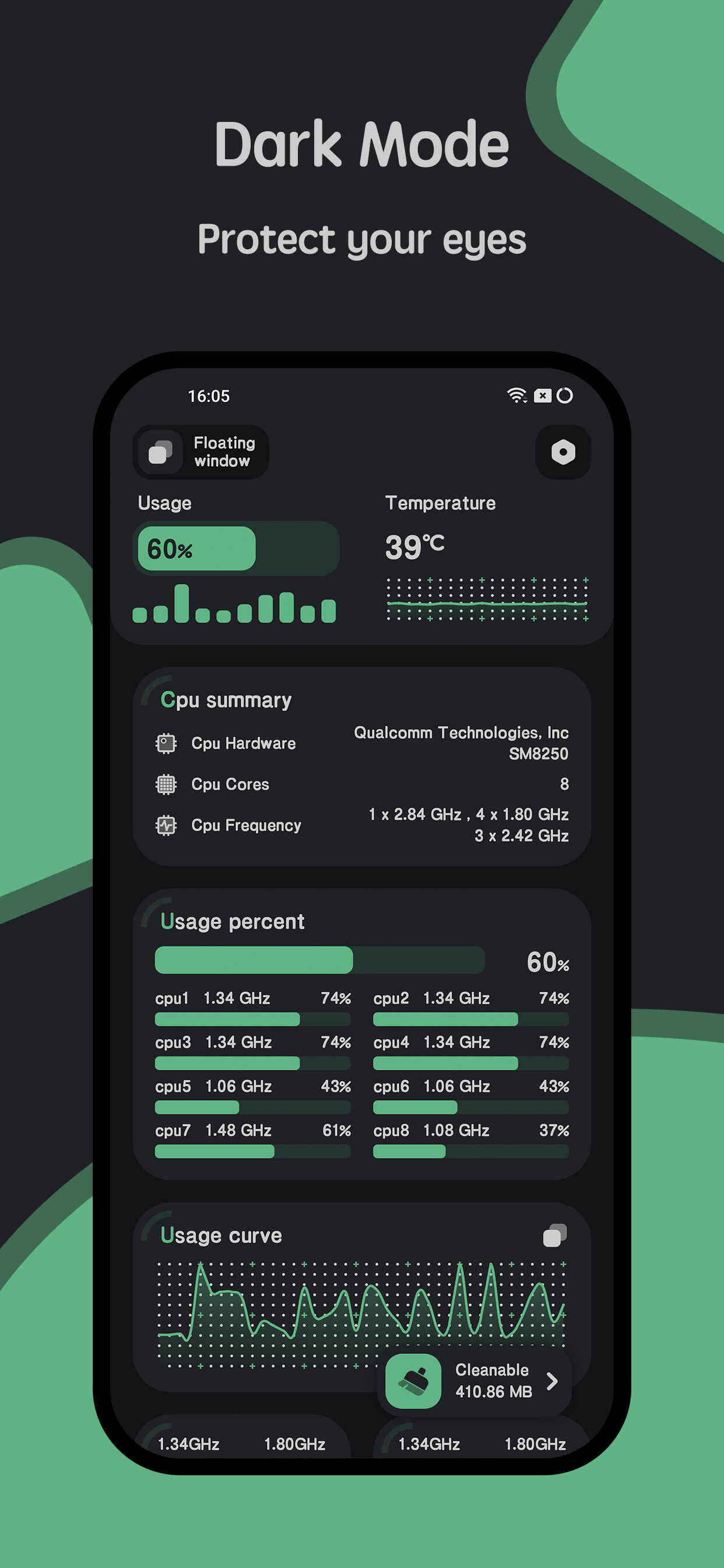
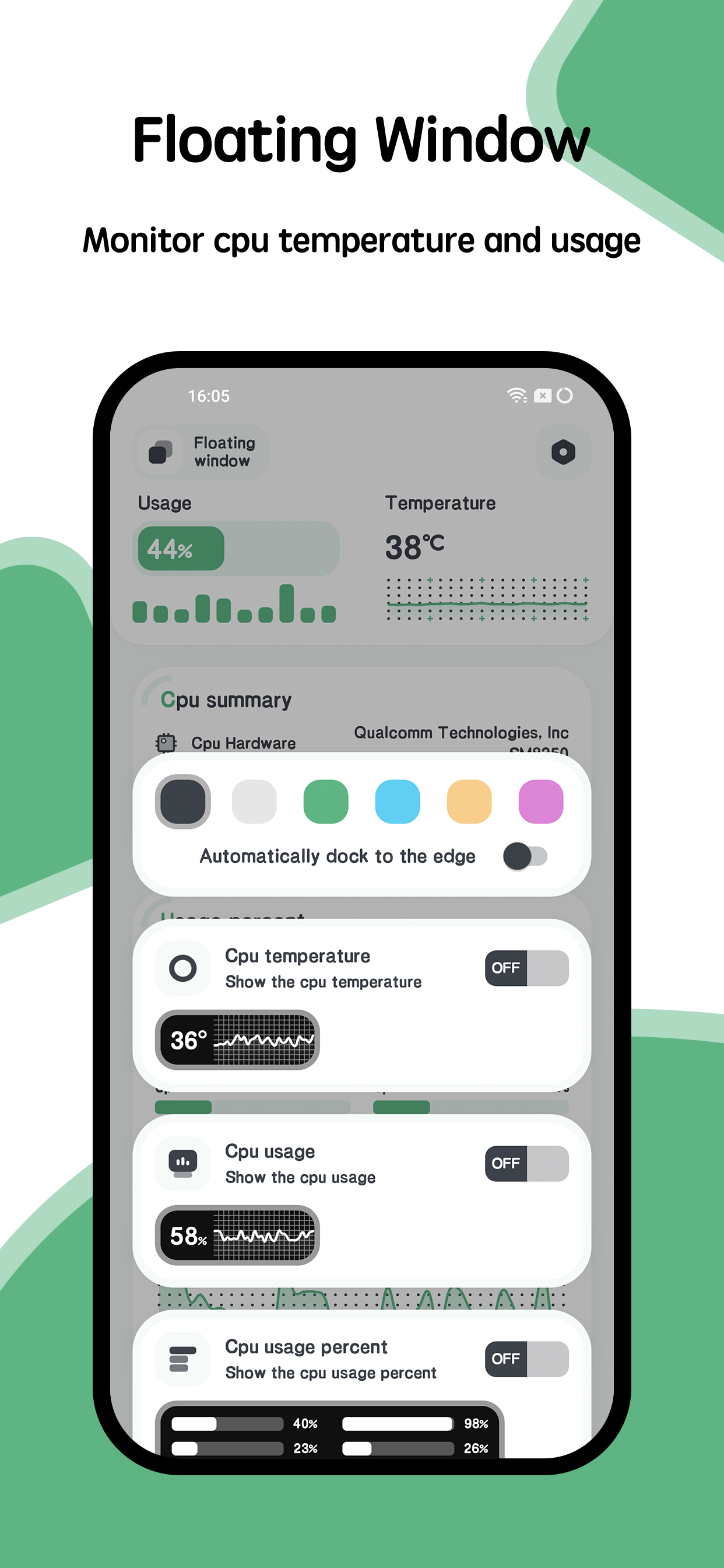
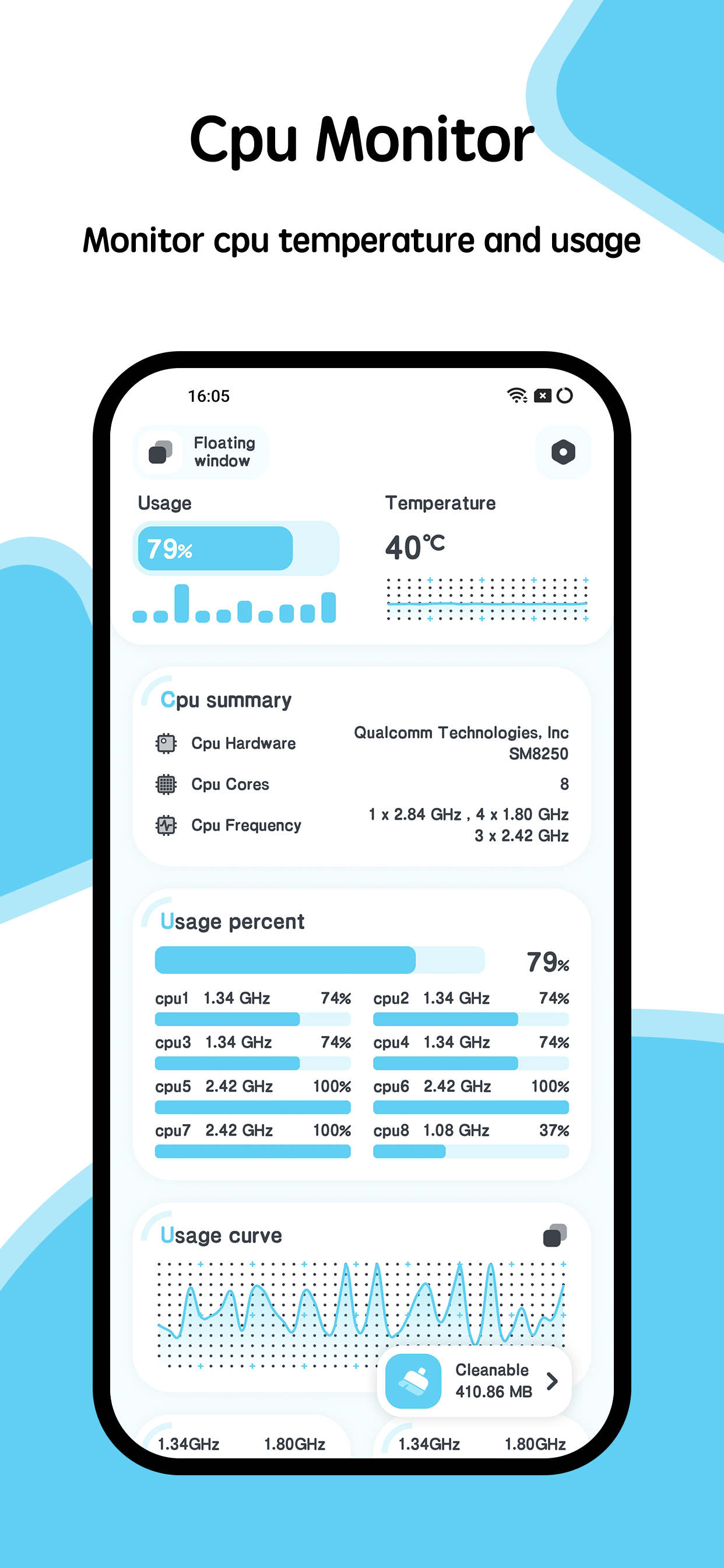
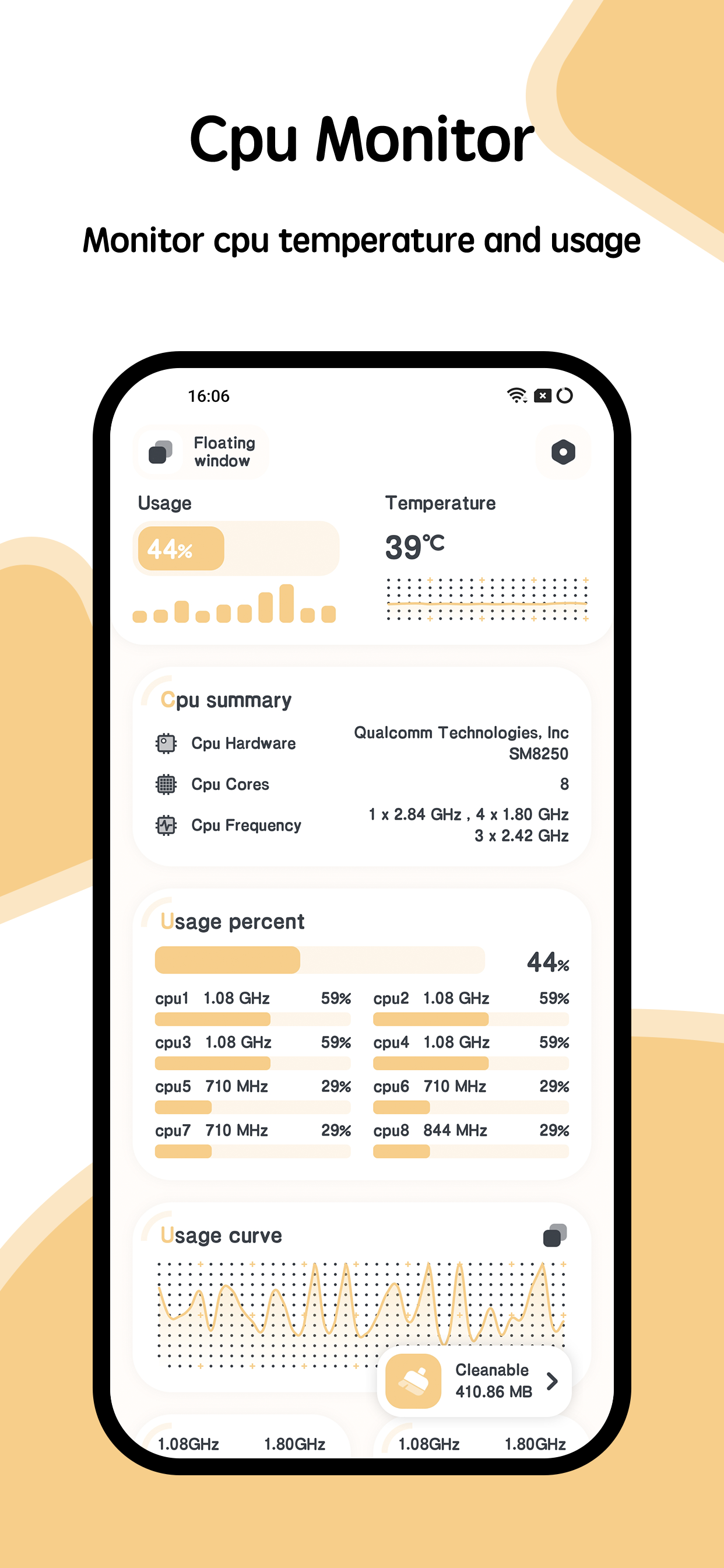
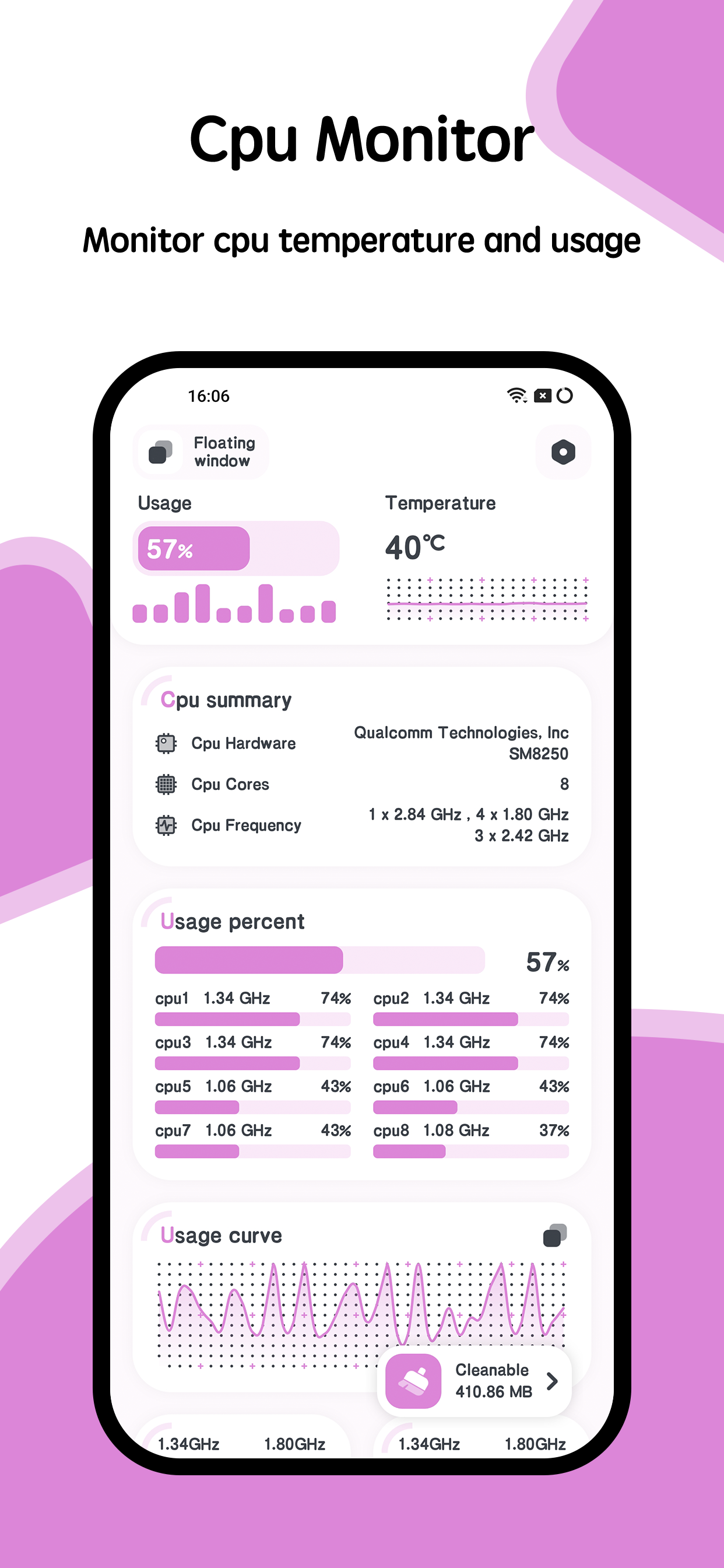
- Tracks CPU metrics in real time.
- Low power consumption.
- Works stably in the background.
- Not required as root.
- Supports both smartphones and tablets.
Description
Application CPU Monitor - temperature was checked by VirusTotal antivirus. As a result of the scan, no file infections were detected by all the latest signatures.
How to install CPU Monitor - temperature
- Download APK file apps from apkshki.com.
- Locate the downloaded file. You can find it in the system tray or in the 'Download' folder using any file manager.
- If the file downloaded in .bin extension (WebView bug on Android 11), rename it to .apk using any file manager or try downloading the file with another browser like Chrome.
- Start the installation. Click on the downloaded file to start the installation
- Allow installation from unknown sources. If you are installing for the first time CPU Monitor - temperature not from Google Play, go to your device's security settings and allow installation from unknown sources.
- Bypass Google Play protection. If Google Play protection blocks installation of the file, tap 'More Info' → 'Install anyway' → 'OK' to continue..
- Complete the installation: Follow the installer's instructions to complete the installation process.
How to update CPU Monitor - temperature
- Download the new version apps from apkshki.com.
- Locate the downloaded file and click on it to start the installation.
- Install over the old version. There is no need to uninstall the previous version.
- Avoid signature conflicts. If the previous version was not downloaded from apkshki.com, the message 'Application not installed' may appear. In this case uninstall the old version and install the new one.
- Restart annex CPU Monitor - temperature after the update.







Requesting an application update
Added Denis Rubinov
Version: 11.0.3
Size: 10.5 MB
Updated: 21.05.2025
Developer: System monitor tools lab - Cpu Ram Battery
Age Limitations: Everyone
Authorizations:
Downloaded on Google Play: 3293698
Category: Tools












Reviews for CPU Monitor - temperature
No Fahrenheit.
great app works well, lots of features.
inaccurate
The app is draining my phones battery from 80% to 0% in 2-4 hours, unless I'll turn the airplane mode on.
I've used this app on many phones, I've always loved the CPU, RAM and Cooling cooling widgets, slowing the CPU and RAM down helps your battery last longer, and the cooling widget dropped the batteries temperature, but after the last update all these useful tools were gone, and finding a reliable app that does these same things, has been kinda impossible. wished I knew why you changed your app so much, it was perfect the way it was.
Horrible Update, Horrible, Horrible Update. Doesn't do anything
the main reason I liked this app was so that it could cool down my phone and had a widget to do so. are those functions no longer available?
great
Very good
great app 💯
Doesnt work, temperature not accurate at all, rather just a waste of space, resources, and time. Don't get this as the temperature displayed only shows as more or less the same no matter what process you're running, the temperature also gets displayed much higher than it really is and it's disappointing. So yea, don't recommend, don't rely on this at all.
Start using and data is immediately skewed to make you use their app to "cool down" your phone. I found this out because I'm camping in a cold room, went to use my phone to tell what the tempature is roughly, and come to find that its somehow 91 F even though its more like 60 F if not colder. My phone has been off for several hours on battery saver, only been turned on for 5 minutes at most. Do not use this scamware.
Your application's features is good but cpu temperature shows wrong and constant number that also less than real condition, please fix it quickly, thanks.
Doesn't display the real temperature of the cpu. Says static 20C and doesn't change. Latest Android software version
Really good app, but I would suggest tweaking the 24hr temperature chart to have some sort of indicator that allows the user to determine the temperature.
Post a comment
To leave a comment, log in with your social network:
Or leave an anonymous comment. Your comment will be sent for moderation.
Post a comment
To leave a comment, log in with your social network:
Or leave an anonymous comment. Your comment will be sent for moderation.