



Added: Denis Rubinov
Version: 1.26
Size: 0.4 MB
Updated: 24.04.2020
Developer: Karol Wisniewski Games
Age Limitations: Everyone
Authorizations: 2
Downloaded on Google Play: 73849
Category: Tools
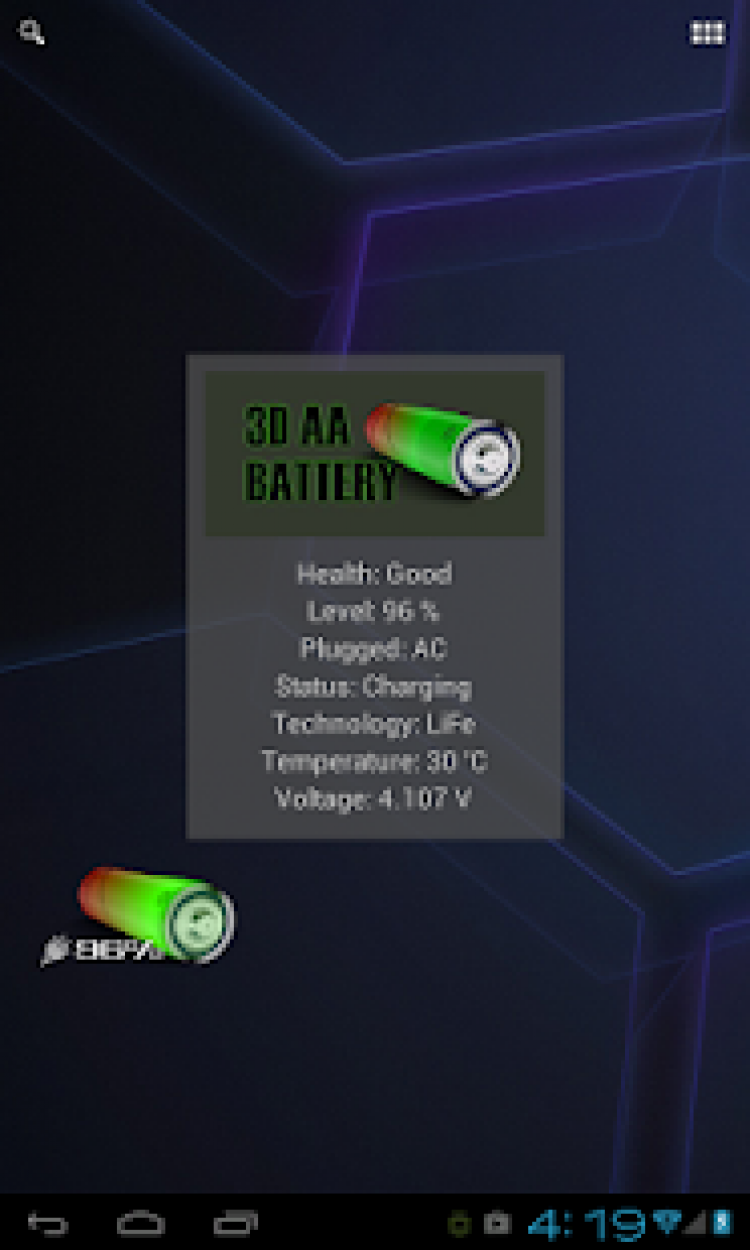
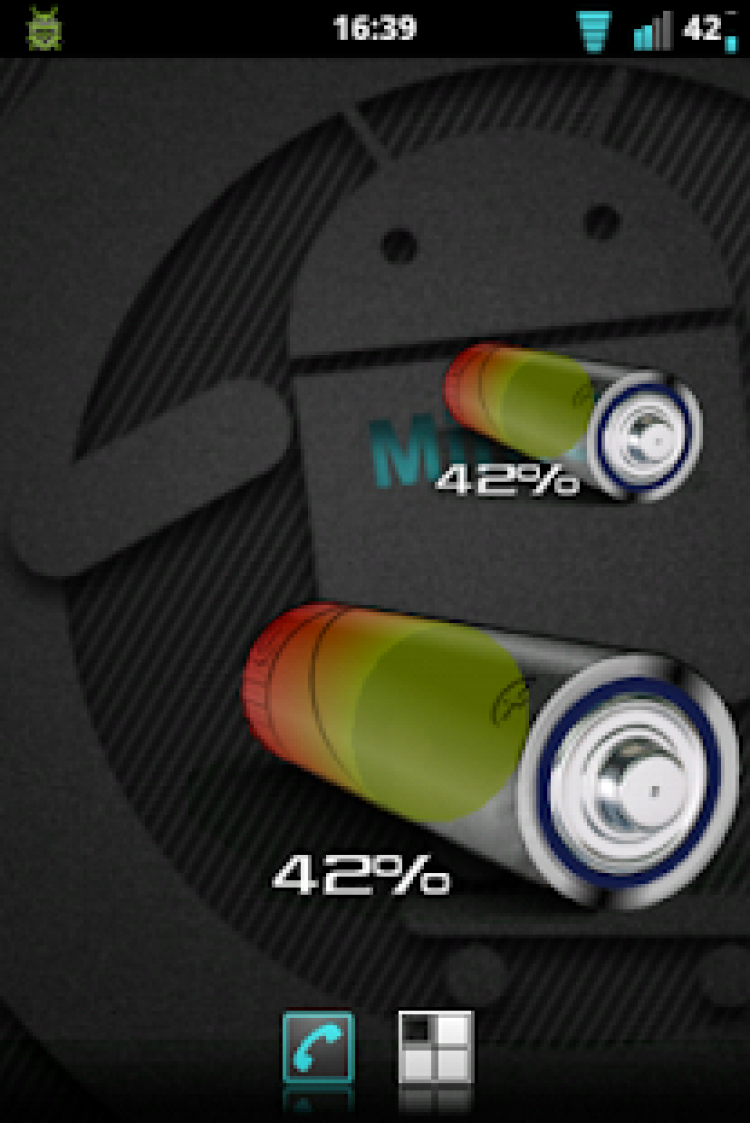
- The widget is available in two sizes.
- Works on almost all Android versions.
- Looks great on smartphones and tablets.
- No payment required.
- Accurately displays the battery level.
Description
Application 3D AA Battery Widget was checked by VirusTotal antivirus. As a result of the scan, no file infections were detected by all the latest signatures.
How to install 3D AA Battery Widget
- Download APK file apps from apkshki.com.
- Locate the downloaded file. You can find it in the system tray or in the 'Download' folder using any file manager.
- If the file downloaded in .bin extension (WebView bug on Android 11), rename it to .apk using any file manager or try downloading the file with another browser like Chrome.
- Start the installation. Click on the downloaded file to start the installation
- Allow installation from unknown sources. If you are installing for the first time 3D AA Battery Widget not from Google Play, go to your device's security settings and allow installation from unknown sources.
- Bypass Google Play protection. If Google Play protection blocks installation of the file, tap 'More Info' → 'Install anyway' → 'OK' to continue..
- Complete the installation: Follow the installer's instructions to complete the installation process.
How to update 3D AA Battery Widget
- Download the new version apps from apkshki.com.
- Locate the downloaded file and click on it to start the installation.
- Install over the old version. There is no need to uninstall the previous version.
- Avoid signature conflicts. If the previous version was not downloaded from apkshki.com, the message 'Application not installed' may appear. In this case uninstall the old version and install the new one.
- Restart annex 3D AA Battery Widget after the update.







Requesting an application update
Added Denis Rubinov
Version: 1.26
Size: 0.4 MB
Updated: 24.04.2020
Developer: Karol Wisniewski Games
Age Limitations: Everyone
Authorizations:
Downloaded on Google Play: 73849
Category: Tools












Reviews for 3D AA Battery Widget
Ok
Not working all the time worst app
Clearly visible.
Great app, excellent graphics, but the reason I'm giving 4 stars is due to the fact that sometimes the app loses concentration and display a different battery percentage, though it gets to correct itself after sometime, if not it deserves 5 stars and more.
Good
Looks good thank you
😲😲😲😲😲😲😲😲😲😲😲😲😲
Awesome
Constant adverts and they are even misleading
3d Design BATTERY WIDGET BETTER
Post a comment
To leave a comment, log in with your social network:
Or leave an anonymous comment. Your comment will be sent for moderation.
Post a comment
To leave a comment, log in with your social network:
Or leave an anonymous comment. Your comment will be sent for moderation.