


Word Crack: Board Fun Game
23+
downloads5.0+
version Android
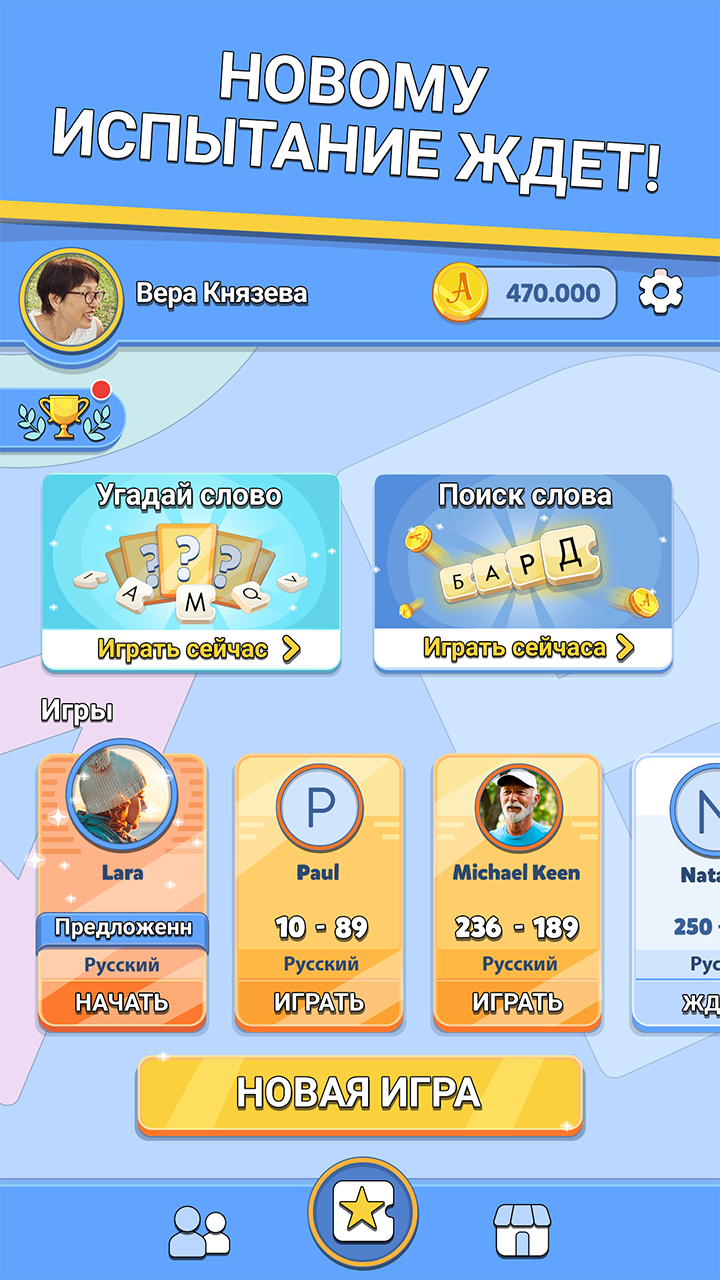
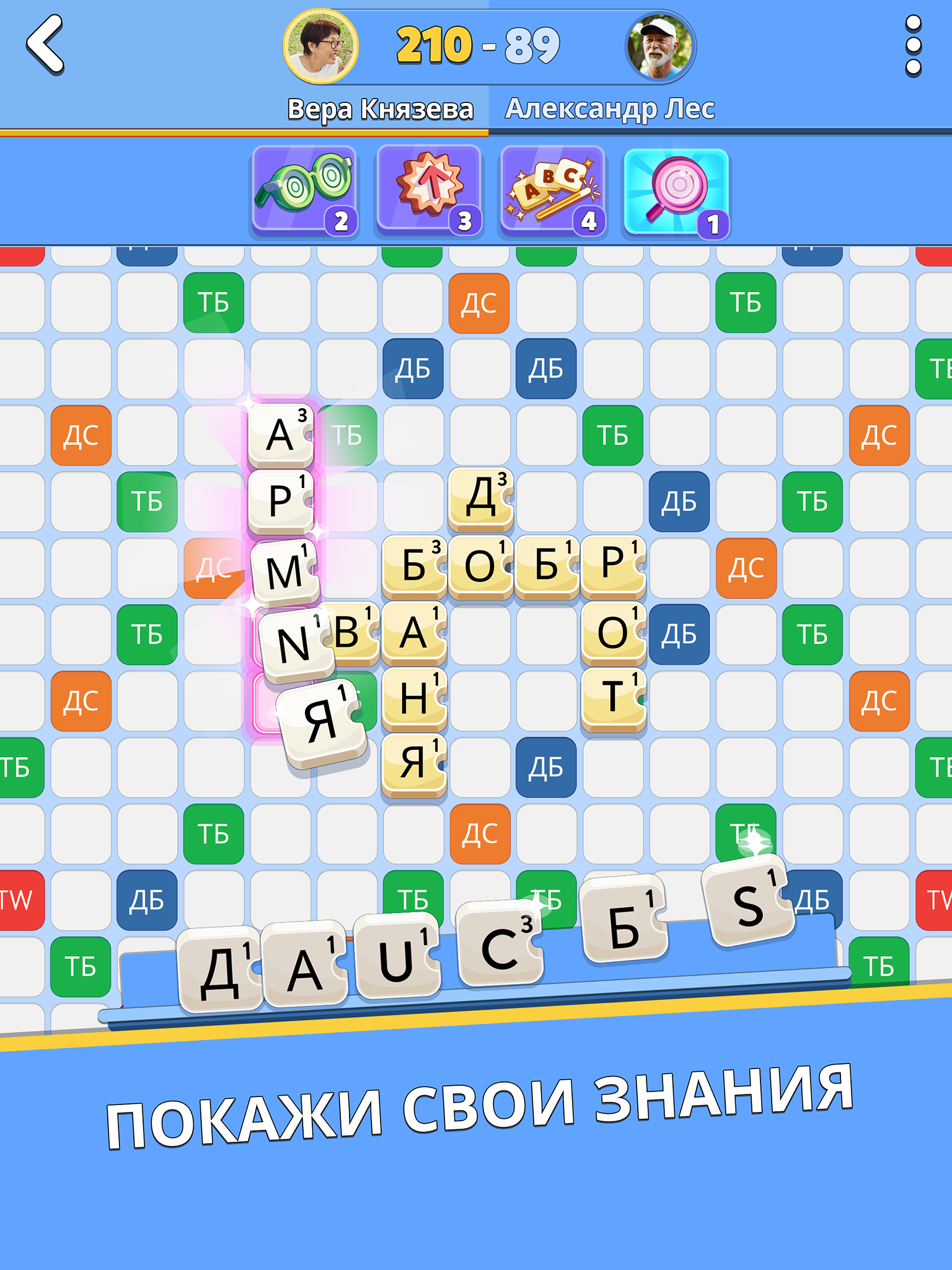
Added: Denis Rubinov
Version: 5.49.0
Size: 154.9 MB
Updated: 24.06.2025
Developer: etermax
Age Limitations: Everyone
Authorizations: 9
Downloaded on Google Play: 15066609
Category: Word games
Description
Game Word Crack: Board Fun Game has been checked by VirusTotal antivirus. As a result of the scan, no file infections were detected by all the latest signatures.
How to install Word Crack: Board Fun Game
- Download APK file games from apkshki.com.
- Locate the downloaded file. You can find it in the system tray or in the 'Download' folder using any file manager.
- If the file downloaded in .bin extension (WebView bug on Android 11), rename it to .apk using any file manager or try downloading the file with another browser like Chrome.
- Start the installation. Click on the downloaded file to start the installation
- Allow installation from unknown sources. If you are installing for the first time Word Crack: Board Fun Game not from Google Play, go to your device's security settings and allow installation from unknown sources.
- Bypass Google Play protection. If Google Play protection blocks installation of the file, tap 'More Info' → 'Install anyway' → 'OK' to continue..
- Complete the installation: Follow the installer's instructions to complete the installation process.
How to update Word Crack: Board Fun Game
- Download the new version games from apkshki.com.
- Locate the downloaded file and click on it to start the installation.
- Install over the old version. There is no need to uninstall the previous version.
- Avoid signature conflicts. If the previous version was not downloaded from apkshki.com, the message 'Application not installed' may appear. In this case uninstall the old version and install the new one.
- Restart game Word Crack: Board Fun Game after the update.







Requesting an application update
Added Denis Rubinov
Version: 5.49.0
Size: 154.9 MB
Updated: 24.06.2025
Developer: etermax
Age Limitations: Everyone
Authorizations:
Downloaded on Google Play: 15066609
Category: Word games








Reviews for Word Crack: Board Fun Game
Very good game. Just curious though. How do I select my languages. I keep getting selected for games in a language i don't speak because I picked it once by mistake. Also can I find rules somewhere so I can check for example if I can discard tiles at no cost if all vowels or all consonants. Thank you
excellent fast scrabble game
No fun any more. Impossible to change letters now that ads are all Play store based. Very disappointing
As much as I like this game, the ad's are a real issue. 1 minute and un-mutable is driving me nuts. 30 seconds should be an absolute max. I would pay for the ad free privilege, but not for a year only. Plus, the start "New Game" tab is in the wrong place for swiping gestures. I've got seven games on the boil because of it....!!
good game to play but don't recognize every word from the original scrabble
3 years later, I still dare you to create words with 4 lettres, including i and a and o and t etc... Even the word ii doesn't exist in English or in French.
This used to be a good app, nice and simple. There's too much going on and the ads are too much. I paid for the non ad app years ago, and now it's gone??
Hello, I had several games in progress up until a few hours ago and now I don't see any at all? what's happening
great good fi e
app does nothing but crash.
Used to play it couple of years ago and decided to give it a try again. What a disappointment! Instead of clean, no nonsense design I opened a colourful jingling moving thing where actual game seems to be an afterthought.
There's a big black bar/banner at the top of the app even with no ads that is very intrusive, and there's an unnecessary loading screen at start up. There's also no option to choose English UK dictionary. If these things were fixed I'd happily give it a 5 star :)
The upgraded program is terrible. It fixed no problems in the new version and introduced lots of new bugs. In particular there is a prominent "play" icon which is very easy to touch by mistake. They removed the option for a "are you sure?" button. I have lost lots of games because of that. The chat is now useless and the dictionaries are poor. I could go on. It is a pity as, fundamentally it is a very nice app.
When playing using my Google Pixel 6 Pro, the "Game Dashboard" shortcut is constantly displayed in the bottom right corner even though it is not selected in settings. Is this a problem with the game or Google? It plays fine on my other devices.
Post a comment
To leave a comment, log in with your social network:
Or leave an anonymous comment. Your comment will be sent for moderation.
Post a comment
To leave a comment, log in with your social network:
Or leave an anonymous comment. Your comment will be sent for moderation.