



Voice Audiobook Player
10+
downloads6.0+
version Android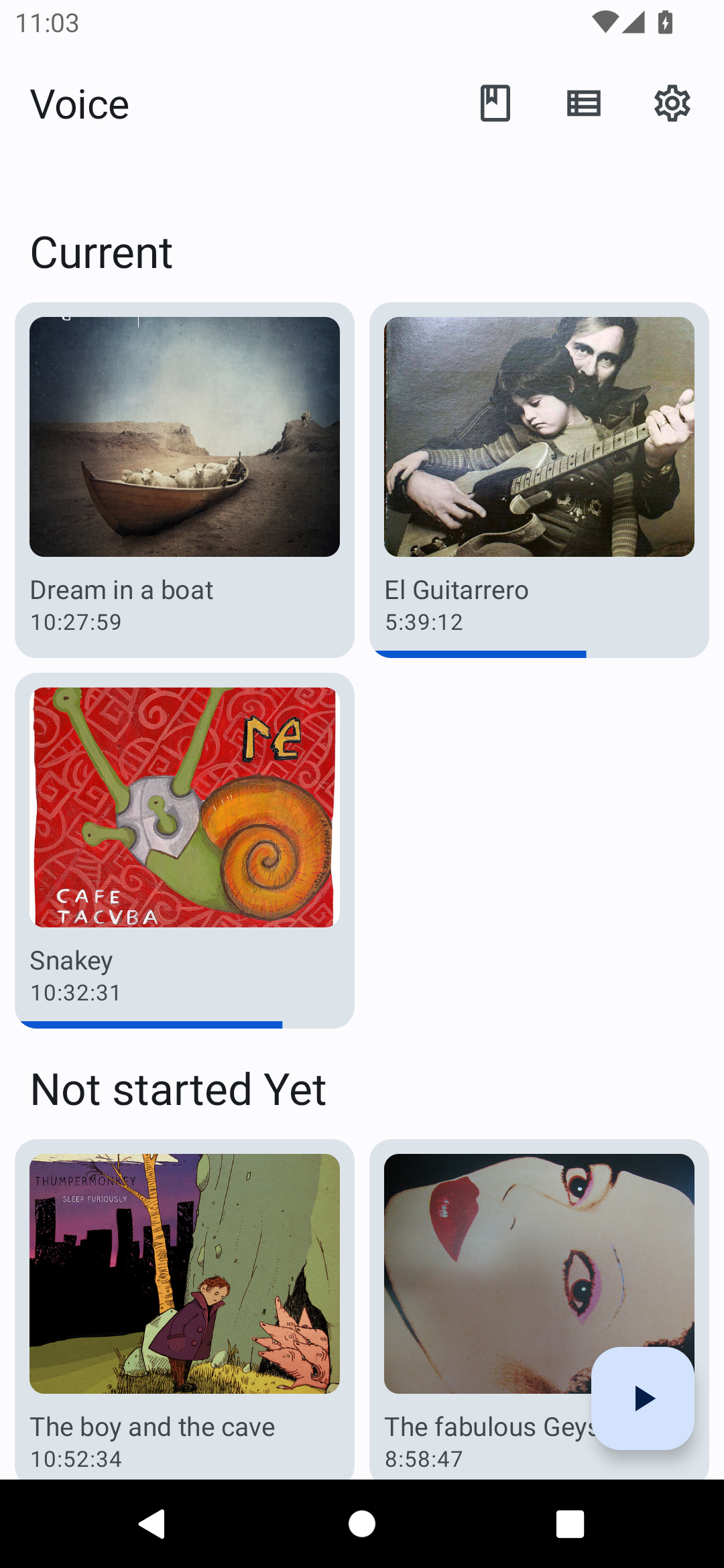
Added: Denis Rubinov
Version: 8.3.0
Size: 25.7 MB
Updated: 24.06.2025
Developer: Paul Woitaschek
Age Limitations: Everyone
Authorizations: 3
Downloaded on Google Play: 530330
Category: Music and audio
- Free distribution.
- Open source.
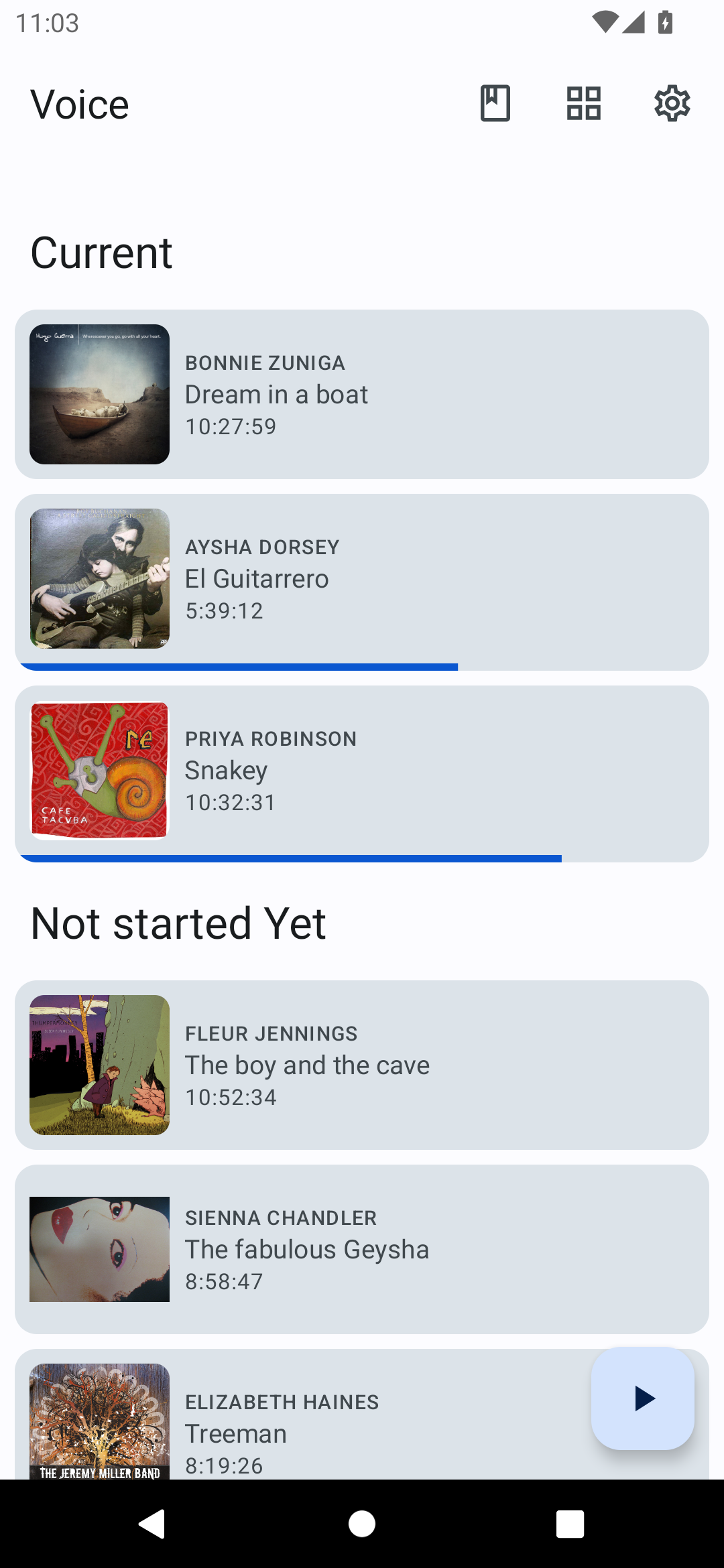
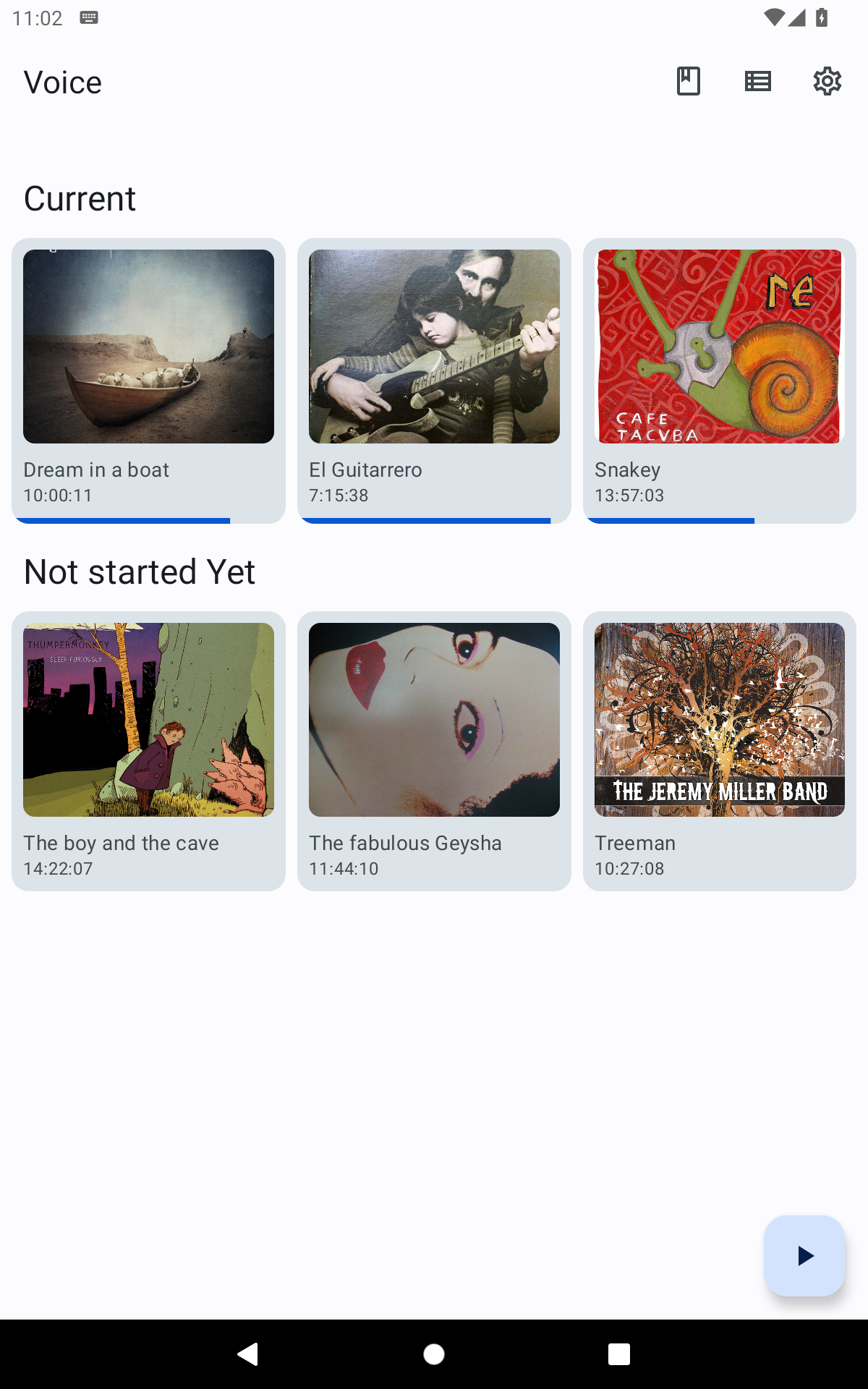
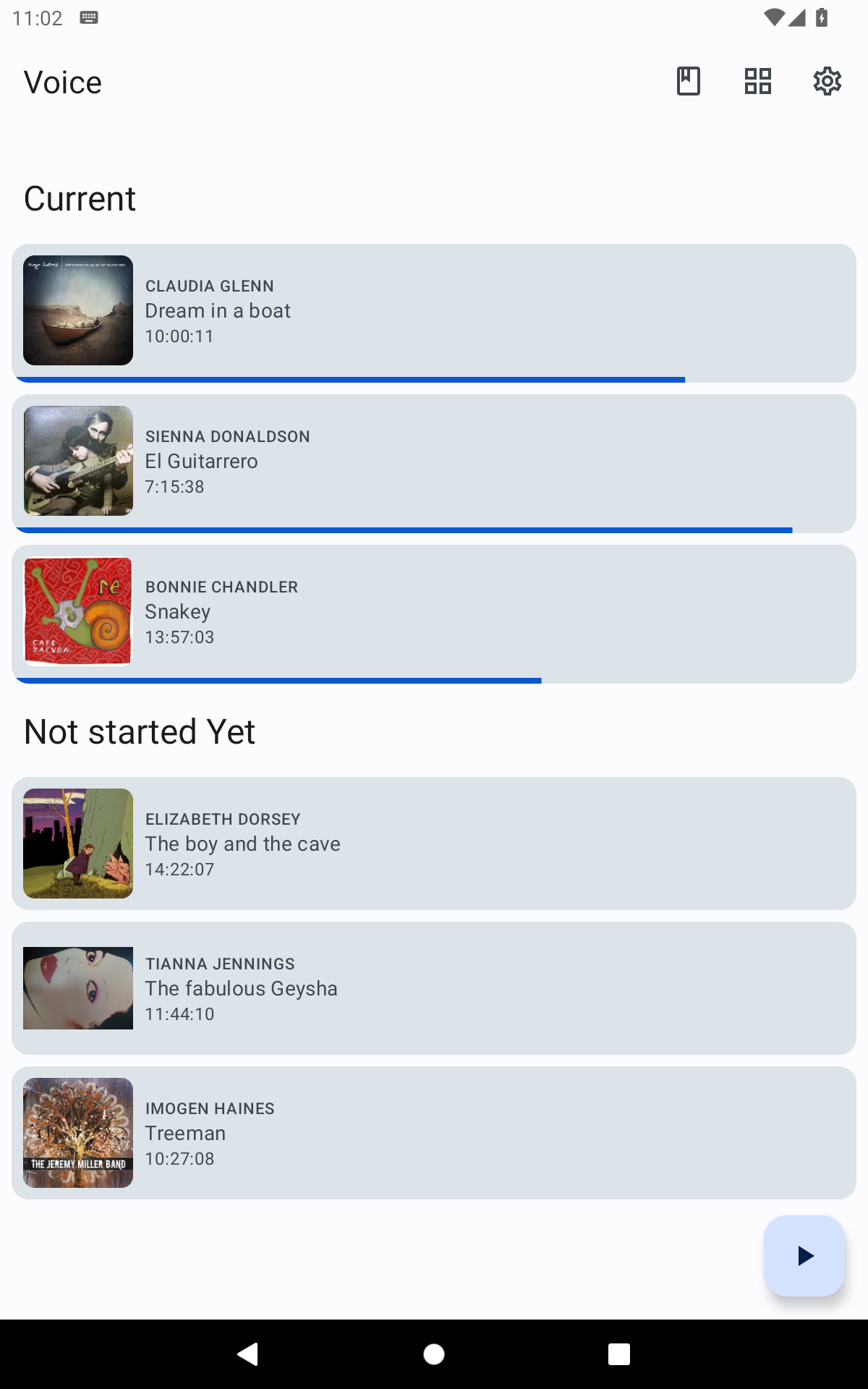
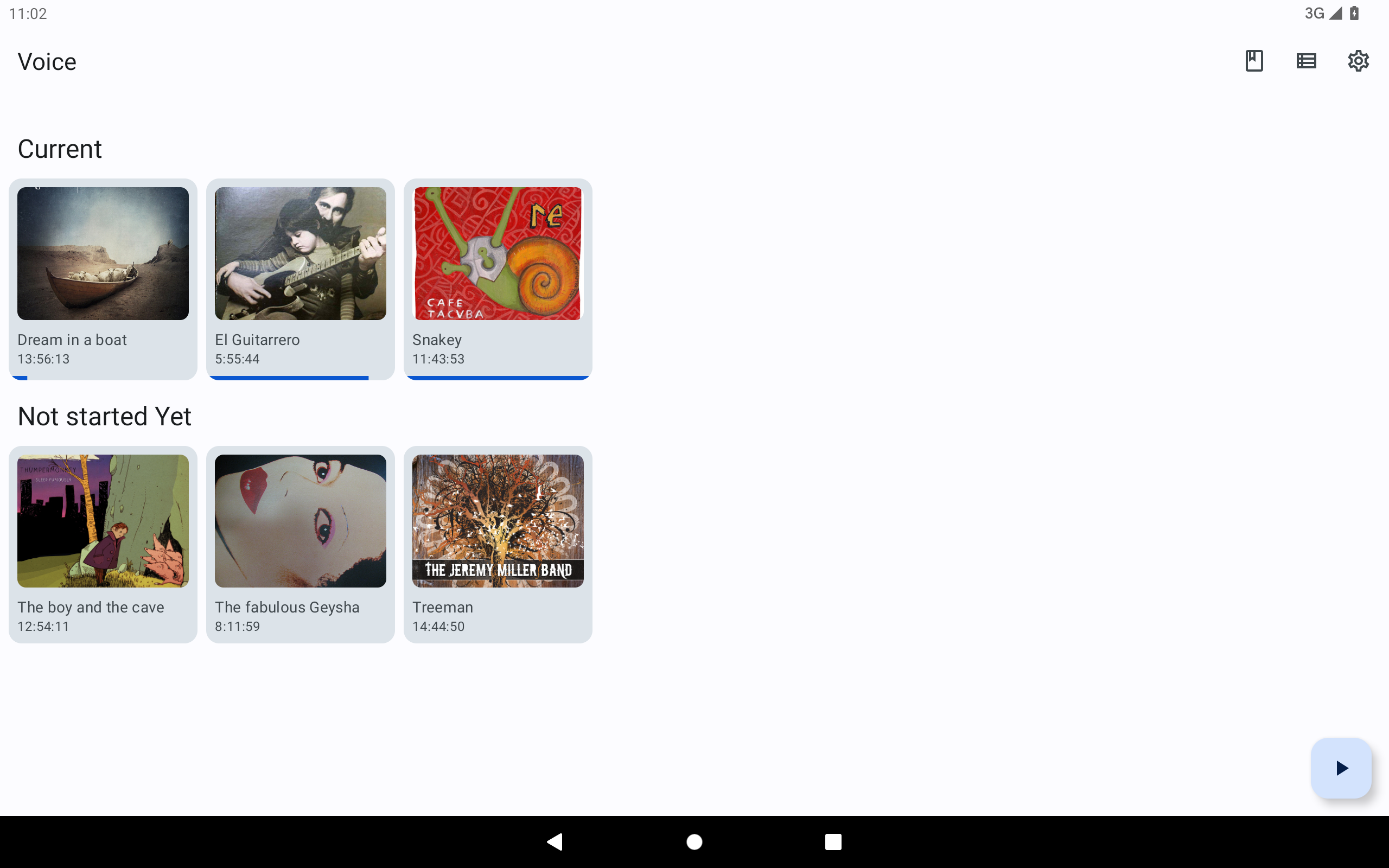
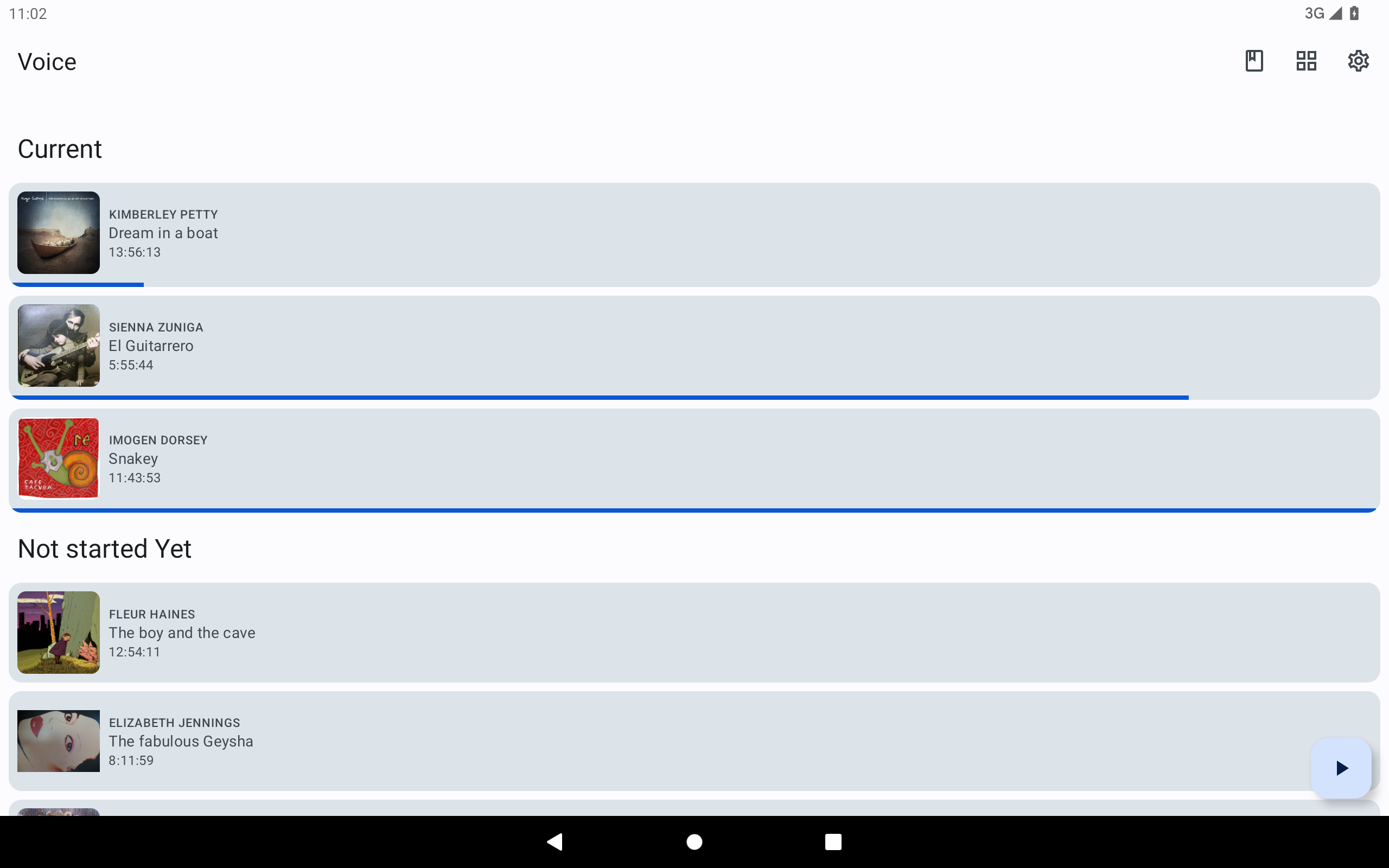
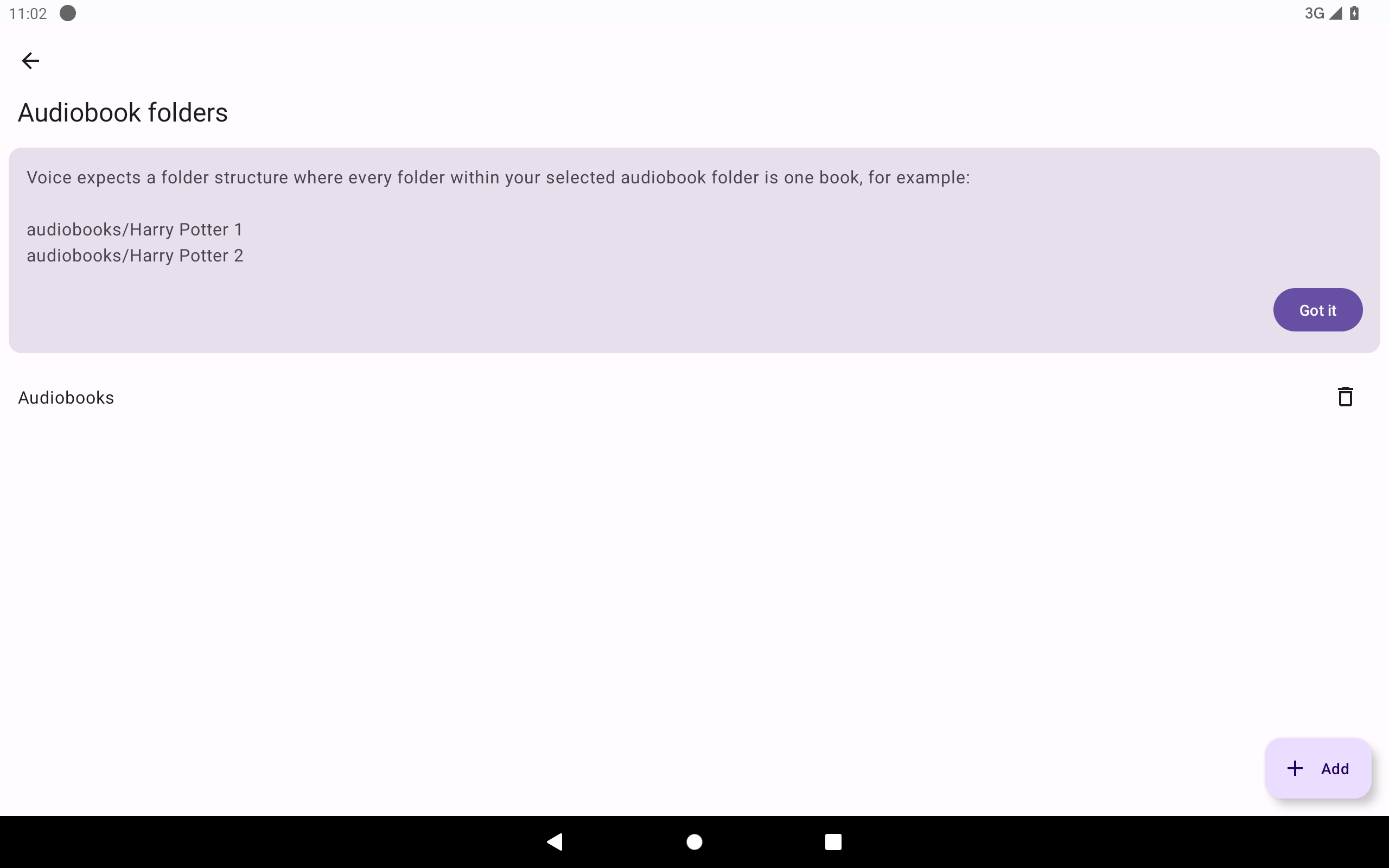
- Convenient library management and playback.
- There is a sleep timer.
- Remembers the last position.
Description
Application Voice Audiobook Player was checked by VirusTotal antivirus. As a result of the scan, no file infections were detected by all the latest signatures.
How to install Voice Audiobook Player
- Download APK file apps from apkshki.com.
- Locate the downloaded file. You can find it in the system tray or in the 'Download' folder using any file manager.
- If the file downloaded in .bin extension (WebView bug on Android 11), rename it to .apk using any file manager or try downloading the file with another browser like Chrome.
- Start the installation. Click on the downloaded file to start the installation
- Allow installation from unknown sources. If you are installing for the first time Voice Audiobook Player not from Google Play, go to your device's security settings and allow installation from unknown sources.
- Bypass Google Play protection. If Google Play protection blocks installation of the file, tap 'More Info' → 'Install anyway' → 'OK' to continue..
- Complete the installation: Follow the installer's instructions to complete the installation process.
How to update Voice Audiobook Player
- Download the new version apps from apkshki.com.
- Locate the downloaded file and click on it to start the installation.
- Install over the old version. There is no need to uninstall the previous version.
- Avoid signature conflicts. If the previous version was not downloaded from apkshki.com, the message 'Application not installed' may appear. In this case uninstall the old version and install the new one.
- Restart annex Voice Audiobook Player after the update.







Requesting an application update
Added Denis Rubinov
Version: 8.3.0
Size: 25.7 MB
Updated: 24.06.2025
Developer: Paul Woitaschek
Age Limitations: Everyone
Authorizations:
Downloaded on Google Play: 530330
Category: Music and audio












Reviews for Voice Audiobook Player
It remembers the position where I stopped and can resume playing from there.
Struggled to find an app that works properly for audio files on cloud storage. This is the first app that works perfectly and has all the right features.
Not what I was looking for, app w/song timestamps, but will use it if I ever start listening podcasts
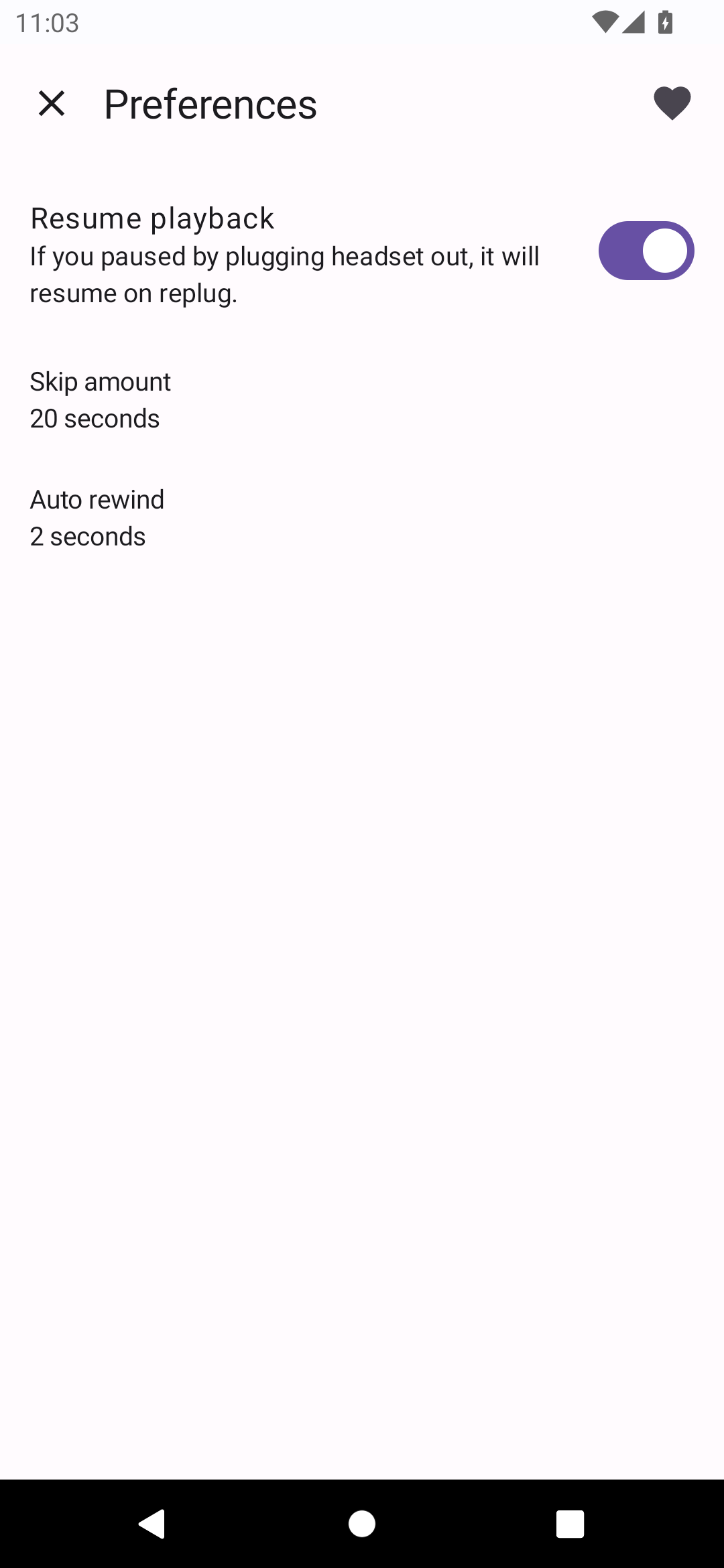
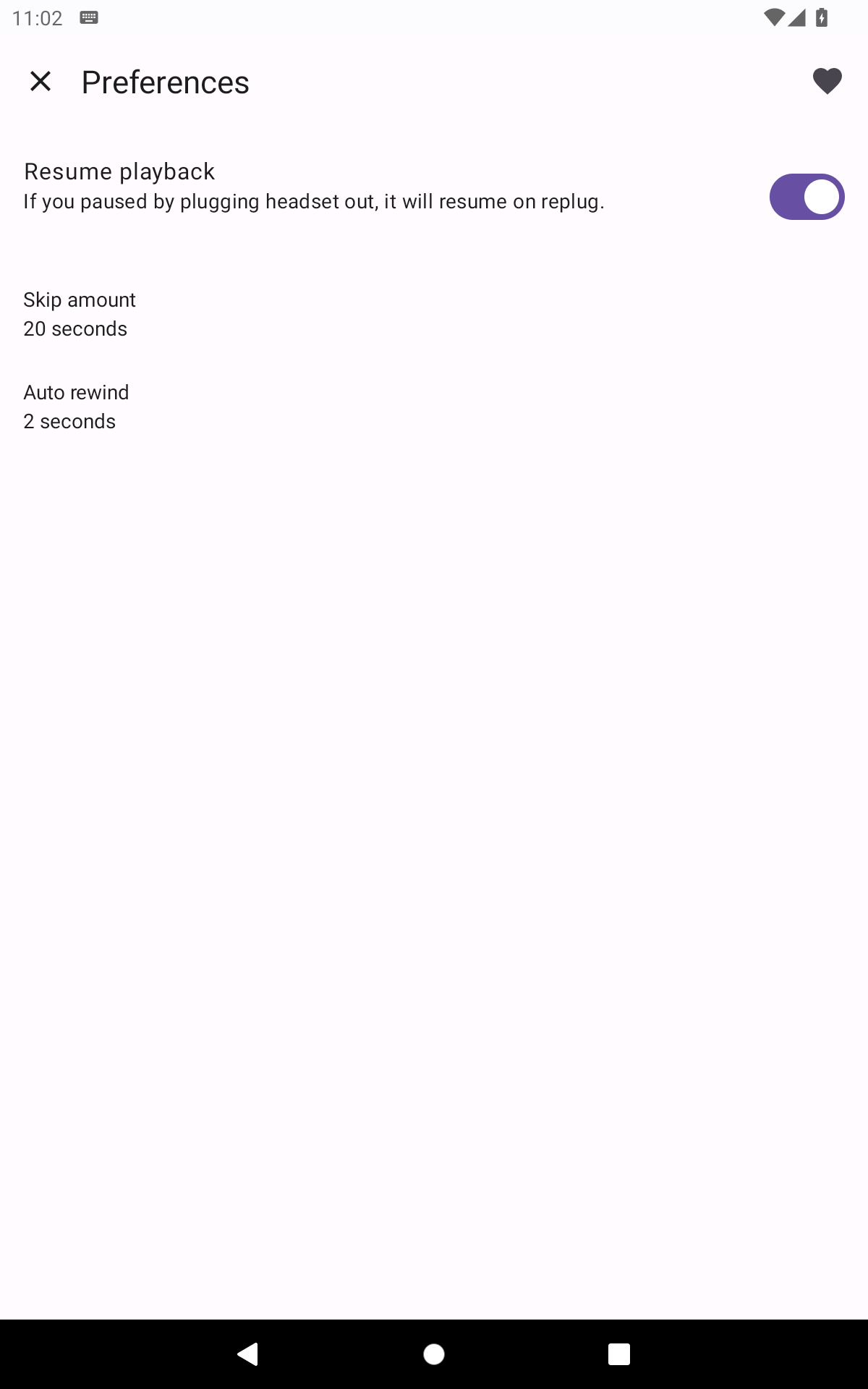
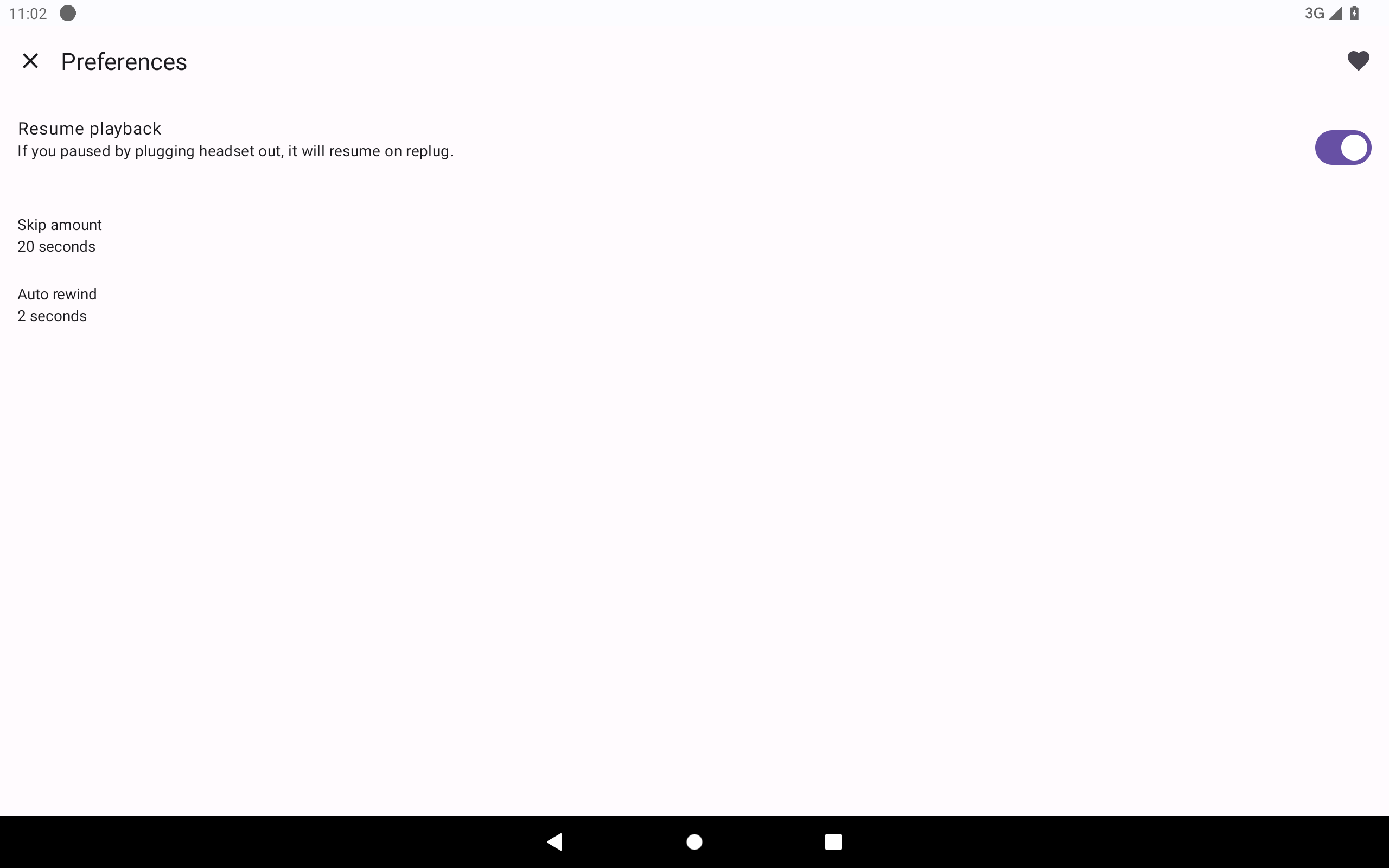
Resume Playback feature (was in Preferences) is not available in the app. This was an almost essential feature to allow listening to audio, then pause it and interact with a real person by simply unplugging audio jack plug. now it's too cumbersome having to open app and interact with screen to pause and then to unpause every time. Rather than a half second jack plug remove / jack plug reinsert operation. BTW, I've been using this app for many many years and it's been excellent
This app has an amazing interface. Although I'd personally suggest for the developers to allow users to create folders of their own,as in creating a folder for a perticular book series, stack books from an author,genre,yet to listen and so on which would certainly allow the users to reach less for the "search" button ;).
i like it
Easy to use audiobook player. No ads and no purchases. Exactly what I was looking for, thank you!
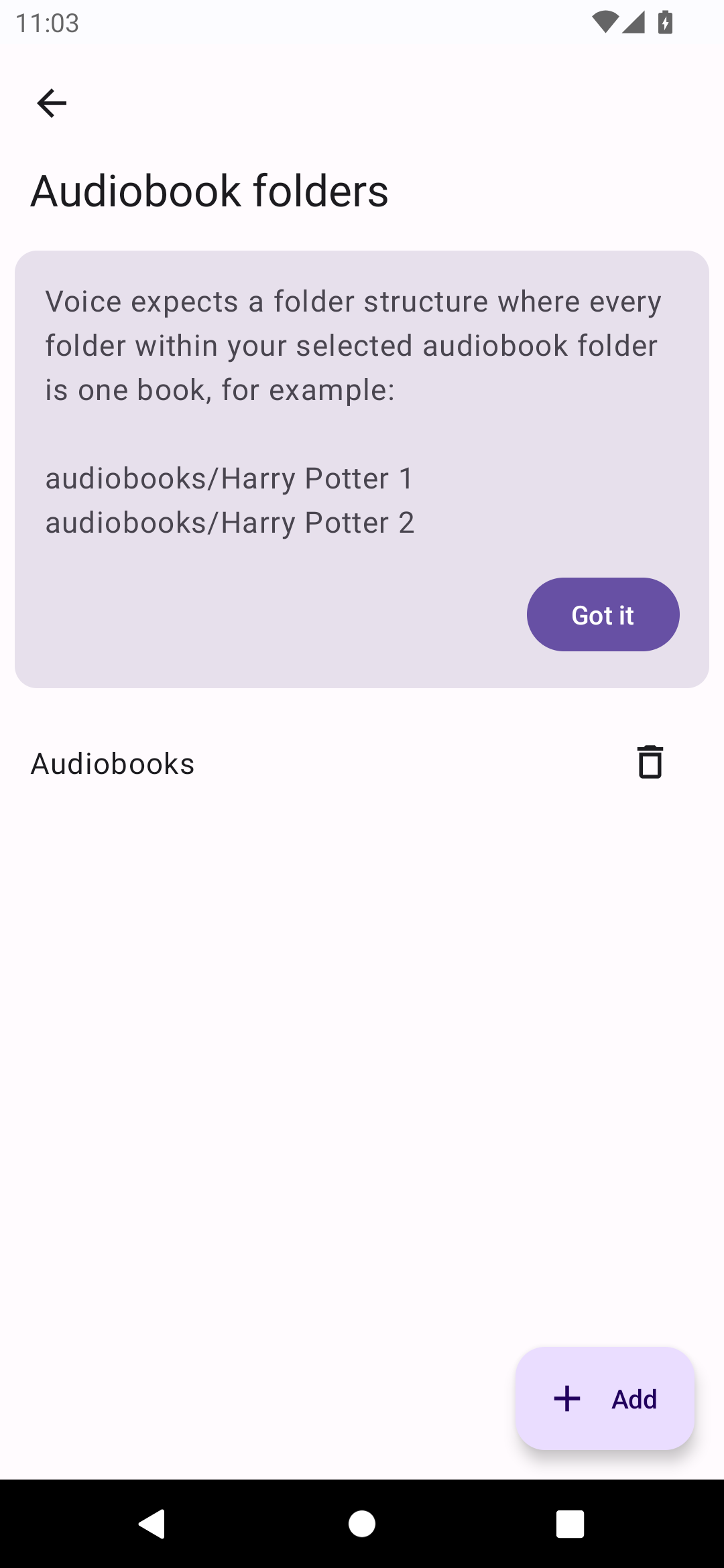
This is exactly what you need for an offline Audiobook player. Start by legally obtaining your downloads from reputable seafaring related websites,with a VPN enabled of course, load them onto a folder of your choosing and let this app do the rest!
I got the bookmarking features I needed.
I just love it. It's been working great. Intuitive, easy of use and lightweight. An audiobook player that plays audiobooks. No unnecessary features which end up making the experience sluggish. Big ups to the developers👌🏾.
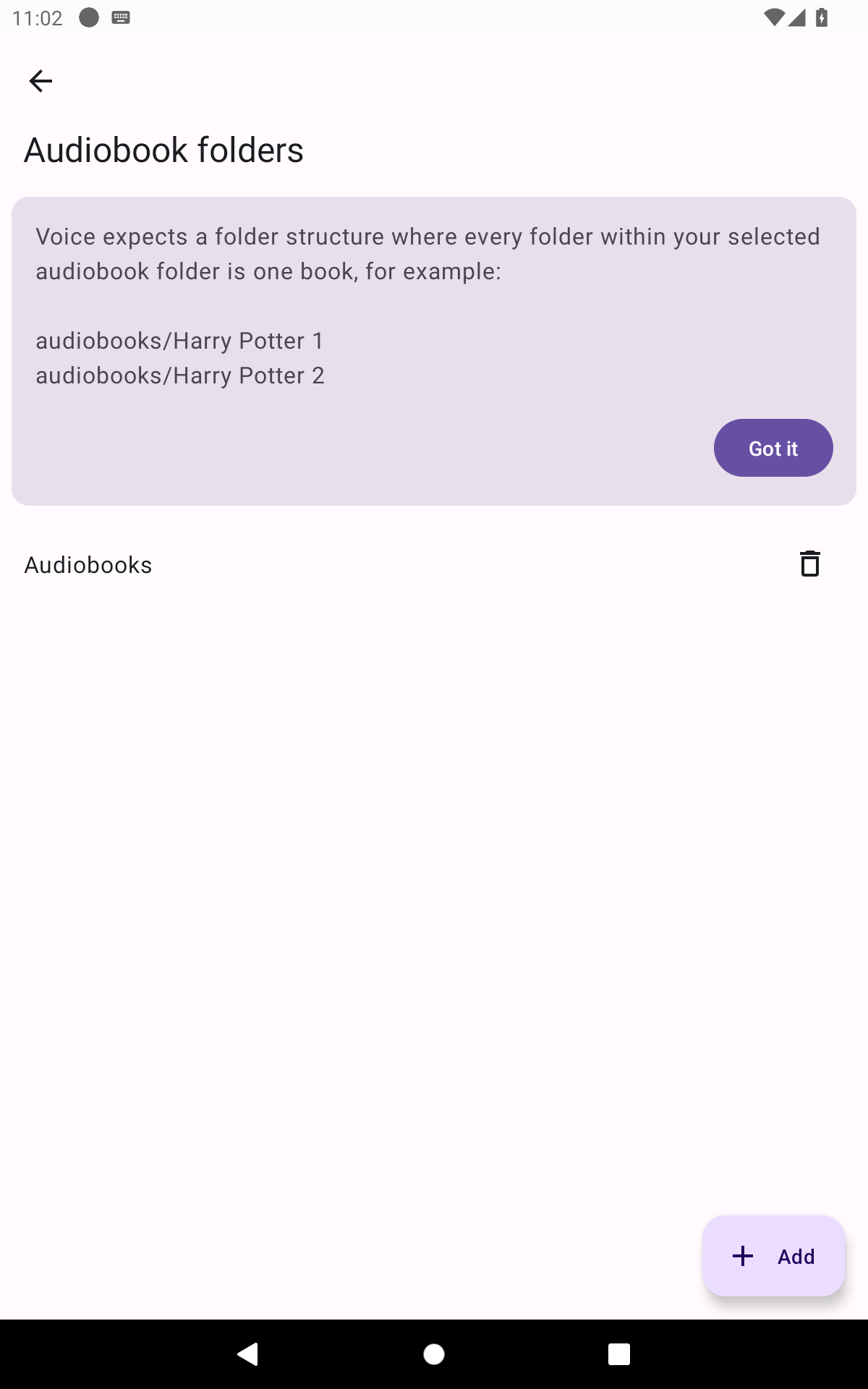
It was awesome, until a new phone. The features of this app are wonderful: no ads(!), multiple books going at once, add your own bookmarks/save points with descriptions, change speed the book is read, FF & RW, and see artwork for your books if equipped. Why 2 stars? Migrated to new phone and despite adding folder of audiobooks, with the multiple option, the app is stuck asking me to pick a folder for my first book. Tried reinstalling - no dice. Please fix!
Post a comment
To leave a comment, log in with your social network:
Or leave an anonymous comment. Your comment will be sent for moderation.
Post a comment
To leave a comment, log in with your social network:
Or leave an anonymous comment. Your comment will be sent for moderation.