


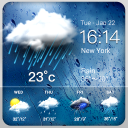
Weather & Clock Widget
21+
downloads4.1+
version Android
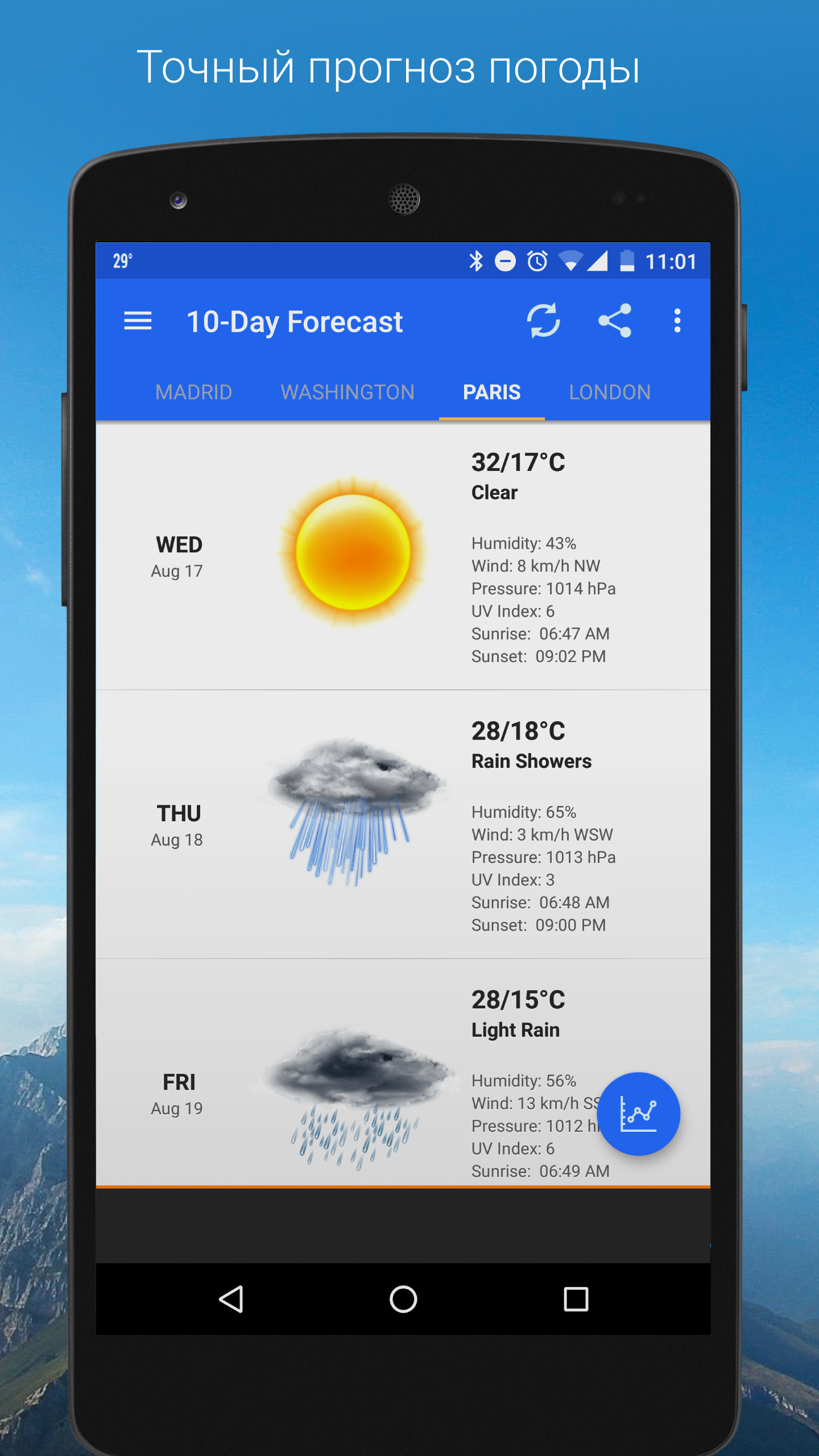
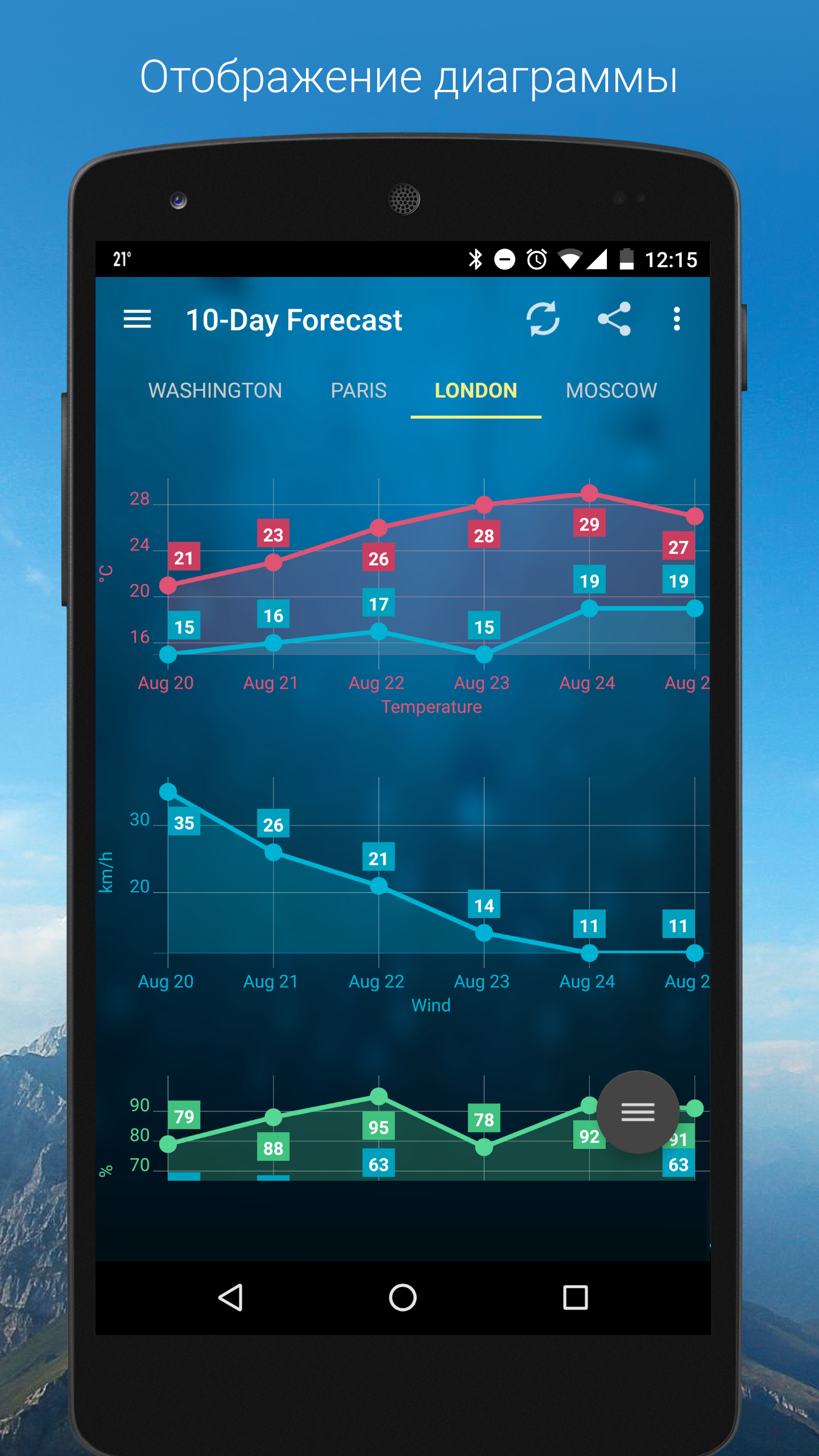
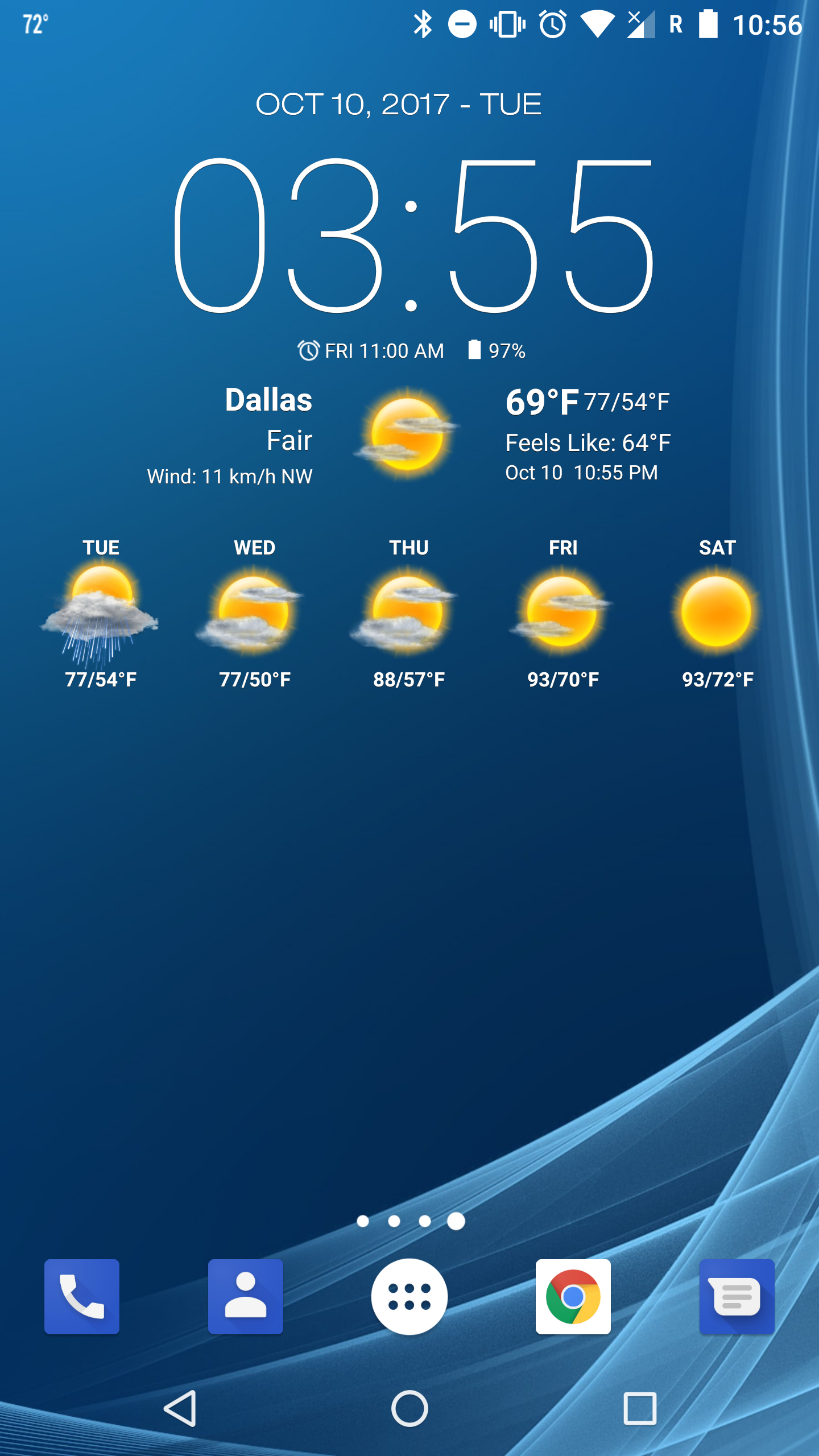
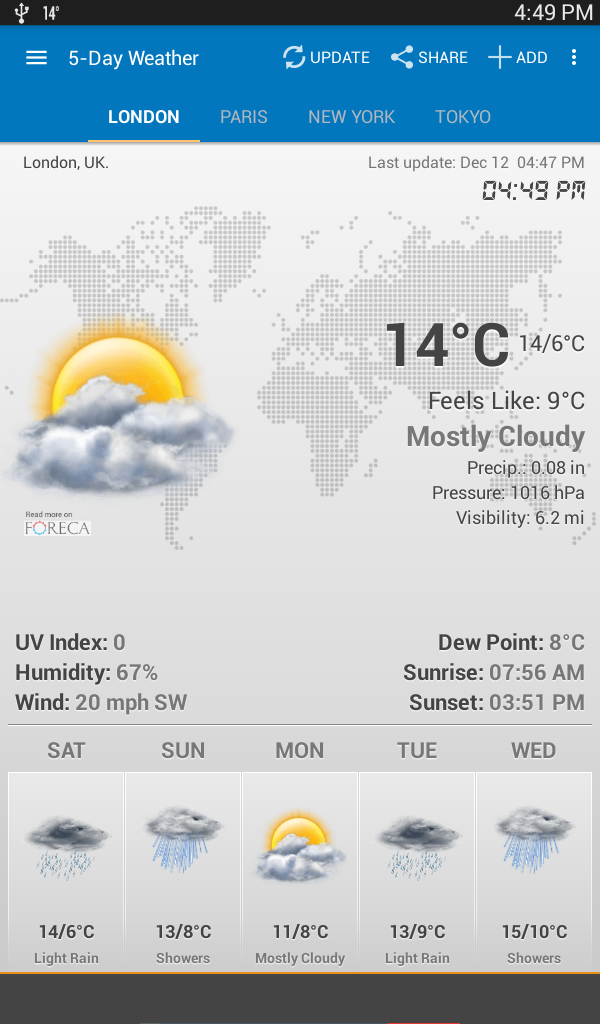
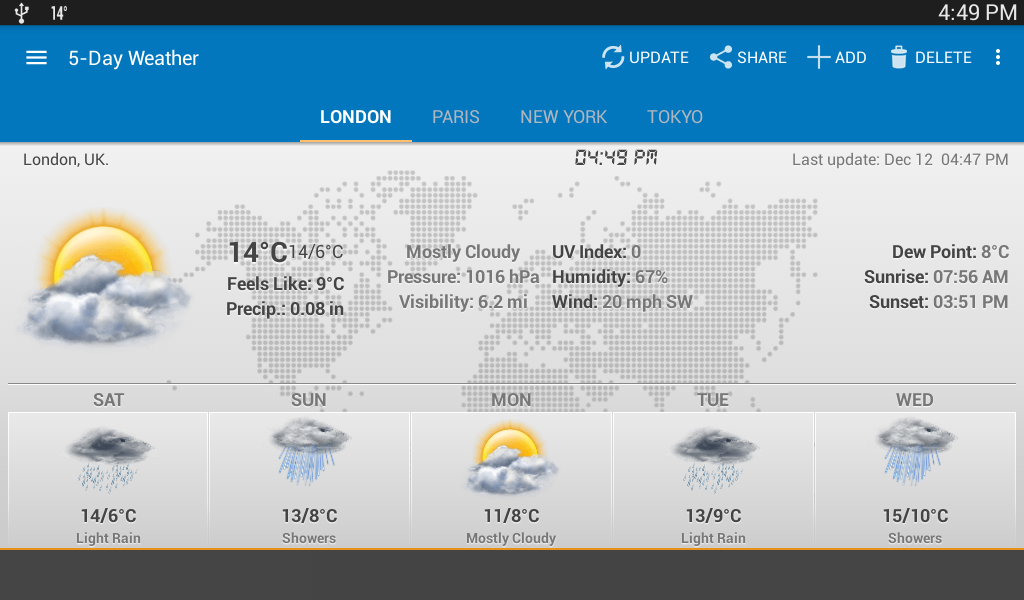
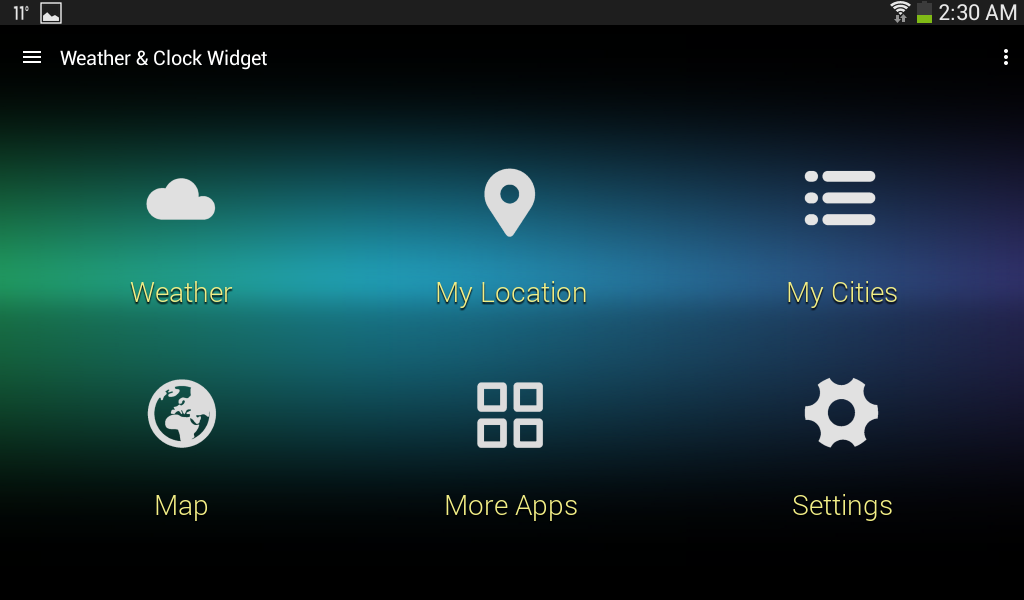
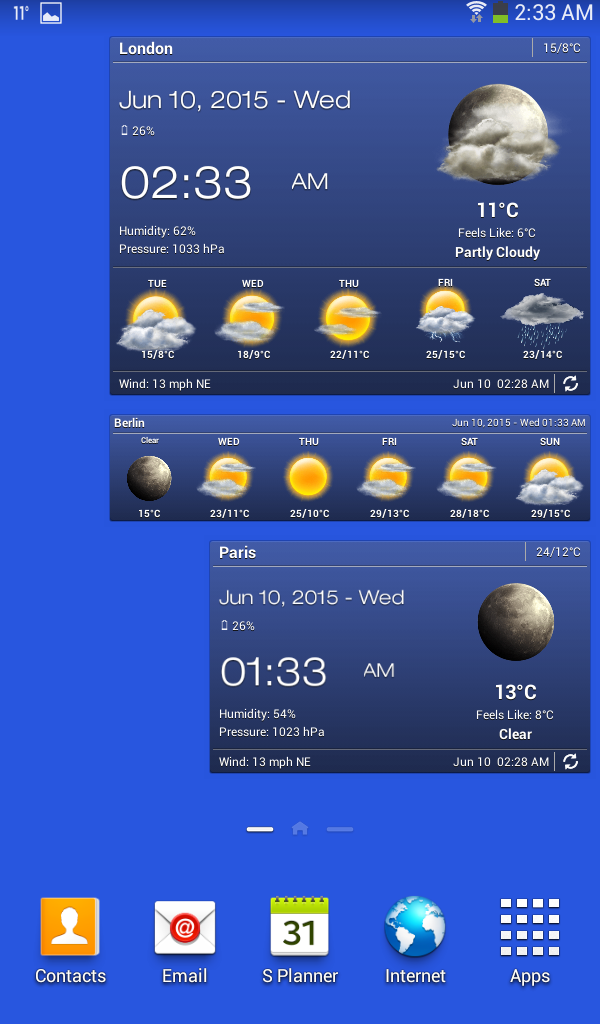
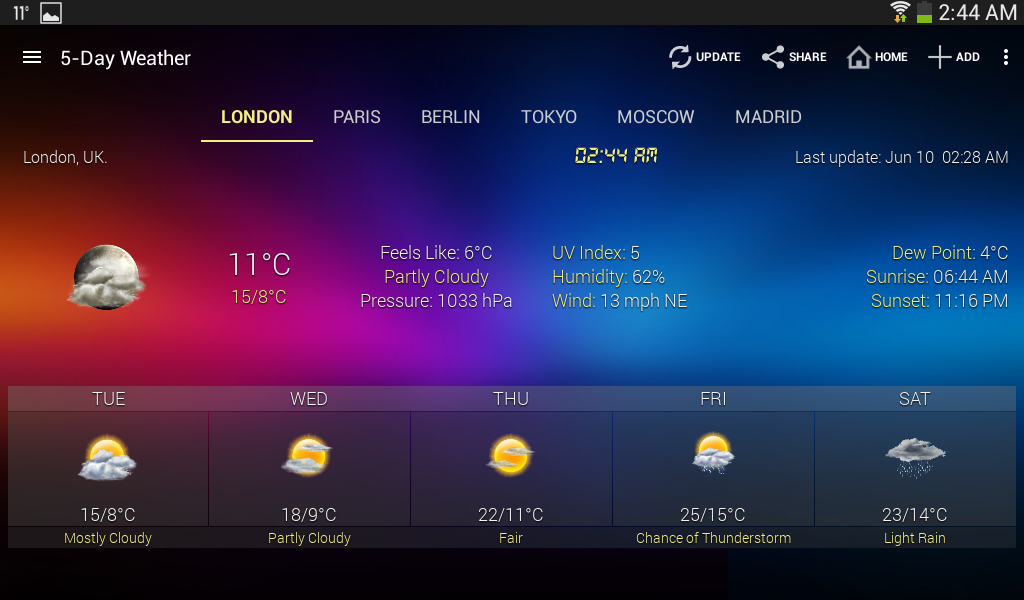
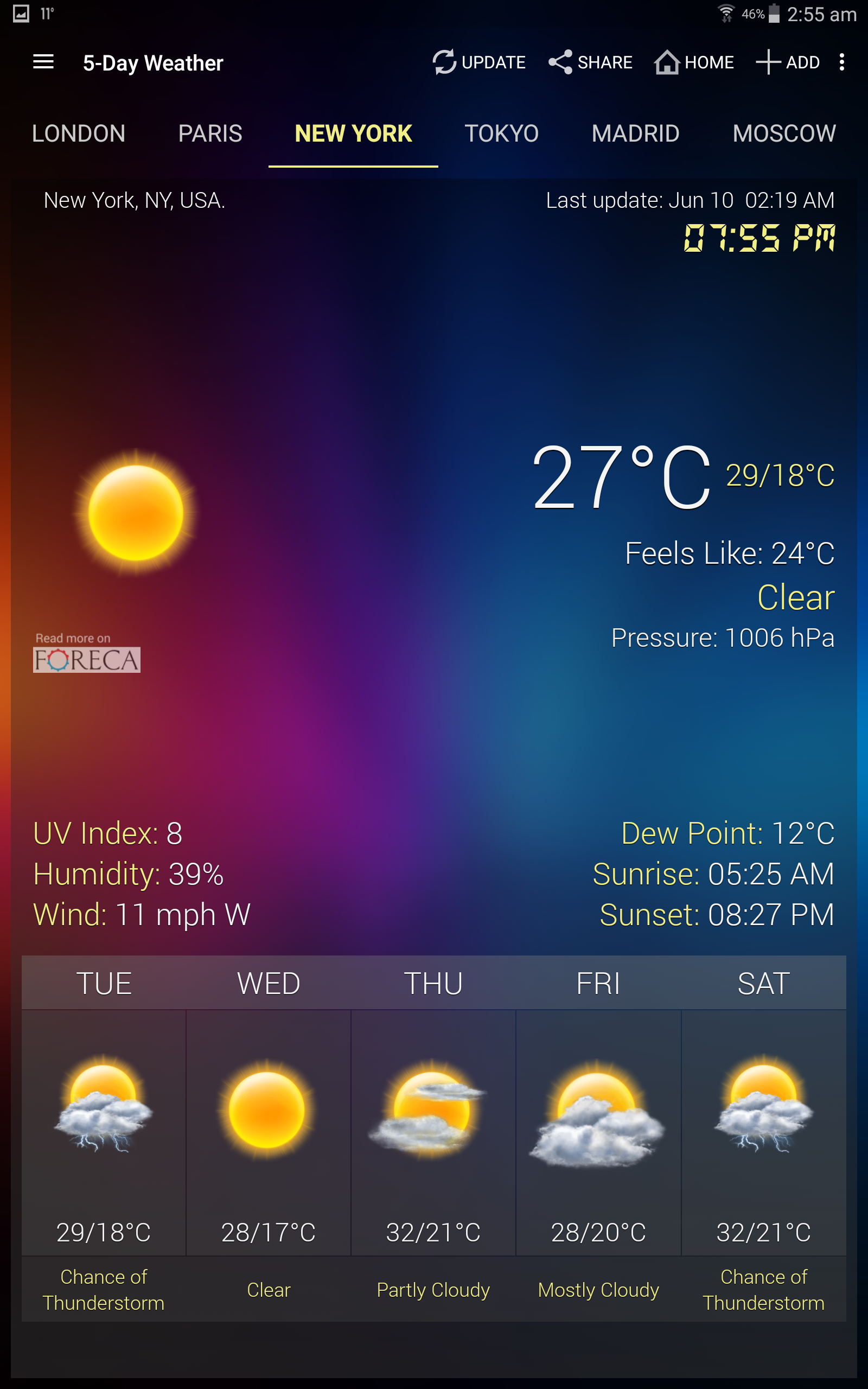
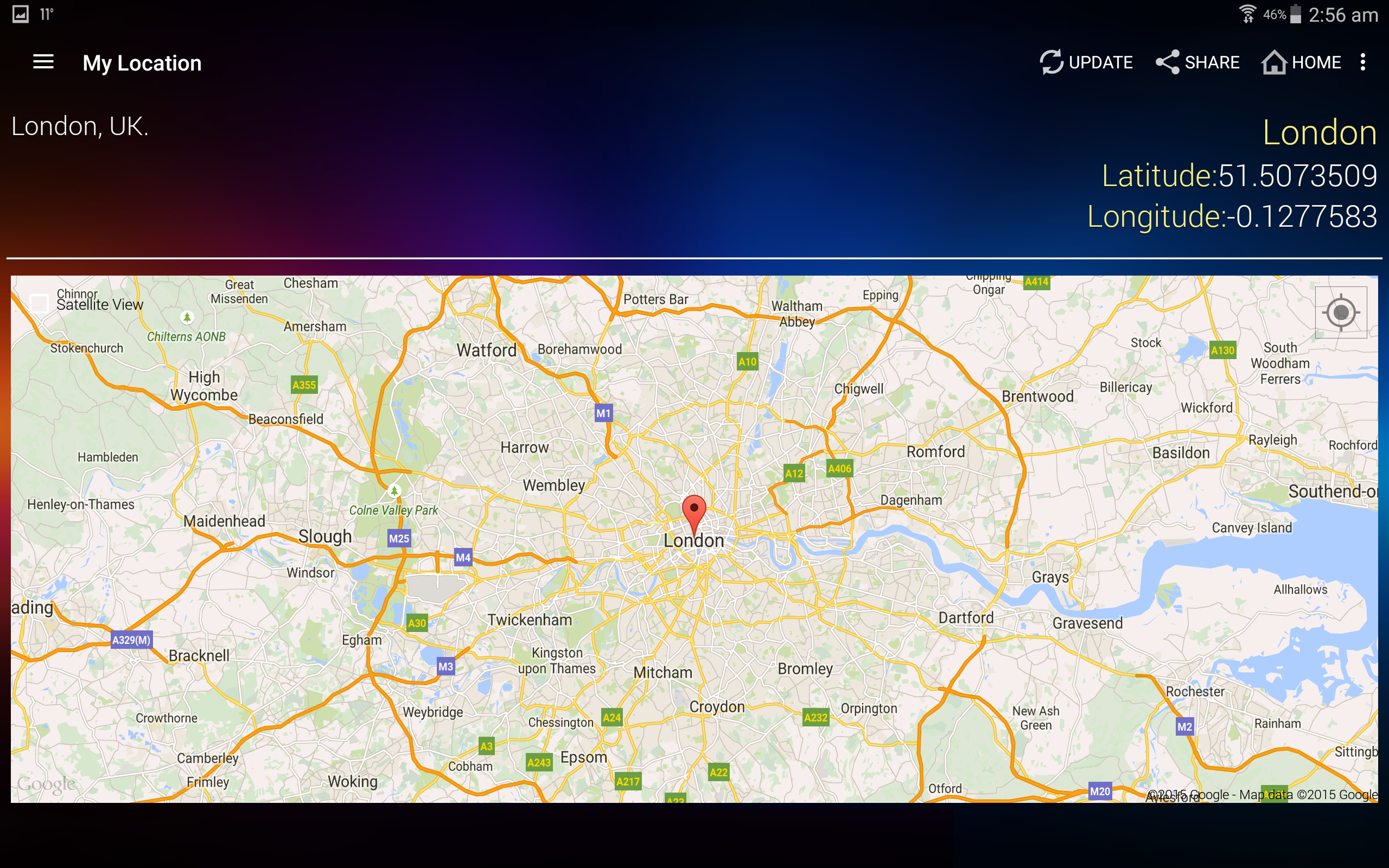
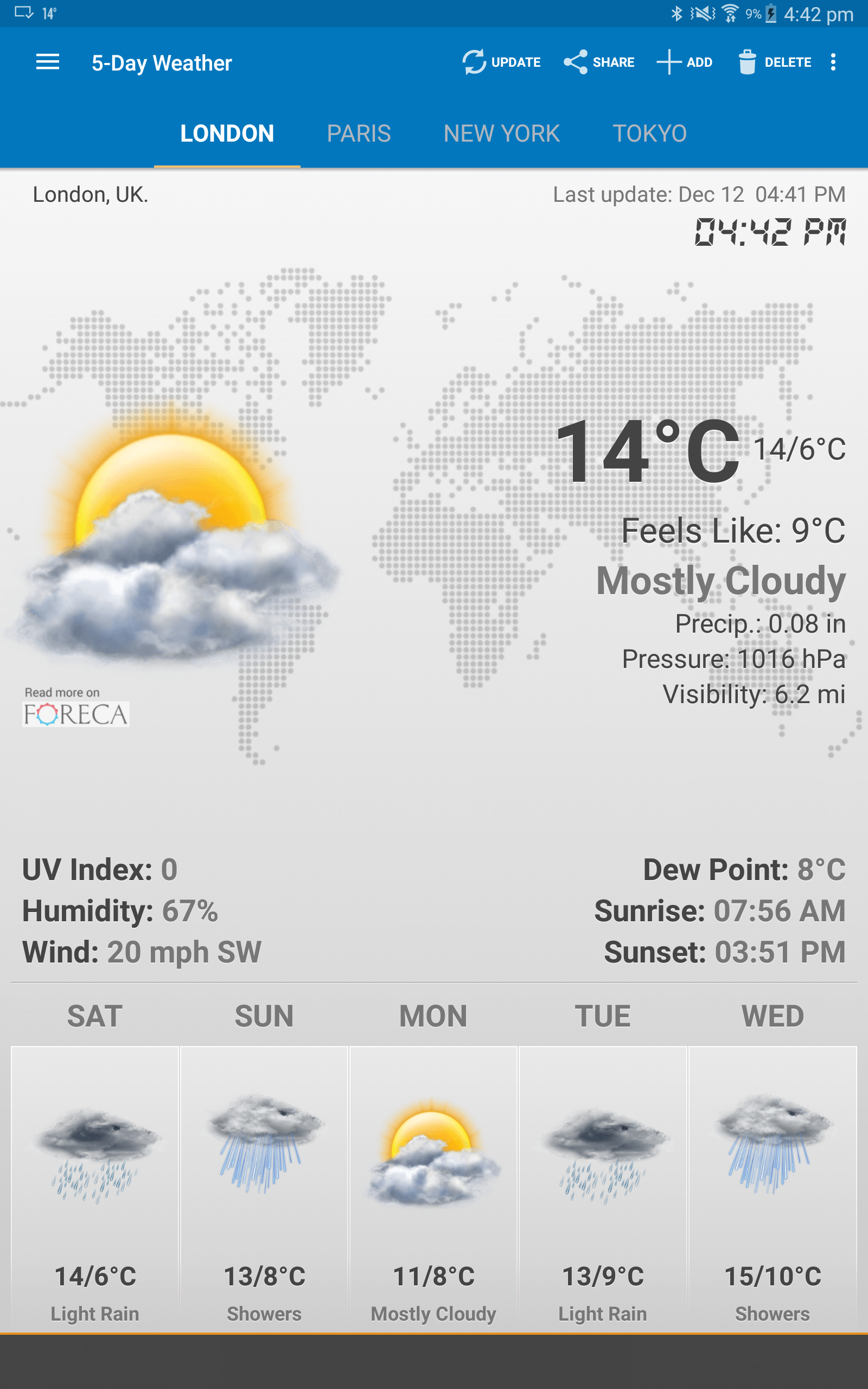
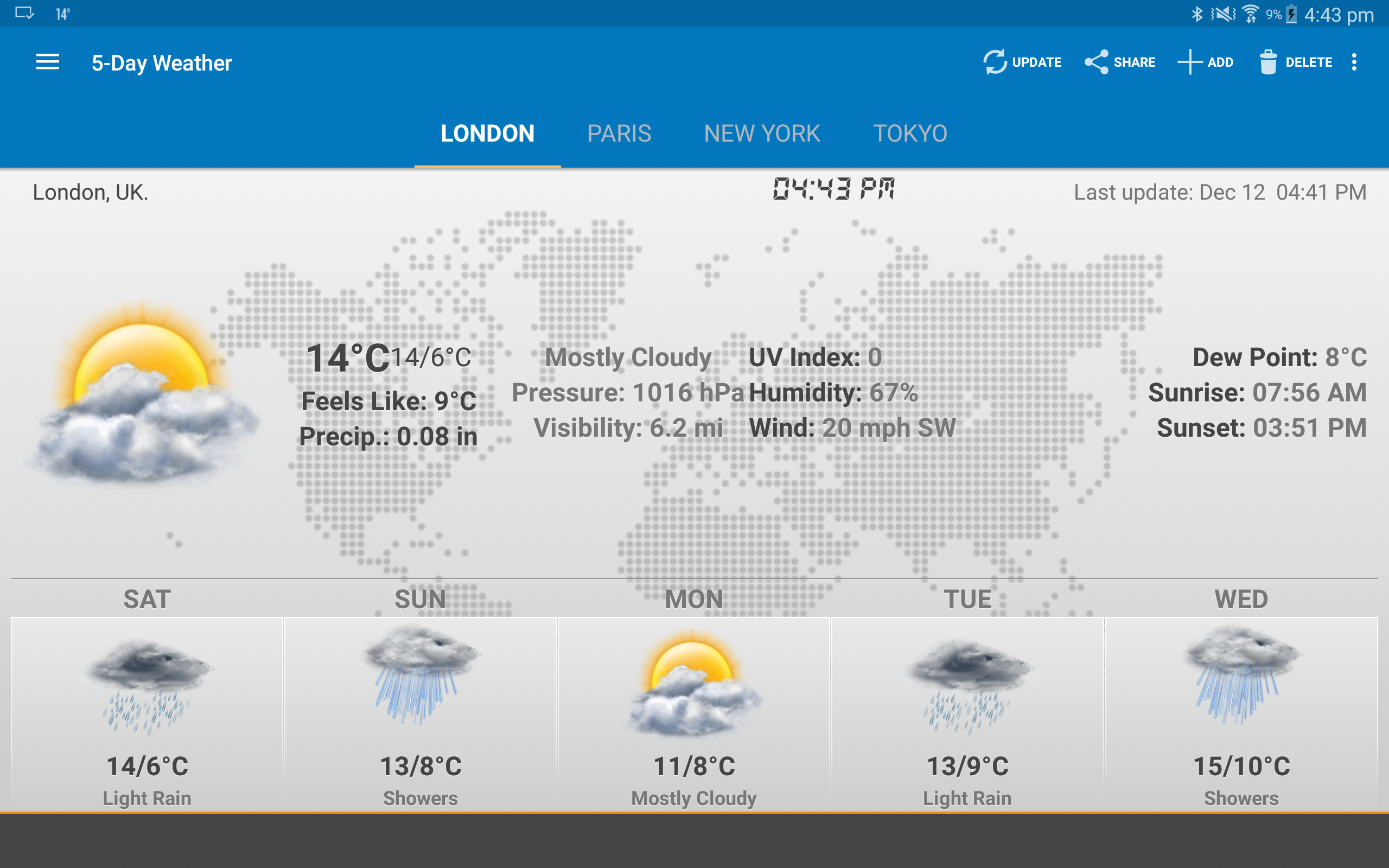
Added: Denis Rubinov
Version: 6.5.4.6
Size: 14.3 MB
Updated: 21.05.2025
Developer: Devexpert.NET
Age Limitations: Everyone
Authorizations: 10
Downloaded on Google Play: 79878385
Category: Weather
Description
Application Weather & Clock Widget was checked by VirusTotal antivirus. As a result of the scan, no file infections were detected by all the latest signatures.
How to install Weather & Clock Widget
- Download APK file apps from apkshki.com.
- Locate the downloaded file. You can find it in the system tray or in the 'Download' folder using any file manager.
- If the file downloaded in .bin extension (WebView bug on Android 11), rename it to .apk using any file manager or try downloading the file with another browser like Chrome.
- Start the installation. Click on the downloaded file to start the installation
- Allow installation from unknown sources. If you are installing for the first time Weather & Clock Widget not from Google Play, go to your device's security settings and allow installation from unknown sources.
- Bypass Google Play protection. If Google Play protection blocks installation of the file, tap 'More Info' → 'Install anyway' → 'OK' to continue..
- Complete the installation: Follow the installer's instructions to complete the installation process.
How to update Weather & Clock Widget
- Download the new version apps from apkshki.com.
- Locate the downloaded file and click on it to start the installation.
- Install over the old version. There is no need to uninstall the previous version.
- Avoid signature conflicts. If the previous version was not downloaded from apkshki.com, the message 'Application not installed' may appear. In this case uninstall the old version and install the new one.
- Restart annex Weather & Clock Widget after the update.





Requesting an application update
Added Denis Rubinov
Version: 6.5.4.6
Size: 14.3 MB
Updated: 21.05.2025
Developer: Devexpert.NET
Age Limitations: Everyone
Authorizations:
Downloaded on Google Play: 79878385
Category: Weather












Reviews for Weather & Clock Widget
great 👍
I have been using this App for years on several different of my Mobile Phones So Yes I Highly Recommend IT
My favorite weather app. Appreciate the developer added ability for more locations. Downsides: inability to order locations; sometimes VERY slow to update. Lowered by one star: auto update no longer works. New format for hourly and 10 day forecast is poor. I do see that changing city order has been added. Nice. 11/18 - Auto update is still broken and somewhat worse now.
I like the layout how it operates
widgets are really cool. Though the weather forecast... well, you can't really trust it for India. I don't know about the other countries.
Good App overall, would just have preferred it to have had a simple HomeScreen Widget which shows Temperature, Location, Wind Speed & Direction but without the Time as my phone already shows the Time, Don't need The Time on a Weather HomeScreen Widget at all but nevertheless One of The Best Weather Apps in The World
Excellent Widgets!
Very accurate and stable! Thank you.
Default city is wrong and cannot be changed when Automatic location is allowed.
bakwaas
👍
Its a really good app. App truly work properly and easy to use.
Like it!
I like how I can have access to several locations and cities all in one place.
👍👍👍
Post a comment
To leave a comment, log in with your social network:
Or leave an anonymous comment. Your comment will be sent for moderation.
Post a comment
To leave a comment, log in with your social network:
Or leave an anonymous comment. Your comment will be sent for moderation.