



Foreca Weather & Radar
39+
downloads5.0+
version Android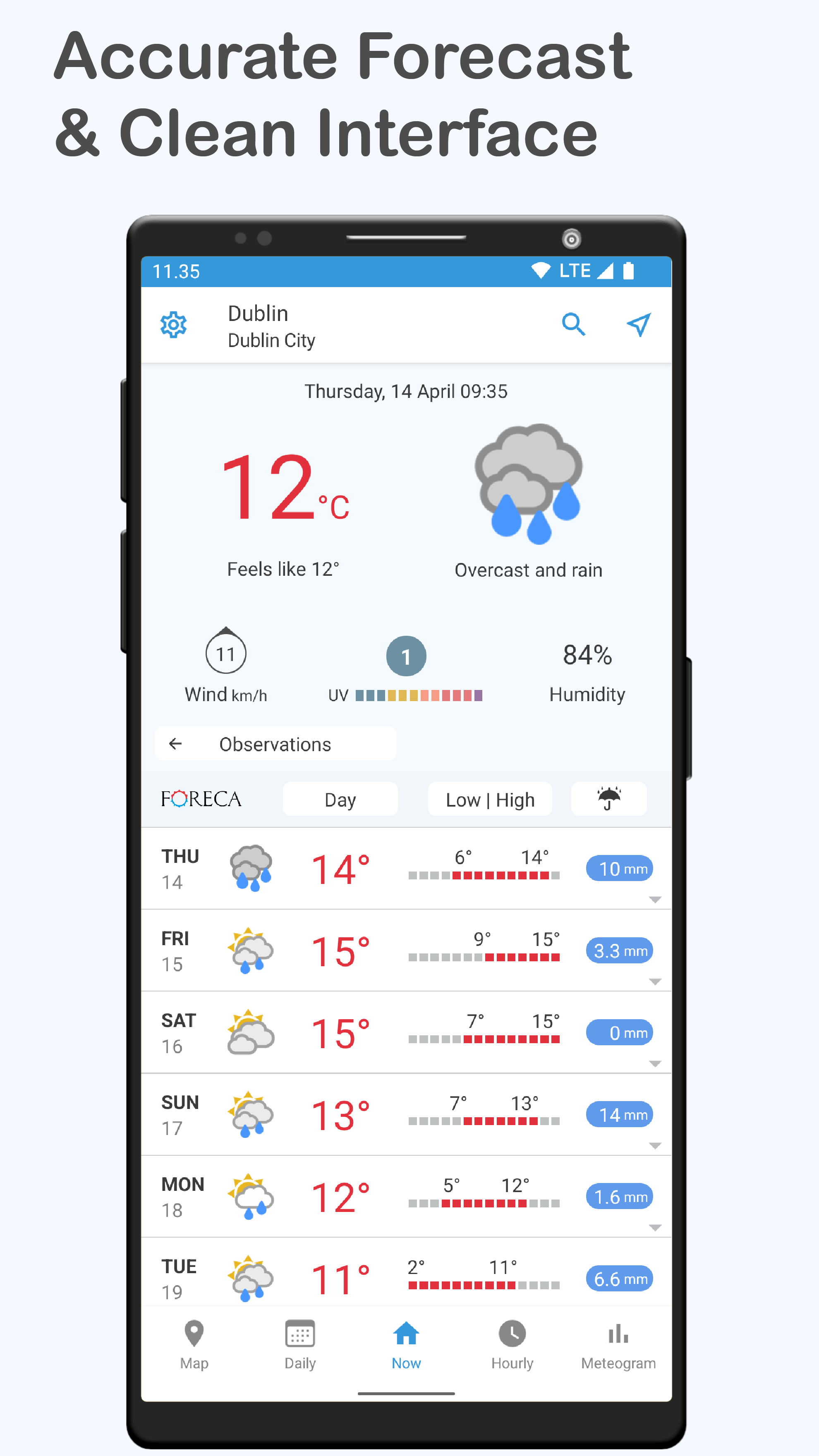
Added: Denis Rubinov
Version: 4.65.2
Size: 92.2 MB
Updated: 20.05.2025
Developer: Foreca
Age Limitations: Everyone
Authorizations: 11
Downloaded on Google Play: 3193565
Category: Weather
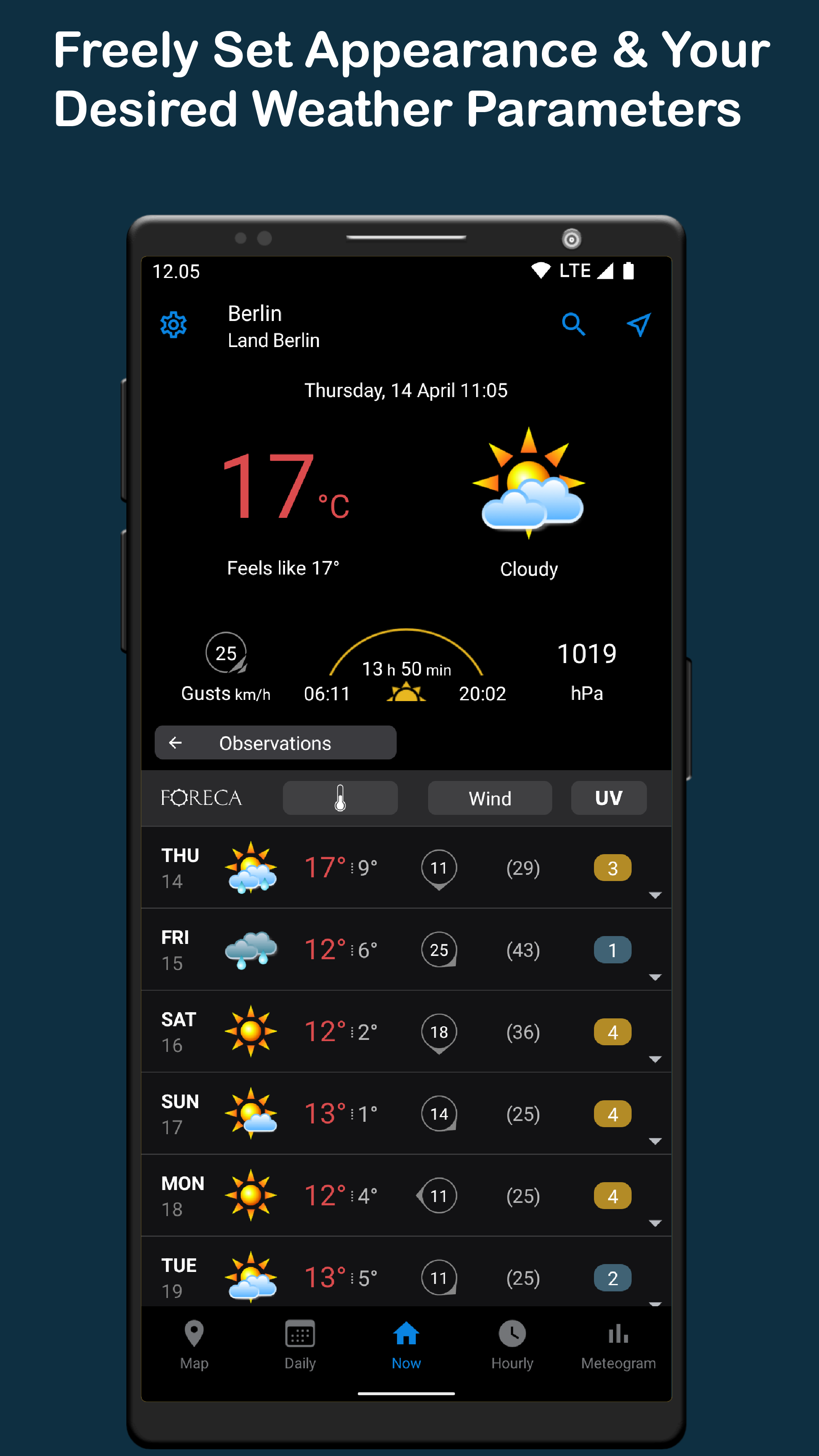
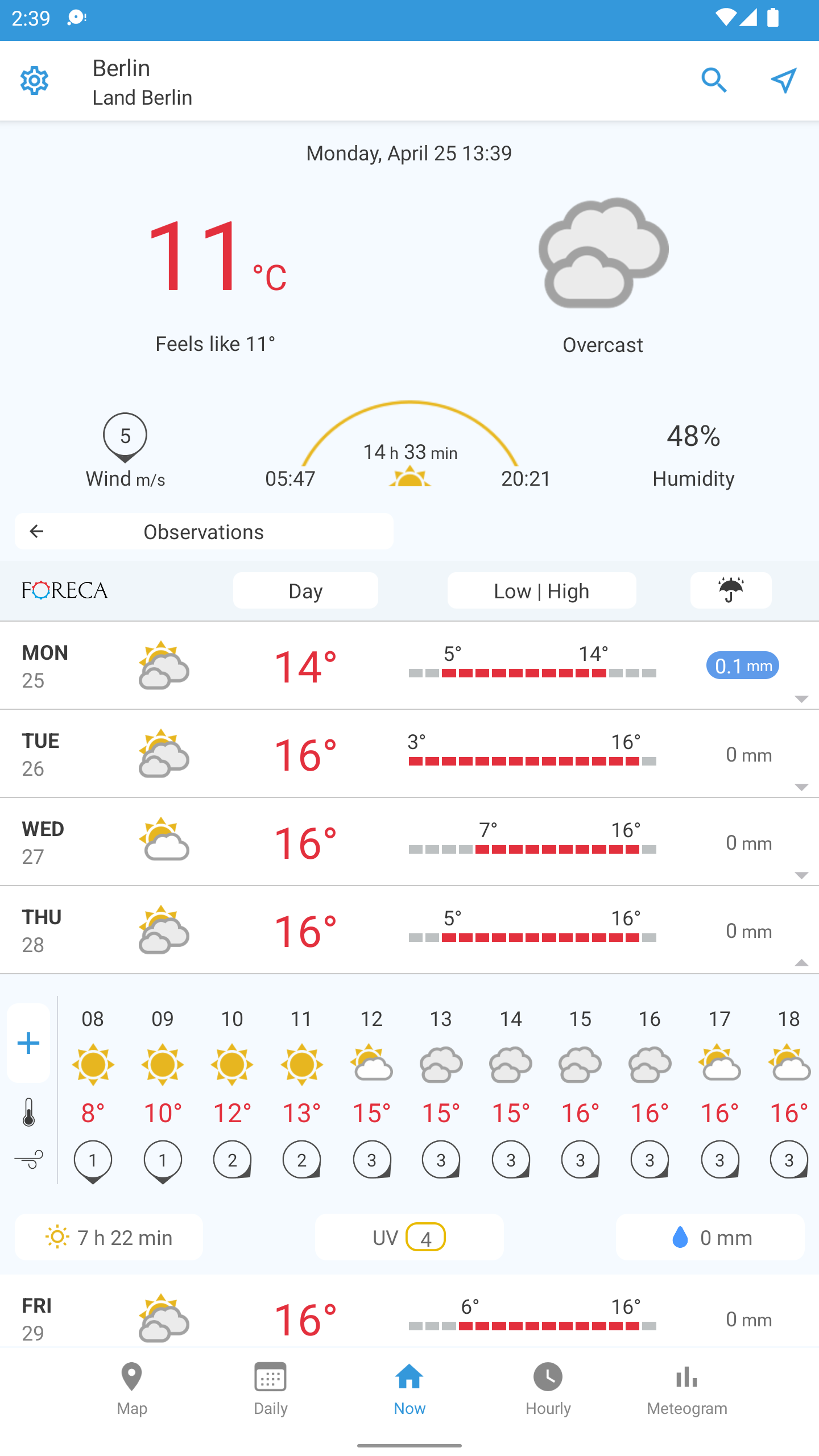
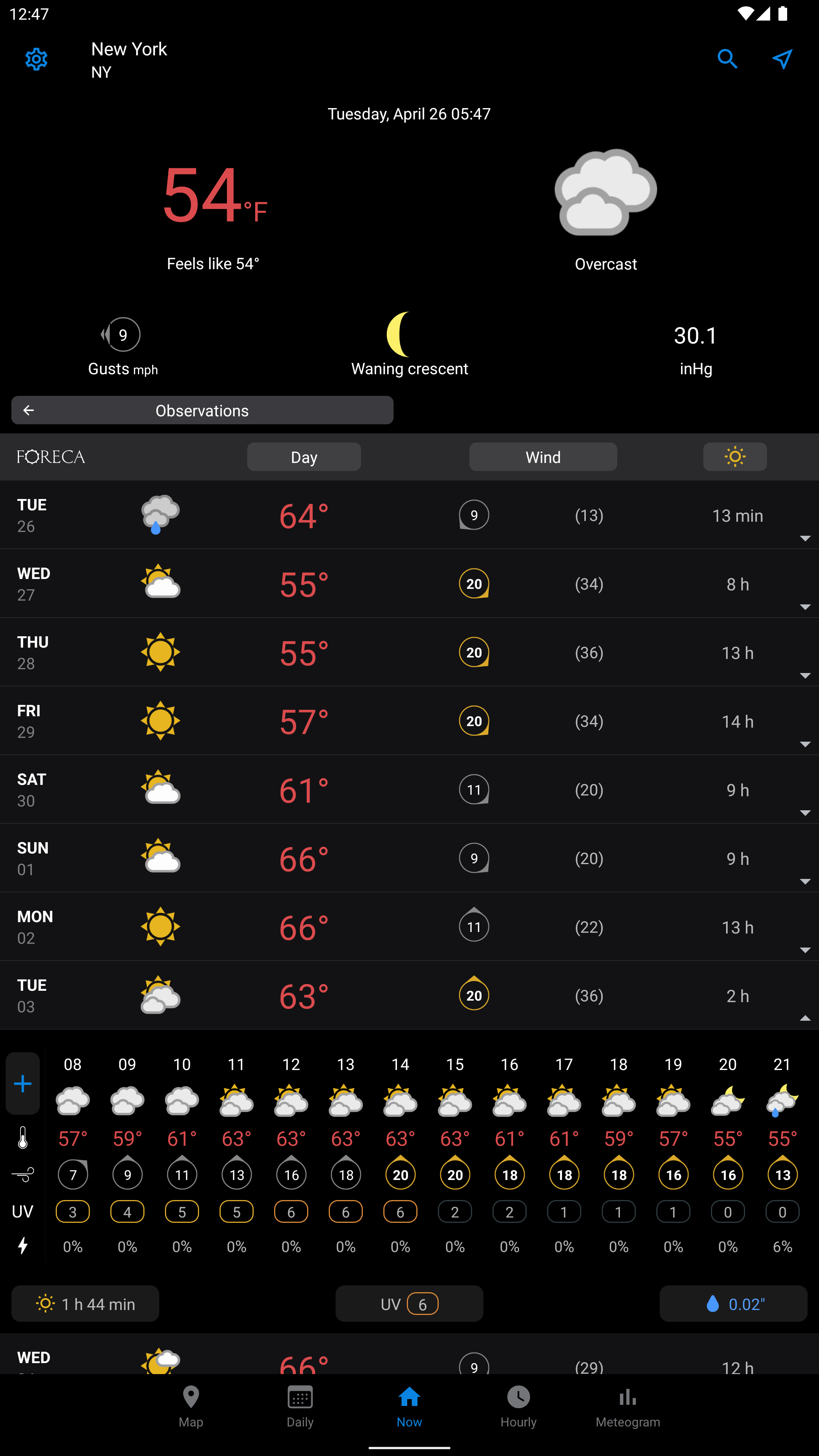
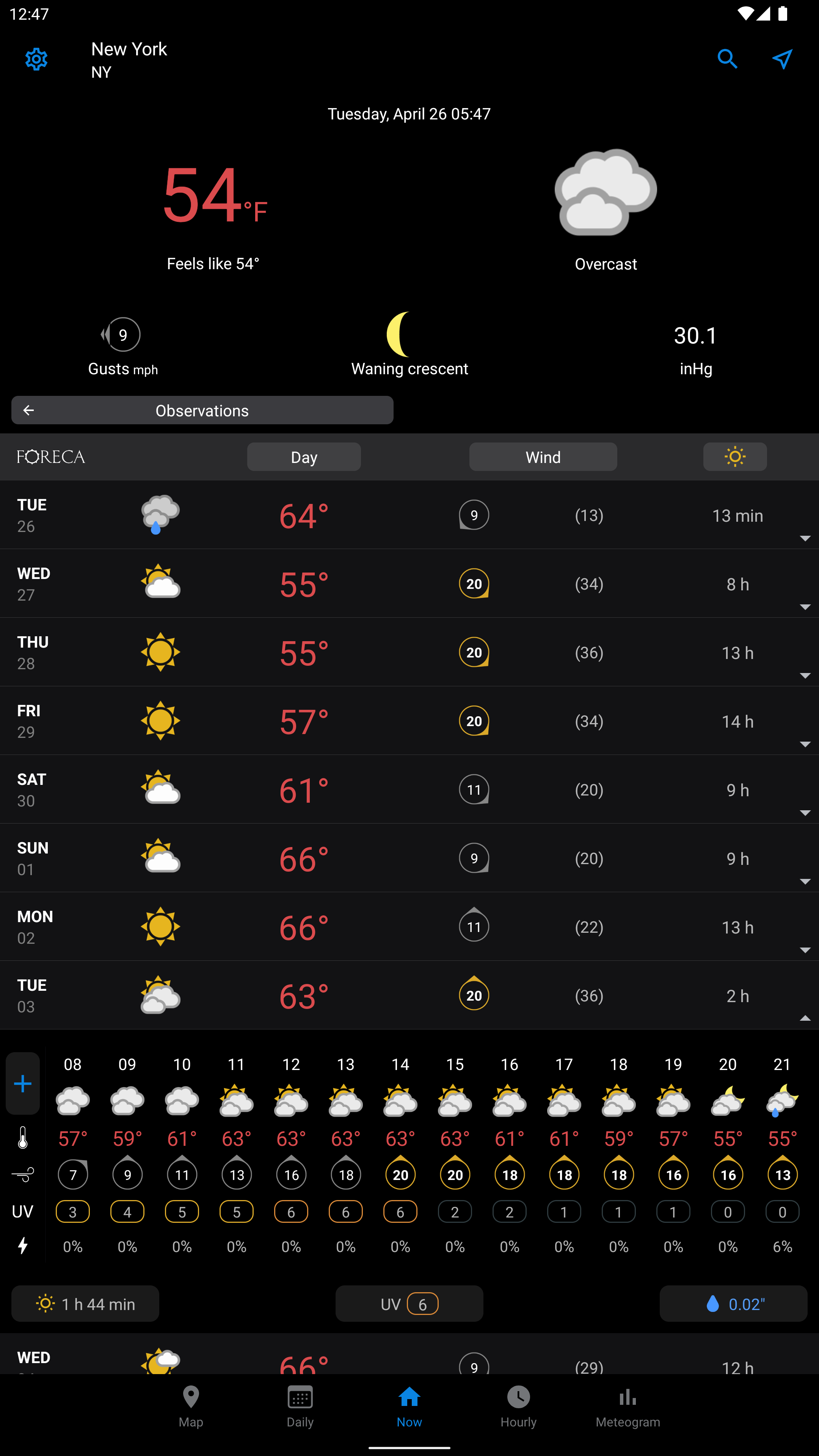
- Beautiful animations.
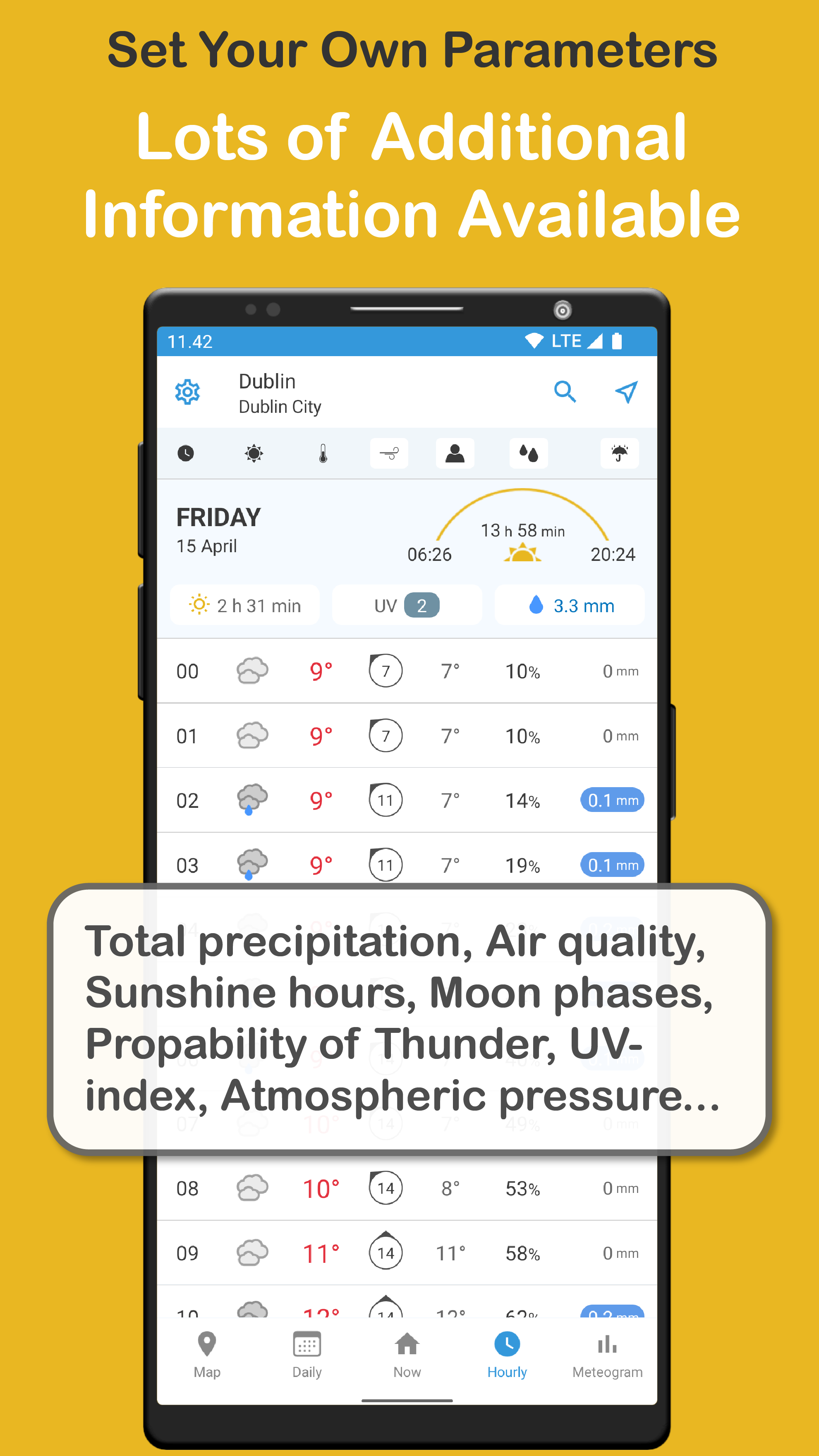
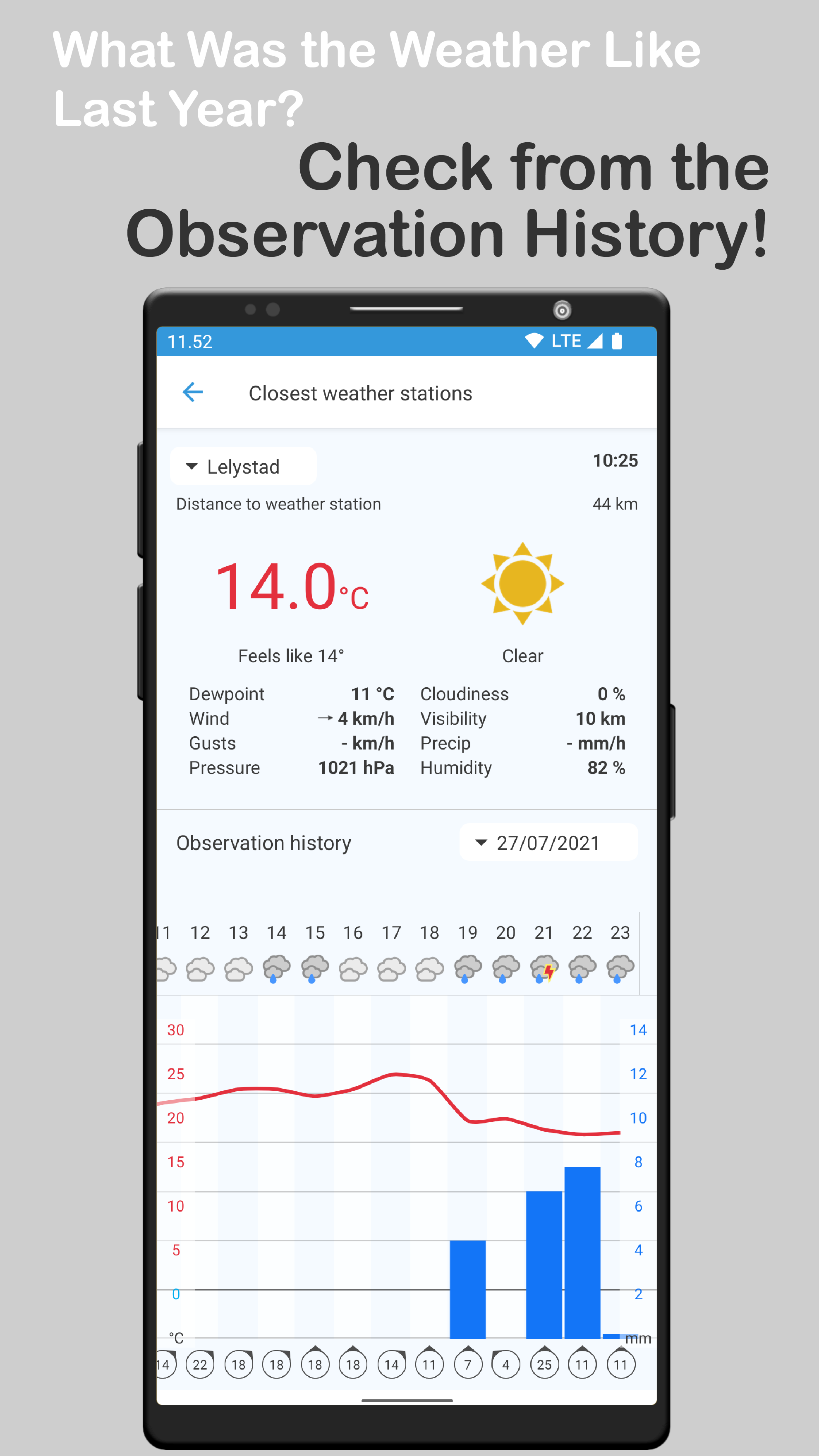
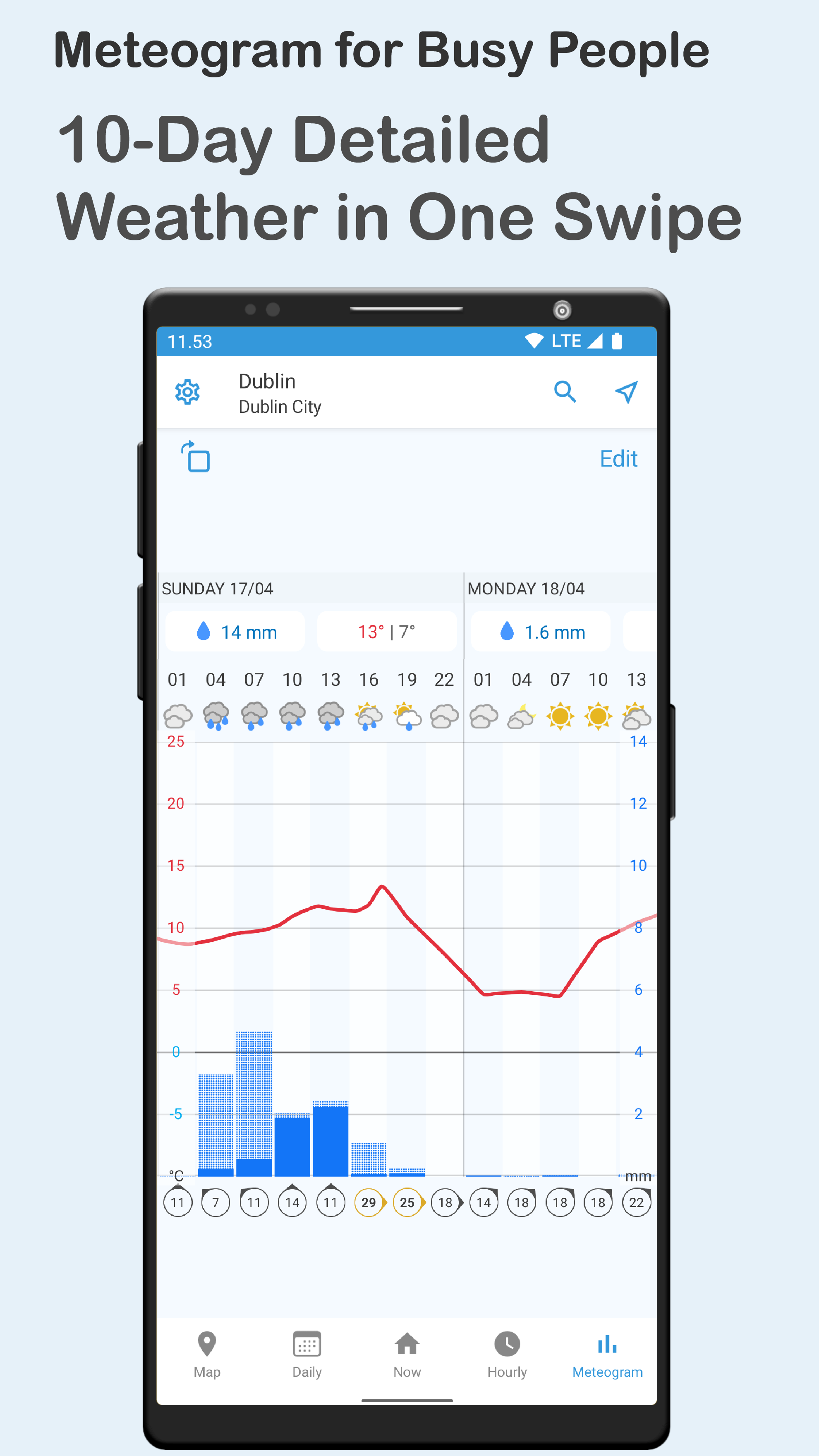
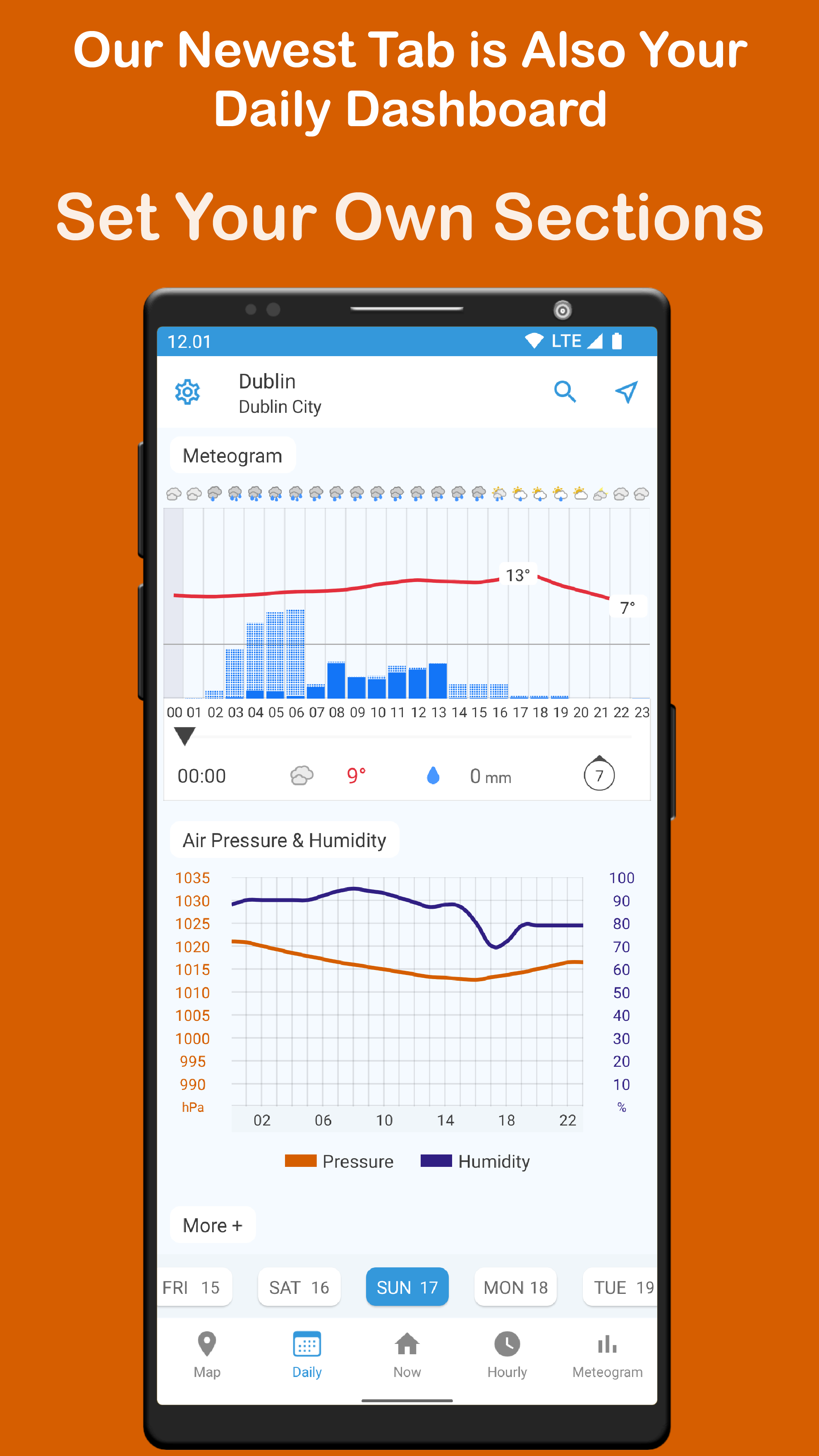
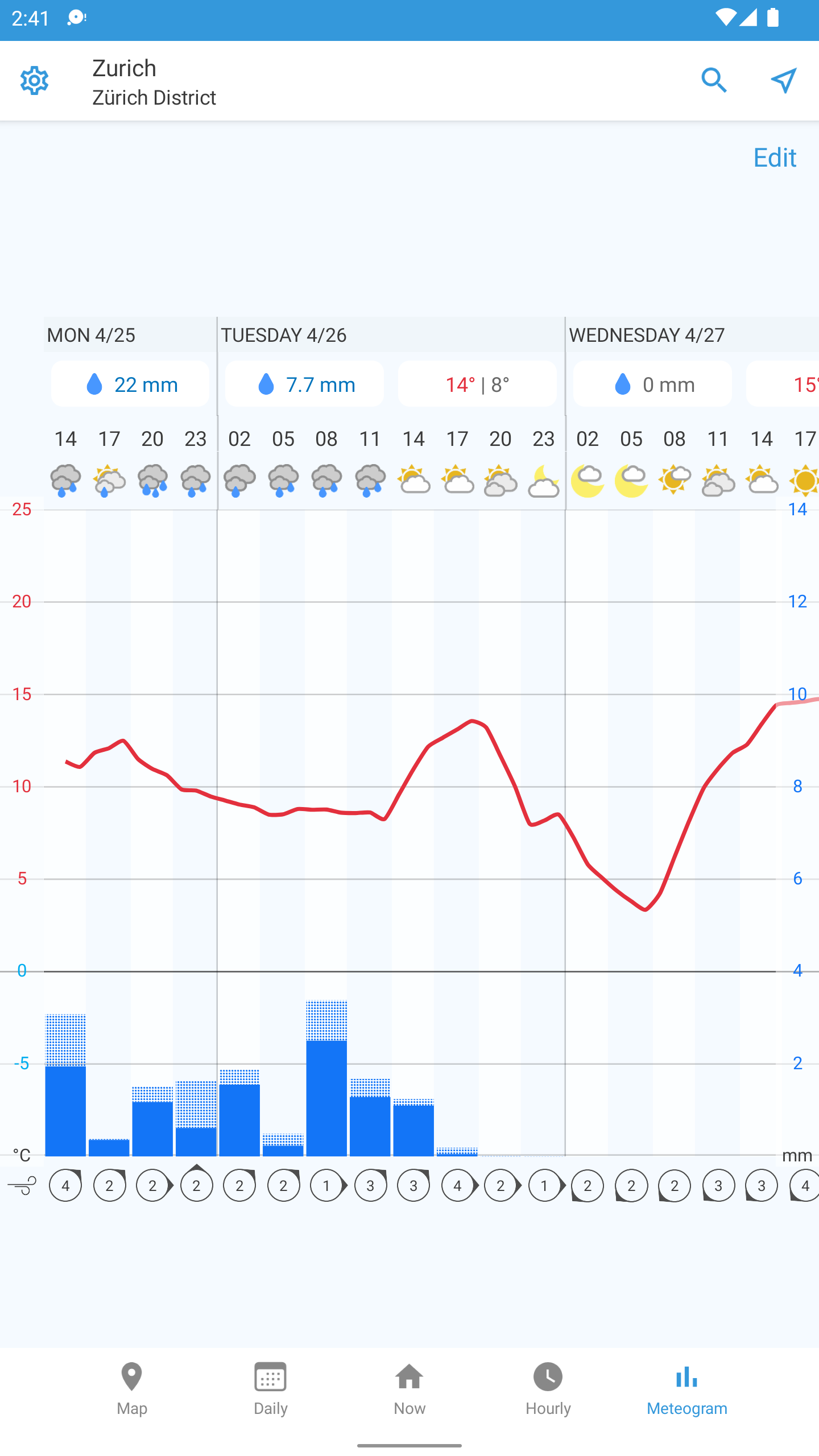
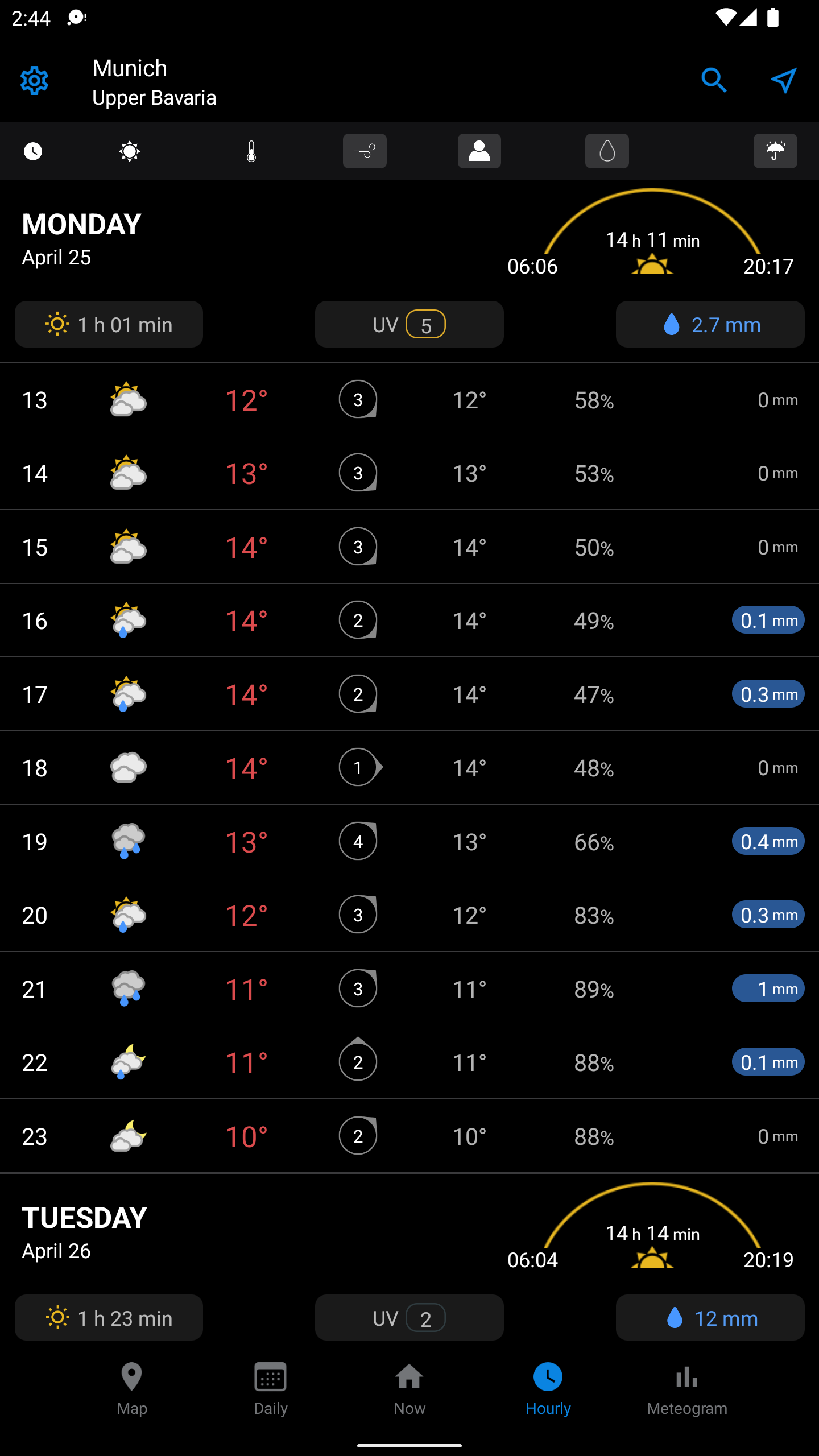
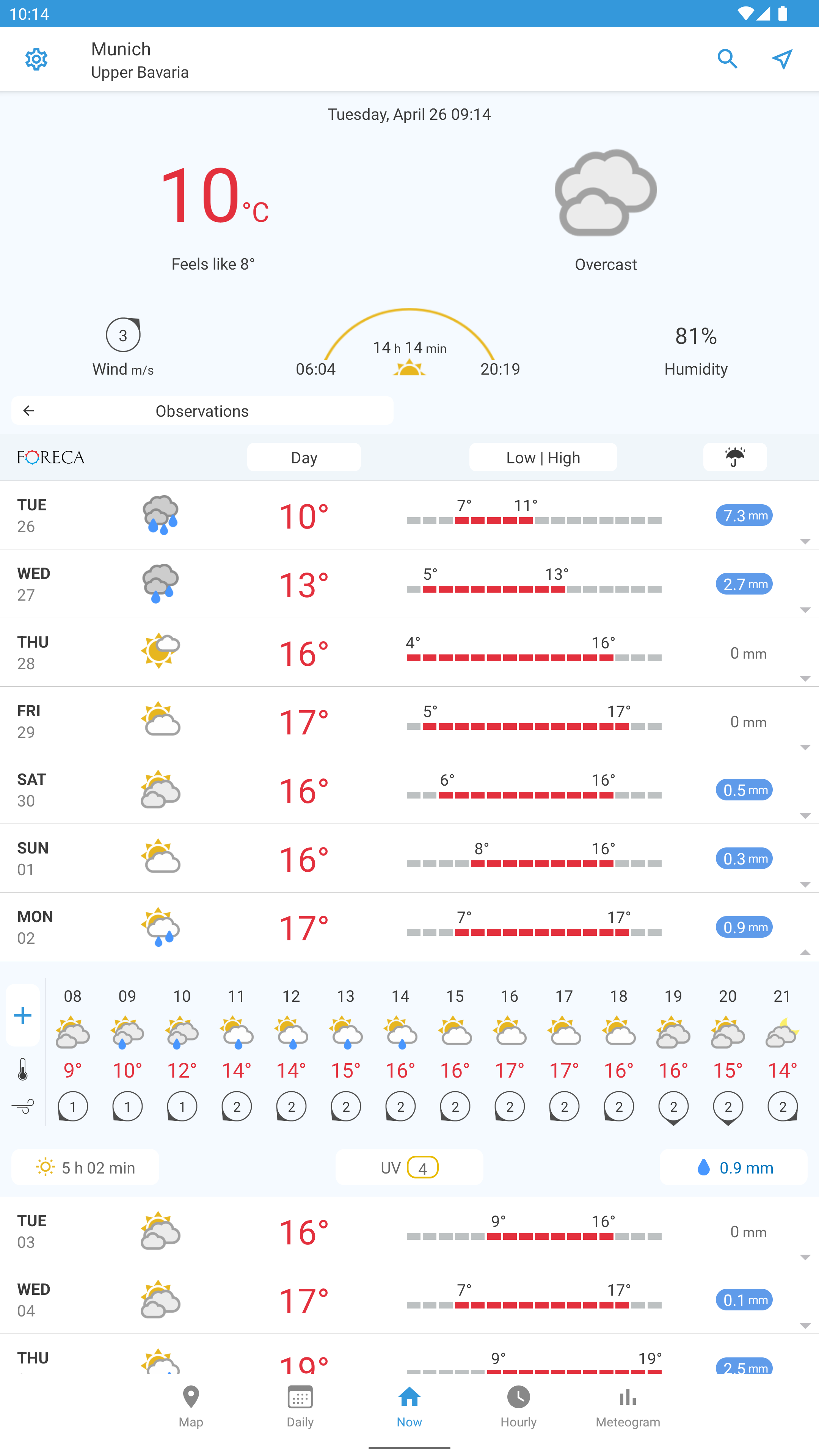
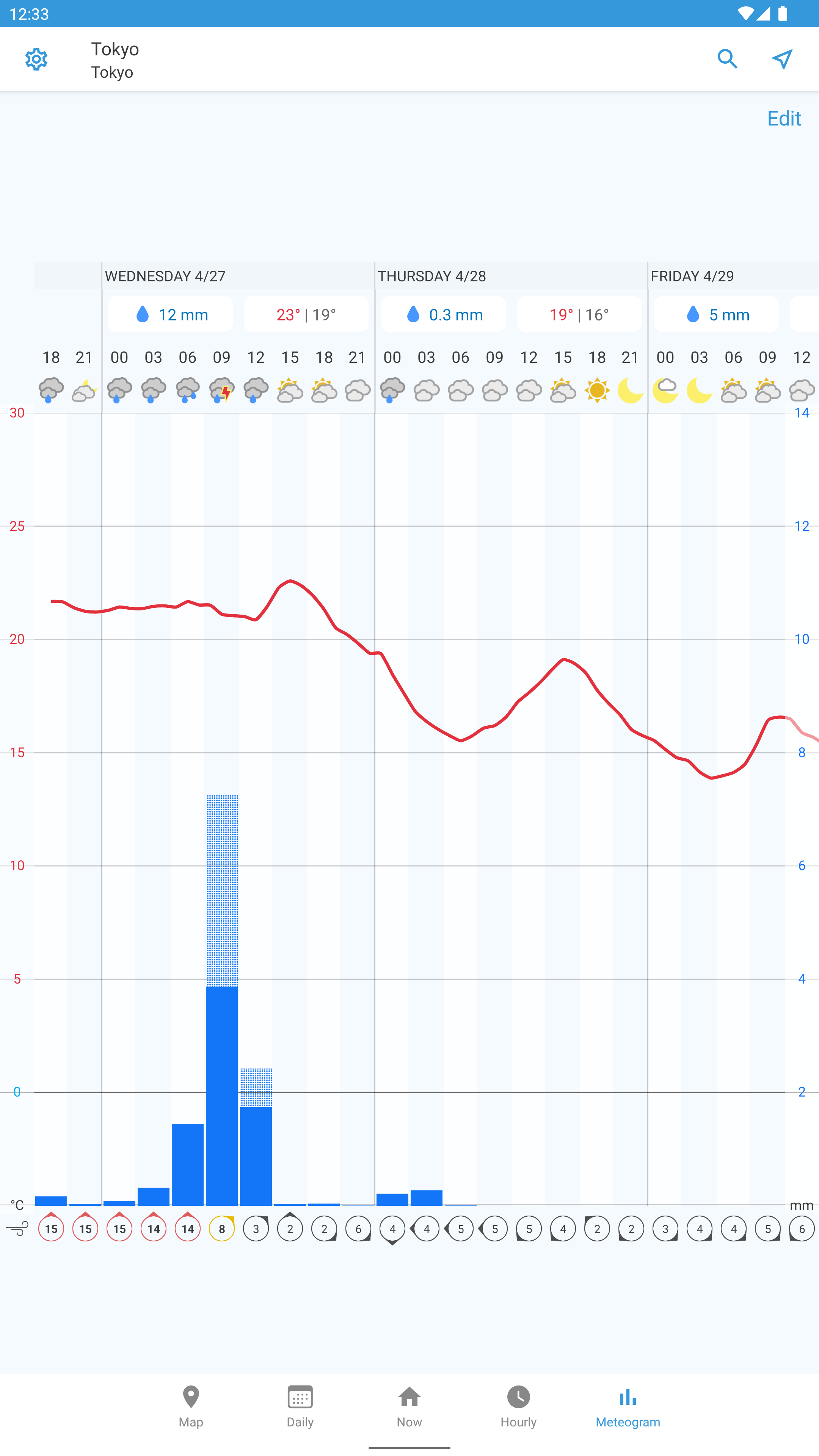
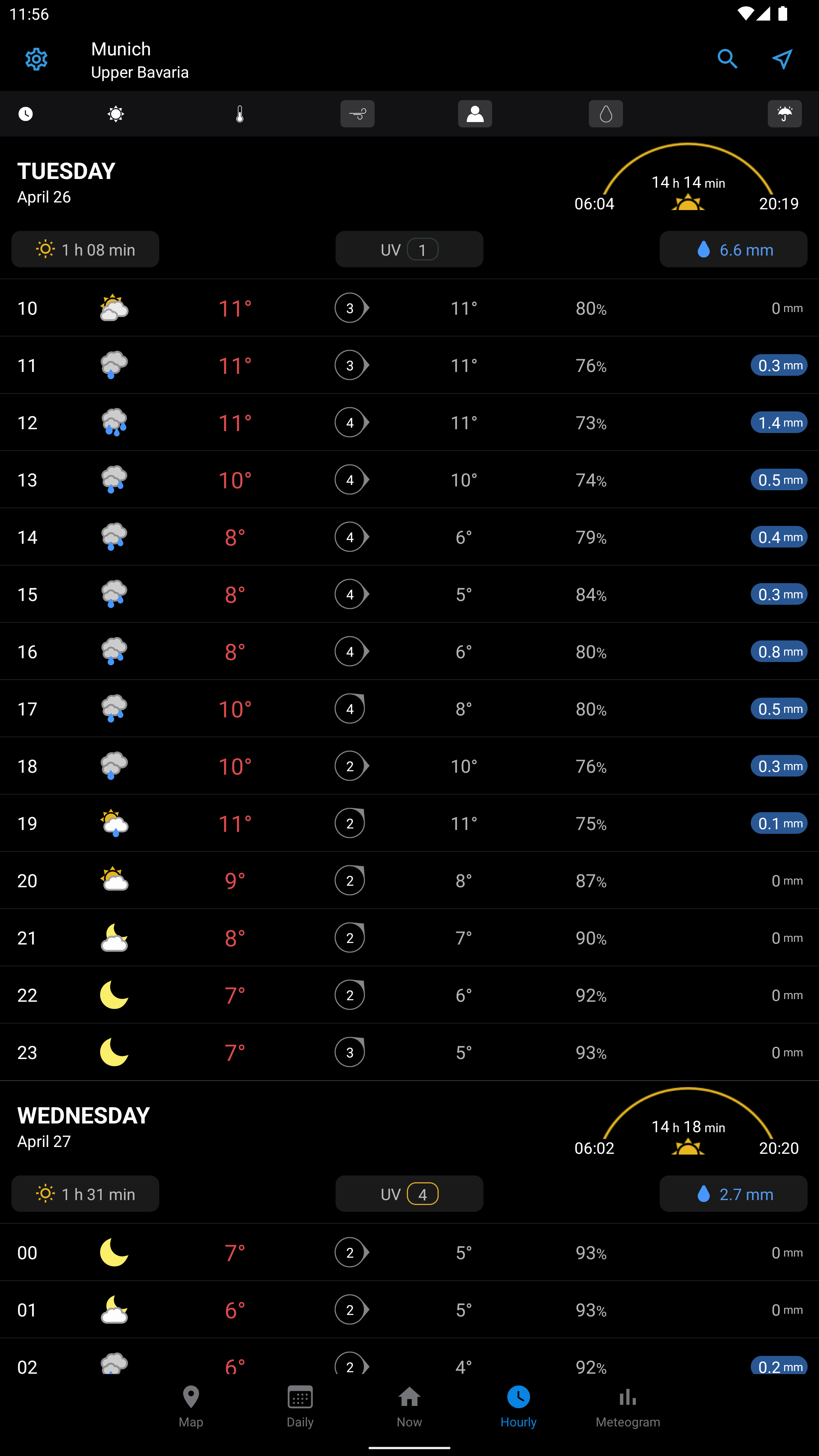
- Detailed weather information.
- Automatic or manual city selection.
- Russian language support.
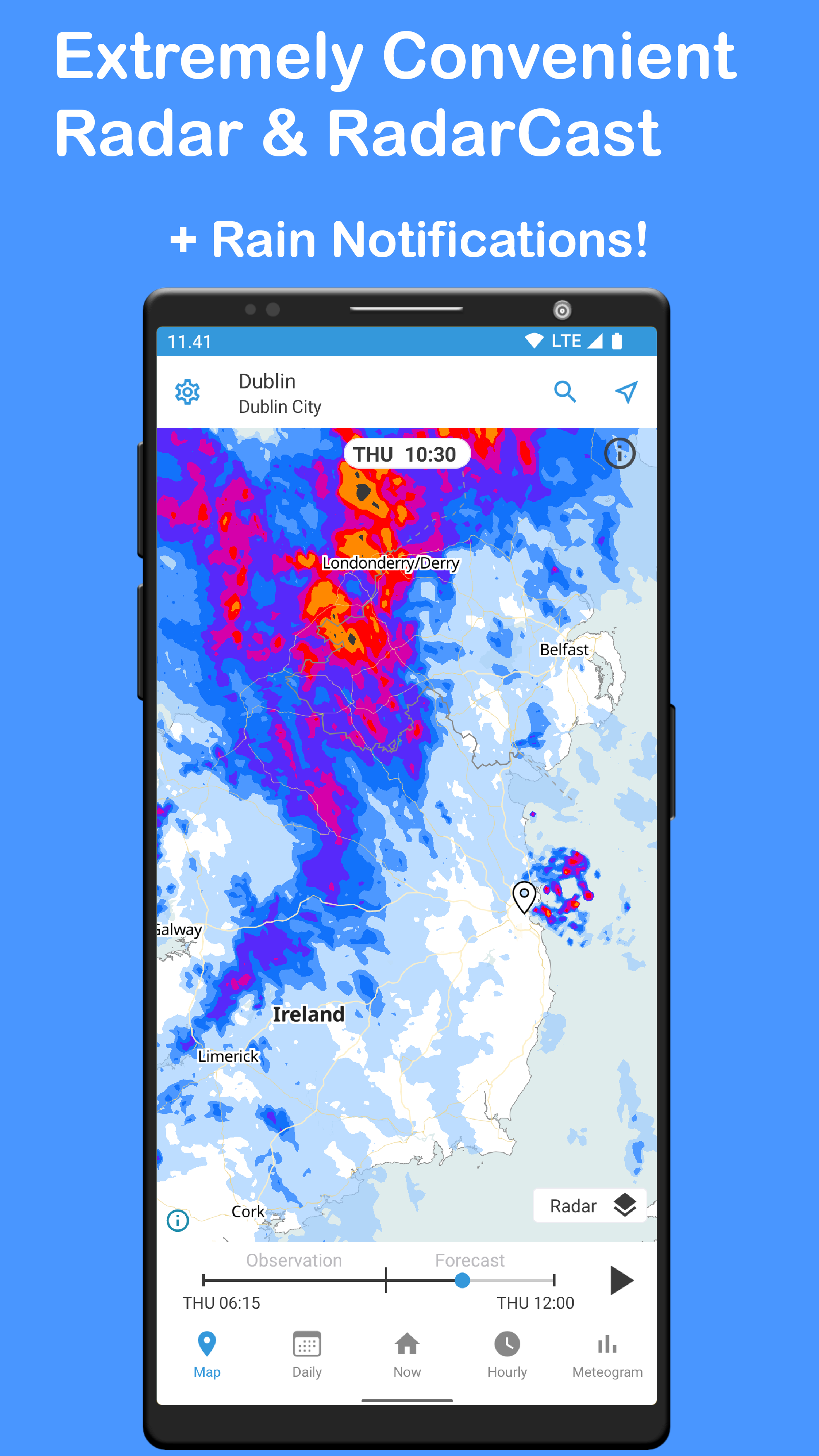
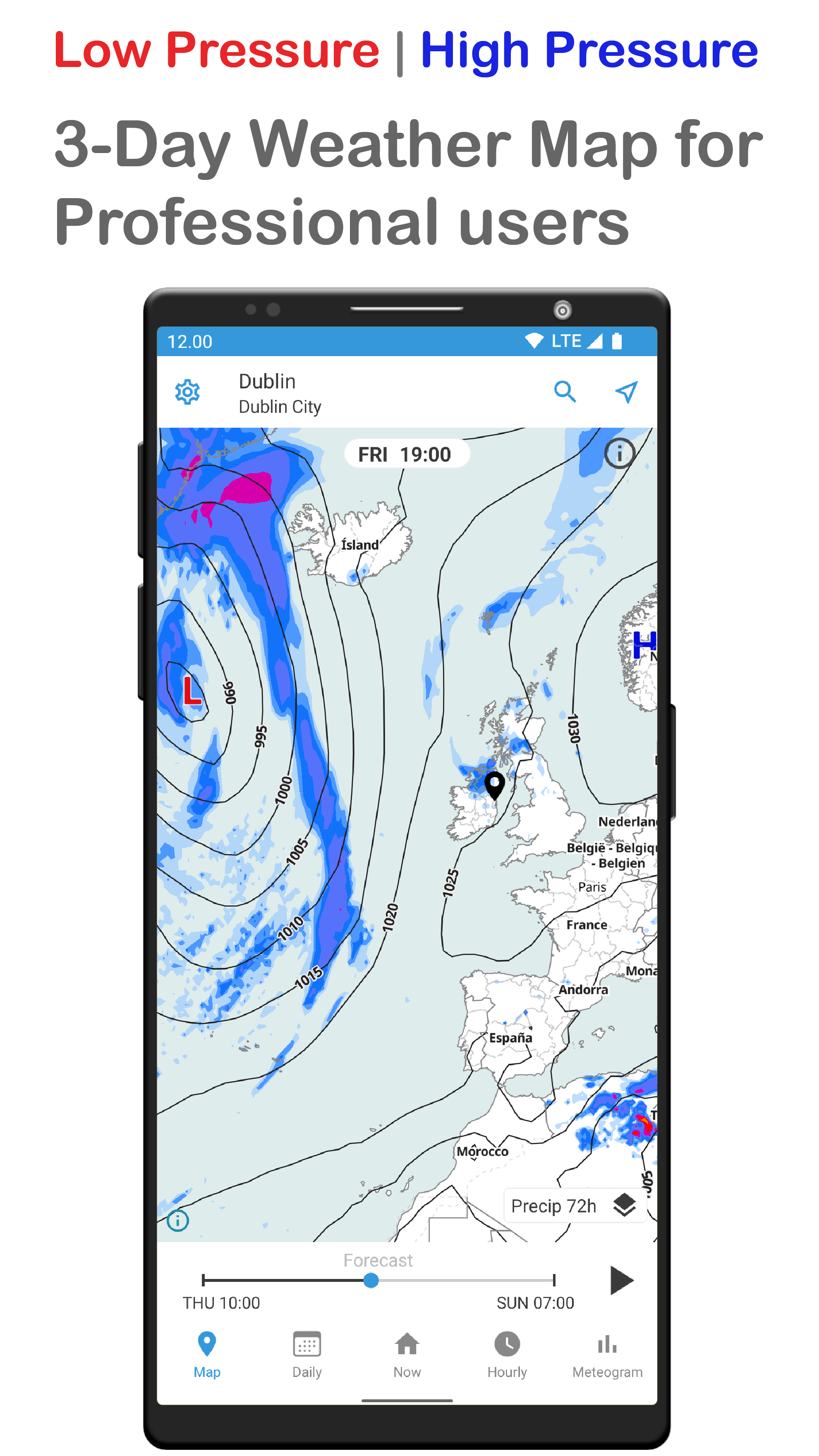
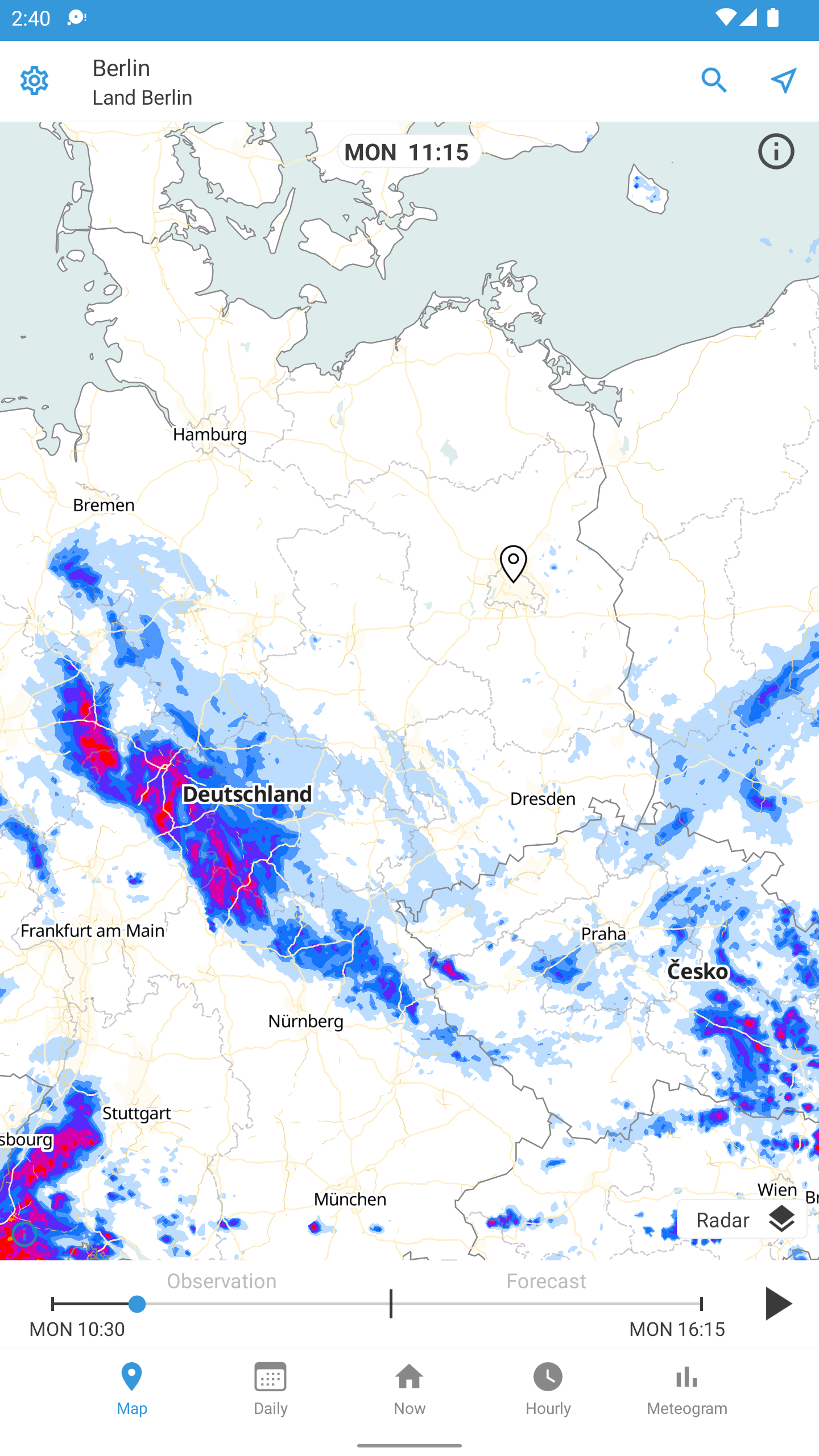
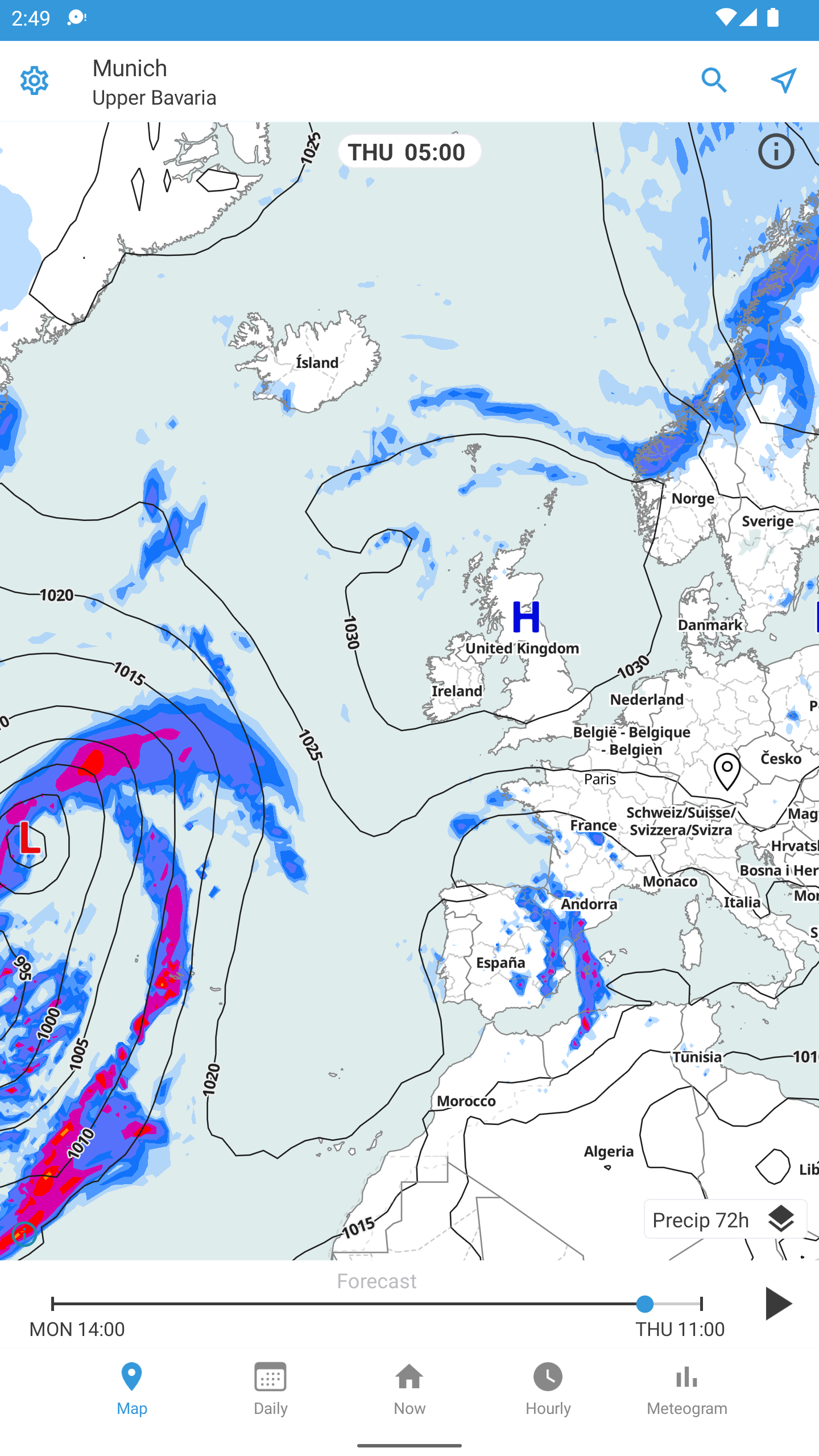
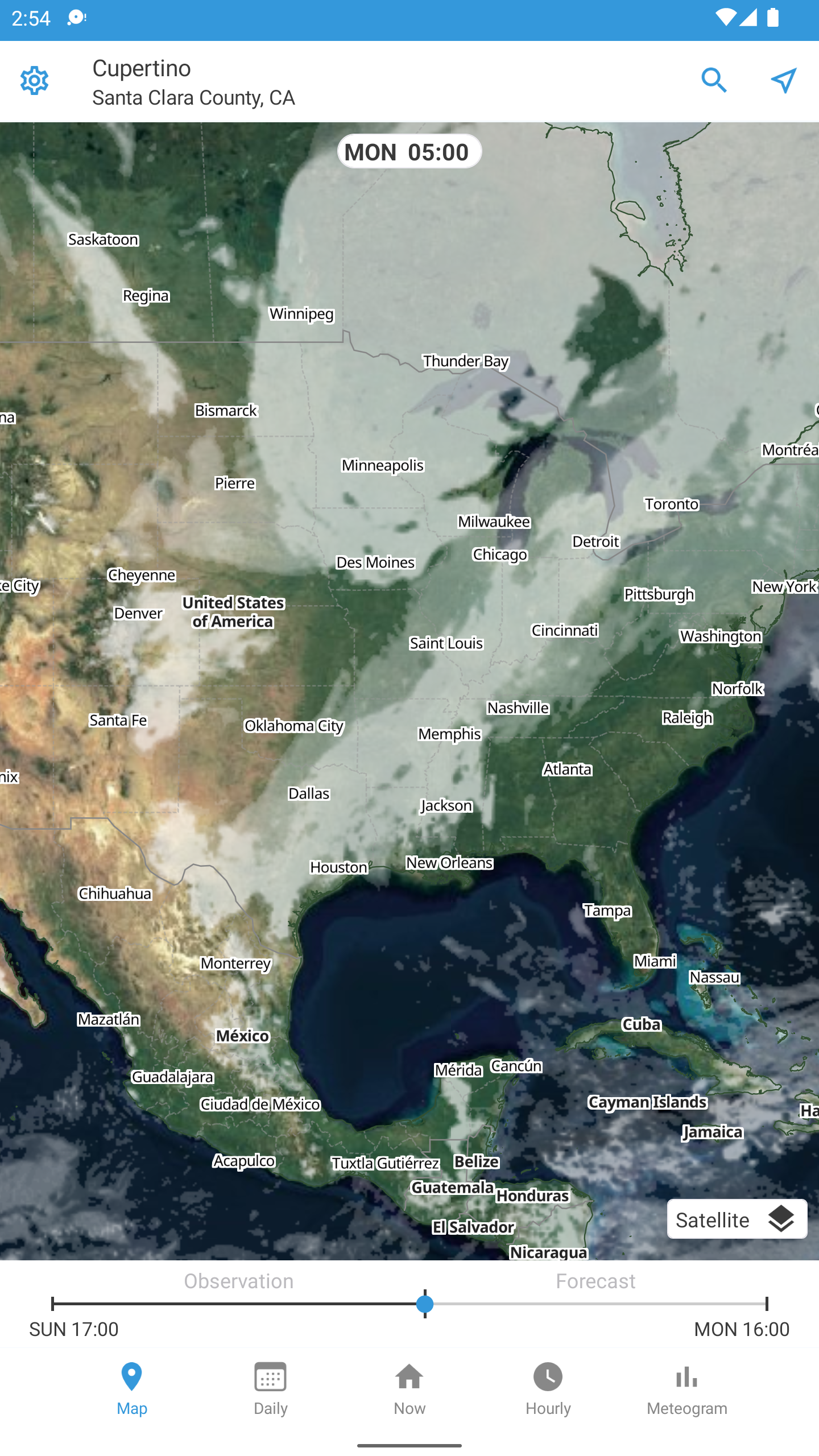
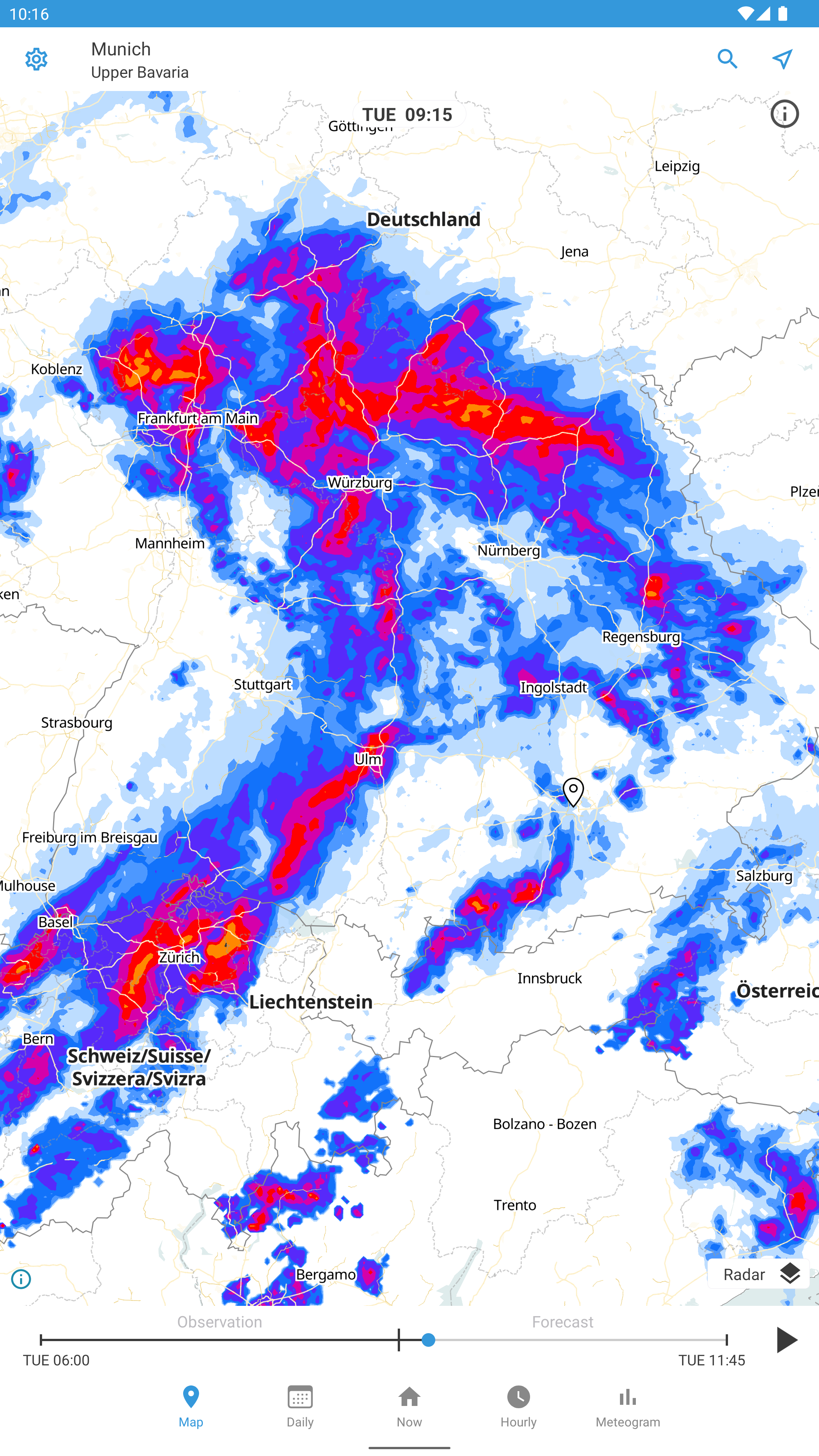
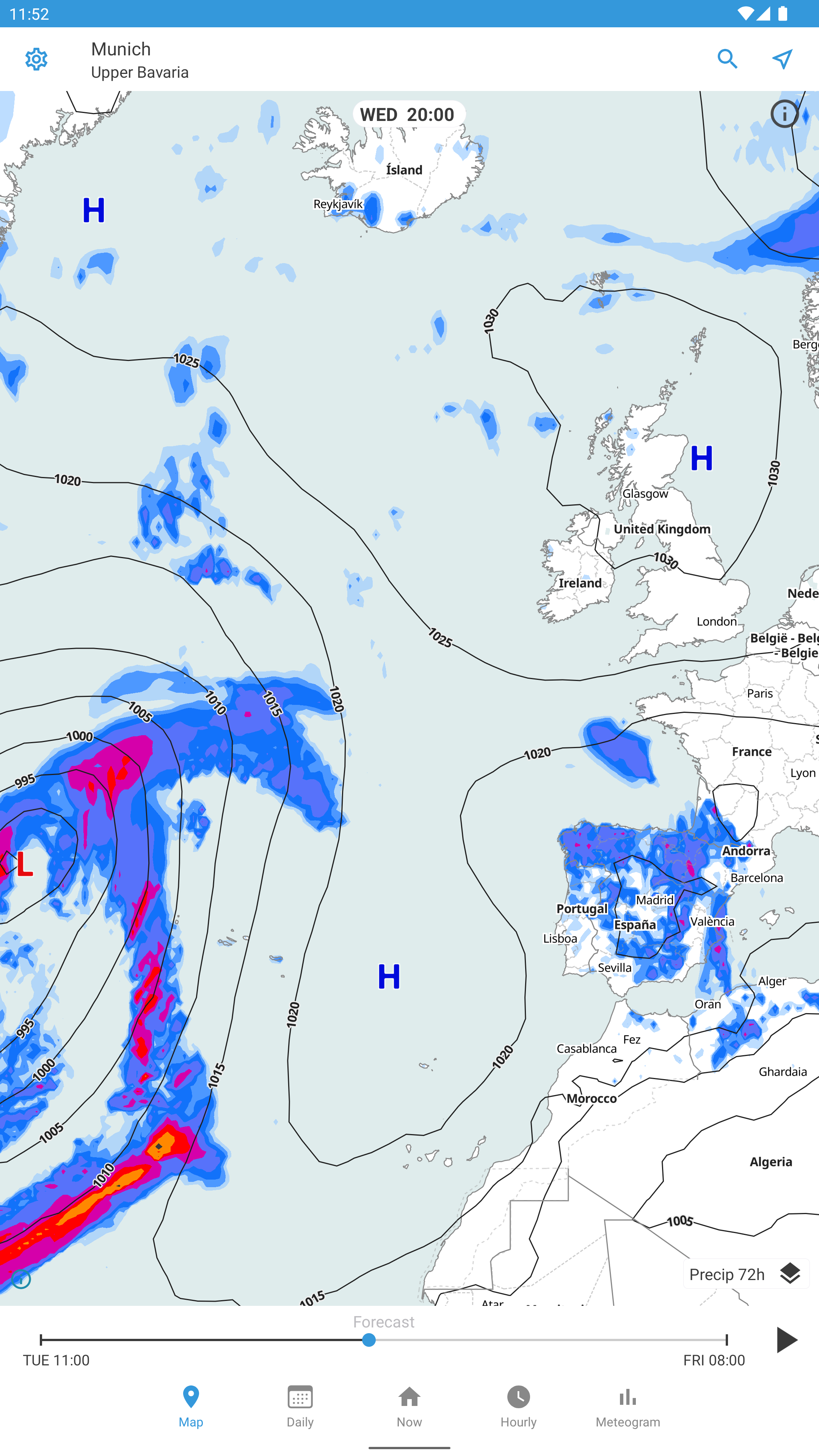
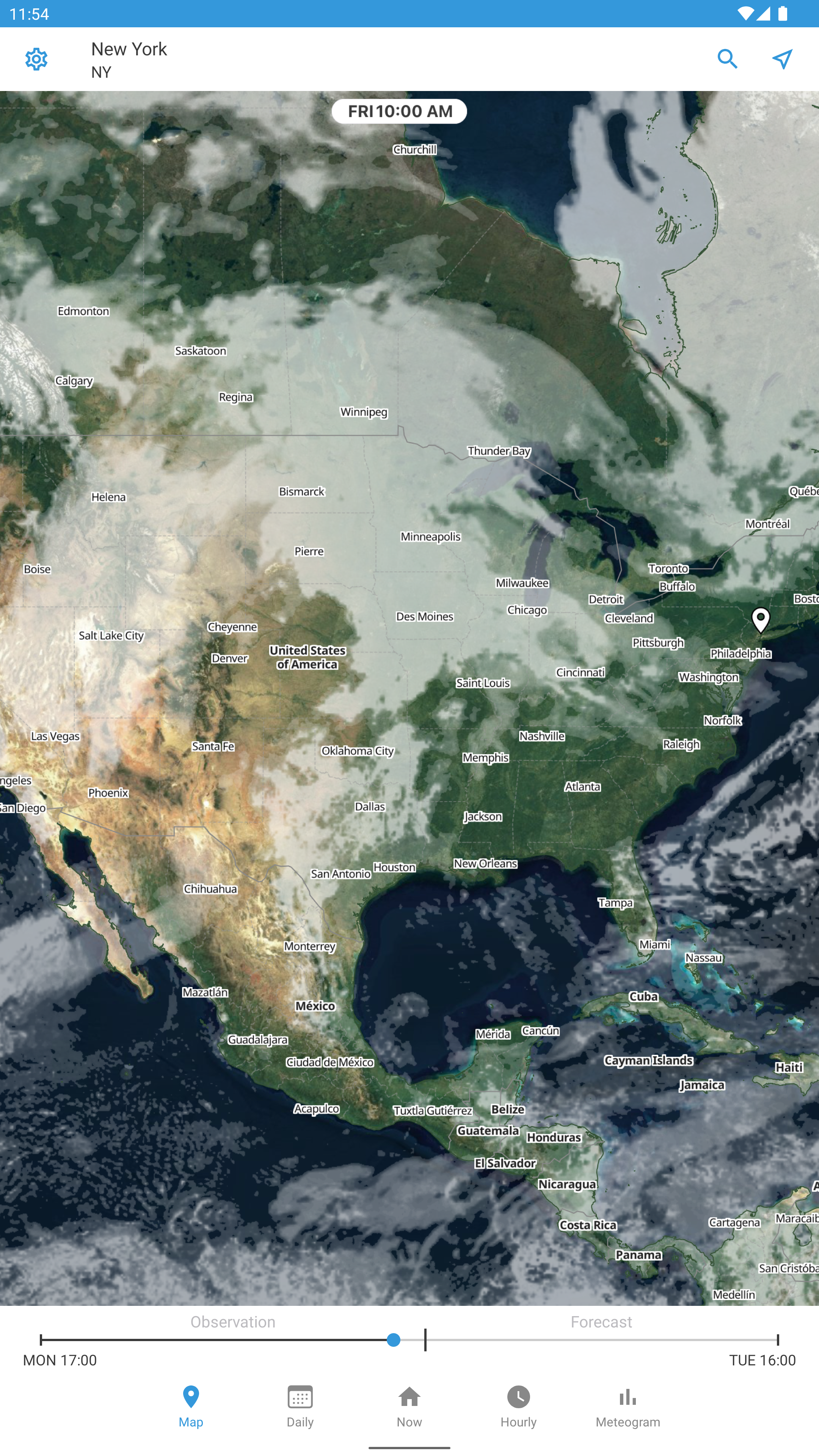
- Availability of a weather map.
- No payment required.
Description
Application Foreca Weather & Radar was checked by VirusTotal antivirus. As a result of the scan, no file infections were detected by all the latest signatures.
How to install Foreca Weather & Radar
- Download APK file apps from apkshki.com.
- Locate the downloaded file. You can find it in the system tray or in the 'Download' folder using any file manager.
- If the file downloaded in .bin extension (WebView bug on Android 11), rename it to .apk using any file manager or try downloading the file with another browser like Chrome.
- Start the installation. Click on the downloaded file to start the installation
- Allow installation from unknown sources. If you are installing for the first time Foreca Weather & Radar not from Google Play, go to your device's security settings and allow installation from unknown sources.
- Bypass Google Play protection. If Google Play protection blocks installation of the file, tap 'More Info' → 'Install anyway' → 'OK' to continue..
- Complete the installation: Follow the installer's instructions to complete the installation process.
How to update Foreca Weather & Radar
- Download the new version apps from apkshki.com.
- Locate the downloaded file and click on it to start the installation.
- Install over the old version. There is no need to uninstall the previous version.
- Avoid signature conflicts. If the previous version was not downloaded from apkshki.com, the message 'Application not installed' may appear. In this case uninstall the old version and install the new one.
- Restart annex Foreca Weather & Radar after the update.




Requesting an application update
Added Denis Rubinov
Version: 4.65.2
Size: 92.2 MB
Updated: 20.05.2025
Developer: Foreca
Age Limitations: Everyone
Authorizations:
Downloaded on Google Play: 3193565
Category: Weather












Reviews for Foreca Weather & Radar
The app itself is working good but the predictions for the Nordic region are often false and misleading.
unpleasant. unable to find settings for location. location found was 300miles from me. uninstalled.
really comprehensive for my needs. I find it to be relatively accurate especially with amount of rain
very useful
Tahminler tutarlı.
I hit the location button, allow the location for temporary use, and then a full screen ad with a fake videogame ad played and won't allow me to shut it down with the back button. This likely violates TOS and the ads guidelines as you cannot play ads based on common setting/menu commands. I uninstalled Foreca and will never use it again as that was a predatory ad that should have never passed basic QA before upload.
very top quality app
the best
ok
Living in Australia I was sceptical about how well this app, developed on the other side of the world, would work. I'm very impressed. So many views and settings to personalise what you want to know. This was very confusing at first and I still have to check what's what. As a traveller, as well as having friends and relatives worldwide, I can get access to weather info anywhere very easily. It's now my go to app for weather info.
Awesome so far. I liked the previous version of wunderground. They did a major update (which was terrible), so I went through a number of weather apps. I needed one with the right layout and color scheme. Lots of others just didn't use the space well. This is the app for me. Love it and wouldn't change a thing.
I think foreca is by far one of the most accurate weather apps out there! UI is nice and simple to use. Very reliable forecasts and if you encounter an issue, the customer service is really helpful. However I would say it is sometimes (mostly when looking at the weather map) very laggy. If I could I would give it 4.5 stars!
One of the most reliable and accurate weather apps that we have come across and our n°1 go-to. Have used it consistently in various European countries from France, UK and Scandinavian countries through to Poland, Croatia and Italy - and all the countries in-between). Not always spot on, but certainly VERY often correct. Quick and easy to use, customise and read the numerous data and forecasts, which are shown in various 'tabs'. Recent/favourite destinations saved. Very few pop-up ads. Recommend.
Current weather notification (temp) text in the status bar is black while all other text and icons in status bar (clock, battery, signal, etc) are white. My phone is a stock/unmodified Samsung Galaxy S8. I use the stock/unmodified/default launcher. Emailed dev's and response was that this is a device specific problem. Tried wiping cache, then tried uninstalling and reinstalling after wiping device's cache partition. No change in app behavior.
Update: After more than a year... still no improvement////Not good. Temperature fairly accurate but humidity says 30% when its actually 44%. This makes a big difference in heat index calculation, especially in summer in Texas. Would not want to rely on this if I had outside employees to worry about. Removed.
Post a comment
To leave a comment, log in with your social network:
Or leave an anonymous comment. Your comment will be sent for moderation.
Post a comment
To leave a comment, log in with your social network:
Or leave an anonymous comment. Your comment will be sent for moderation.