



Super Backup & Restore
2+
downloads5.0+
version Android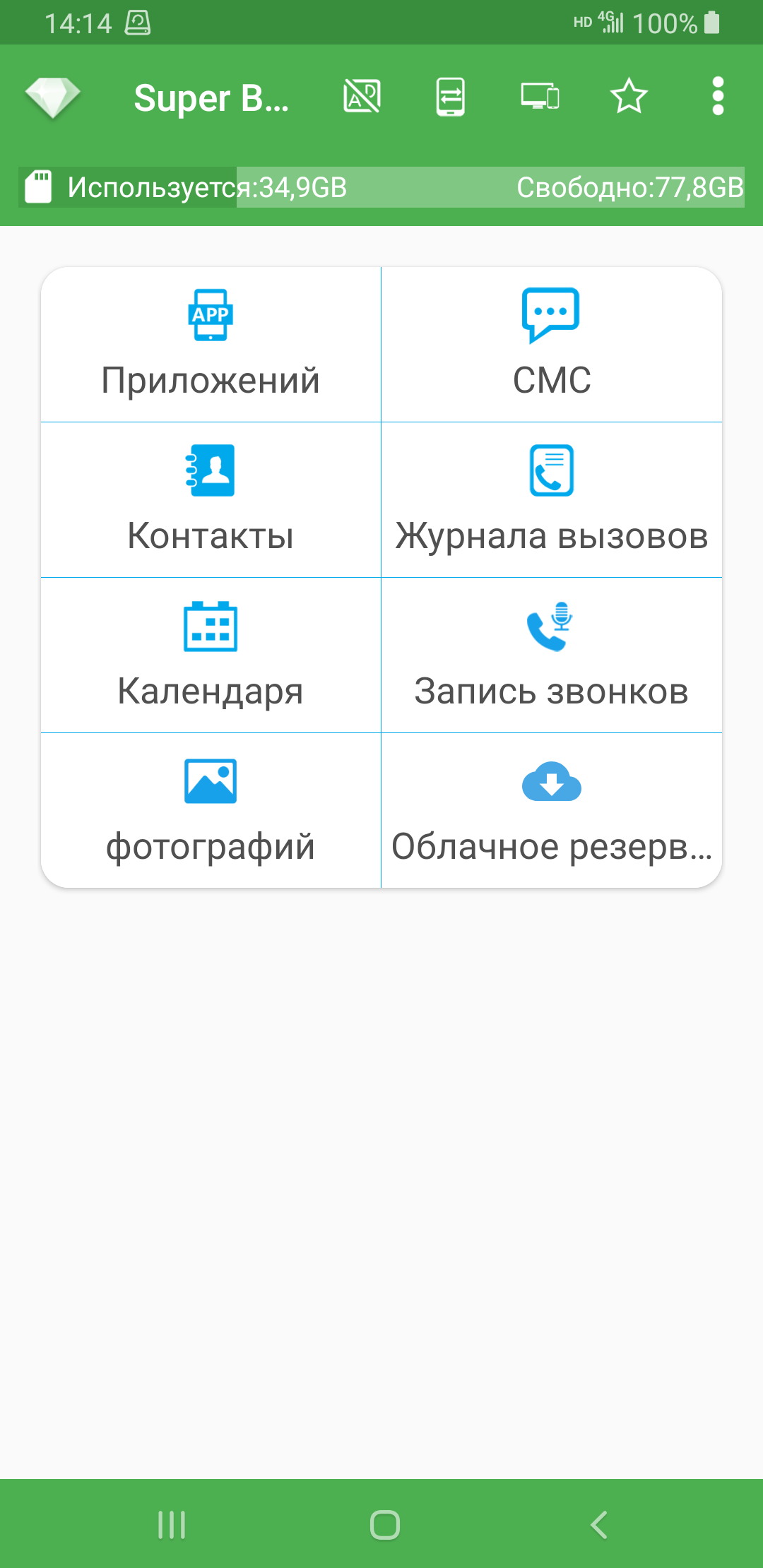
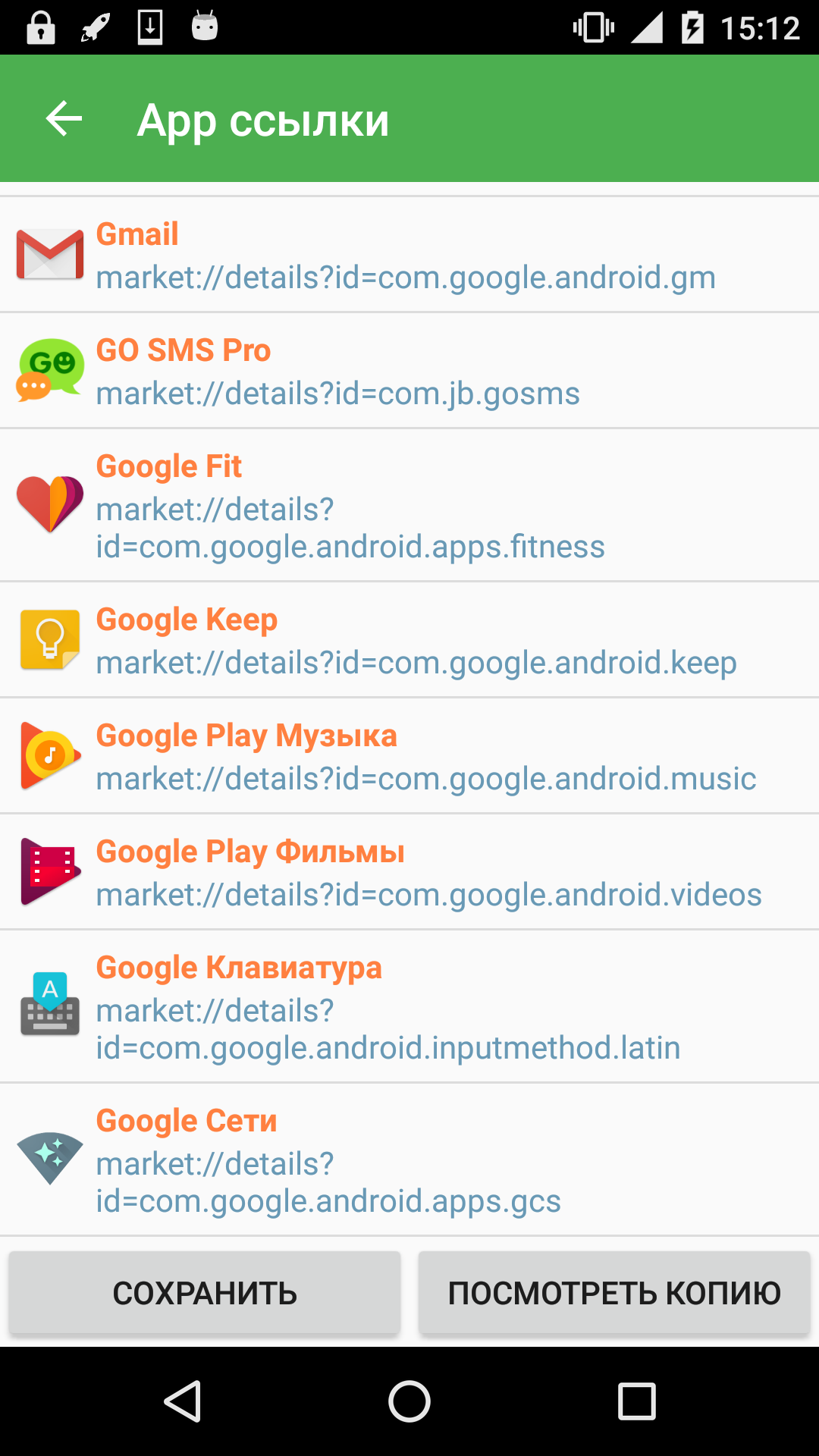
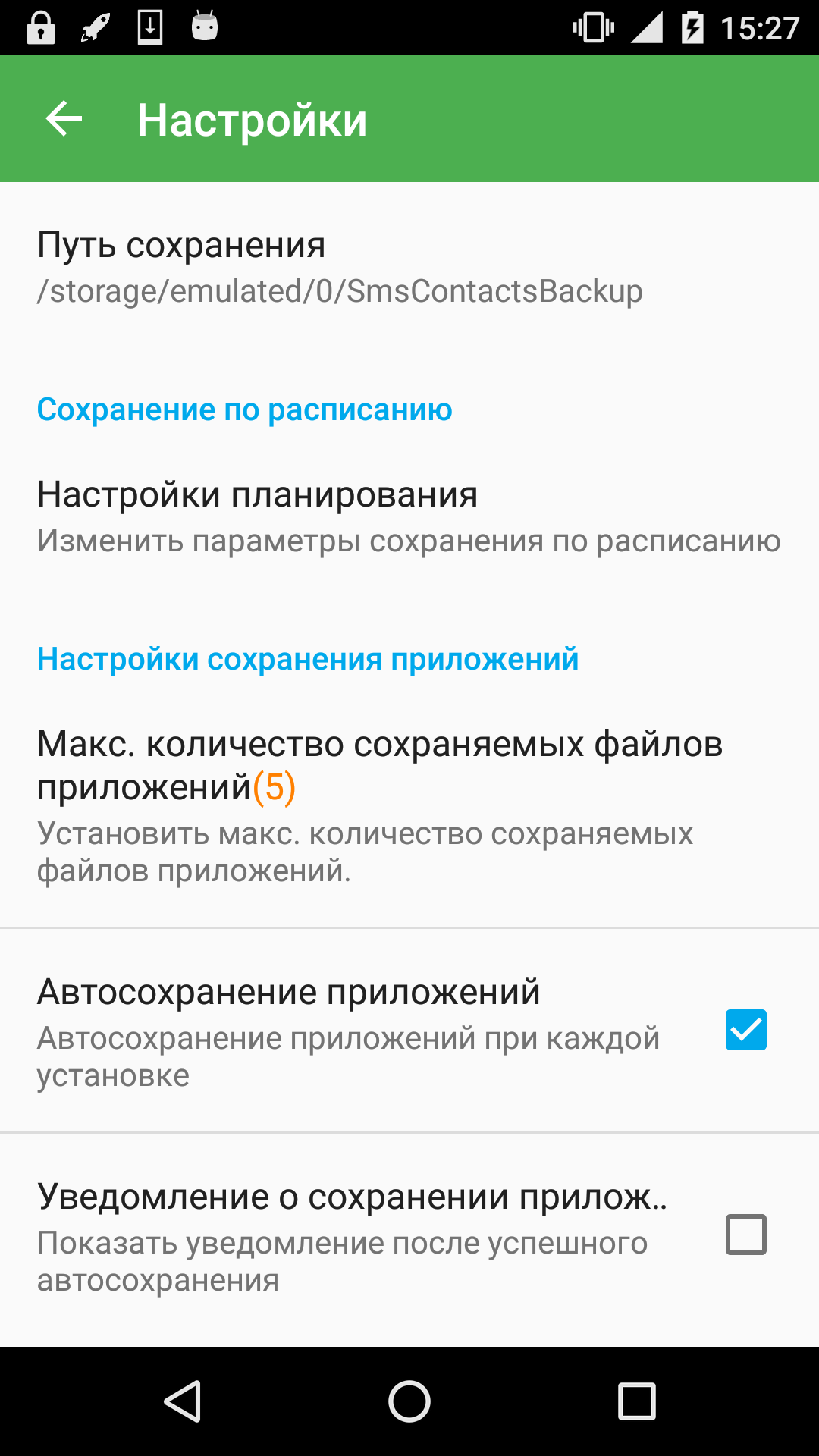
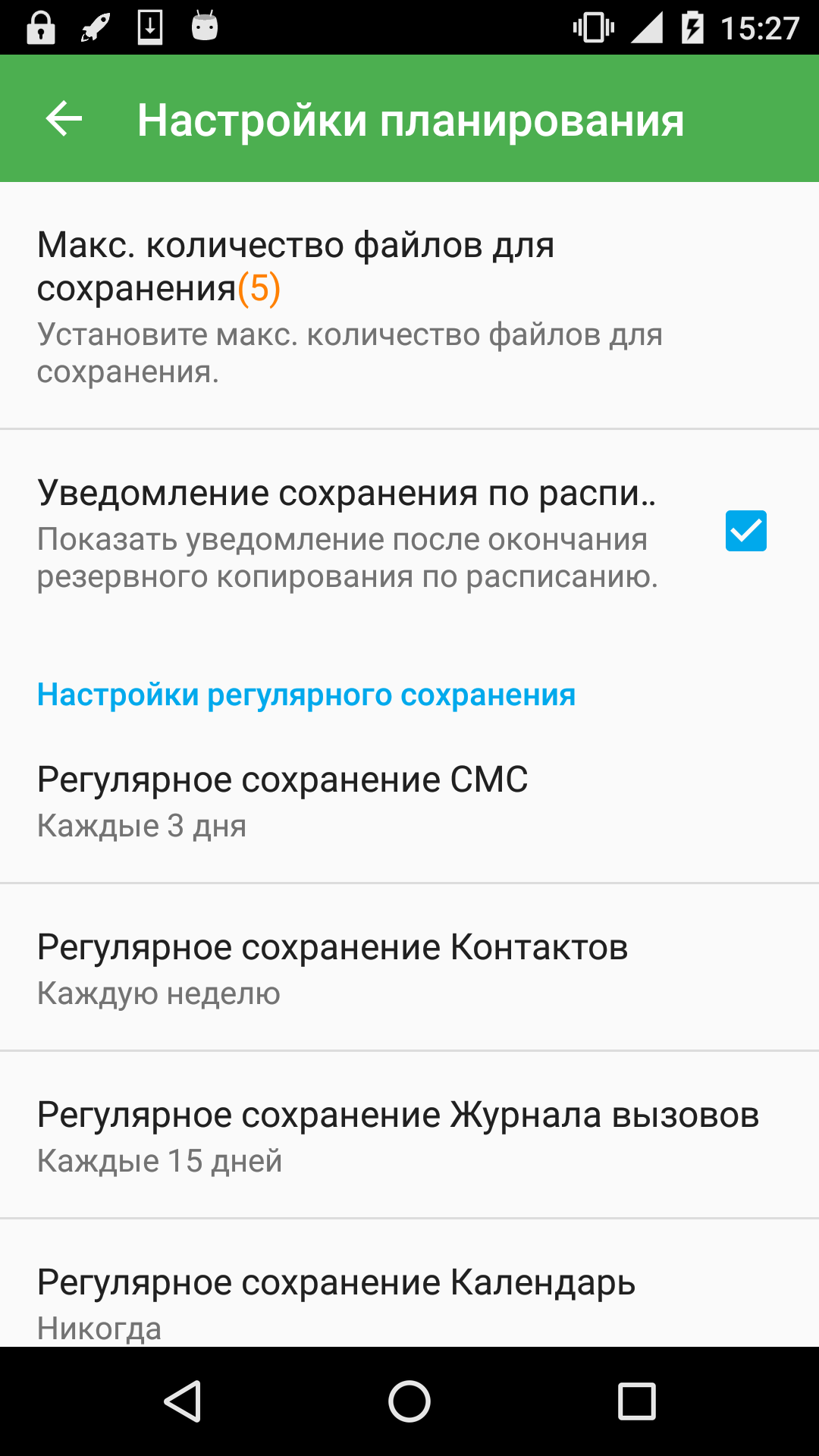
Added: Denis Rubinov
Version: 2.3.63
Size: 20.2 MB
Updated: 15.11.2023
Developer: MobileIdea Studio
Age Limitations: Everyone
Authorizations: 34
Downloaded on Google Play: 29187623
Category: Tools
Description
Application Super Backup & Restore was checked by VirusTotal antivirus. As a result of the scan, no file infections were detected by all the latest signatures.
How to install Super Backup & Restore
- Download APK file apps from apkshki.com.
- Locate the downloaded file. You can find it in the system tray or in the 'Download' folder using any file manager.
- If the file downloaded in .bin extension (WebView bug on Android 11), rename it to .apk using any file manager or try downloading the file with another browser like Chrome.
- Start the installation. Click on the downloaded file to start the installation
- Allow installation from unknown sources. If you are installing for the first time Super Backup & Restore not from Google Play, go to your device's security settings and allow installation from unknown sources.
- Bypass Google Play protection. If Google Play protection blocks installation of the file, tap 'More Info' → 'Install anyway' → 'OK' to continue..
- Complete the installation: Follow the installer's instructions to complete the installation process.
How to update Super Backup & Restore
- Download the new version apps from apkshki.com.
- Locate the downloaded file and click on it to start the installation.
- Install over the old version. There is no need to uninstall the previous version.
- Avoid signature conflicts. If the previous version was not downloaded from apkshki.com, the message 'Application not installed' may appear. In this case uninstall the old version and install the new one.
- Restart annex Super Backup & Restore after the update.









Requesting an application update
Added Denis Rubinov
Version: 2.3.63
Size: 20.2 MB
Updated: 15.11.2023
Developer: MobileIdea Studio
Age Limitations: Everyone
Authorizations:
Downloaded on Google Play: 29187623
Category: Tools












Reviews for Super Backup & Restore
super app for back up data
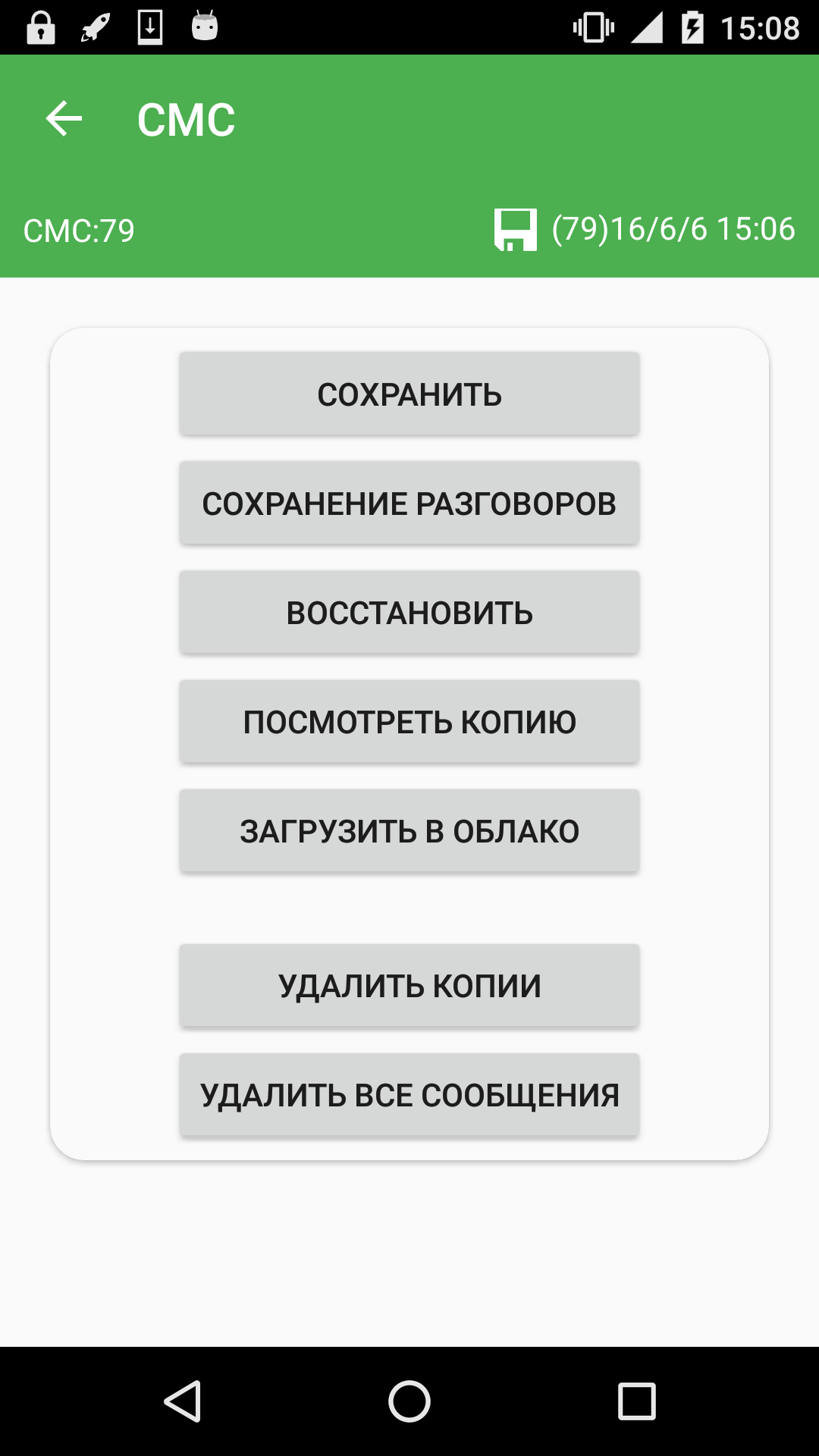
The Good: No data shared. The Bad: Doesn't work completely. Lost some plain SMS messages. No group messages were saved. RCS chats aren't saved, encrypted or not. I lost from a few days to a few years of dialogue of texts. Also, it didn't back up apps to the cloud like it does everything else, so I had to reinstall apps one by one. The layout/workflow is not intuitive, so it took multiple tries to figure out how things work.
free hi je DJ Jr
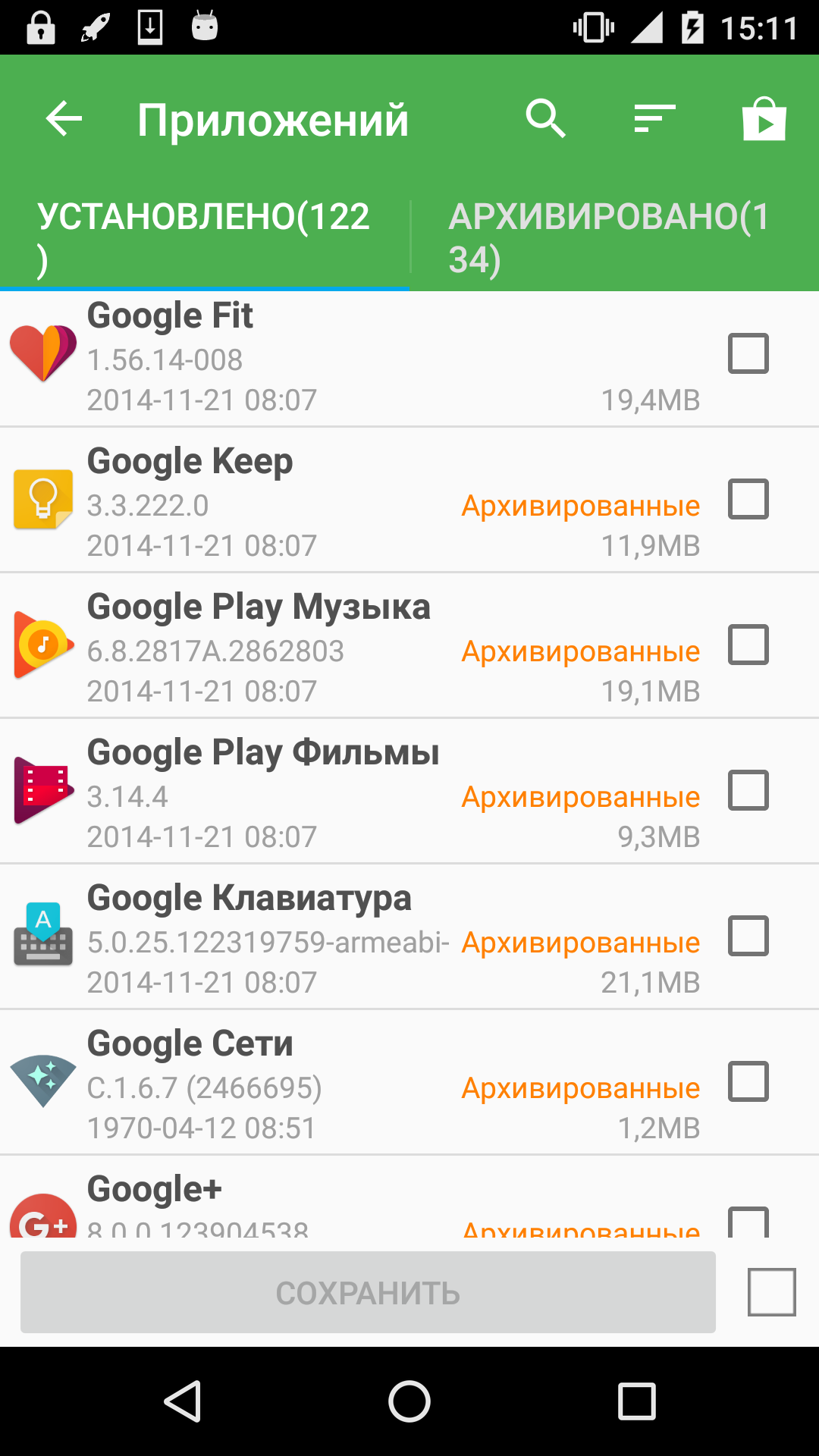
HOW TO SELECT ALL APK'S... THERE ARE HUNDREDS!!! FIX!
I bought this app some time back but the subscription has been removed and a new subscription has been added. Leave the old subscribers and don't take money from them again.
Hey Android users don't use this app if you have more than 10000 thousand conversations, it won't restore i lost my very important messages it's stuck while restoring messages i tried more than 100 times to restore my messages just they are fooling people.. Don't trust the app...
hi there. Don't buy it's a hoax. I bought this on June 25, 2015 at 8:20 am with the promise of regular updates for lifetime. 10 years after this guy change the name from super backup pro to super backup and restore and left the old app without updates and their old customers abandoned. Don't pay because they change rules when ever they want to push you to subscribe or pay a higher price 'for lifetime'. The world has a word for that... STEAL. Your old base of customer brought you here today
A very good and reliable tool.
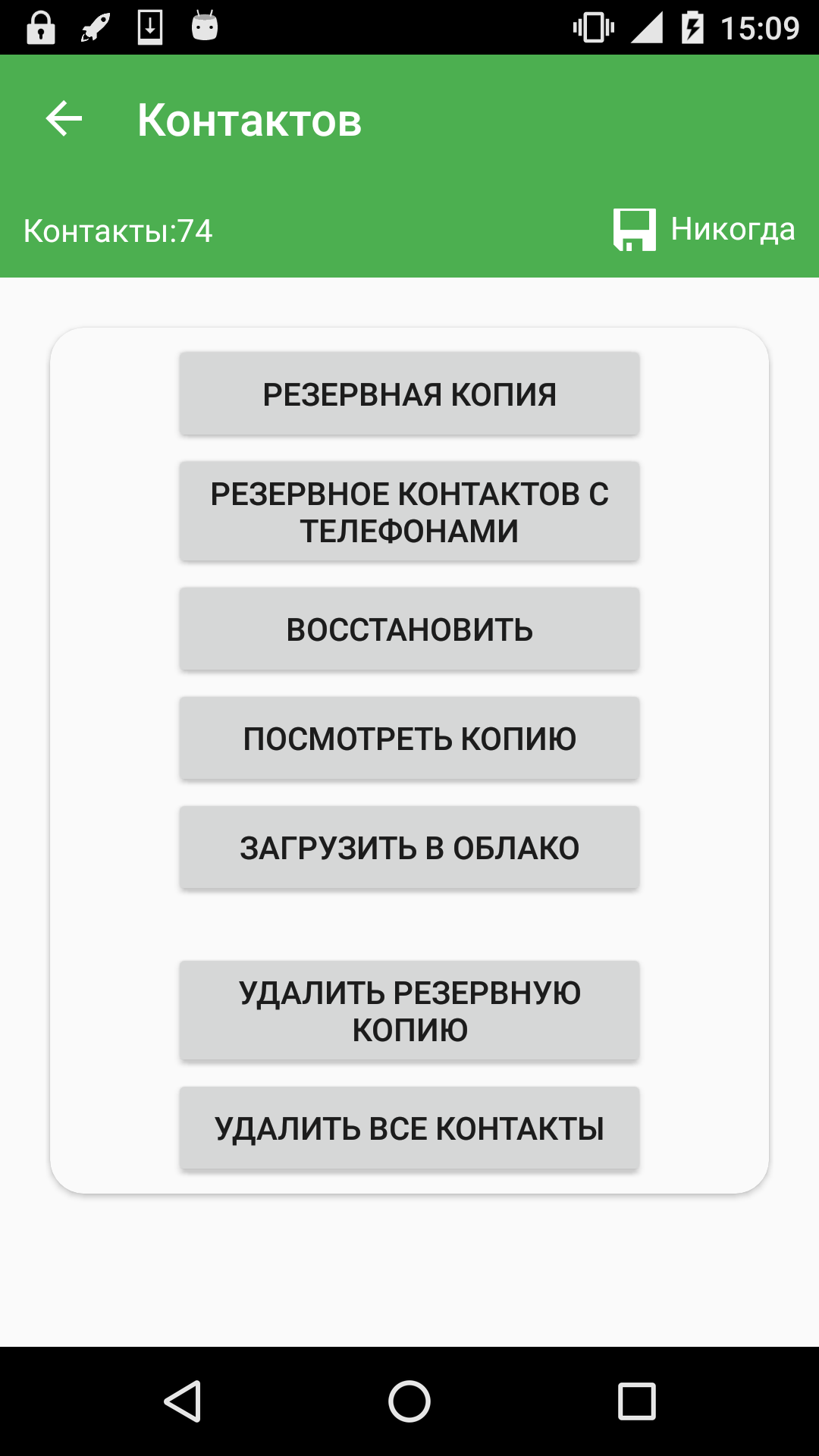
So far this is the best app that I use to backup my contacts to my mobile phone.
once phone format your not able to use full life time plan 3rd class company zero service experience or support
bought the pro app, and they discontinued the app. scammer alert ..
Good application using long time. Thanks
I have been using this app for a few years now and it has been great - 5 stars. Today (Oct 2nd), it can no longer be selected as a background unrestricted app. What happened? (Running Android 14)
Since the last update apk don't archive upon app update. It's not critical but it's annoying having to manually archive. Also saved to Drive is still intermittent.
ad Matrial you style themed icon for super backup
Post a comment
To leave a comment, log in with your social network:
Or leave an anonymous comment. Your comment will be sent for moderation.
Post a comment
To leave a comment, log in with your social network:
Or leave an anonymous comment. Your comment will be sent for moderation.