


Sound Meter
8+
downloads4.0+
version Android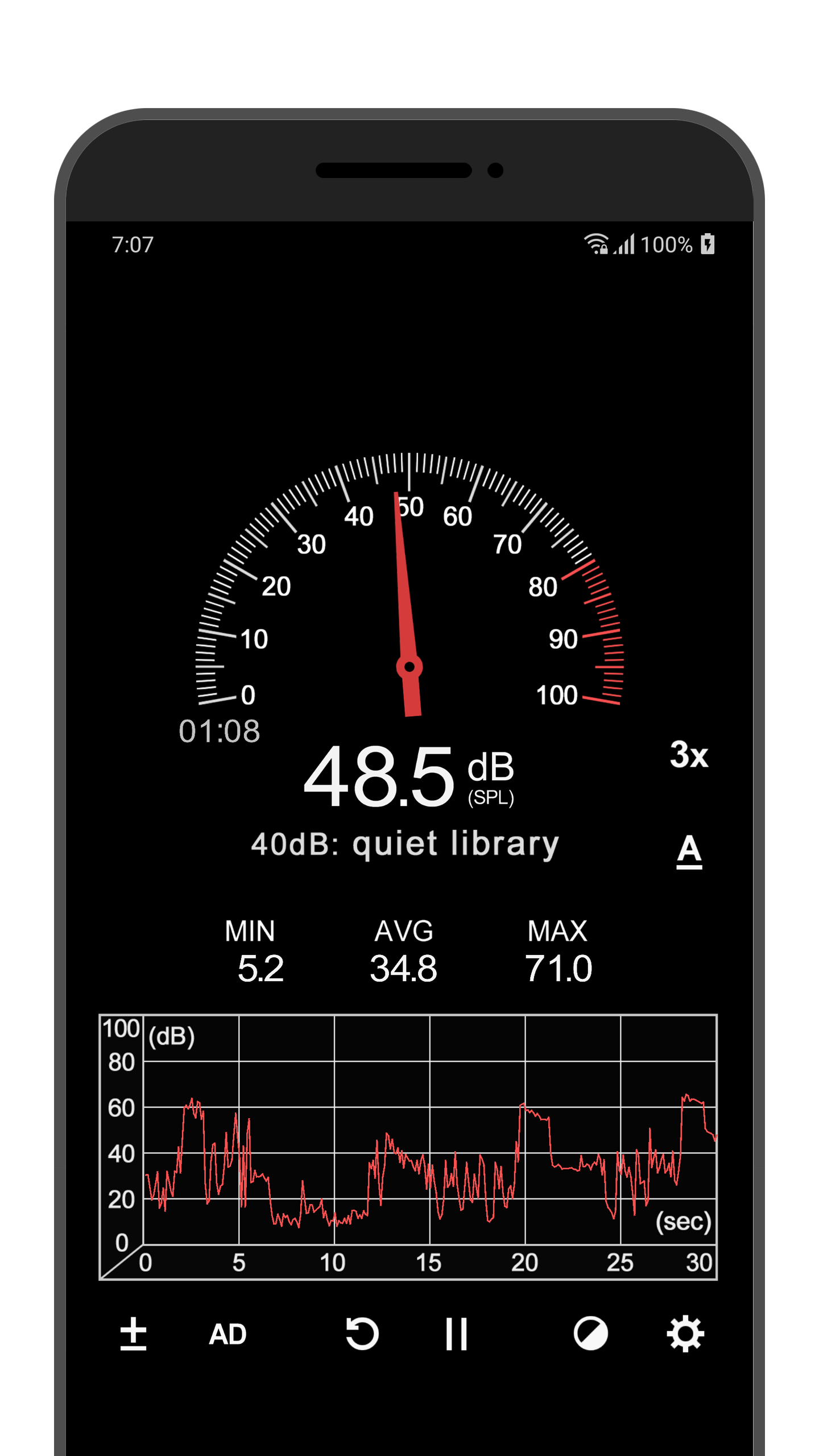
Added: Denis Rubinov
Version: 4.0.3
Size: 4.5 MB
Updated: 20.05.2025
Developer: Abc Apps
Age Limitations: Everyone
Authorizations: 4
Downloaded on Google Play: 20774710
Category: Tools
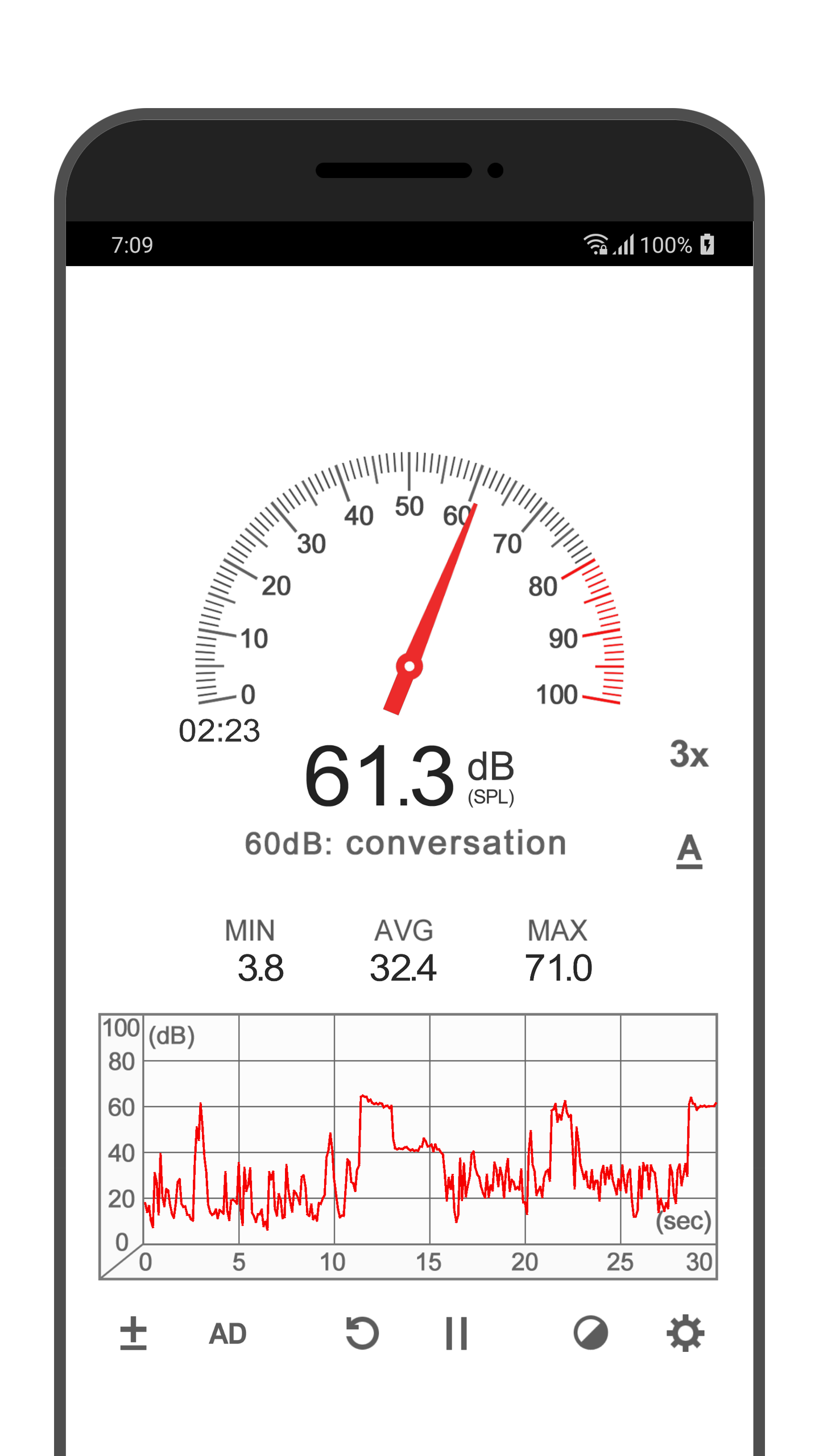
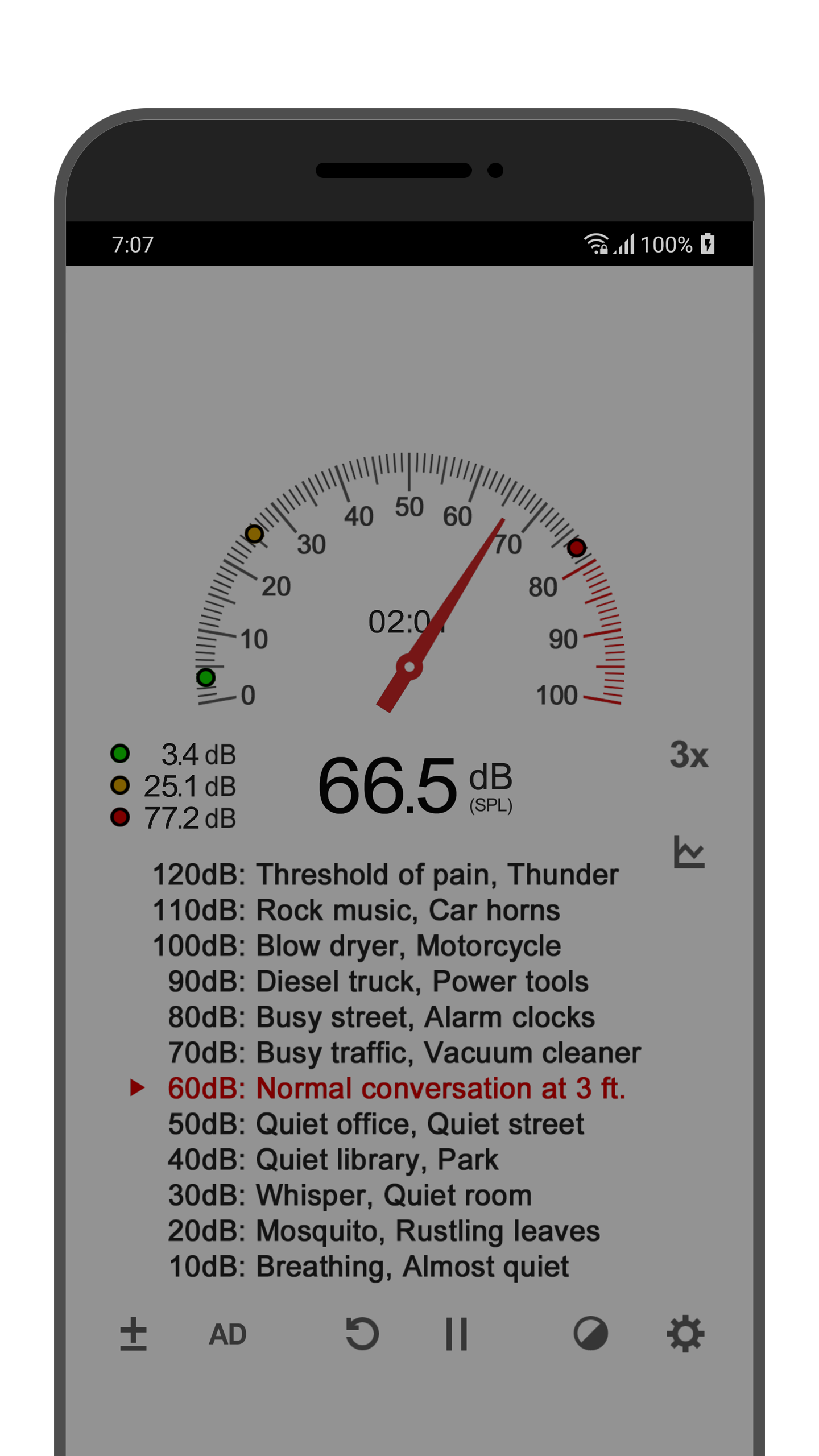
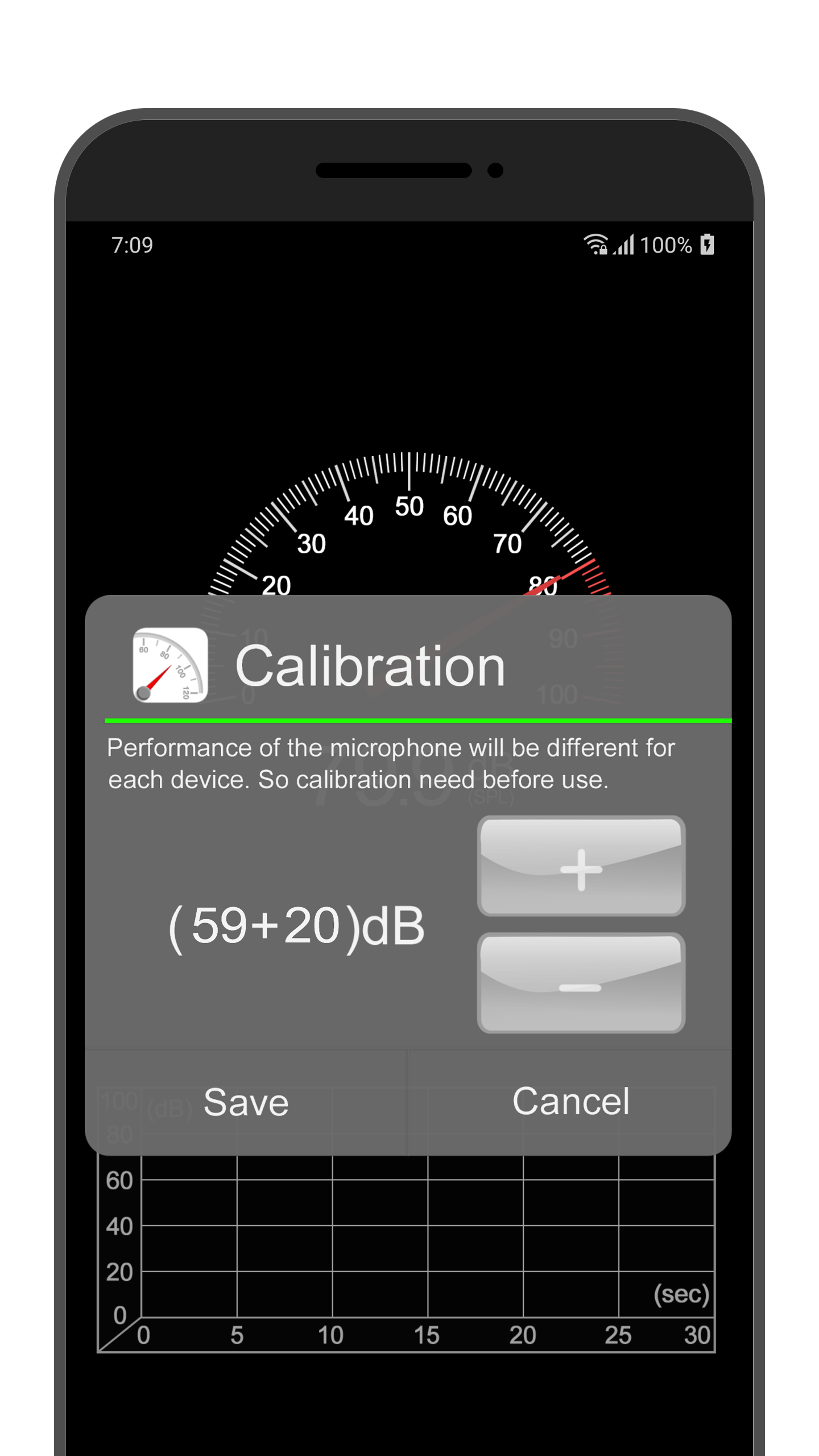
- Availability of calibration function.
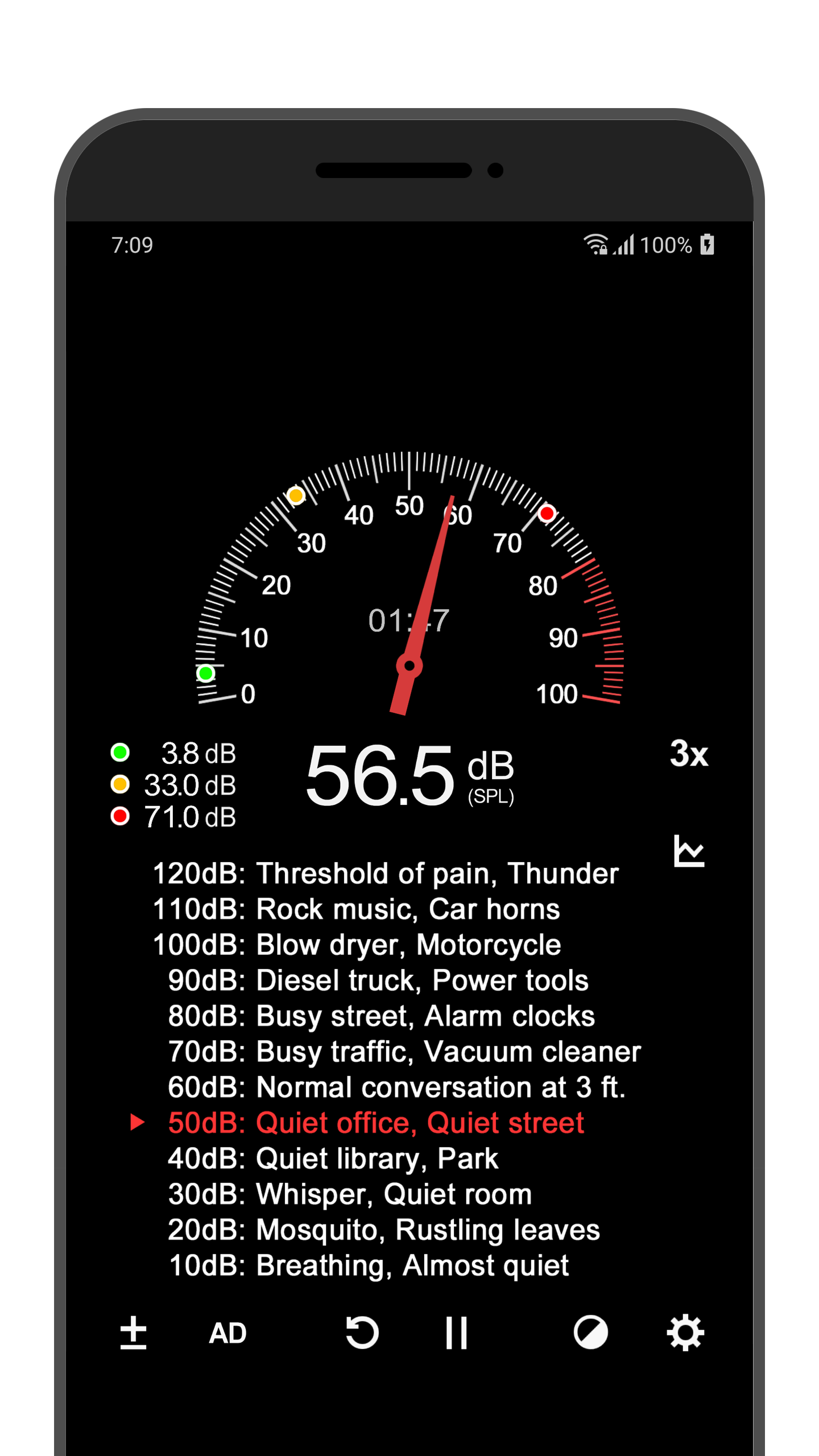
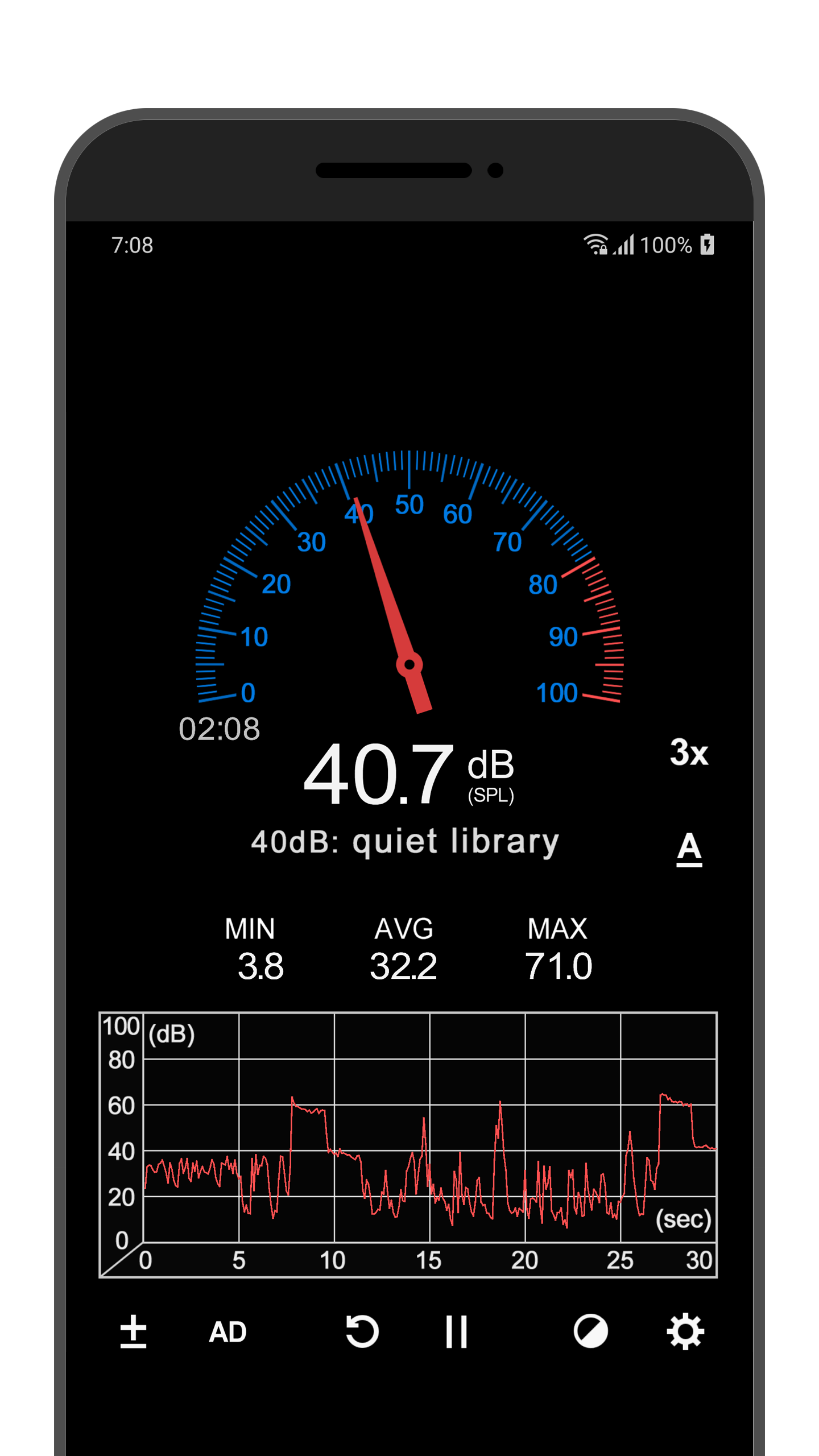
- Accurate measurements.
- Visual graphs.
- Displays the minimum, average and maximum noise values.
- Works for free.
Description
Application Sound Meter was checked by VirusTotal antivirus. As a result of the scan, no file infections were detected by all the latest signatures.
How to install Sound Meter
- Download APK file apps from apkshki.com.
- Locate the downloaded file. You can find it in the system tray or in the 'Download' folder using any file manager.
- If the file downloaded in .bin extension (WebView bug on Android 11), rename it to .apk using any file manager or try downloading the file with another browser like Chrome.
- Start the installation. Click on the downloaded file to start the installation
- Allow installation from unknown sources. If you are installing for the first time Sound Meter not from Google Play, go to your device's security settings and allow installation from unknown sources.
- Bypass Google Play protection. If Google Play protection blocks installation of the file, tap 'More Info' → 'Install anyway' → 'OK' to continue..
- Complete the installation: Follow the installer's instructions to complete the installation process.
How to update Sound Meter
- Download the new version apps from apkshki.com.
- Locate the downloaded file and click on it to start the installation.
- Install over the old version. There is no need to uninstall the previous version.
- Avoid signature conflicts. If the previous version was not downloaded from apkshki.com, the message 'Application not installed' may appear. In this case uninstall the old version and install the new one.
- Restart annex Sound Meter after the update.








Requesting an application update
Added Denis Rubinov
Version: 4.0.3
Size: 4.5 MB
Updated: 20.05.2025
Developer: Abc Apps
Age Limitations: Everyone
Authorizations:
Downloaded on Google Play: 20774710
Category: Tools











Reviews for Sound Meter
Great
it's good
While its decibel measurements are quite accurate, I'm not happy with the fact that it turns the microphone on even when not in use. I have tried to change the settings but the problem persists. Something the developer should look at.
very good audio tool with very little advertising.
very useful
Does what it says, no obnoxious ads. perfect.
it's worthless because it doesn't work 78dc at an ac/DC concert
I have to check the accuracy
fake response
first opening cookie banner with pretty much everything on be default ( Yes, legitimate interest by vendor is considered malicious in my book) I just want a decibel meter. no phoning home
It seems to me, this app is a very good reference for approximate sound levels. It seems to be accurarate, relatively speaking, and the user interface is user friendly. Update June 28, 2022. App now has an ad, featuring a flashing 'notification' icon in top center of screen. Distracting and annoying enough to downgrade review from 4 stars to 2 stars.
Trying to find a noise meter that worked every time, worked consistently & quickly was difficult, but here it is. Several of these utilities are good. The bad ones outnumber the good. Then there's the group this app is in. Well, not sure if you can call it a 'group' since this one is sitting alone on top of the gold medal platform where the apps that out-perform all others are and ain't no one else very close! THANK YOU!
Inaccurate for high DB. if you're trying to protect your hearing don't trust this, test it. I believe it's the fault of most phones having automatic limiting on microphone input. Will not measure over 80db which is where I believe my phone cuts it off. Tested with calibrated 40, 60, 80, 100db tones and will not read anything above 80. Probably not apps fault but cannot trust this for hearing protection.
Great app, precise enough to hear the difference between my refrigerator running and not - from 20 feet away. I'll be using this at our next band practice to get ambient dB levels. Doesn't provide unnecessary/undesirable functions. A bare bones app that does exactly what it should, at a very tiny size, 1.43 MB if I recall
Analog, digital, and graphic displays all together, very usable. Instructions in broken English, a little hard to parse. Notes meter accuracy dependent on the phone like. Does not suggest how bad, and no suggestions for calibration. If cap is important, need suggestions for non-professional users.
Post a comment
To leave a comment, log in with your social network:
Or leave an anonymous comment. Your comment will be sent for moderation.
Post a comment
To leave a comment, log in with your social network:
Or leave an anonymous comment. Your comment will be sent for moderation.