



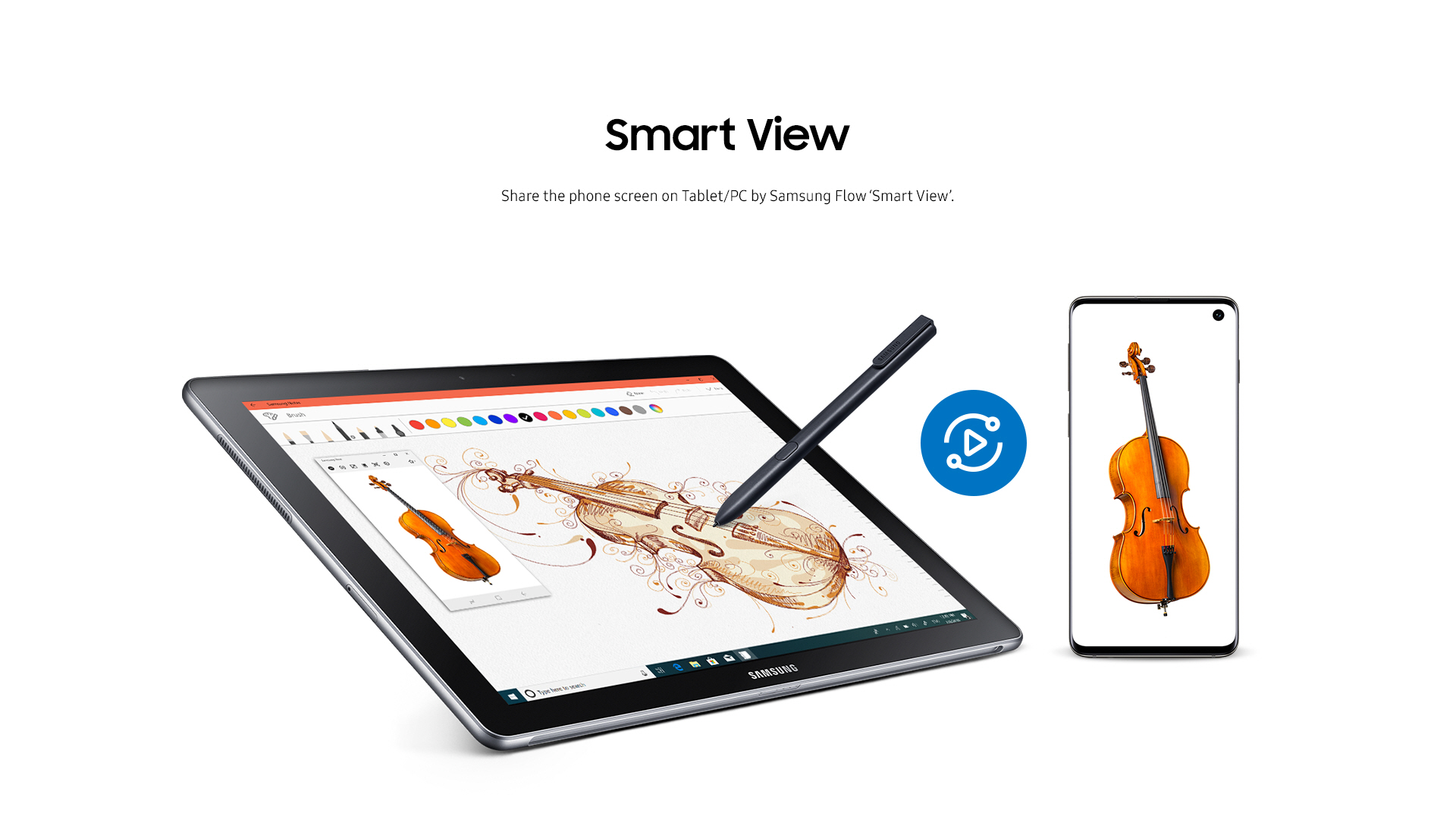
Samsung Flow
43+
downloads6.0+
version Android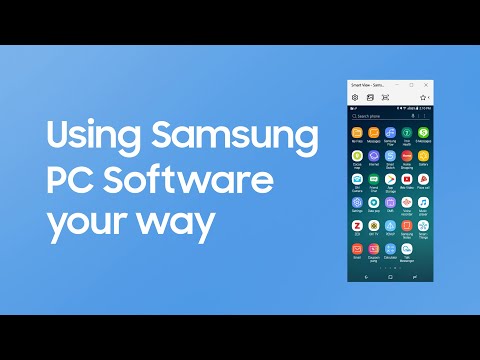
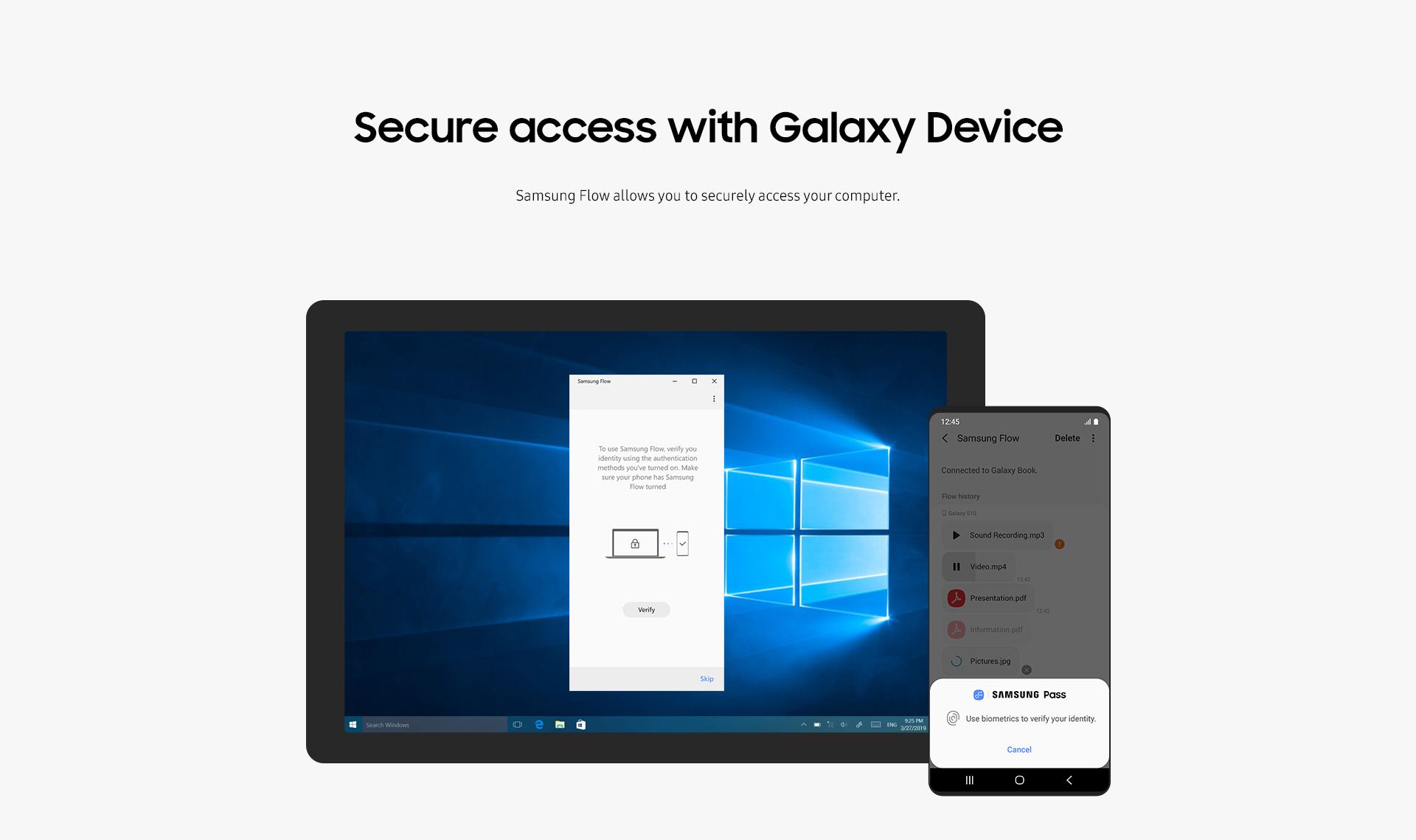
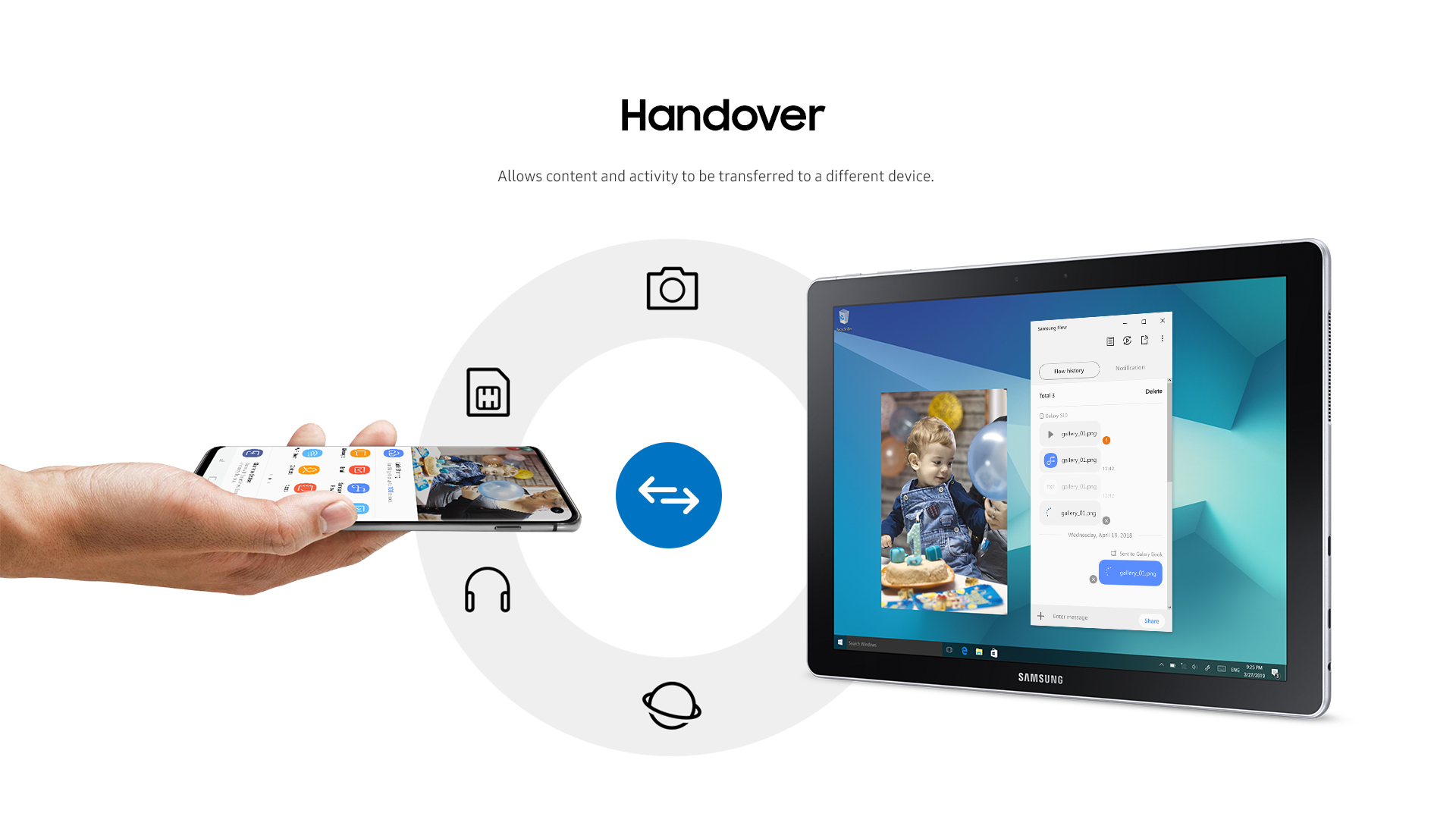
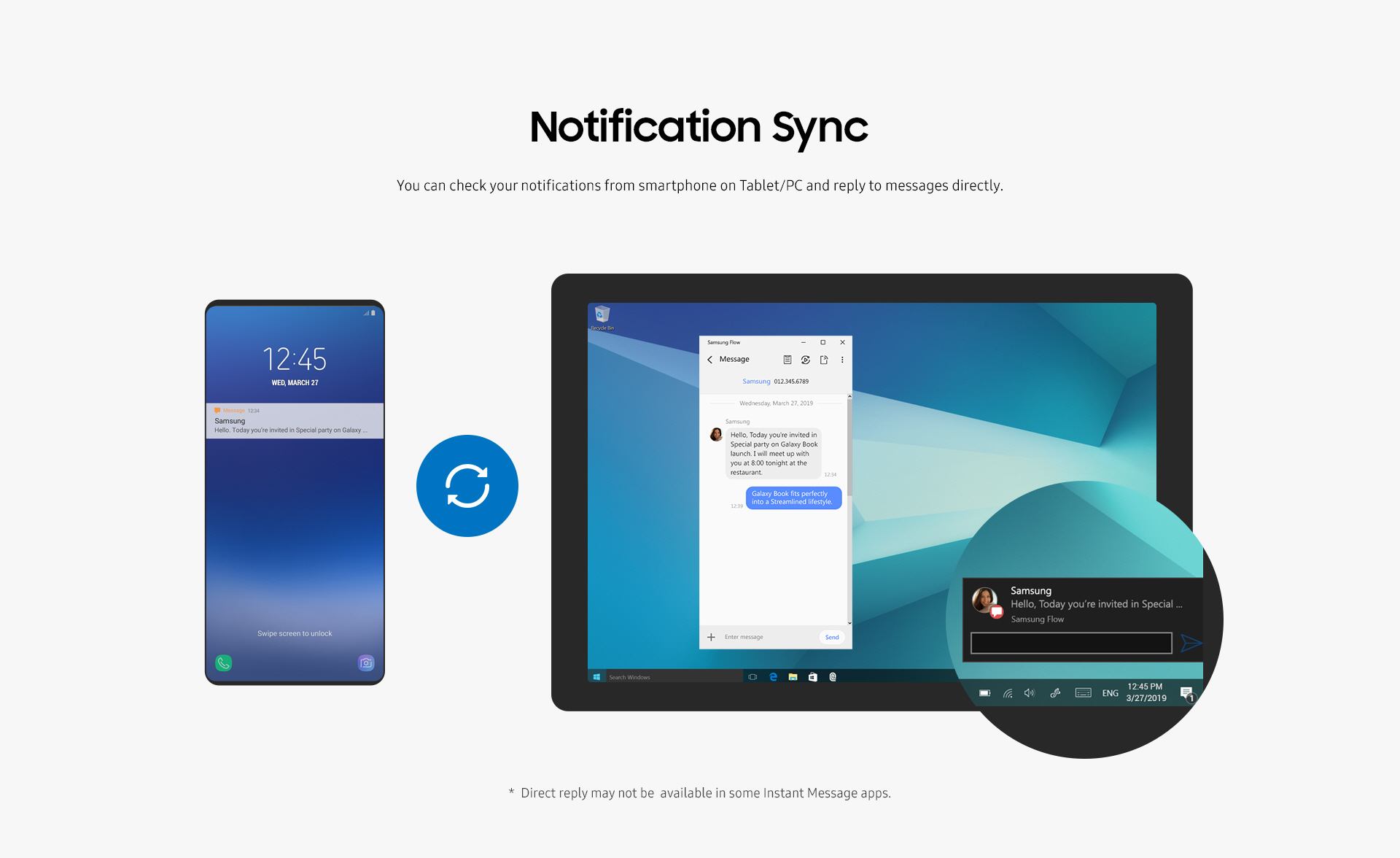
Added: Denis Rubinov
Version: 4.9.17.6
Size: 10.1 MB
Updated: 21.05.2025
Developer: Samsung Electronics Co., Ltd.
Age Limitations: Everyone
Authorizations: 41
Downloaded on Google Play: 58610798
Category: Work
Description
Application Samsung Flow was checked by VirusTotal antivirus. As a result of the scan, no file infections were detected by all the latest signatures.
How to install Samsung Flow
- Download APK file apps from apkshki.com.
- Locate the downloaded file. You can find it in the system tray or in the 'Download' folder using any file manager.
- If the file downloaded in .bin extension (WebView bug on Android 11), rename it to .apk using any file manager or try downloading the file with another browser like Chrome.
- Start the installation. Click on the downloaded file to start the installation
- Allow installation from unknown sources. If you are installing for the first time Samsung Flow not from Google Play, go to your device's security settings and allow installation from unknown sources.
- Bypass Google Play protection. If Google Play protection blocks installation of the file, tap 'More Info' → 'Install anyway' → 'OK' to continue..
- Complete the installation: Follow the installer's instructions to complete the installation process.
How to update Samsung Flow
- Download the new version apps from apkshki.com.
- Locate the downloaded file and click on it to start the installation.
- Install over the old version. There is no need to uninstall the previous version.
- Avoid signature conflicts. If the previous version was not downloaded from apkshki.com, the message 'Application not installed' may appear. In this case uninstall the old version and install the new one.
- Restart annex Samsung Flow after the update.













Requesting an application update
Added Denis Rubinov
Version: 4.9.17.6
Size: 10.1 MB
Updated: 21.05.2025
Developer: Samsung Electronics Co., Ltd.
Age Limitations: Everyone
Authorizations:
Downloaded on Google Play: 58610798
Category: Work












Reviews for Samsung Flow
good
Please make Samsung flow available on chromo so
used to work just fine , but now can't share any files and can't cast my screen , please help
Failed App, Need improvement, go for apple
samsung is a joke
Cannot do anything since new Samsung update.
Bad so far
Kind of worthless if you cant drag and drop pictures from "conversation inbox" or whatever it is called.
doesn't work
this app is useless and it doesn't let me uninstall it!
Works about 1/4 of the time, which is arguably worse than not working at all. The rest of the time, the connection is unstable and the lag gets up to 60 seconds (i.e. worthless). The "Link to Windows" function works perfectly, so we know screen mirroring is possible. It's just this program that doesn't work. I don't know what it is about Samsung that prompts them to release disfunctional software, but they probably should have kept working on it until it was consistently usable.
Wow. Just been using this for a couple of minutes and I'm already dumbfounded. What was wrong w/ sidesync? I could turn the screen off to save battery, or not. I could rotate the screen if I felt like. I could connect to PC w/ USB to improve responsiveness. And why do we have to get it from the MS store now? I'm really close to peacing out on Samsung altogether. That's just from less than 10 minutes perusing the "features". Or lack thereof, more rather.
This app is I guess what is it marketed as but i would love to see so much more. I can understand the capability to do file transfers between phone and PC and how it would be useful as well as troubleshooting issues. But is there a reason you have it locked to bluetooth and same LAN? It would be so much more convenient if i didn't have to be on the same network and used a login based system where if both accounts match you can do all the current stuff but also use current apps such as messaging.
For some reason SideSync is no longer supported on my S3 Tab, so I tried this app. To even use the app you have to grant the right to track your location -- it won't even start without that. Then it wouldn't connect to my PC anyway. I checked the help and it states you CAN'T connect a tablet to a PC. What the heck is the point of this app if that doesn't work?
options are lacking. I wanted something like deskdock for free. I was okay with controlling the phone on the windows screen unlike seeing the cursor on the phone, but I can't even choose to keep the sound coming out of the phone. Instead of having two devices with audio capabilities, this app downgrades it to one (I like to have music on the phone on speakers while I work/watch videos with the headset that's connected to the pc).
Post a comment
To leave a comment, log in with your social network:
Or leave an anonymous comment. Your comment will be sent for moderation.
Post a comment
To leave a comment, log in with your social network:
Or leave an anonymous comment. Your comment will be sent for moderation.