



Added: Denis Rubinov
Version: 12.6.0
Size: 86.7 MB
Updated: 24.06.2025
Developer: Remote Utilities LLC
Age Limitations: Everyone
Authorizations: 2
Downloaded on Google Play: 72312
Category: Work
- Easy setup.
- No ads.
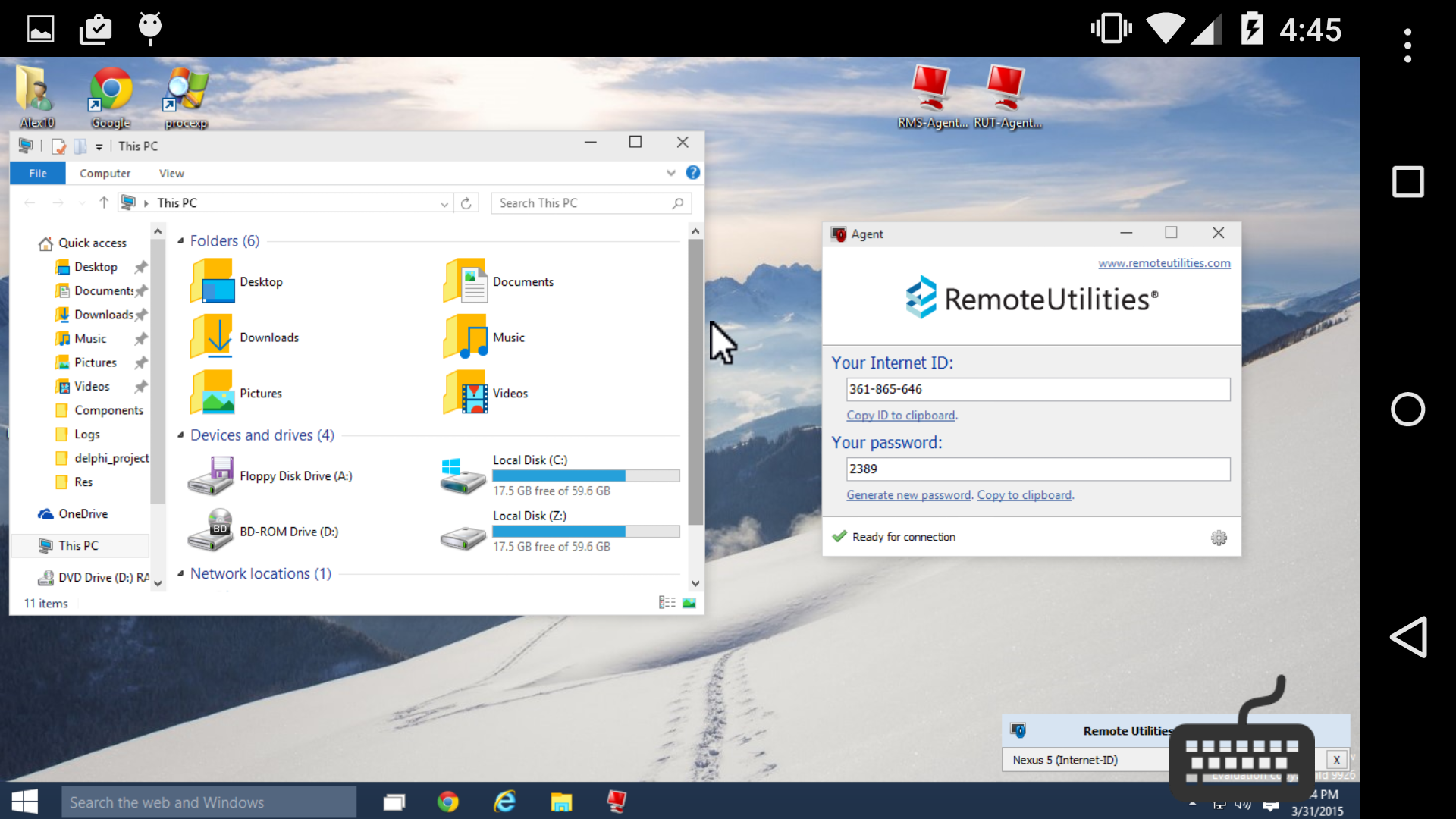
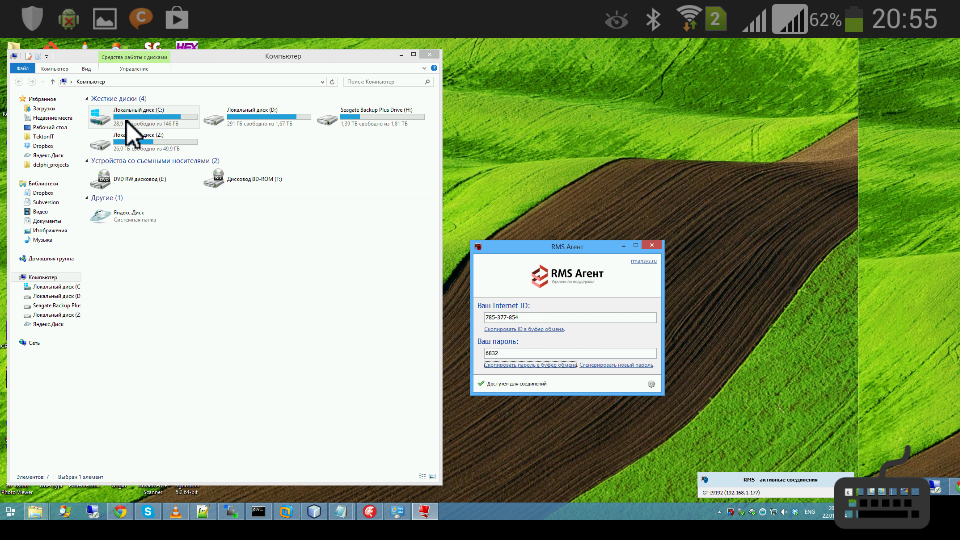
- Complete remote PC control.
- You can control your webcam and microphone.
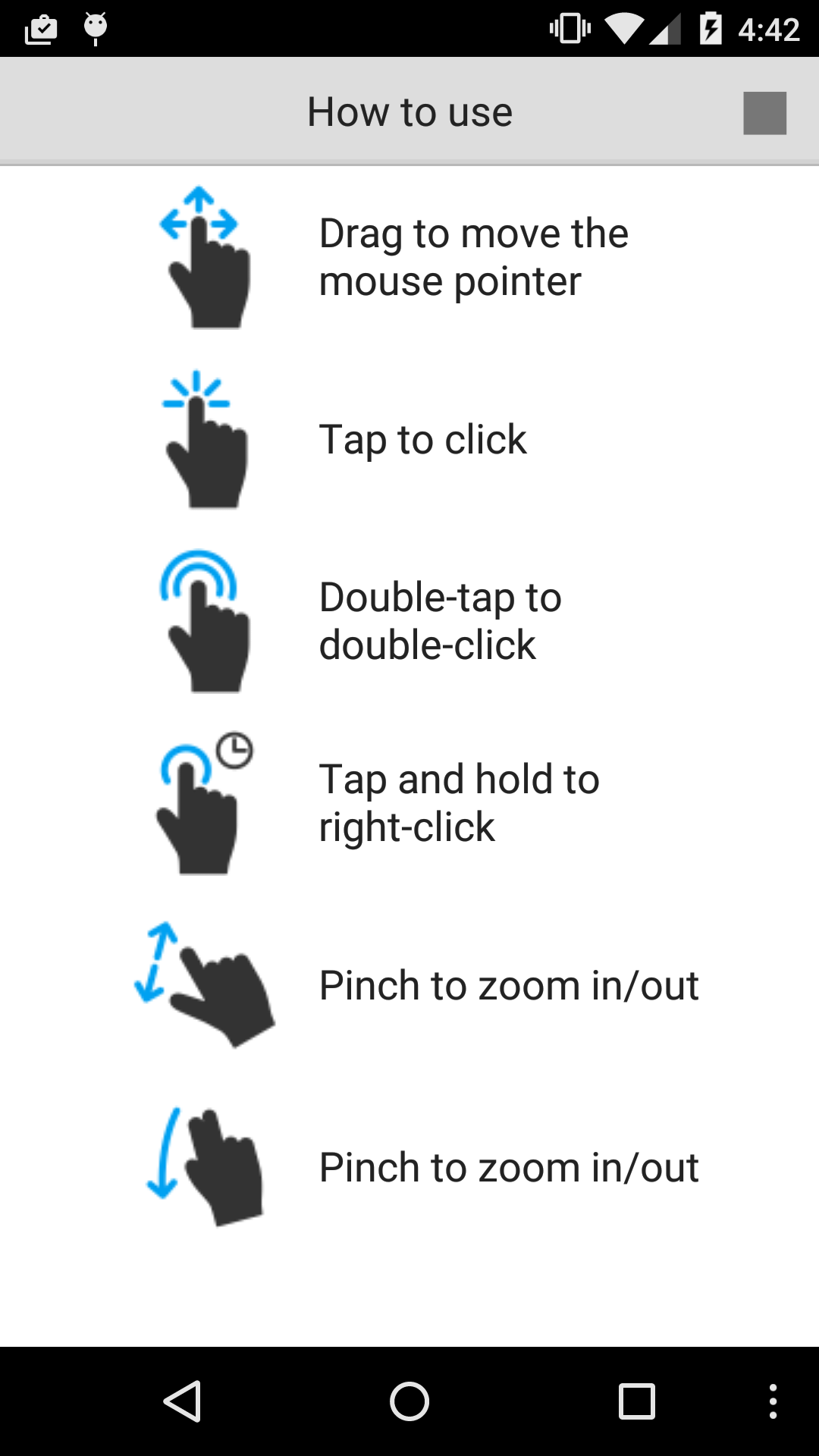
- Gesture controls.
Description
Application RMS was checked by VirusTotal antivirus. As a result of the scan, no file infections were detected by all the latest signatures.
How to install RMS
- Download APK file apps from apkshki.com.
- Locate the downloaded file. You can find it in the system tray or in the 'Download' folder using any file manager.
- If the file downloaded in .bin extension (WebView bug on Android 11), rename it to .apk using any file manager or try downloading the file with another browser like Chrome.
- Start the installation. Click on the downloaded file to start the installation
- Allow installation from unknown sources. If you are installing for the first time RMS not from Google Play, go to your device's security settings and allow installation from unknown sources.
- Bypass Google Play protection. If Google Play protection blocks installation of the file, tap 'More Info' → 'Install anyway' → 'OK' to continue..
- Complete the installation: Follow the installer's instructions to complete the installation process.
How to update RMS
- Download the new version apps from apkshki.com.
- Locate the downloaded file and click on it to start the installation.
- Install over the old version. There is no need to uninstall the previous version.
- Avoid signature conflicts. If the previous version was not downloaded from apkshki.com, the message 'Application not installed' may appear. In this case uninstall the old version and install the new one.
- Restart annex RMS after the update.







Requesting an application update
Added Denis Rubinov
Version: 12.6.0
Size: 86.7 MB
Updated: 24.06.2025
Developer: Remote Utilities LLC
Age Limitations: Everyone
Authorizations:
Downloaded on Google Play: 72312
Category: Work












Reviews for RMS
Awsome
But not perfect )
Thanks for easy and yet powerful application. Just need a little more work on a cursor operation. Not quite smooth yet. Hopefully you'll improve it soon. Спасибо за ваш труд.
Blank screen on my android tablet, ok from my phone.
Just can not connect to host by IP or ID. In Log connection Ok, auth ok, but nothing else
It did not conect to host 🤔
App crashes on splash screen
Don't have support for "private" gateway.
no file trans
Сыровато, кривовато. До Тимвьювера сильно не дотягивает.
воу воу воу, гайс, ставлю 4 только для того, чтобы поддержать вас. Вы молодцы, но управление курсором как на тачпаде просто убивает. Зачем тачпад, ведь весь экран перед глазами, тыкай в любую точку и курсор туда должен сразу вставать. А потом уже опционально - либо сразу будет клик, либо повторное нажатие будет кликом.
Норм
Works bad. And there's no other modes as in pc version (task manager, files, power and etc)
наконец-то, но пока мало функционала
Work on galaxy note 10.1 pretty well but in the note 2 not
Post a comment
To leave a comment, log in with your social network:
Or leave an anonymous comment. Your comment will be sent for moderation.
Post a comment
To leave a comment, log in with your social network:
Or leave an anonymous comment. Your comment will be sent for moderation.