



PPSSPP - PSP emulator
45+
downloads2.3+
version Android
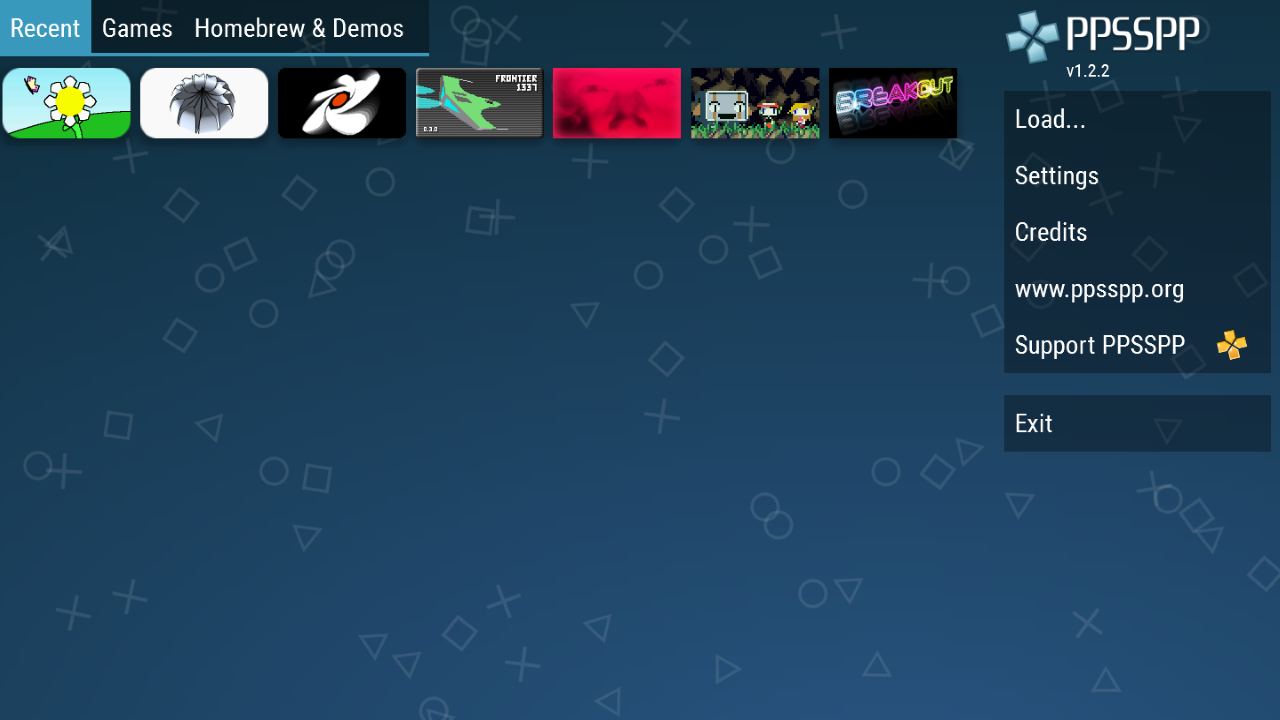
Added: Denis Rubinov
Version: 1.7.5
Size: 13.1 MB
Updated: 20.06.2020
Developer: Henrik Rydgård
Age Limitations: Everyone
Authorizations: 9
Downloaded on Google Play: 157043683
Category: Action
- Supports most PSP games.
- Convenient virtual gamepad.
- Works on most Android versions.
- Free to use.
Description
Game PPSSPP - PSP emulator has been checked by VirusTotal antivirus. As a result of the scan, no file infections were detected by all the latest signatures.
How to install PPSSPP - PSP emulator
- Download APK file games from apkshki.com.
- Locate the downloaded file. You can find it in the system tray or in the 'Download' folder using any file manager.
- If the file downloaded in .bin extension (WebView bug on Android 11), rename it to .apk using any file manager or try downloading the file with another browser like Chrome.
- Start the installation. Click on the downloaded file to start the installation
- Allow installation from unknown sources. If you are installing for the first time PPSSPP - PSP emulator not from Google Play, go to your device's security settings and allow installation from unknown sources.
- Bypass Google Play protection. If Google Play protection blocks installation of the file, tap 'More Info' → 'Install anyway' → 'OK' to continue..
- Complete the installation: Follow the installer's instructions to complete the installation process.
How to update PPSSPP - PSP emulator
- Download the new version games from apkshki.com.
- Locate the downloaded file and click on it to start the installation.
- Install over the old version. There is no need to uninstall the previous version.
- Avoid signature conflicts. If the previous version was not downloaded from apkshki.com, the message 'Application not installed' may appear. In this case uninstall the old version and install the new one.
- Restart game PPSSPP - PSP emulator after the update.








Requesting an application update
Added Denis Rubinov
Version: 1.7.5
Size: 13.1 MB
Updated: 20.06.2020
Developer: Henrik Rydgård
Age Limitations: Everyone
Authorizations:
Downloaded on Google Play: 157043683
Category: Action









Reviews for PPSSPP - PSP emulator
good for gaming that was great
great
it's pretty good
My files are not playing
Nice console I ever played deserve a 5 star ratings
this is a good one,but I have one problem,I can't play my psp with god of war ghost of Sparta,when ever I start the game,then the app cuts or exit to the home screen,I thought it was my phone but I tried another good version phone but the same problem,please in the name of God fix it us, please
is the best
Cette app est super mais vous devriez améliorer certaines choses
best games for ppsspp
I can't download game files
My games crash early on now. I used to be able to play any game I wanted but now most games crash before I can even get through the menus. P3p crashes at gender select. Corpse party crashes on the first cutscene and also on chapter select. I deleted my base folder and reinstalled the app, now I'm out all my saves and configs and it didn't even fix the problem.
I've really enjoyed this Emulator, it's good and runs smoothly even on 32 gb hardware as well running completely Smooth, just 2 issues, the X button somewhat sometimes doesn't respond when you click it or it just happens some what very late, and making things convertable take some time to understand so it not really that simple but same time it is kinda. Still a very great app deserving 5+ Stars! As well quite simple, you would need YouTube to help you make this work.
Works great! I'm glad that unlike some other console emulators, I'm actually able to resize and move the touch controls to my liking. I do wish you hadn't removed the mipmapping setting, because it's actually a quite useful graphics option. Other than that the app's performance has blown me away. I've been using this for over 4 years at this point. If mipmapping ever makes a return, I'll bump my review up to five.
Edit: IT WORKS! It was an android accessibility setting that was causing the issue. / It worked FLAWLESS for a day, and that's it. Just for that day. I was able to play using an Xbox Series controller, and all the buttons worked fine. Next day, it just doesn't work. I went to control mapping and noticed that every time I remap a key, it changes from "pad1.L1" to "kbd1.L1", and only for some buttons. Dpad and analogs, for example, simply don't work. Same thing happens on my Ps5 controller.
This is an amazing experience for a emulator the games run so smooth and the graphics are just as good as the original psp. Never experienced any problems and I can play the whole psp library from just my phone. You may have some frame issues depending on what type of phone you have but you can just change the resolution easily. You can change the controls if you want you can connect a play station controller and it will work perfectly. This is the best emulator I ever played and it's free!!!!
Post a comment
To leave a comment, log in with your social network:
Or leave an anonymous comment. Your comment will be sent for moderation.
Post a comment
To leave a comment, log in with your social network:
Or leave an anonymous comment. Your comment will be sent for moderation.