



Mail.ru - Email App
60+
downloads5.0+
version Android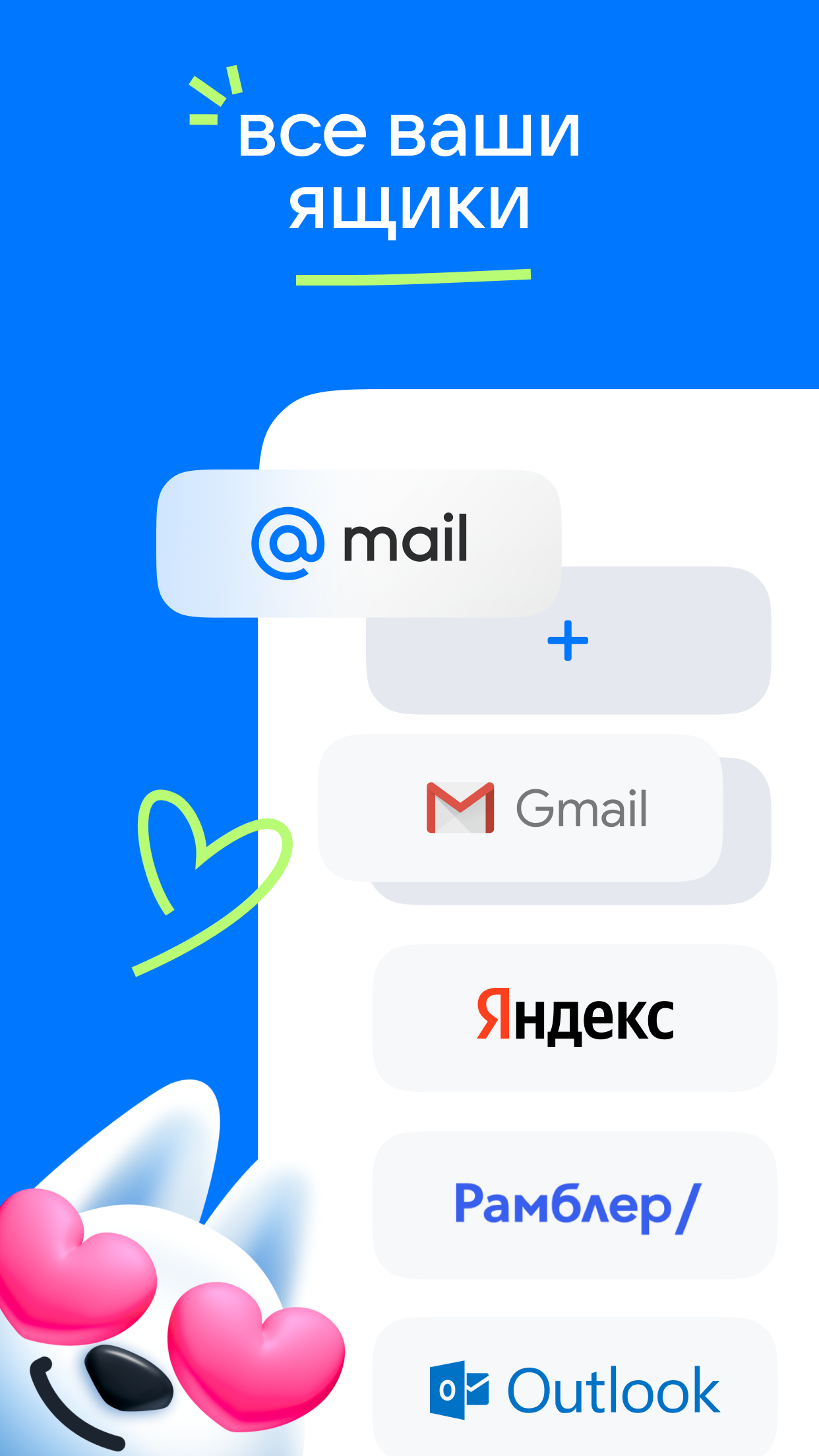
Added: Denis Rubinov
Version: 15.38.0.115754
Size: 135.6 MB
Updated: 24.06.2025
Developer: Mail.Ru Group
Age Limitations: Everyone
Authorizations: 33
Downloaded on Google Play: 127751189
Category: Contact
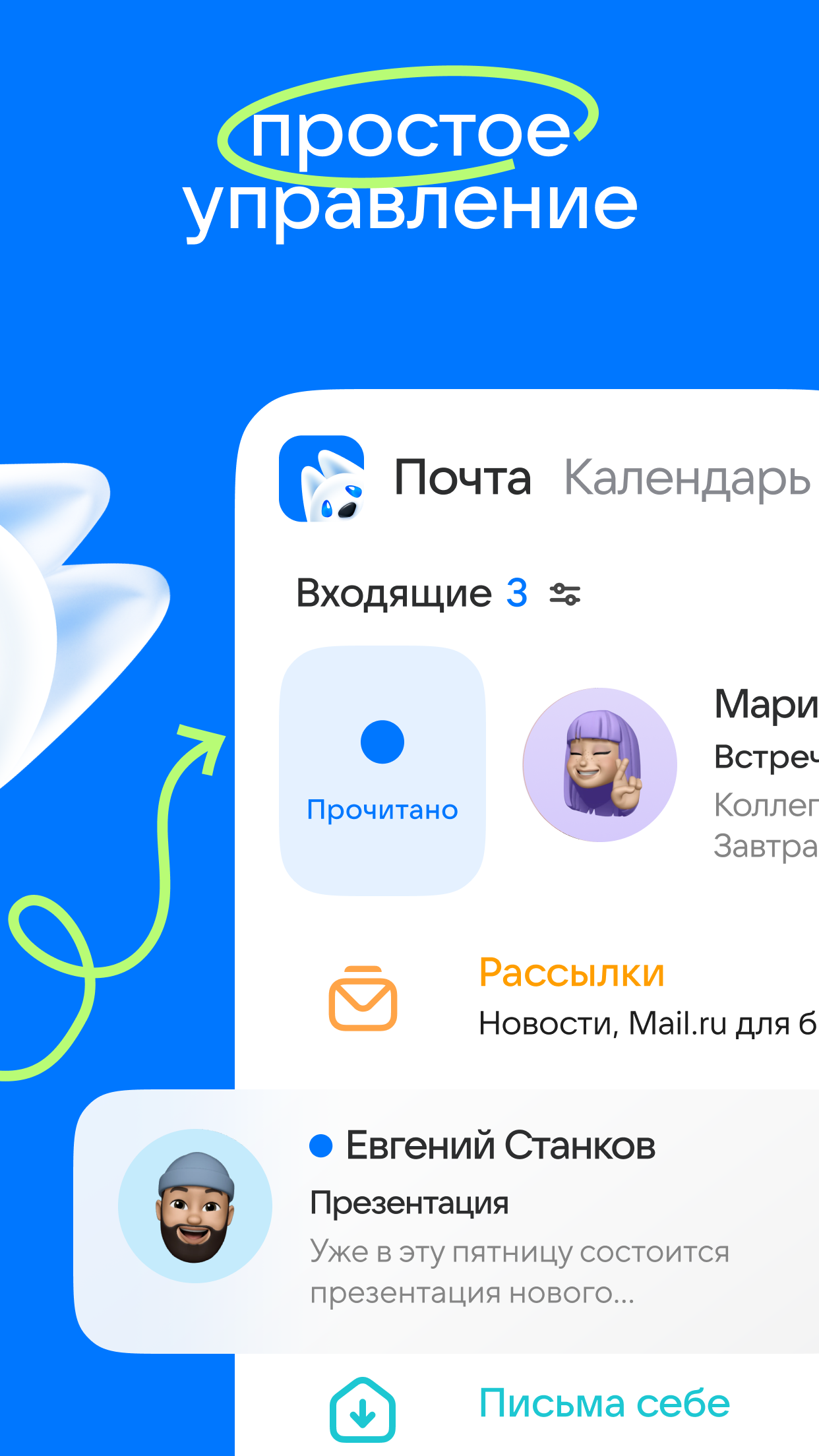
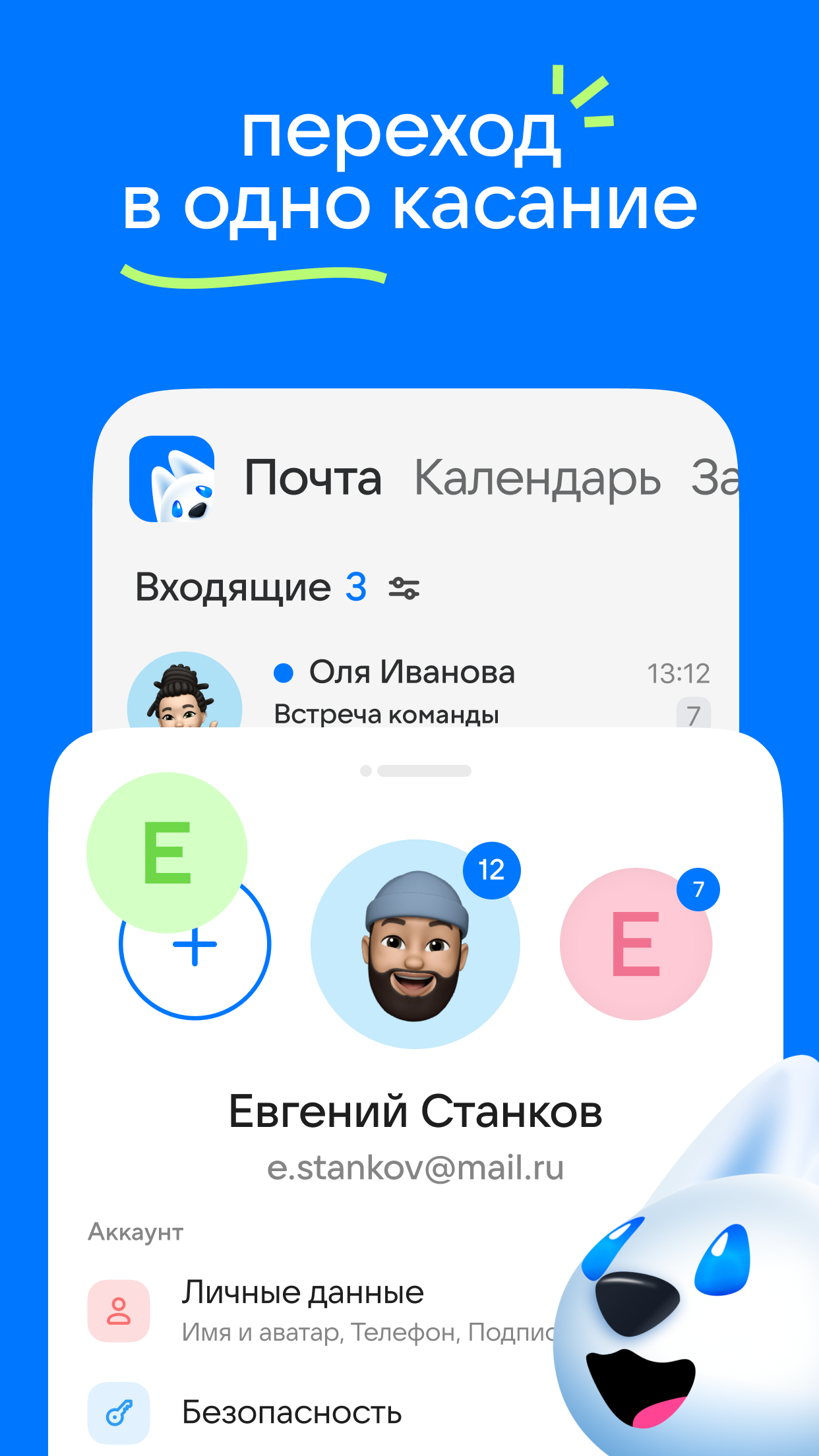
- You can add multiple mailboxes at once.
- Adding accounts of third-party mail services.
- Login with one-time codes.
- Built-in assistant Marusya.
- The function of making video calls with up to 100 people.
Description
Application Mail.ru - Email App was checked by VirusTotal antivirus. As a result of the scan, no file infections were detected by all the latest signatures.
How to install Mail.ru - Email App
- Download APK file apps from apkshki.com.
- Locate the downloaded file. You can find it in the system tray or in the 'Download' folder using any file manager.
- If the file downloaded in .bin extension (WebView bug on Android 11), rename it to .apk using any file manager or try downloading the file with another browser like Chrome.
- Start the installation. Click on the downloaded file to start the installation
- Allow installation from unknown sources. If you are installing for the first time Mail.ru - Email App not from Google Play, go to your device's security settings and allow installation from unknown sources.
- Bypass Google Play protection. If Google Play protection blocks installation of the file, tap 'More Info' → 'Install anyway' → 'OK' to continue..
- Complete the installation: Follow the installer's instructions to complete the installation process.
How to update Mail.ru - Email App
- Download the new version apps from apkshki.com.
- Locate the downloaded file and click on it to start the installation.
- Install over the old version. There is no need to uninstall the previous version.
- Avoid signature conflicts. If the previous version was not downloaded from apkshki.com, the message 'Application not installed' may appear. In this case uninstall the old version and install the new one.
- Restart annex Mail.ru - Email App after the update.














Requesting an application update
Added Denis Rubinov
Version: 15.38.0.115754
Size: 135.6 MB
Updated: 24.06.2025
Developer: Mail.Ru Group
Age Limitations: Everyone
Authorizations:
Downloaded on Google Play: 127751189
Category: Contact












Reviews for Mail.ru - Email App
whata new? New are ads on the screen. Russian ads and, . sometimes i have russian pop ups, and i dont even know what is asking me, is it important or spam. Maybe its time to give up and find english alternative of this app.
good app
good and nice
библиотека рекламы с функцией почты upd: если бы я и хотел подписку на отключение рекламы, то чтобы реклама отключалась ВЕЗДЕ. На всех сайтах и во всех приложениях.
Осуждаю рекламу на весь экран. Бест, когда нужно посмотреть быстро почту.
После обновления стала вылазить бесплатная реклама. На кой черт она нужна, если и так через каждые пару писем есть реклама? И так много жрёт и грузит, так ещё и ждать надо когда это дебильная реклама пройдет
Спам рекламы и навязывание ненужных услуг с функцией почтового клиента. А когда-то было нормальное приложение. Лучше пользоваться браузерной версией, там хоть адблок помогает. Ну и бонусом абсолютно бестолковая служба поддержки, но это в огород компании, а не приложения.
good
люблю этот адрес электронной почты по личным причинам
mail sent is unable
I can't receive confirmation messages. It's very annoying
working perfectly
nice app 👍
good apps
currently it's brilliant. i don't know about future updates
Post a comment
To leave a comment, log in with your social network:
Or leave an anonymous comment. Your comment will be sent for moderation.
Post a comment
To leave a comment, log in with your social network:
Or leave an anonymous comment. Your comment will be sent for moderation.