



Маруся — голосовой помощник
29+
downloads5.0+
version Android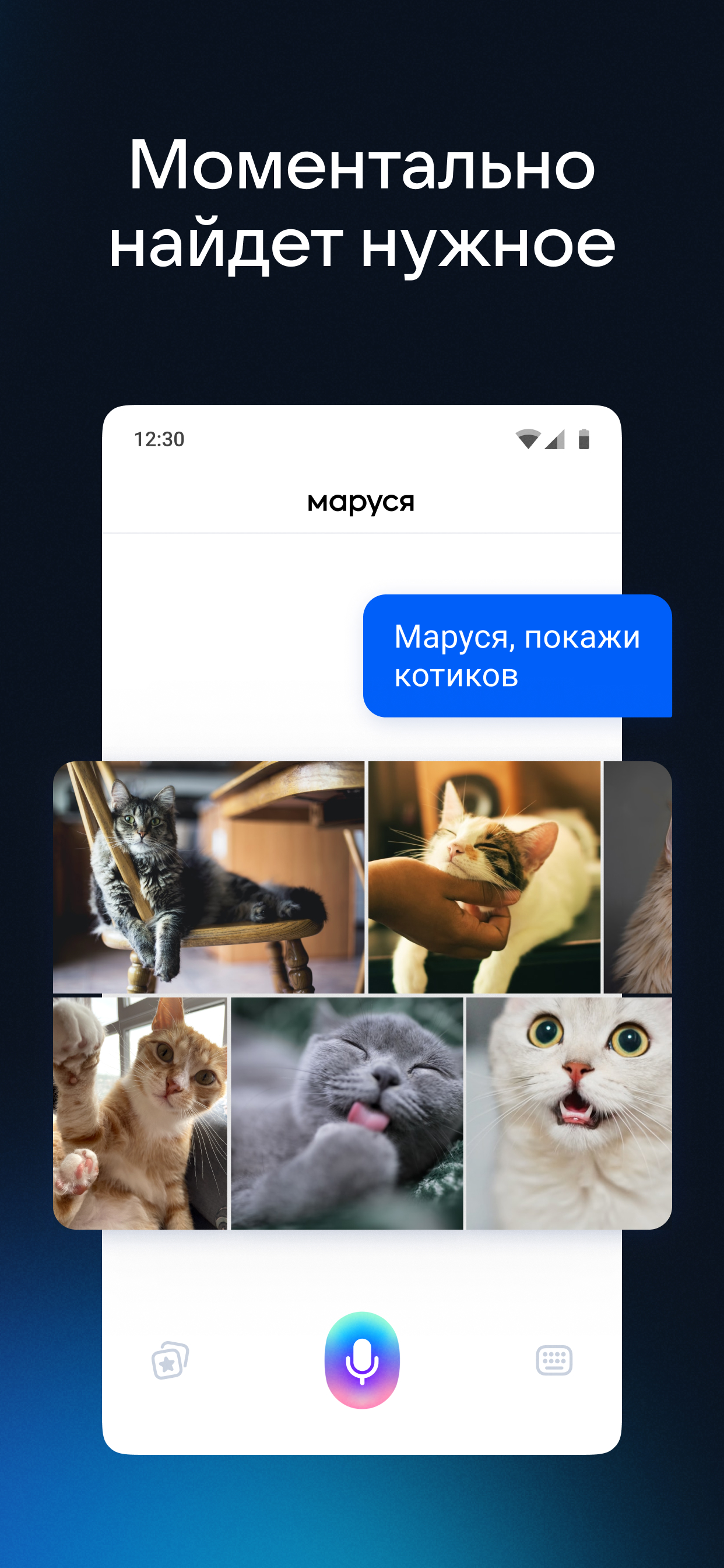
Added: Denis Rubinov
Version: 1.91.3
Size: 45.1 MB
Updated: 19.05.2025
Developer: Mail.Ru Group
Age Limitations: Teen
Authorizations: 25
Downloaded on Google Play: 24653128
Category: Tools
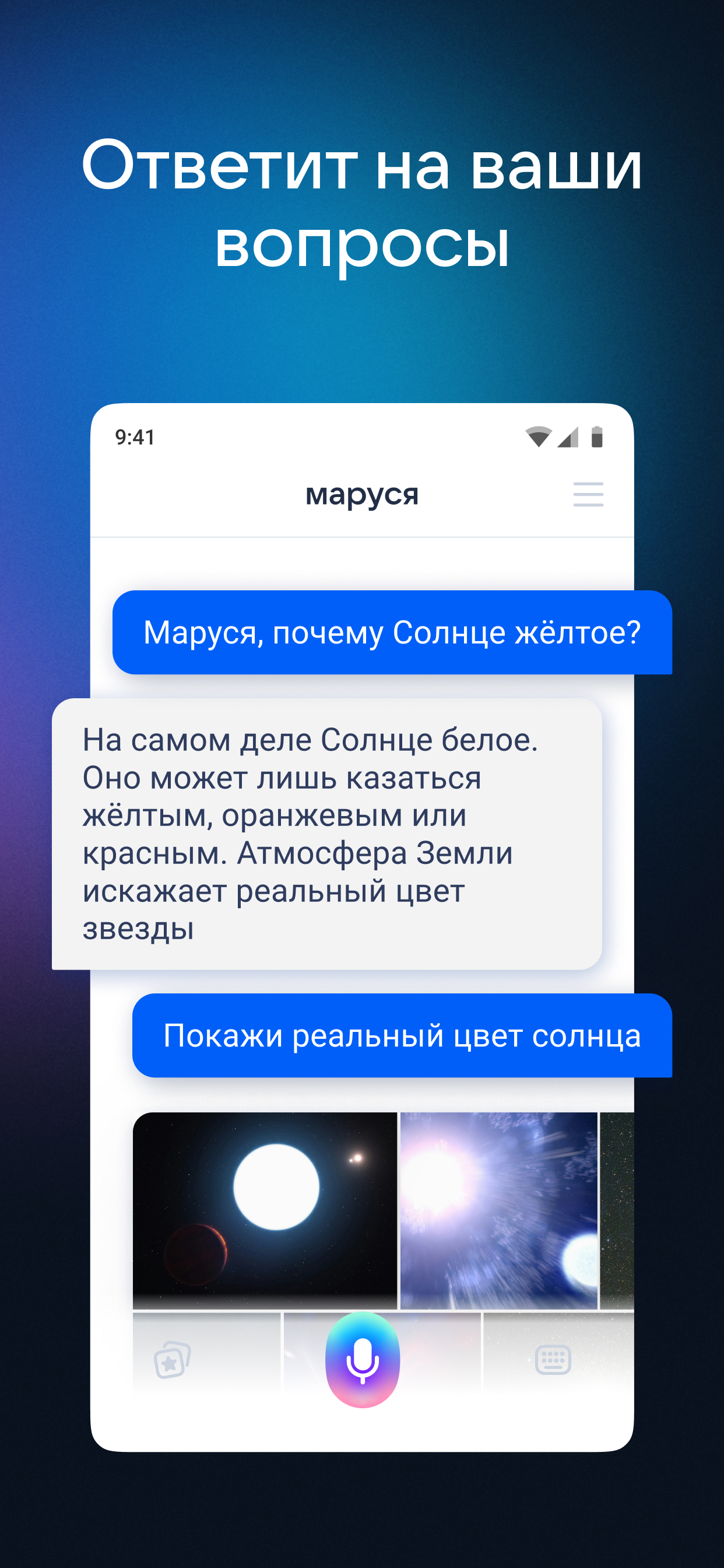
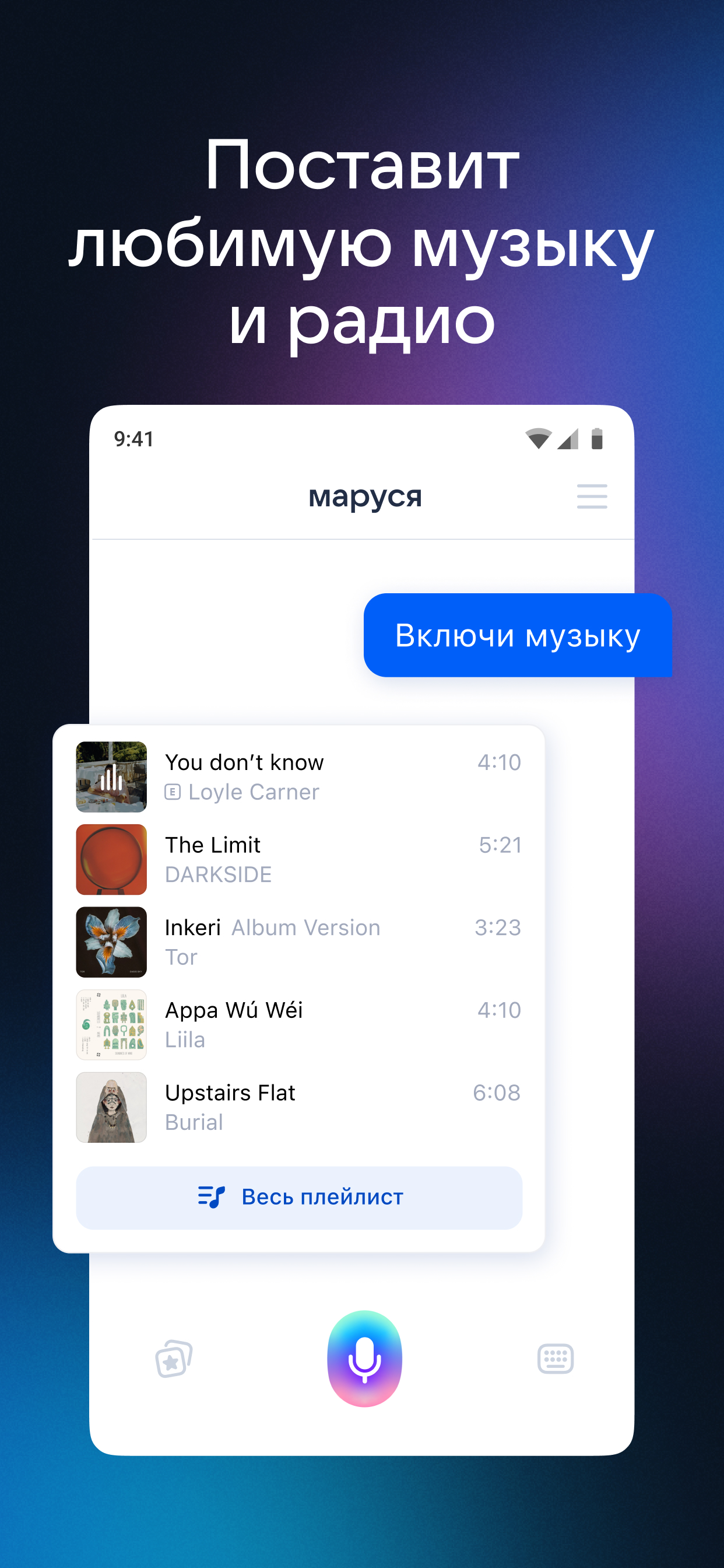
- Accurate speech recognition.
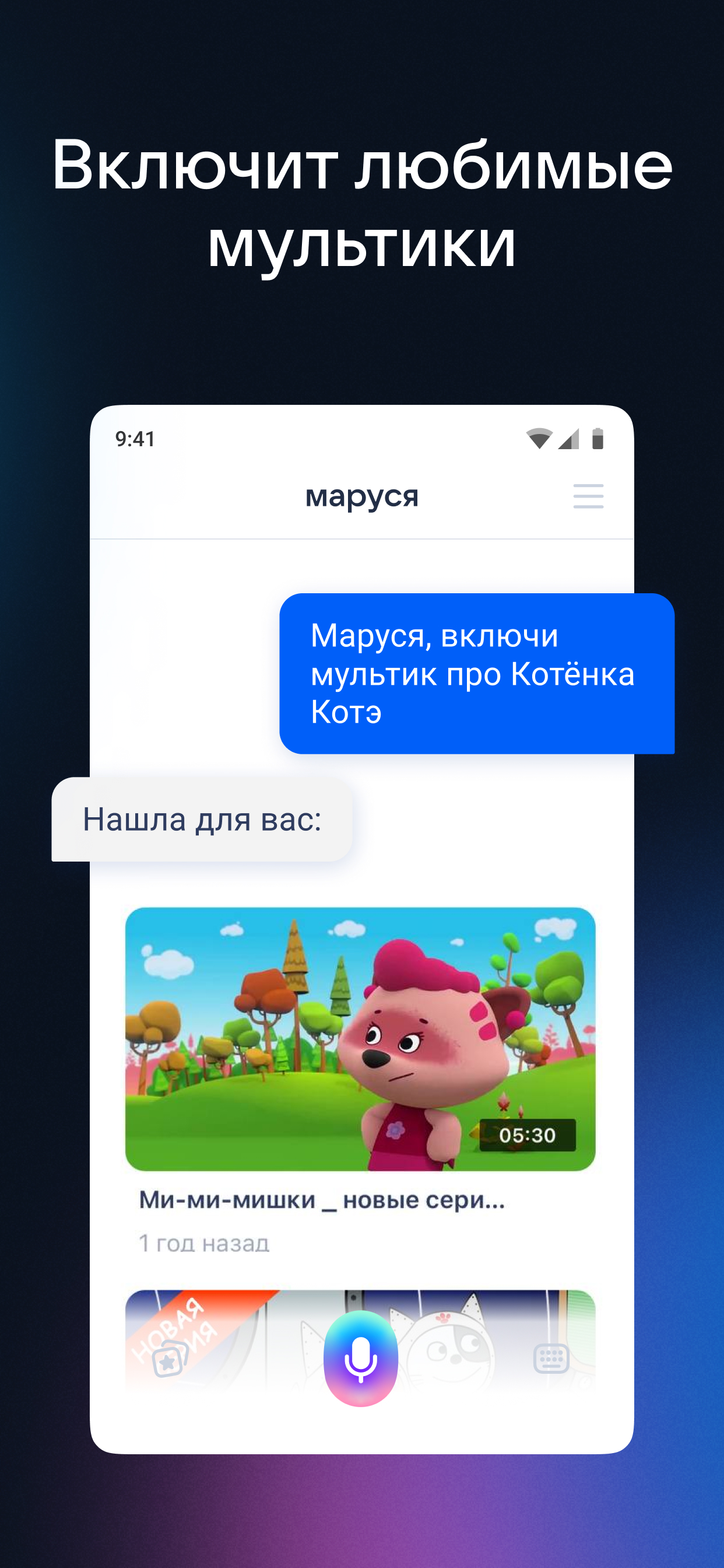
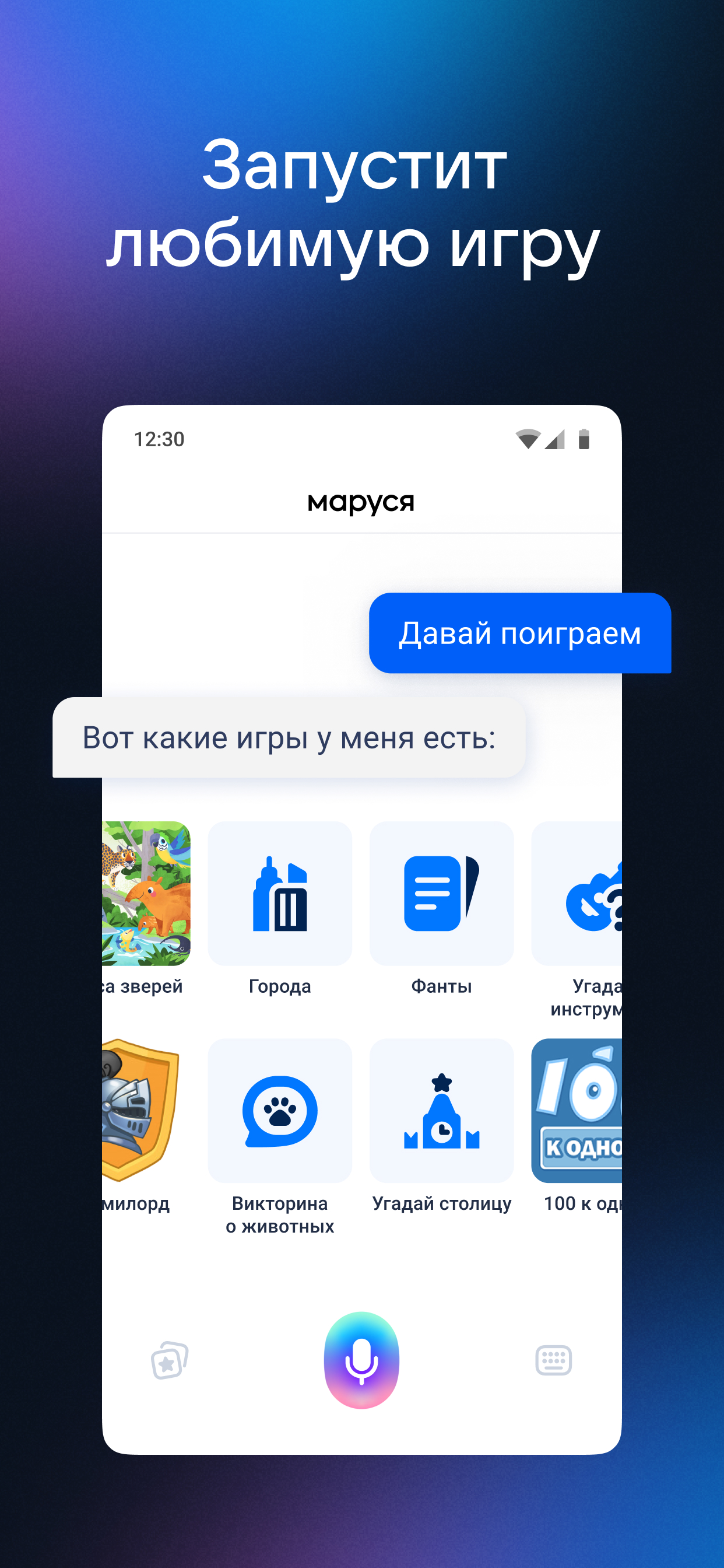
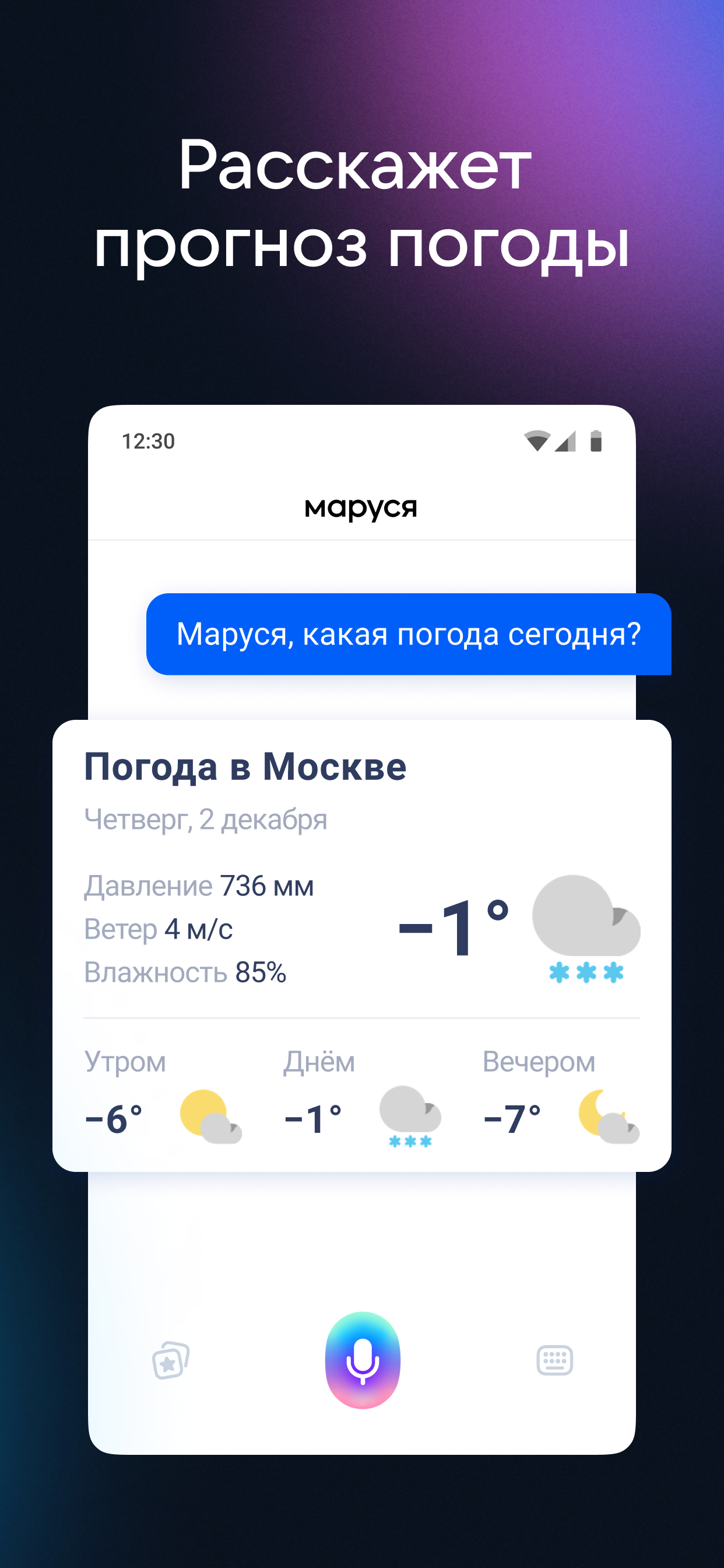
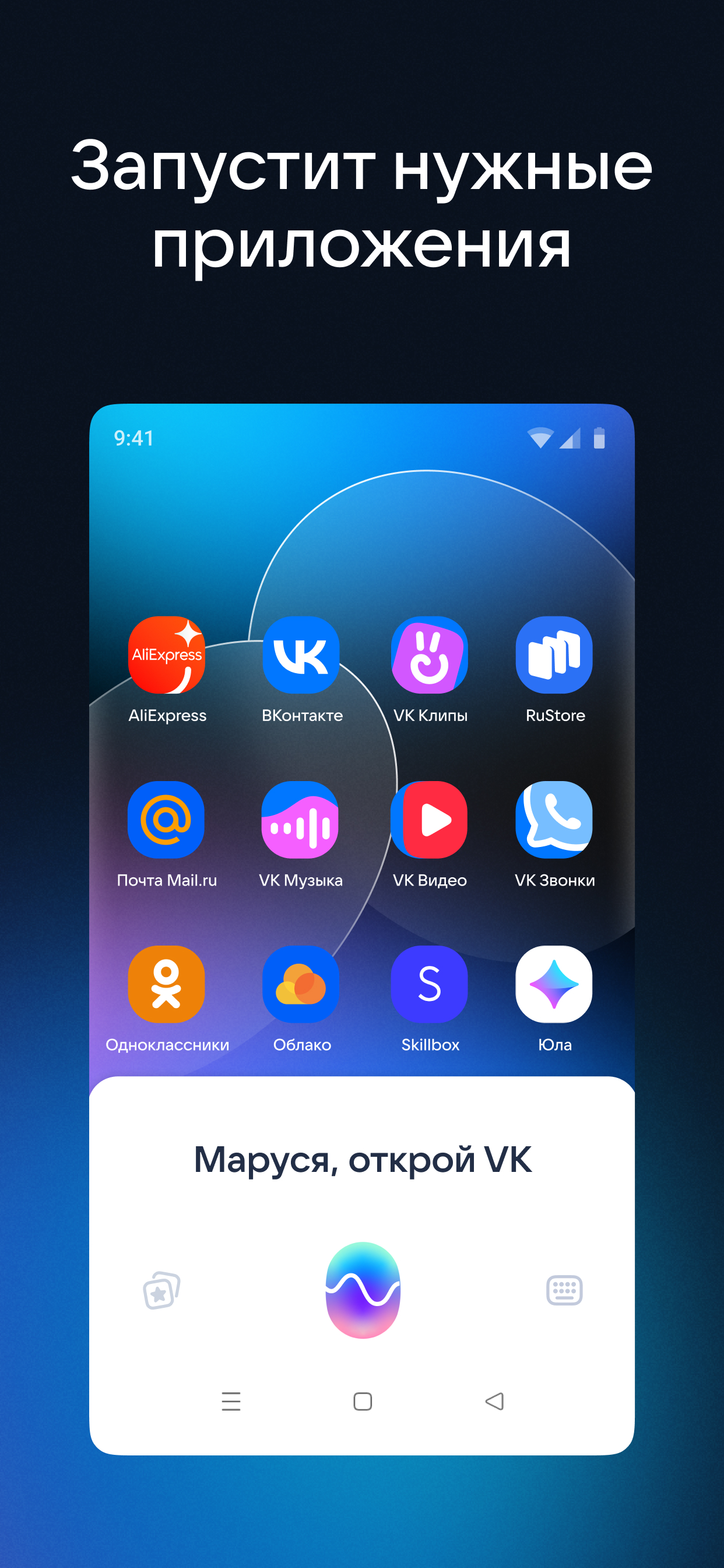
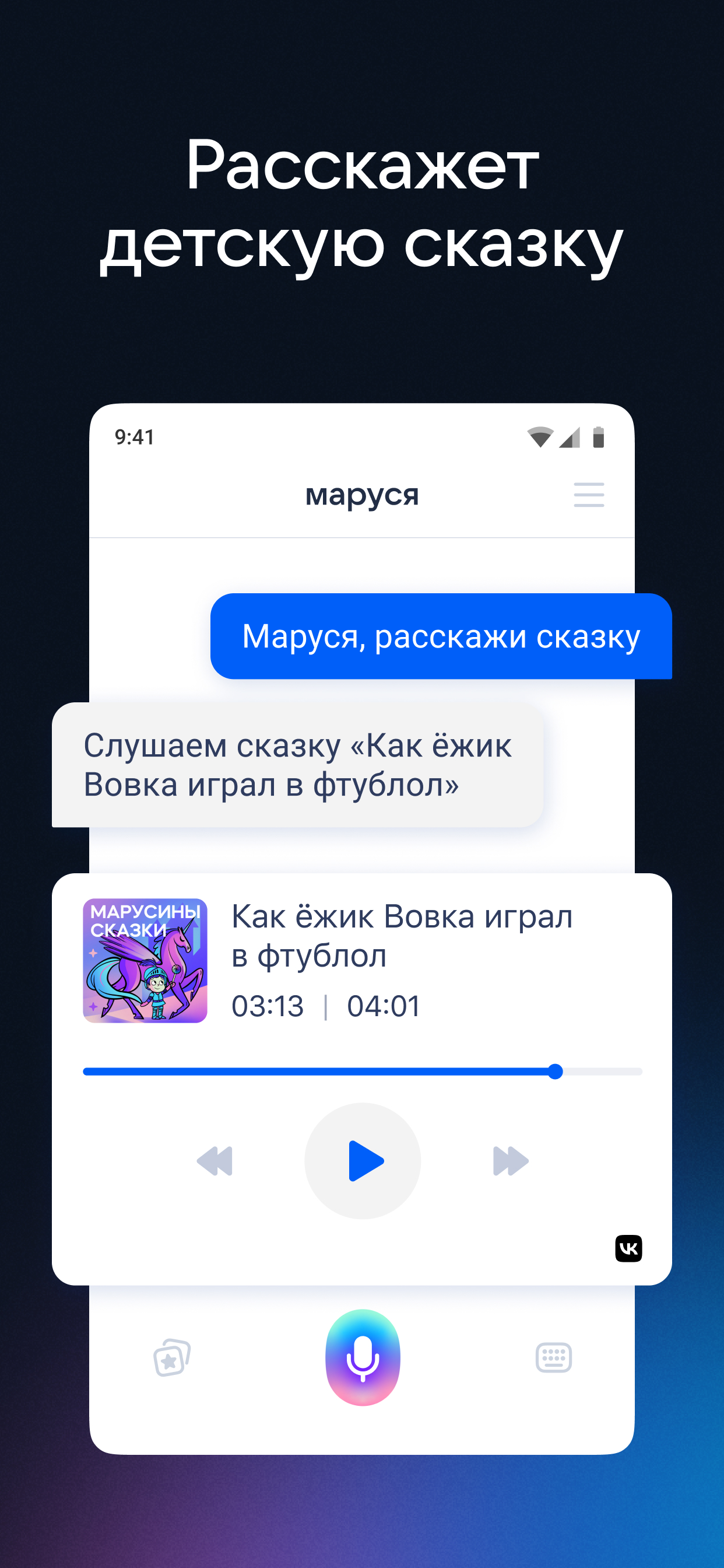
- Support for a large number of commands.
- Learning new skills.
- Manage smart home devices.
Description
Application Маруся — голосовой помощник was checked by VirusTotal antivirus. As a result of the scan, no file infections were detected by all the latest signatures.
How to install Маруся — голосовой помощник
- Download APK file apps from apkshki.com.
- Locate the downloaded file. You can find it in the system tray or in the 'Download' folder using any file manager.
- If the file downloaded in .bin extension (WebView bug on Android 11), rename it to .apk using any file manager or try downloading the file with another browser like Chrome.
- Start the installation. Click on the downloaded file to start the installation
- Allow installation from unknown sources. If you are installing for the first time Маруся — голосовой помощник not from Google Play, go to your device's security settings and allow installation from unknown sources.
- Bypass Google Play protection. If Google Play protection blocks installation of the file, tap 'More Info' → 'Install anyway' → 'OK' to continue..
- Complete the installation: Follow the installer's instructions to complete the installation process.
How to update Маруся — голосовой помощник
- Download the new version apps from apkshki.com.
- Locate the downloaded file and click on it to start the installation.
- Install over the old version. There is no need to uninstall the previous version.
- Avoid signature conflicts. If the previous version was not downloaded from apkshki.com, the message 'Application not installed' may appear. In this case uninstall the old version and install the new one.
- Restart annex Маруся — голосовой помощник after the update.















Requesting an application update
Added Denis Rubinov
Version: 1.91.3
Size: 45.1 MB
Updated: 19.05.2025
Developer: Mail.Ru Group
Age Limitations: Teen
Authorizations:
Downloaded on Google Play: 24653128
Category: Tools











Reviews for Маруся — голосовой помощник
Ok
Почти
В умном доме из 15 устройств (Xiaomi, Aqara, Yeelight), определилось только одно - светодиодная лента Yeelight 1s. Я так понял для определения остальных 14 устройств нужно сменить регион в приложении Mi home на Российский. Вся загвоздка в том, что я из Узбекистана и работаем мы через сервера Xiaomi Сингапура. Умный дом с Алисой от Яндекса определил 12 из 15 устройств, Smart home с google assistant определил 6 из 15 устройств. Для последних двух смена региона не потребовалось.
Развития не случилось, Маруся как голосовой помощник просто никакая
Тупая но пойдёт🖒
Funny, she understood everything I said in Bulgarian, translated it to Russian, and replied. When I asked her if she speaks Bulgarian, she made a catchy remark that was both a yes and a no. Asked her if she speaks English, said she preferred Chinese 🤣. It would be awesome if you could add support for Bulgarian.
Great when it works-but Google Play won't process my payment for the subscription - has this been subject to sanctions? I've tried Google pay and two credit cards and nothing is going through.
Прослушка слежка, слив данных
Like 👍
Имба
How can i change it to english
Маруся не реагирует на голос, пока приложение не включу:(
Не запустить музыку спотифай на телефоне, не открывает гугл карты. Смысл в таком помощнике?
इसे इस्तेमाल करके बहुत अच्छा लगा। यह बहुत अच्छा असिस्टेंट है। 🇮🇳♥️🇷🇺
Здравствуйте, при настройках не приходит смс код на номер телефона. Много попыток и ни одного смс с кодом. Почему?
Post a comment
To leave a comment, log in with your social network:
Or leave an anonymous comment. Your comment will be sent for moderation.
Post a comment
To leave a comment, log in with your social network:
Or leave an anonymous comment. Your comment will be sent for moderation.